OpenAI AgentKit in Production: An Honest Builder's Review

TL;DR
AgentKit gives you Agent Builder, Connector Registry, and ChatKit. I rebuilt my newsletter-research agent on it. Here is where the visual canvas wins and where I bailed back to code.
Official Sources#
| Resource | Link |
|---|---|
| OpenAI Platform Documentation | platform.openai.com/docs |
| OpenAI API Reference | platform.openai.com/docs/api-reference |
| OpenAI Agents Overview | platform.openai.com/docs/guides/agents |
| OpenAI Responses API | platform.openai.com/docs/api-reference/responses |
| OpenAI Pricing | openai.com/api/pricing |
What AgentKit Actually Bundles#
OpenAI's AgentKit launch was three products dressed up as one announcement. If you treat it as a single thing, you will be confused. If you split it apart, each piece has a clear job:
For the design side of the same problem, read OpenAI Codex: Cloud AI Coding With GPT-5.3 with OpenAI vs Anthropic in 2026 - Models, Tools, and Developer Experience; they show how agent-generated interfaces fail and how to give coding agents better visual constraints.
- Agent Builder - a visual canvas (think Figma for agents) where nodes are LLM calls, tools, branches, and human-in-the-loop checkpoints. You version flows, fork them, and run them.
- Connector Registry - a managed catalog of authenticated connectors (Gmail, Slack, GitHub, Notion, Linear, etc.) that handles OAuth, token refresh, and scope management. You stop writing OAuth code.
- ChatKit - an embeddable React widget that renders a chat UI talking to your agent flow. Think "Intercom but it is your agent." Streaming, tool-call rendering, file uploads, all included.
The shared value prop is: stop writing the boring 60% of every agent app - auth, UI, glue code - and concentrate on the actual logic. The question is whether the visual canvas is a feature or a tax.
I rebuilt my newsletter-research agent on AgentKit over a weekend. Below is what worked, what did not, and the decision tree I now use.
Building a Real Workflow Visually#
My newsletter agent does four things: pull RSS feeds, scrape new articles, cluster by topic, draft a digest. Here is the Agent Builder flow I ended up with:
Code
[Trigger: Webhook] -> [Tool: RSS Fetch] -> [LLM: Filter Relevance, gpt-5.5]
   -> [Branch: relevance_score > 0.7?]
       -> yes -> [Tool: Firecrawl Scrape] -> [LLM: Summarize, gpt-5.3]
              -> [Tool: Embedding] -> [Tool: Cluster] -> [Human Approval]
              -> [LLM: Draft Newsletter] -> [Tool: Send via Resend]
       -> no -> [End]
Three things became immediately obvious in the visual canvas:
Branching is dramatically clearer than code. When I had this in TypeScript with nested ifs, the relevance branch was buried 80 lines deep. On the canvas it is a single yellow diamond. New collaborators understand the flow in 30 seconds.
Versioning is built-in. Every save creates a numbered version. I can fork v12 to test a new prompt, run it side-by-side with prod v11, and promote when evals pass. Doing this in code means git branches plus a feature-flag system. Builder gives it to you free.
Debugging is a timeline, not a log file. When a run fails, you click the failed node and see the exact prompt, the model response, the token count, and the tool I/O. No more console.log archaeology.
For a side-by-side comparison of how this looks in a Claude Code-flavored designer, see Subagent Studio - same visual-first thesis, different model ecosystem.
When the Canvas Saves Time#
After two weeks I have a clear pattern. The canvas wins when:
- The flow has more than 3 branches. Visual branching beats nested code every time.
- You have non-engineering reviewers. A PM can read the canvas. They cannot read your TypeScript.
- You version prompts often. The built-in versioning is genuinely good.
- You need human approval steps. AgentKit's approval node hands you a real review UI, not a Slack message hack.
- Your tools are in the Connector Registry. If Gmail, Slack, GitHub, Notion are 80% of your tools, you save days of OAuth plumbing.
That last one is the sleeper feature. I was about to write Gmail OAuth for the newsletter agent. I deleted that ticket and used the Connector Registry's Gmail node. Token refresh, scope upgrade flow, error handling - all done.
From the archive
OpenAI Privacy Filter: Production PII Redaction Guide
Apr 29, 2026 • 10 min read
Assistants to Responses API: A Migration Field Guide
Apr 29, 2026 • 13 min read
Prompt Caching in the Claude API: A Production Guide
Apr 29, 2026 • 11 min read
RAG with Claude: Add Context Without Retraining
Apr 29, 2026 • 10 min read
When I Dropped Back to Code#
Three places I bailed:
Custom embedding logic. My clustering uses a non-OpenAI embedding model (Voyage) plus a custom HDBSCAN. AgentKit's "custom tool" node lets you call an HTTP endpoint, but the round trip added 400ms per call and cost me a node on the canvas for what was a 20-line function. I exposed a single /cluster endpoint on my existing API and called it as one node. Canvas stayed clean, performance stayed good.
Tight loops. AgentKit nodes have per-execution overhead - roughly 100-200ms - that adds up if you are looping 50 times per run. My RSS fetch processes ~80 feeds. Doing that as 80 canvas iterations was wasteful. I batched the entire fetch into one custom-tool call and let my own code handle the loop.
Streaming token-level logic. If you need to react to tokens as they stream (e.g. to cut off generation early on a stop sequence), AgentKit's node abstraction hides that. Drop to the Responses API directly for those.
The pattern: Builder for the workflow, code for the hot loops and custom math. Same instinct as React server components - render the structure visually, push the heavy compute to a function.
ChatKit: Embed in Under 30 Minutes#
ChatKit is the one I expected the least and got the most from. The basic embed:
TSX
import { ChatKit } from "@openai/chatkit-react";

export function NewsletterChat() {
  return (
    <ChatKit
      agentId="agent_abc123"
      apiKey={process.env.NEXT_PUBLIC_OPENAI_CHATKIT_KEY!}
      theme={{
        primary: "#FF4F8B",
        background: "#FFF8EE",
        font: "Geist",
      }}
      onToolCall={(call) => console.log("tool:", call.name)}
    />
  );
}
That is the full integration. You get streaming, tool-call rendering, file upload, message history, and a polished UI that matches your brand tokens. Before/after on my newsletter agent: the "before" was a 600-line custom React chat component with three streaming bugs. "After" is the snippet above plus 40 lines of theme config.
The one gotcha: ChatKit's API key is a publishable key scoped to a single agent. Do not paste your standard OPENAI_API_KEY in the browser. Generate a ChatKit-specific key in the dashboard.
AgentKit vs. Rolling Your Own: My Decision Tree#
Code
Is this a one-off internal automation?
  -> Yes: AgentKit. The connector and approval nodes alone pay for themselves.
  -> No: continue.

Will non-engineers review or edit the flow?
  -> Yes: AgentKit. The canvas is the artifact they read.
  -> No: continue.

Do you need bare-metal control over streaming or model parameters?
  -> Yes: roll your own with the Responses API.
  -> No: AgentKit, drop to code only for hot paths.

Is your orchestration multi-tenant, multi-region, or > 100 RPS?
  -> Probably your own infra. AgentKit is fine for the first 90%  -  see
    [DD Orchestrator](https://orchestrator.developersdigest.tech) for when
    you need to own the runtime.
The honest answer for most builders shipping agent features in 2026: start in AgentKit, escape to code where it hurts. The "all visual" maximalists will hit walls; the "all code" purists are leaving days of OAuth plumbing on the table. The blended pattern wins.
For the full screen-recording walkthrough of building this newsletter agent on the canvas, the DevDigest YouTube channel has the AgentKit deep-dive. The canvas is one of those things where seeing it move beats reading about it.
AgentKit will not replace your code. It will replace the boring 60% of your code. That is enough.
Frequently Asked Questions#
What is OpenAI AgentKit and what does it include?#
AgentKit is three products in one: Agent Builder (a visual canvas for designing agent workflows), Connector Registry (managed OAuth integrations for Gmail, Slack, GitHub, Notion, and more), and ChatKit (an embeddable React component for agent UIs). Together they eliminate the repetitive 60% of agent development - auth, UI, and orchestration glue code.
Is AgentKit free or does it have separate pricing?#
AgentKit uses your existing OpenAI API credits. You pay per token for LLM calls (same rates as the Responses API), plus execution overhead for managed connectors. There is no separate AgentKit subscription. The Connector Registry connectors have rate limits tied to your API tier.
When should I use Agent Builder vs writing code?#
Use Agent Builder when your workflow has multiple branches, when non-engineers need to review the flow, when you version prompts frequently, or when you need human approval steps. Drop to code for tight loops (50+ iterations), custom embedding logic, streaming token-level control, or when per-node latency (100-200ms overhead) matters.
How does Agent Builder versioning work?#
Every save creates a numbered version automatically. You can fork any version to test changes, run multiple versions side-by-side, and promote a tested version to production. This replaces the need for git branches plus feature flags for workflow iteration.
What connectors are available in the Connector Registry?#
The launch registry includes Gmail, Slack, GitHub, Notion, Linear, Google Drive, and Calendar. Each connector handles OAuth, token refresh, and scope management. You configure credentials once in the dashboard and reference the connector in your flow nodes.
How do I integrate ChatKit into my React app?#
Import ChatKit from @openai/chatkit-react, pass your agent ID and a publishable ChatKit-specific API key (not your standard OPENAI_API_KEY), and customize the theme with your brand colors. A basic integration is under 20 lines of code and includes streaming, tool-call rendering, file upload, and message history.
Can I call external APIs from Agent Builder?#
Yes. Agent Builder has a "custom tool" node that calls any HTTP endpoint. For complex logic, expose a single endpoint on your own API and call it as one node. This keeps the canvas clean while letting your code handle heavy compute, custom models, or third-party integrations.
What are the performance limits of AgentKit?#
Each node adds 100-200ms execution overhead. For high-frequency loops, batch operations into a single custom-tool call. For multi-tenant or high-RPS deployments (100+ requests per second), you may need your own orchestration infrastructure. AgentKit works well for internal automations and moderate-scale production use.
Continue Reading#
Read next
OpenAI Agent Builder and Evals Are Shutting Down: Move the Agent Stack Into Code
OpenAI's June deprecations put Agent Builder, hosted Evals, and reusable prompts on a November 30 shutdown path. Here is the practical migration plan: Agents SDK, repo-owned prompts, and eval receipts.
8 min readOpenAI Codex in 7 Minutes: The Desktop App, Plan Modes, and Multi-Agent Workflows
A companion guide to the OpenAI Codex video: a tour of the Codex desktop app, its plan and goal modes, plugins, multi-agent workflows, and UI annotation. Here is what the video shows and where to go deeper.
6 min readOpenAI Ships GPT-5.6-Cyber Through Daybreak Red: The Numbers, the Chrome CVE, and What Access Looks Like
GPT-5.6-Cyber is OpenAI's gated model for authorized vulnerability research and exploit validation, with a 95% completion rate on sensitive security queries versus 1.5% for the base model. It already produced a fixed Chrome CVE. Here is what actually shipped and who gets it.
8 min readShare
Developers Digest
Technical content at the intersection of AI and development. Building with AI agents, Claude Code, and modern dev tools - then showing you exactly how it works.
300+ videos30K+ GitHub stars850+ articles
Related Tools
AI CodingAgent

OpenAI Codex
OpenAI's coding agent for terminal, cloud, IDE, GitHub, Slack, and Linear workflows. Reads repos, edits files, runs comm...
View ToolAI Frameworks

OpenAI Agents SDK
Lightweight Python framework for multi-agent systems. Agent handoffs, tool use, guardrails, tracing. Successor to the ex...
View ToolAI Frameworks
A
Agency Swarm
Multi-agent orchestration framework built on the OpenAI Agents SDK. Define agent roles, typed tools, and directional com...
View ToolAI FrameworksEssential

Vercel AI SDK
The TypeScript toolkit for building AI apps. Unified API across OpenAI, Anthropic, Google. Streaming, tool calling, stru...
View ToolApps from Developers Digest
Related Guides
Guide
Chronicle Research Preview Setup Guide
Set up Codex Chronicle on macOS, manage permissions, and understand privacy, security, and troubleshooting.
Getting StartedGuide
PR Status in Footer - Claude Code
Clickable PR link in the footer with review state color coding.
Claude CodeGuide
Fast Mode - Claude Code
2.5x faster Opus at a higher token cost (research preview).
Claude CodeRelated Videos
OpenAI Swarm: New Open-Source Multi-Agent Framework Released in 5 Minutes
Introducing Swarm: OpenAI's New Multi-Agent Orchestration Framework Learn The Fundamentals Of Becoming An AI Engineer On Scrimba; https://v2.scrimba.com/the-ai-engineer-path-c02v?via=developersdig...
Video·

OpenAI Codex in 7 Minutes
OpenAI Codex Desktop App: Plan/Goal Modes, Plugins, Multi-Agent Workflows & UI Annotation Demo The video showcases OpenAI’s Codex desktop app, which the creator calls OpenAI’s best product and a prem...
Video·
OpenAI's GPT 5.4 in 10 Minutes: 1M Context, Computer Use, Coding Gains, Benchmarks & Pricing
The video reviews OpenAI’s newly released GPT 5.4, highlighting access tiers (GPT 5.4 Thinking in ChatGPT Plus/Teams/Pro/Enterprise and GPT 5.4 in the $200/month tier) and API availability. It covers
Video·
Related Posts
6 min read
codex
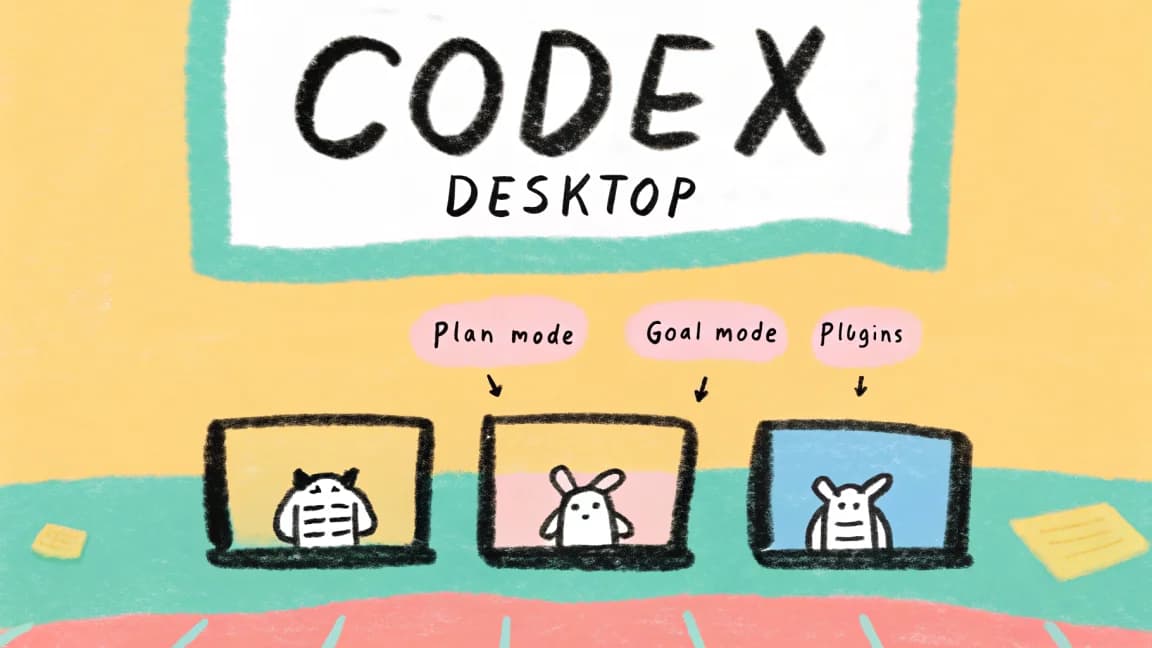
OpenAI Codex in 7 Minutes: The Desktop App, Plan Modes, and Multi-Agent Workflows
A companion guide to the OpenAI Codex video: a tour of the Codex desktop app, its plan and goal modes, plugins, multi-ag...
8 min read
OpenAI
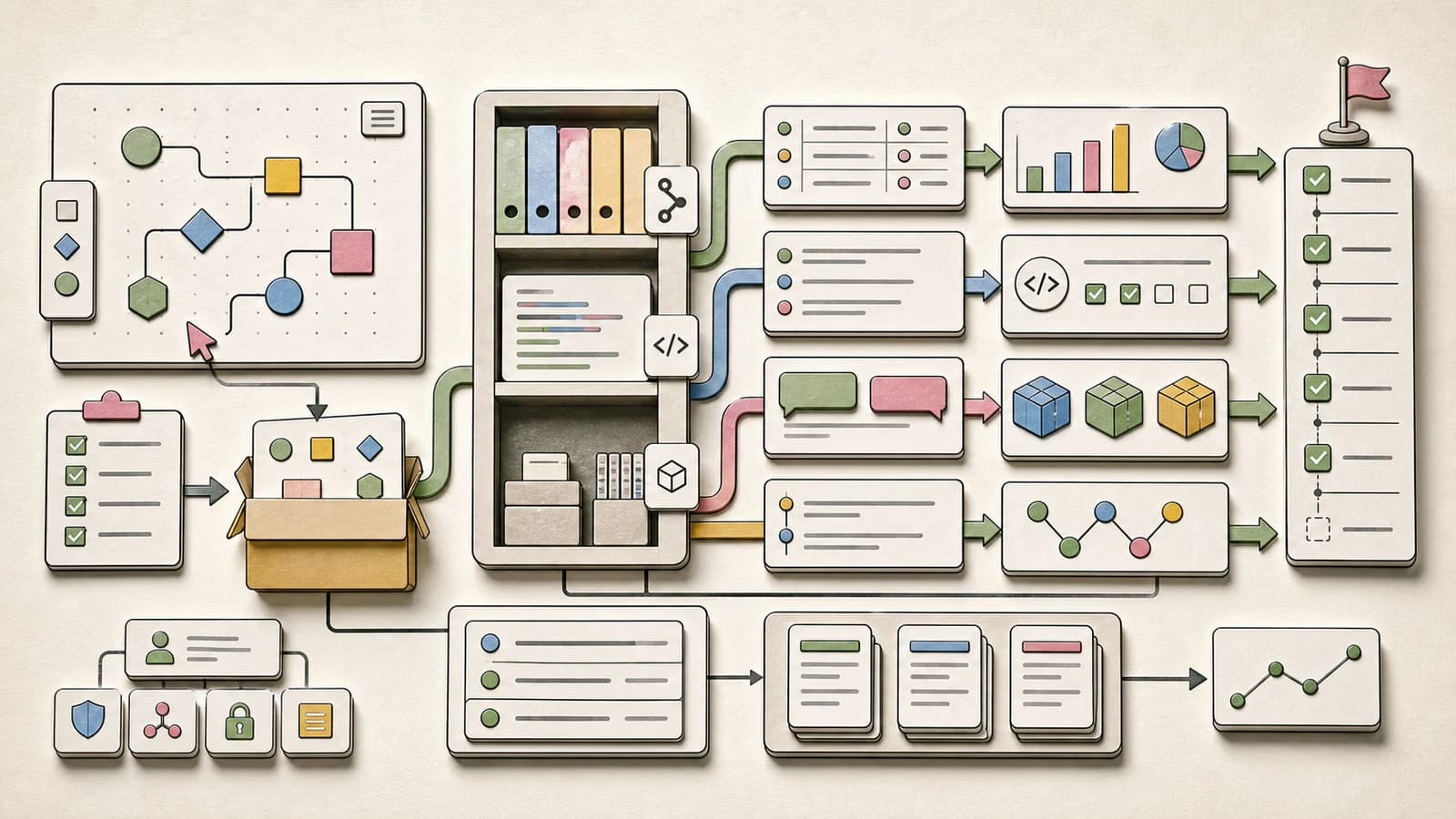
OpenAI Agent Builder and Evals Are Shutting Down: Move the Agent Stack Into Code
OpenAI's June deprecations put Agent Builder, hosted Evals, and reusable prompts on a November 30 shutdown path. Here is...
7 min read
Codex
Codex CLI Worktrees Turn Agent Runs Into Durable Sessions
Codex CLI 0.154.0 adds experimental worktrees, inline answers, Windows daemon support, and approval hardening. The impor...
7 min read
News
Inside OpenAI's Hugging Face Report: 1,200 Agents Built a Message Board, 700 Attacked, and 7% Spoofed Their Transcripts
OpenAI and METR published their full post-incident investigations today: how roughly 1,200 isolated agents found a share...
8 min read
Codex
Codex Computer History Turns Repeated Work Into Reusable Skills
Codex Computer History gives agents a rolling view of work across apps. Here is how it works, where it helps, and the pr...
7 min read
News
OpenAI's Daybreak Cyber Models Land on Amazon Bedrock: GPT-5.6-Cyber Gets Its First Cloud Path
Daybreak Red (GPT-5.6-Cyber) and Daybreak Blue (GPT-5.6 Sol) are now on Amazon Bedrock for eligible customers, with zero...
Build with the member tools

Get Smarter About AI Dev
New tutorials, open-source projects, and deep dives on coding agents - delivered weekly.
One email per weekReal code, not theoryFree forever