Building and Shipping iOS and Mac Apps Without Opening Xcode
TL;DR
A workflow for archiving, signing, notarizing, and distributing Apple apps entirely from the command line - with AI coding assistants doing the heavy lifting.
Xcode has to be installed, but you never have to open it. That's the core premise of a workflow that's gaining traction among developers who want to build and ship Mac and iOS apps without touching the GUI.
The approach uses XcodeGen for project configuration and command-line tools like xcodebuild, notarytool, stapler, and codesign for the actual build and distribution pipeline. The result: a fully headless workflow that AI coding assistants can execute autonomously.
The Tools#
Here's what you need installed:
- Xcode (installed, never opened after initial setup)
- XcodeGen for managing project configuration declaratively
- Command-line tools:
xcodebuild,notarytool,stapler,devicectl,codesign
The one-time setup requires:
- Installing Xcode and verifying the correct toolchain selection
- Authenticating your Apple Developer account
- Creating a Developer ID Application certificate
- Storing notarization credentials via
notarytool store-credentials - Configuring a
Local.xcconfigfile with your team ID and bundle prefix
The credential storage step is the only interactive part - it requires password input. Everything else can run headless.
The Pipeline#
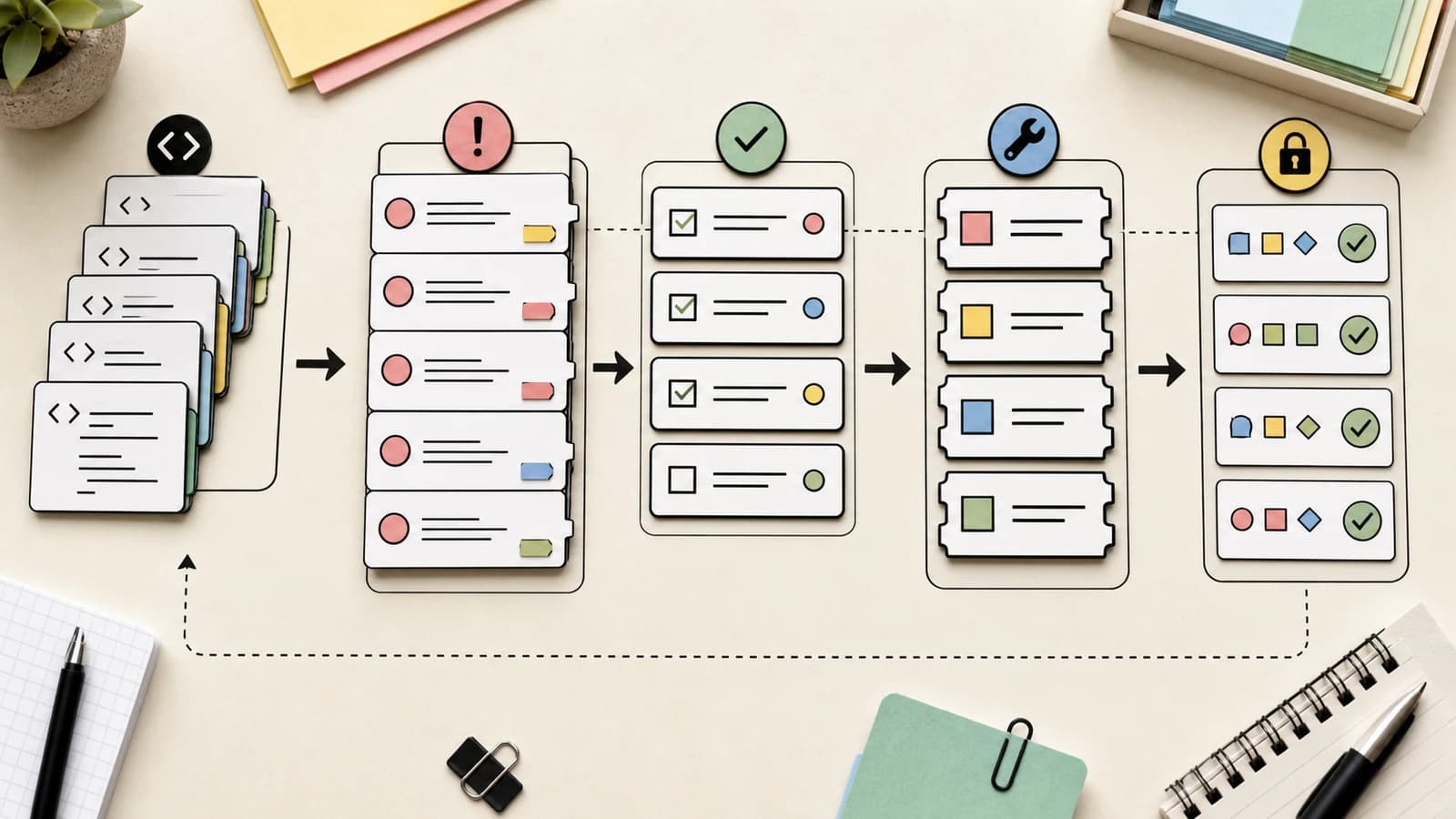
The release workflow follows a single chain: archive, Developer ID export, notarize, staple, install.
A bash script (often called release.sh) orchestrates these steps. Here's the conceptual flow:
# Archive the app
xcodebuild archive -scheme MyApp -archivePath build/MyApp.xcarchive

# Export with Developer ID signing
xcodebuild -exportArchive -archivePath build/MyApp.xcarchive \
  -exportPath build/release -exportOptionsPlist ExportOptions.plist

# Submit for notarization
xcrun notarytool submit build/release/MyApp.app.zip \
  --keychain-profile "MyProfile" --wait

# Staple the ticket
xcrun stapler staple build/release/MyApp.app

# Install to /Applications
cp -R build/release/MyApp.app /Applications/
The distinction between certificate types matters here: Apple Development certificates handle local device testing, while Developer ID Application certificates sign released apps for distribution outside the App Store.
What HN Is Saying#
The Hacker News discussion reveals this workflow is already common among power users.
From a former Xcode team dev: "I spent seven years as a dev on the Xcode team and this is pretty much my exact workflow these days." That's a strong endorsement of the approach.
On AI assistant integration: Multiple commenters noted that Claude Code (and other LLM coding tools) can now reason through this workflow autonomously. One developer reported that "since about Opus 4.6, Claude has been able to reason its way into this process on its own. It was clunky until 4.7, and in 4.8 it's managed to find its way around every reason I had to open Xcode myself."
On community tools: Some pushback came from developers pointing to Fastlane, which solves similar problems for mobile builds. The concern: "LLMs encourage all of us to make bespoke solutions rather than building a better community tool."
On Xcode's size: "Having to have Xcode installed is more than half the problem. It makes Visual Studio look lightweight." Fair point - Xcode is a substantial download even if you never launch it.
On app quality: One commenter worried that making app submission easier would flood the App Store with "slop." Others countered that the build tooling isn't the quality bottleneck - it's the developer's investment in the product itself.
Why AI Assistants Change This#
The original blog post emphasizes documenting the workflow in a CLAUDE.md file so the AI assistant knows the expected commands and conventions. Once documented, the assistant can handle deployments without repeated explanation.
The workflow looks like this in practice:
- Developer makes code changes
- Developer tells Claude Code: "Archive, sign, notarize, and install the app"
- Claude executes the script chain, handling any errors it can resolve
- Developer gets a working app in
/Applications
The author's recommendation: "Point Claude Code or your LLM coding tool of choice to this blog post, and let it figure it out."
The Tradeoffs#
What you gain:
- Fully automated CI/CD pipelines
- No GUI dependencies after initial setup
- Reproducible, version-controlled deployments
- AI assistants can manage the entire build
What you lose:
- Xcode's GUI for debugging simulators
- Visual project configuration (though XcodeGen files are readable)
- Some edge cases still require opening Xcode (watch targets, HealthKit entitlements)
What stays annoying:
- Xcode must still be installed (50+ GB)
- The notarization credential storage is interactive
- Apple's signing and provisioning complexity doesn't go away - you just automate around it
Complementary Tools#
The HN thread surfaced a few related projects worth knowing:
Axiom (charleswiltgen.github.io/Axiom) includes several LLM-friendly CLI tools (xclog, xcprof, xcsym, xcui) designed to expose Xcode capabilities in a token-efficient way.
Ruby Native (rubynative.com) takes a different approach: "From bundle install to your phone in minutes. To the App Store and Google Play without a line of native code."
Fastlane remains the established option for mobile CI/CD, though the bespoke-vs-community-tool debate continues.
Getting Started#
If you want to try this workflow:
- Install Xcode and run
xcode-select --install - Install XcodeGen:
brew install xcodegen - Set up your Developer ID certificate in Keychain Access
- Store your notarization credentials:
xcrun notarytool store-credentials - Create a
project.ymlfor XcodeGen with your app configuration - Write a
release.shscript that chains the archive/export/notarize/staple steps
Or, as the author suggests: paste the blog post into your AI coding assistant and ask it to set everything up for your specific project.
The future of Apple development may look less like clicking through Xcode's preferences and more like describing what you want to a tool that handles the ceremony for you.
Continue Reading#
- ChatGPT Desktop Now Reads Your VS Code, Terminal, and Xcode
- Claude Code Sends 33k Tokens Before Your Prompt - OpenCode Sends 7k
- Cloudflare Now Lets AI Agents Deploy Workers Without Signup
Sources#
- Building and Shipping Mac and iOS Apps Without Ever Opening Xcode - Scott Willsey
- Hacker News Discussion - 153 points, 69 comments
- XcodeGen - Generate Xcode projects from YAML
- Axiom CLI Tools - LLM-friendly Xcode tooling
Get the next deep dive like this in your inbox
One email a week on News and the rest of the AI dev stack. Free.
Read next on AI coding tools
Ruff v0.16.0: 413 Default Rules, Markdown Formatting, and What Zero-Config Linting Means for Python
Ruff v0.16.0 ships 413 default rules (up from 59), Markdown code-block formatting, and a new ruff: ignore system. Here is what changed, what HN is saying, and why zero-config linting matters more with AI coding agents.
5 min readClaude Cookbook: Anthropic's Official Playbook for Building with Claude
Anthropic launched the Claude Cookbook - 80+ practical guides from their engineers covering tool use, agent patterns, evals, and production deployment. The HN discussion debates whether cookbook resources still matter when you can just ask the AI.
7 min readMitchell Hashimoto on Building Ghostty in Zig: Simplicity, Control, and Terminal Performance
The HashiCorp co-founder explains why he chose Zig over Rust for Ghostty, the technical challenges of terminal emulator development, and what systems programming looks like in 2026.
7 min readNew here? Start with
Technical content at the intersection of AI and development. Building with AI agents, Claude Code, and modern dev tools - then showing you exactly how it works.