Kimi K3 Websites: What Vision in the Loop Actually Means
Kimi K3
6 parts- 1Kimi K3 Developer Guide: What the 2.8T Open Model Changes
- 2Kimi K3 vs K2.7 Code: Is the Upgrade Worth It for Coding?
- 3Kimi K3 Websites: What Vision in the Loop Actually MeansCurrent
- 4Where to Access Kimi K3: Every Provider and Price Compared (2026)
- 5Kimi K3 Is GA in GitHub Copilot: Pricing, Rollout, and What It Means for Model Choice
- 6AMD MI355X vs NVIDIA B200 vs B300 for Open-Weight Serving
TL;DR
A Kimi-generated macOS 27 concept shows the promise and limits of screenshot-driven website creation.
Last updated: July 17, 2026
The most interesting Kimi K3 demo is not a benchmark table. It is a generated website that the model can see.
The shared macOS 27 concept is a polished, Kimi-hosted artifact with the structure of a product landing page. It is not an Apple announcement, and it should not be treated as one. It is useful because it makes K3's "vision in the loop" pitch concrete: generate a page, render it, inspect the pixels, revise the code, and repeat.
What vision in the loop changes#
Text-only coding agents work indirectly. They read components, CSS, DOM output, and perhaps accessibility trees. Those sources are valuable, but none is the final product a user sees.
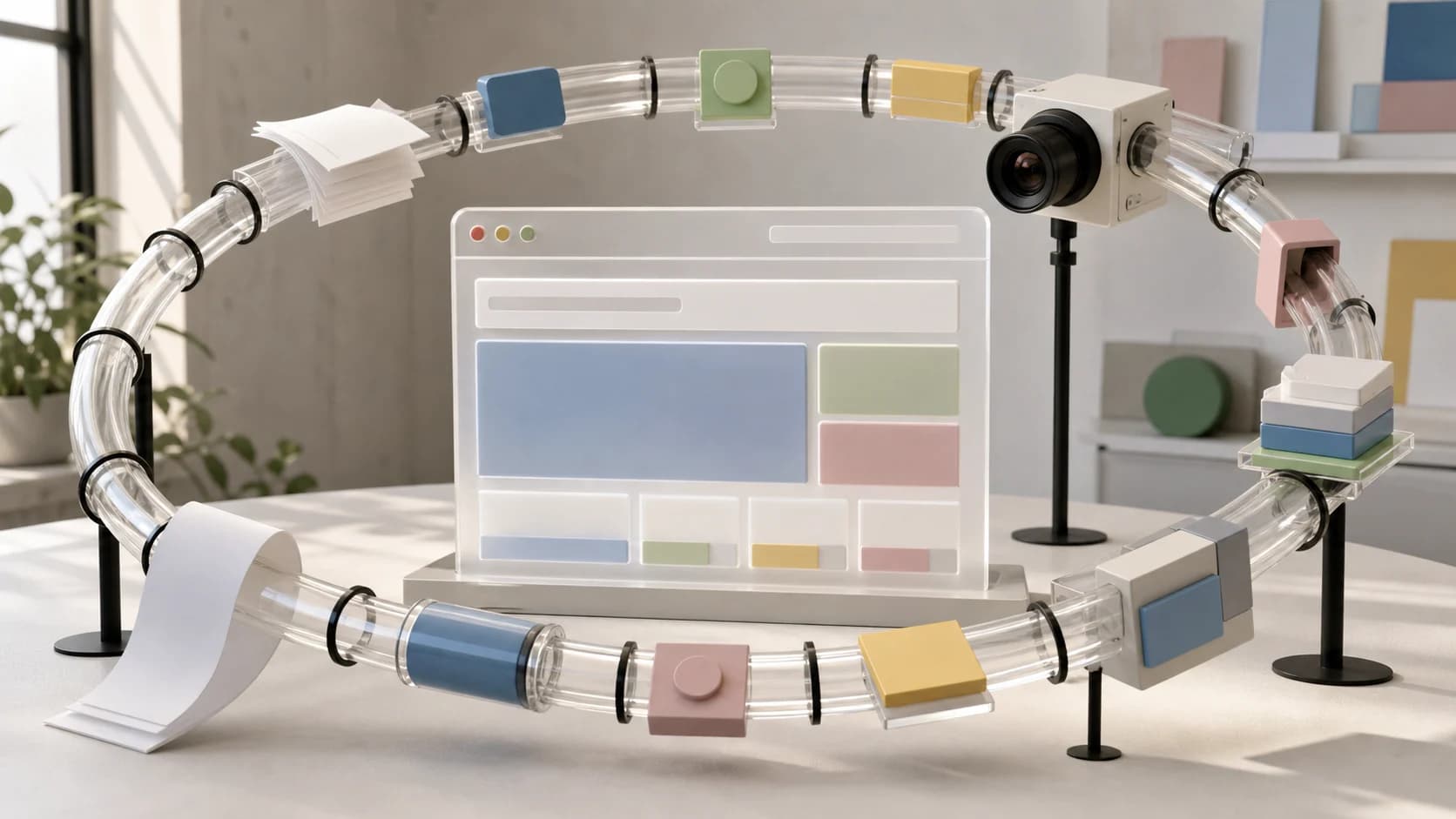
A vision-capable coding agent can add the rendered page to its feedback loop:
- Write or edit the interface.
- Run the app in a browser.
- Capture the actual viewport.
- Compare the image with the goal or reference.
- Revise layout, spacing, color, and hierarchy.
- Repeat at multiple viewport widths.
That is closer to how a developer and designer collaborate. The browser becomes an evaluation surface, not just a place to execute code.
What the macOS 27 artifact demonstrates#
The linked page proves that Kimi's artifact system can produce and host a coherent visual concept. It has a dedicated short domain, responsive page structure, and a product-story format rather than a loose collection of generated components.
It does not prove that K3 independently created every decision, met accessibility requirements, or iterated without human intervention. The page itself warns that it contains AI-generated content that may have been edited by users. That disclosure matters.
Treat the artifact as a capability sample, not a forensic record of an autonomous run.
Where screenshot feedback helps most#
Responsive layout. A model can inspect desktop and mobile captures instead of assuming a Tailwind breakpoint worked.
Visual regressions. It can compare before and after screenshots for clipped text, unexpected wrapping, missing media, or shifted controls.
Reference-driven implementation. Given a permitted design reference, the agent can compare proportions and hierarchy against its output rather than translating the reference into words first.
Games and spatial interfaces. K3's official examples extend the same loop to browser-based 3D environments. A screenshot exposes camera placement, lighting, collisions, and composition in a way source code cannot.
Long-running polish. An agent can keep correcting a page after the first successful render. This is where many coding tools stop too early: syntactically complete is not visually complete.
What screenshots cannot verify#
A good-looking page can still be broken.
Vision does not replace semantic HTML, keyboard testing, screen-reader checks, performance traces, network inspection, or real interaction tests. A screenshot will not tell you whether a button has the correct type, whether focus is trapped, or whether a route leaks private data.
It can also reward superficial similarity. If an agent is asked to mimic a familiar operating system, it may produce a convincing visual while inventing product details or crossing brand boundaries. The macOS 27 page is a concept, not reporting. Public pages should label generated concepts clearly and avoid implying endorsement.
A better frontend-agent test#
To evaluate K3 for web work, give it a real acceptance loop:
- A written design contract with prohibited patterns.
- Reference screenshots at desktop and mobile widths.
- Browser interaction tests for the main user journey.
- Accessibility checks for names, roles, focus, and contrast.
- Screenshot diffs with explicit tolerance.
- A final human review of visual hierarchy and product truth.
Then track how many iterations the model needs, what it changes after seeing the page, and whether later corrections regress earlier widths. The useful metric is not "generated a website." It is "reached an acceptable interface with fewer human corrections."
The developer takeaway#
K3's native vision makes the frontend loop tighter, especially when paired with browser tools and a stable preview environment. The model can reason about the artifact developers actually ship instead of only the source that produced it.
The macOS 27 concept is an effective demonstration of that direction. It is also a reminder to separate visual evidence from product truth. A rendered page can prove what a page looks like. It cannot prove where its claims came from, how autonomous the run was, or whether the experience works beyond the captured frame.
The best use of vision in the loop is not one-click design. It is disciplined, repeated verification.
FAQ#
Did Kimi K3 create the macOS 27 website?#
The page is hosted on Kimi's generated-page domain and identifies itself as AI-generated content that may have been edited by users. It is a Kimi artifact, but the page does not provide a complete autonomous-run history.
What does vision in the loop mean?#
It means the model can inspect rendered screenshots during a coding task, then use that visual feedback to revise the implementation and evaluate the next result.
Can Kimi K3 replace frontend visual testing?#
No. Screenshot reasoning complements interaction, accessibility, performance, and route tests. It does not replace them.
Is the macOS 27 page an official Apple preview?#
No. It is an AI-generated concept page and should not be read as an Apple announcement or product source.
Continue Reading#
- Your App Could Have Been a Webpage - And One Developer Proved It
- The Claude Design Moment: AI Design Skills Just Got Their Breakout Week
- Domain Expertise Is the New Agentic Coding Moat
- How Much Should I Charge for a Website? A Practical Pricing Guide
Sources#
- Kimi K3 official launch post - fetched July 17, 2026
- Kimi-generated macOS 27 concept - fetched July 17, 2026
- Kimi Websites product page - referenced July 17, 2026
Get the next deep dive like this in your inbox
One email a week on Kimi and the rest of the AI dev stack. Free.
Read next on AI coding tools
Kimi K3 Developer Guide: What the 2.8T Open Model Changes
Kimi K3 brings 2.8 trillion parameters, native vision, a 1M-token context window, and long-horizon agent workflows. Here is what developers should know before adopting it.
7 min readKimi K3 vs K2.7 Code: Is the Upgrade Worth It for Coding?
Kimi K3 vs K2.7 Code: 1M vs 256K context, $3/$15 vs $0.95/$4 per million tokens, and when the bigger model earns its price on coding work.
6 min readKimi K3 Is GA in GitHub Copilot: Pricing, Rollout, and What It Means for Model Choice
GitHub made Kimi K3 generally available in Copilot on August 6 at $3/$15 per million tokens, hosted on Fireworks AI. It is off by default for Business and Enterprise, the rollout was paused mid-day by a GitHub Actions incident, and it changes the price/quality calculus in the model picker.
7 min readNew here? Start with
Technical content at the intersection of AI and development. Building with AI agents, Claude Code, and modern dev tools - then showing you exactly how it works.