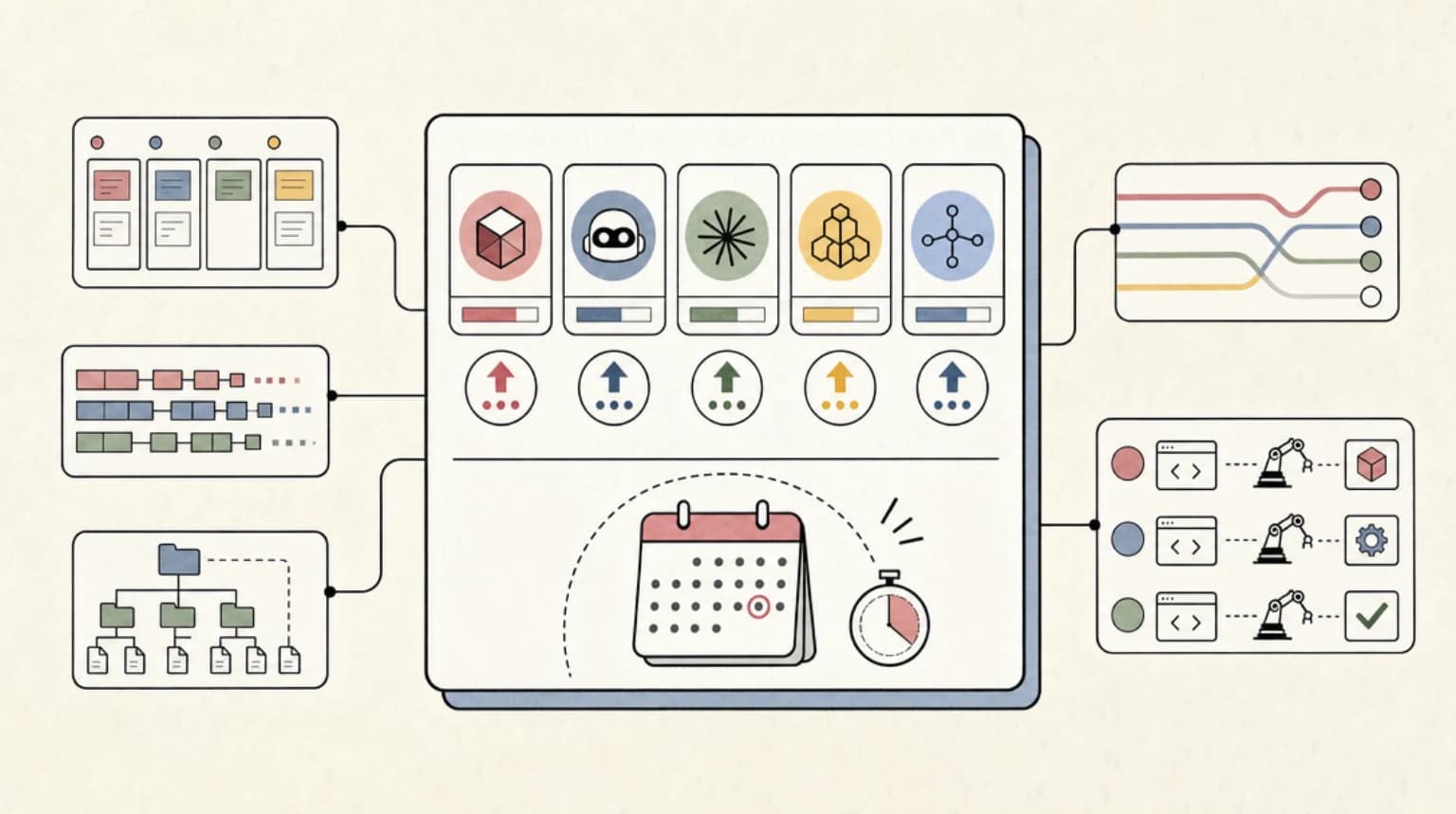
Check out Magic Patterns; https://magicpatterns.1stcollab.com/developersdigest_3 In this video, explore Magic Patterns, a platform that allows you to create front-end prototypes using natural language prompts. Its key feature is transforming textual descriptions into designed UI components quickly on an infinite canvas. The tool enables collaboration among multiple stakeholders without the complexities of coding. Learn how to design elements like a New York Times clone, dashboards, and reusable components, and see how the reference and export functionalities streamline the process. This innovative tool prioritizes rapid prototyping and iteration, offering extensive flexibility and cross-discipline export options. 00:00 Introduction to Magic Patterns 00:31 Getting Started with Magic Patterns 01:48 Editing and Customizing Components 03:15 Advanced Features and Functionalities 04:15 Exporting and Deploying Your Project 05:59 Creating and Using Reusable Components 07:43 Conclusion and Final Thoughts
Weekly deep dives on AI agents, coding tools, and building with LLMs - delivered to your inbox.
Free forever. No spam.
Subscribe FreeNew tutorials, open-source projects, and deep dives on coding agents - delivered weekly.

--- type: transcript date: 2025-09-05 youtube_id: 6caDCuJ8mzw --- # Transcript: Redefining Design: Effortless UI Design with Magic Patterns In this video, I'm going to be showing you Magic Patterns, which is a platform that lets you build prototypes entirely using natural language. What sets Magic Patterns apart is its ability to turn words into fully designed front-end concepts and work on an infinite canvas, all the while quickly iterating on your ideas. This isn't a full stack app builder. This isn't something like Lovable or Bolt or any of those types of tools. This is not trying to be that. Instead, Magic Patterns focuses helping multiple stakeholders bring their vision to life fast without getting bogged down in the code or complexity. Let's dive in. Once you log in, you'll have an interface where you will with just natural language be able to describe exactly what you want to create. Let's just say I want to create a clone of the New York Times website. What we're going to be able to do within this is we can iterate with natural language what we want the initial design to be. Once we send in our prompt, what's going to happen is it's going to take what we asked for and it's going to begin to create all of those different relevant UI components directly within Magic Patterns here. Within here, we see that it's creating the app.tsx. It's scaffolding out all of the relevant components. So, the header, the article card, so on and so forth. And ultimately, it will render directly within the application. And then as soon as it's ready, here is the generation of the application. Now, the first thing that I want to show you is I'm going to add this to a brand new canvas. Once we have the canvas loaded, we're going to have our component that we can move around within this infinite canvas. You can imagine you can have this completely full with different content. Where this is really powerful is one, you're going to be able to invite different colleagues or different people that you want to work on the project with or even different stakeholders. Say for instance, if you work at an agency and you want to quickly prototype a vision that a client might have instead of sending it off to a designer waiting potentially days or weeks to schedule another call, you could potentially leverage this to get a sense on what they have in mind directly within Magic Patterns. Okay, just to demonstrate this. So, say for instance, if I have this selected, we have a couple different options within here. The first thing that I'm going to do is I'm going to say for the header where it reads the New York Times, I want to invert the colors for that as well as the navigation. Now we have the black header right behind the title as well as the navigation on the page. And what you can do within this is you can begin to move around different structural elements, make things bigger, smaller. You can change the overall design or look and feel and it will just give you the ability to quickly see what different people have in mind depending on the stakeholders that you have. So instead of wasting time within design and development before it ultimately gets to someone and they say, "I don't actually like this at all. We have to go through all of the different phases again." You can save an absolute ton of time by leveraging a tool like this. Now, I'm going to send in one more quick edit. I'm going to say I want some placeholder images for the image attributes. I do see that there are some images here. So, I just want to have some placeholders within that for our subsequent generations. Now, we have some placeholder images for our initial generation. Next, one of the neat things with the platform is what you're going to be able to do directly on the canvas is also create brand new components. Say for instance I want to create a dashboard that have a number of different charts like pie charts, line charts, so on and so forth to visualize financials. And here is the dashboard that it generated for us. Within here, what I can do is I can edit it similar to before. I can say I want to add in a header and a footer that have a black background that reads developers digest with some placeholder links. Next, another really powerful feature of the platform is the ability to reference pre-existing pieces of context. Say if you want to reference something like the New York Times redesign that we have here. What we can do is we can leverage the reference feature. And what we can do with this is we can specify for something like I want to reimagine what the books page looks like or the politics page or whatever it is. And what we can do with this is it's going to pass in the context of what we already have into the generation. So it keeps that continuity of some aspects that we already have. Say if we want to keep the header as well as the footer. So, we have what all of the pages look like all side by side. You can absolutely leverage something like the reference feature for that. Next, what you can do at any point, you can go ahead and open up any of the tiles within your editor. And then, as soon as we click the edit button, we're within that original panel that we were in, and you can iterate on that language, send in subsequent prompts. Additionally, within here, we can reference the code. If I want to say pull out the footer, I can pull that into our application directly. I can also export this. I have the option to sync it with GitHub, Figma, download the zip file, or I can copy the code as a prompt. A number of different options. And the great thing with the export functionality is it really is cross-disiplined. We're going to be able to send it to a designer with Figma, or we can send it to something like a front-end developer by syncing with GitHub or downloading the code directly. Additionally, within here, there's a number of quality of life features. You can see what your website or product looks like across a number of different popular devices. You can make sure everything is responsive and that everything does look how you intend across all of the different sites. Now, additionally, what we can do within here is we can deploy this directly. Say if you have a static landing page and you want to just go straight to production, you can go ahead and do that. Additionally, within here, it does track all of our different changes. For instance, if I wanted to roll back and forth at any point of all of the different generations that I have, it has all of that history of everything that I've done. So you don't need to worry about potentially breaking something. You can always roll back to what you had previously generated. If you do want to do targeted edits, they do have that functionality. Say for instance, if I want to pass in this section of the component and make an edit here, for instance, change the background to black and I go ahead and I send that in. What it will do is instead of actually having the entire context and hoping that it does map to what we're asking for with natural language, this will just give the large language model under the hood the exact targeted edit for what we're asking for. Now, additionally, within here, there are a number of different slash commands. You can discuss different changes. You can have inspiration or debug issues if they were to come up. You can also polish or delete any unused files as well. Next, I want to show you the component feature. And what's great with this is you're going to be able to create reusable components that you can reference within your application. What I have within here are a number of different components that I've leveraged for a number of different projects. Within here, for instance, here are some different buttons that I personally use at work. Say use this template, start this repo, fork this repository. So what's great with this is what we're going to be able to do is we can create a number of different reusable components that we can appmention and reference during our design. Say for instance if we have a particular look and feel for things like an input. What I'm going to be able to do with these different components that I have here is within our generation is I can say I want to add in a search functionality right above the opinion section on the web page. And then what I can do is I can appmention the input and then as soon as I pass in that request it's going to reference the context of what we have in each of these different component sections. So now if I hop back here, I see that it's installing our input component and adding it directly within our website. And then now within here, you can see that it's going to add in the search functionality, leveraging that particular input that we have. And if I take a look at all of the different inputs that I have for the YouTube components here, I have that search component with the rounded edges as well as the icon of that magnifying glass just like I had referenced. And as you can imagine, as you add in all of those different pieces of your design system, whether it's the headings or hero areas, navigation elements, the buttons, the overall look and feel of tables, different tiles that you might have, what you're going to be able to do is you're going to be able to create this very rich context library of design elements you can easily use to extend and prototype whether it's a website or a product that you're working on. But otherwise, that's pretty much it for this video. If you found this video useful, please comment, share, and subscribe. Otherwise, until the next
Technical content at the intersection of AI and development. Building with AI agents, Claude Code, and modern dev tools - then showing you exactly how it works.