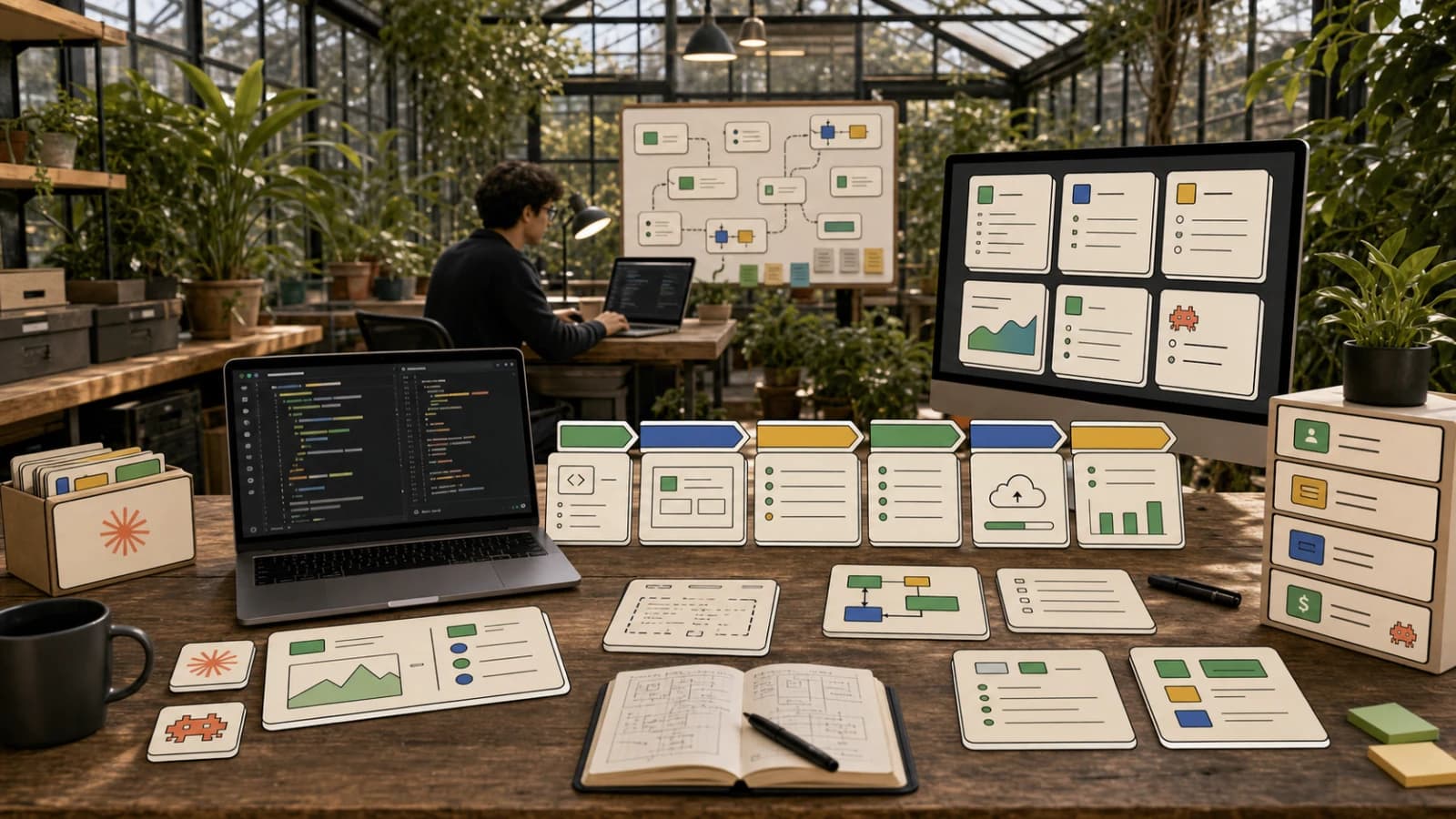
Sign up for a free Neon account today and get 10 complimentary projects at https://fyi.neon.tech/1dd! Building a Full Stack AI Enabled Platform: Step-by-Step Tutorial In this video, I'll walk you through creating a full stack AI-enabled platform where you can generate and manage images. We will use cutting-edge tools including Claude's MCP server and the Cursor IDE, Neon for our PostgreSQL database, and Tigris for file hosting. This tutorial will cover project setup, environment configuration, and handling user authentication. We'll also explore how to generate AI images using FAL AI and securely store them in Tigris. By the end, you'll have a functional application with robust user management and image generation capabilities, perfect for further expansion. 00:00 Introduction to Building an AI-Enabled Platform 01:02 Setting Up the Development Environment 02:11 Creating and Configuring the Database 03:22 Integrating Neon MCP Server 04:29 Building the Image Generation Platform 09:04 Implementing Authentication 14:39 Generating and Displaying Images 24:05 Uploading Images to Tigris 29:57 Final Touches and Conclusion
--- type: transcript date: 2024-12-10 youtube_id: NGYBmOt67DY --- # Transcript: Build an AI Web App with Cursor, Anthropic MCP, Next.js & Neon in 30 Minutes in this video I'm going to be showing you how to build out a full stack AI enabled platform where you'll be able to generate images and ultimately give you a starting point on what you can build on top of I'm going to leverage some of the latest and greatest tools out there from claud's new mCP server we're going to be using cursor I'm going to be using neon for our postgress database I'm going to show you how to use foul this is going to be where we get our image generation models and our video generation models for the asset whether it's videos or images we're going to be using Tigress to be able to actually host those files then I'm going to show you a new release that just came out from neon which allows you to integrate the mCP server which is the new model context protocol from anthropic where if you have the cloud desktop app you'll be able to interact with your neon database it's really cool because you can say create a table seed my table and it's right within Cloud but it's gring with your environment for your database now in terms of the starting point I'm going to be using this simple boiler plate postgress on ver cells instead of going through and spending time showing you how to set up every little file every little piece on where to set up postgress and drizzle and all of that we're going to skip through a little bit of the minutia of setting up line by line and we're just going to start from this as a starting point the first thing that you can do is you can go ahead and just install the projects I'm going to call this AI image studio and then once everything's installed we're just going to go within AI images here and then I'm going to go ahead and open up a workspace within cursor for this particular directory once you have that set up what we're going to do is we're going to remove this example from the EnV and then also with in the package I'm going to go and I'm going to update the next version if I search for next we see that it's 13.54% highlight this I'm going to close this out and then within ourv one little trick that I like to do when the postgress variables are broken out like this is if you just highlight it I'm going to command K and I'm just going to say update this and I'm going to paste this in now in terms of the username password and all of that I'm going to be spinning this down after this video don't worry about any environment variables that you see in the demo they'll ultimately be deleted now that we have that I'm going to go ahead and pnpm Dev and So within here we can check a local host we can just make sure that we do have what we need we see that it did seed our database here with a little bit of information now if I go on over to our tables within the database we just set up we have the seated information with our users table now what I want to show you is this cool new release from neon mCP server neon all that you need to set this up is you can MPX neon database mCP server neon init and then pass in your API key to do this you can grab your API key you can go to account settings and then once you're there you can go to API Keys you can make a new API key and then you can paste in that command now what's great with this if you have the Claude desktop app you can ask questions about your neon databases here you see that with each command it asks for your permission before it executes and here we see running the get database tables from neon and here I said tell me about my images database this is the one that I just set up a moment ago in the video and here we see let me show you what's inside your users table it's nesting down it's going into the database it's seeing that table and it's going into the users table and it's listing out what's within the table now what I can do here which is pretty cool is I can say I want want to build out a image generation platform I need a users table with their email ashed password I need to store their image URL prompts as well as date created also add in any other relevant information but let's keep it simple to start here we go I'll help you design and create a database schema for your image generation platform let's start with two tables the users and generations so for storing generated images and their prompts here we go it's working through let me verify that the tables were created correctly the great thing with this is it does set it up within branches it has a bunch of detail about our schema users ID password hash all of that created at and then Generation image URL so on and so forth here we go would you like me to apply this migration to create these tables you can take a look at what it did here you can see that it just created this new branch and what you can do within here I can say let's go and apply these changes to the main branch all right so I'm going to allow this I'll commit the database migration to apply these changes to the main branch the changes have been successfully applied applied now within our branches we see that we just have the one branch once again and if I go over to our tables I see users and generations pretty cool now let's seed the tables with some data this can obviously be helpful where if you're building out an application and let's say you want to focus on the UI portion to start to build out even the back end and reference some pieces of data this is just helpful to have information within there that you can consume while building out different features and and be able to test and and all of that now if we look at the tables we have our generations and then we have our users as well now another cool thing is if you haven't used drizzle before this is how you declare your schema and what's great with this is It's type safe wherever you're using this within the application you'll be able to see big red errors if there are any issues like if you try and add in a number into the database that should be string or whatever it might be that's where drizzle really shines you're going to catch so many bugs this way let's go ahead and I'm going to say now update all those changes to my drizzle TS I'll just paste that in there and one thing I want to emphasize with AI models is context is King this is obviously coming directly from the conversation that we were just having and that's something that makes it perform really well it's very succinct the ass that we had for our request I'm just asking okay take this information and update it based on what you already had and that's something that llm can do exceedingly well on here if I just take a look we have our Generations table we have basically all of the different parameters within here now I did see that it seeded some information with an image Ur when we do start our server if we do have an error I would worry about that too much we'll ultimately add these to our next. config of where we can consume images from now what I'm going to do is within our page. TSX what I'm going to say is within this I want to be able to display the results that are within the image Generation table as well as have a simple nav and footer I'm just going to demonstrate some pieces within one component now you can always break out things and you typically would obviously for things like the navigation and the footer but I'm just going to try and keep this as simple as possible let's take a look at our application now we have that storage. example issue so we can just go within our next config here and we can just say add in this domain and while we're here we can say allow for Tigress domains as well and it should hopefully know the context of what the Tigress domain is we'll go ahead and we'll accept let's take another look at this it's pulling in all of the images now let's just set up uh some simple off here let's go ahead and let's try the new composer agent feature this can run terminal commands and it can run in a bit of a loop it can search your code base as well you can get the context which is really helpful and then here we go I'll set up a simple authentication system first let's create an off page and then modify the navigation we see our authentication page and then now let's create a registration page we have off and then we have register and now it's going to modify the navigation just like I asked and it says I've set up a basic authentication system with the following features you can register here or you can log in at o and then it's implemented the authentication logic using the users table schema that we have in the drizzle. TS it's updated those pages it's added the signin button now the authentication UI is in place now we have to implement the authentication on the server side as well I'm going to say yes I want it to implement those features I'll help you break down the authentication logic let's break down this into steps so first let's create an API route for authentication then we're going to add client side form handling and then set up session management using next Che of middleware here we go it's setting up some of the API routes for registration or authentication it's also going to be leveraging jwt's where we can set the expirations in this case it looks like it's going to be 24 hours for the max age of the session and it says now let's update the login page it's going to go and update the login page and then it's also going to be updating the registration page I think a lot of people do guy away from authentication and myself included I do like some of these hosted platforms like Clerk's a great option there's probably a dozen other options as well within the authentication space but at its core authentication it's a couple tables a few tables a couple pages and just sort of tying together some of the different pieces maybe I'm simplifying a little bit but ultimately it shouldn't be too bad to set up I'm going to go ahead I'm going to accept All I'm going to mpm install now the other cool thing with this composer agent is it can reference the context of what's within the terminal here once it installs everything it can go ahead and generate the subsequent responses as well you can also pop out the terminal just like that now that it's run through all of that let's go ahead and test this out we see that it is missing a library here let's just PM install and then let's just try one more time here let's check Local Host 3004 and there we go let's try this out let's sign in it's rting us to the off page let's create a new account developers digest we'll make a password here we'll create an account and now we have bcrypt is also not install let's pmpm add beatcraft this is going to be where I say something controversial but I actually like errors like errors especially if they're descriptive are incredibly helpful in solving whatever you need right as you saw just had to work through installing some of those libraries now I'm going to say no I don't want to save the password at least not right now let's go back to our neon table now we have developers digest and we have our password hashed we have our name it was able to set up that registration piece now within this let's go back to our page let's find the sign in portion now this is hardcoded to sign in now that we have this I'm going to say if a user is signed in indicate that with their name credits and change the page for our app to say log out instead of log in and reference drizzle for the values unique to that user what we're going to do here so we're going to modify that page it's working through all of the different pieces the log out API route it's updating the main page to show the user information as well as the log out button this new composer agent like I've seen people say mixed things about it I quite like it it is something you definitely have to steer and keep your eyes on and whatnot but it does perform pretty well I find it's able to update things it's able to get Conta text a lot better than it previously was and here now we're going to update the usern naav component there we go it seems to have worked like the UI definitely needs some work but let's try and sign out that worked sign in if I go and I put in the password click remember me we'll sign in there we go it's pretty much all working we have the gallery page that isn't set up yet also the generate new which isn't set up yet we have recent Generations this is across the board now probably not something that we want unless you have a tier where it's like public images that you generate or something now let's go back and I'm going to say let's set up two pages within the navigation now and let's set up some mock data to return from the endpoint for when a user sends in the quy one thing I like to do is especially when you're working in nextjs is sometimes I find if you can set up the UI and the backend and just have the rudimentary pieces working as in you send in the request and the query and whatever schema that is for that request object and then on the back end you send back as well the schema the payload of whatever is going to be coming to the client now if you have those pieces worked out it's a lot easier for the llm to understand the subsequent pieces if you need to add in that request to something like generating an image endpoint you can just add in those eight or nine lines of code for the SDK and then it will already have the pieces and know how to have the response be sent back and displayed to the user so you're not trying to debug a portion when you get to that part where it might be pieces that would have been a little bit easier if you took it step by step I'm going to go ahead and accept this here it's created a generate page a gallery page and then also the API generate let's take a look here we have generate new and let's just try this out I'll click generate here we have invalid Source prop whenever you see something like that you just need to go over to your next config and you can just say add in and then you can add in the domain for whatever the error was in this case it's pick Su but that's going going to be unique to whatever the mock data that you're using I'm going to generate it here and now I have our Gallery here it's generating a couple things since we have the navbar just in the main piece I'm going to say now let's add the Navar adjacent to and one thing that I noticed is I can't reference a folder anymore like I can reference files but it doesn't seem like I can reference a fold which I don't love I miss that I'm going to say adjacent to the expanding arrow and I'll touch on why doing this in a second one thing that I've noticed with composer and composer agent is that sometimes it does make these component folders in new places and it actually did this right you see it made a new folder called components and it's adding the nav bar user nav but I didn't want it there I wanted it within the existing components folder here is going to remove the Navar from the main page now that we're starting to scaffold out our application to be multi-page what I'm going to do is I'm actually just going to move these out and delete components there just so things don't get confusing and we don't have errors that we don't need to deal with now generate new if we go there I touch this in and I I type in a prompt I'll put in test again now we have seven credits remaining we do see that it's decrementing those credits we see that these test items are there we also see these images are also coming in it says your gallery now if we look at the database here for the generations of the seated data we see that we have these are related to different users we have one two and three now what I'm going to say is I want the images is to only show the users images throughout the entire application now let's update the generate page to redirect unauthorized users for the query to the DB we're going to select the generations table and then it's only going to be equal to the user's information and then finally now we need to create a server wrapper for the generate page to pass the users's data it's working through a number of pieces here and then finally let's create the client side form component it's updated a ton of stuff in that request we'll go and we'll accept that and now we only see the users information and if I go to the homepage even there we only see what the user has generated so we have the gallery we have generate new if I just say robot we'll click generate image now one thing that I don't love with the flow is it just d directs you out to this new page here but the cool thing about this is it's all working right we have some redundancies with the credits like a lot of little things you can tidy up but there's a lot of things that you can easily do to make this look better I can go and add in a footer you could add in a hero area I could say add in a hero area with a linear gradient of Many Colors use framer motion to animate some text and call this developers digest image generation it made a footer and it made it in that component folder again that I don't wanted it I'm going to just delete that now there is something called cursor rules where you can update that as well if you'd like and that will specify potentially things like that where you could say keep the components adjacent to the app directory and those will be sent in with subsequent queries and and what have you I'll update the navigation so we don't have that error all right there we go we have our simple footer we have our simple header I'll also send in that request for that hero image to work through while we go through the next pieces now let's go over to foul foul is really great if you haven't used them before we're going to have to get an API key that we'll put within the EnV in terms of the model you can just explore some of the different models here there's a bunch you can try them out directly within their platform as well now to set this up within your own project make sure to put in your API key just like it's shown fou key you can put that within your EnV just like that and then in terms of the request what we can do is if we go to our API and we go to our generate route so we have our mock images here and what I can say is use the fou API and then we can also go through and we can give it an example on what it Returns the output looks like this I'll send that through and now if I close out the composer so we can see this now if we look at the request I'll accept all of this we can read it a little better we do see a couple type errors that we'll have to work through here It ultimately won't compile here we have uh a number across the app you can always just fix with a just like that what I'm going to do is I'm just going to PM PM add this fou AI client to get that error out of the way now if I go to generate new I'm just going to say a blue car it failed to generate the image so we had a really descriptive error related to the cookies where it mentioned that we should be awaiting the cookies instead of just trying to reference them like we were now if I go back to our application I say blue car generate image we see failed to generate image we see that we have the status code 422 now that we have that let's go to our route and let's console log everything in the post request this will help for any of the errors starting post request getting user just going through all of the different pieces we can ultimately obviously remove all of this but just helpful in the initial build failed to generate image we see calling foul API with prompt test we know it got as far as this portion here and we see the property image URL is missing here I'm referencing actually an image to image model that's my mistake let's go back to fou here and we want to sort by text to image and here let's just reference the flux Schnell model the one thing that I'm going going to change is I'm just going to have the prompt instead of that then the image URL is going to be the result data images zero URL let's try this out generate test now we see that it is actually working though we are getting a response back this is where error codes are very helpful we'll just paste this in without even any instructions it will just know what to do here there there we go we have prompt test we have the fou AI image now we have our generation we have our galleries but the thing with these images and this fou AI URL this isn't going to be persistent so what we'll have to do is we'll have to set up our Tigress implementation you can make a free account on Tigress it's really easy to set up then what you can do is you can create a new bucket let's just call this image J and then from here what you can do is once you've created a new bucket and this can really be named whatever you'd like is you can go within the bucket and that's going to be the string that we reference on the back end when we ultimately upload this now what you'll have to do is get your access key so you can create the access key and then once you've enabled access to the bucket that you want to give permissions to make sure you go to editor just to give permissions and generally it's best practice to only give permissions to what you need to give permissions to and then from there you can just copy in the environment variables within your EnV from there what we can do is within the generation route here so we see where we're adding the value to create that record and then we're setting and decrementing the number of credits that the user has now what we can do is we can add that image response back this URL to Tigress within here I'm going to say add in the AWS S3 SDK and upload the image response to my Tigress bucket with the name of image app while submit that it's going to go through the route here we're going to be installing a couple things here we'll just pnpm ad we'll add AWS SDK and then we'll also bun add uid all right and there we go so we have our bucket which is essentially like a directory within the cloud so you could use AWS you can use Tigress you could use like blob storage or whatever you want really for here we have the key now the key is going to be generated it's going to have that unique value so that cryptographic hashed value is going to be the PNG and it's going to be within the generations folder and then in terms of the body so we're going to get the buffered response once we fetch the URL we actually have to not just have the URL we actually have to get the raw payloads that's why we're subsequently making that request because we're going to be passing that in within the body and specifying that it's a PNG so that's the main piece with this let's just make sure that this is all working I'll go over we'll open up our application again now if I go to generate new let's just say a blue car will generate failed to generate image we have access denied if we just scroll up and see where this is coming from access denied now if we go back to our image and I just say hello world I'll submit that and hopefully we have the image and now we see this is great this is what we want to see that is an error that we like CU we can just go and I can specify to add in the S3 bucket to be able to access it and then we have hello world we do see that there is a bit of a potential issue there so not found now if we go over to tigress and we go over to image Generations we do see hello world that image is there but there is another issue here it's not allowing us to get image and that's in part because of the permissions when we generate the image I have to allow this to be pre-signed if I just specify I need the image to be pre-signed for this user for the user to be the only one to access it so here we can request a pre-sign and if we go through what it's working through so when we generate the key here what we can do is instead of just generating the unique cryptographic value is we can also put the user ID and then for the metadata we can specify within the metadata of the object that we're storing in Tigress that that's going to be related to that user and then when we go and we put it up we can get a pre-signed URL and then we can specify when it expires let's just try this out again let's generate new let's say hello world we'll go to generate image we do need it pre-signed just like that I'm just going to go ahead and PM PM add We'll add that in now we just have to add in The Tigress domain here I'll accept that and if we go back to our application here we do see the blue car this is what a pre-signed URL is and this is really in essence important for the security aspect of this because you only want users to access what they have access to by putting a name space within Tigress for a user so it's only going to be the specific user and then we also have that cryptographic hash that's going to ensure that it's only pre-signed to that particular user now you can play around with the expiry date and what have you but that's just something to be mindful of all right obviously there's a bit of UI work that you can do here but in essence I just wanted to show you how you can leverage some of these new AI Technologies on how you can make authentication easier how you can build out and integrate the front end to the back end being able to leverage things like neon being able to leverage things like Tigress if you're thinking about building out an application that involves those different pieces sometimes it can be a little overwhelming setting up an application like this that does have a number of pieces but I just wanted to show you how you could leverage AI to build out an application pretty quickly right from end to end we did authentication from scratch using neon we leveraged fou AI models and you could further build on this to maybe have a drop- down of different models or what have you we have a gallery we also have it segmented out for different users different users won't be able to access what other users have access there won't be those clashes here's just another account for instance you don't see any of the other users information like we initially did if I just say hello world we basically have an application that needs a paint job but effectively works right from this point it has credits set up you could set up stripe if you want and start charging for something like this you could just prompt a little bit further give it a little bit of a paint job add some UI magic to towards it I just wanted to show you a really quick one on how you could build out a simple little application where you can leverage using some of these state-of-the-art models as well as combining some of the core pieces out there in this video I just really wanted to do a bit of a highlevel overview exploring some of the capabilities of these models as well as Dev tools all the while hopefully showing you some pieces on how you can consider building out an application whether it's with neon whether it's with tiger nextjs fou AI using cursor or something like the model context protocol that's built within anthropics clad I hope you found this video useful and you learned a tip or trick or two but otherwise that's it for this one I'll see you in the next one
Weekly deep dives on AI agents, coding tools, and building with LLMs - delivered to your inbox.
Free forever. No spam.
Subscribe FreeNew tutorials, open-source projects, and deep dives on coding agents - delivered weekly.

Technical content at the intersection of AI and development. Building with AI agents, Claude Code, and modern dev tools - then showing you exactly how it works.