Workflow Automation with Patched: Beyond the Inner Loop of Software Development https://www.patched.codes/ https://github.com/patched-codes/patchwork https://docs.patched.codes/overview In this video, I go into the outer loop of the software development life cycle and introduce Patched, an open-source workflow automation tool for development teams. You'll learn how to create AI workflows to automate code reviews, documentation, and patches. I demonstrate the integration process with GitHub or GitLab, how to add repositories, and run prebuilt patch flows. By showcasing practical examples, such as generating code style guidelines and automating pull request reviews, I illustrate how to maintain coding standards efficiently. Additionally, I guide you through creating custom patch flows using natural language and configuring them to update README files based on pull request content. Watch and learn how to streamline your software development process with Patched. 00:00 Introduction to the Outer Loop of Software Development 00:29 Introducing Patched: Workflow Automation Tool 01:06 Setting Up Your Patched Account and Repository 01:23 Exploring Prebuilt Patchflows 01:32 Generating Code Style Guidelines with Patched 02:22 Leveraging Style Guidelines in Pull Requests 02:44 Adding Support for DuckDuckGo 03:31 Running PR Reviews with Patched 05:43 Creating Custom Patchflows 06:31 Building and Connecting Patchflow Nodes 08:54 Saving, Validating, and Exporting Patchflows 09:05 Open Source Integration and Conclusion
Weekly deep dives on AI agents, coding tools, and building with LLMs - delivered to your inbox.
Free forever. No spam.
Subscribe FreeNew tutorials, open-source projects, and deep dives on coding agents - delivered weekly.

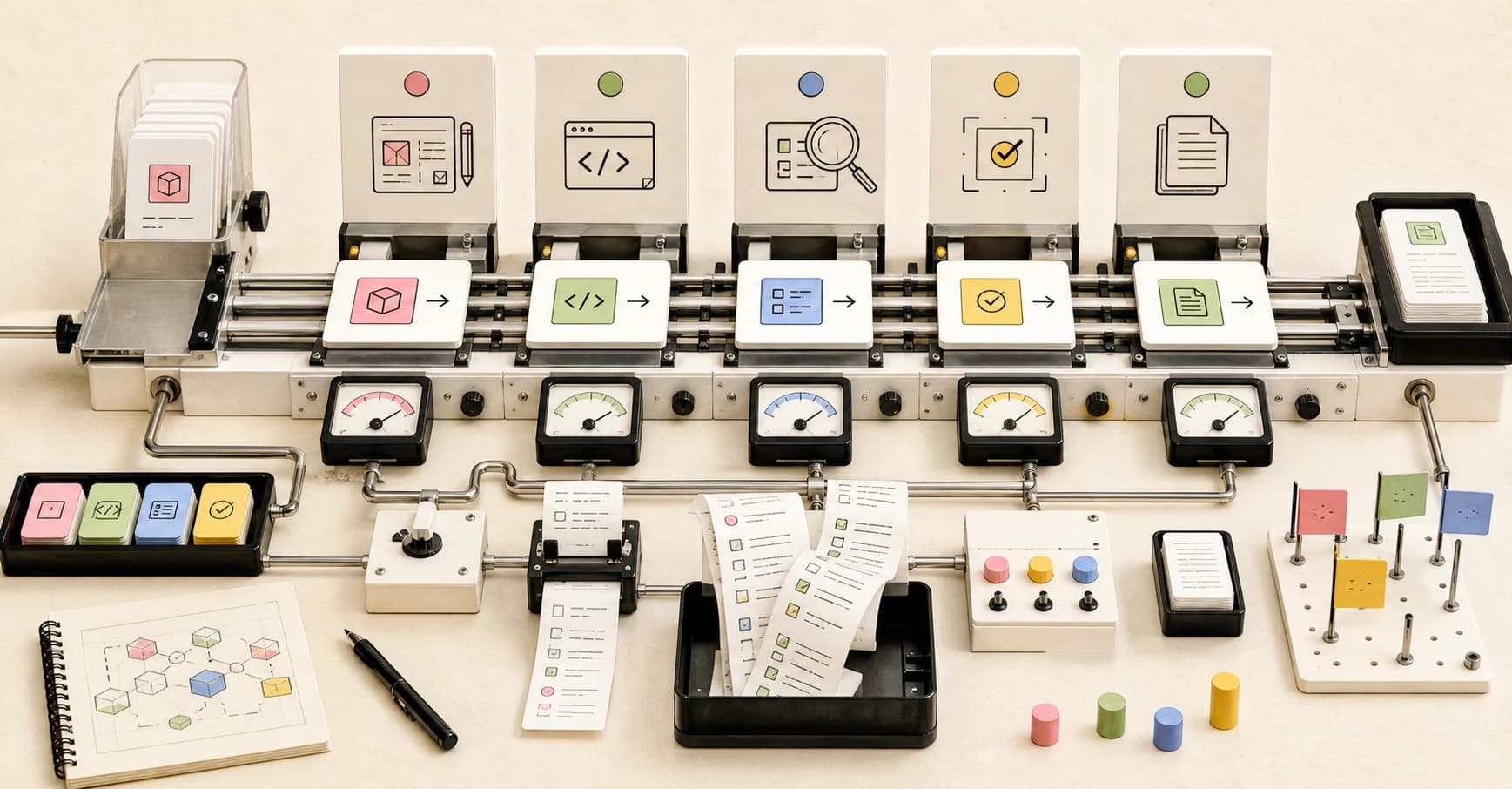
--- type: transcript date: 2024-09-27 youtube_id: ozIKlyuM2qM --- # Transcript: Build Your Own AI Review & Documentation Workflows in 8 Minutes in this video I'm going to be going beyond the typical inter Loop of the software development life cycle that I usually focus on within my videos of times within my videos I'll use a lot of the new coding tools whether it's cursor vzer or similar sort of tools to rapidly prototype and iterate an idea this process from creating an idea to coding it out to deploying it is commonly known as the inter Loop of the software development life cycle but there's more to software development than what happens on a developer's local machine I've partnered with patch to highlight their open source workflow automation tool for Dev teams what patch allows you to do is to create AI workflows to automate code reviews docs and patches so in my last video I ran through building out a really quick example of an AI web app leveraging cursor VZ and some other Technologies and once I was done the coding portion I leverage patch to write the read me and you're able to do this all within just a couple clicks so I'm going to take it a step further and I'm going to be showing you how you can integrate this in further aspects of that outer loop of the software development life cycle to get started you can make an account unpatched and then you can set it up with either your gitlab or your GitHub account and then once those are set up you'll be able to manage your repositor to add a repository it's as easy as going to repositories and then you can add it there once you've started to add repositories you'll see them here on the patch flow page you'll see a bunch of different predefined patch flows things like generate a doc string generate a read me PR review autofix generate code style or PR review with a style MD within my llm answer project here you'll see that this file was generated with patch with a couple clicks you can generate a code style guideline that adheres to the particular conventions that you follow within your repository next I'm going to show you how you can leverage a style. m and how you can have future PRS conform to your code Style Guidelines to demonstrate I'm going to be adding support for duck. GH to the llm answer project here and what we have here is we have two different providers we have one for D go search and then we also have a provider that's leveraging the Sur API now where the issue is that the function isn't declared with the particular style of formatting set within the style. MD I have the camel case convention setup and as you see here we have the snake case convention for these two particular functions I'm going to go ahead and add these changes to the file and then once we have that we're going to get commit and then add support I'm going to just push to the GitHub repository here then if I go up here once we have that new Branch what I can do here is I can open up the pull request then I'm just going to add the title as the description as well here now that the pr has been submitted what we can do to see if it adheres to that style. MD I can go ahead and click this patch button here and I can go down to the pr review with style MD and then here it's going to automatically populate all of the different pull requests that are within the repository here we see that new add doc Doo support if I just click that and I run this patch flow once the patch flow has run you can go ahead and you can click details you'll see all of your patch flow runs within this list here here we see the pr review with the style MD I can go over and I can check the pr here with just a couple clicks now if we look at the pr review what it will do here is it's going to create a comment for the pr and here we see that it doesn't follow the naming Convention of camel case it's using snake case instead it's going to show you the affected code snippet as well as what line it starts on it caught the second one here now in addition to it not following the naming convention it also can catch things like if you left a debugger statement before it actually gets merged within the production code it's going to flag that and here it's going to say this is not best practice and it should be removed before deployment and then again it's going to show you the snippet of the code block that's affected as well as the start and end line for it I'm going to take this a step further and we're going to run the result olve PR review patch flow and I'm going to select the branch of add duck. go support and then we're going to run it on this particular pull request again once this patch flow has run we'll see a new PR here now we see instead of using the snake case naming convention it is successfully using the camel case convention and then in addition to that if I search for debugger we do see that right below the response here it has also removed the debugger as well one thing to note with all of the different patch flows that I'm showing you here is is you can run these on particular triggers say for instance you want to run a PR review with the style MD on every PR creation it's as easy as a couple clicks there as soon as you set that up anytime someone submits a PR it's going to run that and it's going to give the comment with the feedback that you just saw in the earlier example now if you want to create your own patch flow you can go over to patch flows here you can click add patch flow so the cool thing with this is you can actually Define and get the starting point of your patch flow that you want to create from natural language what I can do here is I can just say reads the provided o request and the me. MD file from the root of the repo then updates the read me contents based on the contents of the PO request so here you can configure the different inputs since one of the inputs is the pr selection we're going to just take that here but you can also do this for branches or issues as well so we're going to click generate draft and then we're going to go ahead and create the draft for our patch flow this is what the interface looks like to build out your patch flow so I'll just zoom in a little bit here so you can see so what this is going to do is first we're going to read the read me file which is at the root of the directory then we're going to read the pull request so what we're going to do is first we're going to combine those outputs and why we're combining that is because with the llm we have to pass in the entire context so then we're going to specify you're an AI assistant task with updating a read me file based on the contents of a pull request analyze the pull request and the current readme content and then generate an updated version of the read me that incorporates the changes and the new information from the pull request and then there's the detailed structure of the user promt you can go in here and tweak this as you see fit now the one thing with the way that this is set up is it's Json in and Json out if I want to connect this to the next node here what I'll have to do is say something like read me and I'll just say read me what this will do is this is going to pass to the next note so you can select Cloud 3.5 sonnet or GPD 40 mini or GPD 40 and what we can do here is you do have the ability to hide inputs or show inputs if you'd like so here I'll just hide the start line here and then we have our file path of what we're reading and then what you can do is if you click that button there you can select the reference of what you defined here here we see the Json schema of what it's mapping to but say if I swap this out to read me more for instance you'll see that it will clear that reference and you'll have to select that new one that's the mapping between each node there then what we're going to do here is we're going to create our pull request so we can create a branch prefix and then here similar to before what we can do is we can specify the path variable and then here we can say this is a PR that updates the readme file and then the pr title and what have you we can go ahead and save that and once we've saved it out we can just go back to our repositories and we can run that so it's as easy as that if you want to edit the patch flow or make it more complicated you can just go ahead and grab the nodes you'll be able to connect them just by tying them to the previous node and then it will invoke the particular method based on the inputs and similarly for the output you can just connect it to sub nodes just like that once you're done with your patch flow you can go ahead and save this you can validate it essentially you can run it for the first time and then you also have the ability to export this in terms of next steps I'll link within the description their documentation here where you'll be able to see all the different steps that I showed you within the video and then also if you want to take it a step further and begin to integrate this within whether it's your local environment or as a part of a cicd pipeline there are steps to do all of that as well within here if you found this video useful please like comment share and subscribe otherwise until the next one
Technical content at the intersection of AI and development. Building with AI agents, Claude Code, and modern dev tools - then showing you exactly how it works.