Vercel's New Durable Execution Programming Model: A Developer's Guide
Agent Infrastructure
3 parts- 110 Tools We Built for Agent Infrastructure
- 2Vercel's New Durable Execution Programming Model: A Developer's GuideCurrent
- 3Cloudflare Agent Memory: A Developer's Guide to the New Primitive
TL;DR
Vercel Workflows is GA: durable TypeScript with "use workflow" and "use step". What it means for agents and long-running flows, with code adapted from Vercel's own examples.
Last updated: October 18, 2026
Updated October 18, 2026: The earlier version of this post showed import { durable, step } from "@vercel/functions/durable". That entry point does not exist (@vercel/functions exports only headers, oidc, db-connections and middleware). Vercel's durable model is Vercel Workflows, written with the "use workflow" and "use step" directives from the open source workflow package. The code is now adapted from Vercel's announcement, and the gotchas, portability and pricing sections were corrected: workflow code can use Date and Math.random safely, Workflows is portable through Worlds, and you pay for the compute your steps use.
Official Sources#
| Resource | Link |
|---|---|
| Vercel durable execution announcement | A New Programming Model for Durable Execution |
| Workflow SDK docs | workflow-sdk.dev |
| Workflows and steps | Foundations: Workflows and Steps |
| Workflow SDK source | github.com/vercel/workflow |
| Vercel AI SDK | Vercel AI SDK docs |
| Temporal workflow engine | Temporal docs |
| Inngest durable functions | Inngest docs |
| Cloudflare Workflows | Cloudflare Workflows docs |
The serverless agent problem, finally addressed#
Every developer shipping an AI agent on serverless has hit the same wall. The function spins up, the agent calls a tool, the tool calls another tool, the loop ticks for minutes, and then the runtime kills it. You retry. The model regenerates the same plan. You burn tokens. Your user waits.
For model-selection context, compare this with AI Agents Explained: A TypeScript Developer's Guide and How to Build AI Agents in TypeScript; the useful question is not only benchmark quality, but where the model fits in a real developer workflow.
The mental model is the problem. A serverless function is a request handler. An agent is a process. The workarounds, external queues, polling endpoints and status tables stitched together with a KV store, are all versions of "rebuild a worker server, badly, in a serverless shape."
Vercel's new programming model for durable execution is its answer: Vercel Workflows, generally available since April 16 after a beta that started in October 2025.
What the announcement actually says#
Strip the marketing and the announcement is three things.
First, your code is the orchestrator. In TypeScript you mark a workflow with "use workflow" and isolate units of work with "use step". There is no separate orchestration service and no workflow DSL. Vercel describes the infrastructure underneath as three parts: an event log that records every step input, output, stream chunk, sleep, hook and error; your functions on Fluid compute, where each step runs as its own invocation; and Vercel Queues, which enqueue the next step automatically.
Second, it is built for agents. The Workflow SDK integrates with the AI SDK, so tools can be steps with automatic retries, streams are durable and resumable, and hooks and sleep let a run suspend without using compute. AI SDK 7 adds a native WorkflowAgent on top.
Third, it is portable. The Workflow SDK is open source, and "Worlds" are adapters that supply the event log, compute and queue. Vercel runs the managed World; there is a Postgres reference implementation for self-hosting, a Local World for development, and community Worlds for other backends.
What it looks like in code#
Here is the basic shape, adapted from the announcement's opening example. The workflow reads top to bottom; each step is an ordinary async function:
export async function createSite(input: { userId: string }) {
  "use workflow";

  const profile = await fetchUserProfile(input.userId);
  const plan = await generateSitePlan(profile);
  const site = await buildSite(plan);

  return site;
}

async function fetchUserProfile(userId: string) {
  "use step";
  return db.user.findUnique({ where: { id: userId } });
}

async function generateSitePlan(profile: unknown) {
  "use step";
  return callModel({ prompt: `Generate a site plan for ${JSON.stringify(profile)}` });
}

async function buildSite(plan: unknown) {
  "use step";
  return provisionSite(plan);
}
db, callModel and provisionSite stand in for your own code. Each step gets isolation, retries, persistence and observability. If the process dies after generateSitePlan, the run resumes from the event log and the completed steps are not re-executed.
For agents, the announcement pairs a DurableAgent from @workflow/ai/agent with a durable stream from getWritable():
import { DurableAgent } from "@workflow/ai/agent";
import { getWritable } from "workflow";
import type { UIMessage, UIMessageChunk } from "ai";

export async function bookingAgent(messages: UIMessage[]) {
  "use workflow";

  const writable = getWritable<UIMessageChunk>();

  const agent = new DurableAgent({
    model: "anthropic/claude-haiku-4.5",
    system: "You are a flight booking assistant.",
    tools: { searchFlights },
  });

  await agent.stream({ messages, writable });
}

async function searchFlights(args: { from: string; to: string }) {
  "use step";
  const result = { flights: [{ from: args.from, to: args.to, price: 199 }] };
  return result;
}
The API route starts the run and returns its stream, with the run ID in a header so the client can reconnect:
// app/api/chat/route.ts
import { createUIMessageStreamResponse, type UIMessage } from "ai";
import { start } from "workflow/api";
import { bookingAgent } from "@/workflows/booking-agent";

export async function POST(req: Request) {
  const { messages }: { messages: UIMessage[] } = await req.json();
  const run = await start(bookingAgent, [messages]);

  return createUIMessageStreamResponse({
    stream: run.readable,
    headers: { "x-workflow-run-id": run.runId },
  });
}
On the client, WorkflowChatTransport from @workflow/ai plugs into useChat and resumes the stream from the last event the client received if the user closes the tab and comes back.
Gotchas, from the docs#
Workflow code is replayed, so it must be deterministic. The workflows and steps guide says workflow functions are re-run during their lifecycle, using the event log to resume at the right spot. The sandbox already makes Date and Math.random stable across replays, so you can use them in workflow code. Generate secrets and unguessable tokens inside a step instead, because seeded values are not secret.
Workflow functions do not get full Node.js. They run in a sandboxed environment with limited npm package support. Put real work, SDK clients and I/O, in steps, which have full runtime access.
Step arguments are passed by value. Inputs and outputs are serialized. If a step mutates an object you passed in, the workflow does not see the change; return the modified data instead.
Retries are on by default. Steps get up to 3 retry attempts before the error propagates to the workflow, so make side effects idempotent.
Enable Fluid compute. The docs warn that without Fluid compute, each workflow resume incurs a separate cold start, which can cost significantly more.
Runs are pegged to a deployment. A run finishes on the version it started with, and new runs pick up the latest deployment. That is a clean upgrade boundary, but it means a long-sleeping run keeps executing old code.
Where it fits the agent stack#
For the common agent case, a loop that plans, calls a handful of tools, sometimes runs for many minutes and must survive a deploy, this is the right primitive. You do not stand up a separate worker, you do not wire your own queue and retry logic, and you do not write a status polling endpoint.
It is also not limited to short runs. Hooks let a workflow wait for an external trigger, which is how human-in-the-loop approvals work (see Chat SDK durable approvals), and sleep can suspend for days or months without compute.
Compared to Temporal, the trade is operational: Temporal is a dedicated orchestration service you run or buy, while Workflows keeps orchestration inside your application code. Compared to Inngest, both use a step model in TypeScript; the difference is where the event log and queue live and how tightly the runtime is integrated with your host. Compared to Cloudflare Workflows, the shape is similar, durable steps in code, on a different platform.
Lock-in is softer than it first looks. The SDK is open source and Worlds swap the backend, so the self-hosted Postgres World is the escape hatch if you leave Vercel.
Wiring it into a real product#
The shape of a job runner like Overnight, our long-running task runner that lets you queue agent jobs and check back in the morning, maps directly onto Workflows: each queued job becomes a run, each model call or tool call becomes a step, and the event log gives you a per-step timeline without building one.
For an orchestration-heavy workload, look at Orchestrator, our toolkit for chaining agent runs with shared context. A chain where one run feeds the next is a natural fit for the background pattern in the docs, where the last step of one run starts the next.
The integration pattern that holds up: keep the human-facing API as regular route handlers that call start(), put the agent loop in a workflow, and stream progress to the client with getWritable() so the UI updates without polling.
What to watch next#
Workflows 5. Vercel lists native concurrency controls including a lock primitive, globally deployed infrastructure, a snapshot-based runtime to reduce replay overhead as event histories grow, and better Next.js bundling. It is installable today as workflow@beta.
Python. The Workflow Python SDK is in beta (from vercel.workflow import Workflows), using decorators instead of directives.
Limits for heavy agents. Vercel documents 50 MB per step payload and up to 2 GB across a run. That covers most multimodal agents, but measure if you pass large files between steps.
Observability from the CLI. npx workflow inspect runs <wrun_id> works locally, and with --backend vercel it inspects production runs using your vercel CLI login. That matters as much for coding agents debugging your workflows as it does for you.
We are doing a deeper hands-on walkthrough on the Developers Digest YouTube channel - building a durable agent from scratch, breaking it on purpose to show the resume path, and comparing it with a vanilla serverless implementation.
Frequently Asked Questions#
What is durable execution on Vercel?#
It is Vercel Workflows: you write a TypeScript function marked "use workflow" that awaits functions marked "use step". Every step input and output is recorded in an event log, so if the process dies the run resumes where it left off instead of starting over, and completed steps are not re-run.
How is Vercel Workflows different from Temporal or Inngest?#
Workflows keeps orchestration in your application code, with no separate orchestration service to run. Temporal is a dedicated workflow service. Inngest also uses a step API in TypeScript. Vercel Workflows is open source and portable through Worlds, including a self-hosted Postgres World.
What are the pricing implications of durable execution?#
Vercel says that because there is no separate orchestration service, you only pay for the compute your steps actually use while functions are running. Suspended runs, from sleep or hooks, use no compute. The docs recommend enabling Fluid compute, because without it each resume incurs a separate cold start.
What gotchas should I watch for when using Workflows?#
Workflow code is replayed, so it must be deterministic (the sandbox makes Date and Math.random safe, but generate secrets in a step). Workflow functions lack full Node.js access, so do I/O in steps. Step arguments are passed by value. Steps retry up to 3 times by default, so make side effects idempotent.
Can I stream results from a workflow?#
Yes. getWritable() gives a durable stream that clients can connect to, disconnect from and resume. The route returns run.readable with the run ID in a header, and WorkflowChatTransport on the client resumes from the last event received.
When should I use a workflow versus a regular serverless function?#
Use a workflow when the work spans multiple steps that should not be repeated on failure, runs longer than a single request, waits on people or external systems, or needs to survive deploys. Use a regular function for simple request-response handlers and single model calls.
How do workflows handle retries and error recovery?#
Steps retry automatically, up to 3 attempts by default, before the error propagates to the workflow, where you can handle it with normal try/catch. Completed steps are read from the event log on resume, so a recovered run does not repeat them.
Is Vercel Workflows portable to other platforms?#
Yes, more than most hosted durable runtimes. The Workflow SDK is open source, and Worlds provide the event log, compute and queue on different infrastructure: managed on Vercel, a self-hosted Postgres reference implementation, a Local World for development, and community adapters.
Continue Reading#
- Chat SDK Adds Durable Approvals: Agent Workflows That Wait For a Human
- Vercel AI SDK 7 for Production Agents
- Durable AI Agent Frameworks Compared - one crashing, two-day-approval run through LangGraph, Mastra, Pydantic AI and the OpenAI Agents SDK
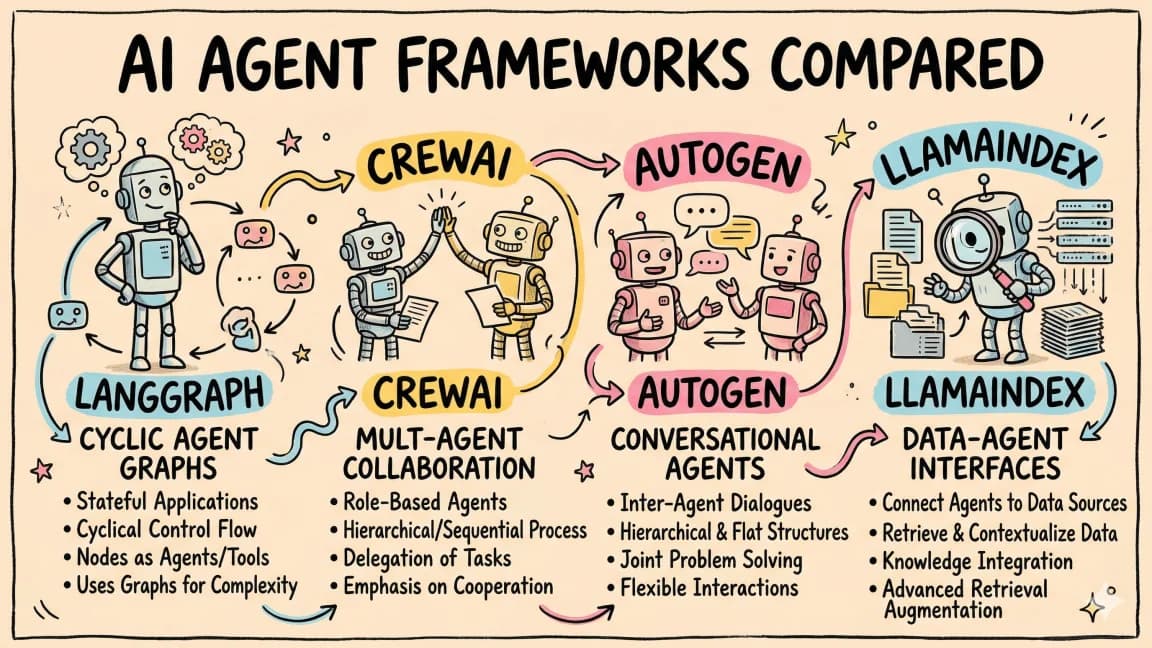
- AI Agent Frameworks Compared - LangGraph, CrewAI, Mastra, CopilotKit, AutoGen and Claude Code side by side
- Mastra for Durable TypeScript Agents: Where It Fits and Where It Does Not
- Durable Execution for AI Agents: Checkpoints, Retries and Resume
Get the next deep dive like this in your inbox
One email a week on Vercel and the rest of the AI dev stack. Free.
Read next on AI coding tools
The Agentic Development Tech Stack for 2026
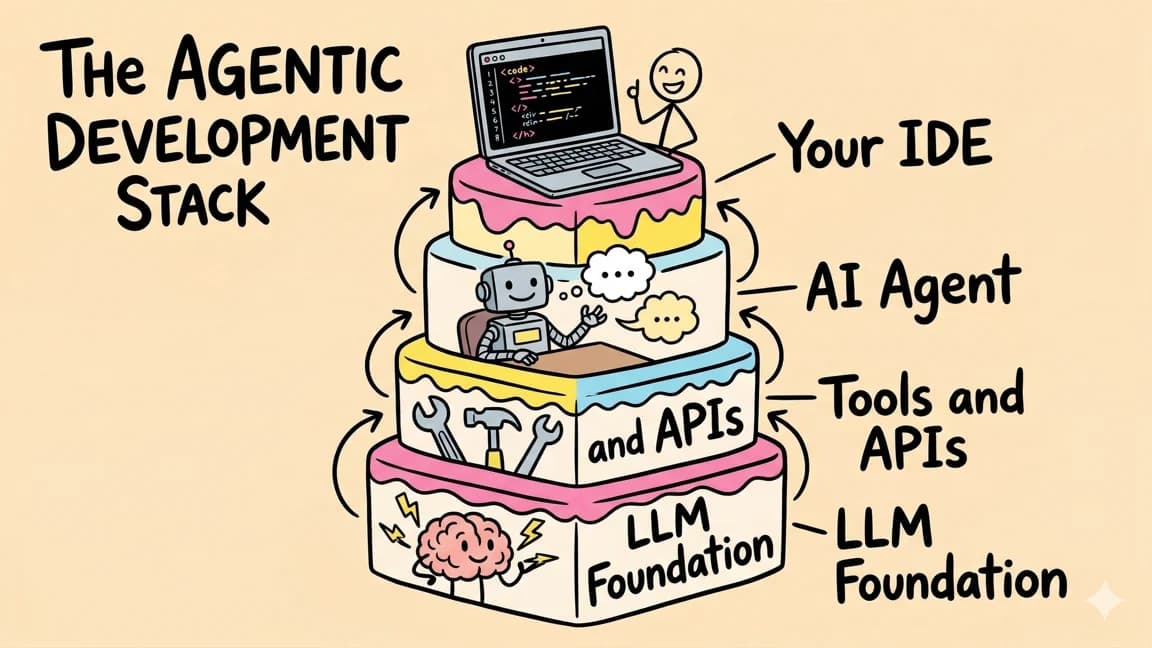
Coding changed more in the past two years than in the previous decade. We moved from manual typing to autocomplete, then to multi-file edits.
12 min readAI Agent Memory Patterns
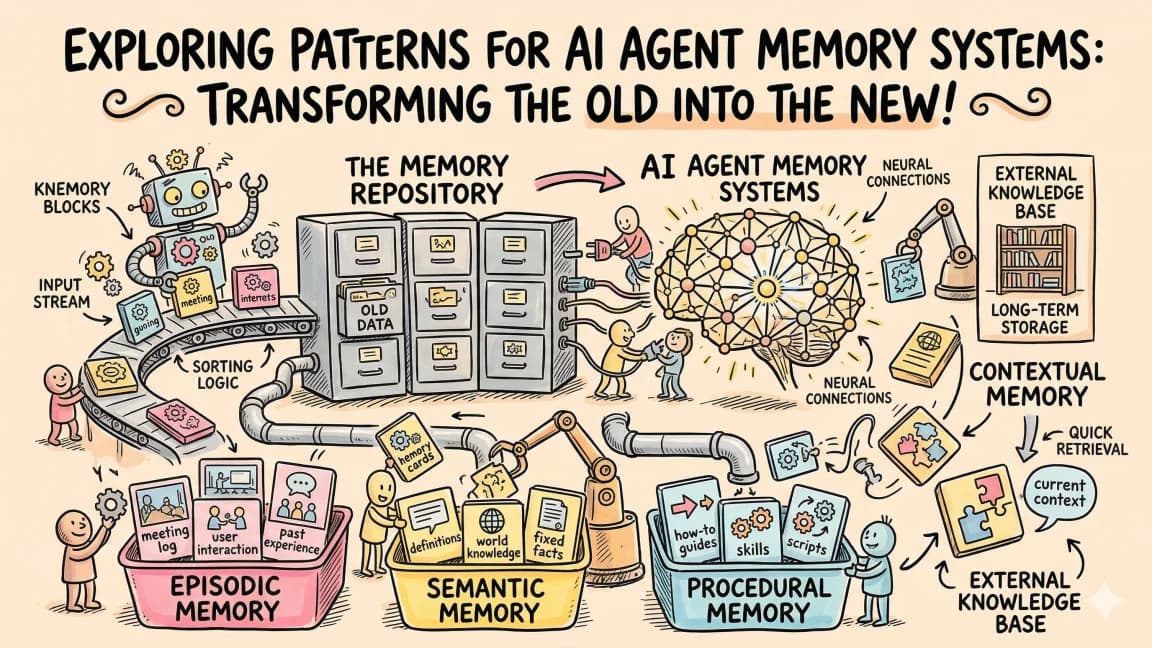
AI agent memory patterns that fix forgetting between sessions: CLAUDE.md persistence, RAG retrieval, conversation summarization, structured and tiered memory.
9 min readCloudflare Agent Memory: A Developer's Guide to the New Primitive
Cloudflare's Agent Memory primitive. What it stores, how ingest and recall work, how it compares to mem0, and how to wire it into your stack.
9 min readNew here? Start with
Technical content at the intersection of AI and development. Building with AI agents, Claude Code, and modern dev tools - then showing you exactly how it works.