Cursor v3.11 Side Chats: Developer Guide for Parallel Agent Conversations

TL;DR
Cursor v3.11 introduces Side Chats for parallel agent conversations, Conversation Search across past sessions, and Cloud Agent Hooks for self-correcting loops. A practical guide to the new features released July 10, 2026.
Cursor v3.11 shipped July 10, 2026 with one feature developers have been asking for since Composer became the default experience: parallel conversations. You can now spin up side chats that explore tangents without interrupting your main agent session.
Last updated: July 11, 2026
Official Sources#
| Resource | Link |
|---|---|
| Cursor Changelog | cursor.com/changelog |
| Cursor Documentation | docs.cursor.com |
| Cursor Blog | cursor.com/blog |
| Cursor Pricing | cursor.com/pricing |
| Cursor Forum | forum.cursor.com |
What Are Side Chats?#
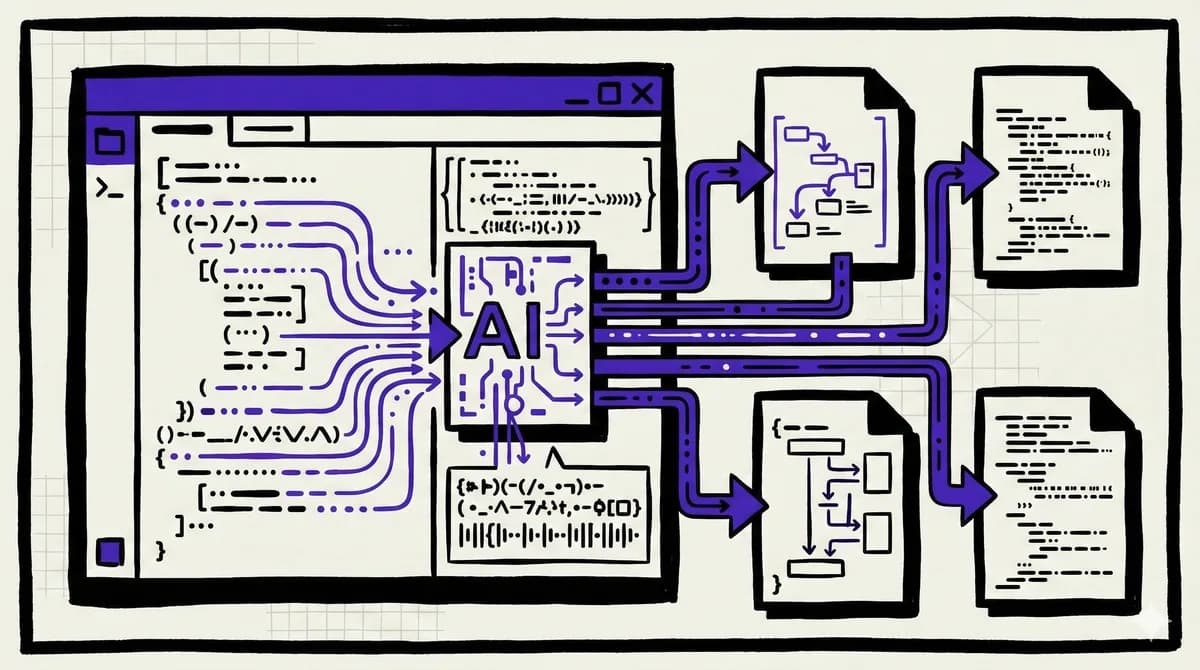
Side Chats let you open parallel agent conversations that run alongside your main chat. Each side chat is a full agent session - it can read files, run commands, and make edits - but it stays separate from your primary thread.
Three ways to open a side chat:
- Type
/sideor/btwin your main chat - Click the plus button at the top of the chat panel
- Use the keyboard shortcut (Cmd+Shift+N on Mac, Ctrl+Shift+N on Windows)
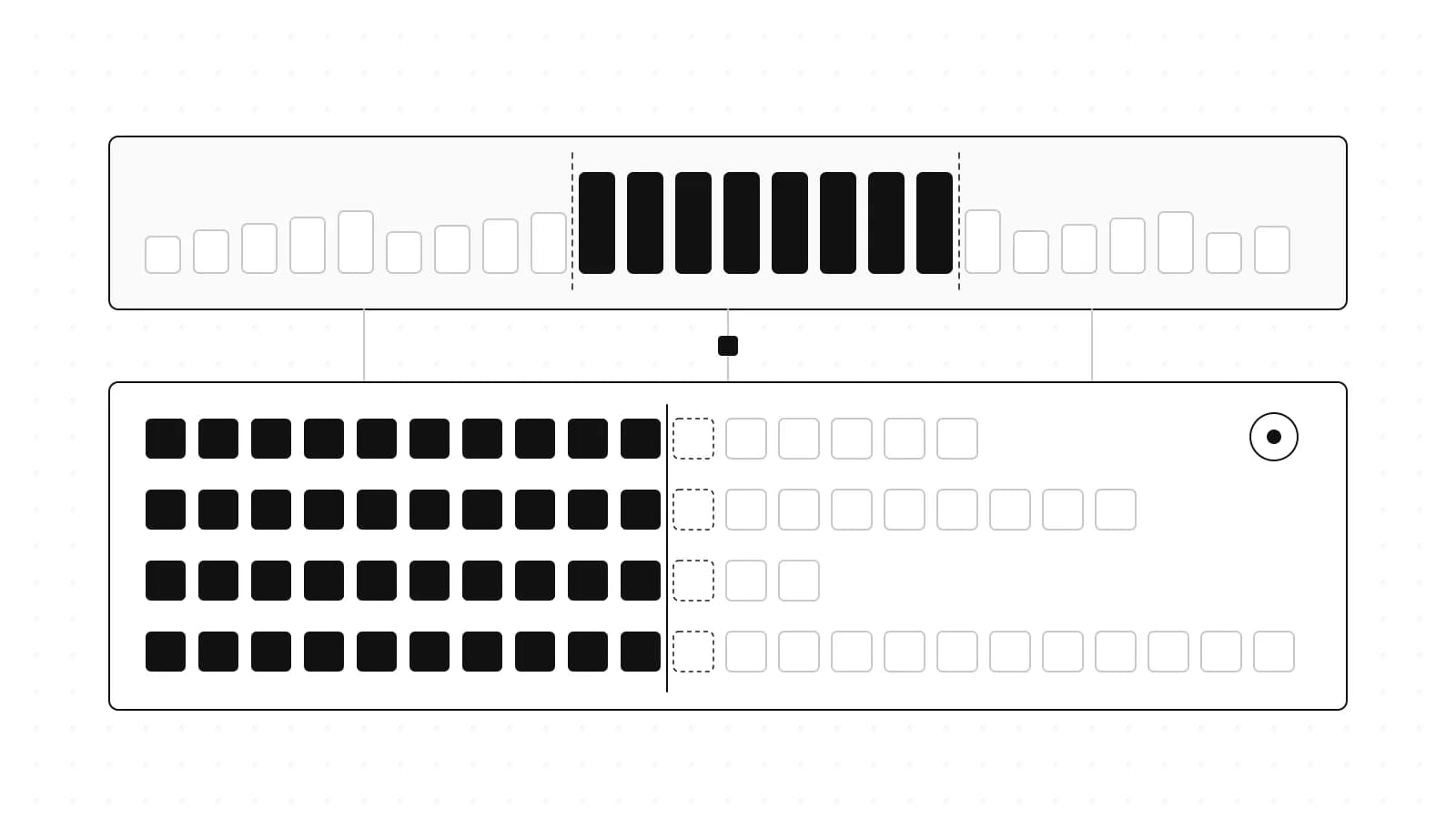
Each side chat inherits context from the main chat at the moment you spawn it. You can then take it in whatever direction you need - explore an alternative approach, research a library, debug a specific function - without polluting your main conversation.
Why This Matters#
Before v3.11, exploring tangents meant either:
- Cluttering your main chat with unrelated questions, making it harder to resume the original task
- Opening a new chat and losing all the context you'd built up
- Trying to remember to circle back to something you wanted to investigate
Side Chats solve the context problem. The main thread keeps running. You can fire off a quick question, get an answer, and either discard the side chat or pull its findings back into the main conversation with an @mention.
The workflow pattern Cursor is enabling:
Main: "Build the user authentication system"
  └─ Side 1: "@btw what's the best JWT library for Deno?"
  └─ Side 2: "@btw can you check if our current session middleware handles refresh tokens?"
Main: "Thanks @side-1, let's use jose. And @side-2 confirmed we need refresh token handling."
Each side chat is durable. You can close it, come back later, and continue the conversation. The @mention syntax pulls context from side chats into your main thread.
Conversation Search#
The second major feature: searchable agent history. Cursor now builds a local index of your past conversations.
Global search (Cmd+K in Agents Window): Search across all your past agent chats. This goes beyond filenames and PR numbers - you can search for concepts, error messages, or approaches you discussed weeks ago.
In-chat search (Cmd+F): Jump between search matches within a single conversation. The counter shows your position in results.
This addresses a real pain point. With heavy Composer usage, you accumulate hundreds of agent conversations. Finding "that chat where I figured out the Redis connection pooling issue" used to mean scrolling through history or relying on memory. Now you can search for "Redis pool" and find it.
Cloud Agent Hooks#
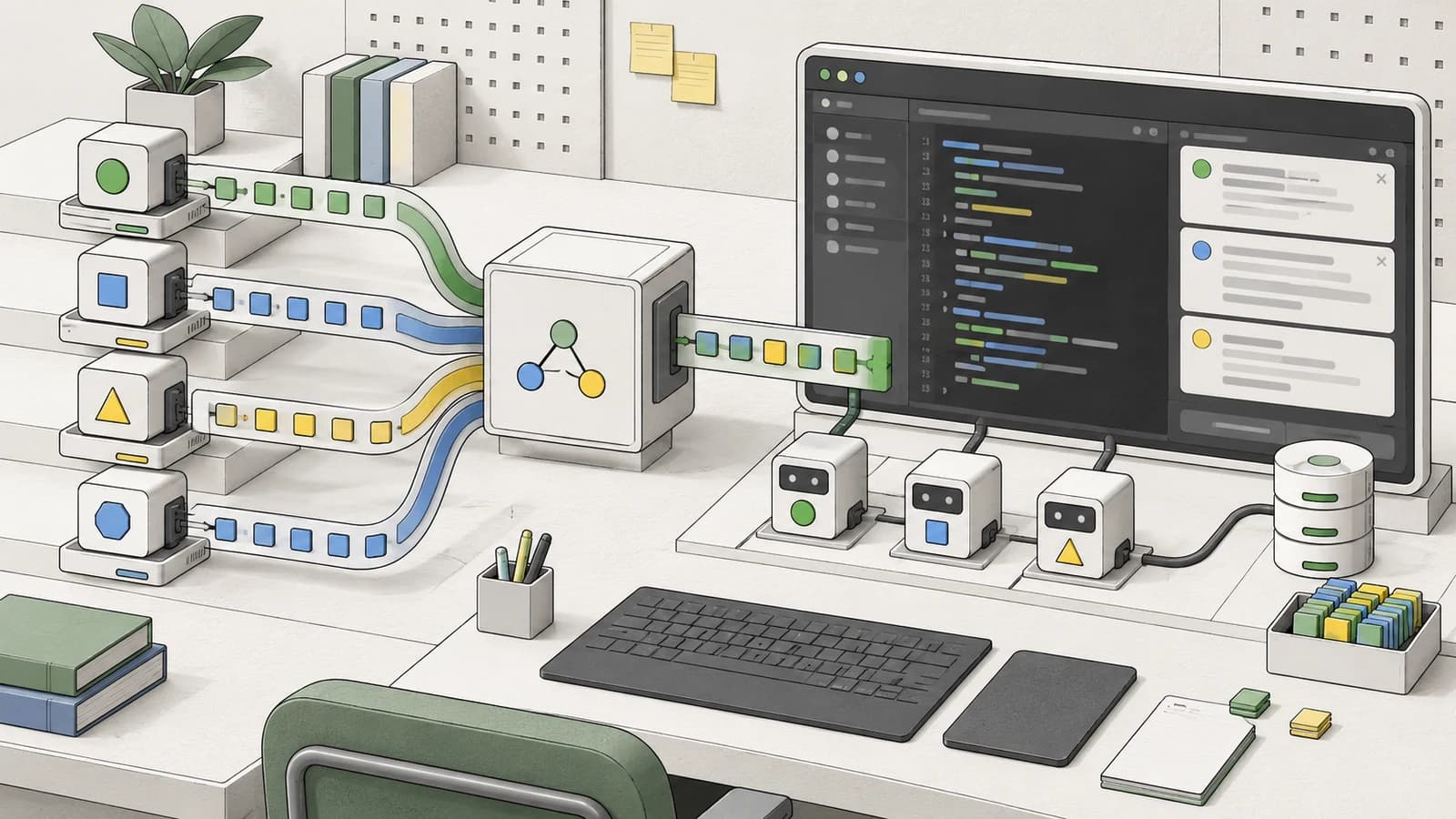
For teams building on top of Cursor's agent infrastructure, v3.11 adds programmable hooks:
| Hook | When It Fires |
|---|---|
beforeSubmitPrompt | Before your prompt is sent to the model |
afterAgentResponse | After the agent generates a response |
afterAgentThought | After each reasoning step (for extended thinking models) |
stop | When the agent stops for any reason |
subagentStart | When a subagent spawns |
These enable patterns like:
- Self-correcting loops: Intercept agent responses, run validation, and inject corrections
- Reasoning observation: Log agent thinking patterns for debugging or analysis
- Cost controls: Add guardrails before expensive operations
- Custom subagent orchestration: Control how and when subagents spawn
Hooks are configured in your project's .cursor/hooks.json and run in Cursor's cloud execution environment.
Redesigned Project and Repo Pickers#
Smaller but useful: the project and repo selection UI got an overhaul.
Consolidated workflows: Creating projects, connecting GitHub/GitLab/Azure DevOps, and switching repos all happen in the picker. No more bouncing between settings screens.
Scoped search: Search is now contextual - "This Computer," "Cloud," or specific remote machines. The old global search box sometimes surfaced confusing results mixing local and remote repos.
Branch picker defaults: Opens to your recent branches instead of alphabetical. Find "no repo" by typing "none" or "no repo."
Practical Workflow: Side Chat Patterns#
Here's how to get the most from Side Chats:
Pattern 1: Research Without Derailing#
You're in the middle of implementing a feature when you hit a library question:
Main: "Implement rate limiting on the /api/process endpoint"
Agent: [working on implementation]
You: /side what rate limiting libraries work with Hono?
The side chat researches options while your main chat continues the implementation. When ready, @mention the findings back.
Pattern 2: Debug Isolation#
Something's broken and you want to investigate without losing your main context:
Main: "The tests are passing but production throws a null reference"
You: /btw can you check the error handling in services/processor.ts?
The side chat digs into the specific file. If it turns out to be a red herring, close the side chat. If it finds the bug, pull the fix into main.
Pattern 3: Alternative Approaches#
You're not sure about the agent's suggested approach:
Main: "Let's use a recursive approach for the tree traversal"
You: /side what would the iterative version look like?
Compare both approaches without abandoning either conversation. Useful when you want to evaluate trade-offs before committing.
Pattern 4: Team Handoff Prep#
Preparing to hand off work to a colleague:
Main: [your ongoing implementation work]
You: /side summarize what we've built so far and what's left
Generate handoff documentation without interrupting your flow.
Keyboard Shortcuts#
| Action | Mac | Windows |
|---|---|---|
| New Side Chat | Cmd+Shift+N | Ctrl+Shift+N |
| Global Conversation Search | Cmd+K (in Agents Window) | Ctrl+K |
| In-Chat Search | Cmd+F | Ctrl+F |
| Next Search Match | Cmd+G | Ctrl+G |
| Previous Search Match | Cmd+Shift+G | Ctrl+Shift+G |
Pricing#
No pricing changes with v3.11. Side Chats consume requests from your existing plan allocation - Pro, Teams Standard, or Teams Premium.
Side chats run as full agent sessions, so they do count against your usage. If you're on the free tier, heavy side chat usage will hit limits faster. For paid plans, the additional flexibility is worth it.
Comparison: Cursor Side Chats vs VS Code Multi-Chat#
VS Code 1.128 shipped multi-chat Claude sessions a few days earlier (July 8, 2026). How do they compare?
| Feature | Cursor v3.11 | VS Code 1.128 |
|---|---|---|
| Parallel conversations | Yes (Side Chats) | Yes (Multi-Chat) |
| Spawn with command | /side, /btw | Fork from turn |
| Context inheritance | At spawn time | Full history fork |
| @mention back | Yes | Yes |
| Conversation search | Yes (Cmd+K) | Yes |
| Cloud hooks | Yes | No |
| Model selection | Per-chat | Per-chat |
The key difference: Cursor's Side Chats are designed for quick tangents - they inherit context at spawn but diverge immediately. VS Code's fork model preserves full history in both branches, which is heavier but useful for different scenarios.
FAQ#
Do Side Chats count against my usage limits?#
Yes. Each side chat is a full agent session and consumes requests from your plan.
Can I convert a Side Chat into a main chat?#
Not directly. You can create a new main chat and @mention the side chat content, or copy-paste key findings.
Do Side Chats persist after closing Cursor?#
Yes. Side chats are durable and stored locally. Reopen them from the Agents Window.
Can I use Side Chats with different models?#
Yes. Each side chat can use a different model than your main chat.
Do Cloud Agent Hooks work with Side Chats?#
Yes. Hooks fire for all agent sessions including side chats.
Is Conversation Search available on the free tier?#
Yes. Conversation Search is available on all plans.
Can I search across Side Chats?#
Yes. Global search (Cmd+K in Agents Window) indexes all conversations including side chats.
How many Side Chats can I have open?#
No documented limit. Practical limits depend on your system resources and usage patterns.
Continue Reading#
- 303 AI Skills for 12 Careers: The Free Directory
- Antigravity: Google''s Agentic Code Editor
- AWS Kiro Developer Guide: The Spec-Driven IDE That Replaced Amazon Q
- Kimi K2.7-Code Developer Guide: The Open-Source Coding Model Worth Running
- Qualcomm Modular Acquisition: What It Means for AI Developers
Sources#
Get the next deep dive like this in your inbox
One email a week on Cursor and the rest of the AI dev stack. Free.
Read next on Cursor
VS Code 1.128 Multi-Chat Claude Sessions: Developer Guide
VS Code 1.128 adds multi-chat for Claude agent sessions: run parallel conversations in one workspace, fork turns, compare approaches and monitor subagents.
7 min readCursor vs Devin Desktop (formerly Windsurf): The 2026 IDE Agent Decision
Cursor and Devin Desktop have converged on similar pricing but diverged hard on philosophy. Here is what actually matters when picking one for your team in 2026.
8 min readCursor vs Codex: IDE Agent vs Terminal and Cloud Agent for TypeScript
Cursor is editor-first. Codex is terminal, cloud, and PR-first. Here is when to use each for TypeScript projects.
5 min readNew here? Start with
Technical content at the intersection of AI and development. Building with AI agents, Claude Code, and modern dev tools - then showing you exactly how it works.