Prompt Caching in the Claude API: A Production Guide

TL;DR
Cut Claude API spend by up to 90% with prompt caching. Real numbers, TypeScript SDK code, and the gotchas Anthropic's docs gloss over.
Official Sources#
| Resource | Link |
|---|---|
| Prompt Caching Documentation | docs.anthropic.com/en/docs/build-with-claude/prompt-caching |
| Messages API Reference | docs.anthropic.com/en/api/messages |
| Anthropic SDK (TypeScript) | github.com/anthropics/anthropic-sdk-typescript |
| Anthropic Pricing | anthropic.com/pricing |
| Claude Models | docs.anthropic.com/en/docs/about-claude/models |
The 90% Discount Most Teams Are Leaving On The Table#
Every team I have looked at running Claude in production with a system prompt over 2k tokens is paying full freight on tokens they could be getting for a tenth of the price. Prompt caching has been generally available on the Anthropic API for over a year, and it is still the single biggest cost lever most apps have not pulled. Once you set it up correctly, cached input tokens cost about 10% of normal input tokens on read, and your time-to-first-token on a long-context call drops from seconds to a few hundred milliseconds.
This guide is the version of the docs I wish I had the first time I shipped a caching layer to production. We will cover what the cache actually does, when it pays off, the SDK code you should ship, the cache-invalidation footguns, and how to monitor hit rate so you actually realize the savings instead of assuming them.
We covered the basics in our Prompt Caching Explained video on YouTube. This post is the long-form, production-grade companion.
What Prompt Caching Actually Does#
Anthropic's prompt cache is a server-side, ephemeral cache keyed on the exact byte sequence of your prompt prefix. When you mark a block with cache_control: { type: "ephemeral" }, the API stores the model's internal state at that breakpoint. The next request that arrives within the TTL with the same prefix up to that breakpoint hits the cache.
There are two TTL options:
- 5-minute cache - default, no extra cost on write, ~10% of input cost on read
- 1-hour cache - costs 2x normal input on write, ~10% of input on read
Cache writes are slightly more expensive than a normal call. Cache reads are dramatically cheaper. The math is simple: if you reuse the same prefix more than once or twice within the TTL window, caching wins. If you do not, it loses.
What the docs do not loudly say:
- The cache is a prefix cache. It matches from the start of your messages array. Change a single token before a cache breakpoint and the entire downstream cache is invalidated.
- You get up to four cache breakpoints per request. Most apps need two: one after the system prompt, one after the static document context.
- Cache hits are not all-or-nothing. A request can hit the first breakpoint, miss the second, and you pay the cache-read price for the first chunk plus the cache-write price for the second.
- The minimum cacheable block is 1024 tokens for Sonnet and Opus, 2048 for Haiku. Cache anything smaller and you silently pay normal price.
When Caching Wins, And When It Is Just Overhead#
The break-even is roughly: if a prefix is reused more than once or twice within five minutes, cache it. If you are running Fable 5, the prompt caching economics on Fable 5 post works through this break-even at its specific cache-write and cache-hit rates. Specific scenarios where the ROI is obvious:
- Long system prompts and skills. Anything over 2k tokens that ships on every call.
- RAG with stable document context. Retrieved chunks that are the same across a multi-turn conversation.
- Multi-turn chat. The conversation history grows; the early turns are stable. Cache up to the last assistant turn.
- Batch document analysis. Same instructions, different documents. Cache the instructions.
- Agent loops. Tool definitions and the system prompt are identical across iterations.
Where caching is overhead:
- One-shot single-user queries where the prompt will not repeat.
- Highly dynamic prompts where every request changes the early tokens (e.g., putting a timestamp at the top of the system prompt - yes, people do this).
- Sub-1024-token prompts. Below the floor, it is a no-op.
The TypeScript Code You Should Actually Ship#
Here is a minimal but production-shaped example using the official Anthropic SDK. It caches a long system prompt and a static knowledge-base block, leaving the user message uncached.
TypeScript
import Anthropic from "@anthropic-ai/sdk";

const client = new Anthropic();

const SYSTEM_PROMPT = `You are a senior support engineer for Acme Cloud.
Answer using only the provided knowledge base. Cite section IDs.
[... 3000 more tokens of policy, tone, and examples ...]`;

const KNOWLEDGE_BASE = await loadKnowledgeBase(); // ~15k tokens, stable per deploy

export async function answer(userMessage: string) {
  const response = await client.messages.create({
    model: "claude-sonnet-4-5",
    max_tokens: 1024,
    system: [
      {
        type: "text",
        text: SYSTEM_PROMPT,
        cache_control: { type: "ephemeral" },
      },
      {
        type: "text",
        text: KNOWLEDGE_BASE,
        cache_control: { type: "ephemeral" },
      },
    ],
    messages: [{ role: "user", content: userMessage }],
  });

  // Inspect cache usage on every response
  console.log({
    cache_creation: response.usage.cache_creation_input_tokens,
    cache_read: response.usage.cache_read_input_tokens,
    input: response.usage.input_tokens,
    output: response.usage.output_tokens,
  });

  return response;
}
Two breakpoints, two cache layers. The first request after a deploy pays the write cost on both blocks. Every subsequent request inside five minutes reads both at ~10% of input price.
For a multi-turn chat, you want a third breakpoint on the last assistant message so the growing conversation history caches as it goes:
TypeScript
const messages = history.map((m, i) => {
  const isLastAssistant =
    m.role === "assistant" && i === history.length - 1;
  return {
    role: m.role,
    content: isLastAssistant
      ? [{ type: "text", text: m.content, cache_control: { type: "ephemeral" } }]
      : m.content,
  };
});
This is the pattern used by every production chat app shipping on Claude. It keeps the rolling conversation cached without burning a breakpoint per turn.
From the archive
RAG with Claude: Add Context Without Retraining
Apr 29, 2026 • 10 min read
SAM 3.1: Realtime Video Segmentation in Apps
Apr 29, 2026 • 10 min read
Self-Hosting AI Agents: 5 Ways to Run Claude Code on Your Own Infra
Apr 29, 2026 • 13 min read
Shipping OpenAI Symphony in Prod: A Real-World Guide
Apr 29, 2026 • 12 min read
Production Gotchas We Have Hit#
1. Whitespace and JSON ordering. If your system prompt is built from a template that re-serializes a JSON object, key ordering can change between requests and silently kill the cache. Lock down your serializer or feed strings, not objects.
2. Timestamps in system prompts. "Today's date is 2026-04-29" at the top of the system prompt is a cache killer for every request from the next day onward. Move it into the user message or a separate uncached block at the end of the system array.
3. Tool definitions count as part of the prefix. If you reorder tools, you invalidate the cache. Sort tools deterministically.
4. The 5-minute TTL is rolling. Each cache hit refreshes the TTL. A high-traffic prompt stays warm forever. A low-traffic one dies between requests, and you pay write cost again. For prompts you call less than once every five minutes but want kept warm, use the 1-hour TTL even though the write cost is 2x - the math still wins above ~12 reads in an hour.
5. Streaming responses still report cache stats. They arrive in the final message_delta event. Do not assume cached calls skip usage reporting.
6. Cache misses on "obviously identical" prompts. Almost always one of: trailing whitespace, a Unicode normalization difference, a model version change, or a different max_tokens. The cache key includes more than just the text.
Caching Inside RAG Pipelines#
The mistake teams make with RAG plus caching is caching the wrong thing. The retrieved chunks are usually the most dynamic part of the prompt. The instructions and tool list are the most static. Cache those.
A clean layering for a RAG agent:
- Layer 1 (rarely changes): system prompt, persona, tool definitions
- Layer 2 (changes per session): user profile, account context, project metadata
- Layer 3 (changes per query): retrieved chunks
- Layer 4 (uncached): the user message itself
You get two breakpoints on Layer 1 and Layer 2. Layer 3 is fresh per query, no breakpoint. Layer 4 is just the user message. This pattern routinely takes a 25k-token RAG call from $0.075 input cost to about $0.012 on cache hits, with sub-second time-to-first-token.
Monitoring Cache Hit Rate, Or You Did Not Actually Save Anything#
The most common failure mode is shipping caching, declaring victory, and never noticing your hit rate is 30% because some request path is breaking the prefix. You need observability from day one. Every response includes usage.cache_creation_input_tokens and usage.cache_read_input_tokens - log both, then aggregate.
A useful metric is cache hit ratio:
Code
hit_ratio = cache_read_tokens / (cache_read_tokens + cache_creation_tokens + uncached_input_tokens)
A healthy production prompt should sit above 0.85. Below 0.6, something is breaking the prefix and you should investigate. We built CodeBurn specifically to surface this metric across runs, and the same pattern works inside any FinOps dashboard you already have. The 400-Dollar Overnight Bill post-mortem walks through what happens when you do not.
Set an alert when hit ratio drops below a threshold for any prompt template. Almost every cache regression we have shipped was caught this way: a deploy added a new dynamic field to the system prompt, and the alert fired within an hour.
Scaling To Multi-User, Multi-Agent Systems#
The cache is scoped to your API organization, not per-user. Two users hitting the same prompt prefix share the cache. This is great for shared system prompts and tool definitions. It is dangerous for anything that should be user-isolated.
Concrete patterns:
- Shared layer first, user layer second. Put the org-wide system prompt in the first cache block, the per-user context in the second. The first block has a much higher hit rate across all users.
- Per-agent prompts in agent swarms. If you run N agents with different system prompts, each one gets its own cache. Keep prompts deterministic across agent restarts.
- Concurrent requests do not collide. Two requests with the same prefix arriving at the same time both pay the write cost on the first call, then both read on subsequent. There is no thundering-herd protection. For very high-traffic prompts, a warm-up call on deploy is cheap insurance.
Production Checklist Before You Ship#
- System prompt over 1024 tokens, marked with
cache_control - Static knowledge / tool definitions in a second cache block
- No timestamps, request IDs, or non-deterministic content above any cache breakpoint
- Tool list sorted deterministically
- Cache hit ratio logged to metrics
- Alert configured for hit ratio below 0.6
- Decided 5-minute vs 1-hour TTL based on call frequency
- Tested cache stats on a smoke-test request after every deploy
Prompt caching is the closest thing to a free lunch in the Claude API. It is also the easiest optimization to ship broken and never notice. Get the breakpoints right, monitor the hit ratio, and you will pay roughly an order of magnitude less for the same workload.
For more on optimizing Claude in production, see our writeups on tool use patterns and building MCP servers.
FAQ#
How much does Claude prompt caching actually save?#
Cached input tokens cost approximately 10% of the normal input token price when read from cache. For a typical production workload with a 15k-token system prompt that achieves an 85%+ cache hit rate, you can expect to save 70-90% on input token costs for those cached portions. The exact savings depend on your hit rate, prompt size, and whether you use the 5-minute or 1-hour TTL option.
What is the minimum token count for prompt caching to work?#
The minimum cacheable block is 1024 tokens for Claude Sonnet and Opus models, and 2048 tokens for Claude Haiku. If your system prompt or cached block is smaller than this threshold, the cache control annotation is silently ignored and you pay full price. This is why caching is most effective for longer system prompts, knowledge bases, and tool definitions.
Why is my cache hit rate low even with caching enabled?#
The most common causes of low cache hit rates are: timestamps or request IDs appearing before cache breakpoints, non-deterministic JSON serialization changing key order between requests, trailing whitespace differences, tool definitions being reordered between calls, or Unicode normalization differences. The cache key is an exact byte-sequence match, so even invisible differences invalidate the cache. Log cache_creation_input_tokens and cache_read_input_tokens on every response to diagnose.
How many cache breakpoints can I use per request?#
You can use up to four cache breakpoints per request. Most production applications need two: one after the system prompt and one after static document context or tool definitions. For multi-turn chat, a third breakpoint on the last assistant message lets the conversation history cache as it grows. Cache hits are not all-or-nothing - a request can hit the first breakpoint, miss the second, and you pay read price for the first chunk plus write price for the second.
Should I use the 5-minute or 1-hour TTL for prompt caching?#
Use the 5-minute TTL (default) for high-traffic prompts called more than once per 5 minutes. The 5-minute TTL costs nothing extra on write. Use the 1-hour TTL for lower-traffic prompts that still benefit from caching - it costs 2x normal input on write but still 10% on read. If you get more than roughly 12 reads per hour, the 1-hour TTL pays for itself even with the higher write cost. The 5-minute TTL is rolling and refreshes on each hit, so consistently accessed prompts stay warm indefinitely.
Does prompt caching work with streaming responses?#
Yes. Streaming responses report cache statistics in the final message_delta event. You get the same cache_creation_input_tokens and cache_read_input_tokens fields as with non-streaming calls. The cost savings are identical regardless of whether you stream the output.
Is the prompt cache shared across users in my application?#
Yes. The cache is scoped to your API organization, not per-user or per-request. Two different users hitting the same prompt prefix share the cache, which is excellent for maximizing hit rates on shared system prompts and tool definitions. For multi-tenant applications, put the org-wide system prompt in the first cache block and per-user context in the second - the shared layer achieves a much higher hit rate across all users.
How do I know if prompt caching is actually working?#
Monitor the usage.cache_creation_input_tokens and usage.cache_read_input_tokens fields returned in every API response. Calculate your cache hit ratio as cache_read_tokens / (cache_read_tokens + cache_creation_tokens + uncached_input_tokens). A healthy production prompt should have a hit ratio above 0.85. Set an alert for when hit ratio drops below 0.6 to catch regressions early. The first request after a deploy or cache expiry will show cache creation tokens; subsequent requests within the TTL should show cache read tokens.
Read next
Prompt Caching Economics on Fable 5: When the 5-Minute TTL Pays
Fable 5 prompt caching economics: cache-write vs cache-read pricing, 5-minute vs 1-hour TTL break-even math, and worked agent-loop examples.
10 min readClaude Batch API: Cutting Async Workload Costs In Half
How to ship Claude's Batch API in production. 50% cost savings, TypeScript SDK code, JSONL request format, and the async architecture gotchas that bite at 100k requests.
11 min readExtended Thinking in Claude: When Deep Reasoning Pays For Itself
A production guide to Claude's extended thinking mode. Real cost math, TypeScript SDK code, and the tasks where reasoning tokens are worth 3x the spend.
12 min readShare
Developers Digest
Technical content at the intersection of AI and development. Building with AI agents, Claude Code, and modern dev tools - then showing you exactly how it works.
300+ videos30K+ GitHub stars850+ articles
Related Tools
AI Coding
Z
Zed
High-performance code editor built in Rust with native AI integration. Sub-millisecond input latency. Built-in assistant...
View ToolAI FrameworksNew

Claude Agent SDK
Anthropic's Python SDK for building production agent systems. Tool use, guardrails, agent handoffs, and orchestration. R...
View ToolAI Models
Claude Haiku 4.5
Anthropic's smallest Claude 4.5 model. Near-frontier coding performance at one-third the cost of Sonnet 4 and up to 4-5x...
View ToolInfrastructure

Turborepo
Vercel's high-performance monorepo build system. Remote caching, task pipelines, and incremental builds. Drop into any p...
View ToolApps from Developers Digest
Related Guides
Guide
Prompt Caching - Claude Code
Automatic reuse of cached context for substantial cost reduction.
Claude CodeGuide
Interactive Mode - Claude Code
Real-time prompt loop with history, completions, and multiline input.
Claude CodeGuide
Claude Code Setup Guide
Configure Claude Code for maximum productivity -- CLAUDE.md, sub-agents, MCP servers, and autonomous workflows.
AI AgentsRelated Videos
Prompt Caching: Anthropic Claude 3.5 Sonnet's Game-Changing Update!
In this video, we delve into Anthropic's latest release—prompt caching with Claude—right after Google's context caching announcement for Gemini 1.5. We explore the benefits of this technology,...
Video·

OpenAI Realtime Voice API: A 7-Minute Getting Started Guide
In this video, I guide you through setting up the new OpenAI real-time API, which promises new interactive possibilities for developers with its web socket-based architecture. You will learn...
Video·

Groq API: Quick Guide with 5 Examples - Groq SDK, Langchain, LlamaIndex, OpenAI SDK, Vercel
In this video, I dive deep into the Groq Inference API, which I've found to be the fastest inference API out there. I share my insights on the various approaches to leveraging this API, focusing...
Video·
Related Posts
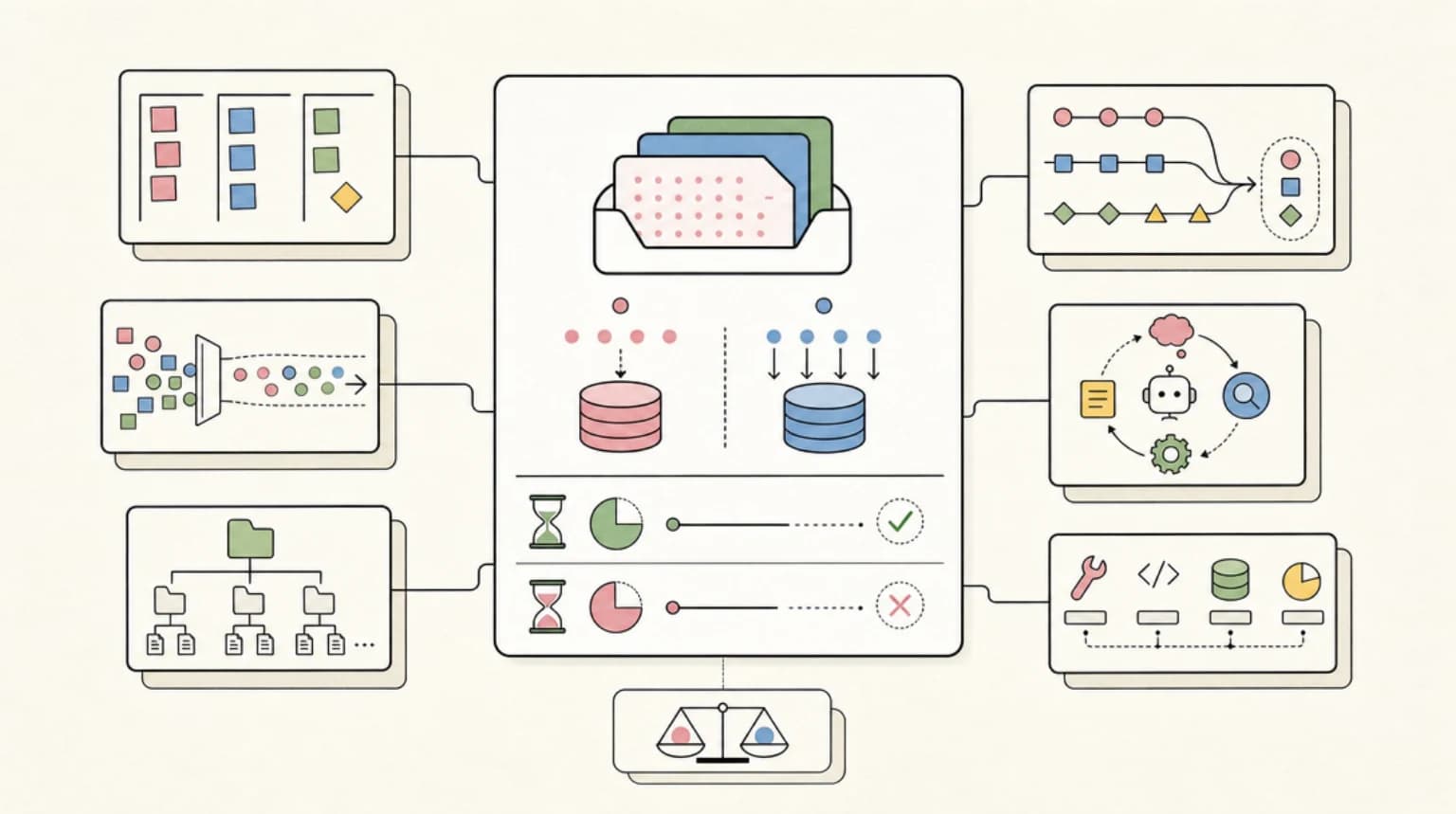
10 min read
Claude API
Prompt Caching Economics on Fable 5: When the 5-Minute TTL Pays
Fable 5 prompt caching economics: cache-write vs cache-read pricing, 5-minute vs 1-hour TTL break-even math, and worked...
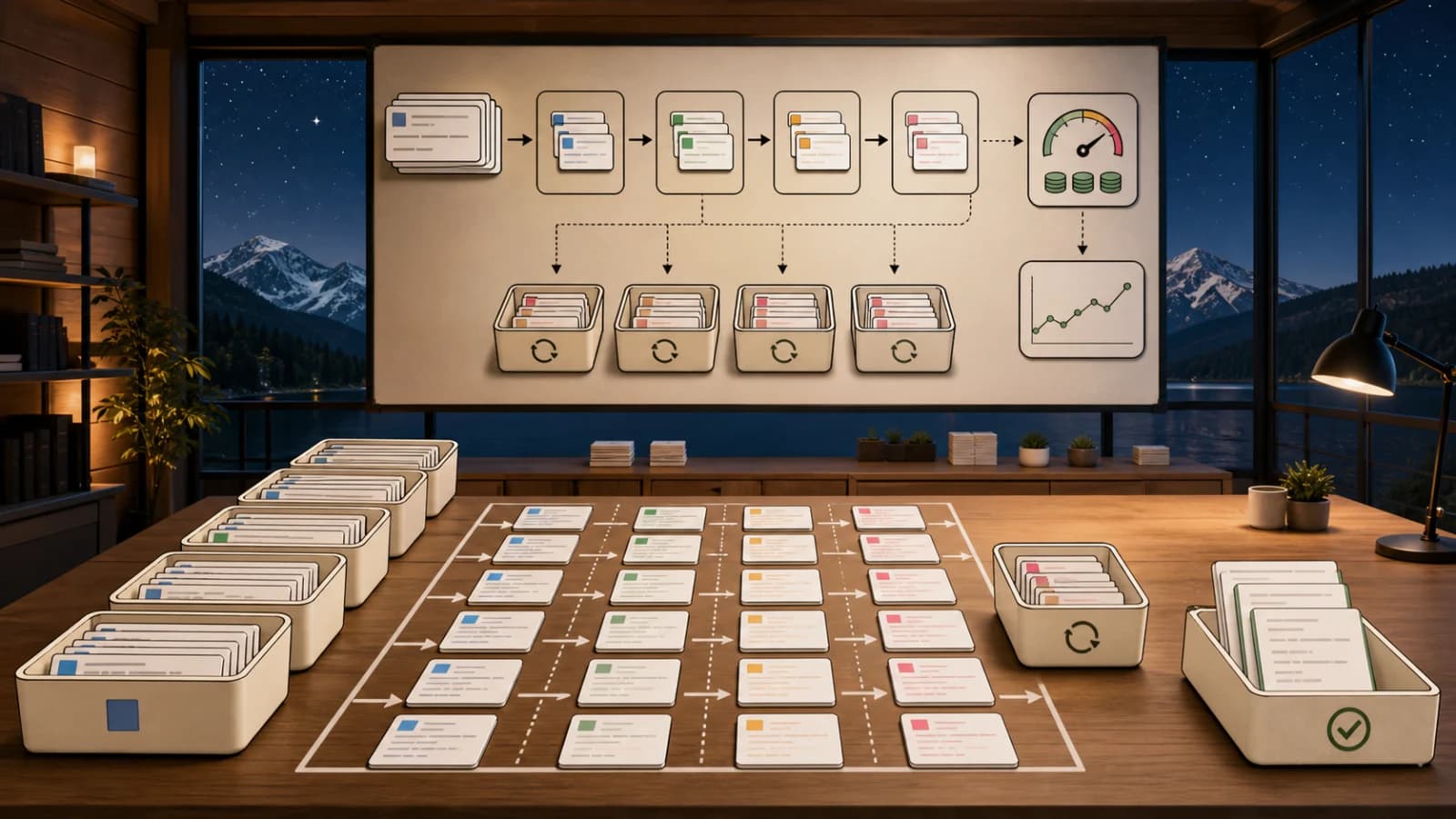
11 min read
Claude API
Claude Batch API: Cutting Async Workload Costs In Half
How to ship Claude's Batch API in production. 50% cost savings, TypeScript SDK code, JSONL request format, and the async...

12 min read
Claude API
Extended Thinking in Claude: When Deep Reasoning Pays For Itself
A production guide to Claude's extended thinking mode. Real cost math, TypeScript SDK code, and the tasks where reasonin...

13 min read
Claude API
Claude Vision API: Image Analysis At Production Scale
How to ship Claude's vision API in production. OCR, charts, UI audits, real cost numbers, TypeScript SDK code, and the g...

12 min read
Claude API
Tool Use in the Claude API: Production Patterns for Reliable Agents
Master tool use in the Claude API. Schema design, retry logic, multi-step loops, and the failure modes that only show up...

6 min read
News
The Harness Is the New Cost Lever: Databricks' Benchmark and Pi's Context Discipline
Databricks measured the same model through different coding harnesses and found cost per task varied more than 2x at ide...
Build with the member tools

Get Smarter About AI Dev
New tutorials, open-source projects, and deep dives on coding agents - delivered weekly.
One email per weekReal code, not theoryFree forever