Local AI
J
Jan
Open-source ChatGPT alternative that runs models fully offline. Desktop app with local models, cloud API connections, custom assistants, and MCP integration. Apache 2.0 licensed.
Try JanVisit jan.aijan.ai
Share
Jan is an open-source alternative to ChatGPT that runs open-source AI models entirely offline on your computer, or connects to remote providers like OpenAI, Anthropic, Mistral, Groq, and MiniMax with your own API key when you want them. A llama.cpp engine ships inside the app and runs open models from Hugging Face such as Llama, Gemma, Qwen, and gpt-oss. Key features include custom assistants with specialized system prompts, a Local API Server with an OpenAI-compatible gateway for app integration, and Model Context Protocol support for agentic capabilities. Available on Windows, macOS, and Linux under the Apache 2.0 license; since v0.8.5, local models on macOS need Apple Silicon. For developers who want an open-source, privacy-first chat interface that works with both local and cloud models, Jan bridges both worlds cleanly.
Jan at a glance
Last verified
- Pricing
- Jan desktop app - free and open source under Apache 2.0
- Remote models - pay the provider directly with your own API key (OpenAI, Anthropic, Mistral, Groq, MiniMax, and others)
- Install
curl -fsSL https://delta.jan.ai/jan-cli/install-jan-agent.sh | bashirm https://delta.jan.ai/jan-cli/install-jan-agent.ps1 | iex- Models
- Runs open models from Hugging Face (Llama, Gemma, Qwen, gpt-oss and others) on a llama.cpp engine that ships inside the app, or connects to remote providers such as OpenAI, Anthropic, Mistral, Groq, and MiniMax. You choose a model from the hub or under Settings > Model Providers. Since v0.8.5, local models on macOS need Apple Silicon.
- Recent changes
- v0.8.6 hotfix fixes Linux AppImage crashes on model load, CUDA failures on NVIDIA Turing GPUs (GTX 16xx, RTX 20xx), and a Qwen3.8 MTP slowdown. Images returned by MCP tools now reach the model as images.
- v0.8.5 bundles the llama.cpp engine (0.5.0) in the installer and runs it in its own worker process. It stops loading local models on Intel Macs, moves the jan CLI to a separate install, and enforces Trusted Hosts when the Local API Server is bound to 0.0.0.0.
- v0.8.4 moves provider settings and credentials out of localStorage into a backend store, with secrets in the OS keyring. It also adds an OpenAI-compatible translating gateway with Responses API support.
Sources: jan.ai, janhq/jan README, janhq/jan releases, Jan Agent quickstart
Similar Tools
Local AI
Ollama
The easiest way to run LLMs locally. One command to pull and run any model. OpenAI-compatible API. 52M+ monthly downloads. Supports GGUF, Safetensors, and custom Modelfiles.
Local AI
LM Studio
Desktop app for discovering, downloading, and running local LLMs. Clean chat UI, OpenAI-compatible API server, and automatic GPU detection. MLX engine optimized for Apple Silicon.
Local AI
G
GPT4All
Private local AI chatbot by Nomic. MIT licensed with 77K+ GitHub stars. LocalDocs lets you chat with your own files. Runs on Windows, macOS, and Linux; latest release is v3.10.0 from February 2025.
Local AI
L
LocalAI
Open-source OpenAI API replacement. Runs LLMs, vision, voice, image, and video models on any hardware, no GPU required. 60+ backends. Distributed mode for scaling.
Get started with Jan
Open-source ChatGPT alternative that runs models fully offline. Desktop app with local models, cloud API connections, custom assistants, and MCP integration. Apache 2.0 licensed.
Try JanGet weekly tool reviews
Honest takes on AI dev tools, frameworks, and infrastructure - delivered to your inbox.
Subscribe FreeMore Local AI Tools
Ollama
The easiest way to run LLMs locally. One command to pull and run any model. OpenAI-compatible API. 52M+ monthly downloads. Supports GGUF, Safetensors, and custom Modelfiles.
LM Studio
Desktop app for discovering, downloading, and running local LLMs. Clean chat UI, OpenAI-compatible API server, and automatic GPU detection. MLX engine optimized for Apple Silicon.
G
GPT4All
Private local AI chatbot by Nomic. MIT licensed with 77K+ GitHub stars. LocalDocs lets you chat with your own files. Runs on Windows, macOS, and Linux; latest release is v3.10.0 from February 2025.
Related Guides
Guide
Claude Code Setup Guide
Configure Claude Code for maximum productivity -- CLAUDE.md, sub-agents, MCP servers, and autonomous workflows.
AI AgentsGuide
MCP Servers Explained
What MCP servers are, how AI clients like Claude Code call their tools, how to add one through .mcp.json, and how to build your own in TypeScript.
AI AgentsGuide
Claude Code Complete Course
A complete, citation-backed Claude Code course with setup, prompting systems, MCP, CI, security, cost controls, and capstone workflows.
ai-developmentRelated Posts
8 min read
ai-agents
Muse Spark Open Weights: 816B Model, Benchmarks, and How to Run It
Meta released Muse Spark Open weights on October 15, 2026: 816B total, 42B active, 1M context. Run recipes, hardware flo...
7 min read
ai-models
Cactus Needle 2: The 14MB Agentic LLM That Runs on a Raspberry Pi 5
Cactus open-sourced Needle 2, a 45M-parameter agentic LLM in a single 14MB binary that runs a full tool-calling session...
8 min read
ai-models
Muse Glimmer 30B: Meta's Open-Weight Local Agent Model, Benchmarks, and Hardware Reality
Muse Glimmer 30B is Meta's Apache 2.0 open-weight multimodal agent model that runs in 24GB. Benchmarks, hardware reality...

7 min read
security
Perplexity Bumblebee: Developer Guide to the Open Source Supply Chain Scanner
Perplexity Bumblebee: an open source, read-only Go scanner that checks packages, editor extensions and MCP configs again...
11 min read
opencode
OpenCode Developer Guide: The Open Source AI Coding Agent with 160K Stars
OpenCode developer guide - install the open source, model-agnostic AI coding agent, pick models across 75+ providers and...
8 min read
ai
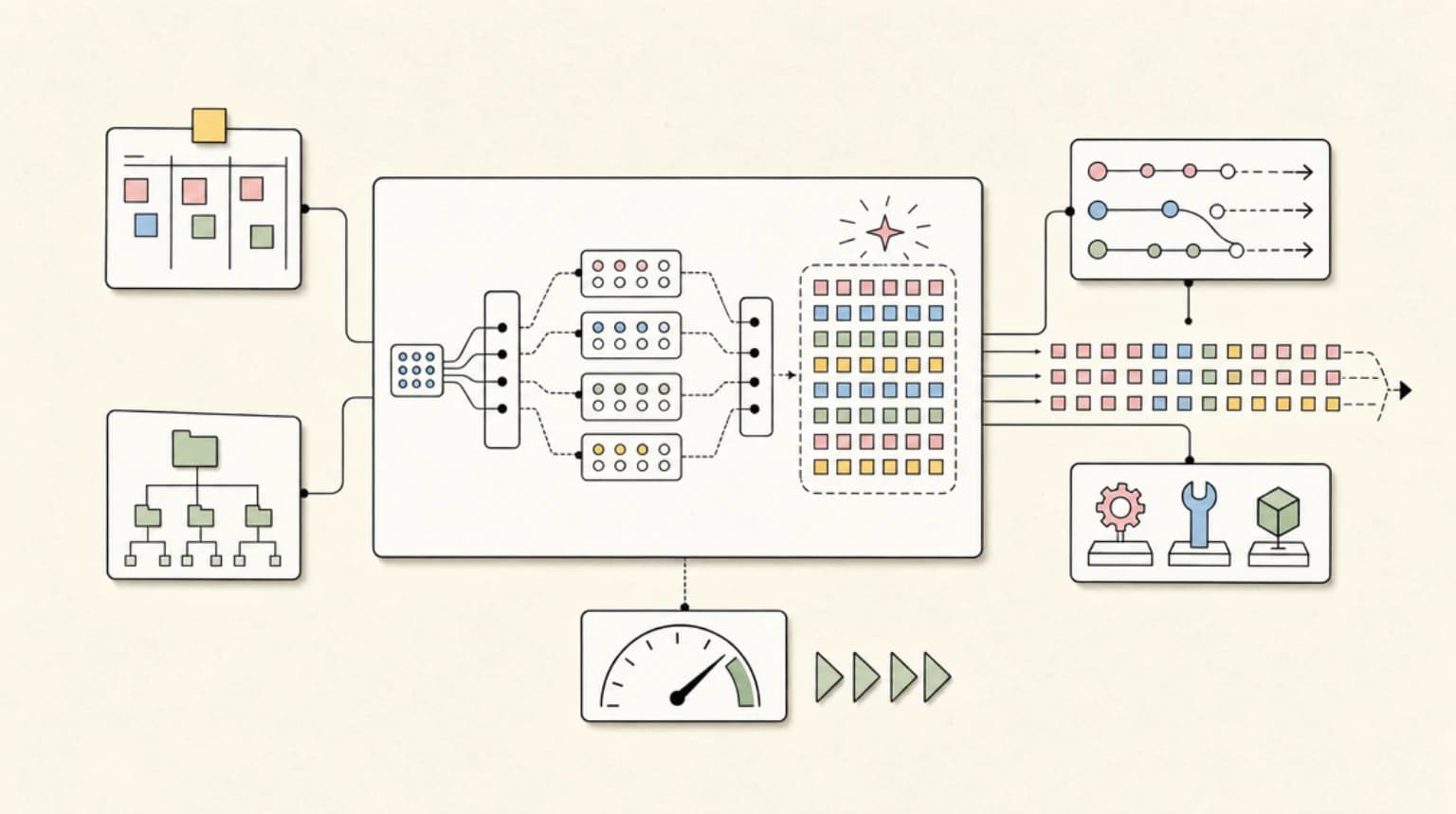
DiffusionGemma: Google Bets Diffusion Can Make Text Generation 4x Faster
DiffusionGemma is Google's 26B MoE open model that generates 256-token blocks in parallel. What diffusion generation mea...
Try the member tools free

Get Smarter About AI Dev
New tutorials, open-source projects, and deep dives on coding agents - delivered weekly.
One email per weekReal code, not theoryFree forever