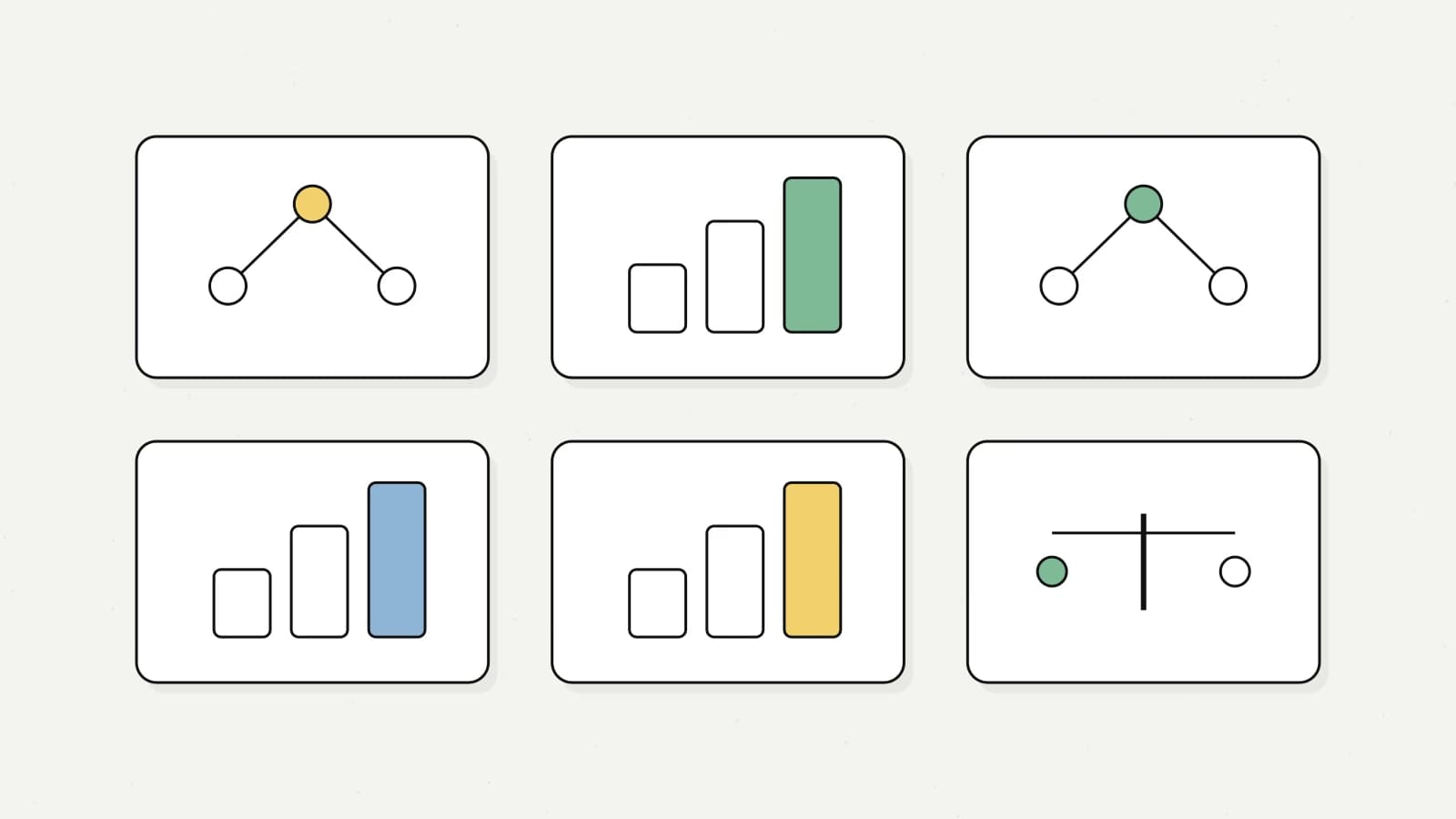
Use OpenAI's O1, GPT-4o, Anthropic Claude Sonnet, Claude Haiku, Gemini Flash, Gemini Pro, Perplexity and More for Optimizing AI Model Selection for Price, Speed, and Quality in AI Applications Introduction to Not Diamond: Optimizing AI Model Selection for Price, Speed, and Quality In this video, I walk you through getting started with Not Diamond, a state-of-the-art model router. I'll demonstrate how this tool provides immediate responses by choosing the best pre-determined model based on factors like price, speed, or quality. You'll learn how to integrate models such as Gemini 1.5 Flash/Pro, O1 Preview, and GPT-4.0, and how to optimize their usage through Not Diamond's system. We'll explore the flexibility of the create and model select methods, and I'll show practical examples of how to implement these features in a project. By the end, you'll know how to set up Not Diamond to enhance the performance and cost-efficiency of your applications. Subscribe for more advanced use cases in the future! 00:00 Introduction to Not Diamond 00:16 Optimizing for Price, Speed, or Quality 00:40 Live Demonstration of Not Diamond 02:11 Customizing Your Model Router 03:02 Getting Started with Not Diamond 05:20 Advanced Setup and Examples 06:08 Step-by-Step Guide to Building with Not Diamond 10:50 Conclusion and Next Steps
--- type: transcript date: 2024-11-08 youtube_id: 9BPIvYfwBXY --- # Transcript: Not Diamond: AI Model Routing in 11 Minutes in this video I'm going to be showing you how to get started with not Diamond which is a state-of-the-art model router what the model router from not Diamond allows you to do as soon as you send in the query within milliseconds you'll get a response back on which is the best model of the models that you've predetermined to use at time of inference what you can do with this is you can optimize for Price speed or quality so let's just take the price example for instance say you want to incorporate a number of different models let's say you want to incorporate the Gemini 1.5 flash model as well as1 preview and maybe something like GPD 40 as you can see the variance in price between these models is pretty dramatic between 10 cents and $26 per million tokens so if I just demonstrate this if you head on over to chat. notd do.ai you'll be able to try this out for free let's ask a query of what is the news it's giving us a response about election day in this example what determined the correct model to use for this type of query was perplexity which is arguably the right answer because for a lot of llms if we would have sent this into something like GPD 40 or 01 mini it wouldn't have the context of recent events for instance let's just ask it a complicated question and the important thing to not with not diamond is this isn't a proxy you don't need to put in your API keys this isn't routing directly to them they're going to send back to you a payload with the model provider as well as the model that the model router determines that you should use within the application so in this example it was determined to use GPT 40 and we can see the cost here as well one thing that I really want to emphasize which I think is a really powerful feature with not diamond is you're able to optimize whether it's for Quality speed or price and over the life cycle of your application or product this could potentially change you might be optimizing for the quality at first and then realize that it can be very expensive to use some of these Frontier models another thing to note with model rading and quality in particular is when you combine all of these different Frontier models together you can actually get better performance than having each of these models individually as you can see here you can see the metrics of MML well as human AAL and when combined together with something like son 3.5 as well as GPT 40 Etc you're able to get better results across the board by using model routing another great thing with KN diamond is you can also train your own custom model router say you have a set of evaluation data and you're able to determine that certain models perform well on certain tasks depending on your use case is you can actually send in that information and have a model router tailored to your potential use case so for instance if we go back to chat. diamond. a if you see these thumbs up and thumbs down icons like you're probably seen on something like chat GPT or anthropics CLA if you have something like this within your application you can have your users determine what is a good response or what is a bad response if you collecting that data you're going to be able to determine which models perform better on which task what you can do is you can just start using their API today then as you begin to collect more data on what the preferred responses are in your application you'll be able to ultimately train your own own model router for your particular use case to get started with not Diamond you can go to docs. diamond. and within the quick start this is where I'd encourage you on where to get started they have both a python as well as a typescript SDK and then all that you need to get started is a notd API key which you'll be able to get for free from there you need at least one API key from one of the providers that you're going to be using effectively the way that this is going to work is very similar to something like the opening isk you're going to send in your messages array just like you typically would from there you can determine which models you want to use say if you want to use gp40 and GPT 40 mini as well as CLA 3.5 Sonet within their documentation you can check out all of the different models that are supported within here and they basically have everything for the frontier models they have the open AI models they have the anthropic models Google mistol replicate together as well as perplexity and cohere and then they also have the ability where you can send them a note if you want to see particular models listed in here as well one important difference I do want to distinguish is the difference between model select as well as create in that example that I just showed you if you do want to stream out those results just like you would within something like the open a SDK or the anthropic SDK you can do so by invoking the create method but let's just say you already have something like an SDK that you're using or you're using something like Lang chain or llama index or what have you and you just want to have the model router sit in front of the logic that you already have in that case you could use the model select within model select what this will do is it will return a payload to you and it will specify the provider to use as well as the model to use so another nice use case with this is say if you want to use something like function calling or structured outputs those are still supported and what you'll be able to do is if you have a particular query that involves a needing function invocation is you'll be able to Route it to the respective model based on that query and if you've used anything like structured outputs or function calling before you will know that these vary greatly between the different models being able to have this capability built in it goes without saying that it is incredibly useful now there are a handful of great examples within here say if you want to build a chat application a rag application an a gentic workflow or a handful of other examples there are a bunch within here where you can check out on how you can get started now I want to demonstrate not Diamond within an application that I've been building so in this case I sent in a hollow World basic example I didn't need an expensive llm call for something like hello world but if I say build a react component for a more advanced query we see that it roted to gp40 so here we see our react component and it rendering on the screen so if I put in another query and I say add in a header footer as well as a purple and black linear gradient we see there's our linear gradient and we have a header or footer but now if I go back to a simple question and I say hi that's going to route to gp40 mini you can see how this is useful right I'm going back and forth for simple queries it's going to to send back to use a model that can just adequately handle that query and for the more complex examples it's going to use something like GPD 40 all right now I'm going to show you on how you can get started step by step on how you can start to build with not Diamond you can make e free account on not Diamond once you've logged in you can go ahead and create an API key just like this name this something like YouTube demo we can go ahead we can create that API key from here you can open up your code editor I'm going to be using cursor in this example but you can really use whatever You' like and then in this example I'm going to be showing you how to get started with the typescript example but the steps for setting this up with python are largely very similar in this case I'm just going to go ahead and start a new project so I'm going to bun init Dy once that's done we can go ahead and we can create aemv within the root of our directory and then within here we're going to type nodiamond aior key and within here you can paste in the API key that you just got in the previous step I'm going to be showing you how to get started with open AI as well as anthropic so first we're going to go to platform.com keys and then we're going to generate a new API key from there you can follow a similar process to get an API key from anthropic once you have those API Keys you can put them within here once you've done that you can go ahead and save and close out the EnV file what we can do from here is I'm going to bun install non Diamond now if you're using mpm you can mpm install that diamond as well once that's installed you can open up your index.ts and just get rid of everything that's within here and then I'm just going to command B to get rid of our sidebar there the first thing that we're going to do is import not diamond from not di if you're using an older version of node or depending on the runtime that you're using for this you might have to use a EnV if that's the case just make sure that you install EnV just like that and then include it just like you see within the example above in this case we don't actually need this since we're using bun from here we're just going to initialize the not Diamond client next I'm going to show you the example that's within the quick start in this example I'm going to be showing you the Crea method and then after this I'm going to show you the model select method in this case we're specifying our system message you are a worldclass programmer in this we're going to specify for the user to concisely explain merge sort this is going to be the dynamic piece of whatever your query is for the application and then from here this is where you determine which models you're going to be using within the routing say if you want to add a new model let's say we want to use 01 mini from op AI for instance what you can do here is you can just add in a new line of the provider as well as the model name and at any point you can always go back to the documentation to see all of the different models that are within here now the other nice thing within this is if you just want the intell ense and let's say you want to just start typing out the model is you'll be able to see all of the different model strings in here as well once we have that we're going to show the provider as well as the result from the provider now if we just go and run our script here and I make our terminal bigger for this programming specific question not Diamond determined to use anthropics cloud 3.5 Sonet model and this model is known for its ability within coding here we see the response back like You' get back from using the open AI SDK or the anthropic SDK and the other nice thing with their SDK is there is a standardized schema regardless of whether you're using open AI Gemini anthropic or what have you it's going to normalize all of those schemas and give you that standardized response within your application now let's say you already have an application that's pre-built you want to try Not diamond but you don't actually want to go in and change it out for their SDK what you could potentially do is regardless of whether you're using something like the opening ISD or Lang chain or what have you what you could put in front of it is you could call the model select method and what this will do is it's going to return just that result of the particular model that you're going to be using if I bun index.ts the nice thing with the model select is you can just get the provider as well as the model string from this point you could just route it to the particular model that you want to use within your application the nice thing with the model select method is you have a little bit more control on where you can wrote your query the model select is a good example on how not Diamond Works under the hood because not diamond isn't a proxy although when you're using the create method it might seem like it what it's actually doing is behind the scenes within their SDK when you're using the create it's going to return a payload similar to this and then once it has that payload is it's going to r that query to the respective provider as well as with the model and query that you have I do the model select method because it gives you a little bit more flexibility in terms of where you want to set it up within your application especially if you already have pre-built logic just to show you within this application that I showed you a little bit earlier within this I have a ton of different bottles and what I was able to do is I was able to use that model select and just route through the already existing logic depending on the key that was selected and return back from not Diamond it actually proved to be easier than I expected to set up that's it for this video I wanted to do an in-depth introduction on not Diamond why to use it as well as how to get started if you found this video useful and you want to see more advanced use cases on how to use not Diamond stay tuned to the channel I'm going to be publishing some of those over the coming months but otherwise if you found this video useful please comment share and subscribe otherwise until the next one
Weekly deep dives on AI agents, coding tools, and building with LLMs - delivered to your inbox.
Free forever. No spam.
Subscribe FreeNew tutorials, open-source projects, and deep dives on coding agents - delivered weekly.

Technical content at the intersection of AI and development. Building with AI agents, Claude Code, and modern dev tools - then showing you exactly how it works.