271 MCP Servers Exist. These 5 Actually Make Claude Code Better.

TL;DR
Most MCP servers are noise. After shipping 24 apps with Claude Code, these are the five I reach for every time.
Last updated: July 2, 2026
Official Sources#
| Resource | Link |
|---|---|
| Context7 MCP | github.com/upstash/context7 |
| Playwright MCP | github.com/microsoft/playwright-mcp |
| Postgres MCP | github.com/modelcontextprotocol/servers |
| Chrome DevTools MCP | github.com/AugmentedMode/chrome-devtools-mcp |
| Sentry MCP | github.com/getsentry/sentry-mcp |
| MCP Specification | modelcontextprotocol.io |
The honest state of MCP in April 2026#
The MCP Directory we run at mcp.developersdigest.tech is sitting at 271 indexed servers. A year ago there were maybe a dozen. That is healthy ecosystem growth and also a lot of noise. A large chunk of the new entries are either thin SaaS wrappers, duplicates of tools Claude already ships natively, or experimental servers that have not had a commit since last summer.
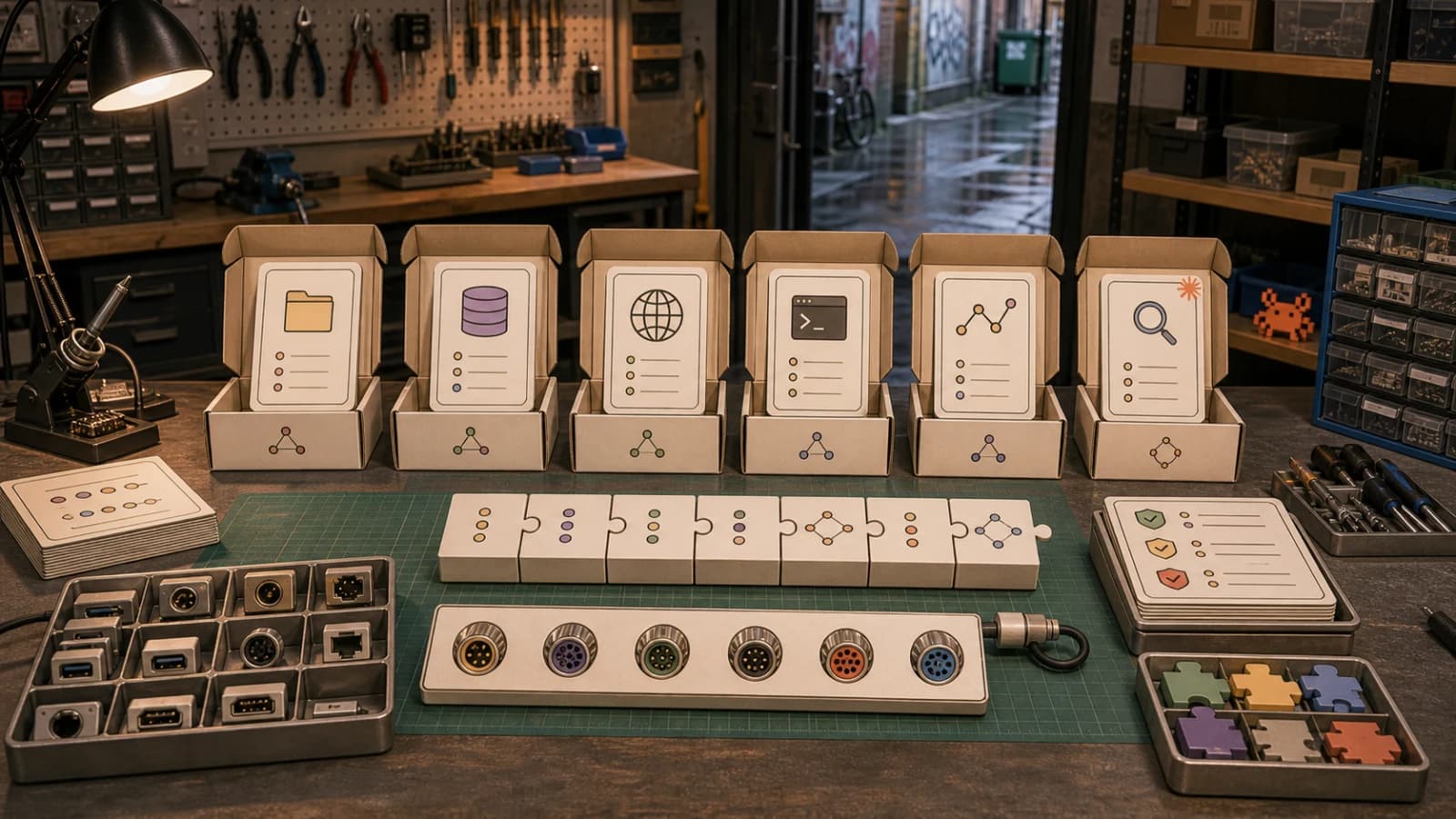
I spend most of my day inside Claude Code. I have shipped twenty-four apps with it this year alone. I have tried, installed, broken, and uninstalled more MCP servers than I want to admit. Out of 271, there are exactly five that have survived every config reset and every new project bootstrap. These are the ones that earn their slot.
This is the opinionated list. Not the popular list. If you are still getting oriented, start with the broader MCP beginner guide or how to use MCP servers, then come back here for the shortlist. If you would rather answer a few questions and get a tailored shortlist instead of reading mine, the MCP picker does that in about a minute.
How I picked#
Four filters. First: actively maintained. If the last commit is older than three months, I skip it. MCP is moving fast and abandoned servers rot. Second: one command to install. If I need to read a setup wiki, export four env vars, and run a Docker compose file just to try it, it loses. Third: solves a gap Claude Code does not already cover. The agent already has Read, Write, Edit, Bash, Glob, Grep, WebSearch, and WebFetch, which is why the CLIs over MCPs rule still matters. Anything that duplicates those is dead weight. Fourth: pairs with the agent loop. The MCP has to return clean, structured output that Claude can actually reason about, not a dump of raw HTML or a 50-tool menu that bloats the context window. That last failure is exactly what serving skills over MCP with progressive disclosure is designed to avoid.
A good MCP feels like a new sense. A bad one feels like a tax on every turn.
The 5 picks#
1. Context7 MCP#
The antidote to training-data rot.
What it does. Fetches current documentation for any library, framework, SDK, or CLI on demand. You ask Claude how to configure a Next.js 16 middleware, Context7 returns the relevant section of the live Next.js docs rather than whatever version Claude was trained on. It is a drop-in fix for the single worst failure mode of AI coding: confidently wrong API syntax.
Install.
npx -y @upstash/context7-mcp
When I reach for it. Every time I touch a library version that shipped in the last six months. Prisma migrations, new Tailwind utilities, the latest Convex server functions, React 19 compiler flags. I also use it when migrating code between major versions. Instead of grepping release notes, I ask Claude and Context7 hydrates the answer with actual 2026 documentation.
Gotchas. The free tier has per-day quotas. If you are hammering it inside a long session, log in to bump limits. Also: Context7 is best when you include a specific question in the query, not just a library name. "Next.js" returns too broad a slice. "Next.js 16 App Router middleware matcher config" returns the exact page you need. Treat it like a search, not a table of contents.
Source: https://github.com/upstash/context7
2. Playwright MCP#
The real browser Claude can actually drive.
What it does. Spins up a real Chromium browser that the agent can navigate, click, fill, and screenshot. This is the difference between "I think the form submits correctly" and "I just submitted the form, here is the screenshot, here is the console output, here is the network trace." It turns Claude Code into a competent QA engineer.
Install.
npx -y @playwright/mcp
When I reach for it. After every non-trivial frontend change. Instead of asking me to click around, Claude can open the page, fire the interaction, verify the DOM, and report back. It is also the fastest way to generate a first-pass E2E test suite. I describe a user flow, Playwright MCP walks it, and Claude writes the test file from the actual interaction trace.
Gotchas. Cold start is noticeable. The first browser launch in a session adds a few seconds. If you are doing a quick one-shot lookup, the native WebFetch is faster. Also watch your context budget: a long browsing session with screenshots adds up. Close tabs when done. Save this for the interactive flows where a real browser earns its cost, not for reading a static page.
Source: https://github.com/microsoft/playwright-mcp
3. Postgres MCP#
The one that unlocks real app debugging.
What it does. Connects Claude Code directly to a Postgres instance with read-only safety by default. Claude can inspect schemas, run queries, analyze query plans, and eyeball actual production-shaped data. It turns the agent from "I can read your code" into "I can read your code and your data together."
Install.
npx -y @modelcontextprotocol/server-postgres
When I reach for it. Any time the bug is probably data-shaped. A user reports their dashboard is empty. I point Claude at staging Postgres and it finds the orphaned foreign key in under a minute. Schema migrations are another one: Claude can inspect the live schema, diff it against the migration file, and tell me exactly which column is missing. Also great for first-draft analytics queries and for generating realistic seed data from actual production shapes.
Gotchas. Read-only by default is a feature, keep it that way. Never point this at production with write access. Use a read replica or a staging snapshot. Also: if your schema is huge, the initial introspection can be heavy. Limit the search path or scope to a single schema. And for SQLite projects, the SQLite MCP is the same shape and just as useful locally.
Source: https://github.com/modelcontextprotocol/servers
4. Chrome DevTools MCP#
The missing primitive for frontend work.
What it does. Connects to a running Chrome instance over the DevTools Protocol. Claude can read console messages, inspect network requests, profile performance, and walk the DOM of whatever tab you are already looking at. Playwright MCP is for scripted automation. Chrome DevTools MCP is for debugging the thing you already have open.
Install.
npx -y chrome-devtools-mcp@latest
When I reach for it. Layout bugs, hydration warnings, mysterious network failures. I open the failing page in my normal browser, attach Chrome DevTools MCP, and let Claude look at the real runtime state. No more copy-pasting console errors into chat. It reads them directly. It also pairs well with reviewing a deployed site: "here is the production URL, tell me what is slow, what is broken, and what the CLS looks like."
Gotchas. It drives Chrome through Puppeteer, so it officially supports Google Chrome and Chrome for Testing only. Pin @latest or a specific version to avoid surprises. Since the agent can see whatever the browser has open, use a dedicated Chrome profile if that makes you nervous. And watch the context budget: performance traces and network dumps are verbose, so ask for the specific insight rather than the full trace.
Source: https://github.com/ChromeDevTools/chrome-devtools-mcp
5. Sentry MCP#
The one that closes the loop between an error and its fix.
What it does. Connects Claude Code to your Sentry project so it can pull recent issues, stack traces, event details, and the frequency of a given error. Instead of screenshotting a dashboard into chat, you point the agent at the actual production error and it reads the trace itself.
Install.
npx -y @sentry/mcp-server
When I reach for it. The moment a production bug shows up. "What is the most common error this week" becomes a one-line prompt instead of a dashboard pilgrimage. Claude reads the top issue, walks the stack trace back into the repo with Grep and Read, and proposes a fix in the same turn. It also pairs well with the Postgres pick: read the error, inspect the data that triggered it, patch the code.
Gotchas. Needs a Sentry access token, passed with --access-token or the SENTRY_ACCESS_TOKEN env var. Scope it to read-only on issues and events; the agent does not need to mutate anything. Watch the context budget on noisy projects. A single "list all issues" call can flood the window, so ask for the top few by frequency rather than the full firehose.
Source: https://github.com/getsentry/sentry-mcp
The 3 that almost made the list#
Sequential Thinking MCP (npx -y @modelcontextprotocol/server-sequential-thinking). Useful for forcing structured reasoning on gnarly problems. Dropped because Opus 4.7 with the xhigh effort tier already reasons this way natively. The MCP was most valuable before /effort shipped.
Linear MCP (npx -y mcp-remote https://mcp.linear.app/sse). Excellent if Linear is actually where your team tracks work. I use GitHub Issues for most repos so it did not earn a global slot. Install this per-project if you live in Linear.
GitHub MCP (npx -y @modelcontextprotocol/server-github). Great server. Demoted because Claude Code's Bash tool plus a good gh CLI covers 90% of the flows with less context overhead. Keep the MCP for teams that want issue triage and PR review inside the agent loop.
The anti-list: where the ROI is not there yet#
Three categories I have stopped installing.
First, thin SaaS wrappers. Any MCP that is just "one tool for every endpoint in our REST API" bloats the tool menu without giving Claude real leverage. The agent spends context deciding which of the 40 tools to call. A single well-designed run_query tool beats 40 narrow ones.
Second, duplicates of built-in tools. Filesystem MCPs, git MCPs, fetch MCPs, and grep MCPs all exist. Claude Code already has Read, Write, Edit, Bash, Glob, Grep, and WebFetch natively. These overlap without adding capability. Skip them.
Third, deprecated or stale servers. Anything that has not shipped a commit in the last three months, anything still running on an old protocol version, anything that depends on a deprecated upstream API. The MCP spec itself has moved fast. Install old servers at your own risk.
How to manage your MCPs without regret#
Global vs project. Install the five above globally in your user-level .claude.json. They are low cost and universally useful. Install anything project-specific, like Linear, Supabase, or a specific internal API MCP, in the project's .claude/settings.json. Do not stuff everything into the global config. Every MCP costs context on every session start.
Cold start. Every MCP has a startup cost. Five well-chosen servers is the sweet spot for me. Past ten, I can feel the agent hesitating before the first tool call. If a server is not earning its slot, cut it.
Debugging failures. When an MCP misbehaves, the failure is usually silent: Claude just quietly stops using that tool. Run claude --mcp-debug to see the handshake and the tool listing. If the tool never appears, the server is crashing on startup. If it appears but Claude ignores it, the descriptions are probably too vague.
Config hygiene. Commit a .claude/settings.json to every repo. Teammates should not have to guess which MCPs a project needs. Treat it like a lockfile.
Where to go next#
The full index of 271 servers, with install commands and categorization, lives at mcp.developersdigest.tech. Filter by category, copy the install command, done.
If you want to go a level deeper than MCP servers, Skill Builder at skill.developersdigest.tech helps you ship hook-based extensions to Claude Code. Skills and hooks cover the cases MCPs cannot: automated behaviors, event-driven shell commands, and workflows that trigger on their own. The Claude Code hooks guide and the skills vs prompts breakdown cover those layers in more detail. A good Claude Code setup uses all four primitives. MCPs are just the most visible one.
Install these five. Delete the rest. Ship something.
Frequently Asked Questions#
What are MCP servers?#
MCP (Model Context Protocol) servers are extensions that give Claude Code access to external tools, databases, and services. Each server exposes a set of capabilities - like querying Postgres, browsing with Playwright, or fetching live documentation - that Claude can invoke during a session. They run as local processes and communicate with Claude Code over a standardized protocol.
How do I install an MCP server?#
Most servers install with a single npx command. For example, npx -y @playwright/mcp installs the Playwright browser automation server. The server gets added to your Claude Code config (either global .claude.json or project-level .claude/settings.json) and becomes available in future sessions. No Docker, no manual setup for the well-maintained ones.
Do MCP servers slow down Claude Code?#
Every MCP has a startup cost and adds to the tool menu Claude reasons about. Five well-chosen servers is manageable. Past ten, you will notice the agent hesitating. The fix: install universally useful servers globally and project-specific ones only where needed. Cut anything that is not earning its slot.
Which MCP servers should I install first?#
Start with Context7 (live documentation), Playwright (browser automation), and Postgres (database inspection). These three cover the most common gaps: outdated training data, frontend verification, and data-layer debugging. Add Chrome DevTools for live in-browser debugging and Sentry for production error triage.
What is the difference between Playwright MCP and Chrome DevTools MCP?#
Playwright MCP launches a fresh, headless browser that Claude scripts from scratch - ideal for automated testing and repeatable flows. Chrome DevTools MCP attaches to your running Chrome instance, letting Claude inspect the page you already have open - ideal for debugging live issues. Use Playwright for automation, Chrome DevTools for investigation.
How do I debug an MCP that is not working?#
Run claude --mcp-debug to see the handshake and tool listing. If the tool never appears, the server is crashing on startup - check env vars and dependencies. If it appears but Claude ignores it, the tool descriptions may be too vague or the server might be returning malformed output.
Should I install MCP servers globally or per project?#
Install universally useful servers (Context7, Playwright, Postgres) globally in your user-level config. Install project-specific servers (Linear, Supabase, internal APIs) in the project's .claude/settings.json. Commit that file to your repo so teammates get the same setup without guessing.
Continue Reading#
Get the next comparison like this in your inbox
One email a week on MCP and the rest of the AI dev stack. Free.
Read next on Claude Code
Best MCP Servers in 2026: The Developer Shortlist
Best MCP servers in 2026, ranked for Claude Code, Cursor and other agents: GitHub, Filesystem, Context7, Playwright, Postgres, Sentry and starter stacks.
10 min readOpen-Source MCP Servers Worth Installing in 2026
The open-source MCP servers worth a permanent slot in your config, each with what it does, why it matters, and copy-paste setup for Claude Code and Cursor.
12 min read10 CLI Tools Reshaping AI Development in 2026
From Claude Code to Gladia, the ten CLIs every AI-native developer should know. Install commands, trade-offs, and when to reach for each.
8 min readTechnical content at the intersection of AI and development. Building with AI agents, Claude Code, and modern dev tools - then showing you exactly how it works.