AgentCanvas is a visual adapter for Claude Code and Codex

TL;DR
Claude Code and Codex both ship great agents and terrible transcripts. AgentCanvas is a visual adapter that puts the artifacts, decisions, and handoffs on one board so the next agent and the next human can see them.
Official Sources#
| Resource | Description |
|---|---|
| Claude Code subagents | Official docs on subagents, context windows, and tool permissions |
| Codex CLI | OpenAI's terminal coding agent documentation |
| Codex CLI features | Subagent workflows, review presets, and scripting |
| MCP Tools specification | How MCP servers expose tools to models |
| AgentCanvas | The live product this post is about |
Claude Code and Codex are the two coding agents I reach for most. They are both excellent at the work and both bad at the same thing: showing you what happened. You run a multi-step task, the agent does ten things, and the only record is a scrolling transcript that the next agent cannot read and the next human does not want to.
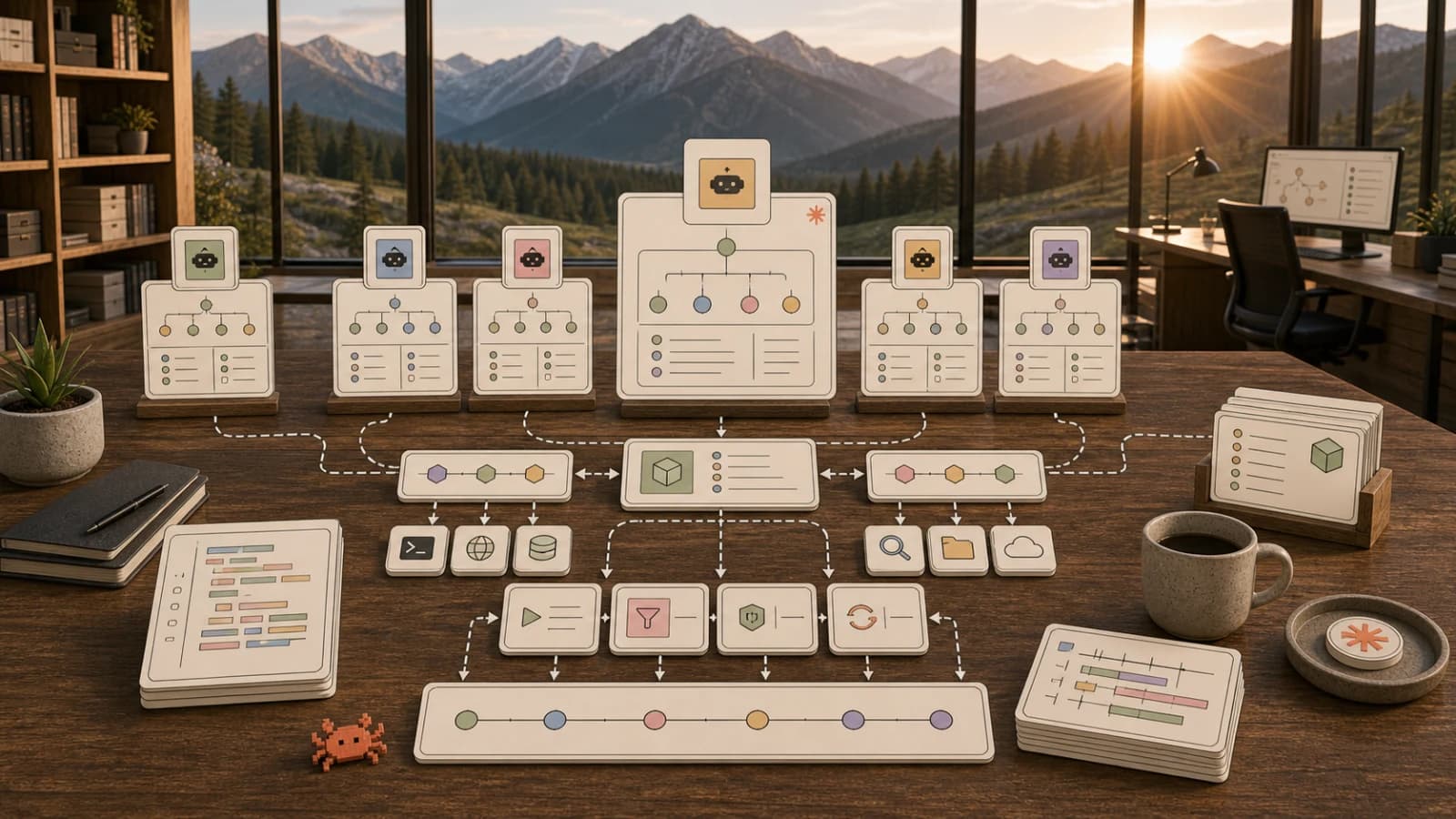
AgentCanvas is a visual adapter for that problem. It is not another agent. It is a board that any MCP-speaking agent - Claude Code, Codex, Cursor, or a plain script - can write to, so the artifacts, decisions, and handoffs stay visible.
The problem both agents share#
OpenAI's Codex CLI is a terminal-native coding agent built in Rust. You run codex, it reads your repo, proposes multi-file changes, and runs commands in a sandbox. Anthropic's Claude Code does the same from a different angle, with subagents that each run in their own context window with their own tool permissions.
Both designs are correct about the model and the loop. Both designs are weak about the surface. The output of a real task is not a single diff. It is a decision, a plan, a set of changed files, a preview, a QA check, and a list of open questions. In a transcript those collapse into a wall of text. When you hand the task to a second agent, you either paste the whole transcript in (expensive, noisy) or summarize it by hand (lossy, slow).
The fix is not a better transcript. The fix is a different destination for the work.
A board, not a transcript#
AgentCanvas exposes a small set of MCP tools that let an agent place real artifacts on an infinite canvas instead of only printing to stdout:
create_html_asset- a doc or slide in a sandboxed iframecreate_image_asset/create_video_asset- media by URLgenerate_image- text-to-image through the platformappend_html/stream_html_demo- stream content in chunks over SSE so you watch a doc assemble liveupdate_asset/delete_asset/clear_canvas- edit, remove, or resetlist_assets/list_canvases/create_canvas- work across multiple boards
The full tool surface is on the AgentCanvas page. The point is that every tool writes to a place a human can look at and a next agent can call list_assets against.
The handoff that actually works#
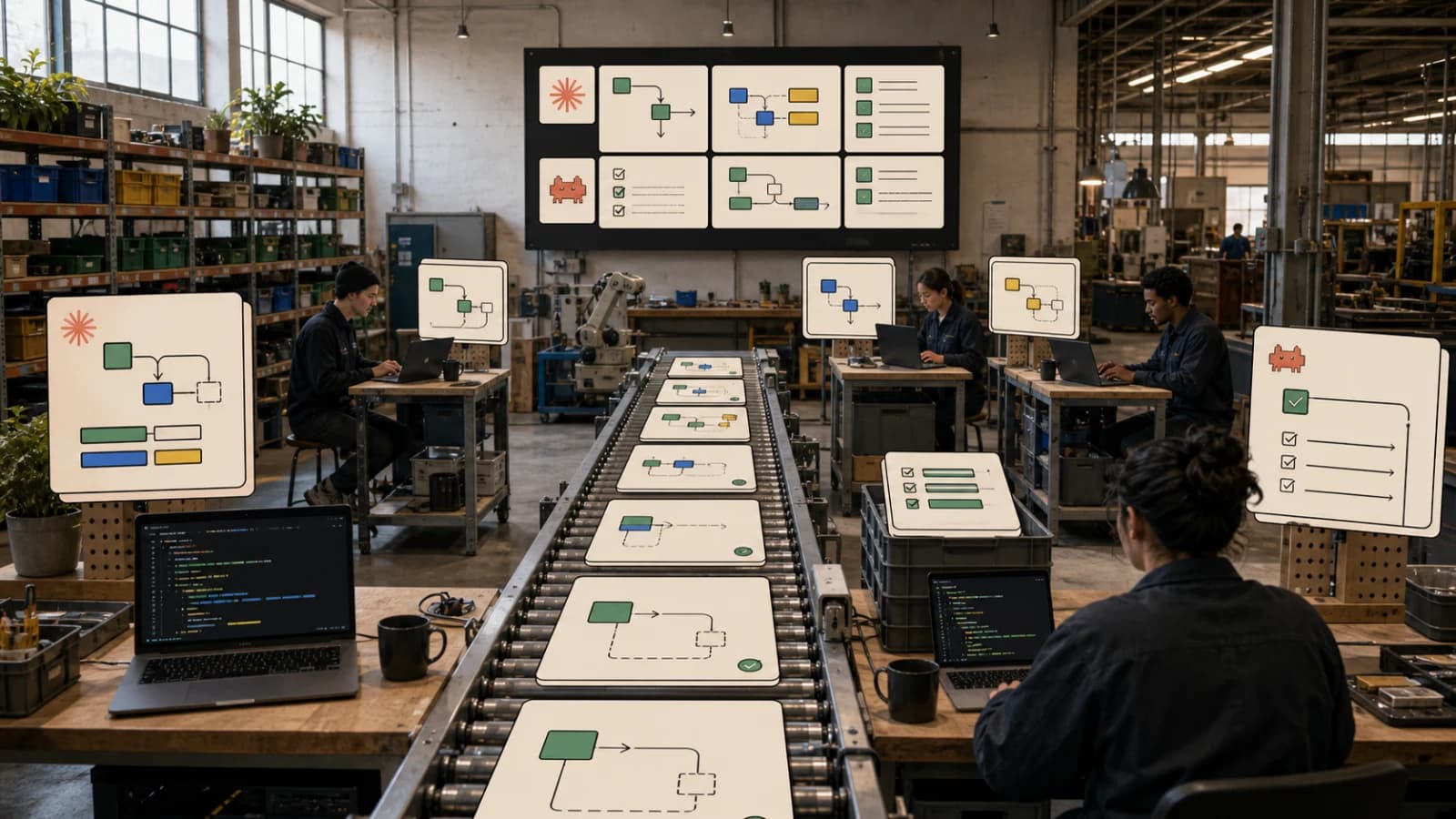
Here is the workflow that made the canvas click for me. It maps directly onto the three-step loop on the /canvas page.
- Plan. Codex writes the decision surface: the risky files, the owner list, the QA gates, and the open questions. It calls
create_html_assetand pins that doc to the board. - Build. Claude Code turns the plan into artifacts. It edits the code, rebuilds, and calls
create_image_assetto attach a preview screenshot next to the decision doc. - Verify. A browser agent runs the smoke check and attaches the evidence - screenshots, console notes, route checks - to the exact canvas item it was checking.
None of that requires the agents to share a context window. They share a board. The board is the contract.
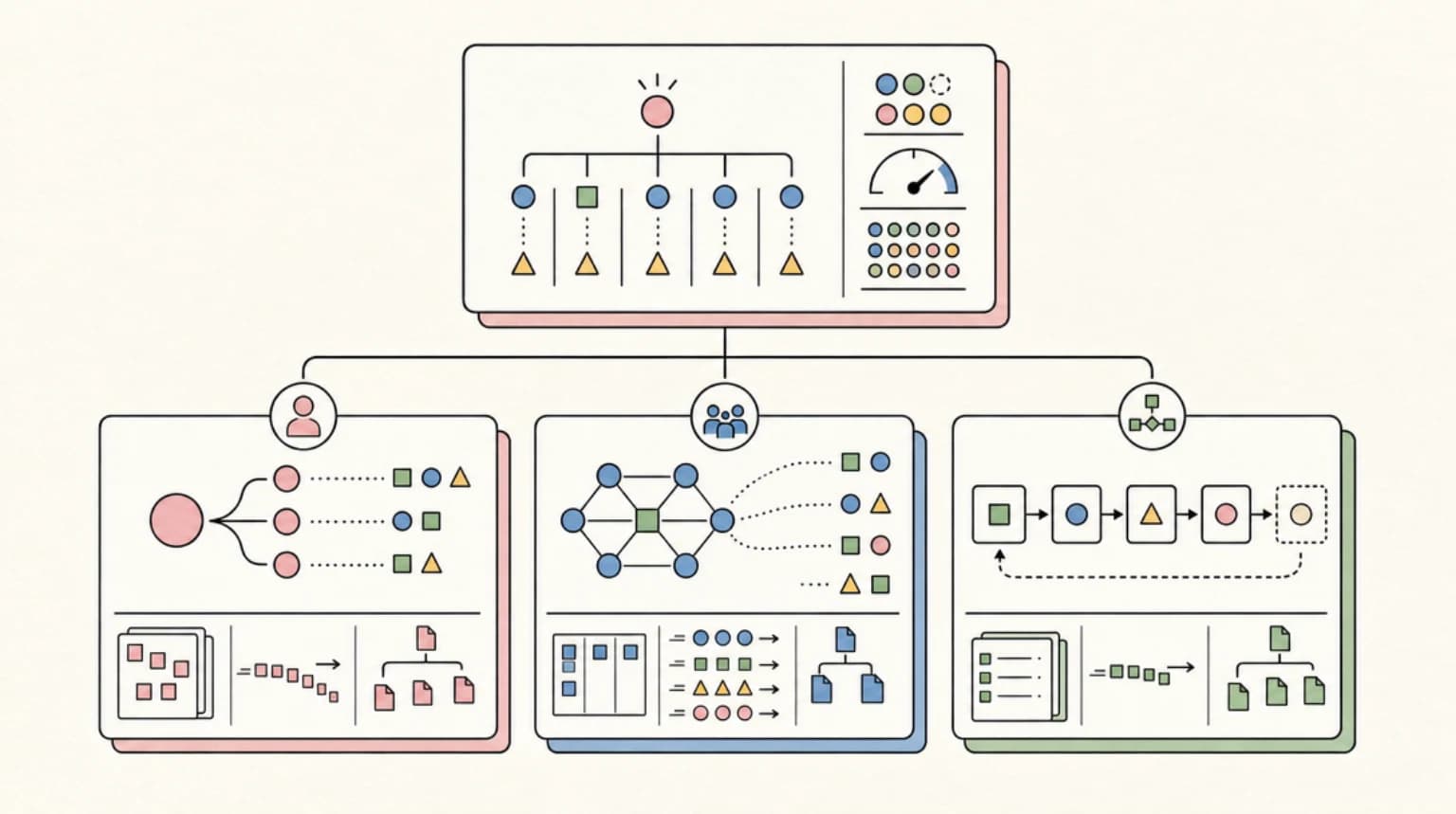
This is the same pattern described in the broader Claude Code agent teams playbook: planning, implementation, test repair, review, and docs split into specialized responsibilities. The difference is that here the split is visible. For the underlying primitives, see subagents vs agent teams vs workflows.
Connecting an agent#
AgentCanvas speaks MCP over a stdio server, so anything that speaks MCP can drive it. The config is short:
{
  "mcpServers": {
    "agentcanvas": {
      "command": "node",
      "args": ["mcp/server.mjs"],
      "env": {
        "CANVAS_API_URL": "https://agentcanvas-iota.vercel.app",
        "DD_API_KEY": "<your-dd-api-key>"
      }
    }
  }
}
Drop that into your Claude Code or Codex MCP config and the agent picks up the tools automatically. MCP tools are model-controlled by design - the model discovers them via tools/list and invokes them via tools/call - so you do not have to teach the agent the canvas exists. It sees the tools and uses them when the task calls for it.
If you want the authed version that lives inside your Developers Digest dashboard, that is at /dashboard/canvas. The hosted standalone product is at agentcanvas-iota.vercel.app.
Why a visual adapter and not a better log#
Logs are for debugging. Boards are for working. The difference matters when the consumer of the output is another agent or another person who was not in the room.
A transcript is a stream of events with no spatial structure. Two agents that read the same transcript will pull different things out of it. A canvas is a spatial structure: this doc is the decision, this image is the evidence, this file is the output. The structure is the message. That is what makes a board a better handoff medium than a transcript, and it is the whole reason AgentCanvas exists as a product instead of a tee command.
FAQ#
What is AgentCanvas?#
AgentCanvas is a hosted infinite canvas that AI agents drive over MCP. Any MCP-speaking agent - Claude Code, Codex, Cursor, or a script - creates HTML docs, images, and video on a live board, streamed in as it builds.
Is AgentCanvas an agent?#
No. It is a visual adapter for agents. It does not run a model. It exposes MCP tools that an existing agent calls to put its work on a board.
Do Claude Code and Codex need special setup?#
No. Add the AgentCanvas MCP server to your agent's MCP config and the agent discovers the canvas tools automatically through the standard MCP tools/list flow.
How is a canvas different from a transcript?#
A transcript is a linear stream of events. A canvas is a spatial layout where each artifact has a position and a type. The spatial structure makes handoffs between agents and humans lossless without requiring anyone to re-read the whole history.
Where does the canvas live?#
Boards live in your Developers Digest account at /dashboard/canvas, and the hosted standalone product is at agentcanvas-iota.vercel.app. Both are driven by the same MCP server.
Does this work with subagents?#
Yes. Because subagents run in separate context windows, a shared board is the natural place for them to hand work to each other without copying transcripts into each other's context.
Continue Reading#
Get the next deep dive like this in your inbox
One email a week on AgentCanvas and the rest of the AI dev stack. Free.
Read next on Claude Code
Claude Code Agent Teams, Subagents, and MCP: The 2026 Playbook
Claude Code is turning into an orchestration layer for agent teams. Here is how subagents, MCP, hooks, and long context fit together in 2026.
9 min readWhat Is Claude Code? The Complete Guide for 2026
Claude Code is Anthropic's AI coding agent for terminal, IDE, desktop, and browser workflows. Learn what it does, how it works, pricing, setup, MCP, skills, hooks, and subagents.
15 min readBuilding Multi-Agent Workflows in Claude Code: A Practical Tutorial
How to use Claude Code's Task tool, custom sub-agents, and worktrees to run parallel development workflows. Real prompt examples, agent configurations, and workflow patterns from daily use.
11 min readTechnical content at the intersection of AI and development. Building with AI agents, Claude Code, and modern dev tools - then showing you exactly how it works.