Subagents vs Agent Teams vs Workflows: Claude Code's Parallelism Primitives, Compared
TL;DR
Claude Code subagents vs agent teams vs workflows: who holds the plan, the hard limits from the docs, and which parallelism primitive fits your task.
Last updated: June 16, 2026
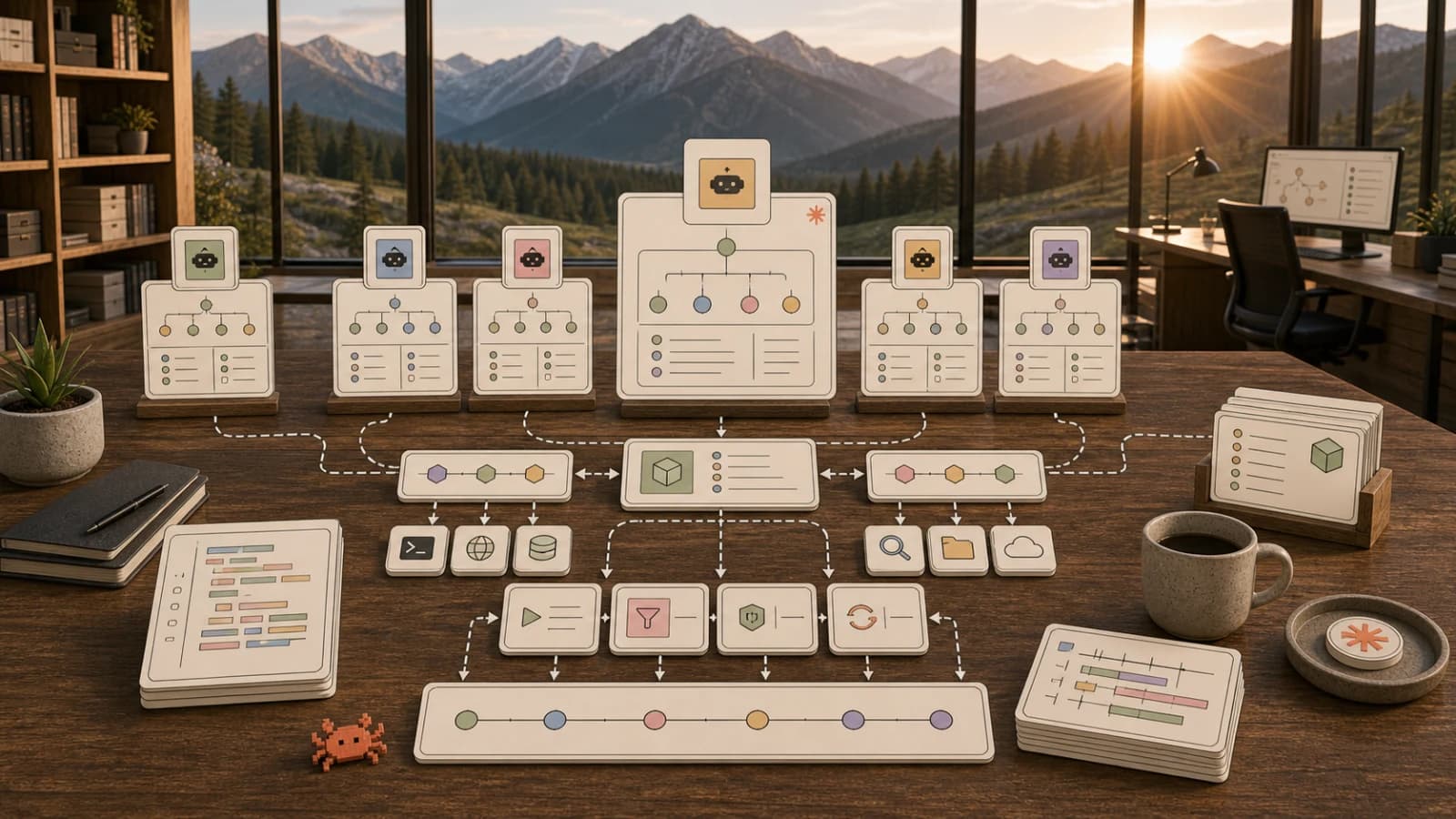
Claude Code now ships four first-party ways to run a multi-step task across more than one agent: subagents, skills, agent teams, and the dynamic workflows surface that launched as a research preview in June 2026. There is also a fifth surface, agent view, for monitoring many independent background sessions. The official docs give you the cleanest way to keep the vocabulary straight: the difference between the primitives is who holds the plan.
This post maps all of them using that framing, with hard limits and version requirements pulled from the live docs. It extends the agent teams and subagents playbook from May, which predates the workflows launch entirely.
The Mental Model: Who Holds the Plan#
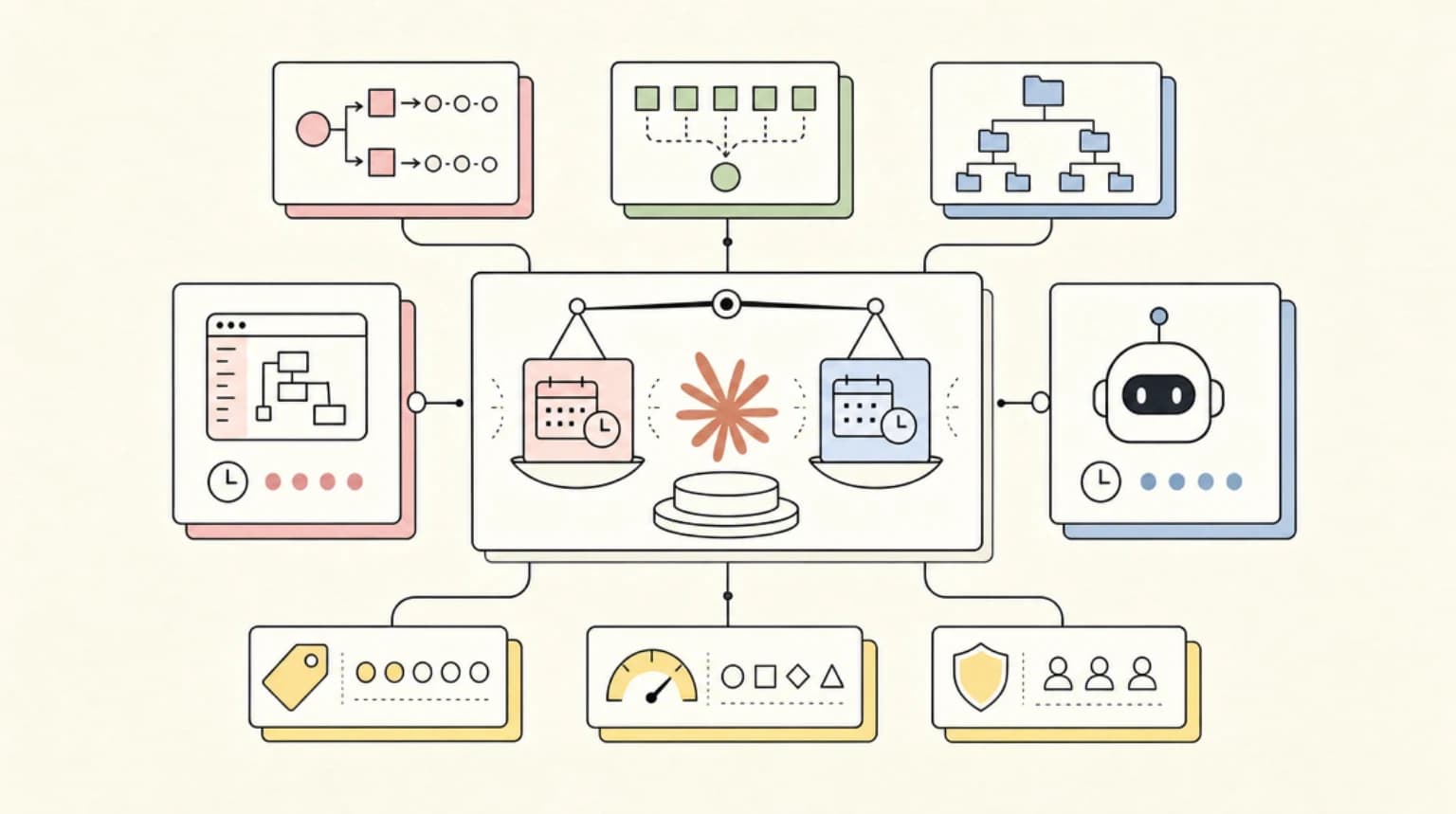
The dynamic workflows documentation frames the comparison around a single question: subagents, skills, agent teams, and workflows can all run a multi-step task, so who decides what runs next?
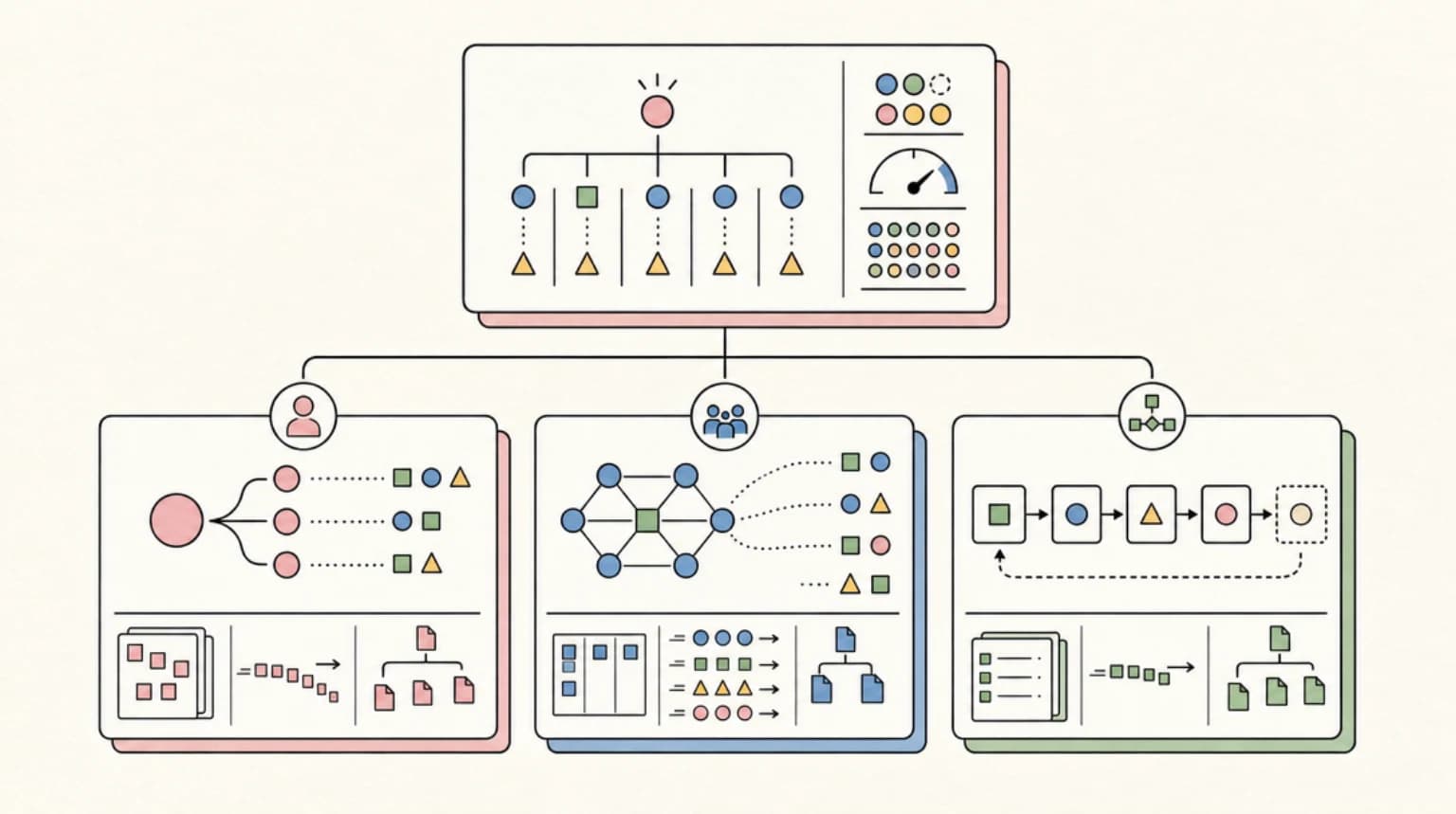
- With subagents and skills, Claude is the orchestrator, deciding turn by turn what to spawn or follow next. Every result lands back in a context window.
- With agent teams, a lead agent holds the plan: it spawns peer sessions, manages a shared task list, and synthesizes results, still turn by turn.
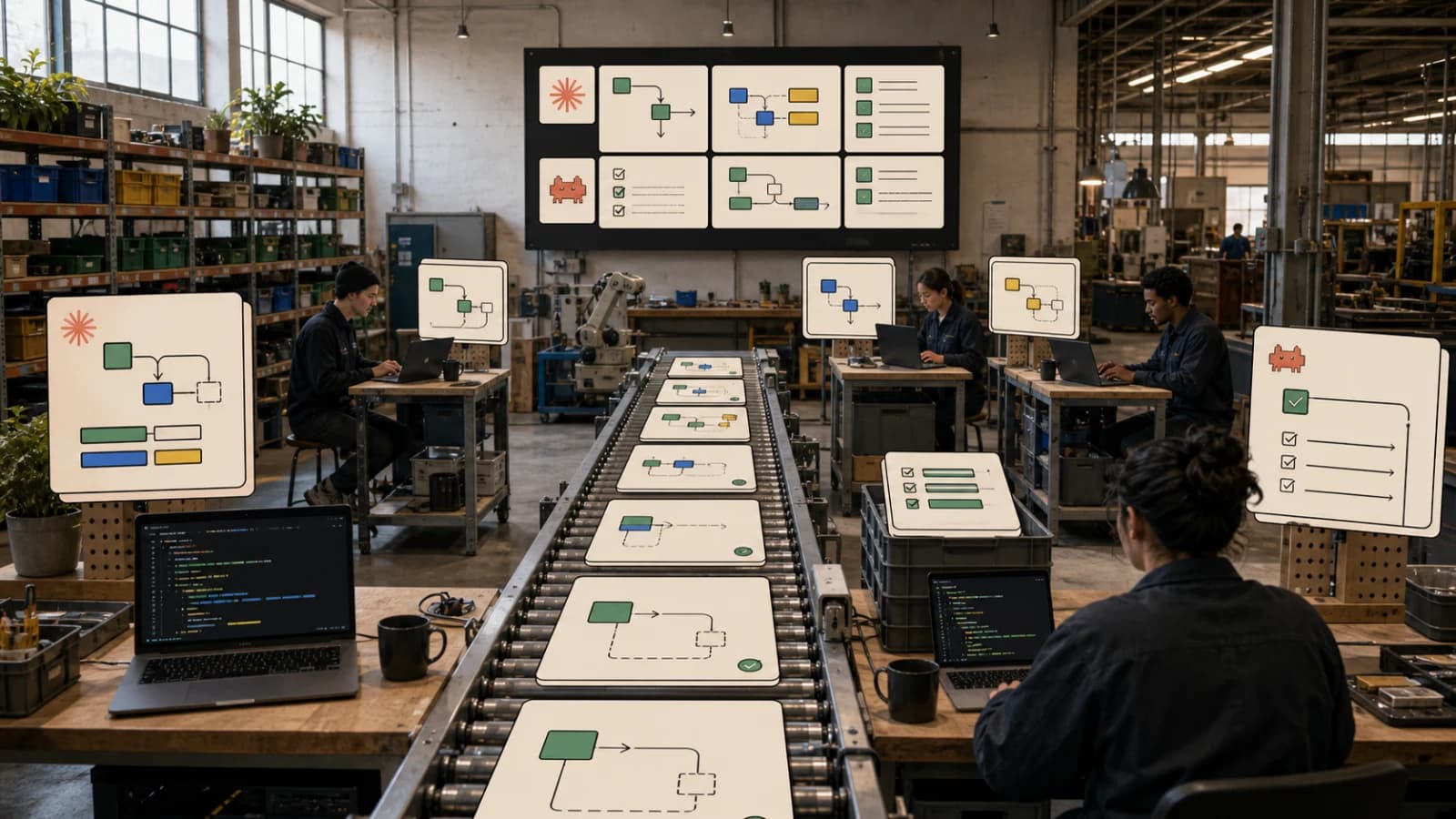
- With workflows, the plan moves into code. Claude writes a JavaScript orchestration script once, and a runtime executes it. The script holds the loop, the branching, and the intermediate results, so Claude's context holds only the final answer.
That last shift is the big one. Every other primitive keeps an LLM in the driver's seat for control flow. Workflows hand control flow to a script you can read, diff, edit, and rerun.
Head-to-Head: The Official Comparison Table#
This table comes straight from the workflows doc (accessed June 10, 2026), with a version-requirements row added from the individual feature pages:
| Subagents | Skills | Agent teams | Workflows | |
|---|---|---|---|---|
| What it is | A worker Claude spawns | Instructions Claude follows | A lead agent supervising peer sessions | A script the runtime executes |
| Who decides what runs next | Claude, turn by turn | Claude, following the prompt | The lead agent, turn by turn | The script |
| Where intermediate results live | Claude's context window | Claude's context window | A shared task list | Script variables |
| What's repeatable | The worker definition | The instructions | The team definition | The orchestration itself |
| Scale | A few delegated tasks per turn | Same as subagents | A handful of long-running peers | Dozens to hundreds of agents per run |
| Interruption | Restarts the turn | Restarts the turn | Teammates keep running | Resumable in the same session |
| Status / requirements | GA, built in | GA, built in | Experimental, off by default, v2.1.32+ | Research preview, v2.1.154+, all paid plans |
The "where intermediate results live" row is the one to internalize. Subagent results get summarized back into your main context, team results land on a shared task list, and workflow results live in script variables that never touch Claude's context - which is why workflows scale to hundreds of agents where the others cannot.
Subagents: Workers Inside One Session#
Subagents are the unit of delegation. Per the sub-agents documentation, each one runs in its own context window with a custom system prompt, specific tool access, and independent permissions. You define them as markdown files with YAML frontmatter in .claude/agents/ (project) or ~/.claude/agents/ (user). The frontmatter now covers a lot of ground: tools, model (aliases including haiku and fable, or inherit), maxTurns, persistent memory, background: true, effort, and isolation: worktree for a temporary git worktree.
Claude Code also ships built-in subagents: Explore (fast read-only codebase search), Plan, general-purpose, and claude-code-guide. As of October 2026 the docs say Explore runs on your main conversation's model rather than Haiku, and CLAUDE_CODE_SUBAGENT_MODEL alone does not move it; putting Explore on Haiku 5.5 walks through the override and the test runs. Two details worth knowing: subagents can spawn their own subagents, up to three layers below the main conversation by default, and cd does not persist between Bash calls inside one.
Use subagents when a side task would flood your main conversation with search results or logs you will never reference again; only a summary returns to the caller, which makes them the cheapest primitive on tokens. Setup details are in the Claude Code sub-agents guide.
Agent Teams: Peers That Talk to Each Other#
Agent teams promote workers to peers. Per the agent teams documentation, a team consists of a lead (your session), teammates (each a separate, full Claude Code instance), a shared task list, and a mailbox for direct inter-agent messages. Teammates claim tasks with file locking to prevent races, message each other directly, and can be required to plan in read-only mode until the lead approves their approach.
The key difference from subagents, in the docs' own words: subagents are "Lower: results summarized back to main context" on token cost, while teams are "Higher: each teammate is a separate Claude instance." Teammates load CLAUDE.md, MCP servers, and skills like any session, but never inherit the lead's conversation history. The official sizing guidance is refreshingly specific: start with 3-5 teammates and 5-6 tasks per teammate, because "Three focused teammates often outperform five scattered ones."
Agent teams remain experimental and disabled by default. You enable them with the CLAUDE_CODE_EXPERIMENTAL_AGENT_TEAMS environment variable on v2.1.32 or later, and the limitations list is honest: no /resume for in-process teammates, one team per lead, no nested teams, a fixed lead, and teammates inherit the lead's permission mode at spawn. Split panes require tmux or iTerm2.
Dynamic Workflows: The Plan Moves Into Code#
Workflows are the new surface, and the reason this comparison needed rewriting. Launched as a research preview (covered by InfoQ on June 1, 2026), a dynamic workflow is a JavaScript script that orchestrates subagents at scale: Claude writes the script for the task you describe, and a separate runtime executes it in the background while your session stays responsive.
The workflows doc lists the hard limits plainly:
- Up to 16 concurrent agents, fewer on machines with limited CPU cores
- 1,000 agents total per run, to prevent runaway loops
- No mid-run user input - only agent permission prompts can pause a run
- The script itself has no filesystem or shell access; agents do the reading, writing, and running, while the script coordinates
Requirements and triggers, verified against the live page on June 10, 2026: workflows need Claude Code v2.1.154 or later and are available on all paid plans (opt-in via /config on Pro), with Anthropic API access, and on Amazon Bedrock, Google Cloud Vertex AI, and Microsoft Foundry. You trigger one by asking in natural language ("use a workflow"), including the keyword ultracode in a prompt (before v2.1.160 the literal keyword was workflow), or setting /effort ultracode, which combines xhigh reasoning with automatic workflow planning for every substantive task.
A few operational details that make workflows feel different from everything else here:
- Runs are resumable in the same session. Completed agents return cached results; the rest run live. Every run also writes its script under
~/.claude/projects/, so you can read it, diff it, or edit and relaunch it. Exit Claude Code mid-run, though, and the next session starts fresh. - Saved workflows become slash commands. Save to
.claude/workflows/(shared via the repo) or~/.claude/workflows/(personal), and pass structured input through anargsglobal. - Workflow subagents always run in
acceptEditsmode and inherit your tool allowlist, regardless of your session's permission mode. File edits are auto-approved - worth knowing before your first large run.
Claude Code bundles one workflow out of the box: /deep-research, which fans out web searches across angles, cross-checks sources, votes on claims, and filters out claims that fail verification. InfoQ's caution is worth repeating: workflows "can consume substantially more tokens than a typical Claude Code session," and the docs recommend piloting on one directory before pointing a run at the whole repo. The patterns in seven AI agent orchestration patterns map cleanly onto workflow scripts.
Agent View: The Fifth Surface#
Agent view is not a parallelism primitive so much as the control room for one. Per the agent view documentation, claude agents opens a dashboard of every background session across all your projects, grouped by Needs input, Working, and Completed. It is a research preview requiring v2.1.139 or later.
Background sessions run under a separate supervisor process, so they survive closing the terminal, persist through machine sleep, and stay resumable via claude --resume. You dispatch from the view's input, from inside a session with /bg, or from the shell with claude --bg. Before editing files, a background session moves itself into a git worktree under .claude/worktrees/ so parallel sessions write separately - the automated version of the manual setup in our git worktrees guide. One warning straight from the docs: each background session consumes your subscription quota independently, so check your limits before dispatching many at once.
Decision Guide by Persona#
Solo developer on a subscription plan. Default to subagents: cheapest primitive, covers most delegation. Reach for a workflow when a task is genuinely repo-wide (an audit, a migration) and you want to read the orchestration before it runs. Skip agent teams until peers genuinely need to argue with each other.
Tech lead reviewing large changes. Agent teams fit review best: spawn three reviewers with different lenses (security, performance, test coverage) and let the lead synthesize. The plan-approval gate is the standout feature.
Platform engineer running migrations. Workflows. A 500-file migration is exactly the docs' example use case, the 1,000-agent cap gives you a cost ceiling, and the saved script becomes a reusable slash command for the next migration.
Anyone juggling several unrelated tasks. Agent view plus background sessions. This is not coordination, it is multiplexing: a bug fix, a PR review, and a flaky-test investigation as three independent rows you check when they need you.
For deeper build-out patterns across these surfaces, see building multi-agent workflows in Claude Code.
When to Skip All of This#
A single session is still the right tool more often than the feature list suggests. The agent teams doc says it directly: for sequential tasks, same-file edits, or work with many dependencies, a single session or subagents are more effective. Parallelism only pays when the work decomposes into independent pieces, and most day-to-day coding does not.
Cost is the other honest tradeoff. None of these primitives have separate billing; every agent draws from the same plan quota or API spend, so a five-teammate team or a 200-agent workflow burns proportionally faster. And agent teams and workflows are still experimental or research preview, so interfaces can change and the documented limitations are real. If your current loop of one session plus the occasional Explore subagent is working, there is no prize for upgrading it.
Official Sources#
| Feature | Official Documentation |
|---|---|
| Dynamic Workflows | Claude Code Workflows |
| Subagents | Claude Code Sub-Agents |
| Agent Teams | Claude Code Agent Teams |
| Agent View | Claude Code Agent View |
| Workflows Launch Coverage | InfoQ: Claude Code Dynamic Workflows |
FAQ#
What is the difference between Claude Code subagents and agent teams?#
Subagents run inside your session, report results only to the caller, and never talk to each other. Agent team teammates are separate, full Claude Code instances that share a task list, claim work, and message each other directly. Subagents are cheaper on tokens; teams suit work that needs discussion, like adversarial debugging or multi-lens review.
How many agents can a Claude Code workflow run?#
The runtime caps a workflow at 16 concurrent agents (fewer on machines with limited CPU cores) and 1,000 agents total per run. The concurrency cap bounds local resource use; the total cap prevents runaway loops. Both limits are documented on the official workflows page.
Do Claude Code workflows cost extra?#
There is no separate billing, but runs count toward your plan's usage and rate limits like any other session, and a single run can use meaningfully more tokens than working through the same task in conversation. Pilot on a small slice first and watch per-agent token usage in the /workflows view.
What does the ultracode keyword do?#
Including ultracode in a prompt makes Claude write a workflow script for that task instead of working turn by turn. Setting /effort ultracode goes further: it combines xhigh reasoning with automatic workflow planning for every substantive task in the session, at higher token cost.
Sources#
- Orchestrate subagents at scale with dynamic workflows - Claude Code docs (accessed June 10, 2026)
- Create custom subagents - Claude Code docs (accessed June 10, 2026)
- Orchestrate teams of Claude Code sessions - Claude Code docs (accessed June 10, 2026)
- Manage multiple agents with agent view - Claude Code docs (accessed June 10, 2026)
- Claude Code Adds Dynamic Workflows for Parallel Agent Coordination - InfoQ (accessed June 10, 2026)
Continue Reading#
- Claude Code - plans, install routes, and alternatives on one page
- Claude Code Power User course - subagents, hooks, and parallel workflows in depth
Get the next comparison like this in your inbox
One email a week on claude-code and the rest of the AI dev stack. Free.
Read next on Claude Code
Claude Code Agent Teams, Subagents, and MCP: The 2026 Playbook
Claude Code is turning into an orchestration layer for agent teams. Here is how subagents, MCP, hooks, and long context fit together in 2026.
9 min readBuilding Multi-Agent Workflows in Claude Code: A Practical Tutorial
Multi-agent workflows in Claude Code: use the Task tool, custom sub-agents and worktrees to run parallel development, with real prompts and agent configs.
11 min readClaude Code Sub Agents: Parallel AI Development
Claude Code subagents are specialized assistants with their own context, tools and prompt. When to use them, how to set them up, and how to avoid merge chaos.
8 min readTechnical content at the intersection of AI and development. Building with AI agents, Claude Code, and modern dev tools - then showing you exactly how it works.