Claude Code Sub Agents: Parallel AI Development
Claude Code Mastery
20 parts- 1Claude Code: The Future of Coding?
- 2What Is Claude Code? The Complete Guide for 2026
- 360 Claude Code Tips and Tricks for Power Users
- 4Claude Code Sub Agents: Parallel AI DevelopmentCurrent
- 5Claude Code Worktrees: Parallel Development Without the Chaos
- 6Building Multi-Agent Workflows in Claude Code: A Practical Tutorial
- 7The Ralph Loop: Running Claude Code For Hours Autonomously
- 8Self-Improving Skills: Claude Code That Learns From Every Session
- 9Claude Code Usage Limits in 2026: The Practical Playbook for Pro and Max Teams
- 10Progressive Disclosure: How Claude Code Cut Token Usage by 98%
- 11Claude Code + Chrome: AI Agents That Use Your Browser
- 12Interview Mode: Let Claude Code Ask the Questions First
- 13Claude Code: Remote Control, Auto Memory, Plugins & More
- 14Claude Code Hooks Explained
- 15How to Use Claude Code with Next.js
- 16Claude Code Channels: Telegram, Discord, iMessage, and Webhooks
- 17How to Migrate from GitHub Copilot to Claude Code
- 18Building a SaaS with Claude Code: End-to-End Guide
- 19Create Beautiful UI with Claude Code: The Style Guide Method
- 20Claude Code Loops: Recurring Prompts That Actually Run
TL;DR
Claude Code subagents are specialized assistants with their own context, tools and prompt. When to use them, how to set them up, and how to avoid merge chaos.
Claude Code subagents are the first Claude Code feature that made "AI pair programmer" feel too small.
Anthropic's Claude Code now supports sub agents - specialized AI workers you can deploy for specific development tasks. Instead of cramming every instruction into a single system prompt, you build a team of focused agents, each with its own expertise, tools, and context. The better framing is: Claude Code can act like a lead developer coordinating a small set of specialists. One agent investigates failing tests. Another reviews a diff. Another reads docs. Another edits a bounded feature area. The main session keeps the plan and integrates the results.
That is powerful, but it is easy to overdo. Subagents are not magic workers you throw at every problem. They are a context-isolation and delegation tool. Use them when work is separable, reviewable, and scoped.
Last updated: June 27, 2026
Official Sources#
| Topic | Official source |
|---|---|
| Claude Code subagents | Sub-agents docs |
| Claude Code overview | Claude Code overview |
| MCP integration | Claude Code MCP |
| Claude Code settings | Settings reference |
| Claude Code skills | Skills docs |
| Claude Code CLI | CLI reference |
For the broader Claude Code foundation, start with what Claude Code is and why Claude Code won. This post focuses on the subagent layer: when to use it, how to configure it, and how to keep parallel AI development from turning into merge chaos.
What Claude Code Subagents Are#
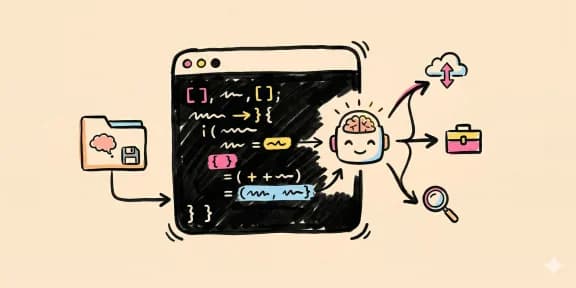
Claude Code subagents are specialized assistants with their own context window, system prompt, description, and tool access. The main Claude Code session delegates a bounded task to a subagent, waits for the result, and then decides what to do with it.
The official docs describe subagents as a way to create task-specific AI assistants. In practice, they solve three concrete problems:
- Context isolation: the test investigator does not need the entire product strategy discussion.
- Specialization: the security reviewer can carry a stricter checklist than the general coding agent.
- Parallelism: independent research, review, and implementation tasks can happen without forcing one context window to do everything sequentially.
That is why subagents sit next to agent teams, multi-agent coordination, and parallel merge discipline. The model matters, but the architecture around the model decides whether the work stays legible.
How Subagents Are Configured#
Subagents are configured as markdown files. Project agents live under .claude/agents/ in the repo. Global agents live in your user-level Claude configuration. The /agents command helps create and edit them.
A useful subagent definition has three parts:
- A precise name and description so Claude knows when to delegate to it.
- A focused prompt that defines the agent's role, review criteria, and output format.
- A narrow tool set that gives the agent what it needs and nothing extra.
The tool set is the part teams underuse. A research agent may need docs and web access but not file writes. A reviewer may need read-only code inspection and git diff but not deploy commands. A test agent may need shell access but should stay inside the repo and report exact commands.
For the security side of that choice, read Claude Code permissions settings and permissions, logs, and rollback for coding agents. Subagents are more useful when their authority is explicit.
When Subagents Help#
Subagents are best when the task naturally splits into independent lanes.
Good fits:
- Research current docs while the main agent plans the implementation.
- Review a completed diff against a checklist.
- Investigate a failing test without polluting the main context.
- Generate multiple UI variations for a component.
- Audit accessibility, security, or performance after implementation.
- Update docs in parallel with a code change.
Bad fits:
- One tiny bug in one file.
- Tasks where two agents must edit the same lines.
- Work that requires constant human product judgment.
- Anything where the subagent cannot produce a concrete receipt.
The rule is simple: use subagents when separation reduces complexity. Do not use them because "multi-agent" sounds advanced.
The Best Subagents Are Boring#
The strongest subagents are not theatrical personas. They are boring workflow units.
Test runner. Runs the relevant test suite, captures failures, identifies likely files, and returns exact command output plus a minimal diagnosis.
Code reviewer. Reads the diff, checks project rules, flags missing tests, and refuses to rewrite the feature unless asked.
Docs researcher. Fetches current docs for a library or API, summarizes only the relevant primitives, and links the exact sources.
Frontend QA reviewer. Checks responsiveness, layout stability, keyboard paths, focus states, and visual regressions against the design system.
Security reviewer. Looks for secret exposure, unsafe shell commands, permission expansion, prompt-injection surfaces, and dependency risk.
These are the same patterns behind agent eval receipts and long-running agent harnesses. A good subagent does not just say "done." It returns evidence a human or main agent can verify.
Parallel Work Needs Merge Discipline#
Subagents are not a replacement for git hygiene.
If two agents edit the same file, one of them will probably waste work. If one agent changes the API contract while another updates the UI against the old contract, the final integration step gets harder. If every subagent writes broad changes, the main agent becomes a conflict resolver instead of a coordinator.
The fix is to define lanes before dispatch:
- Agent A edits files under
app/api/. - Agent B edits files under
components/checkout/. - Agent C is read-only and returns review notes.
- Agent D updates docs only after implementation stabilizes.
For larger work, pair subagents with Claude Code worktrees or git worktrees for parallel agents. Worktree isolation gives each agent a clean branch-like workspace, then you merge only the candidates worth keeping.
Subagents And MCP#
MCP expands what subagents can do, but it also expands what they can reach.
A GitHub-connected reviewer can inspect issues and PRs. A Linear-connected planner can read product tasks. A database-connected investigator can inspect schema and logs. A docs-connected researcher can avoid stale API guesses.
That is useful, but each connected tool changes the trust boundary. Do not hand every MCP server to every subagent. Give the specialist the tool it needs for the job, and keep risky tools behind approval.
For MCP setup and selection, use the complete MCP server guide and the MCP picker. For agent security, connect this to prompt injection in open source repos, because untrusted content plus broad tools is where small mistakes get expensive.
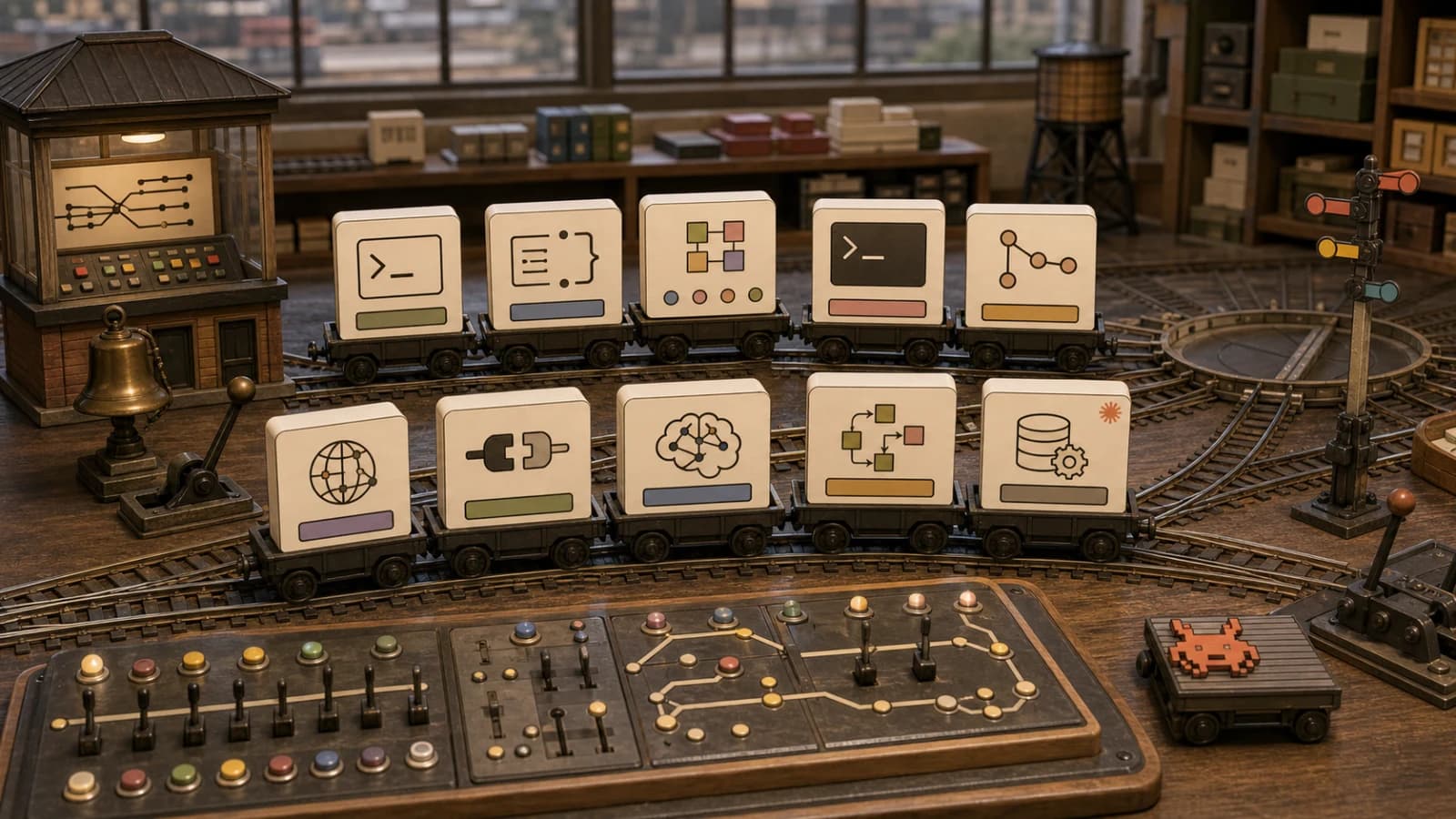
A Practical Starter Team#
If you are new to subagents, start with four.
docs-researcher
Reads current docs and returns concise source-backed notes. No code edits.
test-debugger
Runs targeted tests, explains failures, and proposes a minimal fix path. Shell allowed, file edits optional.
diff-reviewer
Reads git diff, checks project rules, flags risks, and asks for tests when missing. Read-only by default.
frontend-qa
Checks layout, accessibility, responsive behavior, and visible regressions. Browser or screenshot tools allowed, deploy tools denied.
That team covers most real workflows without turning your repo into an agent circus. Once those are useful, add domain specialists for your stack: billing, auth, data model, design system, mobile, or docs.
The Takeaway#
Claude Code subagents are valuable because they make agent work narrower.
The main agent should own the plan and integration. Subagents should own bounded tasks with scoped tools and explicit output receipts. If you keep that shape, parallel AI development becomes faster and easier to review. If you ignore it, subagents just multiply context drift.
The winning pattern is not "more agents." It is better delegation.
Frequently Asked Questions#
What are Claude Code subagents?#
Claude Code subagents are specialized assistants the main Claude Code session can delegate to. Each subagent can have its own prompt, description, context window, and tool permissions, making it useful for focused work like research, testing, review, docs, or frontend QA.
How do I create a Claude Code subagent?#
Use the /agents command in Claude Code, then choose whether the agent should be project-specific or global. Project-specific subagents are stored as markdown files under .claude/agents/ so they can be reviewed and versioned with the repo.
When should I use subagents?#
Use subagents when work is separable: research while coding, review after implementation, test debugging in a separate context, or independent frontend/backend lanes. Avoid subagents for tiny one-file fixes or tasks where multiple agents need to edit the same lines.
Can Claude Code subagents use MCP servers?#
Yes, subagents can be configured with tool access, including MCP-connected tools where appropriate. The safer pattern is to give each subagent only the MCP servers and core tools it needs for its role.
Are subagents safe?#
They can be safe when tool permissions are scoped, repo instruction files are reviewed, risky commands require approval, and each subagent returns auditable evidence. A subagent with broad write, shell, network, and MCP access should be treated as a powerful automation surface.
Do subagents replace git worktrees?#
No. Subagents split cognitive work. Worktrees isolate filesystem changes. For serious parallel implementation, use both: each implementation agent gets its own worktree, while review or research agents can stay read-only.
Sources#
- Claude Code subagents
- Claude Code overview
- Claude Code MCP
- Claude Code settings
- Claude Code hooks
- Claude Code skills
- Claude Code memory
- Claude Code CLI reference
- Anthropic Claude Code GitHub repository
- Anthropic skills repository
Watch The Video#
Get the next deep dive like this in your inbox
One email a week on Claude Code and the rest of the AI dev stack. Free.
Read next on Claude Code
What Is Claude Code? The Complete Guide for 2026
Claude Code is Anthropic's AI coding agent for terminal, IDE, desktop and browser. What it does, how it works, setup, pricing, MCP, skills, hooks and subagents.
15 min readClaude Code Worktrees: Parallel Development Without the Chaos
Claude Code worktrees let multiple agents work on one repo in parallel, each in its own branch and directory. Set up sub-agent isolation and keep main clean.
6 min read60 Claude Code Tips and Tricks for Power Users
60 Claude Code tips and tricks for power users: sub-agents, hooks, worktrees, MCP, custom agents, keyboard shortcuts and features most developers miss.
25 min readTechnical content at the intersection of AI and development. Building with AI agents, Claude Code, and modern dev tools - then showing you exactly how it works.