Claude Code Channels: Telegram, Discord, iMessage, and Webhooks
Claude Code Mastery
20 parts- 1Claude Code: The Future of Coding?
- 2What Is Claude Code? The Complete Guide for 2026
- 360 Claude Code Tips and Tricks for Power Users
- 4Claude Code Sub Agents: Parallel AI Development
- 5Claude Code Worktrees: Parallel Development Without the Chaos
- 6Building Multi-Agent Workflows in Claude Code: A Practical Tutorial
- 7The Ralph Loop: Running Claude Code For Hours Autonomously
- 8Self-Improving Skills: Claude Code That Learns From Every Session
- 9Claude Code Usage Limits in 2026: The Practical Playbook for Pro and Max Teams
- 10Progressive Disclosure: How Claude Code Cut Token Usage by 98%
- 11Claude Code + Chrome: AI Agents That Use Your Browser
- 12Interview Mode: Let Claude Code Ask the Questions First
- 13Claude Code: Remote Control, Auto Memory, Plugins & More
- 14Claude Code Hooks Explained
- 15How to Use Claude Code with Next.js
- 16Claude Code Channels: Telegram, Discord, iMessage, and WebhooksCurrent
- 17How to Migrate from GitHub Copilot to Claude Code
- 18Building a SaaS with Claude Code: End-to-End Guide
- 19Create Beautiful UI with Claude Code: The Style Guide Method
- 20Claude Code Loops: Recurring Prompts That Actually Run
TL;DR
Claude Code Channels let Telegram, Discord, iMessage, fakechat, and custom webhooks push events into a running Claude Code session.
Official Sources#
| Resource | Link |
|---|---|
| Claude Code Overview | docs.anthropic.com/en/docs/claude-code/overview |
| Claude Code Channels Reference | docs.anthropic.com/en/docs/claude-code/channels |
| Claude Code Remote Control | docs.anthropic.com/en/docs/claude-code/remote-control |
| Claude Code MCP Integration | docs.anthropic.com/en/docs/claude-code/mcp |
| Anthropic Pricing | anthropic.com/pricing |
Last updated: June 24, 2026
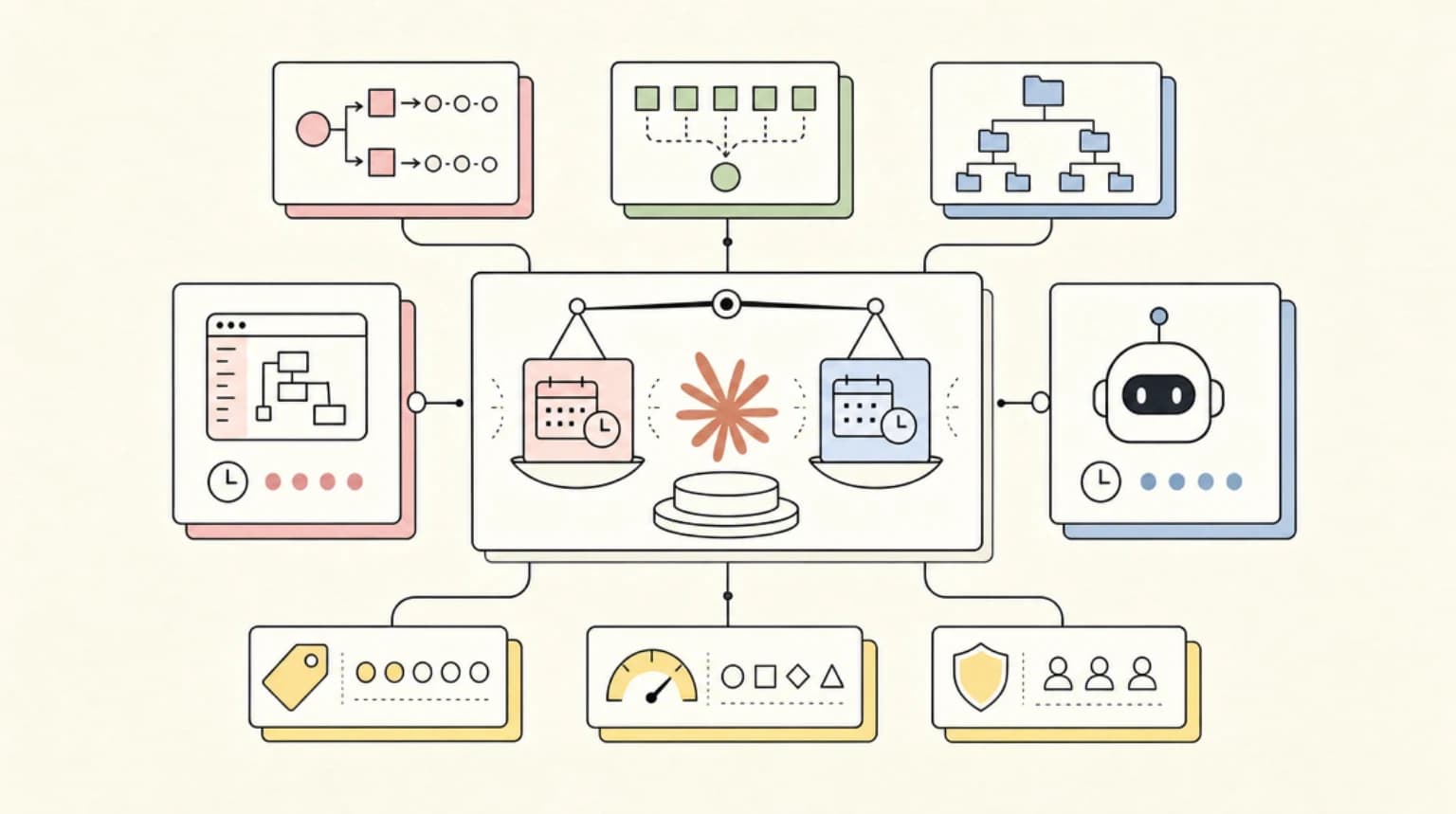
Claude Code Channels are not just "Claude Code from Telegram." That was the launch-day shorthand, and it made the feature easy to understand. But the more useful mental model is event ingress for a running local coding session.
Channels let external systems push messages into Claude Code while your session is already running. That external system might be Telegram, Discord, iMessage, a local fakechat demo, CI, monitoring, or a custom webhook. Claude receives the event, reacts inside the same local session, and can reply back through the channel when the plugin supports it.
That puts Channels in a different category from Claude Code Remote Control, cloud sessions, and scheduled routines. Remote Control is about continuing or dispatching work from another device. Channels are about letting events enter an active local session.
For the broader Claude Code stack, pair this with the Claude Code complete guide and the Claude Code routines vs managed schedules comparison.
Google Trends Signal#
Claude Code Channels fixes this. It shipped on March 20, 2026, and it turns Telegram and Discord into remote controls for your running Claude Code session.
Direct Google Trends access remains rate-limited in this automation run, so I am using it only as query framing. The durable query cluster for this article is Claude Code Channels, Claude Code Telegram, Claude Code Discord, Claude Code iMessage, Claude Code webhooks, and Claude Code Remote Control.
That cluster is useful because it reveals confusion. People are not just searching for setup steps. They are trying to understand whether Channels replace Remote Control, Slack, MCP tools, or cloud sessions. The answer is no. Channels are a specific ingress pattern.
What Channels Actually Do#
Claude Code already runs locally with access to your repo, shell commands, MCP servers, hooks, memory, and project instructions. Channels add a way for something outside the terminal to send a message into that live session.
The official docs describe supported channels for Telegram, Discord, and iMessage setup, plus fakechat as a localhost demo. The Channels reference also separates chat-platform polling from webhook-style HTTP ingress:
- Chat platforms poll the platform API through a local plugin.
- Webhook channels listen on a local HTTP port.
- Sender allowlists decide who can push messages.
- Pairing flows bootstrap access for supported chat channels.
- Custom channel builders use the
claude/channelcapability.
That architecture matters because it keeps Channels scoped to a session. Your machine still runs the coding agent. The channel is a message path, not a hosted IDE.
When to Use Channels#
Use Channels when the agent is already working and you want to send timely input without sitting at the terminal.
Good use cases:
- A CI job fails and pushes the failure into the session.
- A monitoring alert gives Claude a stack trace to inspect.
- A Telegram message asks for current test status.
- A Discord thread sends release context into a focused session.
- An iMessage note tells Claude to pause before a risky step.
- A fakechat localhost window helps you test a custom channel.
Poor use cases:
- Starting unrelated tasks in the same long-running session.
- Letting a group chat steer a repo without a clear owner.
- Sending secrets through consumer chat platforms.
- Treating chat replies as verification instead of checking logs and tests.
- Leaving a highly privileged session open indefinitely.
This is the same operating lesson behind long-running agent harnesses and permissions, logs, and rollback: the channel is useful only if the session has boundaries.
Channels vs Remote Control#
The official Claude Code overview now lists both Remote Control and Channels, and they solve different problems.
Use Remote Control when you want to continue a local session from another device, dispatch work from your phone, or move across Claude surfaces. Use Channels when Telegram, Discord, iMessage, CI, monitoring, or another event source needs to push into a live Claude Code session.
The difference is subtle but practical:
- Remote Control is user-driven continuation.
- Channels are event-driven ingress.
- Routines are scheduled work.
- GitHub Actions and CI integrations are automation surfaces.
- Slack in Claude Code is a workplace collaboration surface.
If you are designing an agent workflow, start with the trigger. A human on mobile suggests Remote Control. A chat bot or webhook suggests Channels. A nightly maintenance task suggests routines. A PR check suggests CI.
The Setup Flow Changed#
The older mental model was a single channel-install command. Current public setup guidance is plugin-based.
For Telegram, the official plugin README uses this shape inside a Claude Code session:
/plugin install telegram@claude-plugins-official
/reload-plugins
/telegram:configure <bot-token>
Then restart Claude Code with the channel enabled:
claude --channels plugin:telegram@claude-plugins-official
Discord and iMessage follow their own channel setup docs. Fakechat is the low-risk demo path because it runs locally and avoids external chat-service setup. If you are testing Channels for the first time, start there before connecting a real messaging account.
Security Model#
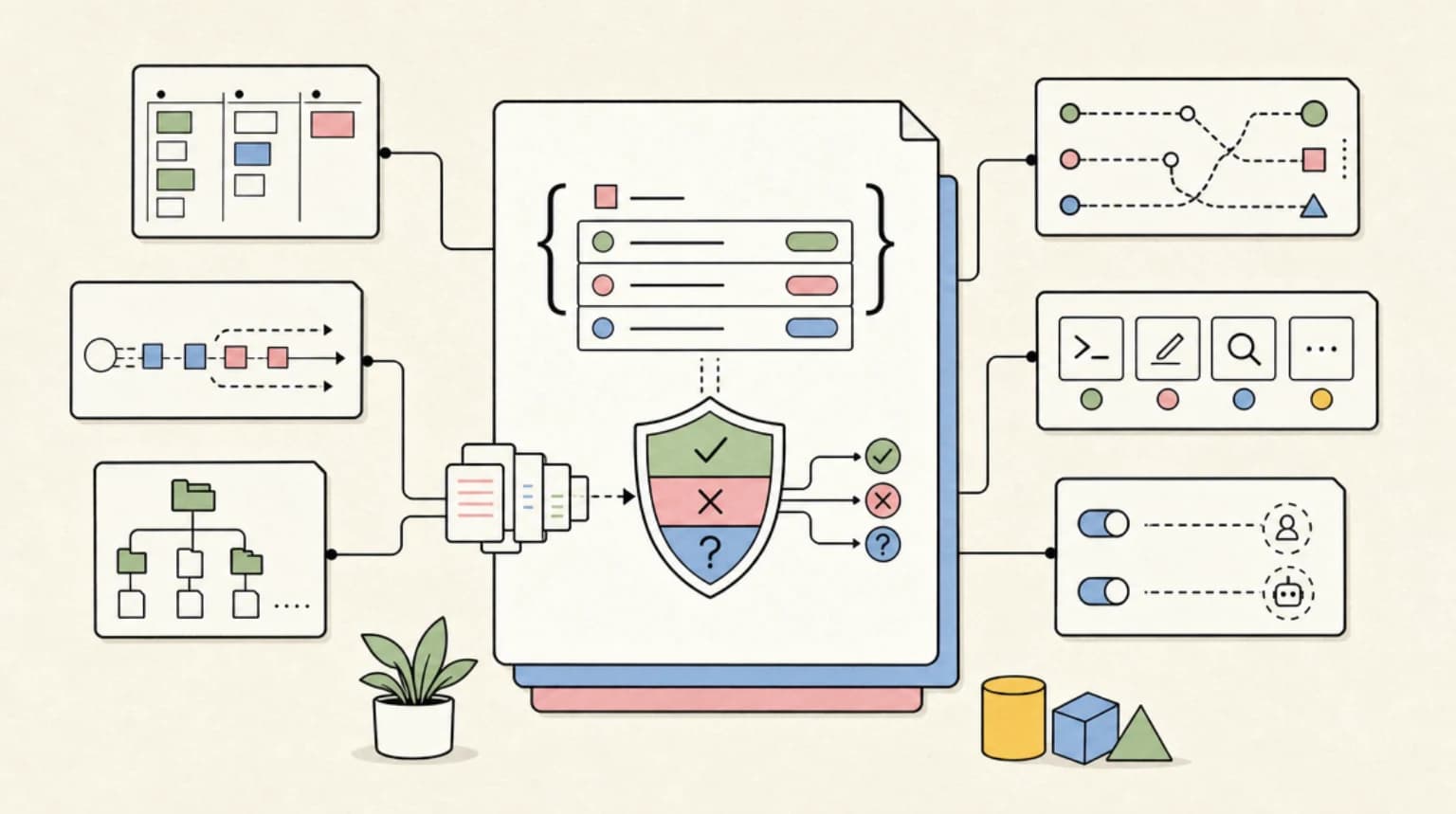
Channels are powerful because they let external messages steer a local coding agent. That means the security model matters more than the convenience.
At minimum, check these controls:
- sender allowlists
- pairing flow
- session-specific channel scope
- plugin source and update path
- command permissions
- MCP server permissions
- shell approval policy
- whether the channel can receive group-chat messages
- whether sensitive output is sent back to the chat platform
Do not rely on "the code stays local" as the whole security story. Your source files may stay on disk, but prompts, summaries, errors, filenames, stack traces, and snippets can still pass through the chat provider. If that context is sensitive, do not send it through Telegram, Discord, or iMessage.
For team setups, read Claude Code permissions and agent security before connecting tools before adding more ingress.
The Best Workflow Pattern#
The strongest Channels workflow is not rapid mobile pair programming. It is supervised async work.
Start a focused session locally:
claude --channels plugin:telegram@claude-plugins-official
Then give Claude a narrow task with stop conditions:
- work on one branch
- touch only a known area
- ask before installing packages
- run a named verification command
- report blocker states clearly
- do not commit unless asked
- send a concise channel update when done
From your phone, use short operator-style messages:
check current test status
summarize the failing typecheck output
pause before editing auth files
rerun the focused test only
write a final receipt, no commit
This works because the session already has repo context. Your phone message should steer, not explain the whole task from scratch.
Where Channels Fit in the Claude Code Stack#
Channels are one piece of a broader Claude Code control plane:
- Subagents split work into bounded roles.
- Hooks enforce deterministic checks.
- MCP servers connect external tools and context.
- Skills package repeatable procedures.
- Memory files carry project rules across sessions.
- Remote Control lets you continue from another device.
- Channels let external events push into a running session.
That is why terminal agents are becoming developer runtimes. The product is no longer just the model. It is the permissioned runtime around model work.
My Take#
Channels are worth using, but only for bounded sessions.
They are excellent for long-running work where Claude may need a small steering message while you are away. They are also strong for CI and monitoring events, where the channel payload can include a concrete failure. They are weaker as a general-purpose remote coding interface, because chat apps are not good diff viewers, test consoles, or approval ledgers.
The safe version is narrow:
- one channel
- one session
- one branch
- one task
- clear permissions
- explicit stop conditions
- final receipt in the repo or terminal
Treat Telegram, Discord, and iMessage as notification and steering paths. Keep the real engineering evidence in the terminal, git diff, test output, and logs.
FAQ#
What are Claude Code Channels?#
Claude Code Channels let external systems push messages into a running Claude Code session. Supported paths include Telegram, Discord, iMessage, fakechat, and custom webhook-style channels through MCP channel capabilities.
Are Channels the same as Remote Control?#
No. Remote Control is for continuing or dispatching work from another device. Channels are for pushing events from chat apps, local demos, CI, monitoring, or custom webhooks into a live session.
Does my code get sent to Telegram or Discord?#
Your local files are not automatically uploaded just because you enable a channel. But messages, prompts, filenames, errors, summaries, snippets, and Claude replies can pass through the chat provider. Treat channel messages as sensitive.
Which channel should I try first?#
Start with fakechat if you are testing the feature. It runs locally and avoids bot setup. For real mobile use, Telegram is usually the simplest first chat channel because the official plugin flow is straightforward.
Can a team use the same channel?#
Yes, but do it carefully. Use sender allowlists, session-specific scope, clear ownership, and limited permissions. A group chat should not be able to steer a highly privileged repo session without a human owner watching the work.
Should I use Channels for production incidents?#
Channels can be useful for incident context, but they should not replace the incident system of record. Use them to push alerts, stack traces, or CI failures into a session, then keep durable evidence in logs, tickets, pull requests, and postmortems.
Sources#
Get the next deep dive like this in your inbox
One email a week on Claude Code and the rest of the AI dev stack. Free.
Read next on Claude Code
Claude Code: Remote Control, Auto Memory, Plugins & More
Anthropic dropped a batch of updates across Claude Code and Cowork - remote control from your phone, scheduled tasks, plugin repos, auto memory, and stats showing 4% of GitHub public commits now come from Claude Code.
5 min readWhat Is Claude Code? The Complete Guide for 2026
Claude Code is Anthropic's AI coding agent for terminal, IDE, desktop, and browser workflows. Learn what it does, how it works, pricing, setup, MCP, skills, hooks, and subagents.
15 min readClaude Code Sub Agents: Parallel AI Development
Claude Code subagents let you split coding work across specialized assistants with their own context, tools, and instructions. The trick is using them for bounded work, not theatrical agent swarms.
8 min readTechnical content at the intersection of AI and development. Building with AI agents, Claude Code, and modern dev tools - then showing you exactly how it works.