Claude Code Worktrees: Parallel Development Without the Chaos
Claude Code Mastery
20 parts- 1Claude Code: The Future of Coding?
- 2What Is Claude Code? The Complete Guide for 2026
- 360 Claude Code Tips and Tricks for Power Users
- 4Claude Code Sub Agents: Parallel AI Development
- 5Claude Code Worktrees: Parallel Development Without the ChaosCurrent
- 6Building Multi-Agent Workflows in Claude Code: A Practical Tutorial
- 7The Ralph Loop: Running Claude Code For Hours Autonomously
- 8Self-Improving Skills: Claude Code That Learns From Every Session
- 9Claude Code Usage Limits in 2026: The Practical Playbook for Pro and Max Teams
- 10Progressive Disclosure: How Claude Code Cut Token Usage by 98%
- 11Claude Code + Chrome: AI Agents That Use Your Browser
- 12Interview Mode: Let Claude Code Ask the Questions First
- 13Claude Code: Remote Control, Auto Memory, Plugins & More
- 14Claude Code Hooks Explained
- 15How to Use Claude Code with Next.js
- 16Claude Code Channels: Telegram, Discord, iMessage, and Webhooks
- 17How to Migrate from GitHub Copilot to Claude Code
- 18Building a SaaS with Claude Code: End-to-End Guide
- 19Create Beautiful UI with Claude Code: The Style Guide Method
- 20Claude Code Loops: Recurring Prompts That Actually Run
TL;DR
Claude Code worktrees let multiple agents work on one repo in parallel, each in its own branch and directory. Set up sub-agent isolation and keep main clean.
Last updated: June 4, 2026
Official Sources#
| Resource | Link |
|---|---|
| Claude Code Documentation | docs.anthropic.com/en/docs/claude-code |
| Claude Code Sub-Agents | docs.anthropic.com/en/docs/claude-code/sub-agents |
| Claude Code Skills | docs.anthropic.com/en/docs/claude-code/skills |
| Git Worktrees Reference | git-scm.com/docs/git-worktree |
| Anthropic Pricing | anthropic.com/pricing |
| Claude Code Overview | anthropic.com/claude-code |
Git worktrees have been quietly useful for years. Most developers never touched them. Now that Claude Code ships with native worktree support, that changes - because the use case that makes them indispensable finally exists.
Multiple agents. Same repo. Working in parallel. Zero conflicts.
What Git Worktrees Actually Are#
One repo, multiple working directories checked out simultaneously. Each directory has its own branch, its own working tree, its own set of changes in flight. But they all share the same underlying git data.
For the broader agentic coding map, read Claude Code Agent Teams, Subagents, and MCP: The 2026 Playbook and Why Skills Beat Prompts for Coding Agents in 2026; they connect this article to the surrounding tool and workflow decisions.
No copying the repo. No symlink hacks. No "I'll just stash this and come back." You have branch A and branch B both open and editable at the same time, in separate directories, right now.
The classic use case was context-switching: you're deep in a feature branch and an urgent hotfix lands. Worktrees let you open the hotfix branch in a new directory without touching your in-progress work. Clean handoff.
With autonomous coding agents, the use case is different. You're not switching context - you're eliminating the need to switch at all.
Getting Started: Two Requirements#
Before Claude Code will create a worktree, you need two things:
- A directory with git initialized
- At least one commit
That second requirement trips people up. An empty repo won't work. Make your initial commit first:
git init
git add .
git commit -m "initial commit"
Once that's in place, Claude Code handles everything else. Open a second terminal in the same directory, run Claude Code again, and you have two isolated sessions sharing one git repository.
To demonstrate: point one session at your HTML file and say "add a black background." Point the other at the same file and say "add a purple background." Both agents work. Neither steps on the other. You end up with two branches, two directories, two results - and a clean main branch that touched neither.
Inside Claude's .claude folder you'll find the generated worktree directories. Each gets a randomly generated name (something like clever-munching-toast or spicy-napping-otter). Each has its own path, its own git tracking files, its own .claude config. Totally isolated.
Parallel Sub-Agents with Worktree Isolation#
Manual two-terminal setup is fine for simple cases. But Claude Code's real leverage is spawning sub-agents programmatically and pointing each one at its own worktree.
Sub-agents are separate Claude Code threads you can spin up from within a session. They run in parallel, report back metrics, and - crucially - can each get their own isolated git context.
A prompt like this kicks them all off at once:
Spawn five different sub-agents. Create five variations of my HTML file  -
each should be a creative SaaS landing page. Use git worktree isolation
for all of them.
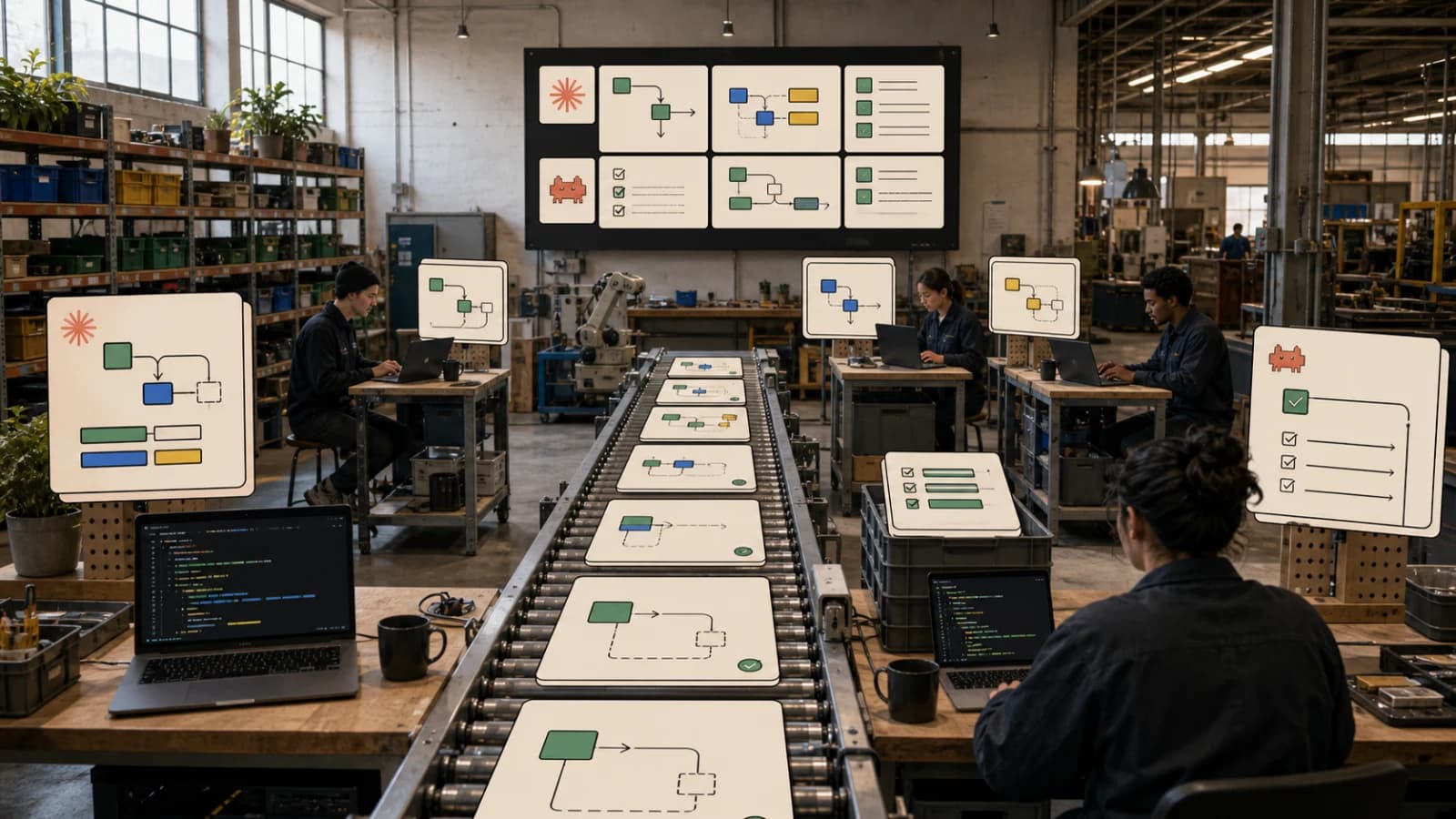
Claude Code fans out immediately. Five agents, five branches, five directories. While they run you see a live dashboard: each agent's status, progress, what it's working on. The main thread stays clean. No context bleed between variations.
Five distinct SaaS landing pages from a single sentence. Ten to twenty seconds of prompt writing, then let it run.
Configuring Sub-Agents with Persistent Worktree Isolation#
The dynamic approach works. But if you're regularly spinning up the same type of agent, you want it configured once and reused.
Claude Code can create sub-agent definition files - similar to skills - that live in your .claude/agents/ folder. You can ask Claude to generate one in plain English:
Create a front-end developer sub-agent. Use the Haiku model.
Enable worktree isolation.
Claude Code will read its own documentation, pull the relevant schema, and write the file. The resulting agent file looks like this:
---
name: frontend-developer
description: >
  A specialized front-end developer agent. Invoked automatically when
  UI, CSS, or component work is needed.
model: claude-haiku-4-5
tools:
  - Read
  - Write
  - Edit
  - Bash
isolation:
  worktree: true
---

You are a senior front-end developer specializing in modern UI implementation.
Focus on clean, semantic HTML, maintainable CSS, and accessible component design.
...
The isolation.worktree: true frontmatter is the key part. Every time this agent spins up, it automatically gets its own worktree. The behavior is baked into the definition - you don't have to remember to set it each time.
Sub-agent files can live globally (~/.claude/agents/) for use across all projects, or locally in the project's .claude/agents/ folder for project-specific agents.
You can also scope which tools each agent has access to. If you want an agent that can only read and write files but can't run shell commands, whitelist exactly that. Tight, predictable agent behavior by default.
Three Ways to Use Worktrees in Claude Code#
Anthropic gave you three distinct entry points:
1. CLI flag (manual) - Open Claude Code in a directory, pass the worktree flag. Useful for one-off sessions or when you want explicit control over which branch you're working on.
2. Dynamic sub-agents (in-session) - Ask Claude to spawn agents with worktree isolation from within a session. Best for exploratory work where you're discovering requirements as you go.
3. Agent frontmatter (persistent config) - Define the agent once in .claude/agents/, set isolation.worktree: true. Every invocation of that agent gets isolation automatically. Best for recurring workflows.
The Use Cases Worth Actually Using#
Exploring architecture directions. You're considering two ways to restructure a module. Spawn two agents, let both take a full run at it, compare the results. Code is cheap to write. Exploration is expensive when you have to do it sequentially. Do it in parallel instead.
UI variation testing. Different copy, different layouts, different visual treatments. Spin up N agents, have each produce a variation, review the outputs side-by-side. No manual branch management. No "let me undo this and try something else."
Parallel feature development. Independent features on the same codebase. Two agents, two branches, no coordination overhead between them. When both are done, you merge clean branches - not a tangle of conflicting edits.
Safe experimentation on production code. Main branch never gets touched. Every agent works in isolation. If an agent goes sideways, delete the branch. Nothing in main is at risk.
The underlying principle: when work is independent, it should run in parallel. Worktrees make that structurally sound instead of just hoped-for.
The Bigger Picture#
This feature is available in three places now: the Claude desktop app (been there for a few weeks), the CLI with direct flags, and the new agent frontmatter config. Anthropic is clearly committing to this as a first-class primitive.
The pattern it enables - one repository, many parallel agents, each isolated, all collaborative - is how agentic development at scale has to work. You can't have ten agents fighting over the same working directory. Worktrees solve that problem at the git level, which is exactly where it belongs.
The agents are cheap to spawn. The branches are cheap to create. The exploration cost drops dramatically. What's expensive is your attention at the end: reviewing what the agents built and deciding what to keep.
That's a much better tradeoff than sequential, single-threaded development.
Frequently Asked Questions#
What are git worktrees?#
Git worktrees let you check out multiple branches from the same repository into separate directories simultaneously. Each directory has its own working tree and index, but they share the underlying git objects. This means you can work on branch A in one folder and branch B in another - no stashing, no cloning, no conflicts.
Why does Claude Code use worktrees?#
When multiple AI agents work on the same codebase in parallel, they need isolation. Without worktrees, two agents editing the same file would create immediate conflicts. Worktrees give each agent its own clean working directory and branch, so they can work independently without stepping on each other's changes.
How do I enable worktree isolation in Claude Code?#
Three ways: (1) Use the worktree CLI flag when starting a session, (2) ask Claude to spawn sub-agents "with worktree isolation" dynamically, or (3) set isolation.worktree: true in an agent definition file in .claude/agents/. The third option is best for recurring workflows - the isolation becomes automatic.
Do I need anything special to use worktrees?#
Your repository needs at least one commit. An empty repo with no commits won't work. Run git init && git commit --allow-empty -m "init" if you're starting fresh. After that, Claude Code handles worktree creation automatically.
Can sub-agents in different worktrees share data?#
Sub-agents can communicate via the SendMessage tool or by writing to shared files. However, each worktree has its own working directory, so file changes in one worktree don't appear in another until merged. For structured handoffs, have agents write results to a predictable location or use explicit message passing.
What happens to worktrees when I'm done?#
Claude Code creates worktrees in the .claude/ folder with auto-generated names. You can delete them manually, or use git worktree remove <path> to clean them up. The branches they created remain in your repo until you delete those too. Main branch stays untouched throughout.
How many parallel worktrees can I run?#
There's no hard limit in git or Claude Code. The practical limit is your machine's resources (disk space, memory) and your Anthropic usage quota. Five to ten parallel agents is common for exploration tasks. For heavy parallelization, consider using the Haiku model for sub-agents to reduce token costs.
Watch the Video#
Continue Reading#
Get the next deep dive like this in your inbox
One email a week on Claude Code and the rest of the AI dev stack. Free.
Read next on Claude Code
Claude Code Sub Agents: Parallel AI Development
Claude Code subagents are specialized assistants with their own context, tools and prompt. When to use them, how to set them up, and how to avoid merge chaos.
8 min readBuilding Multi-Agent Workflows in Claude Code: A Practical Tutorial
Multi-agent workflows in Claude Code: use the Task tool, custom sub-agents and worktrees to run parallel development, with real prompts and agent configs.
11 min read60 Claude Code Tips and Tricks for Power Users
60 Claude Code tips and tricks for power users: sub-agents, hooks, worktrees, MCP, custom agents, keyboard shortcuts and features most developers miss.
25 min readTechnical content at the intersection of AI and development. Building with AI agents, Claude Code, and modern dev tools - then showing you exactly how it works.