Claude Code vs Cursor vs Codex: Which Should You Use?
TL;DR
Terminal agent, IDE agent, local-plus-cloud agent. Three architectures compared - how to decide which fits your workflow, or why you should use all three.
Official Sources#
Before making a decision, verify current details against the official documentation:
| Tool | Official Documentation | Pricing |
|---|---|---|
| Claude Code | Claude Code Docs | Anthropic Pricing |
| Cursor | Cursor Docs | Cursor Pricing |
| Codex | Codex Documentation | Codex Rate Card, Using Codex with your ChatGPT plan |
Last updated: June 7, 2026. Codex is now documented across local CLI, IDE, app, web, and cloud-task surfaces, OpenAI's current rate card is token-based, and Claude Code plan usage is still shared with Claude chat. Verify current limits and billing behavior before you standardize on one workflow.
If you want the fast decision path:
- Budget first: AI coding tools pricing 2026
- Workflow first: AI tool comparisons hub
- Claude Code migration path: Migrating from Cursor to Claude Code
- Only choosing between two: Claude Code vs Cursor or Codex vs Claude Code
Three Architectures, Three Philosophies#
The AI coding tool market in 2026 has consolidated around three distinct approaches. Each one makes a fundamental architectural choice that shapes everything about how you use it.
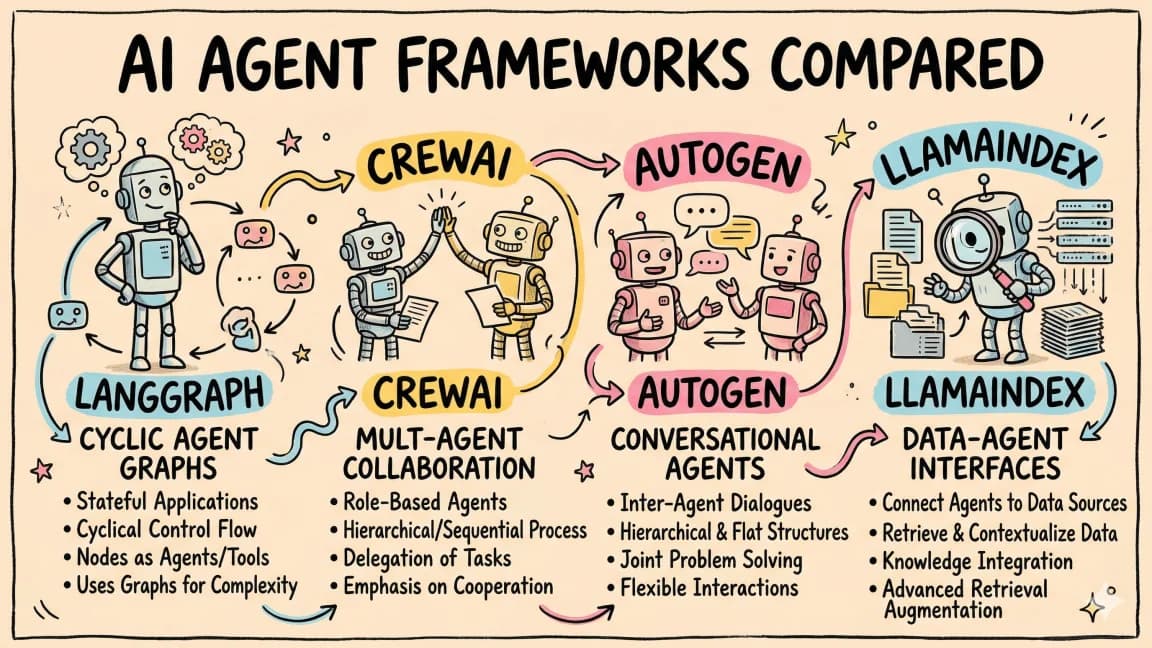
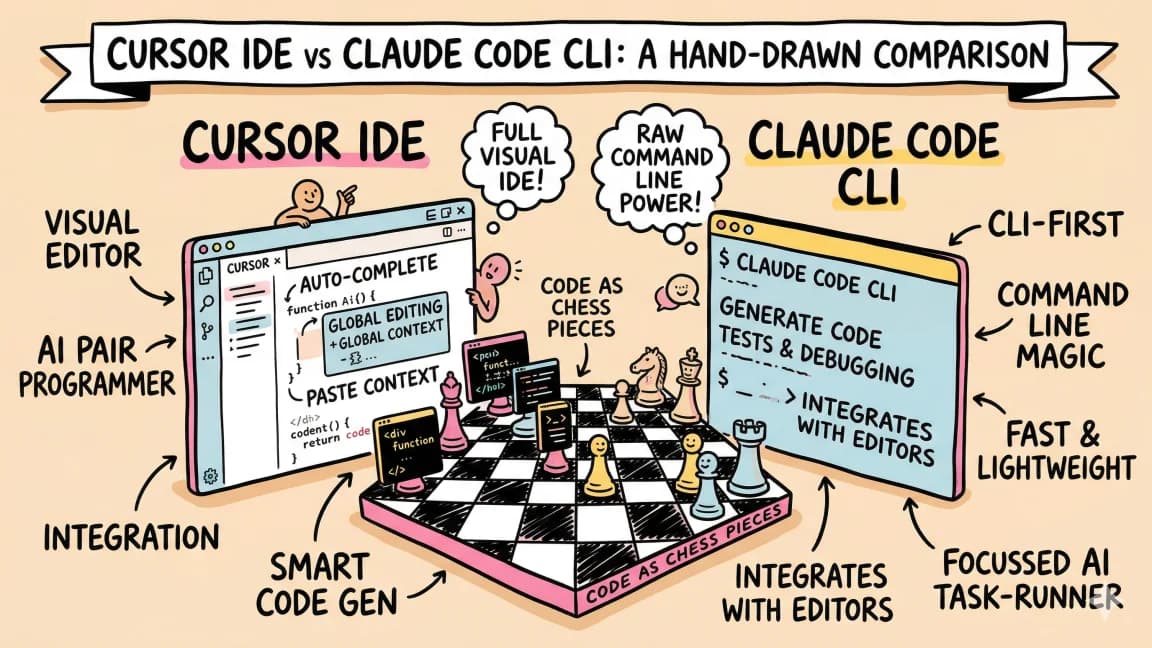
Claude Code is a terminal agent. It runs in your shell, reads your entire codebase, edits files, runs commands, and commits code. No GUI. No editor. Just a CLI that operates autonomously across your project.
Cursor is an IDE agent. It is a VS Code fork with AI woven into every part of the editor - inline completions, a chat panel, and Composer for multi-file edits. You see diffs visually and accept or reject changes line by line.
Codex is a local-and-cloud agent. You can run it from the CLI, IDE extension, app, or web, then choose whether a task should stay close to your local checkout or run in a delegated environment. That makes it the most flexible execution surface in this lineup, but also the easiest one to misunderstand if you still think of it as only a cloud worker.
These are not different skins on the same product. They are fundamentally different tools that solve different problems. Most developers who have tried all three end up using multiple.
Architecture Comparison#
| Dimension | Claude Code | Cursor | Codex |
|---|---|---|---|
| Runtime | Your terminal | VS Code fork + background agents | Local clients plus delegated cloud tasks |
| Model access | Claude plan or API models | Cursor Auto plus selectable frontier models | Codex model mix and ChatGPT-plan credit surfaces |
| Editing style | Autonomous file edits | Inline diffs you accept/reject | Local edits or reviewable delegated work |
| Context source | Full codebase + tools | Open files + indexed project | Selected checkout, client state, or configured task environment |
| Feedback loop | Async - check results after | Synchronous - see diffs live | Hybrid - local loops or background task review |
| Local access | Full filesystem + shell | Full filesystem + editor | Available in local clients, limited in delegated environments |
| CI integration | Native (runs in terminal) | Limited | Native via CLI and delegated workflows |
The architecture difference matters most in two scenarios: how much oversight you want during edits, and where the code execution happens.
Claude Code: The Autonomous Terminal Agent#
Claude Code is the tool you use when you want to hand off a task and come back to results. You describe what you want, and it figures out the implementation across your entire codebase.
Where it excels#
Large refactors. Migrate 200 files from one API to another. Claude Code reads every file, builds a plan, applies changes, runs tsc to catch type errors, fixes what breaks, and keeps going until the build passes. No babysitting required.
claude -p "Migrate all usages of OldApiClient to NewApiClient.
New client uses .execute() instead of .call(),
returns Result<T> instead of raw T.
Update imports, calls, error handlers, and tests.
Run tsc after each batch."
CI and automation. Claude Code runs where your code runs - terminals, SSH sessions, CI containers, GitHub Actions. You can wire it into a pipeline that self-heals failing builds or generates code from specs.
Skills and custom workflows. Claude Code supports skills - reusable prompt templates that encode domain knowledge. A skill for your project's conventions means the agent follows your patterns automatically. Browse available skills at skills.developersdigest.tech.
Sub-agent delegation. Claude Code can spawn sub-agents for parallel work. Need to update tests, docs, and implementation simultaneously? Three sub-agents handle it concurrently.
Where it falls short#
No visual diff review. You see the results after the agent finishes, not during. If you prefer approving each change before it lands, the terminal workflow requires more trust in the agent's output.
No inline completions. Claude Code does not complete your code as you type. It is a task-oriented tool, not a typing assistant.
Pricing#
Claude Code runs inside Anthropic's Pro and Max plan structure, with usage shared across Claude chat and Claude Code unless you explicitly route through API credentials. That packaging is simple for individual power users, but it means capacity planning matters more than the sticker price alone. See the Claude Code documentation and Anthropic pricing for the current packaging.
Cursor: The IDE Agent#
Cursor is the tool you use when you want AI integrated into every part of your editing experience. It is the closest to how most developers already work - inside an editor, with visual feedback on every change.
Where it excels#
Inline completions. Cursor predicts what you are about to type and suggests completions in real time. Not just single lines - multi-line blocks, function bodies, and pattern completions based on surrounding code. Tab to accept, keep typing to ignore.
Visual diff review. When Composer edits files, you see green and red lines. Accept individual hunks, reject others, re-prompt for adjustments. This granular control is valuable when the agent gets 90% right and you need to fix the other 10%.
Chat with context. Highlight code, ask a question, get an answer grounded in your actual implementation. The chat panel understands your open files and project structure.
Rapid iteration. Cursor's feedback loop is the tightest of the three. Prompt, see the diff, accept, prompt again. For exploratory development where requirements are fuzzy, this speed matters.
Where it falls short#
Desktop-only. Cursor cannot run in CI, SSH sessions, or headless environments. It is fundamentally a GUI application.
Context limitations. Cursor works best with the files you have open. Large refactors that span hundreds of files require multiple Composer sessions and manual batching. Claude Code handles this better.
No long-running autonomy. Composer edits files in response to prompts, but it does not run tests, fix errors, and re-iterate automatically. You are the loop.
Pricing#
Cursor Pro starts at $20/month. Pro+ at $60/month is now the plan Cursor recommends for daily agent users, and Ultra at $200/month is for heavier power-user workloads. Teams start at $40/user/month, with newer pricing focused on better predictability for high-usage seats. See the Cursor documentation for feature details.
Codex: The Local and Cloud Agent#
Codex is the tool you use when you want the same agent to cover local CLI work, IDE-assisted edits, and delegated background tasks. The current product is broader than "cloud agent only," which is why it keeps showing up in individual developer loops and team backlog workflows at the same time.
Where it excels#
Parallel task execution. Spin up multiple Codex tasks across issues or branches and keep your own machine on the work that still needs human judgment.
Execution flexibility. The local CLI can work inside your current checkout when you need direct repo access. Delegated tasks are better when you want reviewable background progress and cleaner isolation.
PR-based workflow. Teams that already review every non-trivial change get a natural fit: let Codex produce a branch or reviewable change set, then evaluate it through the same gate as human work.
Background work. Assign Codex a task before a meeting and return to a reviewable result instead of an interrupted editor session.
Where it falls short#
Environment parity. Local Codex work can use the files and tools you expose, but delegated runs still depend on how well you configure their environment. If your task needs a dev database, browser session, or custom system dependency, the setup work becomes part of the cost.
Slower delegated feedback. The round trip - assign task, wait for the result, review the output - is slower than Cursor's inline editing or Claude Code's direct file manipulation when you are iterating on a single bug.
Plan and credit complexity. OpenAI's current Codex surfaces span included plan access, token-based rate cards, and business credit controls. That flexibility is useful, but it is more operationally complex than a single flat subscription story.
Pricing#
Codex is now included with Free, Go, Plus, Pro, Business, Edu, and Enterprise ChatGPT plans, while the current Codex rate card meters usage by token type for most plans. That means "included" access and exact spend math are two different questions. Use the plan doc first, then the rate card when you need precise budget modeling.
When to Use Each#
Use Claude Code when:#
- You need autonomous refactors across many files
- You are working in CI/CD pipelines or headless environments
- You want sub-agent delegation for parallel work
- You trust the agent to make good decisions without visual approval
- You have a Claude Max subscription and want maximum autonomy
Use Cursor when:#
- You are actively writing code and want inline completions
- You prefer visual diff review before accepting changes
- You are doing exploratory development with unclear requirements
- You want the tightest feedback loop possible
- You spend most of your time in VS Code already
Use Codex when:#
- You want to parallelize work across multiple tasks
- You prefer PR-based review workflows
- You need safe sandboxed execution with no local side effects
- You want to assign tasks and walk away
- Your team already does thorough PR review
Using Multiple Tools Together#
The real unlock is combining them. Here is a workflow that uses all three:
-
Cursor for active development - writing new features, exploring APIs, iterating on UI components. The inline completions and visual diffs keep you in flow.
-
Claude Code for maintenance and refactoring - migrating dependencies, updating patterns across the codebase, running automated fixes. Let it work autonomously while you focus on the creative work in Cursor.
-
Codex for backlog parallelization - assign five low-priority issues to Codex before lunch. Review the PRs when you get back. None of them required your active attention.
This is not theoretical. Developers who use all three report shipping 3-5x more code per week than those who use only one. The key is matching the tool to the task's characteristics: how much oversight it needs, where it runs, and whether it can happen in the background.
For tracing and debugging your AI coding workflows across tools, traces.developersdigest.tech provides visibility into what each agent did, which files it touched, and where it spent tokens.
The Decision Flowchart#
Ask yourself three questions:
Do I need to see every change before it lands?
- Yes: Cursor
- No: Claude Code or Codex
Does the task require local environment access?
- Yes: Claude Code or Cursor
- No: Codex is fine
Will I be actively working while the agent runs?
- Yes, on this task: Cursor
- Yes, on something else: Claude Code or Codex
- No, I am stepping away: Codex
If you only pick one, pick the one that matches how you spend most of your coding time. If you write code all day in an editor, Cursor. If you manage large codebases and value autonomy, Claude Code. If you want background parallelization, Codex.
But most developers do all three types of work. That is why the multi-tool approach wins.
Frequently Asked Questions#
Can I use Claude Code and Cursor together?#
Yes. Many developers run Claude Code in a terminal alongside Cursor in the editor. Claude Code handles large autonomous tasks while Cursor handles interactive editing. They operate on the same filesystem, so changes from one are immediately visible to the other.
Which tool has the best model?#
The practical answer changes faster than most comparison posts do. Claude Code, Cursor, and Codex all sit on moving model surfaces and different usage policies. In practice, workflow fit matters more than the leaderboard because the tool decides how much context reaches the model, how retries happen, and whether the result is easy to review.
Is Cursor worth it if I already have Claude Code?#
Yes, for different reasons. Cursor gives you inline completions that speed up active typing - something Claude Code does not do. And the visual diff review is genuinely useful for exploratory work where you want to approve each change. They complement rather than replace each other.
What about other tools like Windsurf, Aider, or Augment?#
The market has more options. Windsurf is another IDE agent similar to Cursor. Aider is an open-source terminal agent. Augment focuses on large codebases with deep indexing. Claude Code, Cursor, and Codex represent the three dominant architectures, but the specific tools within each category continue to evolve. For the full landscape, see Best AI Coding Tools 2026.
Bottom Line#
There is no single best AI coding tool. There are three good tools built on three different architectures, each optimized for a different workflow. Pick the one that matches your primary use case. Then add the others as your work demands it.
Get the next comparison like this in your inbox
One email a week on Claude Code and the rest of the AI dev stack. Free.
Read next on Cursor
The Model, IDE, CLI, and Agent Framework Changes That Actually Matter
The AI coding market is noisy. The changes that matter are easier to spot when you separate model capability, editor loops, terminal agents, background agents, agent frameworks, UI layers, context, security, and cost.
10 min readThe New AI Coding Stack I Would Pick Today
If I were rebuilding my AI coding workflow on May 30, 2026, I would not pick one magic tool. I would pick a layered stack: terminal agent, editor, background agent, Mastra, CopilotKit, MCP, context, security, and cost controls.
11 min readClaude Code vs Cursor in 2026: Which Should You Use?
Pick Claude Code for autonomous, terminal-first, multi-file work. Pick Cursor for editor-native iteration with tab completions and visual diffs. Current models, pricing, and a decision framework, verified September 28, 2026.
11 min readNew here? Start with
Technical content at the intersection of AI and development. Building with AI agents, Claude Code, and modern dev tools - then showing you exactly how it works.