Local OpenTelemetry Traces Are Agent Receipts
TL;DR
AI agent work needs local observability. OpenTelemetry, OTLP, Vercel AI SDK telemetry, and lightweight trace viewers give developers receipts for model calls, tool use, latency, errors, and cost before anything goes to production.
Last updated: June 24, 2026
AI agent work needs receipts.
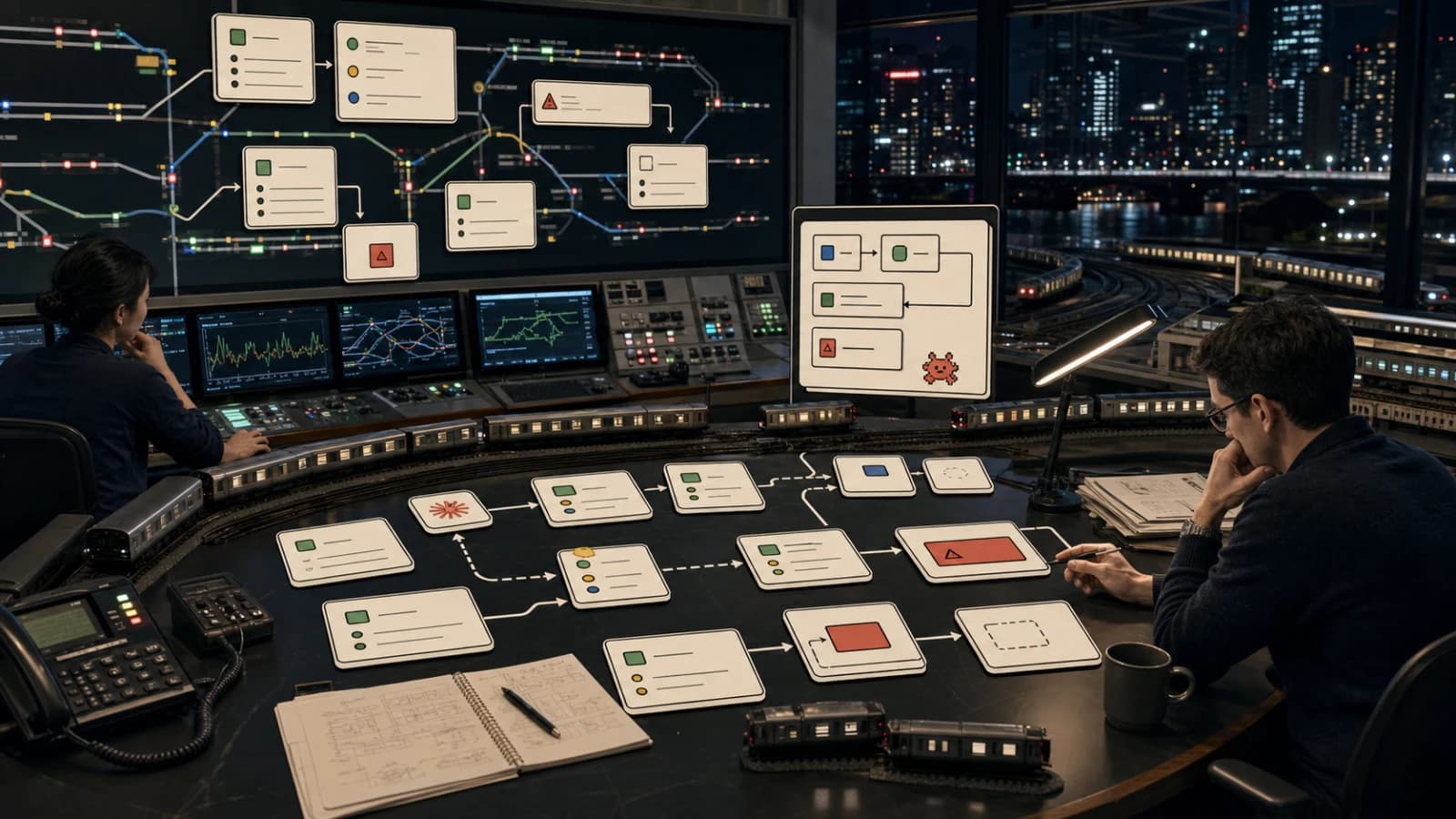
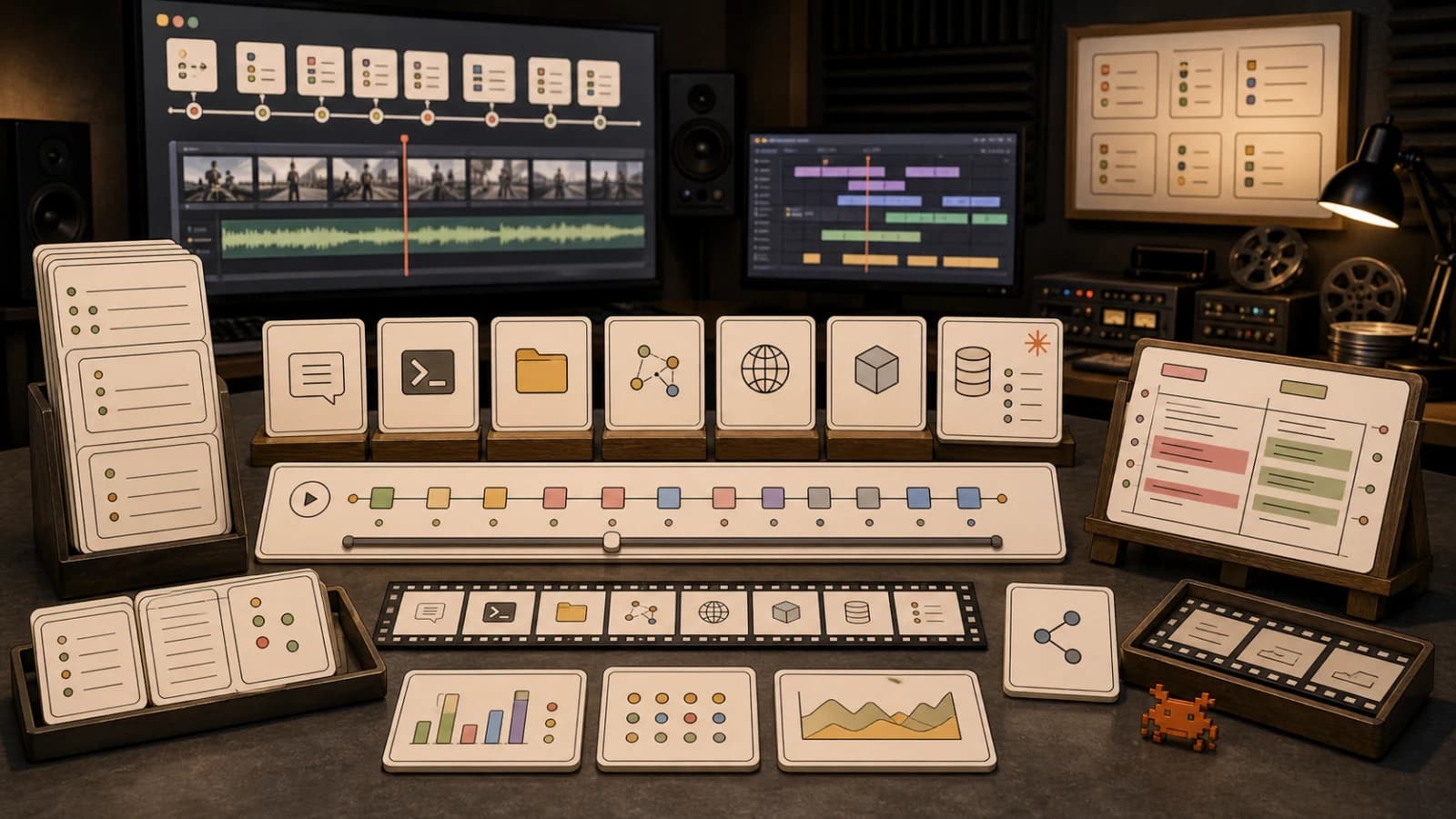
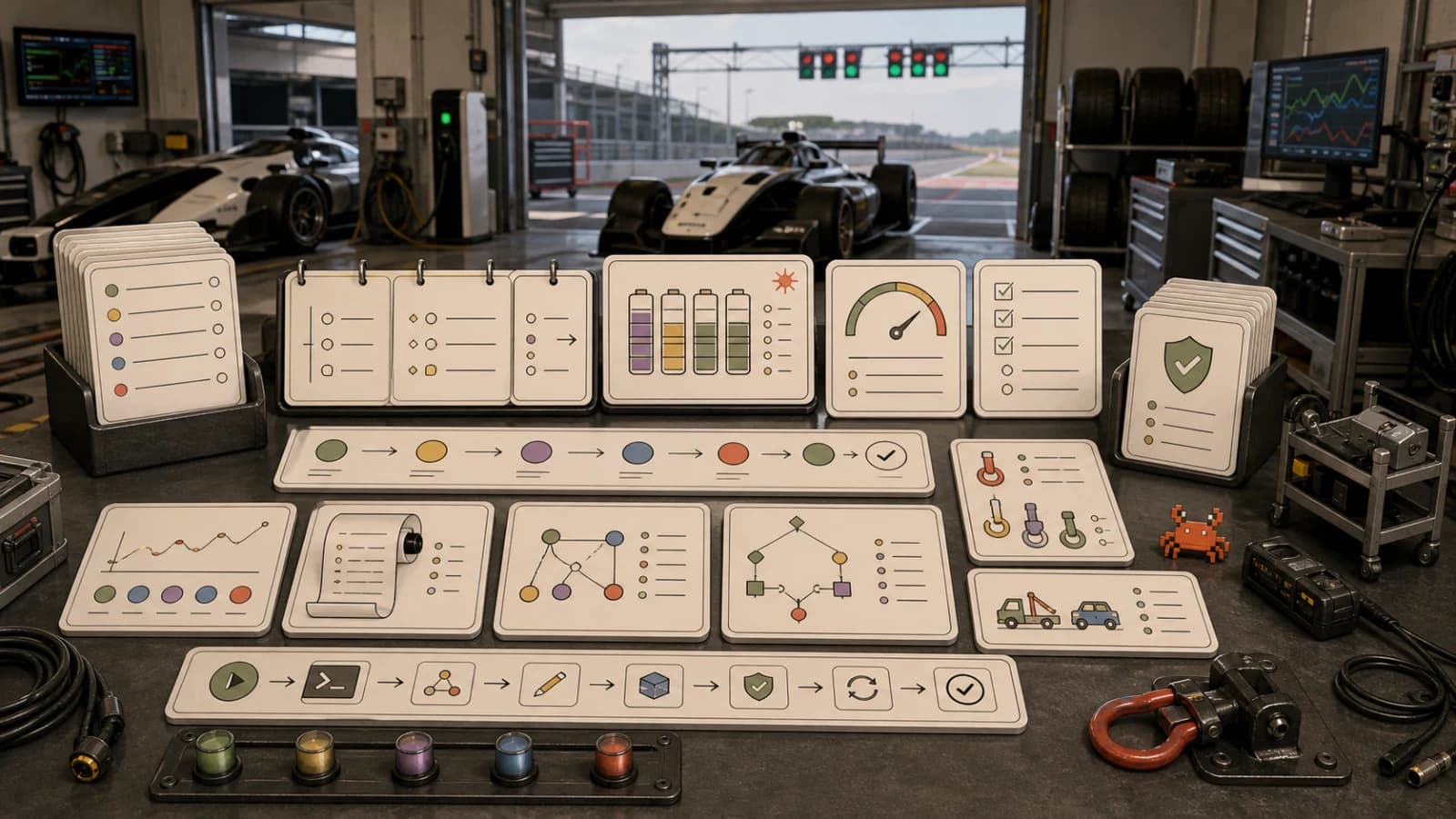
When a coding agent edits a repo, calls tools, queries docs, runs tests, and spends model tokens, the final chat message is not enough. You need to know what happened, how long it took, which model calls were expensive, which tools failed, and where the session slowed down.
That is why local OpenTelemetry matters. It gives AI developers a standard way to collect traces while building, without turning every experiment into a cloud observability project.
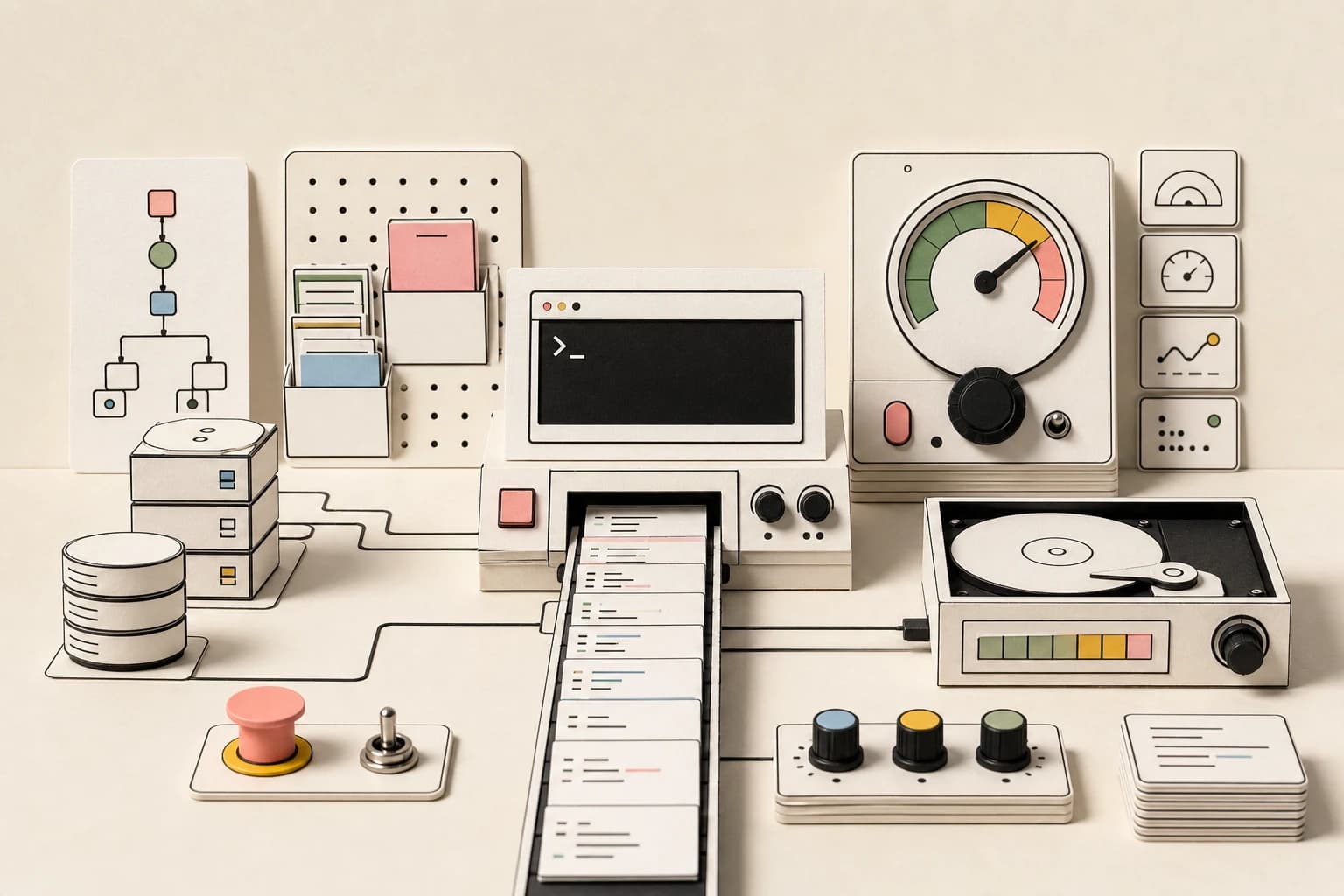
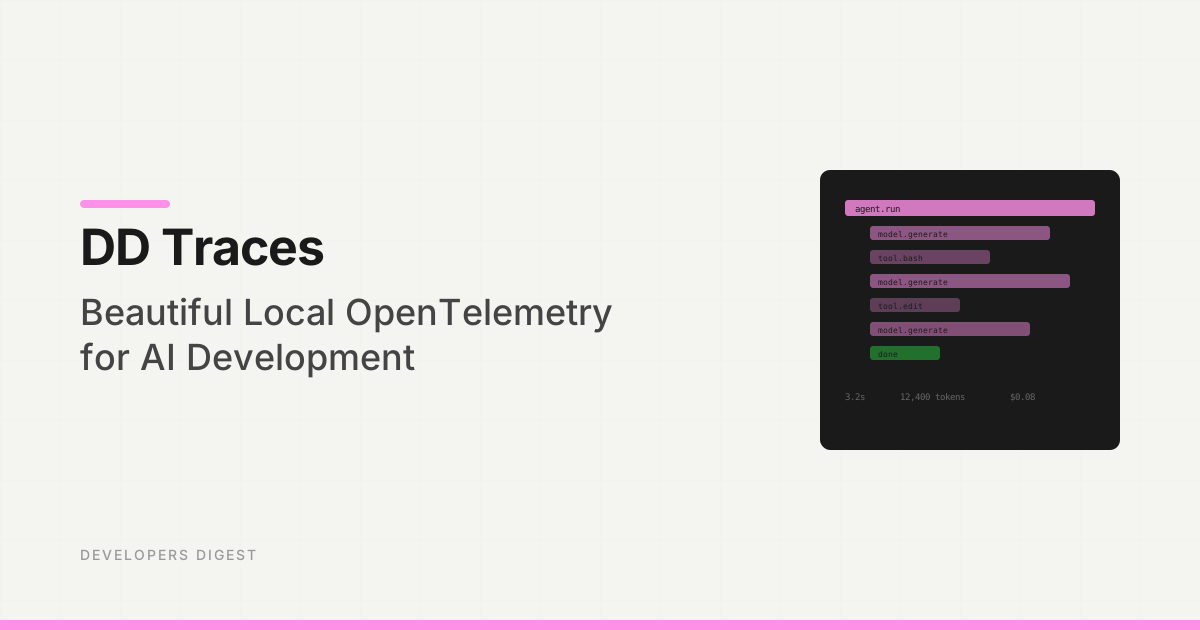
DD Traces fits into that lane as a local-first OTLP viewer: point your development app or agent harness at a local endpoint, inspect traces in a browser, and keep prompts, tool calls, and debug context on your machine while you are iterating. The broader point is bigger than one tool: local traces are becoming part of the AI development workflow.
Google Trends Signal#
Direct Google Trends access remains rate-limited in this automation run, so I am using it only as query framing. The useful cluster is AI agent observability, OpenTelemetry AI SDK, Vercel AI SDK telemetry, local OpenTelemetry viewer, LLM tracing, Langfuse vs LangSmith, and agent traces.
That cluster is decision intent. Developers are no longer only asking how to call a model. They are asking how to debug model calls, tool calls, latency, cost, and failure paths.
For the workflow layer around this, pair the trace loop with debugging AI agent workflows, AI chat fatigue as a workflow bug, and the Vercel AI SDK guide.
The Problem#
AI agents are not single function calls. A real session can include:
- model calls
- tool calls
- file reads and writes
- shell commands
- database queries
- HTTP requests
- vector searches
- retries
- streaming responses
- test runs
- final summaries
If the work fails, the question is rarely "did the model answer?" The real questions are:
- Which step failed?
- Was the slow part the model, a tool, a network request, or a database call?
- Did the agent retry the same broken step?
- How many tokens did the session burn?
- Did a tool return bad context?
- Did the agent skip verification?
- Can another agent or human replay the path?
That is the same argument behind agent eval receipts and agent replays. If there is no structured trace, you are debugging from memory.
Why OpenTelemetry Is the Right Primitive#
OpenTelemetry is not an AI-specific framework. That is exactly why it is useful.
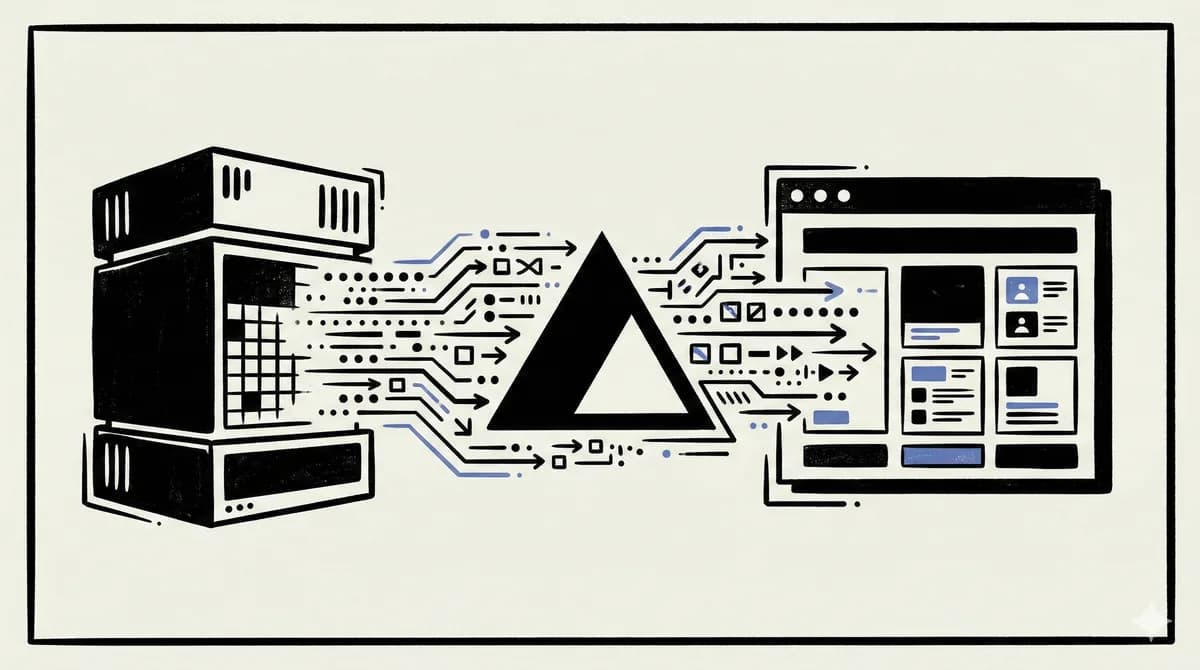
The OpenTelemetry project defines common instrumentation, exporters, collectors, and the OTLP protocol. OTLP/HTTP defaults to port 4318, and many vendors can ingest the same basic shape of traces. That means AI traces can sit beside ordinary application traces instead of living in a separate black box.
For AI development, that gives you a better baseline:
- one trace can include HTTP, model, tool, and database spans
- local viewers can inspect traces during development
- cloud systems can ingest the same OTLP data later
- teams are not forced into one vendor SDK from day one
- agent harnesses can emit spans without inventing a custom log format
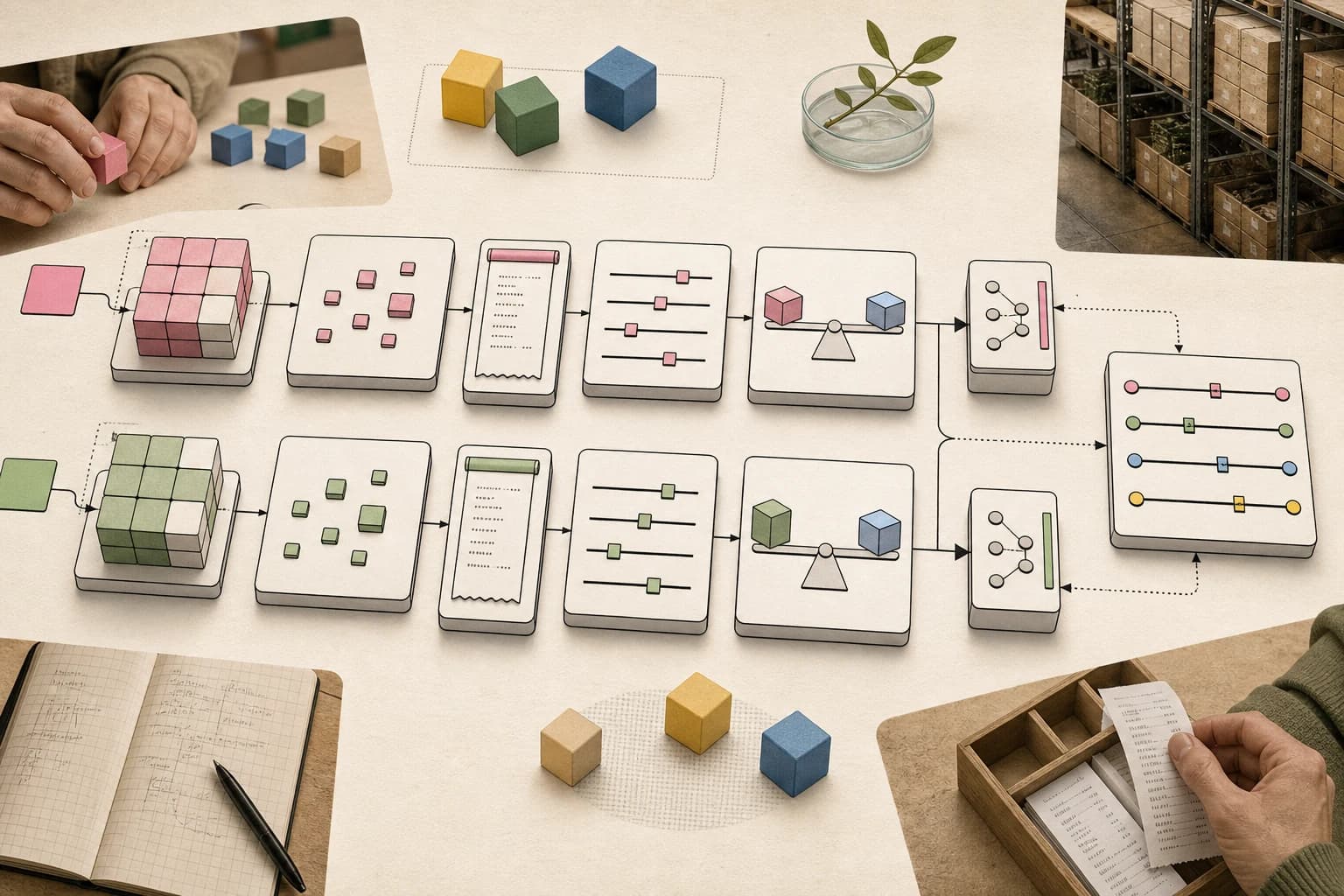
The point is not that every developer should become an observability engineer. The point is that trace-shaped evidence is a better artifact than screenshots of chat output.
Vercel AI SDK Telemetry Makes This Practical#
The Vercel AI SDK has built-in telemetry based on OpenTelemetry. Its docs describe an experimental_telemetry setting for functions like generateText and streamText, with spans that can include function IDs, metadata, and AI call details.
That changes the local development loop. Instead of manually logging every model call, you can instrument the AI boundary once and inspect the result in an OTLP-compatible destination.
A minimal mental model:
const result = await streamText({
  model,
  messages,
  experimental_telemetry: {
    isEnabled: true,
    functionId: "chat",
    metadata: {
      route: "/api/chat",
    },
  },
});
Then configure your OpenTelemetry exporter to send traces somewhere local while developing. A local viewer such as DD Traces can receive OTLP on the standard HTTP path and show the trace before you send anything to a hosted platform.
What a Useful Agent Trace Shows#
A useful trace is not just a list of model calls. It should show the whole run.
At minimum:
- request or task ID
- model provider and model name
- prompt and completion token counts when available
- tool call names
- tool call durations
- errors and retries
- streaming latency
- database spans
- HTTP spans
- verification commands
- final status
For a coding agent, the best trace also connects to git state: branch, commit, files touched, tests run, and whether the final diff was accepted. That is why permissions, logs, and rollback belong in the same conversation as tracing.
Local First vs Cloud First#
Cloud observability tools are useful. LangSmith, Langfuse, Pydantic Logfire, PostHog, New Relic, and others all have credible AI tracing stories. Langfuse documents a Vercel AI SDK integration built around OpenTelemetry, and LangSmith supports OpenTelemetry tracing as well.
But local-first tracing solves a different problem.
Use local-first traces when:
- you are developing on a laptop
- prompts or outputs may contain sensitive context
- you want zero account setup
- you are testing a new agent harness
- you need fast feedback before production instrumentation
- you do not yet know which hosted platform the team will standardize on
Use cloud-first traces when:
- multiple people need the same trace
- production monitoring matters
- you need retention
- you need dashboards and alerts
- you need evals, datasets, or human review workflows
The healthiest path is often both: local OTLP during development, then a real hosted observability stack when the workflow becomes production infrastructure.
DD Traces in That Workflow#
DD Traces is useful when you want a local trace viewer without standing up a full observability stack. Run a local viewer, point OTLP traffic at it, and inspect model/tool spans as you develop. DD Traces calculates costs per span and per trace using a built-in model pricing table. You see exactly how many tokens each LLM call consumed and what it cost. Totals are aggregated at the trace level so you can answer "how much did this agent session cost?" in one glance.
The right expectation is modest:
- local development
- fast inspection
- no account gate
- no production retention story
- no replacement for team observability
That is a feature, not a weakness. Most agent debugging starts as local confusion: "Why did this request take eight seconds?" or "Which tool call returned junk?" or "Did the agent retry the expensive step twice?" A local viewer should answer those questions quickly.
For recurring agent work, combine local traces with long-running agent harnesses and Codex resource budgets. A trace tells you what happened; a harness decides when the agent should stop.
What to Instrument First#
Do not instrument everything on day one. Start with the boundaries that explain failures.
1. Model calls#
Capture provider, model, function ID, latency, tokens, finish reason, and errors. This tells you whether the slow or expensive part was the model.
2. Tool calls#
Capture tool name, duration, success/failure, and sanitized arguments. Tool calls are where many agent failures begin.
3. Retrieval and docs calls#
If the agent uses docs, vector search, repo search, or MCP tools, trace those calls. Bad context creates bad edits.
4. Verification commands#
Typecheck, tests, linters, and browser checks should show up as spans or linked logs. An agent run without verification evidence is weak evidence.
5. Final receipt#
The final response should summarize the trace in human terms: changed files, commands run, checks passed, checks skipped, blockers, and remaining risk.
If the trace exposes repeated retries, token spikes, or runaway tool loops, connect it back to Claude Code token burn observability and agent reliability as a systems problem.
Common Mistakes#
Logging sensitive prompts by default#
AI traces can contain prompts, completions, filenames, user data, stack traces, and secrets. Turn on content capture deliberately. Redact or avoid recording sensitive fields.
Treating cost estimates as billing truth#
Token and cost estimates are useful for debugging, but provider billing rules, cache behavior, and pricing can change. Use traces for directional decisions, then verify against provider billing for policy.
Creating a second observability silo#
AI traces should not live forever apart from app traces. If the agent calls a database or an API, the model span and system span should eventually appear in the same story.
Skipping local traces because production has dashboards#
Production dashboards help after deployment. Local traces help while the agent is still changing code. You need both feedback loops.
My Take#
Local traces are becoming part of the developer workstation.
Not because every local experiment deserves a dashboard, but because agent work is too opaque without structured evidence. The model can sound confident while a tool quietly failed. The final answer can say tests passed while the trace shows only a narrow command ran. The cost can look fine until one retry loop burns the budget.
OpenTelemetry gives developers a standard shape for that evidence. Local viewers make it usable during development. Hosted platforms make it useful for teams. The winning agent workflows will use both.
If you are building or operating AI agents, start collecting traces before you need them. The first time an agent fails in a way you cannot explain, you will want receipts.
FAQ#
What is local OpenTelemetry for AI agents?#
Local OpenTelemetry means collecting traces from AI calls, tool calls, HTTP requests, databases, and verification steps on your development machine. It gives you structured evidence for what an agent did before you send data to a hosted observability system.
Why use OpenTelemetry instead of a custom agent log?#
OpenTelemetry is a standard. It can connect model spans, application spans, database spans, and HTTP spans in one trace. A custom log may be faster to start, but it usually becomes a silo.
Does the Vercel AI SDK support OpenTelemetry?#
Yes. The AI SDK documentation describes telemetry based on OpenTelemetry through experimental_telemetry. Because it is marked experimental, verify the current API before standardizing production instrumentation.
Is DD Traces a replacement for LangSmith or Langfuse?#
No. DD Traces fits local development and quick inspection. LangSmith, Langfuse, and similar platforms are stronger for team workflows, retention, evals, dashboards, and production monitoring.
Should I record prompts and responses in traces?#
Only deliberately. Prompt and response capture can be useful for debugging, but it can also expose sensitive source code, user data, secrets, or business context. Redact aggressively and keep local traces local unless the team has approved retention rules.
What should an agent final report include from traces?#
At minimum: model calls, tool calls, slow spans, errors, retries, commands run, checks passed, checks skipped, changed files, and remaining risk. A final report should be a receipt, not just a summary.
Sources#
Get the next deep dive like this in your inbox
One email a week on OpenTelemetry and the rest of the AI dev stack. Free.
Read next on AI coding tools
How to Debug AI Agent Workflows
AI agents fail in ways traditional debugging cannot catch. Here are the tools and patterns for finding and fixing broken agent loops, tool failures, and context issues.
9 min readAgent Evals Need Baseline Receipts
Hex's data-agent lab shows the practical eval pattern AI teams should copy: compare candidates against stable baselines, keep receipts, and judge changes by task behavior.
8 min readAgent Replays with TraceTrail: Loom for Agent Runs
Agent runs are opaque. TraceTrail turns a Claude Code JSONL into a public share link with a stepped timeline of messages, tool calls, and tokens.
8 min readNew here? Start with
Technical content at the intersection of AI and development. Building with AI agents, Claude Code, and modern dev tools - then showing you exactly how it works.