AI Agents Explained: A TypeScript Developer's Guide
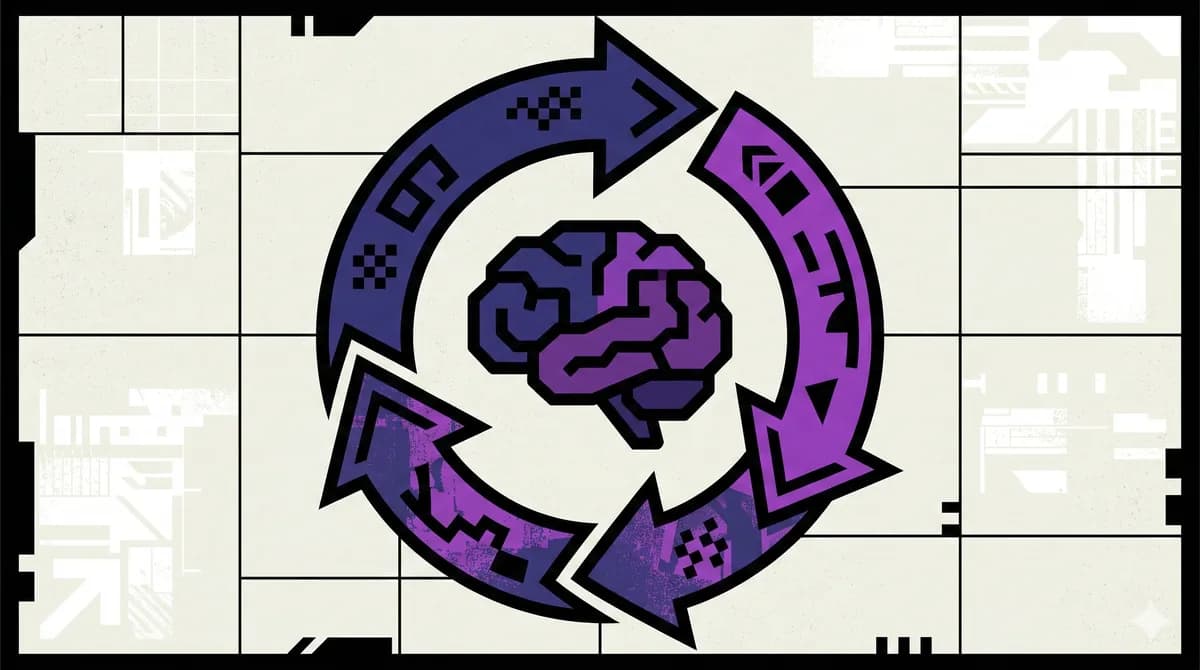
AI Agents Deep Dive
10 parts- 1AI Agents Explained: A TypeScript Developer's GuideCurrent
- 2How to Build AI Agents in TypeScript
- 3Multi-Agent Systems: How to Orchestrate Multiple AI Agents in TypeScript
- 4The Agentic Development Tech Stack for 2026
- 5How to Debug AI Agent Workflows
- 6AI Agent Memory Patterns
- 7Over-Editing: Why Your AI Coding Agent Rewrites What Isn't Broken
- 8Intent Debt: The AI-Era Debt Nobody Is Tracking
- 97 AI Agent Orchestration Patterns Every Developer Should Know
- 10The Agent Reliability Cliff: Why Your 10-Step Chain Only Succeeds 20% of the Time
TL;DR
AI agents use LLMs to complete multi-step tasks autonomously. Here is how they work and how to build them in TypeScript.
Official Sources#
Primary references for the concepts, patterns, and tools covered in this guide.
| Resource | Link |
|---|---|
| Vercel AI SDK agents guide | ai-sdk.dev/docs/ai-sdk-core/agents |
| Vercel AI SDK tool calling | ai-sdk.dev/docs/ai-sdk-core/tools-and-tool-calling |
| Claude Agent SDK (GitHub) | github.com/anthropics/claude-agent-sdk-typescript |
| Anthropic tool use documentation | docs.anthropic.com/en/docs/build-with-claude/tool-use |
| ReAct paper (Yao et al., 2022) | arxiv.org/abs/2210.03629 |
| Model Context Protocol | modelcontextprotocol.io/docs |
An AI agent is a program that uses a large language model to decide what to do next. You give it a goal. It figures out the steps, calls tools along the way, and keeps going until the job is done. No hard-coded control flow. No pre-planned sequence. The model reasons through each step at runtime.
This is fundamentally different from a chatbot. A chatbot responds to a single prompt and stops. An agent receives an objective, breaks it into subtasks, executes them, observes the results, and course-corrects if something goes wrong. It loops until the goal is met or it determines the goal is unreachable.
If you are comparing implementation options, pair this primer with AI agent frameworks compared, LangChain vs Vercel AI SDK, and Claude Code Agent Teams, Subagents, and MCP. This page explains the primitive; those pages help you choose the stack.
The ReAct Pattern#
Most agents follow the ReAct (Reason + Act) pattern. It is a loop with three phases:
- Reason: The LLM looks at the current state and decides what to do next
- Act: The agent executes an action, usually by calling a tool
- Observe: The result of the action feeds back into the LLM's context
Then the loop repeats. The model reasons again with the new information, picks the next action, observes the result, and continues.
Here is a simplified version of the loop:
TypeScript
async function agentLoop(goal: string, tools: Tool[]) {
  const messages: Message[] = [
    { role: "system", content: "You are a helpful agent." },
    { role: "user", content: goal },
  ];

  while (true) {
    const response = await llm.chat(messages);

    if (response.type === "text") {
      // No tool call means the agent is done
      return response.content;
    }

    if (response.type === "tool_call") {
      const result = await executeTool(response.toolName, response.args);
      messages.push({ role: "tool", content: result });
    }
  }
}
The entire architecture is just a while loop, an LLM call, and tool execution. Everything else is an optimization on top of this.
Tool Use: How Agents Interact with the World#
Tools are what separate agents from chat completions. A tool is a function the model can invoke - and the emerging standard for exposing tools to AI models is MCP (Model Context Protocol). You define the function signature and describe what it does. The model decides when to call it based on the current goal and context.
Common tool categories:
- Code execution: run shell commands, evaluate scripts, write files
- Data retrieval: search the web, query databases, read APIs
- Communication: send emails, post to Slack, create GitHub issues
- Computation: calculate values, transform data, generate images
In TypeScript, you define tools as objects with a name, description, parameter schema, and an execute function. Both major SDKs follow this pattern.
Building Agents with Vercel AI SDK#
The Vercel AI SDK provides generateText and streamText with built-in tool support. The maxSteps parameter controls how many reason-act-observe loops the agent can take.
For source material, keep the Vercel AI SDK tool-calling docs open while building. The key production decision is not whether agents are possible; it is how many tool steps, retries, and failure states you are willing to pay for.
TypeScript
import { generateText, tool } from "ai";
import { anthropic } from "@ai-sdk/anthropic";
import { z } from "zod";

const result = await generateText({
  model: anthropic("claude-sonnet-4-5-20250514"),
  maxSteps: 10,
  tools: {
    getWeather: tool({
      description: "Get current weather for a location",
      parameters: z.object({
        city: z.string().describe("City name"),
      }),
      execute: async ({ city }) => {
        const res = await fetch(`https://wttr.in/${city}?format=j1`);
        return res.json();
      },
    }),
    searchWeb: tool({
      description: "Search the web for information",
      parameters: z.object({
        query: z.string().describe("Search query"),
      }),
      execute: async ({ query }) => {
        // Your search implementation
        return await search(query);
      },
    }),
  },
  prompt: "What's the weather in Tokyo and what events are happening there this week?",
});
Each step is one iteration of the ReAct loop. The model might call getWeather first, then searchWeb for events, then synthesize both results into a final answer. Setting maxSteps: 10 gives it room to chain multiple tool calls without running forever.
From the archive
Building Agents with Claude Agent SDK#
The Claude Agent SDK takes a different approach. Instead of wrapping tool calls in a text generation function, it gives you a full agent runtime with built-in support for delegation, handoffs, and guardrails.
TypeScript
import { Agent, tool } from "@anthropic-ai/agent";
import { z } from "zod";

const researchAgent = new Agent({
  name: "researcher",
  model: "claude-sonnet-4-5-20250514",
  instructions: "You research topics thoroughly using web search.",
  tools: [
    tool({
      name: "search",
      description: "Search the web",
      parameters: z.object({ query: z.string() }),
      execute: async ({ query }) => searchWeb(query),
    }),
  ],
});

const response = await researchAgent.run(
  "Find the top 5 TypeScript ORMs by GitHub stars and compare their query APIs"
);
The SDK handles the ReAct loop internally. You define the agent's identity, tools, and constraints. The runtime manages context, retries, and tool execution.
Multi-Agent Patterns#
Single agents hit a ceiling on complex tasks. The context window fills up. The model loses focus. Errors compound. Multi-agent architectures solve this by splitting work across specialized agents, each with its own context and toolset.
Three patterns dominate:
1. Orchestrator-Worker#
A central orchestrator agent breaks a task into subtasks and delegates each to a specialized worker. The orchestrator synthesizes results. This is the most common pattern for complex, multi-domain problems.
TypeScript
const orchestrator = new Agent({
  name: "orchestrator",
  instructions: "Break tasks into subtasks. Delegate to specialists.",
  tools: [
    delegateTo(researchAgent),
    delegateTo(codingAgent),
    delegateTo(reviewAgent),
  ],
});
2. Pipeline#
Agents execute in sequence. The output of one becomes the input of the next. Good for workflows with clear stages: research, then draft, then review, then publish.
TypeScript
const research = await researchAgent.run(topic);
const draft = await writerAgent.run(`Write about: ${research}`);
const final = await editorAgent.run(`Review and improve: ${draft}`);
3. Parallel Fan-Out#
Multiple agents work on independent subtasks simultaneously. Results are collected and merged. Best for tasks where subtasks do not depend on each other.
TypeScript
const [apiDocs, examples, benchmarks] = await Promise.all([
  docsAgent.run("Extract API reference"),
  exampleAgent.run("Generate usage examples"),
  benchmarkAgent.run("Run performance benchmarks"),
]);
For a deeper look at these patterns with production examples, see the patterns guide and the frameworks comparison.
When to Use an Agent vs. a Chain#
Not everything needs an agent. If the steps are known in advance and never change, a deterministic chain is simpler and more predictable. Use an agent when:
- The number of steps is unknown ahead of time
- The next step depends on the result of the previous step
- The task requires dynamic decision-making
- You need the system to recover from errors autonomously
A good rule: if you can draw a fixed flowchart, use a chain. If the flowchart has conditional branches that depend on runtime data, use an agent.
Practical Considerations#
Token costs add up. Every iteration of the ReAct loop is a full LLM call. A 10-step agent run with a large context can cost 10x a single completion. Set reasonable maxSteps limits and use smaller models for simple subtasks.
Observability matters. Agents make opaque decisions. Log every tool call, every intermediate result, every reasoning step. When an agent produces a wrong answer, you need to trace which step went sideways.
Guardrails prevent runaway agents. Set timeout limits. Restrict tool access to the minimum required. Validate tool inputs before execution. An agent with unrestricted shell access and no timeout is a production incident waiting to happen.
Start simple. Build a single-agent system with two or three tools. Get it working reliably. Then add agents and complexity only when you hit real limitations. Most tasks that seem to need multi-agent coordination can be solved with a well-prompted single agent and good tools.
What to Build Next#
The fastest way to internalize this is to build something. For a practical starting point, see our guide on building apps with AI. Start with a research agent that searches the web and writes structured summaries. Add a code agent that can read files and run tests. Wire them together with an orchestrator. You will learn more about agent design in one afternoon of building than in a week of reading.
The TypeScript ecosystem for agents is maturing fast. Vercel AI SDK, Claude Agent SDK, LangChain.js, and others all provide solid foundations. Tools like Claude Code are themselves agents built on these patterns. Pick one, build something real, and ship it.
Frequently Asked Questions#
What are AI agents?#
AI agents are programs that use large language models to autonomously complete multi-step tasks. You give an agent a goal, and it decides what steps to take, calls tools to interact with external systems, evaluates results, and keeps iterating until the objective is met. The key difference from traditional software is that the control flow is determined by the model at runtime, not hard-coded by the developer.
How do AI agents work?#
Most AI agents follow the ReAct (Reason + Act) pattern. The model looks at the current state and decides what to do next (reason), executes an action like calling a tool or querying a database (act), then observes the result. This loop repeats until the goal is achieved. Each iteration adds new information to the model's context, enabling increasingly informed decisions across multiple steps.
What is the difference between AI agents and chatbots?#
A chatbot processes a single user message and returns a single response in a request-response pattern. An AI agent operates in a goal-directed loop, making multiple LLM calls and tool invocations autonomously. Chatbots wait for user input between every message. Agents can chain dozens of operations together - searching, querying, writing files, running code - without human input between steps. See our guide on how to build agents in TypeScript for practical examples.
What can AI agents do?#
AI agents can perform any task that can be broken into steps involving reasoning and tool use. Common applications include code review and refactoring, data analysis across multiple sources, research and report generation, customer support with database lookups, automated testing, and deployment management. The capabilities are determined by the tools you provide - file access, database queries, web search, API calls, and more.
Are AI agents safe?#
AI agents are as safe as the guardrails you build around them. Best practices include restricting tool access to the minimum required permissions, setting timeout and step limits to prevent runaway execution, using read-only database connections for analytical tasks, adding confirmation tools for destructive actions, and logging every tool call for auditability. Start with narrow scope and expand only as you build confidence in the system's behavior.
Further reading#
Related apps#
- Agent Eval Bench Plus - Evaluation harness for AI coding agents. Plus tier adds private benchmarks, CI hooks, and historical comparisons.
- Overnight Agents - Spec out AI agents, run them overnight, wake up to a verified GitHub repo.
Related#
- Subscribe to DevDigest on YouTube for hands-on walkthroughs
Continue Reading#
Read next
How to Build AI Agents in TypeScript
A practical guide to building AI agents with TypeScript using the Vercel AI SDK. Tool use, multi-step reasoning, and real patterns you can ship today.
10 min readMulti-Agent Systems: How to Orchestrate Multiple AI Agents in TypeScript
From swarms to pipelines - here are the patterns for coordinating multiple AI agents in TypeScript applications.
6 min readWhat is RAG? Retrieval Augmented Generation Explained
How RAG works, why it matters, and how to implement it in TypeScript. The technique that lets AI models use your data without fine-tuning.
8 min readShare
Developers Digest
Technical content at the intersection of AI and development. Building with AI agents, Claude Code, and modern dev tools - then showing you exactly how it works.
300+ videos30K+ GitHub stars850+ articles
Related Tools
AI FrameworksEssential

Vercel AI SDK
The TypeScript toolkit for building AI apps. Unified API across OpenAI, Anthropic, Google. Streaming, tool calling, stru...
View ToolAI FrameworksAgent UI

CopilotKit
Frontend stack for agent-native apps. React hooks, prebuilt copilot UI, AG-UI runtime, frontend tools, shared state, and...
View ToolAI Frameworks

Mastra
TypeScript-first AI agent framework. Agents, tools, memory, workflows, RAG, evals, tracing, MCP, and production deployme...
View ToolAI FrameworksNew

Claude Agent SDK
Anthropic's Python SDK for building production agent systems. Tool use, guardrails, agent handoffs, and orchestration. R...
View ToolApps from Developers Digest
Related Guides
Guide
Building Your First MCP Server
Step-by-step guide to building an MCP server in TypeScript - from project setup to tool definitions, resource handling, testing, and deployment.
AI AgentsGuide
Claude Code Setup Guide
Configure Claude Code for maximum productivity -- CLAUDE.md, sub-agents, MCP servers, and autonomous workflows.
AI AgentsGuide
MCP Servers Explained
What MCP servers are, how they work, and how to build your own in 5 minutes.
AI AgentsRelated Videos
OpenAI's New TypeScript Agents SDK
Getting Started with OpenAI's New TypeScript Agents SDK: A Comprehensive Guide OpenAI has recently unveiled their Agents SDK within TypeScript, and this video provides a detailed walkthrough...
Video·

Buzz: Open-Source Collaboration for Humans + AI Agents
Buzz by Block: Open-Source Slack-Style Collaboration for Humans + AI Agents (Demo & Setup) Check out Arcade: https://arcade.dev.plug.dev/xiDRwlA Repo: https://github.com/block/buzz The video introd...
Video·

Agents 101: How to Build and Deploy Anything with AI Agents
Build Anything with Vercel, the Agentic Infrastructure Stack Check out Vercel: https://vercel.plug.dev/cwBLgfW The video shows a behind-the-scenes walkthrough of how the creator rapidly builds and d...
Video·
Related Posts

10 min read
AI Agents
How to Build AI Agents in TypeScript
A practical guide to building AI agents with TypeScript using the Vercel AI SDK. Tool use, multi-step reasoning, and rea...

6 min read
Multi-Agent
Multi-Agent Systems: How to Orchestrate Multiple AI Agents in TypeScript
From swarms to pipelines - here are the patterns for coordinating multiple AI agents in TypeScript applications.
8 min read
RAG
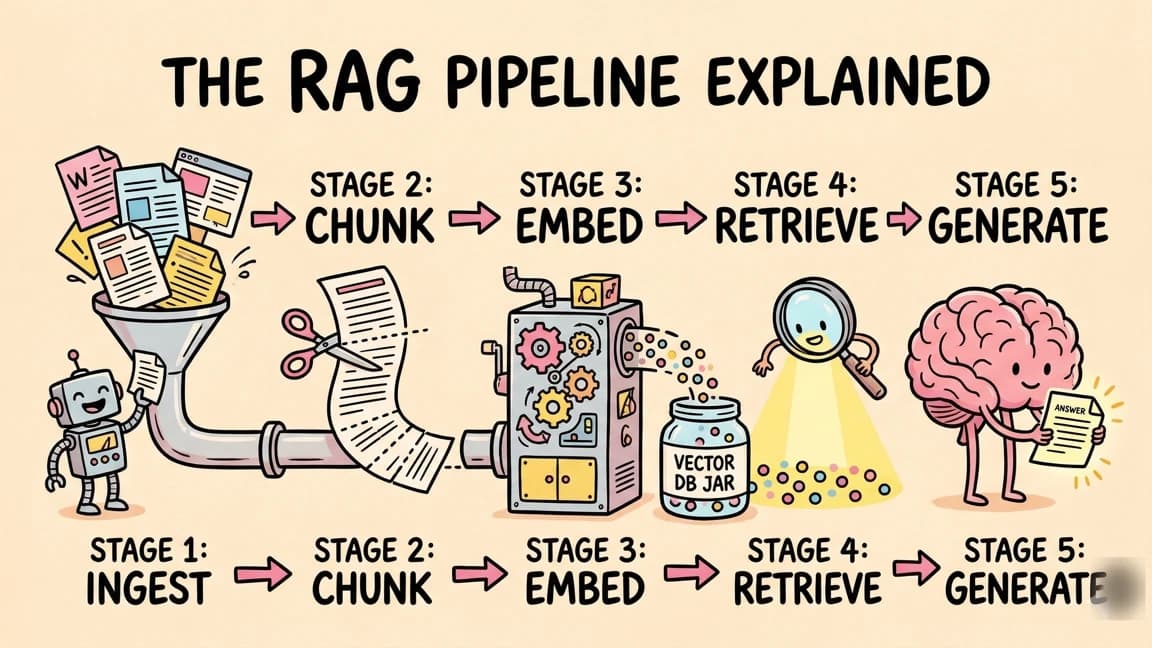
What is RAG? Retrieval Augmented Generation Explained
How RAG works, why it matters, and how to implement it in TypeScript. The technique that lets AI models use your data wi...
10 min read
AI Agents
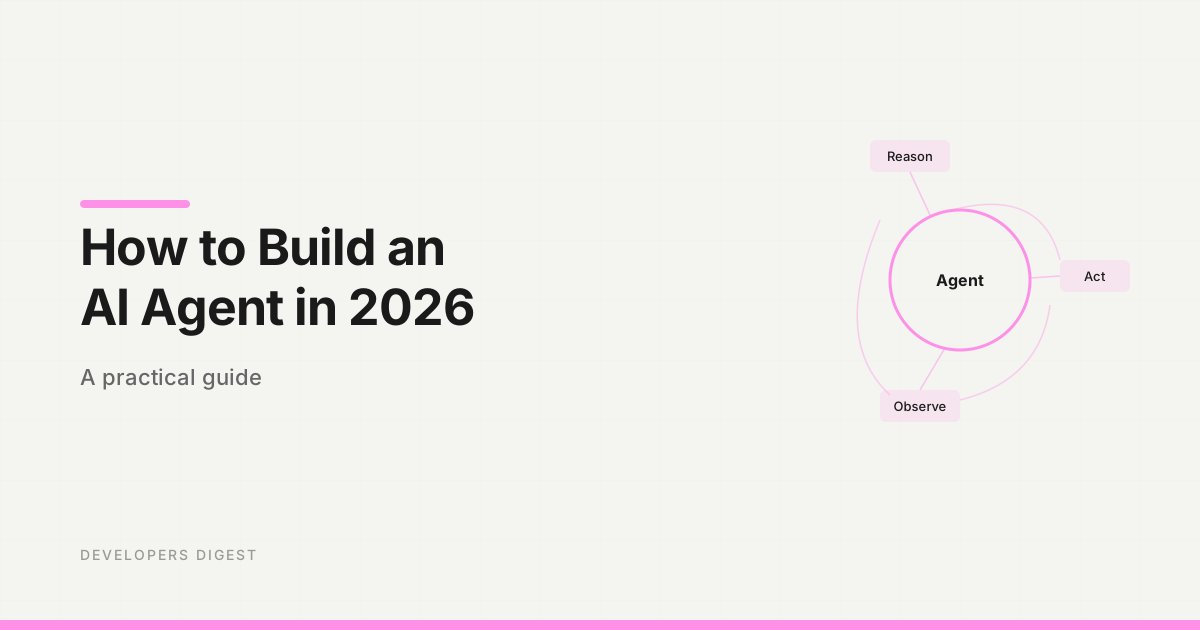
How to Build an AI Agent in 2026: A Practical Guide
A step-by-step guide to building AI agents that actually work. Choose a framework, define tools, wire up the loop, and s...

5 min read
LangChain
LangChain vs Vercel AI SDK: Which TypeScript AI Framework Should You Use?
Two popular frameworks for building AI apps in TypeScript. Here is when to use each and why most Next.js developers shou...

9 min read
AI Agents
How to Debug AI Agent Workflows
AI agents fail in ways traditional debugging cannot catch. Here are the tools and patterns for finding and fixing broken...
Build with the member tools

Get Smarter About AI Dev
New tutorials, open-source projects, and deep dives on coding agents - delivered weekly.
One email per weekReal code, not theoryFree forever