LangChain vs Vercel AI SDK: Which TypeScript AI Framework Should You Use?

TL;DR
Two popular frameworks for building AI apps in TypeScript. Here is when to use each and why most Next.js developers should start with the AI SDK.
Direct answer
LangChain vs Vercel AI SDK: Which TypeScript AI Framework Should You Use?
Two popular frameworks for building AI apps in TypeScript. Here is when to use each and why most Next.js developers should start with the AI SDK.
Best for
Developers comparing real tool tradeoffs before choosing a stack.
Covers
Verdict, tradeoffs, pricing signals, workflow fit, and related alternatives.
The Two Paths#
You want to build an AI-powered app in TypeScript. You search for frameworks and land on two names: LangChain and the Vercel AI SDK.
Both are production-ready. Both support multiple LLM providers. Both have TypeScript-first APIs. But they solve different problems, and picking the wrong one costs you time.
Source check: keep the official Vercel AI SDK docs, Vercel AI SDK GitHub repo, LangChain.js docs, and LangChain GitHub repo open while evaluating. For the broader agent-framework decision, read the AI agent frameworks guide and the OpenAI Agents SDK TypeScript guide.
Here is an honest breakdown.
Official Sources#
Always verify current features, versions, and API changes against the official documentation:
| Framework | Documentation | GitHub | Changelog |
|---|---|---|---|
| Vercel AI SDK | ai-sdk.dev | vercel/ai | AI SDK releases |
| LangChain.js | docs.langchain.com | langchain-ai/langchainjs | LangChain.js releases |
| LangGraph.js | docs.langchain.com/oss/javascript/langgraph | langchain-ai/langgraphjs | LangGraph.js releases |
Current state of play, verified June 11, 2026: the AI SDK is on major version 6 (ai@6.0.x on npm, roughly 14.2 million weekly downloads), and LangChain.js is on 1.x (langchain@1.4.x on npm, roughly 2.4 million weekly downloads). Two doc moves to know about: the old sdk.vercel.ai docs now live at ai-sdk.dev, and js.langchain.com permanently redirects to docs.langchain.com. Framework versions and APIs change frequently. The official documentation is the source of truth.
Quick decision#
If you just want the call:
- Start with the Vercel AI SDK when you are building a user-facing app (especially Next.js) and you want streaming UI, tool calling, or structured output without adopting a framework.
- Choose LangChain when your core problem is orchestration: RAG, multi-step agents, retrieval, evaluation, and integrations across data sources.
- Combine them when you have both: AI SDK for streaming app endpoints, LangChain for the backend pipeline that needs orchestration.
If you are trying to pick fast:
- Decide by workflow: AI agent frameworks compared
- Decide by cost: /pricing and AI coding tools pricing 2026
- Decide by side-by-side comparisons: /compare
Philosophy#
Vercel AI SDK is minimal by design. It gives you streaming, tool calling, and structured output with almost no abstraction layer. You write normal TypeScript. The SDK handles the transport and provider differences so you do not have to.
LangChain is an orchestration framework. It provides chains, agents, memory, retrievers, document loaders, and dozens of integrations out of the box. It is opinionated about how you compose AI workflows, and it gives you building blocks for complex pipelines.
The core tension: the AI SDK trusts you to build your own patterns. LangChain gives you pre-built patterns and asks you to learn its abstractions.
Streaming a Chat Response#
Here is the same basic task in both frameworks: stream a chat completion to the browser. Both samples use the current major versions (AI SDK 6 and LangChain.js 1.x).
Vercel AI SDK:
TypeScript
import { streamText, convertToModelMessages, type UIMessage } from "ai";
import { openai } from "@ai-sdk/openai";

export async function POST(req: Request) {
  const { messages }: { messages: UIMessage[] } = await req.json();

  const result = streamText({
    model: openai("gpt-5.5"),
    messages: await convertToModelMessages(messages),
  });

  return result.toUIMessageStreamResponse();
}
Five lines of real logic. The useChat hook on the client handles the rest. No configuration objects, no chain definitions, no execution context.
LangChain:
TypeScript
import { ChatOpenAI } from "@langchain/openai";
import { HumanMessage } from "@langchain/core/messages";

export async function POST(req: Request) {
  const { messages } = await req.json();

  const model = new ChatOpenAI({ model: "gpt-5.5" });

  const stream = await model.stream(
    messages.map((m: any) => new HumanMessage(m.content))
  );

  const encoder = new TextEncoder();
  return new Response(
    new ReadableStream({
      async start(controller) {
        for await (const chunk of stream) {
          controller.enqueue(encoder.encode(chunk.text));
        }
        controller.close();
      },
    }),
    { headers: { "Content-Type": "text/plain" } }
  );
}
More setup, and you are wiring the stream into a Response yourself. LangChain's strength is not simple chat. It is what comes after.
Tool Calling#
This is where both frameworks shine, but differently.
Vercel AI SDK:
TypeScript
import { generateText, tool } from "ai";
import { openai } from "@ai-sdk/openai";
import { z } from "zod";

const result = await generateText({
  model: openai("gpt-5.5"),
  tools: {
    getWeather: tool({
      description: "Get the weather for a location",
      inputSchema: z.object({
        city: z.string(),
      }),
      execute: async ({ city }) => {
        return { temp: 72, condition: "sunny" };
      },
    }),
  },
  prompt: "What is the weather in San Francisco?",
});
Tools are defined inline with Zod schemas (note: AI SDK 5 renamed parameters to inputSchema). The SDK handles the function calling protocol, parses the response, executes your function, and feeds the result back to the model. Clean and predictable.
LangChain:
TypeScript
import { createAgent, tool } from "langchain";
import * as z from "zod";

const getWeather = tool(
  async ({ city }) => JSON.stringify({ temp: 72, condition: "sunny" }),
  {
    name: "getWeather",
    description: "Get the weather for a location",
    schema: z.object({ city: z.string() }),
  }
);

const agent = createAgent({
  model: "openai:gpt-5.5",
  tools: [getWeather],
});

const result = await agent.invoke({
  messages: [
    { role: "user", content: "What is the weather in San Francisco?" },
  ],
});
Far less ceremony than it used to be. LangChain 1.0 collapsed the old createOpenAIFunctionsAgent plus AgentExecutor setup into createAgent, which runs on the LangGraph runtime and gives you a real loop: the agent can call multiple tools, reason about intermediate results, and decide when it is done, with middleware hooks for things like human-in-the-loop approval. The AI SDK closed the gap from its side too: stopWhen (which replaced maxSteps in AI SDK 5) bounds multi-step tool loops, and AI SDK 6 added a ToolLoopAgent abstraction for reusable agents.
From the archive
Multi-Agent Systems: How to Orchestrate Multiple AI Agents in TypeScript
Mar 19, 2026 • 6 min read
The Next.js AI App Stack for 2026
Mar 19, 2026 • 12 min read
OpenAI Codex: Terminal and Cloud AI Coding Agent
Mar 19, 2026 • 5 min read
OpenAI vs Anthropic in 2026 - Models, Tools, and Developer Experience
Mar 19, 2026 • 18 min read
Where LangChain Wins#
RAG pipelines. LangChain has document loaders for PDFs, CSVs, web pages, Notion, and dozens of other sources. It has text splitters, embedding integrations, and vector store connectors. Building a retrieval-augmented generation pipeline in LangChain takes a fraction of the custom code you would write with the AI SDK.
Complex agent workflows. LangGraph (the low-level orchestration runtime that LangChain 1.0's createAgent is built on) lets you define stateful, multi-step agent graphs with branching, cycles, and human-in-the-loop checkpoints. If you are building an agent that needs to plan, execute, reflect, and retry, LangGraph has the primitives.
Ecosystem breadth. LangChain integrates with nearly every vector database, document store, and LLM provider. If you need Pinecone + Cohere + a custom retriever + a multi-step chain, LangChain has pre-built components for all of it.
Where the AI SDK Wins#
Next.js integration. The AI SDK was designed for React Server Components and the App Router. useChat, useCompletion, and useObject are React hooks that handle streaming UI out of the box. No glue code needed.
Simplicity. The learning curve is almost flat. If you know TypeScript and React, you can ship an AI feature in an afternoon. There is no framework to learn, just functions you call.
Streaming-first architecture. Every function in the AI SDK is built around streaming. streamText, streamObject, and the useChat transport. This is not bolted on. It is the default. For user-facing applications where perceived latency matters, this is a significant advantage.
Provider switching. Swap openai("gpt-5.5") for anthropic("claude-sonnet-4-6") or google("gemini-3.5-flash"). Same API, same types, same streaming behavior. The provider abstraction is clean and does not leak.
Bundle size. The AI SDK is lightweight. LangChain pulls in a substantial dependency tree. For frontend-heavy applications, this matters.
The Decision Framework#
Pick the Vercel AI SDK if:
- You are building a Next.js app with AI features
- You want streaming chat, tool use, or structured output
- You prefer writing your own patterns over learning a framework
- You need something in production this week
- Your AI features are part of a larger app, not the entire app
Pick LangChain if:
- You are building a complex RAG pipeline with multiple data sources
- You need multi-step agents with planning and reflection
- You want pre-built integrations with vector databases and document loaders
- Your project is primarily an AI/ML application, not a web app with AI features
- You are comfortable with the abstraction overhead in exchange for built-in patterns
The Honest Take#
Most TypeScript developers building web applications should start with the Vercel AI SDK. It does less, and that is the point. You add AI capabilities to your app without adopting a framework. When you hit the limits, you will know, and you can bring in LangChain for the specific pipeline that needs it.
LangChain is powerful, but it carries the weight of its Python heritage. The TypeScript version has improved dramatically - the 1.0 release trimmed the surface area and moved the legacy chain-and-executor patterns into @langchain/classic - but the abstraction layer can still feel heavy when all you need is a streaming chat endpoint. The indirection through agents, prompts, and middleware adds cognitive overhead that does not always pay for itself.
The good news: they are not mutually exclusive. Use the AI SDK for your user-facing streaming features and LangChain for your backend RAG pipeline. That is a pattern that works well in production.
For a deeper comparison of AI frameworks and how they fit into agentic workflows, check out the AI agent frameworks guide, how to build AI agents in TypeScript, and the frameworks guide on SubAgent. If you are choosing tools by budget as well as architecture, pair this with the AI coding tools pricing comparison.
What changed#
Updated June 11, 2026. The big shifts since this post first ran:
- AI SDK 6 shipped December 22, 2025 (release post) with
ToolLoopAgent, human-in-the-loop tool approval, and stable MCP support in@ai-sdk/mcp. Migrating from v5 is mostlynpx @ai-sdk/codemod v6per the official migration guide. - LangChain.js 1.0 went GA in October 2025.
createAgentsupersedes the legacyAgentExecutor, and the old chain-style APIs moved to@langchain/classic. - Both doc sites moved. sdk.vercel.ai is now ai-sdk.dev, and js.langchain.com permanently redirects to docs.langchain.com.
- The adoption gap widened. The
aipackage pulls roughly 14.2 million weekly downloads versus roughly 2.4 million forlangchain(npm stats, week ending June 2, 2026). - Code samples above now target AI SDK 6 and LangChain 1.x. For the agent-specific matchup, see AI SDK 6 vs LangGraph for TypeScript agents and how the agent SDK landscape evolved.
FAQ#
Is the Vercel AI SDK only for OpenAI?#
No. The AI SDK is provider-agnostic. You can swap models across providers while keeping the same streaming and tool-call surface, and AI SDK 6 ships first-party providers for OpenAI, Anthropic, Google, Mistral, Amazon Bedrock, and many more. The best place to verify current adapters is the official docs and repo linked at the top.
Does LangChain replace the AI SDK?#
Not usually. LangChain is strongest when orchestration is the product: retrieval, routing, evaluation, and agent control flow. The AI SDK is strongest when the product is a web app and you want streaming UI with minimal abstraction. Many production apps use both.
What should I pick if I want to build agents in TypeScript?#
If you want to ship quickly and your agents are embedded in a Next.js app, start with the AI SDK - the ToolLoopAgent in AI SDK 6 covers most embedded-agent cases - then add orchestration when you hit real complexity. If you already know you need multi-step control flow and retrieval-heavy pipelines, start with LangChain's createAgent and reach for LangGraph when you need the low-level graph primitives.
Continue Reading#
Read next
Vercel AI SDK: Build Streaming AI Apps in TypeScript
The AI SDK is the fastest way to add streaming AI responses to your Next.js app. Here is how to use it with Claude, GPT, and open source models.
5 min readHow to Build AI Agents in TypeScript
A practical guide to building AI agents with TypeScript using the Vercel AI SDK. Tool use, multi-step reasoning, and real patterns you can ship today.
10 min readAI Agents Explained: A TypeScript Developer's Guide
AI agents use LLMs to complete multi-step tasks autonomously. Here is how they work and how to build them in TypeScript.
6 min readShare
Developers Digest
Technical content at the intersection of AI and development. Building with AI agents, Claude Code, and modern dev tools - then showing you exactly how it works.
300+ videos30K+ GitHub stars850+ articles
Related Tools
AI FrameworksEssential

Vercel AI SDK
The TypeScript toolkit for building AI apps. Unified API across OpenAI, Anthropic, Google. Streaming, tool calling, stru...
View ToolAI FrameworksAgent UI

CopilotKit
Frontend stack for agent-native apps. React hooks, prebuilt copilot UI, AG-UI runtime, frontend tools, shared state, and...
View ToolAI Frameworks

LangChain / LangGraph
Most popular LLM framework. 100K+ GitHub stars. Chains, RAG, vector stores, tool use. LangGraph adds stateful multi-agen...
View ToolAI Frameworks

Mastra
TypeScript-first AI agent framework. Agents, tools, memory, workflows, RAG, evals, tracing, MCP, and production deployme...
View ToolRelated Guides
Guide
Building Your First MCP Server
Step-by-step guide to building an MCP server in TypeScript - from project setup to tool definitions, resource handling, testing, and deployment.
AI AgentsGuide
AI Agent Frameworks Compared: LangGraph vs CrewAI vs Mastra vs CopilotKit
Deep comparison of the top AI agent frameworks - LangGraph, CrewAI, Mastra, CopilotKit, AutoGen, and Claude Code.
AI AgentsGuide
Subagent Tool Restrictions - Claude Code
Limit which tools a subagent can access.
Claude CodeRelated Videos
Build a Next.JS Answer Engine with Vercel AI SDK, Groq, Mistral, Langchain, OpenAI, Brave & Serper
Building a Perplexity Style LLM Answer Engine: Frontend to Backend Tutorial This tutorial guides viewers through the process of building a Perplexity style Large Language Model (LLM) answer...
Video·
Groq API: Quick Guide with 5 Examples - Groq SDK, Langchain, LlamaIndex, OpenAI SDK, Vercel
In this video, I dive deep into the Groq Inference API, which I've found to be the fastest inference API out there. I share my insights on the various approaches to leveraging this API, focusing...
Video·
Langchain, Next.js, Brave API, OpenAI GPT 3.5/4 and Vercel Postgres
#FullStackApp #AutonomousApp #Langchain #NextJS #BraveAPI #OpenAIGPT #VercelPostgres #WebDevelopment #CodingTutorial #AIIntegration #AutonomousSystems In this comprehensive tutorial, we delve...
Video·
Related Posts
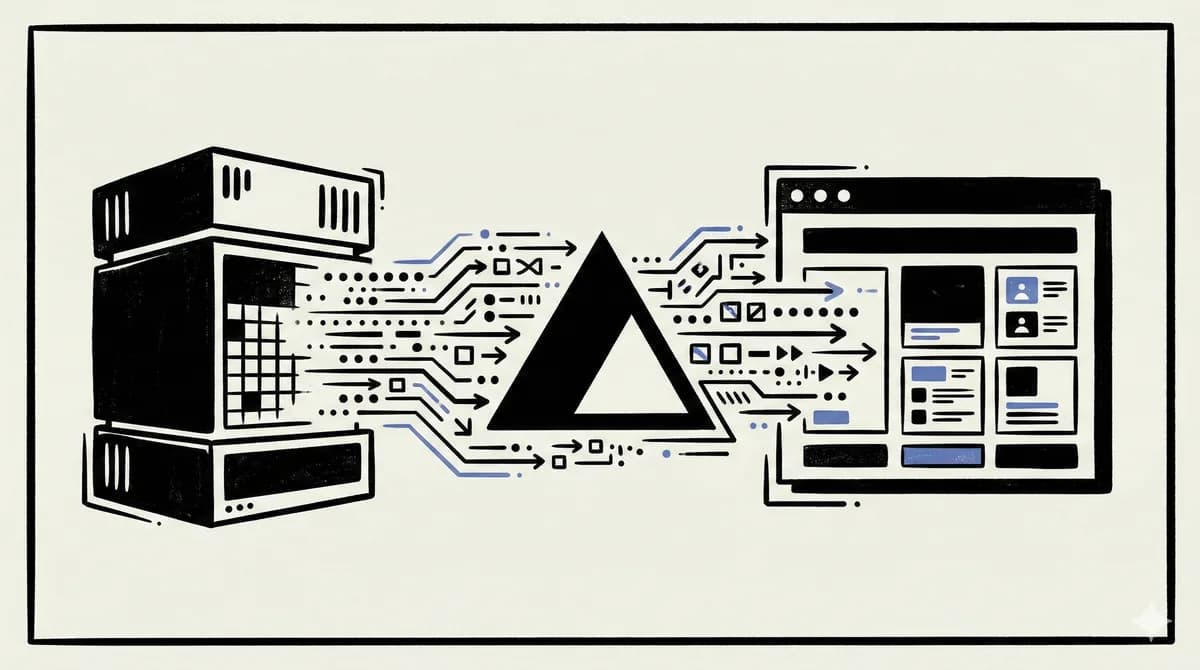
5 min read
Vercel AI SDK
Vercel AI SDK: Build Streaming AI Apps in TypeScript
The AI SDK is the fastest way to add streaming AI responses to your Next.js app. Here is how to use it with Claude, GPT,...

10 min read
AI Agents
How to Build AI Agents in TypeScript
A practical guide to building AI agents with TypeScript using the Vercel AI SDK. Tool use, multi-step reasoning, and rea...
6 min read
AI Agents
AI Agents Explained: A TypeScript Developer's Guide
AI agents use LLMs to complete multi-step tasks autonomously. Here is how they work and how to build them in TypeScript.

14 min read
Claude Code
How to Use Claude Code with Next.js
A practical guide to using Claude Code in Next.js projects. CLAUDE.md config for App Router, common workflows, sub-agent...
10 min read
AI Agents
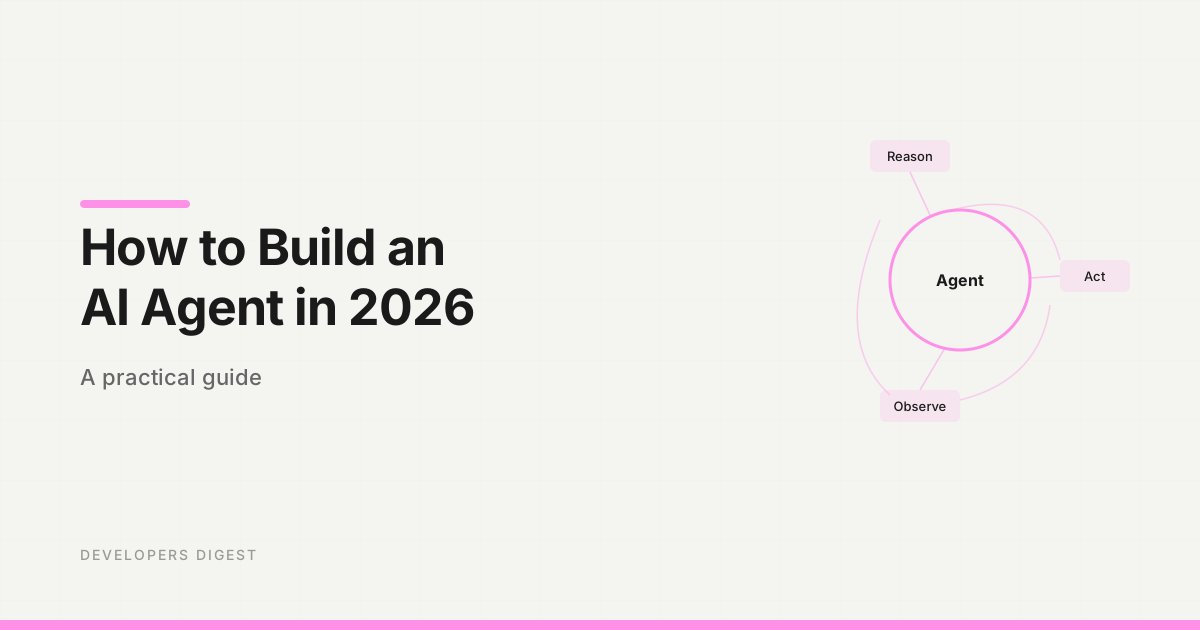
How to Build an AI Agent in 2026: A Practical Guide
A step-by-step guide to building AI agents that actually work. Choose a framework, define tools, wire up the loop, and s...

9 min read
Vercel AI SDK
Vercel AI SDK 7: The Production Agent Upgrade
AI SDK 7 turns Vercel's TypeScript AI layer into a more serious agent runtime: typed tool context, WorkflowAgent durabil...
Build with the member tools

Get Smarter About AI Dev
New tutorials, open-source projects, and deep dives on coding agents - delivered weekly.
One email per weekReal code, not theoryFree forever