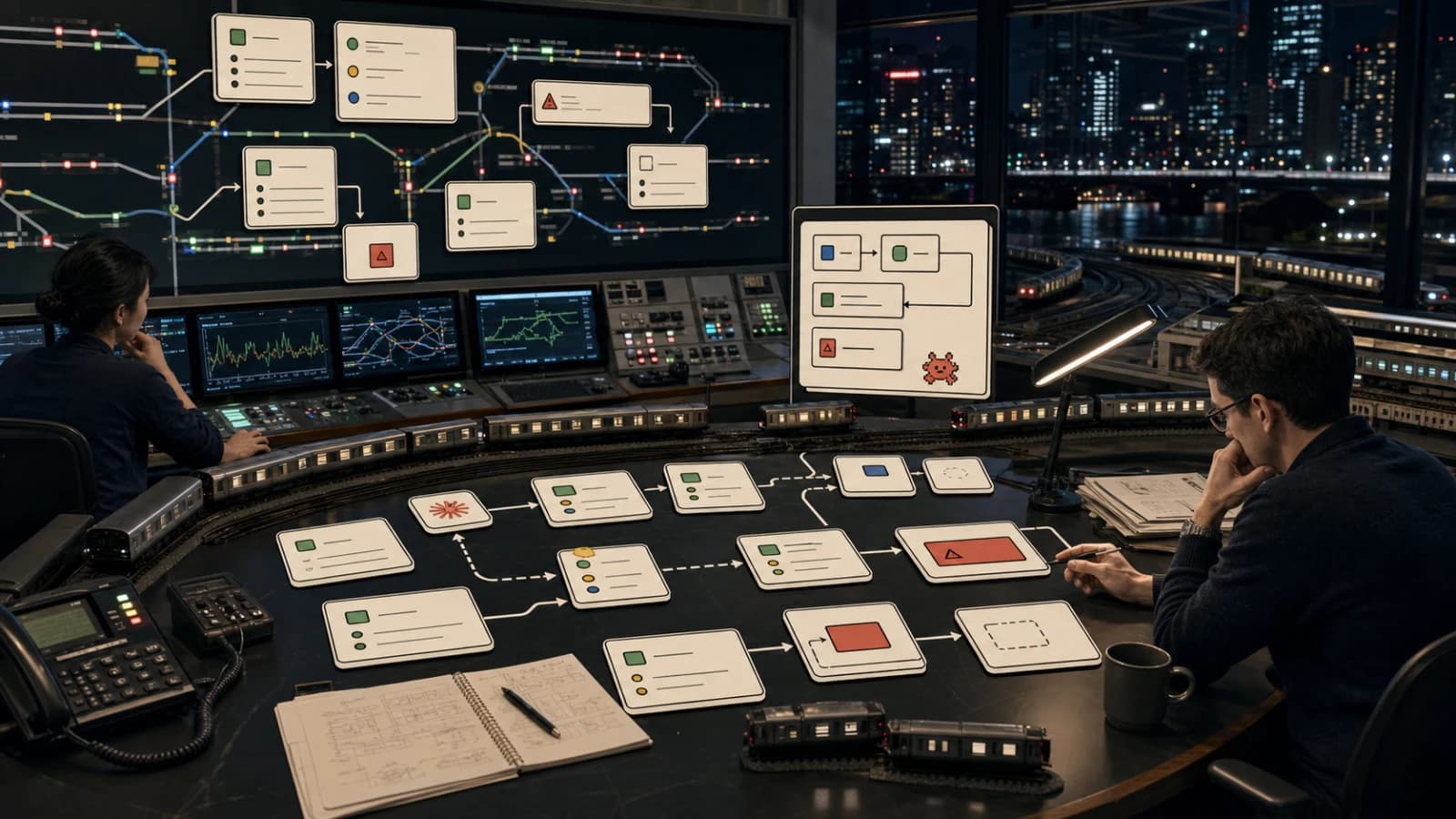
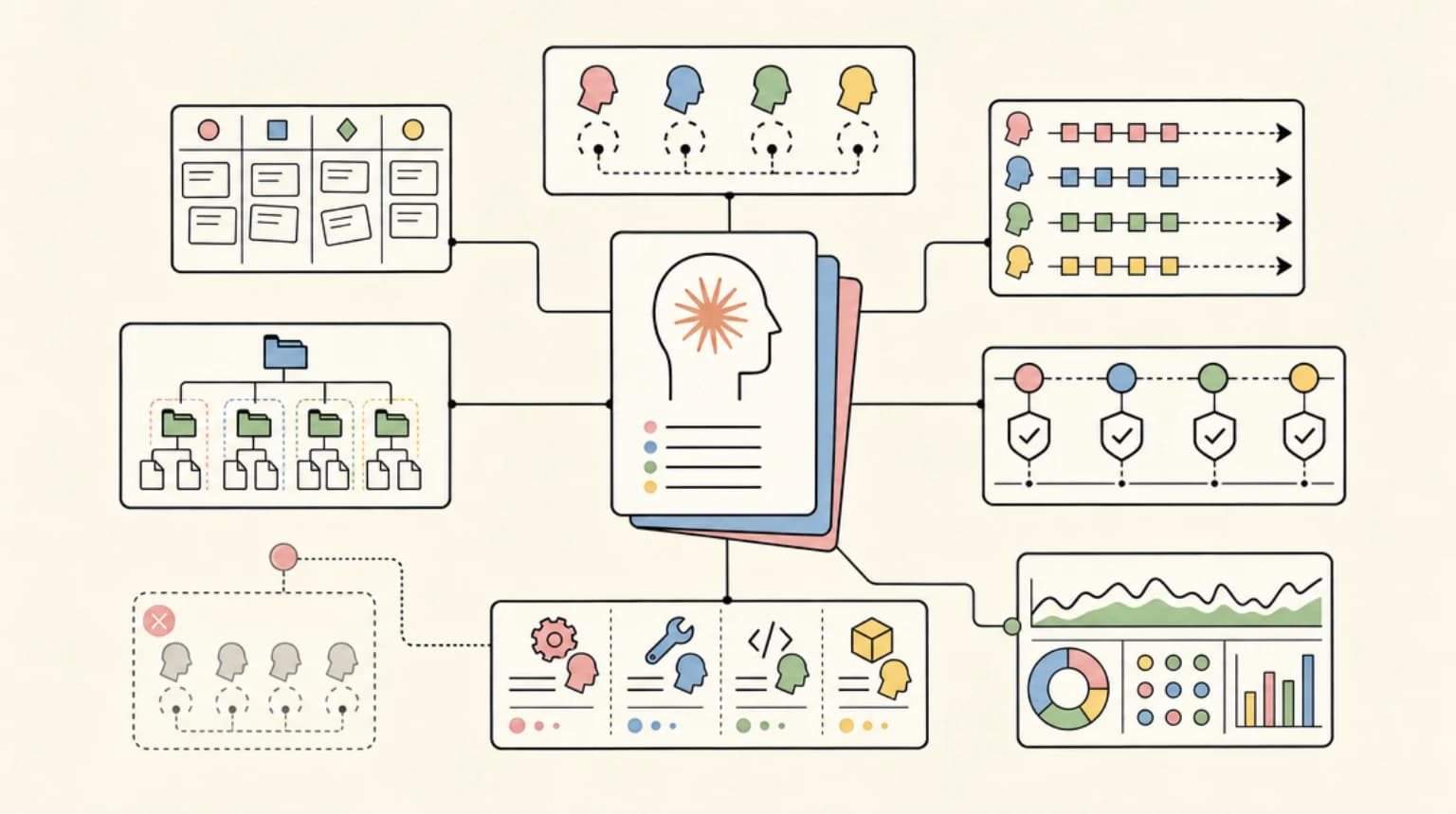
Multi-Agent Systems: How to Orchestrate Multiple AI Agents in TypeScript
AI Agents Deep Dive
10 parts- 1AI Agents Explained: A TypeScript Developer's Guide
- 2How to Build AI Agents in TypeScript
- 3Multi-Agent Systems: How to Orchestrate Multiple AI Agents in TypeScriptCurrent
- 4The Agentic Development Tech Stack for 2026
- 5How to Debug AI Agent Workflows
- 6AI Agent Memory Patterns
- 7Over-Editing: Why Your AI Coding Agent Rewrites What Isn't Broken
- 8Intent Debt: The AI-Era Debt Nobody Is Tracking
- 97 AI Agent Orchestration Patterns Developers Should Know
- 10The Agent Reliability Cliff: Why Your 10-Step Chain Only Succeeds 20% of the Time
TL;DR
From swarms to pipelines - here are the patterns for coordinating multiple AI agents in TypeScript applications.
Last updated: May 24, 2026
| Official Sources | |
|---|---|
| Claude Code Sub-agents | Anthropic's native multi-agent support in Claude Code |
| LangGraph Documentation | Graph-based orchestration with checkpointing and human-in-the-loop |
| CrewAI Documentation | Role-based multi-agent crews and collaboration |
| OpenAI Agents SDK | TypeScript SDK for handoffs, guardrails, and multi-agent flows |
| Mastra Documentation | TypeScript-native agents with workflows and RAG |
| Multi-Agent Patterns Reference | Runnable TypeScript examples and architecture diagrams |
A single AI agent can do a lot. But the moment your task involves research, code generation, review, and deployment, you are asking one context window to hold too many concerns. Multi-agent systems solve this by splitting work across specialized agents that coordinate toward a shared goal.
This is not theoretical. Production systems at Anthropic, OpenAI, and Google already use multi-agent orchestration internally. The patterns are well understood. Here is how to apply them in TypeScript.
Why Multiple Agents#
Two forces drive the shift from single-agent to multi-agent architectures.
Specialization. A single agent prompted to "research this API, write the integration, test it, and document it" will produce mediocre results across all four tasks. Four agents, each with a focused system prompt and constrained toolset, will outperform the generalist on every dimension. Smaller context windows with relevant information beat large context windows stuffed with everything.
Parallelism. Sequential execution is slow. When your research agent and your scaffolding agent have no dependencies on each other, they should run simultaneously. Multi-agent systems let you fan out independent work and converge results only when needed.
There is a third benefit that compounds over time: reusability. A well-tuned code review agent works across every project. A documentation agent with your style guide baked in never needs re-prompting. You build a library of specialists instead of re-engineering monolithic prompts.
The Four Core Patterns#
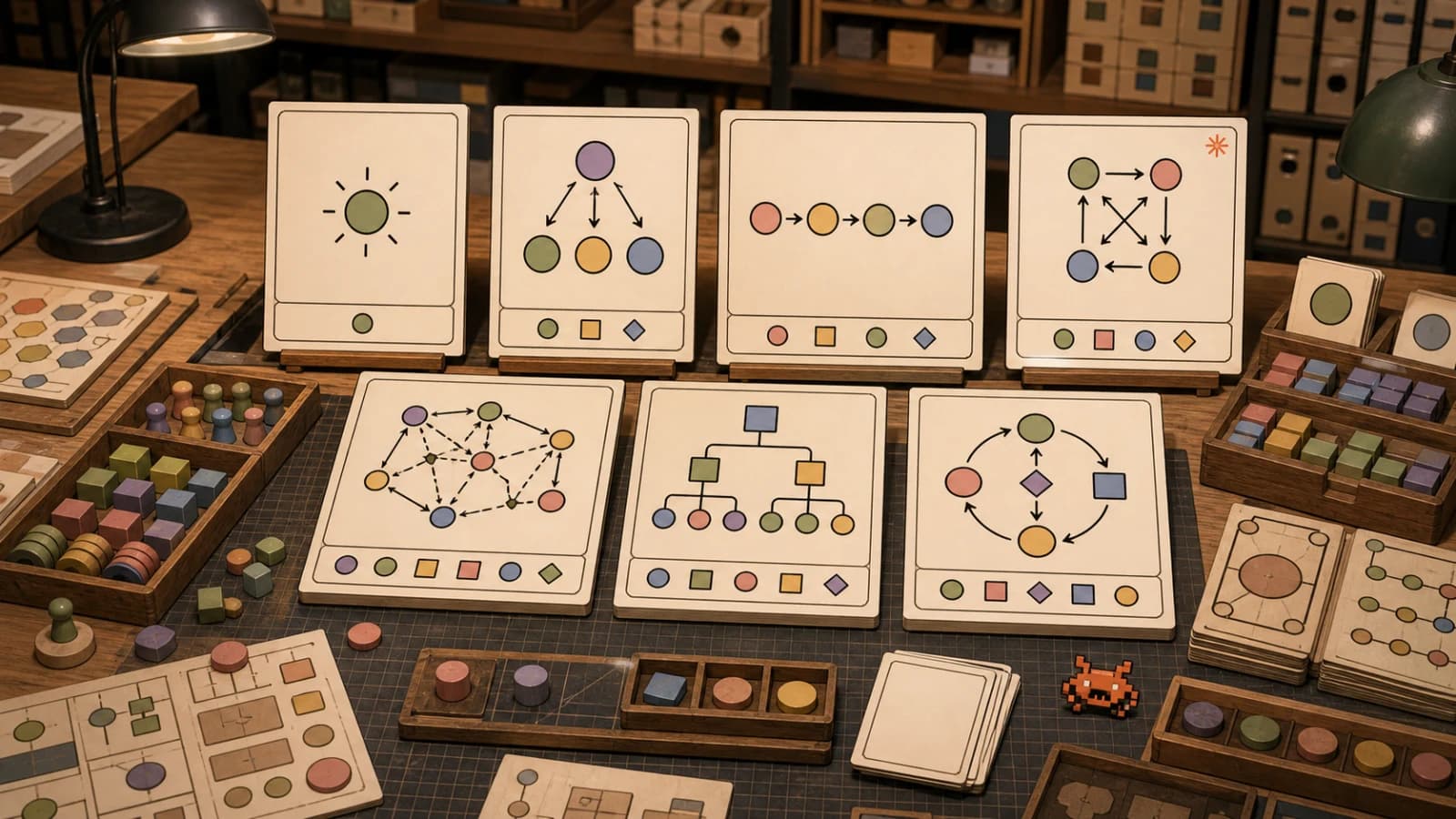
Every multi-agent system you will encounter fits one of four orchestration patterns. Most production systems combine two or more.
1. Swarm#
The swarm pattern deploys multiple agents in parallel with no hierarchy. Each agent works independently on a portion of the problem, and results are aggregated after completion.
import { Agent, swarm } from "./agents";

const researchAgent = new Agent({
  name: "researcher",
  prompt: "Find current best practices for WebSocket authentication",
  tools: ["web_search", "scrape_url"],
});

const codeAgent = new Agent({
  name: "implementer",
  prompt: "Build a WebSocket server with token-based auth",
  tools: ["file_write", "file_read", "terminal"],
});

const testAgent = new Agent({
  name: "tester",
  prompt: "Write integration tests for WebSocket connections",
  tools: ["file_write", "terminal"],
});

// All three run simultaneously
const results = await swarm([researchAgent, codeAgent, testAgent]);

// Aggregate results
const finalOutput = mergeResults(results);
Swarms work best when tasks are embarrassingly parallel. Research across multiple sources, auditing different parts of a codebase, generating variations of a design. The coordination cost is near zero because agents do not need to communicate during execution.
2. Pipeline#
The pipeline pattern chains agents sequentially. Each agent's output becomes the next agent's input. Order matters because later stages depend on earlier results.
import { Agent, pipeline } from "./agents";

const stages: Agent[] = [
  new Agent({
    name: "planner",
    prompt: "Break this feature request into implementation steps",
    tools: ["file_read"],
  }),
  new Agent({
    name: "implementer",
    prompt: "Implement each step from the plan",
    tools: ["file_write", "file_read", "terminal"],
  }),
  new Agent({
    name: "reviewer",
    prompt: "Review the implementation for bugs and style violations",
    tools: ["file_read"],
  }),
  new Agent({
    name: "documenter",
    prompt: "Write documentation for the new feature",
    tools: ["file_write", "file_read"],
  }),
];

// Each stage receives the previous stage's output
const result = await pipeline(stages, {
  input: "Add rate limiting to the /api/generate endpoint",
});
Pipelines enforce quality gates. The reviewer cannot approve code that was never written. The documenter cannot document features that were never reviewed. This sequential constraint is a feature, not a limitation.
3. Supervisor#
The supervisor pattern introduces a coordinator agent that delegates tasks to worker agents, monitors progress, and makes routing decisions based on intermediate results.
import { Agent, Supervisor } from "./agents";

const supervisor = new Supervisor({
  prompt: "You coordinate a development team. Delegate tasks, review outputs, and request revisions when quality is insufficient.",
  workers: {
    frontend: new Agent({
      prompt: "Senior React/Next.js developer",
      tools: ["file_write", "file_read", "terminal"],
    }),
    backend: new Agent({
      prompt: "Senior Node.js/API developer",
      tools: ["file_write", "file_read", "terminal", "database"],
    }),
    qa: new Agent({
      prompt: "QA engineer focused on edge cases and error handling",
      tools: ["file_read", "terminal"],
    }),
  },
});

// The supervisor decides who works on what, and when
const result = await supervisor.run(
  "Build a user settings page with email preferences and notification controls"
);
The supervisor pattern shines when tasks have dynamic dependencies. If the backend agent's API response shape changes, the supervisor re-delegates the frontend work with updated context. If the QA agent finds a bug, the supervisor routes it back to the appropriate worker. Human-in-the-loop workflows naturally extend this pattern by adding approval steps between delegations.
4. Router#
The router pattern uses a lightweight classifier agent to direct incoming requests to the appropriate specialist. Unlike the supervisor, the router makes a single routing decision and hands off completely.
import { Agent, Router } from "./agents";

const router = new Router({
  prompt: "Classify the incoming request and route to the appropriate specialist.",
  routes: {
    bug_fix: new Agent({
      prompt: "Debug and fix the reported issue",
      tools: ["file_read", "file_write", "terminal", "git"],
    }),
    feature: new Agent({
      prompt: "Implement the requested feature",
      tools: ["file_read", "file_write", "terminal"],
    }),
    refactor: new Agent({
      prompt: "Refactor the specified code for clarity and performance",
      tools: ["file_read", "file_write", "terminal"],
    }),
    docs: new Agent({
      prompt: "Write or update documentation",
      tools: ["file_read", "file_write"],
    }),
  },
});

// Router classifies and delegates in one step
const result = await router.handle(
  "The /api/users endpoint returns 500 when the email field is missing"
);
// Routes to: bug_fix agent
Routers are ideal for systems that handle heterogeneous requests. Support ticket triage, CI/CD event handling, and chatbot intent classification all benefit from this pattern. The routing agent stays small and fast because it only classifies. It never executes.
Frameworks That Support Multi-Agent Orchestration#
You do not need to build these patterns from scratch. Several frameworks provide the primitives.
Claude Code Sub-Agents. Anthropic's CLI natively supports multi-agent workflows. You define agents as markdown files with system prompts and tool permissions. Claude Code spawns them in parallel, manages context isolation, and aggregates results. This is the most practical option for TypeScript developers already using Claude Code. The configuration is version-controlled and portable across projects.
LangGraph. LangChain's graph-based orchestration framework models agent workflows as state machines. Nodes are agents or tools. Edges define transitions with conditional logic. LangGraph handles checkpointing, retries, and human-in-the-loop interrupts. The TypeScript SDK (@langchain/langgraph) supports all four patterns above, with the supervisor and router patterns being first-class concepts.
CrewAI. Originally Python-only, CrewAI now offers a TypeScript SDK for defining "crews" of agents with roles, goals, and backstories. It excels at the supervisor pattern, where a manager agent orchestrates specialists. The framework handles inter-agent communication and task dependency resolution.
OpenAI Agents SDK. The open-source @openai/agents package provides handoff primitives, guardrails, and tracing for multi-agent TypeScript applications. Agents can transfer control to other agents mid-conversation, enabling dynamic routing and escalation patterns.
Mastra. A TypeScript-native agent framework with built-in workflow orchestration, tool integration, and RAG support. Mastra's workflow engine supports branching, parallel execution, and conditional logic without requiring a separate graph definition language.
Each framework makes different tradeoffs. Claude Code sub-agents optimize for developer experience and minimal configuration. LangGraph optimizes for complex stateful workflows with persistence. CrewAI optimizes for role-based collaboration. Pick based on your coordination complexity.
Real-World Use Cases#
Automated code review pipeline. A three-stage pipeline: the first agent analyzes the diff for logical errors, the second checks style and convention compliance, the third generates a summary comment for the PR. Each agent has a narrow focus and a small, fast model. Total latency is lower than one large agent doing all three passes sequentially because each stage's context window is smaller.
Research and synthesis swarm. When building content around a technical topic, spawn five agents: one searches academic papers, one scrapes official documentation, one reviews GitHub repositories, one checks community discussions, and one monitors recent news. Results converge into a structured research document. What takes a human researcher hours finishes in minutes.
Customer support router. Incoming tickets route through a classifier agent. Billing questions go to an agent with Stripe API access. Technical issues go to an agent with codebase context and log access. Feature requests go to an agent that writes Linear tickets. Each specialist has the exact tools and knowledge it needs. No single agent needs access to everything.
Multi-repo refactoring supervisor. A supervisor agent coordinates workers across multiple repositories. It reads the migration plan, delegates file changes to repo-specific agents, collects their outputs, runs cross-repo integration tests, and flags conflicts. The supervisor retries failed agents and escalates to a human when confidence drops below a threshold.
Patterns in Practice#
For a deeper look at orchestration patterns with runnable TypeScript examples, reference implementations, and architecture diagrams, visit subagent.developersdigest.tech/patterns.
The shift from single-agent to multi-agent is not about making one agent smarter. It is about decomposing problems into pieces that simpler, faster, cheaper agents can handle reliably. Specialization wins over generalization. Parallelism wins over sequential execution. Coordination logic wins over longer prompts.
Start with two agents. A worker and a reviewer. Once you see the quality difference, you will not go back to monolithic prompts.
Frequently Asked Questions#
What is a multi-agent system in AI?#
A multi-agent system splits work across specialized AI agents that coordinate toward a shared goal. Instead of one large model handling everything, each agent has a narrow focus, specific tools, and a smaller context window. This improves reliability, speed, and output quality compared to monolithic single-agent approaches.
What are the main multi-agent patterns?#
The four primary patterns are supervisor (one agent coordinates workers), pipeline (agents process sequentially like an assembly line), swarm (multiple agents work in parallel on independent tasks), and debate (agents review each other's output). Each pattern suits different types of work.
How do I build a multi-agent system in TypeScript?#
Start with a framework like Claude Code sub-agents, LangGraph, CrewAI, or Mastra. Define each agent with a specific role, a system prompt, and a limited toolset. Use a supervisor or pipeline pattern to coordinate their work. Begin with just two agents - a worker and a reviewer - and expand from there.
Are multi-agent systems better than a single AI agent?#
For complex tasks involving multiple concerns (research, code generation, review, deployment), multi-agent systems are significantly better. Each agent operates with a focused context window, reducing confusion and improving accuracy. For simple, single-step tasks, a single agent is faster and sufficient.
Further reading#
Continue Reading#
- AI Agent Frameworks Compared - LangGraph, CrewAI, Mastra, CopilotKit, AutoGen and Claude Code side by side
- Best AI Agent Frameworks (2026) - CrewAI and other agent frameworks, compared and ranked
Sources#
Get the next deep dive like this in your inbox
One email a week on Multi-Agent and the rest of the AI dev stack. Free.
Read next on AI coding tools
How to Coordinate Multiple AI Agents: 6 Patterns (2026)
How to coordinate multiple AI agents: six patterns from fan-out to handoffs and consensus, with verified code for Claude, CrewAI, LangGraph, AG2 and ADK.
14 min readHow to Build AI Agents in TypeScript
A practical guide to building AI agents with TypeScript using the Vercel AI SDK. Tool use, multi-step reasoning, and real patterns you can ship today.
10 min readAI Agents Explained: A TypeScript Developer's Guide
AI agents use LLMs to complete multi-step tasks autonomously. Here is how they work and how to build them in TypeScript.
6 min readNew here? Start with
Technical content at the intersection of AI and development. Building with AI agents, Claude Code, and modern dev tools - then showing you exactly how it works.