The Best MCP Servers in 2026: A Complete Directory
TL;DR
A searchable directory of 184+ MCP servers organized by category. Find the right server for databases, browsers, APIs, DevOps, and more.
What Changed on July 30, 2026#
The MCP ecosystem changed significantly since the June 2026 edition:
- MCP 2026-07-28 final specification - the release candidate period ended. The spec is now final with no further breaking changes expected. The
roots,sampling, andloggingcapabilities are formally deprecated in favor of host-managed alternatives. - MCP Apps extension launched - servers can now expose interactive sandboxed UIs alongside tools. The MCP Apps framework lets servers ship full web applications that run inside the client. Six clients support MCP Apps at launch: Claude Desktop (beta), Cursor (experimental), 5ire, Sourcegraph Cody, Genkit, and the MCP Inspector. Claude Code CLI, Cursor, and Zed are notable absences from launch support.
- Ecosystem growth - the directory has surpassed 200 servers, up from 184 at last count. New high-quality servers shipped for Kubernetes, Terraform, Auth0, and Supabase.
- Streamable HTTP transport promoted to stable - HTTP-based server deployments now have equal status to stdio, making team-shared and remote servers production-ready.
- Cursor MCP configuration unified - Cursor now reads MCP config from the same
.cursor/mcp.jsonformat as Claude Code's.claude/settings.json, reducing the configuration surface across tools.
See MCP Apps vs Tool Calling Comparison 2026 and MCP Stateless Migration Guide for deeper dives on these changes.
Official Sources#
All sources verified July 30, 2026:
| Source | Description |
|---|---|
| Model Context Protocol Specification | Official MCP protocol specification and architecture |
| MCP GitHub Organization | Official repos for MCP SDKs, servers, and reference implementations |
| Claude Code MCP Documentation | How to configure MCP servers in Claude Code |
| Anthropic MCP Servers | Official MCP server implementations (Postgres, GitHub, Slack, etc.) |
| MCP TypeScript SDK | Build custom MCP servers in TypeScript |
| MCP Python SDK | Build custom MCP servers in Python |
| MCP Apps Extension Specification | Specification for interactive sandboxed UIs for MCP servers |
| MCP 2026-07-28 Changelog | Final spec changelog and migration timeline |
200+ MCP Servers and Counting#
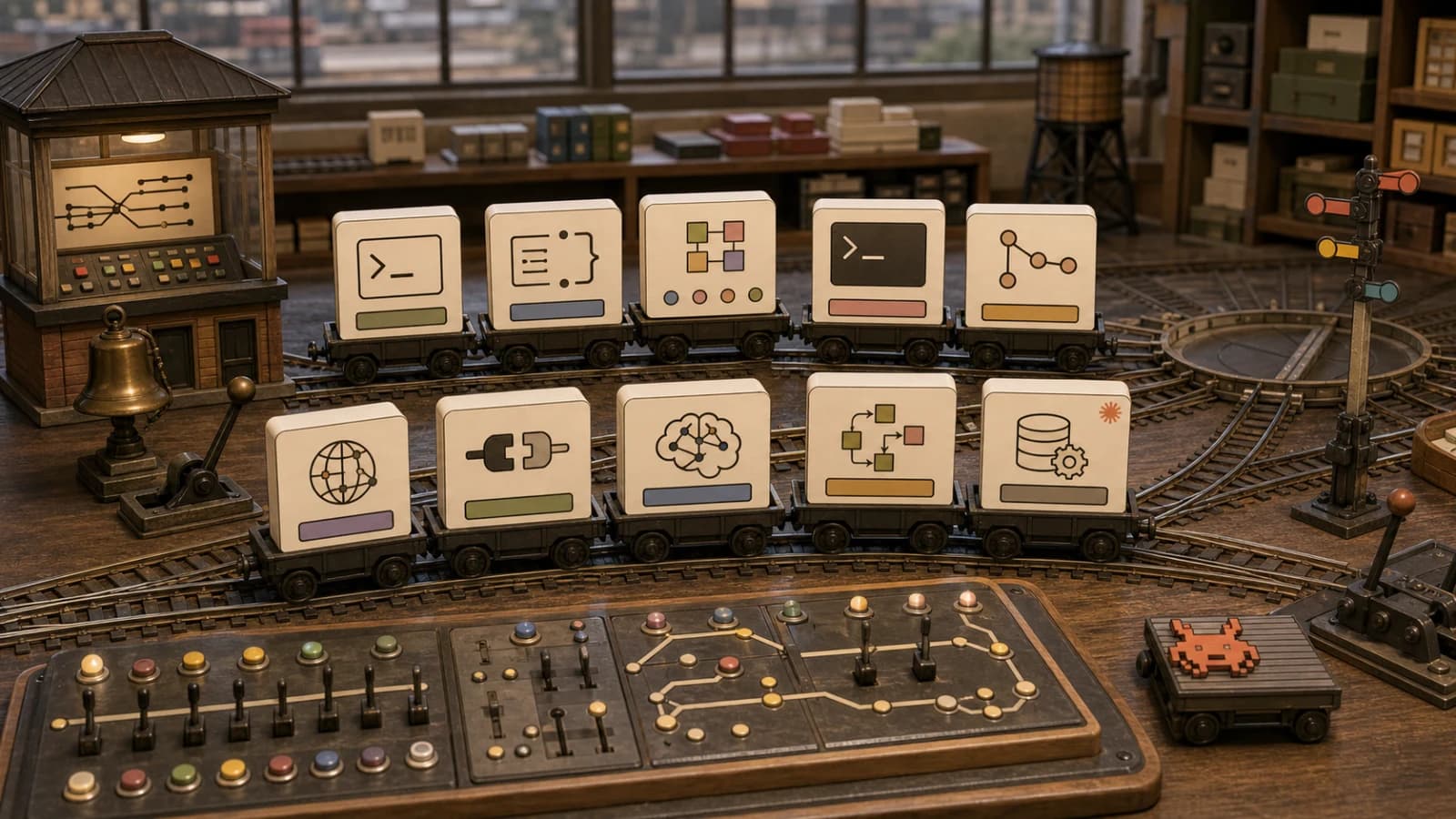
The MCP ecosystem grew from a handful of reference implementations to a sprawling network of community-built integrations in under a year. That is both the good news and the problem. Finding the right server for a specific use case means sifting through GitHub repos, npm packages, and scattered README files.
We built the MCP Server Directory to fix that. It catalogs 200+ servers with working configurations, verified compatibility, and category-based browsing. Instead of guessing whether a server exists for Jira, Confluence, or your favorite database, you search once and get an answer.
This post walks through the top 10 servers by category - the ones that solve real problems for real workflows. If you want the full searchable list, head to mcp.developersdigest.tech.
How MCP Servers Work (30-Second Primer)#
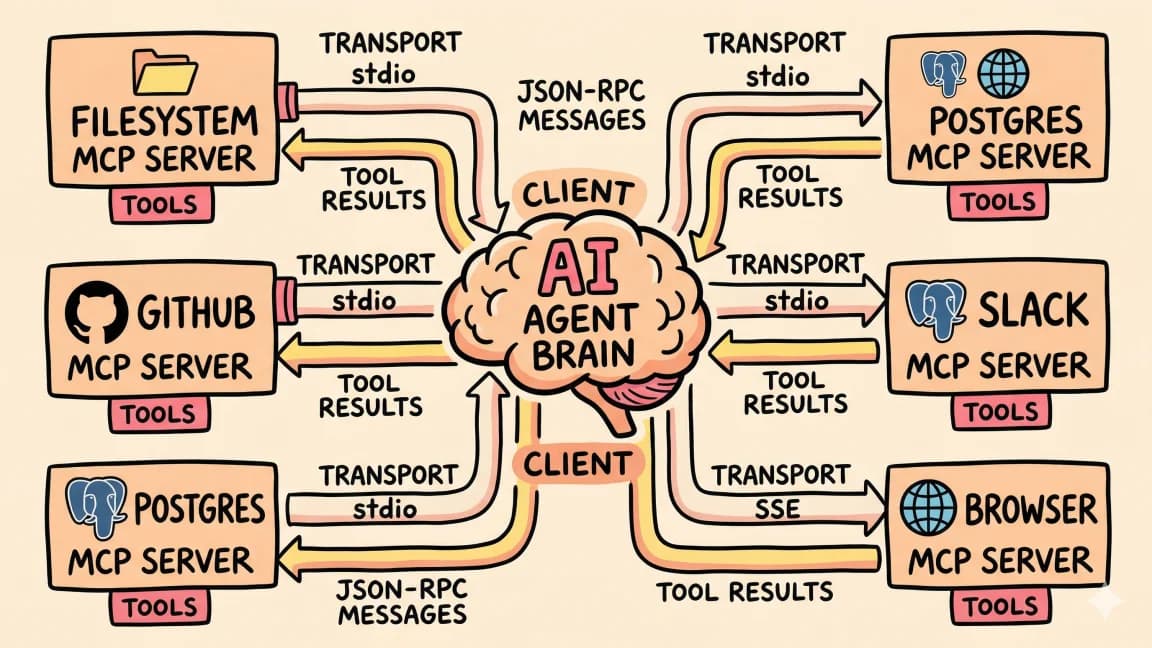
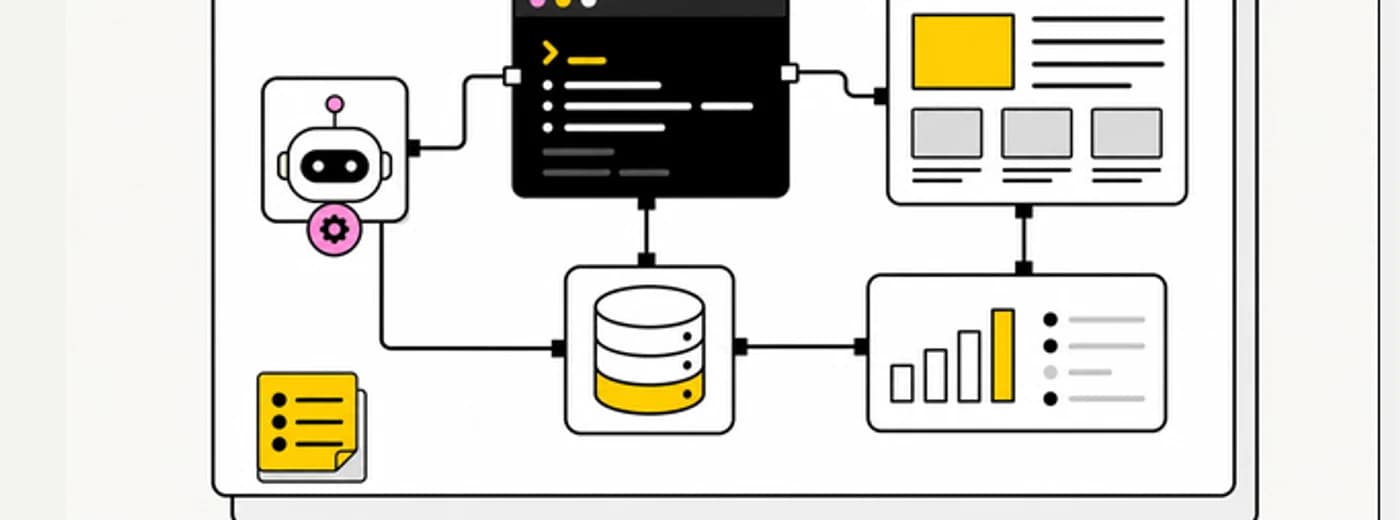
Model Context Protocol is a standard interface between AI agents and external tools. You configure a server, and your agent gets access to whatever that server exposes - databases, APIs, file systems, browsers.
With the July 28 final spec, servers can also expose MCP Apps - interactive sandboxed UIs that run inside the client. The directory now tags servers that provide UI capabilities alongside tools.
Every server in this directory follows the same pattern:
{
  "server-name": {
    "command": "npx",
    "args": ["-y", "package-name"],
    "env": {
      "API_KEY": "your-key"
    }
  }
}
Paste the config into your Claude Code or Cursor settings and restart. The agent discovers the server's tools on startup.
Top 10 MCP Servers by Category#
1. Database: Postgres#
The most battle-tested database server in the ecosystem. Read-only by default, which is exactly what you want when an AI agent is writing SQL against your data.
{
  "postgres": {
    "command": "npx",
    "args": [
      "-y",
      "@anthropic-ai/mcp-server-postgres",
      "postgresql://user:pass@localhost:5432/mydb"
    ]
  }
}
Point it at a read replica for production use. The agent writes queries, runs them, and interprets results - no context-switching to a database client. The directory also lists servers for MySQL, SQLite, MongoDB, Redis, and DynamoDB for teams on different stacks.
Best for: Backend developers who answer data questions daily.
2. Version Control: GitHub#
Full GitHub integration - repos, issues, PRs, branches, code review. This is the second server most developers install after filesystem, and for good reason. It collapses 20 minutes of PR review into a single prompt.
{
  "github": {
    "command": "npx",
    "args": ["-y", "@anthropic-ai/mcp-server-github"],
    "env": {
      "GITHUB_TOKEN": "ghp_your_token_here"
    }
  }
}
Scope your token carefully. Read-only access for review workflows, full repo access only when you need the agent creating issues and PRs.
Best for: Anyone who lives in GitHub. Which is most of us.
3. Browser Automation: Playwright#
Navigate pages, click elements, fill forms, take screenshots, read DOM content. This turns your agent into a QA engineer that can visually verify its own changes.
{
  "playwright": {
    "command": "npx",
    "args": ["-y", "@anthropic-ai/mcp-server-playwright"]
  }
}
The agent gets a headless Chromium instance. Pair it with screenshot-based debugging for fast iteration: deploy, open staging URL, verify, fix, repeat.
Best for: Full-stack developers doing visual QA and frontend testing.
4. Communication: Slack#
Read channels, search messages, post updates. The agent can summarize day-long threads, extract action items, and post structured recaps - the kind of work that usually falls through the cracks.
{
  "slack": {
    "command": "npx",
    "args": ["-y", "@anthropic-ai/mcp-server-slack"],
    "env": {
      "SLACK_BOT_TOKEN": "xoxb-your-bot-token",
      "SLACK_TEAM_ID": "T01234567"
    }
  }
}
The directory lists similar servers for Discord, Teams, and Telegram if your team uses a different platform.
Best for: Team leads who spend too much time translating Slack threads into decisions.
5. Project Management: Linear#
Create issues, update status, query boards, add comments. When the agent finishes fixing a bug, it can create the issue, link the PR, and mark it done - all without you leaving the terminal.
{
  "linear": {
    "command": "npx",
    "args": ["-y", "@anthropic-ai/mcp-server-linear"],
    "env": {
      "LINEAR_API_KEY": "lin_api_your_key_here"
    }
  }
}
The directory also covers Jira, Asana, Notion (as a project tracker), and Trello for teams on other platforms.
Best for: Engineers who want project management to happen as a side effect of coding.
6. Monitoring: Sentry#
Pull error reports, stack traces, and crash patterns directly into your coding session. The agent cross-references production errors with recent commits and suggests fixes based on real data.
{
  "sentry": {
    "command": "npx",
    "args": ["-y", "@anthropic-ai/mcp-server-sentry"],
    "env": {
      "SENTRY_AUTH_TOKEN": "your-sentry-token",
      "SENTRY_ORG": "your-org"
    }
  }
}
Datadog, PagerDuty, and Grafana servers are also in the directory for teams with different monitoring stacks.
Best for: On-call engineers and anyone debugging production issues.
7. Cloud Infrastructure: AWS#
Manage S3 buckets, query CloudWatch logs, inspect Lambda functions, and interact with other AWS services. Infrastructure questions that used to require the AWS console become single prompts.
{
  "aws": {
    "command": "npx",
    "args": ["-y", "@anthropic-ai/mcp-server-aws"],
    "env": {
      "AWS_ACCESS_KEY_ID": "your-key",
      "AWS_SECRET_ACCESS_KEY": "your-secret",
      "AWS_REGION": "us-east-1"
    }
  }
}
The directory includes servers for GCP, Azure, Vercel, Cloudflare Workers, and Supabase. Pick the one that matches your deployment target.
Best for: DevOps engineers and anyone managing cloud resources alongside code.
8. Documentation: Notion#
Read pages, search workspaces, create content, update databases. Teams that store specs, PRDs, and runbooks in Notion can give the agent direct access to that context.
"Read the PRD for the auth redesign and implement the first phase" goes from a multi-step manual process to a single prompt when the agent can access Notion directly.
{
  "notion": {
    "command": "npx",
    "args": ["-y", "@anthropic-ai/mcp-server-notion"],
    "env": {
      "NOTION_API_KEY": "ntn_your_integration_key"
    }
  }
}
Confluence, Google Docs, and Obsidian servers are also available for teams on other documentation platforms.
Best for: Teams with specs and docs in Notion who want agents that read before they code.
9. Library Docs: Context7#
Up-to-date library documentation inside your agent session. Context7 pulls current docs and code examples for thousands of libraries on demand, so the agent stops guessing at APIs that changed after its training cutoff.
{
  "context7": {
    "command": "npx",
    "args": ["-y", "@upstash/context7-mcp"]
  }
}
It runs without an API key for light use; add one from the Context7 dashboard if you hit rate limits.
Best for: Everyone writing code against fast-moving libraries and frameworks.
10. Sandboxed Execution: E2B#
Run arbitrary code in isolated cloud environments. Python, JavaScript, Bash - the agent experiments in a throwaway VM without touching your local machine.
{
  "e2b": {
    "command": "npx",
    "args": ["-y", "@anthropic-ai/mcp-server-e2b"],
    "env": {
      "E2B_API_KEY": "e2b_your_key_here"
    }
  }
}
Sandboxes spin up in under a second. Critical for agents working on infrastructure scripts, deployment configs, or anything where a mistake on your local machine would be expensive.
Best for: Power users running agents on risky or experimental tasks.
Categories in the Directory#
The full directory organizes all 200+ servers into searchable categories:
- Databases - Postgres, MySQL, SQLite, MongoDB, Redis, Supabase, PlanetScale, Turso
- Version Control - GitHub, GitLab, Bitbucket
- Communication - Slack, Discord, Teams, Telegram, Email
- Project Management - Linear, Jira, Asana, Notion, Trello, ClickUp
- Cloud & Infrastructure - AWS, GCP, Azure, Vercel, Cloudflare, Docker, Kubernetes, Terraform
- Monitoring - Sentry, Datadog, PagerDuty, Grafana
- Web & Docs - Fetch, Context7
- Browser & Testing - Playwright, Puppeteer, Selenium
- Documentation - Notion, Confluence, Google Docs, Obsidian
- AI & ML - Hugging Face, Replicate, OpenAI, vector databases
- Developer Tools - Docker, npm, ESLint, Prettier, testing frameworks
- Productivity - Calendar, email, file management, note-taking
- MCP Apps - interactive sandboxed UIs for MCP servers (new with the 2026-07-28 final spec)
Each entry includes a working configuration snippet, required API keys, and notes on which AI clients support it.
How to Pick the Right Servers#
Do not install 20 servers and hope for the best. Each server is a running process that consumes resources, and each one adds surface area for the agent to reason about. Three well-chosen servers outperform 15 loosely-related ones.
Start with your daily pain points. What tasks make you context-switch the most? If you constantly flip between your editor and GitHub, install the GitHub server. If you answer data questions all day, install Postgres. If Slack threads eat your mornings, install Slack.
Add one server at a time. Use it for a week before adding another. This gives you a clear sense of which servers actually change your workflow versus which ones sound good in theory.
Pair servers with a CLAUDE.md file. The CLAUDE.md generator creates project configuration that tells the agent how to use your specific servers. "Use Postgres to answer data questions. Use GitHub to create issues. Never modify production data." This gives the agent intent, not just access.
Browse the Full Directory#
The MCP Server Directory is searchable, filterable, and updated as new servers ship. If you are building an MCP server and want it listed, submit it through the directory.
For configuring the servers you choose, the MCP Config Generator builds the JSON for Claude Code and Cursor without manual editing.
FAQ#
What is an MCP server?#
An MCP (Model Context Protocol) server is a standardized interface that connects AI agents to external tools and data sources. Each server exposes specific capabilities - database queries, API calls, file operations, browser automation - that an AI can invoke during a conversation. The server handles authentication, request formatting, and response parsing so the AI gets clean, actionable data.
How many MCP servers are available in 2026?#
The MCP ecosystem has grown to 200+ servers as of July 2026. The MCP Server Directory catalogs them by category - databases, version control, communication, project management, cloud infrastructure, monitoring, search, browser automation, documentation, AI/ML, developer tools, and productivity. New servers ship weekly as the community builds integrations for more platforms.
How many MCP servers can I run at once?#
There is no hard limit, but practical constraints apply. Each server is a running process that consumes memory and adds cognitive overhead for the AI. Start with 2-3 servers that address your daily pain points, then add more only when you have a clear use case. Most productive setups use 3-5 well-configured servers rather than 15 loosely-related ones.
Which AI tools support MCP servers?#
Claude Code, Cursor, Windsurf, and several other AI coding assistants support MCP natively. Claude Desktop also supports MCP for non-coding workflows. With the July 28 final spec, MCP Apps launched - interactive sandboxed UIs that servers can provide - supported by Claude Desktop (beta), Cursor (experimental), 5ire, Sourcegraph Cody, Genkit, and the MCP Inspector. The protocol is open, so any tool can implement it - check your tool's documentation for current MCP support status.
Are MCP servers secure?#
Security depends on how you configure them. Most database servers default to read-only mode. API servers require explicit tokens that you control. The key practices are: use read replicas for production databases, scope API tokens to minimum required permissions, and review what each server can access before installation. The agent only sees what you explicitly configure.
How do I install an MCP server?#
Add a JSON configuration block to your AI tool's settings file. The config specifies the server command (usually npx), the package name, and any required environment variables like API keys. Restart your AI tool, and it auto-discovers the server's capabilities on startup.
Do MCP servers work offline?#
Depends on the server. Filesystem and local database servers work offline. Cloud API servers (GitHub, Slack, AWS) require internet connectivity. Some servers cache data locally for partial offline operation. Check each server's documentation for offline behavior.
What's the difference between MCP servers and function calling?#
Function calling is a model capability - the AI can describe what function it wants to invoke. MCP servers are the implementation that actually executes those functions. The server receives the AI's function call, runs the operation (query a database, call an API), and returns the result. MCP standardizes how this handoff works across different AI tools.
Can I build my own MCP server?#
Yes. The MCP SDK provides TypeScript and Python templates. Define your tools, their parameters, and their execution logic. The SDK handles protocol compliance, error formatting, and client compatibility. Custom servers are common for internal APIs, proprietary databases, and company-specific workflows.
What is MCP Apps?#
MCP Apps is a new capability in the 2026-07-28 final spec that lets MCP servers expose interactive sandboxed UIs alongside tools. Instead of just returning text, a server can render a full web application inside the client. This is useful for dashboards, data editors, and visualizations that are hard to represent as tool outputs. The MCP Apps spec defines how servers declare UI resources and how clients render them in iframes with a messaging bridge. See MCP Apps vs Tool Calling Comparison 2026 for a detailed breakdown.
Continue Reading#
- What Is MCP - the protocol fundamentals
- MCP Stateless Migration Guide 2026 - what changed with the July 28 final spec
- MCP Apps vs Tool Calling Comparison 2026 - interactive UIs vs standard tool calls
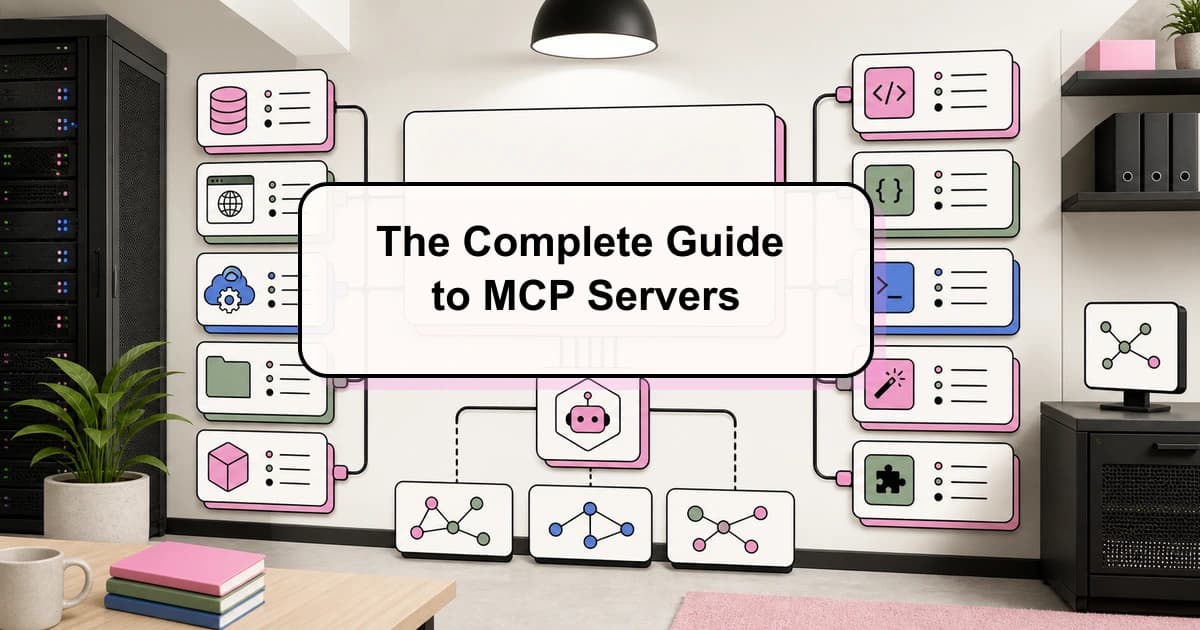
- The Complete Guide to MCP Servers - deep technical reference
- Best MCP Servers 2026 - ranked picks with tested configs
- How to Use MCP Servers - setup guide with custom server examples
Get the next comparison like this in your inbox
One email a week on MCP and the rest of the AI dev stack. Free.
Read next on Claude Code
The Complete Guide to MCP Servers
Everything you need to know about Model Context Protocol - how it works, how to install servers, how to build your own, and the best ones.
12 min readBest MCP Servers in 2026: The Developer Shortlist
A practical ranked list of MCP servers worth installing first for Claude Code, Cursor, Copilot, Codex, and OpenCode: GitHub, Filesystem, Context7, Playwright, Postgres, Sentry, Supabase, Notion, Slack, and more.
10 min readWhat Is MCP (Model Context Protocol)? The 2026 Developer Guide
MCP is the open standard for connecting AI apps to tools and data: servers expose tools, resources, and prompts over JSON-RPC, and any client can use them. What it is, how the stateless 2026-07-28 spec works, how to install a server in Claude Code or Cursor, and how to build one with the v2 TypeScript SDK.
14 min readTechnical content at the intersection of AI and development. Building with AI agents, Claude Code, and modern dev tools - then showing you exactly how it works.