Ship Code While You Sleep: The Overnight Agent Workflow
TL;DR
How to spec agent tasks that run overnight and wake up to verified, reviewable code. The spec format, pipeline, and review workflow.
Official Sources#
| Source | What it covers |
|---|---|
| Claude Code Overview | Core features, headless mode, and autonomous execution |
| Run Claude Code Programmatically | Headless mode: running Claude Code with claude -p and the Agent SDK |
| Claude Code Memory (CLAUDE.md) | Project instructions and context files |
| Anthropic Effective Agents | Agent reliability patterns and workflow design |
| OpenAI Codex Documentation | Alternative agent for overnight workflows |
| Codex Non-Interactive Mode | Running codex exec from scripts, cron, and CI |
The 8-Hour Window You Are Not Using#
Most developers close their laptops at 6 PM and open them at 9 AM. That is 15 hours of idle compute. The machine sits there, perfectly capable of running agent tasks, doing nothing.
Overnight agents flip that dead time into productive time. You write a spec before bed - a structured description of what needs to happen - and an AI coding agent executes it while you sleep. When you wake up, there is a branch with the changes, a verification report, and a summary of what happened. Your morning starts with code review instead of code writing.
This is not science fiction. It is a workflow pattern that works today with tools like Claude Code, and overnight.developersdigest.tech provides the structure to make it reliable.
Why Overnight Works Better Than Real-Time#
Working alongside an agent in real time has a fundamental tension: you are both trying to control the same thing. You interrupt the agent to redirect it. The agent asks you clarifying questions. You lose focus switching between your own work and supervising the agent.
Overnight agents eliminate that tension by separating specification from execution. You do the thinking (writing the spec). The agent does the doing (executing it). These happen at different times with no interference.
This separation produces three benefits:
Better specs. When you know the agent will run unsupervised, you write more carefully. You anticipate edge cases. You define acceptance criteria. You specify what "done" means. This discipline improves the output quality because the agent has clearer instructions.
Deeper execution. Without interruptions, the agent can work through complex multi-file changes that would take hours of back-and-forth in a real-time session. It reads the codebase, plans the approach, implements it, runs tests, and iterates - all in a single unbroken flow.
Fresh-eyes review. Reviewing code in the morning, after sleep, is better than reviewing code at midnight when you wrote it. You catch more issues. You think more clearly about whether the approach is right. The overnight workflow naturally builds in this review step.
The Spec Format#
A good overnight spec has five parts. Miss any of them and you are rolling the dice on what you wake up to.
1. Objective#
One sentence. What is the end state when this task is done? Not what to do - what the world looks like when the doing is complete.
Objective: The user profile page loads in under 200ms and displays
the user's avatar, name, email, subscription tier, and usage stats
from the billing API.
Bad objectives describe activities ("refactor the profile page"). Good objectives describe outcomes that you can verify.
2. Context#
What does the agent need to know that it cannot learn from reading the code? Architecture decisions, business constraints, external dependencies, recent changes that affect this task.
Context:
- The billing API is at /api/billing/usage and returns JSON
  with { plan, usage_mb, usage_limit_mb, renewal_date }
- We migrated from REST to tRPC last week. New code should use
  the tRPC client in lib/trpc.ts, not fetch()
- The design system uses Tailwind with our custom theme tokens.
  See DESIGN-SYSTEM.md for the card and layout patterns
- Performance budget: no client component larger than 50KB
Over-specify context. The agent can ignore information it does not need. It cannot invent information it does not have.
3. Requirements#
Numbered, testable requirements. Each one should be verifiable without subjective judgment.
Requirements:
1. Profile page renders at /settings/profile
2. Server component fetches user data and billing data in parallel
3. Avatar uses next/image with width={80} height={80}
4. Subscription tier displays as a colored badge (free=gray, pro=blue, team=green)
5. Usage stats show a progress bar: current usage / limit
6. Page passes Lighthouse performance score >= 90
7. All new components have TypeScript types, no `any`
8. Loading state shows a skeleton matching the final layout
9. Error state handles billing API timeout with a retry button
Nine requirements. Each one is a yes/no check. The agent knows exactly what success looks like, and so do you when you review in the morning.
4. Constraints#
What the agent must not do. Boundaries are as important as instructions.
Constraints:
- Do not modify the auth middleware or session handling
- Do not add new npm dependencies without documenting why
- Do not change the database schema
- Keep all changes in the app/settings/ directory
- Do not use inline styles - Tailwind only
Constraints prevent scope creep. Without them, an agent solving a performance problem might "helpfully" refactor the database layer.
5. Verification Steps#
How should the agent check its own work before declaring the task complete? This is the most important section. It turns the agent from an executor into a self-verifying system.
Verification:
1. Run `npm run build` - must succeed with zero errors
2. Run `npm run test` - all existing tests must pass
3. Run `npm run test -- --testPathPattern=profile` - new tests must pass
4. Start dev server, navigate to /settings/profile, take a screenshot
5. Check screenshot: avatar, name, email, tier badge, and usage bar are visible
6. Run `npx lighthouse /settings/profile --output=json` - performance >= 90
7. Run `npx tsc --noEmit` - zero type errors
The verification steps are a checklist the agent runs after implementation. If any step fails, the agent fixes the issue and re-runs verification. This loop catches most problems before you ever see the code.
The Execution Pipeline#
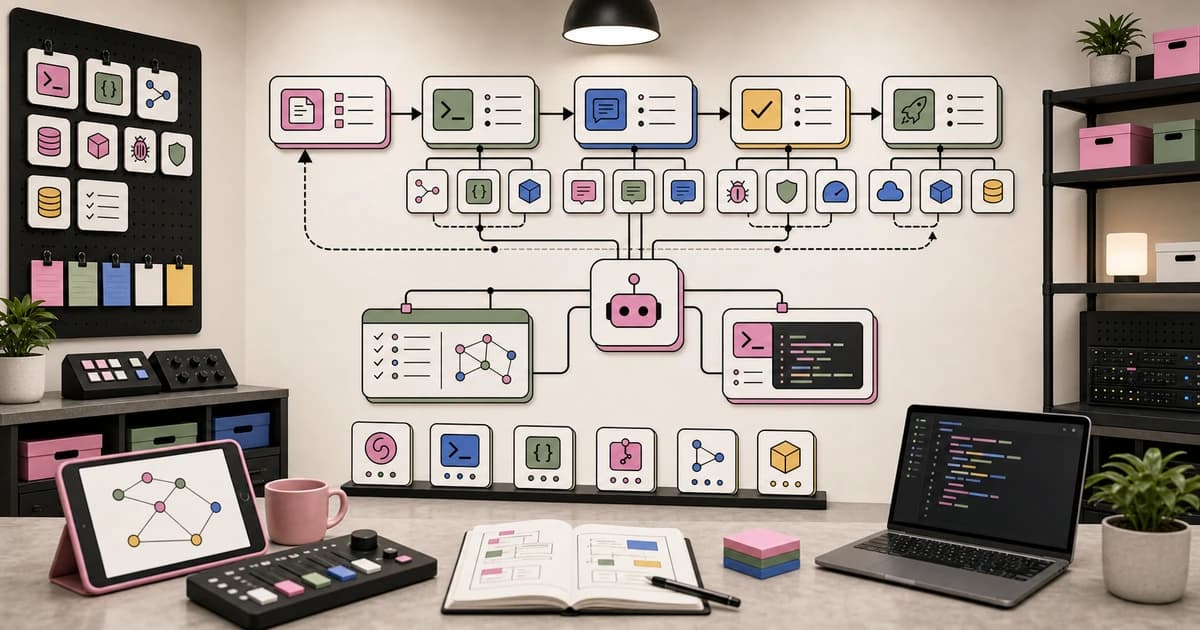
Once the spec is written, the overnight execution follows a predictable pipeline:
Phase 1: Codebase Analysis (5-15 minutes). The agent reads relevant files, understands the project structure, identifies existing patterns, and maps dependencies. This is where context from the spec pays off - the agent knows which files matter.
Phase 2: Planning (5-10 minutes). The agent creates an internal plan: which files to create or modify, in what order, and how the changes connect. Good agents document this plan in a scratch file you can review.
Phase 3: Implementation (30 minutes to 4 hours). The agent writes code, creates files, modifies existing files, and iterates. Complex tasks involve multiple rounds of writing and revising as the agent discovers issues during implementation.
Phase 4: Verification (10-30 minutes). The agent runs every verification step from the spec. Build, tests, type checking, visual checks. Failures loop back to Phase 3 for fixes.
Phase 5: Summary (2-5 minutes). The agent writes a completion report: what it did, which files it changed, which verification steps passed, any issues it encountered and how it resolved them. This is your morning reading material.
Total elapsed time for a medium-complexity task: 1 to 5 hours. You are asleep for all of it.
The Morning Review Workflow#
Your alarm goes off. Coffee happens. Then:
1. Read the summary. The agent's completion report tells you whether the task succeeded, partially succeeded, or failed. Most mornings it succeeded. Some mornings there are notes about edge cases the agent flagged but did not resolve.
2. Check the verification results. Build passed? Tests passed? Type checking clean? If all verification steps are green, you are looking at code that already meets the spec. Your review can focus on design decisions and code quality instead of correctness.
3. Review the diff. This is a normal code review. Read the changes, check that the approach makes sense, verify the code is maintainable. The difference from a regular review is that you are well-rested and the code is already verified.
4. Merge or iterate. If the code is good, merge it. If it needs changes, write a follow-up spec or make the edits yourself. Most overnight runs produce mergeable code on the first pass. Some need a 15-minute polish.
The entire morning review takes 15 to 30 minutes for a task that would have taken 4 to 8 hours of hands-on development.
What Works Overnight (and What Does Not)#
Good overnight tasks#
- Feature implementation. Building a new page, component, or API endpoint from a clear spec. The agent has everything it needs to work independently.
- Migration work. Updating 50 files from one pattern to another (API version upgrades, framework migrations, dependency swaps). Tedious for humans, perfect for agents.
- Test coverage. Writing tests for existing code. The agent reads the implementation, understands the behavior, and writes tests. You wake up with 80% coverage instead of 30%.
- Refactoring. Extracting shared logic, renaming across the codebase, restructuring directories. Mechanical changes that require consistency, not creativity.
- Documentation generation. API docs, README files, inline comments, architecture diagrams from code analysis. The agent reads the code and explains it.
Bad overnight tasks#
- Ambiguous requirements. If you cannot write clear acceptance criteria, the agent cannot verify its own work. "Make the dashboard better" is not a spec.
- Design-heavy work. Visual design requires human judgment about what looks right. The agent can implement a design, but it should not be making aesthetic decisions unsupervised.
- Security-critical changes. Auth flows, encryption, access control. These need human review before any code runs in production, and the stakes of getting it wrong are too high for fully autonomous execution.
- Novel architecture decisions. If you are choosing between fundamentally different approaches (monolith vs. microservices, SQL vs. NoSQL), that decision should not happen at 3 AM without you.
Setting Up the Workflow#
The simplest version requires three things:
1. A spec file. Write it in markdown with the five sections above. Save it somewhere the agent can read it.
2. An agent that runs unattended. Claude Code supports headless mode (claude -p "read spec.md and execute it"). Schedule it with cron, launchd, or any task scheduler.
3. A notification on completion. The agent writes its summary to a file, commits to a branch, or sends a notification. You check it in the morning.
overnight.developersdigest.tech wraps this into a structured workflow: spec templates, execution monitoring, verification pipelines, and morning review dashboards. It is built for teams that want the overnight pattern without building the infrastructure themselves.
Spec Writing Tips#
After running hundreds of overnight tasks, these patterns produce the best results:
Include example output. If you want a specific file structure or API response format, include an example. The agent matches examples more reliably than it follows abstract descriptions.
Reference existing code. "Follow the same pattern as app/settings/billing/page.tsx" is worth more than a paragraph of description. The agent reads the referenced file and replicates the approach.
Specify the negative space. What should not change is as important as what should. If the agent is adding a feature to a page, list the existing elements that must remain untouched.
Write verification steps you would run yourself. If you would check something manually after coding the feature, put it in the verification section. The agent should run every check you would.
Keep specs focused. One spec per logical task. "Build the profile page" is one spec. "Build the profile page, refactor the auth system, and update the billing integration" is three specs that should run as three separate overnight tasks.
The Compound Effect#
The overnight workflow compounds over a week. Monday night you spec a feature. Tuesday morning you review and merge it. Tuesday night you spec the tests. Wednesday morning they are done. Wednesday night you spec the migration. Thursday morning it is complete.
Five days of overnight execution, combined with morning reviews, produces a week of output that would normally take two weeks of hands-on development. You spend your days on the work that requires human judgment - design decisions, user research, architecture planning - and let overnight agents handle the implementation.
This is not about replacing developers. It is about using the 15 hours between closing your laptop and opening it again. Those hours were always there. Now they are productive.
What to Read Next#
- Claude Code Autonomous Hours - running agents in extended autonomous mode
- Claude Code Loops - understanding the agent execution loop
- The Agentic Dev Stack in 2026 - the full infrastructure picture
- Best AI Coding Tools in 2026 - which tools support overnight execution
Frequently Asked Questions#
What is an overnight agent workflow?#
An overnight agent workflow separates task specification from execution. You write a structured spec before bed - describing the objective, context, requirements, constraints, and verification steps - and an AI coding agent executes it while you sleep. In the morning, you review a branch with the changes, a verification report, and a summary. This turns 15 hours of idle compute into productive development time.
What makes a good overnight spec?#
A good overnight spec has five parts: a one-sentence objective describing the end state, context the agent cannot learn from code, numbered testable requirements, explicit constraints on what the agent must not do, and verification steps the agent runs to check its own work. Miss any of these and you risk waking up to incomplete or off-target code.
How do I run Claude Code overnight?#
Claude Code supports headless mode with claude -p "read spec.md and execute it". Schedule this with cron, launchd, or any task scheduler. The agent reads your spec file, executes the task, runs verification steps, and writes a completion summary. Configure it to commit to a branch and optionally send a notification when done.
What tasks work well for overnight execution?#
Good overnight tasks have clear acceptance criteria and do not require human judgment during execution. Feature implementation, migration work, test coverage, refactoring, and documentation generation are ideal. The agent can verify these tasks against objective criteria without your input.
What tasks should I avoid running overnight?#
Avoid ambiguous requirements that lack clear acceptance criteria, design-heavy work requiring aesthetic judgment, security-critical changes like auth flows or encryption, and novel architecture decisions. These need human involvement during execution, not just review afterward.
How long does overnight execution take?#
A medium-complexity task typically takes 1 to 5 hours total: 5-15 minutes for codebase analysis, 5-10 minutes for planning, 30 minutes to 4 hours for implementation, and 10-30 minutes for verification. Complex multi-file changes take longer, but you are asleep for all of it.
How do I review code in the morning?#
Start by reading the agent's completion summary to see if the task succeeded. Check the verification results - if build, tests, and type checking passed, the code already meets the spec. Then review the diff for design decisions and code quality. Most overnight runs produce mergeable code in 15 to 30 minutes of review.
What if the overnight run fails?#
The agent writes a summary even when it fails, documenting what it tried, where it got stuck, and what issues it encountered. Read this to understand the failure mode. Write a follow-up spec addressing the specific issue, or make the fixes yourself. Partial progress is still progress - you start the day further ahead than if the task never ran.
Get the next deep dive like this in your inbox
One email a week on AI Agents and the rest of the AI dev stack. Free.
Read next on Claude Code
The Ralph Loop: Running Claude Code For Hours Autonomously
Claude Opus 4.5 ran autonomously for 4 hours 49 minutes using stop hooks and the Ralph Loop pattern. Walk away, come back to completed work. Here's how it works.
10 min readClaude Code Loops: Recurring Prompts That Actually Run
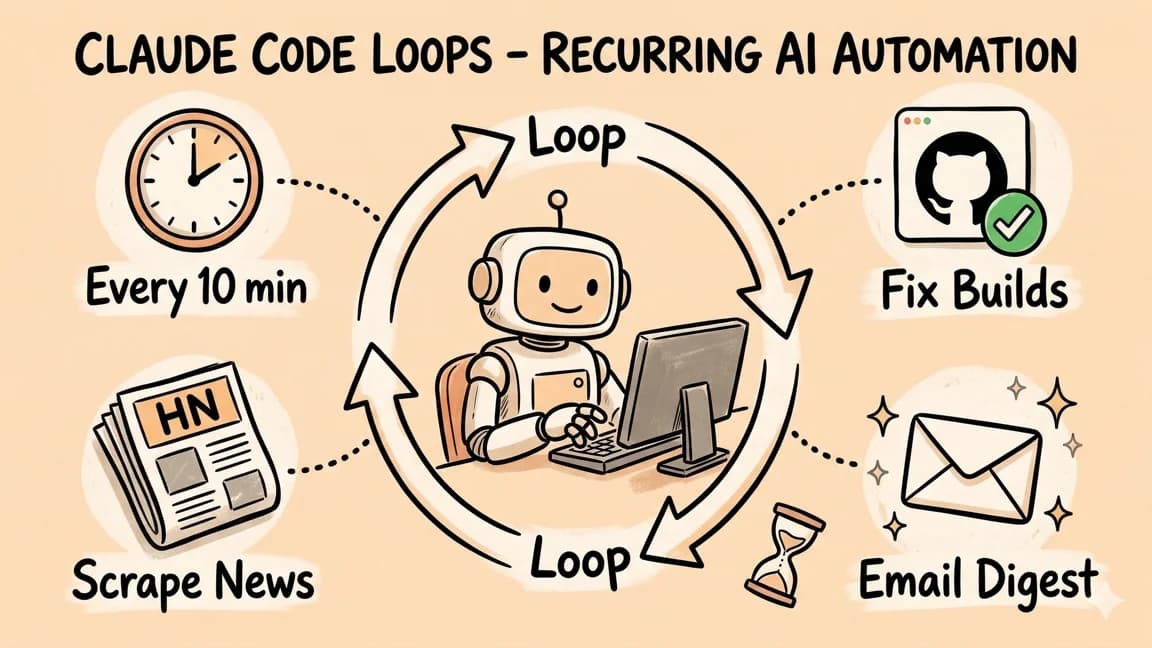
Claude Code now has a native Loop feature for scheduling recurring prompts - from one-minute intervals to three-day windows. Fix builds on repeat, summarize Slack channels, email yourself pull request digests. All from the CLI.
6 min readHow to Build an AI Agent in 2026: A Practical Guide
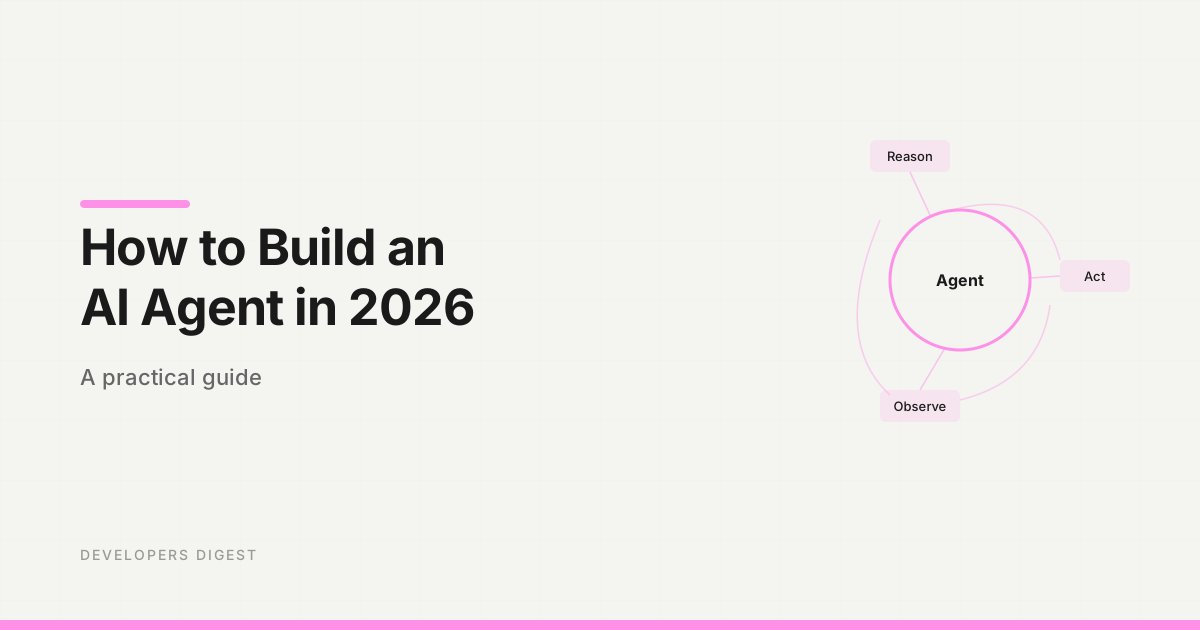
A step-by-step guide to building AI agents that actually work. Choose a framework, define tools, wire up the loop, and ship something real.
10 min readTechnical content at the intersection of AI and development. Building with AI agents, Claude Code, and modern dev tools - then showing you exactly how it works.