Safari MCP Server Developer Guide 2026

TL;DR
Apple's Safari MCP server lets AI coding agents inspect pages, capture screenshots, evaluate JavaScript, and run accessibility checks directly in Safari. Complete setup guide with installation, available tools, and practical workflows.
Last updated: July 6, 2026
Apple released the Safari MCP server on July 1, 2026 with Safari Technology Preview 247. This is the first official browser MCP integration from a major browser vendor - and it gives AI coding agents direct access to Safari's Web Inspector capabilities.
Official Sources#
| Resource | Link |
|---|---|
| WebKit Blog Announcement | webkit.org/blog/18136 |
| Safari Technology Preview Downloads | developer.apple.com/safari/download |
| MCP Specification | modelcontextprotocol.io/specification |
| Claude Code MCP Docs | docs.anthropic.com/claude-code/mcp |
What the Safari MCP Server Does#
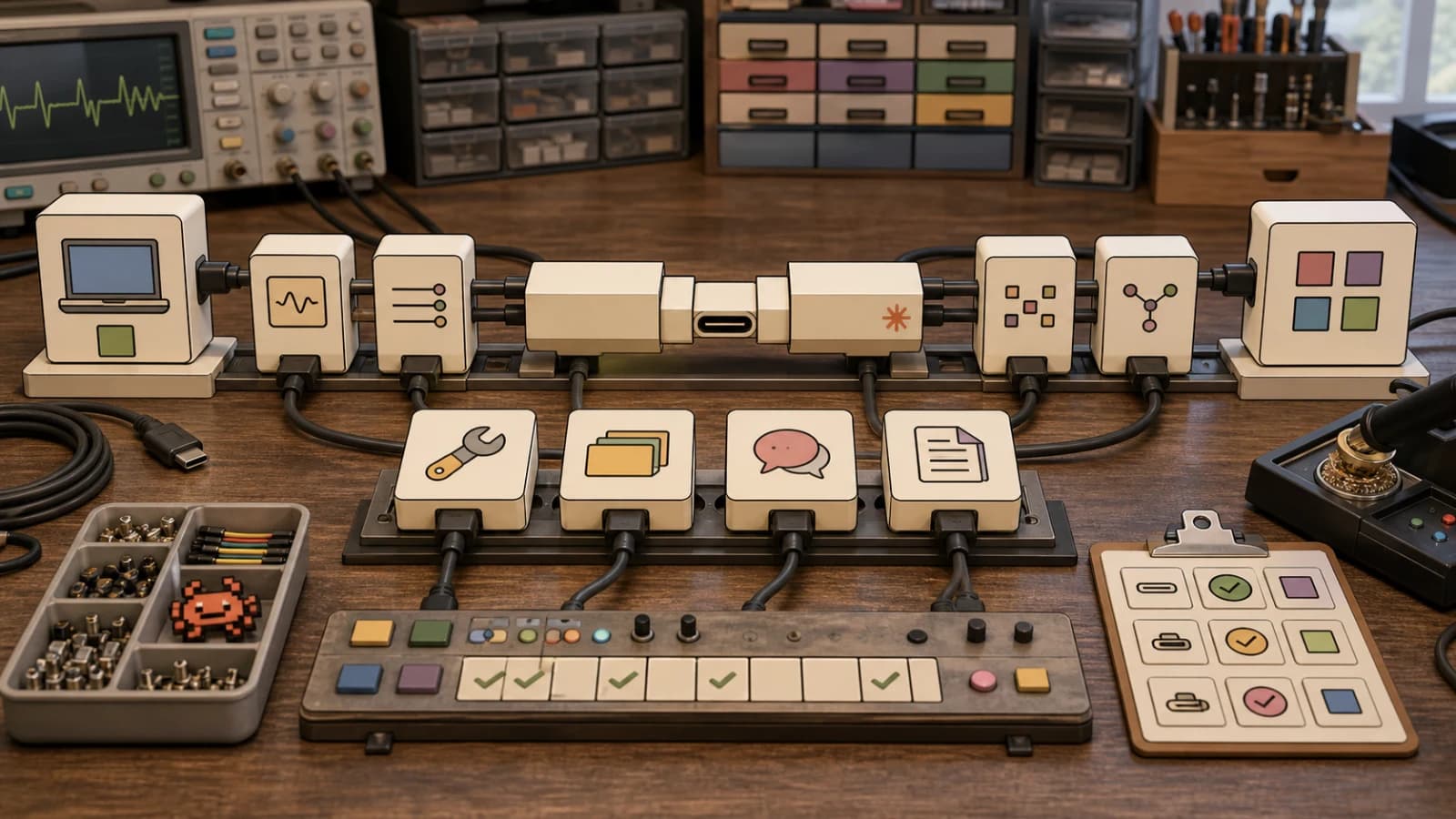
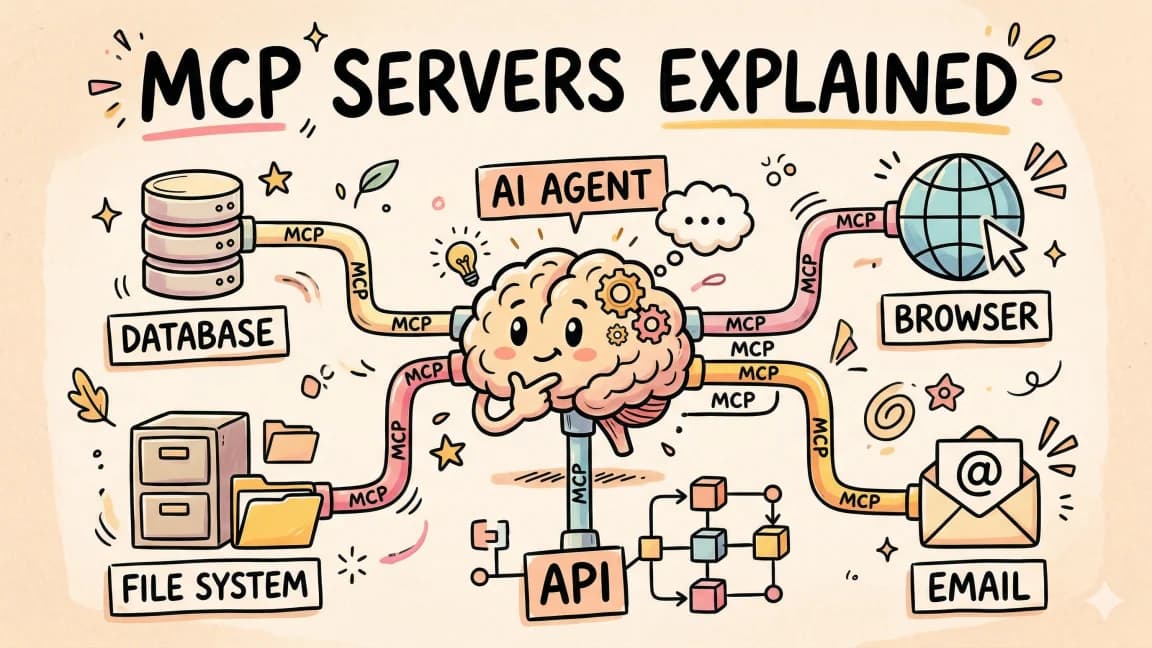
The Safari MCP server exposes 16 tools that let AI agents interact with Safari browser windows. Instead of manually switching between your terminal and browser to check rendering, inspect computed styles, or verify accessibility, your agent handles it directly.
Core capabilities:
- Page inspection: Extract DOM content as markdown, HTML, or JSON
- Screenshots: Capture page state as PNG for visual verification
- JavaScript evaluation: Execute code and return results
- Network monitoring: List and inspect network requests
- Console access: Read buffered console messages
- Accessibility checking: Identify missing labels, ARIA issues, and contrast problems
- Responsive testing: Set viewport sizes and emulated media types
- DOM interactions: Click, type, scroll, hover, and send keypresses
This bridges the gap that has made browser-based debugging awkward with terminal agents. When Claude Code or another MCP-compatible agent needs to verify how code renders in Safari, it can now do that without you alt-tabbing to check.
Available Tools#
The server exposes 16 tools:
| Tool | Purpose |
|---|---|
screenshot | Capture page as PNG |
evaluate_javascript | Execute JS and return results |
get_page_content | Extract text as markdown, HTML, or JSON |
page_interactions | DOM actions (click, type, scroll, hover, keypress) |
list_network_requests | Monitor network activity |
get_network_request | Get details for a specific request |
browser_console_messages | Access buffered console logs |
navigate_to_url | Load a URL |
set_viewport_size | Set browser dimensions for responsive testing |
set_emulated_media | Test prefers-color-scheme, print, etc. |
list_tabs | Get open browser tabs |
select_tab | Switch to a specific tab |
new_tab | Open a new tab |
close_tab | Close a tab |
handle_dialog | Accept or dismiss alert/confirm/prompt dialogs |
list_accessible_elements | Get accessibility tree information |
Requirements#
The Safari MCP server requires Safari Technology Preview 247 or later. It does not work with the release version of Safari.
System requirements:
- macOS (Safari Technology Preview is macOS-only)
- Safari Technology Preview 247+ (released July 1, 2026)
- Enable remote automation in Safari Technology Preview settings
To enable remote automation:
- Open Safari Technology Preview
- Go to Settings (Cmd+,)
- Click the Advanced tab
- Check "Show features for web developers"
- Click the Developer tab
- Check "Enable remote automation and external agents"
Installation#
Claude Code#
Add the MCP server with a single command:
claude mcp add safari-mcp-stp -- \
  "/Applications/Safari Technology Preview.app/Contents/MacOS/safaridriver" \
  --mcp
This registers the server and makes Safari tools available in your Claude Code sessions.
Other MCP Clients#
For agents that use a config file, add to your mcp.json:
{
  "mcpServers": {
    "safari-mcp-stp": {
      "command": "/Applications/Safari Technology Preview.app/Contents/MacOS/safaridriver",
      "args": ["--mcp"]
    }
  }
}
The server binary is bundled inside Safari Technology Preview - no separate installation required.
Practical Workflows#
Cross-Browser Testing#
When building a feature that needs Safari compatibility, your agent can:
- Open the dev server URL in Safari
- Capture a screenshot
- Extract computed styles for specific elements
- Compare against expected values
- Report discrepancies
This is particularly useful for CSS features that behave differently across browsers - grid layouts, flexbox edge cases, and Safari-specific rendering quirks.
Accessibility Auditing#
The list_accessible_elements tool surfaces the accessibility tree, which helps catch issues like:
- Missing alt text on images
- Improper ARIA roles or attributes
- Low contrast ratios
- Missing form labels
- Keyboard navigation gaps
Your agent can run these checks as part of a PR review workflow, flagging accessibility regressions before they ship.
Performance Analysis#
Using evaluate_javascript, agents can pull performance metrics directly:
// Navigation timing
performance.getEntriesByType('navigation')[0].toJSON()

// Largest Contentful Paint
new PerformanceObserver((entryList) => {
  console.log(entryList.getEntries())
}).observe({type: 'largest-contentful-paint', buffered: true})
Combined with network request monitoring, this gives agents visibility into page load performance without needing separate tooling.
Visual Regression Detection#
Screenshot comparison is now possible within agent workflows:
- Capture baseline screenshot of a component
- Make code changes
- Reload and capture new screenshot
- Compare pixel differences (using image processing tools)
- Flag regressions for human review
This works well for component libraries where visual consistency matters.
Privacy and Security#
The Safari MCP server runs locally on your machine. It does not make external network calls and does not access your personal Safari browsing data - only tabs opened during the MCP session.
Captured content (screenshots, DOM, network requests) goes directly to the connected agent. Privacy depends on how that agent handles the data. For Claude Code, standard Anthropic data handling policies apply.
Limitations#
Current limitations to be aware of:
- Safari Technology Preview only: Does not work with release Safari
- macOS only: No Windows or Linux support
- Single session: One agent connection at a time
- No DevTools Protocol parity: Fewer capabilities than Chrome DevTools Protocol or Playwright
- No video capture: Screenshots only, no screen recording
For cross-browser automation at scale, Playwright or Puppeteer remain better options. The Safari MCP server is optimized for development-time browser interaction, not CI pipelines.
Comparison to Playwright#
| Feature | Safari MCP | Playwright |
|---|---|---|
| Safari support | Native | Via WebKit |
| Setup complexity | One command | npm install + config |
| Intended use | Dev-time AI agent interaction | E2E testing and automation |
| Parallelization | No | Yes |
| CI/CD integration | Limited | Full |
| MCP native | Yes | Via third-party servers |
If you are already using Playwright for browser automation, the Safari MCP server adds a native Safari option for development workflows without replacing your test infrastructure.
What This Means for Web Development#
Browser MCP servers close a loop that has been awkward for AI-assisted development. Terminal agents like Claude Code could edit code but had no direct way to verify browser rendering without manual intervention or external automation setups.
With Safari's official MCP server and similar integrations coming for Chrome and Firefox, agents can participate in the full development cycle: write code, verify rendering, check accessibility, and iterate - all without context switches.
The HN discussion raised valid questions about whether this represents browser vendors embracing AI tooling or just following where developer tools are heading. Either way, the practical benefit is clear: less manual back-and-forth during development.
FAQ#
Does the Safari MCP server work with regular Safari?#
No. You need Safari Technology Preview 247 or later. The release version of Safari does not include MCP support.
Can I use this in CI pipelines?#
The Safari MCP server is designed for development-time use, not CI. For automated testing, continue using Playwright or other dedicated testing frameworks.
Does this work on Windows or Linux?#
No. Safari Technology Preview is macOS-only, so the MCP server is also macOS-only.
What about Chrome and Firefox MCP servers?#
As of July 2026, Safari is the first major browser with an official MCP server. Third-party MCP servers for Chrome exist (using DevTools Protocol), but no official implementations yet.
Is this free?#
Yes. Safari Technology Preview is free and the MCP server is included.
Can multiple agents connect simultaneously?#
No. The current implementation supports one agent connection at a time.
What happens to captured data?#
Captured screenshots, DOM content, and network data go directly to the connected agent. The Safari MCP server itself does not store or transmit data externally.
Can I use this with Cursor or other IDE agents?#
If the agent supports MCP and can be configured with custom MCP servers, yes. Configuration varies by agent - check your agent's MCP documentation for setup details.
Continue Reading#
- AgentCanvas is a visual adapter for Claude Code and Codex
- Claude Code Auto Mode Explained: Permissions Without the Prompts
- Claude Code Channels: Telegram, Discord, iMessage, and Webhooks
Sources#
Get the next deep dive like this in your inbox
One email a week on MCP and the rest of the AI dev stack. Free.
Read next on Claude Code
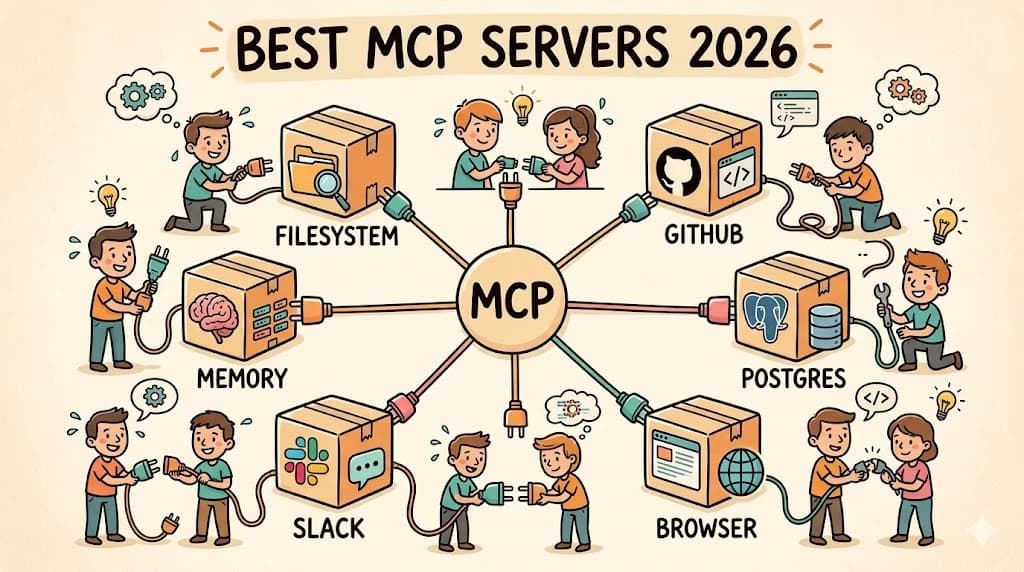
Best MCP Servers in 2026: The Developer Shortlist
A practical ranked list of MCP servers worth installing first for Claude Code, Cursor, Copilot, Codex, and OpenCode: GitHub, Filesystem, Context7, Playwright, Postgres, Sentry, Supabase, Notion, Slack, and more.
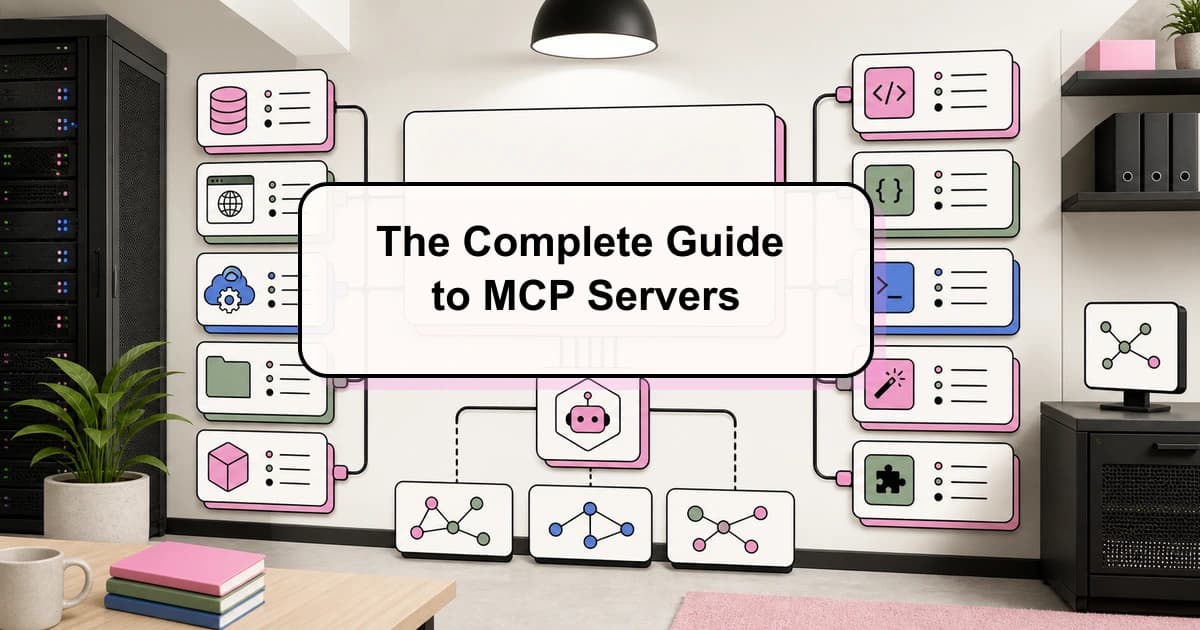
10 min readThe Complete Guide to MCP Servers
Everything you need to know about Model Context Protocol - how it works, how to install servers, how to build your own, and the best ones.
12 min readWhat Is MCP (Model Context Protocol)? The 2026 Developer Guide
MCP is the open standard for connecting AI apps to tools and data: servers expose tools, resources, and prompts over JSON-RPC, and any client can use them. What it is, how the stateless 2026-07-28 spec works, how to install a server in Claude Code or Cursor, and how to build one with the v2 TypeScript SDK.
14 min readTechnical content at the intersection of AI and development. Building with AI agents, Claude Code, and modern dev tools - then showing you exactly how it works.