Microsoft MXC Developer Guide 2026: Sandbox Your AI Agents at the OS Level

TL;DR
Microsoft Execution Containers (MXC) give your AI agents policy-driven sandboxing across Windows, Linux, and macOS. TypeScript SDK, JSON config, multiple isolation backends.
Official Sources#
| Resource | URL |
|---|---|
| MXC GitHub Repository | github.com/microsoft/mxc |
| TypeScript SDK (npm) | npmjs.com/package/@microsoft/mxc-sdk |
| Windows Developer Blog Announcement | Build 2026: Furthering Windows as the trusted platform |
| Windows Platform Security for AI Agents | Windows Developer Blog |
| MXC Schema Documentation | github.com/microsoft/mxc/schemas |
Microsoft Execution Containers (MXC) launched at Build 2026 as the first OS-level sandboxing system designed specifically for AI agents. The premise: agents run untrusted code - model outputs, plugins, tool calls - and that code needs containment before it touches your filesystem, network, or clipboard.
MXC solves this with a declarative JSON policy that specifies exactly what an agent can access. The OS enforces those boundaries at runtime, before any code executes. OpenAI and NVIDIA adopted it at launch, which signals where agentic security is heading.
Last updated: July 6, 2026. SDK version 0.7.0 is current. MXC remains in public preview - schemas and APIs may change before 1.0.
What MXC Actually Does#
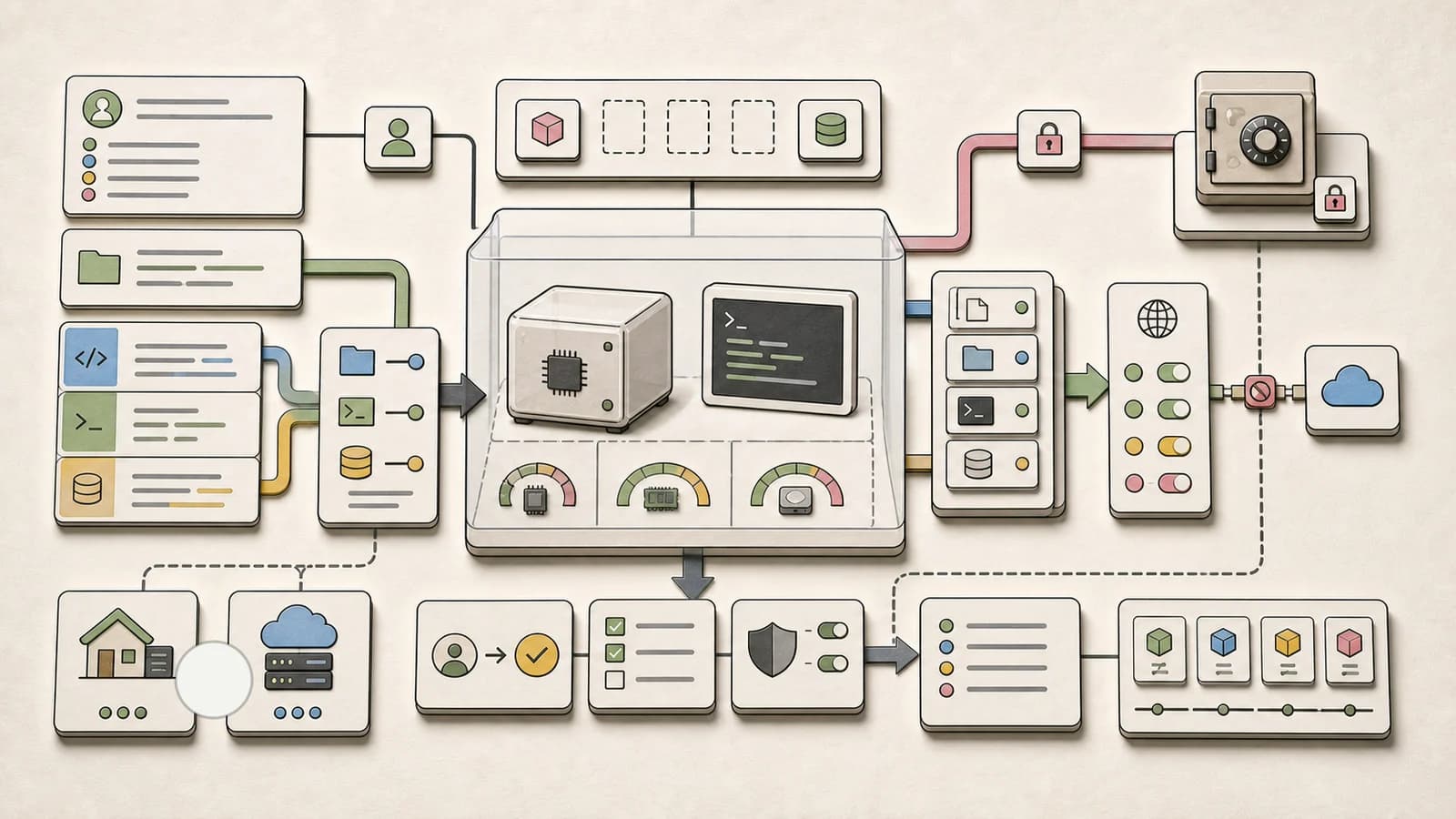
MXC is a sandboxed code execution system for running untrusted code on Windows, Linux, and macOS. It provides multiple containment backends - from process sandboxes to full VMs - behind a unified JSON configuration schema and TypeScript SDK.
The key insight: instead of asking developers to implement their own sandboxing, MXC gives you a single policy declaration. Specify what files, network access, and UI capabilities your agent needs. MXC handles the enforcement.
import {
  spawnSandboxFromConfig,
  createConfigFromPolicy,
  getAvailableToolsPolicy,
  getTemporaryFilesPolicy,
} from '@microsoft/mxc-sdk';

const tools = getAvailableToolsPolicy();
const temp = getTemporaryFilesPolicy();

const config = createConfigFromPolicy({
  version: '0.6.0-alpha',
  filesystem: {
    readonlyPaths: tools.readonlyPaths,
    readwritePaths: temp.readwritePaths,
  },
  network: { allowOutbound: false },
  timeoutMs: 30_000,
});

const result = await spawnSandboxFromConfig(config, 'node my-agent.js');
Platform Support#
MXC runs natively on all major platforms. Each has its own default backend and alternatives:
| Platform | Default Backend | Alternatives | Minimum Version |
|---|---|---|---|
| Windows 11 | ProcessContainer | Windows Sandbox, WSLC, MicroVM, Hyperlight, IsolationSession | Build 26100 (24H2) |
| Linux | Bubblewrap | LXC, MicroVM, Hyperlight | x64 or ARM64 |
| macOS | Seatbelt | None listed | ARM64 or x64 |
The backend choice determines the isolation strength. ProcessContainer is lightweight but weaker. MicroVM gives full VM isolation but higher overhead. MXC lets you choose based on your threat model.
Installation and Setup#
Requirements#
- Node.js 18 or later
- Rust 1.93 (pinned in the repo if building from source)
- Windows 11 24H2, Linux x64/ARM64, or macOS ARM64/x64
Install the SDK#
npm install @microsoft/mxc-sdkThe package is 41.7 MB with zero known vulnerabilities at time of writing.
Build from Source (Optional)#
If you need the native binaries or want to run tests:
Windows:
build.bat                 # Release build
build.bat --debug        # Debug mode
build.bat --all          # x64 + ARM64
Linux:
./build.sh               # Release
./build.sh --debug       # Debug
./build.sh --rust-only   # Skip SDK/CLI
macOS:
./build-mac.sh           # Native architecture
./build-mac.sh --all     # Apple Silicon + Intel
./build-mac.sh --debug   # Debug mode
Configuration Schema#
MXC uses JSON configuration to declare sandbox policies. The schema is versioned - stable schemas live in schemas/stable/, development schemas in schemas/dev/.
Basic Configuration#
{
  "version": "0.6.0-alpha",
  "backend": "processcontainer",
  "filesystem": {
    "readonlyPaths": ["/usr/local/bin", "/opt/tools"],
    "readwritePaths": ["/tmp/agent-workspace"]
  },
  "network": {
    "allowOutbound": false
  },
  "ui": {
    "clipboard": false,
    "display": false
  },
  "timeoutMs": 60000
}
Filesystem Policies#
MXC gives granular control over what the sandboxed code can read and write:
- readonlyPaths: Directories the agent can read but not modify
- readwritePaths: Directories the agent can read and write
- Everything else is blocked by default
Network Policies#
- allowOutbound: Boolean to enable/disable all outbound connections
- proxy: Optional proxy configuration for filtered access
- hostRules: Specific host-based allow/deny rules
UI Access#
- clipboard: Allow clipboard read/write
- display: Allow GUI access
- inputInjection: Allow simulating keyboard/mouse input
One-Shot vs State-Aware APIs#
The TypeScript SDK provides two execution models:
One-Shot Execution#
For simple, single-command sandboxing:
import { spawnSandboxFromConfig, createConfigFromPolicy } from '@microsoft/mxc-sdk';

const config = createConfigFromPolicy({
  version: '0.6.0-alpha',
  filesystem: {
    readwritePaths: ['/tmp/work']
  },
  network: { allowOutbound: false },
  timeoutMs: 30_000,
});

const result = await spawnSandboxFromConfig(config, 'python analyze.py');
console.log(result.stdout);
State-Aware Lifecycle#
For multi-step workflows where you need to keep the sandbox running:
import {
  provisionSandbox,
  startSandbox,
  execInSandboxAsync,
  stopSandbox,
  deprovisionSandbox,
} from '@microsoft/mxc-sdk';

// Lifecycle: provision → start → exec → stop → deprovision
const sandbox = await provisionSandbox(config);
await startSandbox(sandbox);

// Run multiple commands in the same sandbox
const result1 = await execInSandboxAsync(sandbox, 'npm install');
const result2 = await execInSandboxAsync(sandbox, 'npm test');

await stopSandbox(sandbox);
await deprovisionSandbox(sandbox);
This is useful for agents that need to install dependencies, run tests, and inspect results across multiple steps.
Native Binary Execution#
If you prefer the native binaries over the SDK:
Windows:
wxc-exec.exe config.json
wxc-exec.exe --config-base64 <encoded-json>
wxc-exec.exe --debug config.json
Linux:
./lxc-exec config.json
macOS:
./mxc-exec-mac --experimental config.json
Agent 365 Integration#
For enterprise environments, MXC integrates with Microsoft's security stack:
- Entra: Identity binding so agents receive strong user identities
- Intune: Policy enforcement across managed devices
- Defender: Runtime threat detection
- Purview: Compliance and data governance
Agent 365 layers these protections on top of MXC containment. The preview shipped July 2026.
Security Considerations#
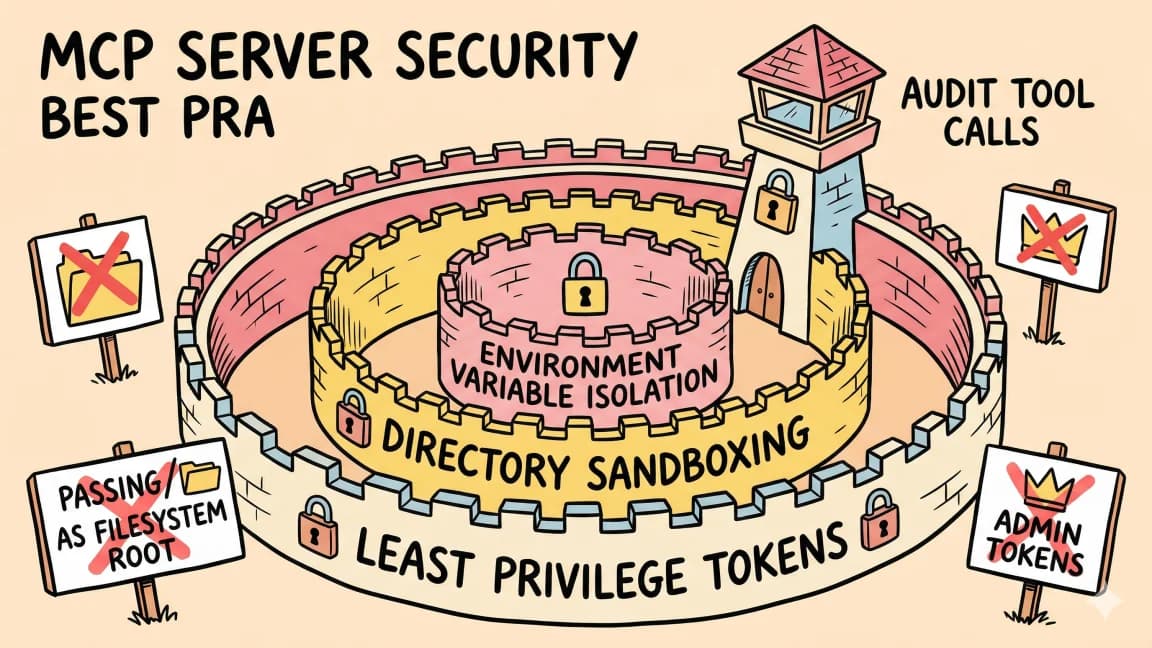
MXC is explicitly in preview. The documentation states that no MXC profiles should be treated as security boundaries currently, as policies may be overly permissive during this phase.
What this means in practice:
- Use MXC as defense-in-depth, not as your only security layer
- Experimental backends require the
{ experimental: true }flag or--experimentalCLI option - Monitor the GitHub repo for schema changes between versions
- For production deployments, wait for 1.0 or conduct your own security review
Testing Your Sandboxes#
MXC includes comprehensive test infrastructure:
# Unit tests
cargo test --workspace

# SDK tests
npm test                    # Unit tests
npm run test:integration    # Integration tests

# End-to-end tests
cargo test -p wxc_e2e_tests
The tests/ directory contains example configurations you can use as starting points.
Choosing the Right Backend#
Backend selection depends on your threat model and performance needs:
| Backend | Isolation Level | Startup Time | Use Case |
|---|---|---|---|
| ProcessContainer | Process-level | Fast | Development, low-risk code |
| Windows Sandbox | Session-level | Medium | Interactive testing |
| Bubblewrap | Process + namespace | Fast | Linux CI/CD |
| MicroVM | Full VM | Slow | High-risk code, production |
| Hyperlight | Lightweight VM | Medium | Balance of speed and isolation |
Start with the default backend for your platform. Upgrade to stronger isolation when your threat model requires it.
Comparison to Other Sandboxes#
MXC enters a market with existing solutions. How does it compare?
| Feature | MXC | E2B | Daytona | Modal |
|---|---|---|---|---|
| OS-level enforcement | Yes | No (container) | No (container) | No (container) |
| Cross-platform | Win/Linux/macOS | Linux | Linux | Linux |
| Declarative policy | JSON schema | SDK calls | SDK calls | SDK calls |
| Identity binding | Entra integration | None | None | None |
| Enterprise features | Agent 365 | None | None | None |
| Open source | MIT | Partial | Yes | No |
MXC's advantage is the OS-level enforcement and enterprise integration. Its disadvantage is Windows 11 24H2 minimum requirement and preview status.
For more on code sandbox architecture, see the AI agent code sandbox comparison.
Getting Started Checklist#
- Install the SDK:
npm install @microsoft/mxc-sdk - Check platform requirements (Windows 11 24H2, Linux, or macOS)
- Create a minimal policy JSON
- Test with
spawnSandboxFromConfig - Graduate to state-aware lifecycle for multi-step workflows
- Monitor the MXC GitHub for updates
FAQ#
What is Microsoft MXC?#
Microsoft Execution Containers (MXC) is a policy-driven sandboxing system for running untrusted code - model outputs, agent plugins, tool calls - with OS-level enforcement on Windows, Linux, and macOS. Announced at Build 2026.
Which platforms does MXC support?#
MXC supports Windows 11 24H2 or later, Linux (x64 and ARM64), and macOS (ARM64 and x64). Each platform has a different default containment backend.
Is MXC production-ready?#
Not yet. MXC is in public preview with SDK version 0.7.0. Microsoft explicitly states that no MXC profiles should be treated as security boundaries currently. Wait for 1.0 for production deployments.
How does MXC compare to Docker containers?#
MXC provides OS-level isolation with declarative policy enforcement. Docker containers provide application isolation but assume trusted code. MXC is designed for untrusted code execution where the agent itself may be compromised.
What backends are available?#
Windows offers ProcessContainer, Windows Sandbox, WSLC, MicroVM, Hyperlight, and IsolationSession. Linux offers Bubblewrap, LXC, MicroVM, and Hyperlight. macOS currently only supports Seatbelt.
How do I choose between one-shot and state-aware APIs?#
Use one-shot (spawnSandboxFromConfig) for single commands. Use state-aware lifecycle (provision → start → exec → stop → deprovision) when you need to run multiple commands in the same sandbox or maintain state between executions.
What is the relationship between MXC and Agent 365?#
Agent 365 layers Microsoft's enterprise security stack (Entra, Intune, Defender, Purview) on top of MXC containment. MXC provides the isolation; Agent 365 provides governance and compliance.
Does MXC work with OpenAI and Anthropic agents?#
Yes. OpenAI and NVIDIA adopted MXC at launch. The TypeScript SDK works with any agent framework that can shell out to sandboxed processes. You control what the agent code can access regardless of which model backs it.
Continue Reading#
- Deno Desktop Lets You Build Native Apps with TypeScript
- Running Fable 5 Agents on Vercel's eve Framework
- Microsoft's Work IQ APIs Hit GA: What Agent Builders Actually Get on June 16
Sources#
- Microsoft MXC GitHub Repository: github.com/microsoft/mxc
- Build 2026 Windows Developer Blog: Furthering Windows as the trusted platform for development
- Windows Platform Security for AI Agents: Windows Developer Blog
- @microsoft/mxc-sdk npm package: npmjs.com/package/@microsoft/mxc-sdk
- Microsoft Build 2026 Overview: Microsoft Blog
Get the next deep dive like this in your inbox
One email a week on Microsoft and the rest of the AI dev stack. Free.
Read next on AI coding tools
Agent Sandbox Architecture: How to Choose the Right Runtime Boundary
AI agents are getting their own computers. Here is how to choose a sandbox architecture: filesystem isolation, network policy, secrets boundaries, snapshots, and when shell access is overkill.
8 min readThe Agent Security Checklist I Use Before Connecting Tools
Before an AI agent gets tools, files, APIs, MCP servers, or deployment access, decide what it can read, write, call, log, and roll back.
8 min readWhere Should Your AI Agent Run Code: E2B vs Daytona vs Modal vs Cloudflare vs Vercel Sandbox
A builder's guide to picking a code-execution sandbox for AI agents - E2B, Daytona, Modal, Cloudflare Sandbox, and Vercel Sandbox compared on isolation, latency, state, and pricing model.
7 min readNew here? Start with
Technical content at the intersection of AI and development. Building with AI agents, Claude Code, and modern dev tools - then showing you exactly how it works.