Agent Sandbox Architecture: How to Choose the Right Runtime Boundary
TL;DR
AI agents are getting their own computers. Here is how to choose a sandbox architecture: filesystem isolation, network policy, secrets boundaries, snapshots, and when shell access is overkill.
AI agents are starting to need computers of their own.
That sounds dramatic, but the architecture shift is simple. Once an agent can write code, run shell commands, edit files, install packages, inspect outputs, and keep working across sessions, a plain tool call is not enough. You need a runtime boundary around the work.
That boundary is the sandbox.
The question is no longer whether sandboxes matter. The question is which sandbox shape fits the job.
Last updated: June 23, 2026
Official Sources#
| Resource | Link |
|---|---|
| LangChain sandbox guide | langchain.com/blog/how-to-choose-the-right-sandbox-for-your-agent |
| OpenAI Agents SDK docs | developers.openai.com/api/docs/guides/agents-sdk |
| OpenAI Agents SDK TypeScript | openai.github.io/openai-agents-js/guides/sandbox-agents |
| E2B sandbox docs | e2b.dev/docs |
| Docker security | docs.docker.com/security |
Why This Is Timely#
LangChain's recent guide on choosing the right sandbox for AI agents puts the risk plainly: agent-written code can create threats to data and systems, so teams need to control where code runs and what it can access. The post calls sandboxes computers your agent can safely use.
OpenAI's Agents SDK docs now route builders toward sandbox agents when work needs files, commands, packages, snapshots, mounts, or provider links. The TypeScript sandbox-agent docs describe persistent workspaces where agents can search document sets, edit files, run commands, generate artifacts, and resume from saved sandbox state.
Flue's repo frames the same category from another angle: a sandbox agent framework where agents can keep context, use tools, modify files, and complete real work in a secure environment. That puts it in the same practical lane as the agent harness question in Flue: Agent Harness Framework, Different or Just Shiny?.
The trend is clear: sandboxing is becoming agent backend infrastructure.
The Take: A Sandbox Is Not Just a Container#
The lazy version of sandboxing is "run it in Docker."
That may be part of the answer. It is not the whole answer.
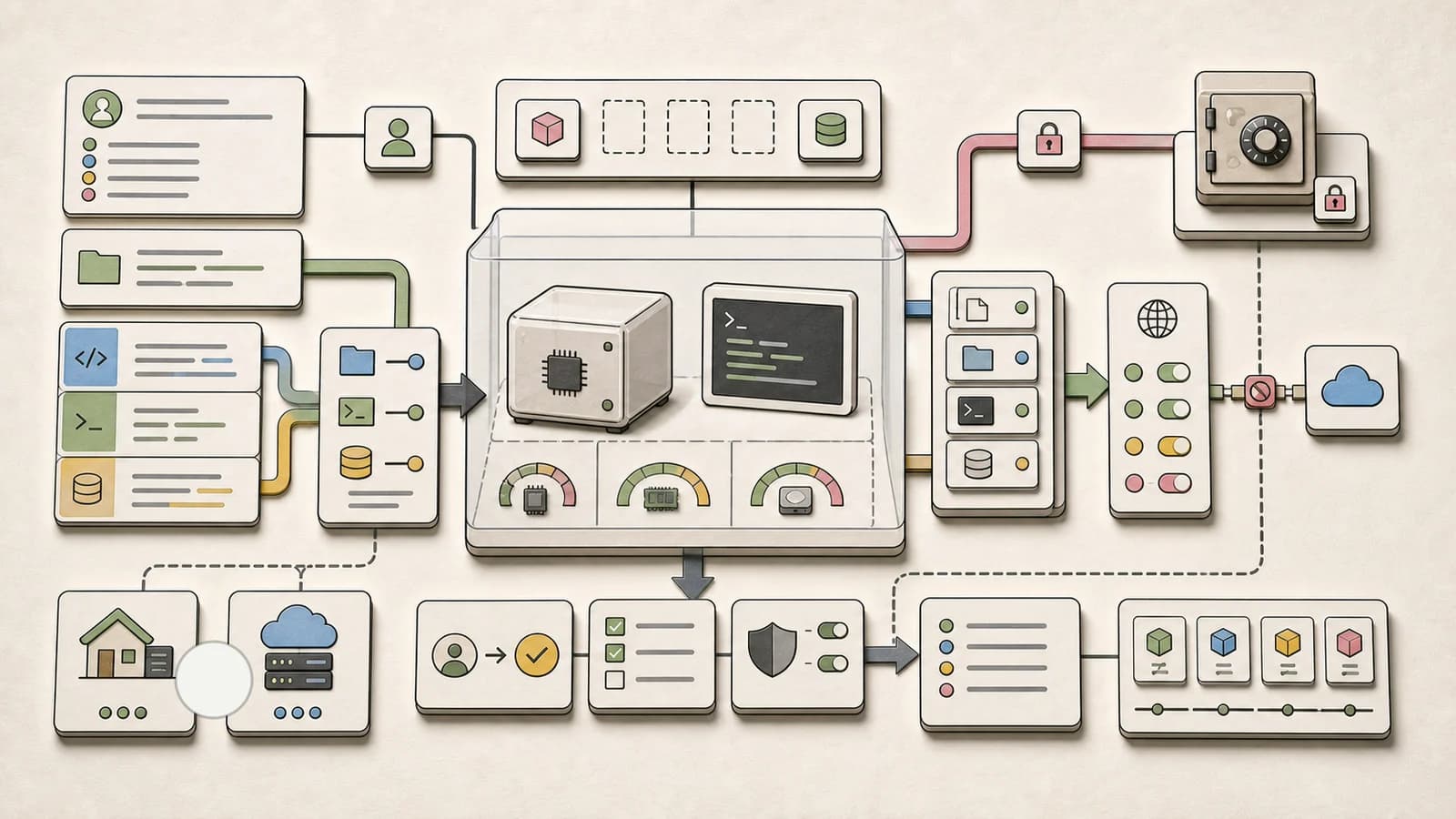
A useful agent sandbox answers seven questions:
| Question | Why it matters |
|---|---|
| What filesystem can the agent see? | Prevents accidental access to secrets, unrelated repos, or private data |
| What network can it reach? | Limits exfiltration and malicious downloads |
| Where do credentials live? | Keeps secrets out of untrusted code execution |
| Can the workspace be snapshotted? | Enables resume, rollback, and incident review |
| What resource limits apply? | Stops runaway CPU, memory, disk, and token-adjacent loops |
| Which tools are mounted? | Keeps agent capability tied to task need |
| What evidence is captured? | Makes the run reviewable after the model says it is done |
If your sandbox only isolates processes but leaves secrets, network, logs, and snapshots vague, you still have a weak agent runtime.
For the broader team-control-plane layer, read Sandboxed Agents Are Becoming the Team Control Plane. This piece is the lower-level architecture guide.
The Agent Lethal Trifecta#
LangChain uses a useful security frame: agents become risky when three ingredients combine.
- They can access private data.
- They can receive untrusted instructions.
- They can exfiltrate data or take actions.
That is the agent version of the lethal trifecta.
The sandbox should break at least one side of that triangle. Ideally, it weakens all three:
- only mount the files the task needs;
- treat web pages, issues, docs, and customer messages as untrusted inputs;
- block broad outbound network access;
- inject credentials after the sandbox boundary instead of placing them inside it;
- log every file, command, and network-relevant action.
This is why "just ask the model not to leak secrets" is not a security control. The model may be tricked. The sandbox should make the trick less useful.
Local vs Cloud Sandboxes#
The first architecture choice is where the sandbox lives.
| Sandbox type | Best for | Watch out for |
|---|---|---|
| local process sandbox | fast iteration, private repos, developer-controlled tasks | weak isolation if it can see the whole machine |
| Docker sandbox | repeatable builds, file work, package installs | secrets and network need explicit policy |
| cloud sandbox | team workflows, background jobs, scalable runs | data residency, cost, vendor lock-in |
| hosted provider sandbox | fastest path with managed lifecycle | opaque internals and provider-specific limits |
| self-hosted remote sandbox | stronger control over data and models | operational burden and patching |
There is no universal winner.
A docs summarizer probably does not need a shell. A code migration agent probably does. A security triage agent may need an isolated workspace with no outbound network except approved package mirrors. A customer support agent may need no filesystem at all.
The architecture should follow blast radius, not ambition.
From the archive
Agent Workflows as Code: Why State Machines Beat Prompt Checklists
Jun 23, 2026 • 8 min read
AI's Affordability Crisis Is Really an Agent Cost Accounting Problem
Jun 23, 2026 • 8 min read
Armin Ronacher on The Coming Loop and Why Agent-Driven Code Still Needs Human Comprehension
Jun 23, 2026 • 9 min read
Cerebras Stock Is a Public Test of AI Inference Demand
Jun 23, 2026 • 7 min read
The Secrets Boundary Is the Real Test#
The most important sandbox design question is where credentials live.
If secrets are mounted as plain files or environment variables inside the sandbox, untrusted code can try to read and leak them. That may be acceptable for a throwaway API key in a toy demo. It is not acceptable for production systems.
LangChain's sandbox post describes an authorization-proxy pattern: credentials get injected into outbound traffic after it leaves the sandbox, so untrusted code inside the sandbox does not directly hold the secret.
That is the shape teams should copy.
The policy:
Text
Do not put durable production credentials inside an agent sandbox.
Give the sandbox scoped capabilities.
Inject credentials at a controlled boundary.
Log which capability was used, not only which command ran.
For coding-agent workflows, pair this with Permissions, Logs, and Rollback. Permissions without logs are weak. Logs without rollback are a documentary.
Snapshots Matter More Than People Expect#
OpenAI's sandbox-agent docs emphasize saved sandbox state and snapshots. That is not a minor convenience.
Snapshots solve three practical problems:
Resume. Long-running work can continue from the same files, packages, and generated artifacts instead of rebuilding context from scratch.
Rollback. A bad edit, bad package install, or bad generated artifact can be compared against a previous state.
Review. The team can inspect what the agent actually had in its workspace when it made a decision.
Without snapshots, a failed agent run is often unreproducible. You have logs, but not the state those logs refer to.
That connects directly to agent workflows as code. If a workflow has typed gates, the sandbox snapshot is one of the receipts those gates should preserve.
When Shell Access Is Overkill#
Not every agent needs a computer.
Giving an agent shell and filesystem access increases capability, but it also increases attack surface. Before adding a sandbox, ask whether the agent can do the job with narrower tools:
- database query tool with read-only access;
- document retrieval;
- structured API calls;
- file search only;
- code interpreter without network;
- domain-specific function tools;
- human approval before writes.
If a narrow tool solves the workflow, use the narrow tool.
Reach for a general sandbox when the agent genuinely needs to create or transform artifacts over multiple steps: code patches, notebooks, generated files, package experiments, build outputs, data analysis scripts, or long-running project work.
That is the difference between useful autonomy and unnecessary blast radius.
A Decision Checklist#
Before choosing a sandbox provider or framework, answer these questions:
- Does the agent need a filesystem, or only structured tools?
- Which files should be mounted by default?
- Is outbound network blocked, allowlisted, or open?
- Are secrets inside the sandbox, or injected at a proxy boundary?
- Can the sandbox snapshot and resume state?
- What CPU, memory, disk, and time limits apply?
- Are logs and artifacts retained for review?
- Can humans approve risky actions before they happen?
- Can the run be reproduced from a snapshot?
- Can the sandbox be self-hosted if policy requires it?
If a vendor cannot answer those clearly, do not treat it as production-grade yet.
The Opposing Take: Most Agents Should Stay Narrow#
The counterargument is strong: sandboxes are infrastructure, and infrastructure has cost.
Many useful agents do not need general code execution. A support agent can answer from retrieved documents. A sales agent can draft follow-ups from CRM fields. A release-note agent can summarize merged pull requests. A documentation agent can propose edits through a narrow patch tool. That is also why the managed-agent decision in Managed Agents vs LangGraph vs DIY should start with the runtime boundary, not the marketing category.
For those agents, a full sandbox may be ceremony.
The better default is least capability:
- start with narrow tools;
- add file access only when needed;
- add shell only when command execution is central to the job;
- add network only when the task proves it needs it;
- keep snapshots and logs whenever stateful work begins.
Sandboxes are powerful because they let agents do real work. That is also why they should not be handed out casually.
FAQ#
What is an AI agent sandbox?#
An AI agent sandbox is an isolated runtime where an agent can work with files, commands, packages, tools, and artifacts without directly touching the host system or production environment. A good sandbox also controls network access, credentials, resource limits, snapshots, and logs.
Is Docker enough for agent sandboxing?#
Docker can be part of a sandbox, but it is not sufficient by itself. You still need filesystem scoping, network policy, secrets handling, resource limits, snapshots, logs, and approval gates.
When does an agent need shell access?#
An agent needs shell access when the task depends on running commands, installing packages, executing tests, transforming files, or generating artifacts. If the task can be handled through narrow structured tools, avoid shell access.
Where should secrets live in an agent sandbox?#
Prefer keeping durable secrets outside the sandbox and injecting scoped credentials at a controlled boundary, such as an authorization proxy. Avoid placing production credentials directly into files or environment variables that untrusted code can inspect.
What should I log from sandboxed agent runs?#
Log the task contract, mounted files, allowed tools, commands, file changes, network-relevant actions, approvals, snapshots, verification output, cost, latency, and final receipt. The goal is to make the run reproducible and reviewable.
Continue Reading#
- We Read DeepSeek Harness: What 460K Lines of Agent Runtime Actually Say - DeepSeek's open-sourced harness implements this exact ladder, and fails closed when no backend is usable
- Encrypted Chain-of-Thought Is Not Private: New Paper Decodes Reasoning Traces From Anthropic, OpenAI, and Google APIs
- Chat SDK Adds Durable Approvals: Agent Workflows That Wait For a Human
Sources#
Read next
Sandboxed Agents Are Becoming the Team Control Plane
Runtime's Launch HN thread is a useful signal: teams do not just want isolated coding agents. They want a control plane for approvals, secrets, telemetry, review, and merge policy.
8 min readOpenAI Codex Cloud Security Playbook 2026: Internet Access, Prompt Injection, and Safe Defaults
A practical security playbook for running Codex cloud tasks safely in 2026 using OpenAI docs: internet access controls, domain allowlists, HTTP method limits, and review workflows.
10 min readPermissions, Logs, and Rollback for AI Coding Agents
AI coding agents become safer when permissions, logs, and rollback are designed as one system. Here is the operating loop I would put around any agent that can edit code, run tools, or open pull requests.
9 min readShare
Developers Digest
Technical content at the intersection of AI and development. Building with AI agents, Claude Code, and modern dev tools - then showing you exactly how it works.
300+ videos30K+ GitHub stars850+ articles
Related Tools
InfrastructureOpen source

E2B
Open-source cloud sandboxes for AI agents. Isolated environments that start in under 200ms, run code in Python, JavaScri...
View ToolAI CodingOpen source

DeepSeek-TUI
Open-source terminal agent runtime with approval modes, rollback snapshots, MCP servers, LSP diagnostics, and a headless...
View ToolAI Coding

Devin
Cognition Labs' autonomous software engineer. Handles full tasks end-to-end - reads docs, writes code, runs tests, and...
View ToolAI FrameworksAgent UI

CopilotKit
Frontend stack for agent-native apps. React hooks, prebuilt copilot UI, AG-UI runtime, frontend tools, shared state, and...
View ToolApps from Developers Digest
Related Guides
Guide
Claude Code Setup Guide
Configure Claude Code for maximum productivity -- CLAUDE.md, sub-agents, MCP servers, and autonomous workflows.
AI AgentsGuide
MCP Servers Explained
What MCP servers are, how they work, and how to build your own in 5 minutes.
AI AgentsGuide
Claude Code Complete Course
A complete, citation-backed Claude Code course with setup, prompting systems, MCP, CI, security, cost controls, and capstone workflows.
ai-developmentRelated Videos

Buzz: Open-Source Collaboration for Humans + AI Agents
Buzz by Block: Open-Source Slack-Style Collaboration for Humans + AI Agents (Demo & Setup) Check out Arcade: https://arcade.dev.plug.dev/xiDRwlA Repo: https://github.com/block/buzz The video introd...
Video·

Agents 101: How to Build and Deploy Anything with AI Agents
Build Anything with Vercel, the Agentic Infrastructure Stack Check out Vercel: https://vercel.plug.dev/cwBLgfW The video shows a behind-the-scenes walkthrough of how the creator rapidly builds and d...
Video·
TRAE: Custom AI Agents That Actually Understand Your Codebase
Check out Trae here! https://tinyurl.com/2f8rw4vm In this video, we dive into @Trae_ai a newly launched AI IDE packed with innovative features. I provide a comprehensive demonstration...
Video·
Related Posts
8 min read
AI Agents
Sandboxed Agents Are Becoming the Team Control Plane
Runtime's Launch HN thread is a useful signal: teams do not just want isolated coding agents. They want a control plane...
10 min read
OpenAI Codex
OpenAI Codex Cloud Security Playbook 2026: Internet Access, Prompt Injection, and Safe Defaults
A practical security playbook for running Codex cloud tasks safely in 2026 using OpenAI docs: internet access controls,...
9 min read
AI Security
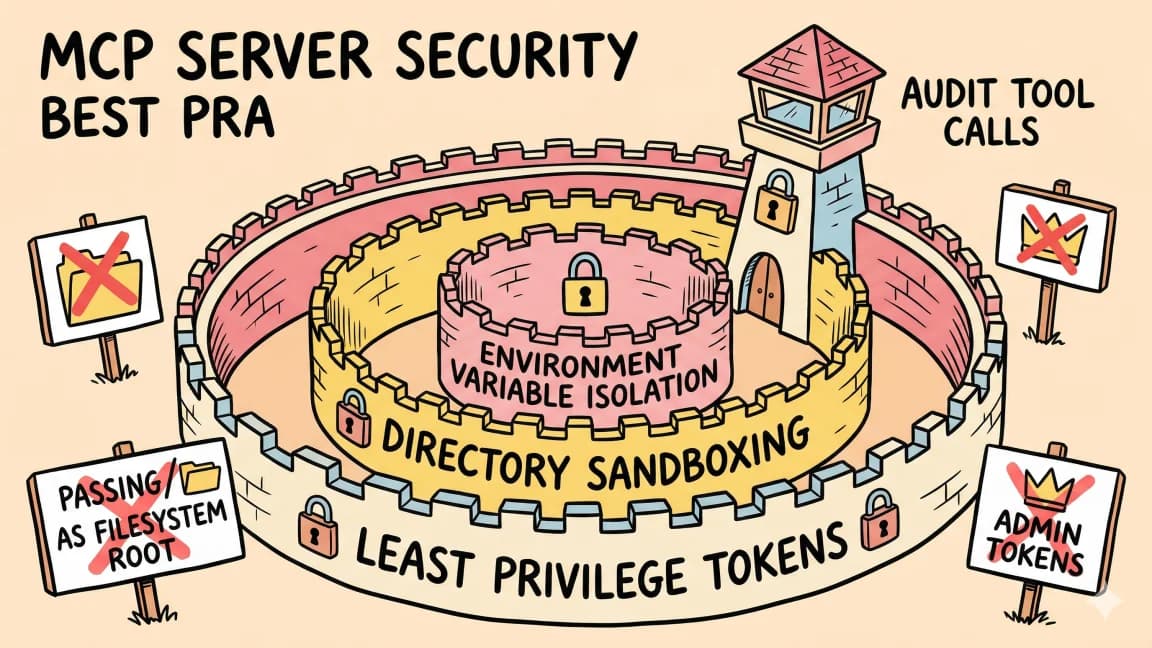
Permissions, Logs, and Rollback for AI Coding Agents
AI coding agents become safer when permissions, logs, and rollback are designed as one system. Here is the operating loo...
24 min read
AI Agents
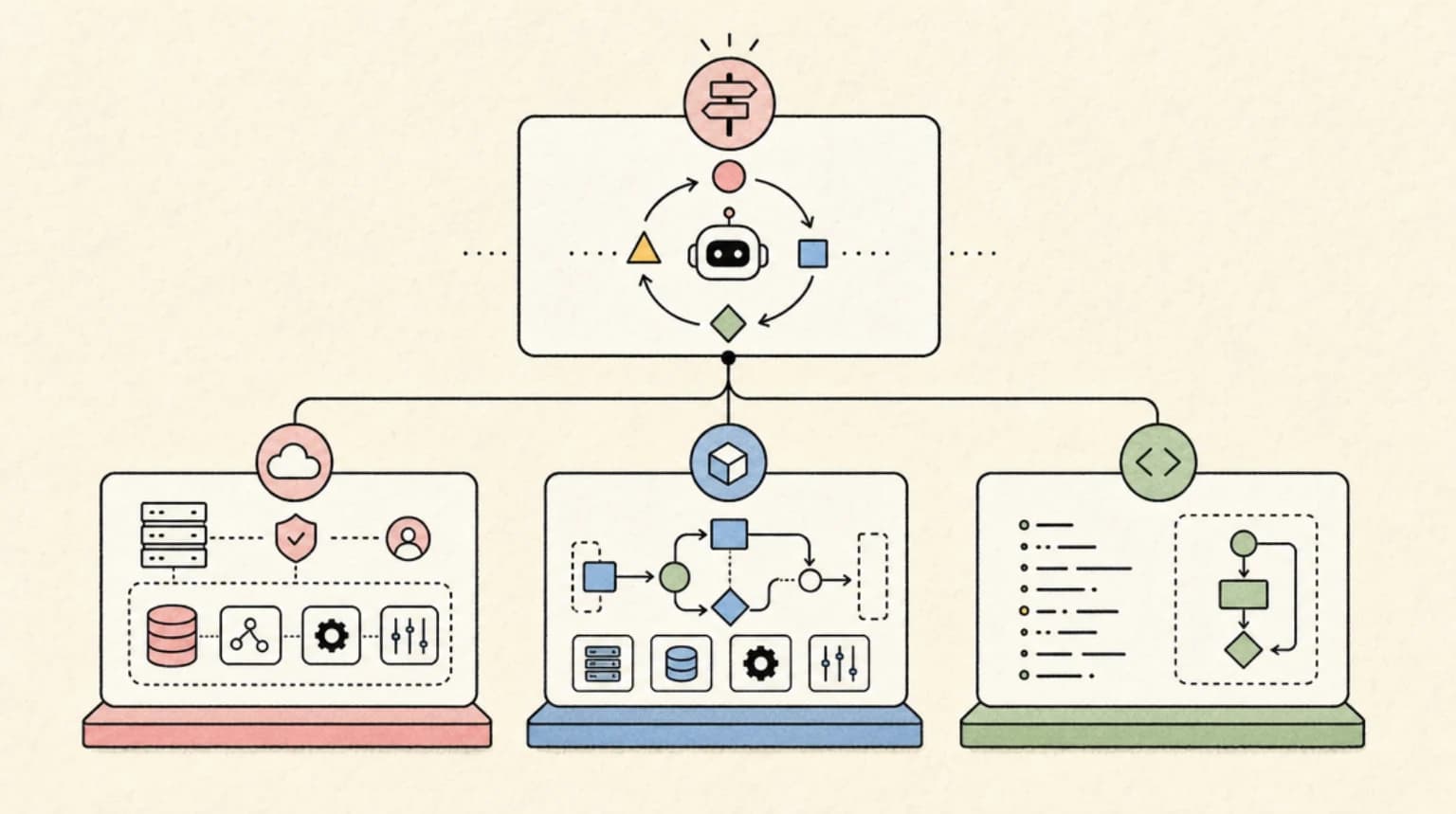
Flue: The Agent Harness Framework and Why It Feels Different
A long-form technical read on Flue from Fred K Schott, with deeper comparisons against OpenAI Agents, Vercel AI SDK, Goo...
9 min read
ai-agents
Managed Agents vs LangGraph vs Rolling Your Own: Who Should Run Your Agent Loop in 2026
The 2026 agent decision is not CrewAI vs LangGraph. It is whether your loop lives in vendor infrastructure, a self-hoste...
6 min read
News
Chat SDK Adds Durable Approvals: Agent Workflows That Wait For a Human
Vercel's Chat SDK can now suspend a Workflow SDK run until someone clicks Approve in a chat thread. One requestApproval...
Build with the member tools

Get Smarter About AI Dev
New tutorials, open-source projects, and deep dives on coding agents - delivered weekly.
One email per weekReal code, not theoryFree forever