OpenAI Codex Cloud Security Playbook 2026: Internet Access, Prompt Injection, and Safe Defaults
TL;DR
A practical security playbook for running Codex cloud tasks safely in 2026 using OpenAI docs: internet access controls, domain allowlists, HTTP method limits, and review workflows.
| Official Sources | |
|---|---|
| Codex Cloud Documentation | Official Codex cloud environment documentation |
| Codex Internet Access | Network access controls and security settings |
| Introducing the Codex App | Product announcement with architecture overview |
| Codex Upgrades Announcement | Feature updates including security improvements |
| Codex General Availability | GA announcement with enterprise features |
| OpenAI API Changelog | API updates and security patches |
Codex cloud can be a major force multiplier, but internet-enabled agent execution changes your threat model.
OpenAI's Codex docs now provide enough detail to run cloud tasks safely if you treat security policy as part of everyday developer workflow.
Security Baseline from Official Docs#
OpenAI's Codex internet-access docs state:
For the security frame around this, see OpenAI Codex: Cloud AI Coding With GPT-5.3 and OpenAI vs Anthropic in 2026 - Models, Tools, and Developer Experience; both focus on the places where agent autonomy needs explicit boundaries.
- Internet is blocked by default during the agent phase.
- Setup scripts still have internet access for dependency installation.
- Internet access can be configured per environment.
This is a strong default posture, but it is only the starting point.
Documented Risks You Should Treat as Real#
OpenAI explicitly calls out:
- prompt injection from untrusted content,
- exfiltration of code or secrets,
- downloading malicious or vulnerable dependencies,
- license risk from imported external content.
These are not theoretical. If your agent can fetch and execute with weak constraints, they become routine operational risk.
Hardening Pattern That Works#
1) Keep internet off by default#
Only enable internet on environments that truly require remote fetches.
2) Use strict domain allowlists#
Prefer specific domains over unrestricted access. Start narrow and expand only when task failures prove necessity.
3) Restrict HTTP methods#
OpenAI docs indicate you can limit methods. Restrict to GET, HEAD, and OPTIONS when possible.
This blocks many exfiltration patterns that rely on write-capable outbound requests.
4) Review work logs and outputs as policy#
OpenAI recommends reviewing output and logs. Make this mandatory for PRs created from cloud tasks.
5) Separate environments by trust level#
Use separate Codex environments for:
- high-trust internal repos,
- medium-trust open-source contribution work,
- low-trust external issue triage.
Do not share permissive network policy across all environments.
Prompt Injection Example and Why It Matters#
OpenAI docs provide an example where untrusted instructions could induce data leakage via outbound requests.
Practical implication:
- Treat all remote issue text, docs, and READMEs as untrusted input.
- Do not grant broad outbound internet + unrestricted methods in default environments.
Operational Guardrails for Teams#
- Add environment templates with approved domains.
- Require explicit justification for "internet on" environments.
- Add PR checklist items for cloud-task trace review.
- Rotate and scope credentials used in setup scripts.
- Track incidents and near-misses as part of engineering retros.
How This Relates to Codex Product Direction#
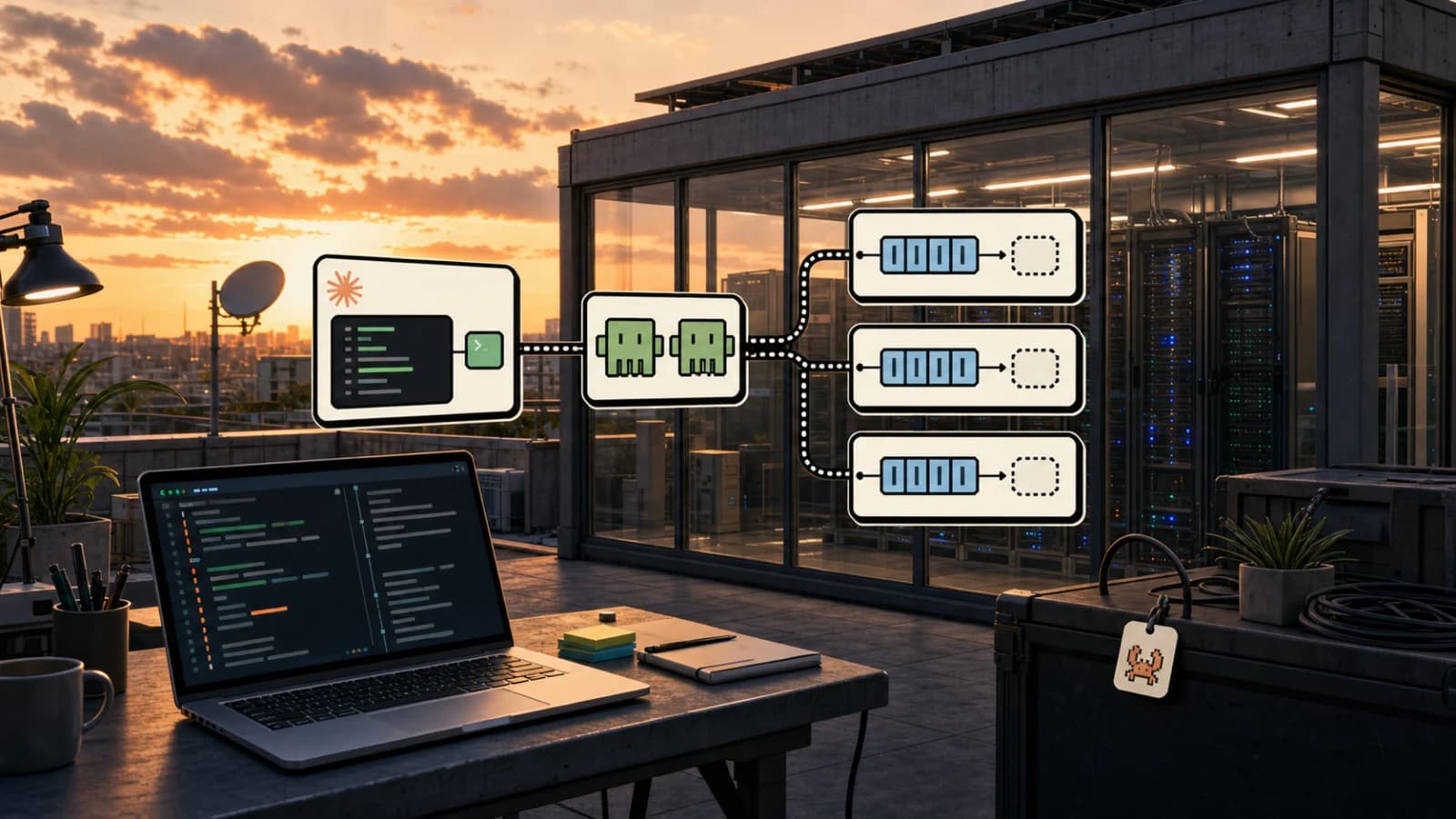
OpenAI product updates emphasize parallel multi-agent workflows and long-running delegation. That increases productivity and coordination throughput.
It also means small policy mistakes can scale faster. A weak default replicated across many tasks is a multiplier in the wrong direction.
Security maturity is now a competitive advantage for teams using coding agents at scale.
FAQ#
Is Codex cloud safe to use with production code?#
Codex cloud can be safe with proper configuration. Internet is blocked by default during agent execution, credentials can be scoped and rotated, and domain allowlists limit outbound network access. The key is treating security configuration as mandatory setup, not optional hardening. Review OpenAI's official internet access documentation and implement environment separation by trust level.
How do I protect against prompt injection in Codex?#
Treat all remote content as untrusted input: issue descriptions, README files, external documentation, and dependency metadata. Restrict outbound network access to specific domains and limit HTTP methods to GET, HEAD, and OPTIONS where possible. This blocks most exfiltration patterns that rely on write-capable requests to attacker-controlled endpoints.
What domains should I allowlist for Codex cloud tasks?#
Start with the minimum required: your package registry (npm, PyPI, crates.io), your git host (GitHub, GitLab), and any APIs your tests genuinely need. Avoid broad allowlists like *.githubusercontent.com unless specific subdomain patterns are required. Expand only when task failures prove necessity, and document the justification for each domain.
Can Codex exfiltrate secrets from my repository?#
Yes, if misconfigured. Codex has access to your repository contents during execution. With internet access enabled and unrestricted outbound methods, an agent following injected instructions could POST secrets to an external endpoint. Mitigations: keep internet off by default, restrict to GET/HEAD/OPTIONS, use domain allowlists, scope credentials in setup scripts, and review all cloud-task outputs before merging.
How do I set up different security levels for different projects?#
Create separate Codex environments with different network policies. High-trust internal repos can have more permissive settings. Open-source contribution work should use medium-trust environments with tighter domain restrictions. External issue triage and untrusted content should use low-trust environments with internet disabled entirely. Do not share permissive policies across all environments.
Should my team review Codex cloud task outputs?#
Yes. OpenAI explicitly recommends reviewing output and logs for cloud tasks. Make this a mandatory PR checklist item for any changes created from cloud execution. Look for unexpected file modifications, suspicious outbound network requests in logs, and any changes outside the expected scope. Track incidents and near-misses in engineering retros.
How often do Codex security features change?#
OpenAI updates Codex regularly. Check the API changelog for security-relevant updates before relying on specific controls. Product announcements often include new security features or policy changes. Environment configurations may need adjustment as new controls become available or defaults change.
What is the biggest Codex security mistake teams make?#
Using the same permissive environment for all tasks. Teams often create one internet-enabled environment with broad domain access and use it everywhere for convenience. This means a prompt injection in an untrusted issue can leverage the same network access used for trusted internal work. Environment separation by trust level is the most impactful control you can implement.
Get the next deep dive like this in your inbox
One email a week on OpenAI Codex and the rest of the AI dev stack. Free.
Read next on AI coding tools
OpenAI Codex: Terminal and Cloud AI Coding Agent
Codex works from the terminal, cloud tasks, IDEs, GitHub, Slack, and Linear. Here is how to use it and how it compares to Claude Code.
5 min readClaude Code vs Codex App in 2026: Local Agent Pairing vs Cloud Agent Orchestration
A deep comparison of Claude Code and OpenAI Codex app based on official docs and product updates: execution model, security controls, pricing, workflows, and when each wins.
11 min readOpenAI vs Anthropic in 2026 - Models, Tools, and Developer Experience
A developer's comparison of OpenAI and Anthropic ecosystems - models, coding tools, APIs, pricing, and which to choose for different use cases.
18 min readNew here? Start with
Technical content at the intersection of AI and development. Building with AI agents, Claude Code, and modern dev tools - then showing you exactly how it works.