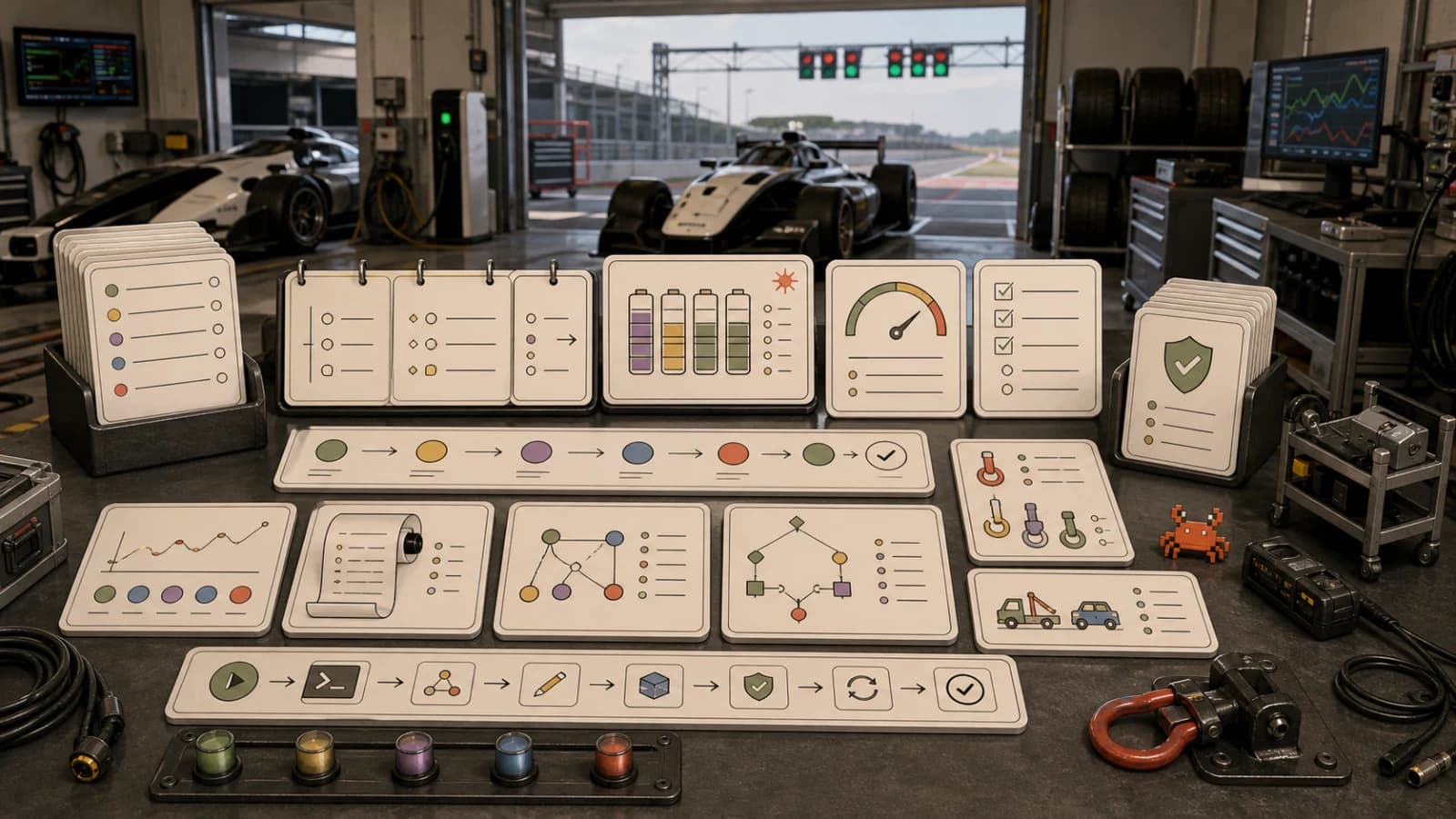
Permissions, Logs, and Rollback for AI Coding Agents
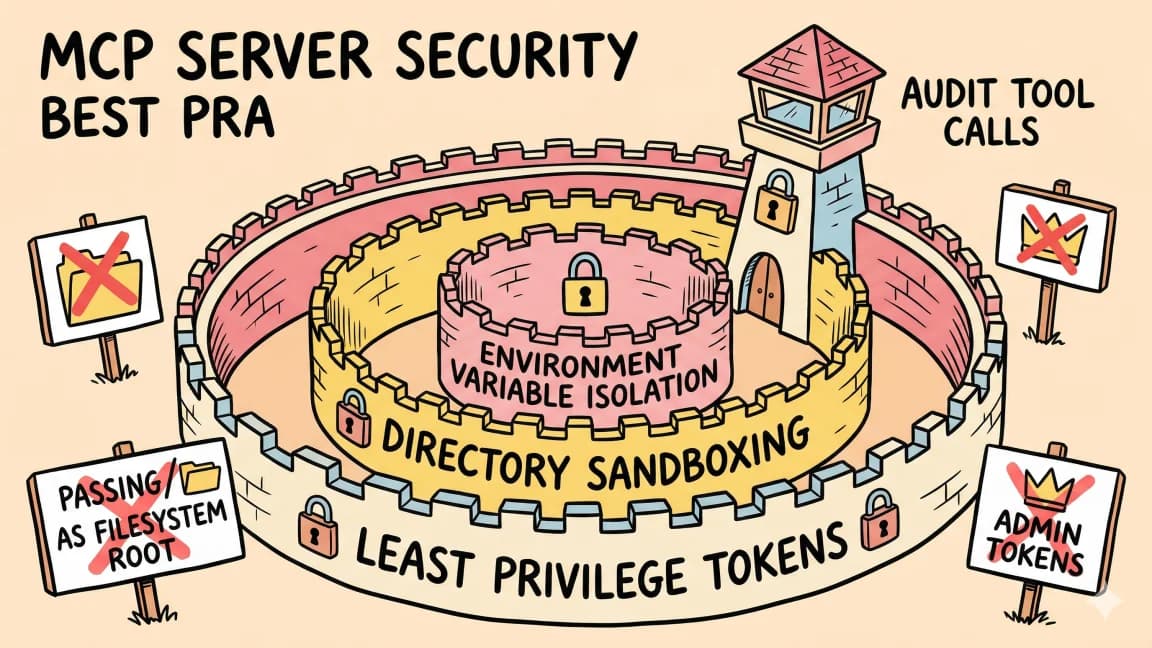
TL;DR
AI coding agents become safer when permissions, logs, and rollback are designed as one system.
Most teams try to secure coding agents at the wrong moment.
They wait until the agent asks for permission. Then the human stares at a vague command, half-remembers the task, and decides whether to approve.
That is not a security model. That is a speed bump.
The better model is a loop:
permission -> action -> log -> review -> rollback
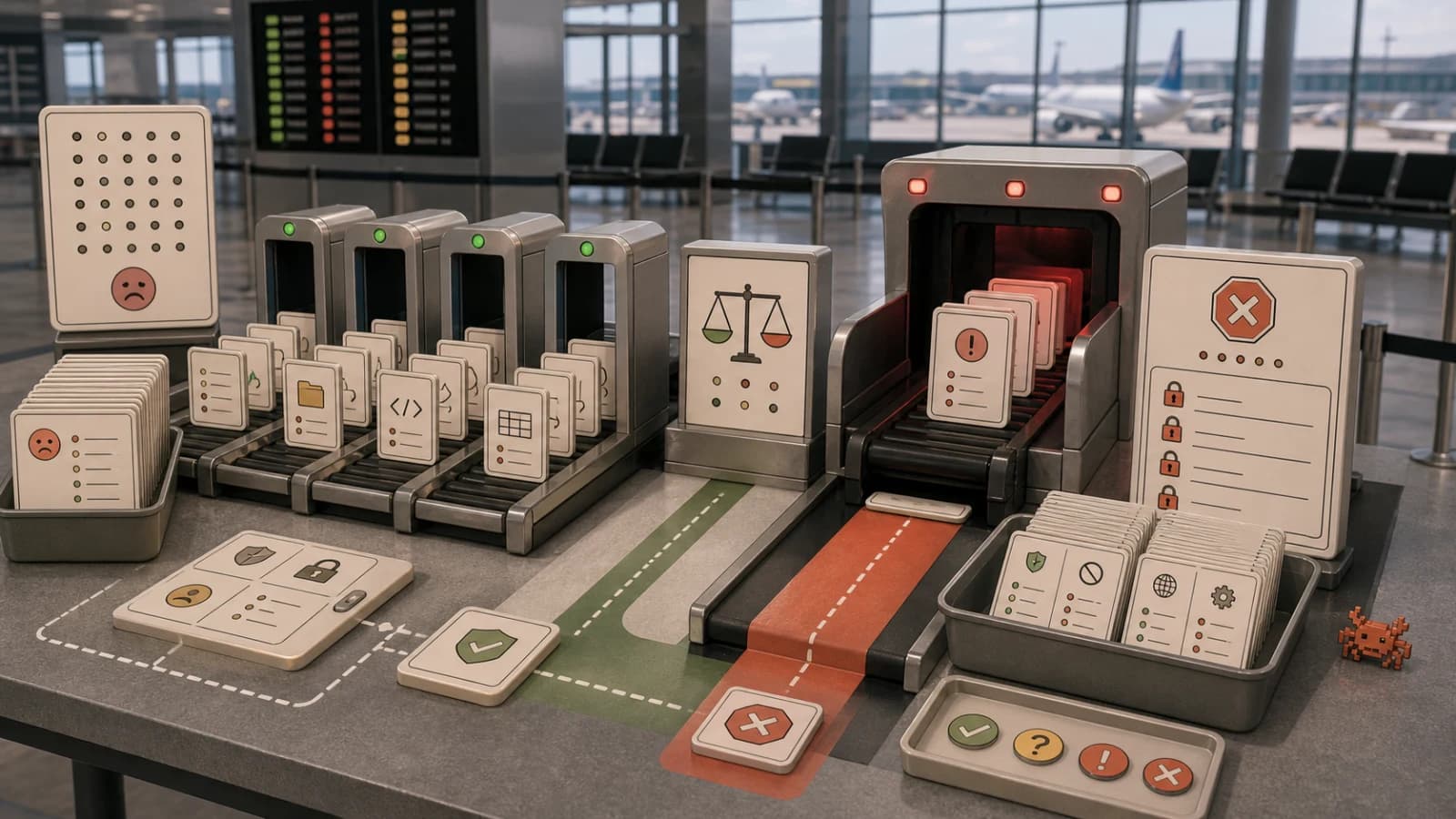
Permissions decide what the agent is allowed to attempt. Logs prove what it actually did. Rollback keeps mistakes from becoming permanent.
Treat those as one system. If you only configure permissions, you still do not know what happened. If you only keep logs, you have a documentary about a mess. If you only have rollback, you are hoping you notice the problem before it matters.
This is the operating loop I would put around any coding agent that can edit files, run commands, use MCP servers, create pull requests, or touch production-adjacent systems.
The Take#
The artifact I want is not another checklist. It is a run ledger.
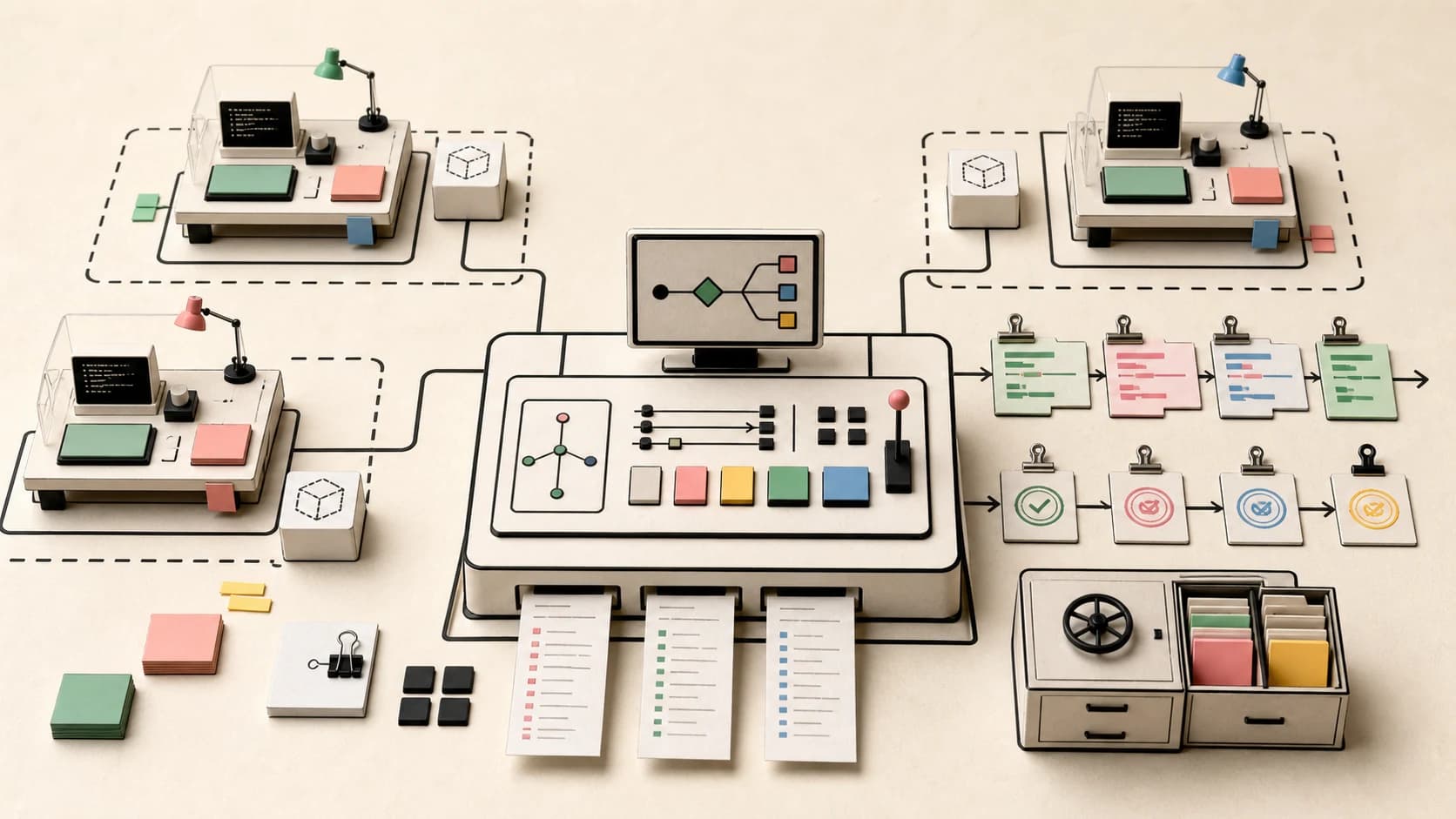
A run ledger is the compact record that travels with an agent task. It says what the agent was allowed to do, what it actually did, which approvals changed the scope, what proof it collected, and how to undo the work.
It can live in a PR description, a job record, a markdown file, or a trace viewer. The format matters less than the habit: every meaningful agent run should end with a reviewable ledger.
The Sources Have Converged#
The interesting thing is how similar the guidance now looks across platforms.
| Source | Useful signal |
|---|---|
| Claude Code security docs | Read-only defaults, scoped writes, sandboxed bash, prompt-injection protections, and permission review. |
| GitHub Copilot cloud agent risks and mitigations | Branch restrictions, human review before merge, session logs, signed commits, audit events, and security validation. |
| OpenAI Codex Security | Threat modeling, sandbox validation, minimal patches, human review, and revalidation after remediation. |
| MCP security best practices | Consent, scope minimization, authorization boundaries, confused deputy risk, and redirect validation. |
| OWASP Agentic Skills Top 10 | Permission manifests, sandboxing, safe parsing, provenance, and structured audit logs for file, shell, network, and memory actions. |
| OWASP Agentic Skills checklist | Practical review questions for scoped permissions, isolated execution, domain allowlists, credential boundaries, and production action logs. |
The common pattern is not "trust the model less." It is more specific:
- Give the agent fewer ways to cause damage.
- Record the few actions it can take.
- Make every action easy to inspect.
- Make the common failures easy to reverse.
That sounds boring because it is the same discipline teams already use around CI, deploys, database migrations, and production access.
Coding agents just force the issue earlier.
The Run Ledger#
Do not design permissions, logs, and rollback in separate documents.
Design them per action.
action: edit source file
permission: allow inside repo, ask outside repo
log: file path, diff summary, before sha, after sha
rollback: git checkout file or revert commit

action: install dependency
permission: ask
log: package name, version, registry, lockfile diff, advisory check
rollback: remove package, restore lockfile, rerun tests

action: push branch
permission: ask
log: branch name, commits, remote, actor, session link
rollback: delete branch or revert commits

action: deploy preview
permission: ask
log: environment, commit sha, config diff, URL, checks
rollback: redeploy previous sha
This is the smallest useful unit of agent security: for every action, define the grant, the receipt, and the undo path.
If you cannot write the rollback, the action is not a normal action. It is a high-risk action.
The ledger turns this from policy prose into an object the team can review:
run id: agent-2026-05-30-1422
request: fix auth refresh regression
agent: coding-fix-agent
workspace: repo sandbox
branch: agent/auth-refresh-regression

permission profile:
- read repo
- write app/** and lib/**
- run pnpm test, pnpm lint, pnpm typecheck
- ask before git push
- deny secrets and production APIs

actions:
- edited lib/auth.ts
- edited lib/auth.test.ts
- ran pnpm test lib/auth.test.ts
- ran pnpm typecheck

approvals:
- git push denied

receipts:
- test output: artifacts/runs/1422/test.log
- typecheck output: artifacts/runs/1422/typecheck.log
- diff: artifacts/runs/1422/diff.patch

rollback:
- restore lib/auth.ts and lib/auth.test.ts from commit 4aa13d2
That object is the handoff. Humans can review it. A future agent can resume from it. A governance system can search it.
Permissions: Scope The Job, Not The Tool#
The first mistake is granting tool access as a blob.
"GitHub access" is not a permission. It is a pile of smaller permissions:
- read issues,
- read code,
- create a branch,
- push commits,
- open a pull request,
- edit labels,
- comment on issues,
- approve a pull request,
- merge a pull request,
- trigger workflows,
- read secrets,
- edit Actions config.
Most agents need the first few. Very few need the last few.
GitHub's Copilot cloud agent docs are useful because they make this concrete. The agent is constrained to a branch, cannot merge its own pull requests, is subject to branch protections and required checks, and exposes session logs and audit events. That shape matters more than the model behind it.
For local coding agents, the boundary is usually the working directory, command allowlists, network rules, and approval mode. Claude Code's docs describe read-only defaults, project-scoped writes, sandboxed bash, and explicit review for additional actions. The same principle applies whether the agent is in your terminal, IDE, browser, or GitHub.
A practical permission file can be plain text:
agent: coding-fix-agent
scope:
  repositories:
    - developersdigest/developers-digest-site
  branches:
    writable:
      - agent/*
    denied:
      - main
files:
  read:
    - app/**
    - components/**
    - lib/**
    - content/**
  write:
    - app/**
    - components/**
    - lib/**
    - content/**
  deny:
    - .env*
    - .github/workflows/**
    - package.json
    - pnpm-lock.yaml
commands:
  allow:
    - pnpm test
    - pnpm lint
    - pnpm typecheck
  ask:
    - pnpm install
    - git push
    - curl *
  deny:
    - rm -rf *
    - sudo *
external_writes:
  default: ask
It does not have to be fancy. It has to be explicit enough that the human reviewer can tell when the agent crossed a line.
Logs: Record Decisions, Not Just Output#
Terminal output is not an audit log.
A useful agent log answers five questions:
- What did the user ask for?
- What did the agent decide to do?
- What tools did it call?
- What changed?
- What proof did it collect?
This is why session logs matter. GitHub points reviewers toward session logs and audit events. OWASP's agentic skills guidance calls for structured logs around file access, shell commands, network calls, and memory writes. OpenAI's Codex Security workflow records validation details and proof-of-concept artifacts before surfacing findings.
The pattern is clear: if an agent does something important, the system should produce an inspectable trail.
Good log events are structured:
{
  "runId": "agent-2026-05-30-1422",
  "actor": "coding-fix-agent",
  "requestedBy": "j",
  "action": "run_command",
  "command": "pnpm typecheck",
  "workingDirectory": "/repo",
  "permission": "allowlisted",
  "startedAt": "2026-05-30T18:22:10Z",
  "finishedAt": "2026-05-30T18:22:28Z",
  "exitCode": 0
}
For file changes, log the path list and diff stats. For network calls, log the domain, method, and purpose. For external writes, log the exact target and who approved it. For secrets, log that a secret was accessed, not the secret itself.
The trap is logging everything as raw text. Raw logs are useful for debugging, but they are also another prompt-injection surface. An agent that reads its own logs can be influenced by malicious text inside those logs. OWASP's Agentic Skills project calls out log poisoning directly. Treat logs as untrusted input when another agent reads them.
The fix is not "never show logs to agents." The fix is to pass logs through a narrower summary step:
{
  "command": "pnpm test",
  "exitCode": 1,
  "failedFiles": ["lib/auth.test.ts"],
  "errorClasses": ["AssertionError"],
  "rawLogPath": "artifacts/runs/1422/test.log",
  "safeSummary": "Auth refresh token test expected 401 but received 200."
}
Humans can open the raw log. Agents should usually get the structured summary unless the task explicitly requires deeper debugging.
Rollback: Decide Before The Run#
Rollback is where vague agent workflows become real.
If the agent edits a file, rollback is easy. Revert the diff.
If the agent installs a package, rollback includes the package file and the lockfile.
If the agent opens a pull request, rollback is closing the PR or reverting the branch.
If the agent comments in Slack, rollback is deleting the message or posting a correction.
If the agent changes production data, rollback may require a compensating migration, restored backup, refunded charge, or manual cleanup.
This should change the permission prompt.
Bad prompt:
Allow command?
git push origin agent/security-fix
Better prompt:
The agent wants to push 2 commits to origin/agent/security-fix.

Why:
It finished the scoped security fix and wants to open a reviewable PR.

Changes:
- lib/auth.ts
- lib/auth.test.ts

Receipts:
- pnpm test lib/auth.test.ts passed
- pnpm typecheck passed

Rollback:
Delete branch agent/security-fix or revert commits 4aa13d2..91b20cf.

Approve once / deny
Now the human is approving an action with context, proof, and an escape hatch.
That is the difference between an approval prompt and a review step.
A Practical Policy For Coding Agents#
For most engineering teams, I would start here.
Allow By Default#
- repo-local reads inside the active workspace,
- small file edits inside the active branch,
- test commands that cannot mutate external systems,
- static analysis,
- formatters,
- local searches,
- writing notes or summaries into an approved artifacts directory.
These actions are low-risk enough that prompting every time creates approval fatigue.
Ask Every Time#
- installing packages,
- changing lockfiles,
- modifying CI, auth, billing, deployment, or database code,
- touching secrets, env files, keys, or credentials,
- creating external comments,
- opening or updating pull requests,
- pushing branches,
- calling production APIs,
- deploying previews,
- using broad network access.
These are meaningful review points.
Deny By Default#
- pushing to the default branch,
- merging pull requests,
- approving its own work,
- deleting branches outside its own namespace,
- reading credential stores,
- writing to identity or instruction files without review,
- changing organization permissions,
- modifying billing settings,
- running destructive shell commands,
- executing downloaded scripts.
The exact list depends on the team. The shape should not.
The Review Bundle Is The Ledger#
Every meaningful agent run should end with a review bundle.
run id:
request:
agent:
model:
workspace:
branch:

files changed:
commands run:
external tools called:
network domains reached:
approvals requested:
approvals granted:
approvals denied:

tests:
screenshots:
logs:
known gaps:
rollback:
This does two things.
First, it makes human review faster. The reviewer does not have to reconstruct the run from chat scrollback.
Second, it gives future agents better inputs. If the next agent has to continue the work, it starts from the receipt instead of rediscovering the whole repository.
This is also where LLM security advice meets normal software practice. OpenAI's Codex Security workflow validates findings in a sandbox, proposes minimal patches, sends them to human review, and then revalidates after remediation. That is just a higher-standard version of the same loop.
Do the work. Prove the work. Review the work. Revalidate the work.
Where Teams Usually Get This Wrong#
They grant broad permissions because narrow permissions slow down the first demo.
They keep logs, but only as raw terminal output.
They ask for approval too often, then wonder why reviewers stop reading.
They require human review, but provide no useful context.
They treat rollback as a Git feature, then let agents touch systems where Git cannot help.
They connect MCP servers without writing down which scopes, domains, credentials, and side effects those servers expose.
They let every agent share the same tool belt.
That last one is the quiet failure. A docs agent, release agent, migration agent, and security agent should not have the same permissions. Different work needs different grants, different logs, and different rollback paths.
The Simple Version#
If you do nothing else, add this gate before the agent can take a consequential action:
Can it do this?
What exactly will it change?
Who approved it?
Where is the log?
How do we undo it?
If the system cannot answer those five questions, the action should not be automatic.
Agents do not become trustworthy because the model gets smarter. They become trustworthy when the surrounding workflow makes their work reviewable, reversible, and boring.
That is the whole game.
Frequently Asked Questions#
What is a run ledger for AI coding agents?#
A run ledger is the compact record that travels with an agent task. It documents what the agent was allowed to do, what it actually did, which approvals changed the scope, what proof it collected, and how to undo the work. It can live in a PR description, job record, markdown file, or trace viewer. Every meaningful agent run should end with a reviewable ledger that makes human review faster and gives future agents better inputs.
How should I structure permissions for coding agents?#
Do not grant tool access as a blob. Break "GitHub access" into specific permissions: read issues, read code, create branches, push commits, open PRs, edit labels, comment, approve PRs, merge, trigger workflows, read secrets, and edit Actions config. Most agents need only the first few. Scope permissions to the job, not the tool. A practical permission file should be explicit enough that a human reviewer can tell when the agent crossed a line.
What makes a good agent action log?#
A useful agent log answers five questions: What did the user ask for? What did the agent decide to do? What tools did it call? What changed? What proof did it collect? Log structured events with run ID, actor, action, command, working directory, permission level, timestamps, and exit codes. For file changes, log path lists and diff stats. For network calls, log domain, method, and purpose. Treat raw logs as untrusted input when another agent reads them - pass logs through a narrower summary step to avoid log poisoning.
How do I design rollback for AI agent actions?#
Decide the rollback path before the run, not after something breaks. File edits roll back by reverting the diff. Package installs require restoring both package file and lockfile. Pull requests roll back by closing or reverting the branch. External writes - Slack comments, production data, charges - may require compensating actions. If you cannot write the rollback path, classify the action as high-risk. Include the rollback instructions in the approval prompt so the human reviewer knows the escape hatch.
What actions should coding agents be allowed by default?#
Allow by default: repo-local reads inside the active workspace, small file edits inside the active branch, test commands that cannot mutate external systems, static analysis, formatters, local searches, and writing notes to an approved artifacts directory. These are low-risk enough that prompting every time creates approval fatigue.
What actions should require explicit approval every time?#
Ask every time for: installing packages, changing lockfiles, modifying CI/auth/billing/deployment/database code, touching secrets or env files, creating external comments, opening or updating PRs, pushing branches, calling production APIs, deploying previews, and using broad network access. These are meaningful review points where the human should see context, proof, and rollback options.
What should coding agents never be allowed to do?#
Deny by default: pushing to the default branch, merging PRs, approving their own work, deleting branches outside their namespace, reading credential stores, writing to identity or instruction files without review, changing organization permissions, modifying billing settings, running destructive shell commands, and executing downloaded scripts. The exact list depends on your team, but the shape should not change.
How do permissions, logs, and rollback work together?#
Treat them as one system, not separate documents. For every action, define the permission grant, the receipt (log), and the undo path together. Permissions decide what the agent can attempt. Logs prove what it did. Rollback keeps mistakes reversible. If you only configure permissions, you do not know what happened. If you only keep logs, you have a documentary about a mess. If you only have rollback, you are hoping you notice problems in time.
Continue Reading#
Get the next deep dive like this in your inbox
One email a week on AI Security and the rest of the AI dev stack. Free.
Read next on AI coding tools
State of AI Coding: What Changed This Month
May 2026 was not about one more coding model leaderboard. The useful signal was control planes, UI-agent contracts, durable TypeScript workflows, usage economics, and runtime security.
10 min readThe Agent Security Checklist I Use Before Connecting Tools
Before an AI agent gets tools, files, APIs, MCP servers, or deployment access, decide what it can read, write, call, log, and roll back.
8 min readPrompt Injection in Agent Apps: The Practical Version
Prompt injection stops being an abstract LLM risk once an agent can call tools. The practical defense is data boundaries, structured handoffs, tool guardrails, and approval gates around side effects.
8 min readNew here? Start with
Technical content at the intersection of AI and development. Building with AI agents, Claude Code, and modern dev tools - then showing you exactly how it works.