State of AI Coding: What Changed This Month
TL;DR
May 2026 was not about one more coding model leaderboard. The useful signal was control planes, UI-agent contracts, durable TypeScript workflows, usage economics, and runtime security.
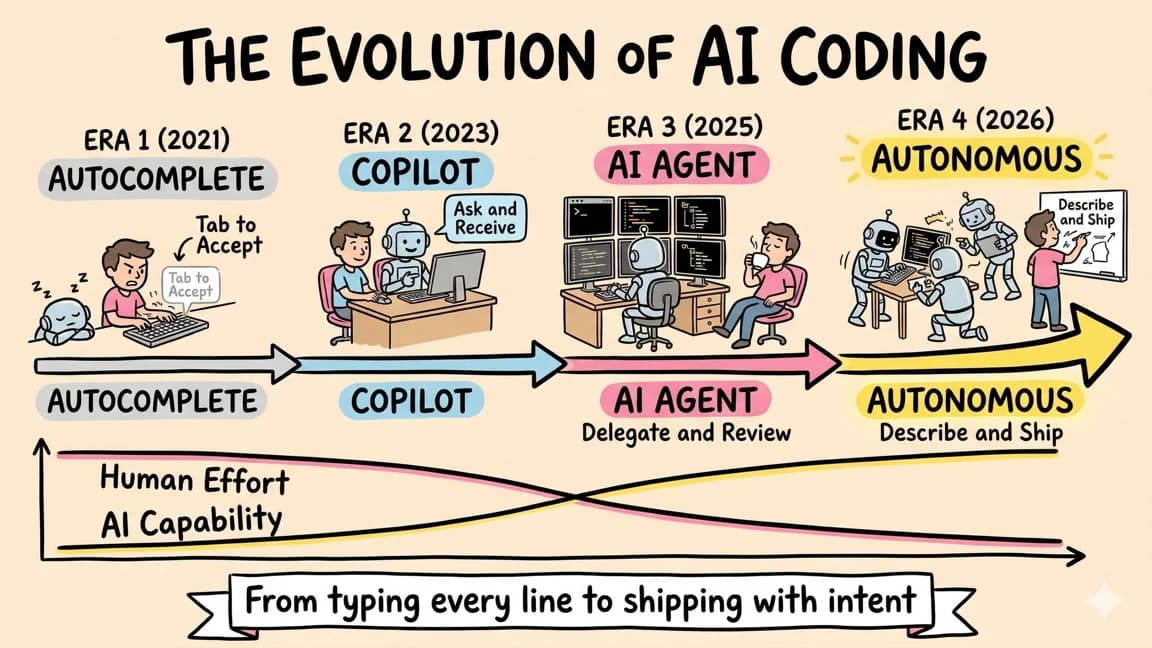
May was the month AI coding stopped looking like a model race and started looking like an operating system problem.
The best releases were not just "smarter assistant writes more code." They were about managing long-running work, keeping agents inside reviewable boundaries, connecting agent backends to product UIs, and putting enough logs around the whole thing that a team can explain what happened after the run ends.
That is the useful shift.
If April was the adoption month, May was the control-plane month.
Sources Worth Reading#
| Source | Why it matters |
|---|---|
| OpenAI Codex app | Codex is now framed around supervising multiple agents, worktrees, skills, automations, review queues, and sandbox defaults. |
| OpenAI enterprise coding agents | The enterprise story is approval gates, RBAC, policy, sandboxing, auditability, and deployment options. |
| GitHub Copilot app technical preview | GitHub is turning agent work into isolated sessions that start from issues, PRs, prompts, and previous sessions. |
| CopilotKit with Mastra | CopilotKit positions itself as the interactive UI layer for Mastra agents through AG-UI. |
| CopilotKit Generative UI | The UI surface is becoming a first-class agent contract: tool rendering, state rendering, A2UI, MCP Apps, and shared state. |
| Mastra agents | Mastra is explicitly bundling memory, tools, MCP, logging, tracing, evals, workflows, context, and guardrails. |
| Mastra workflow suspend/resume | Durable agent workflows need pause, human review, stored state, and recovery. |
| OpenAI prompt injection guidance | Prompt injection defense is shifting from filters to blast-radius design and source-sink controls. |
| Falco Prempti | Runtime policy is moving closer to the coding-agent tool-call boundary. |
| Endor Labs agent governance | Agent security tooling is starting to inventory agents, models, MCP tools, skills, prompts, and shell activity. |
Last updated: June 11, 2026. Verify pricing, access, and plan limits against official docs before making a team decision.
The Take#
The AI coding stack is splitting into four layers:
model capability
agent runtime
product UI contract
control plane
Most tool comparisons still compress those layers into one question: "which agent is best?"
That is no longer specific enough.
The better questions are:
- Which model should handle this kind of work?
- Where does the agent run, pause, resume, and collect evidence?
- How does the user see progress, approve risky actions, and steer the result?
- What policy, logging, rollback, and cost controls surround the run?
That is the May 2026 map.
1. Agents Became Work Queues#
OpenAI's Codex app is the cleanest signal here. The product is not presented as a better chat box. It is a command center for agents: separate threads, project organization, worktrees, long-running tasks, reviewable diffs, skills, and automations.
GitHub is moving in the same direction with the Copilot app technical preview. Sessions can start from issues, pull requests, prompts, or previous sessions. Each session gets its own branch, files, conversation, and task state. The product copy is blunt about the real finish line: the work is not done when code changes, it is done when the change is reviewed, tested, and ready to merge.
That matters because it changes the default unit of work.
The old unit was a prompt.
The new unit is a run.
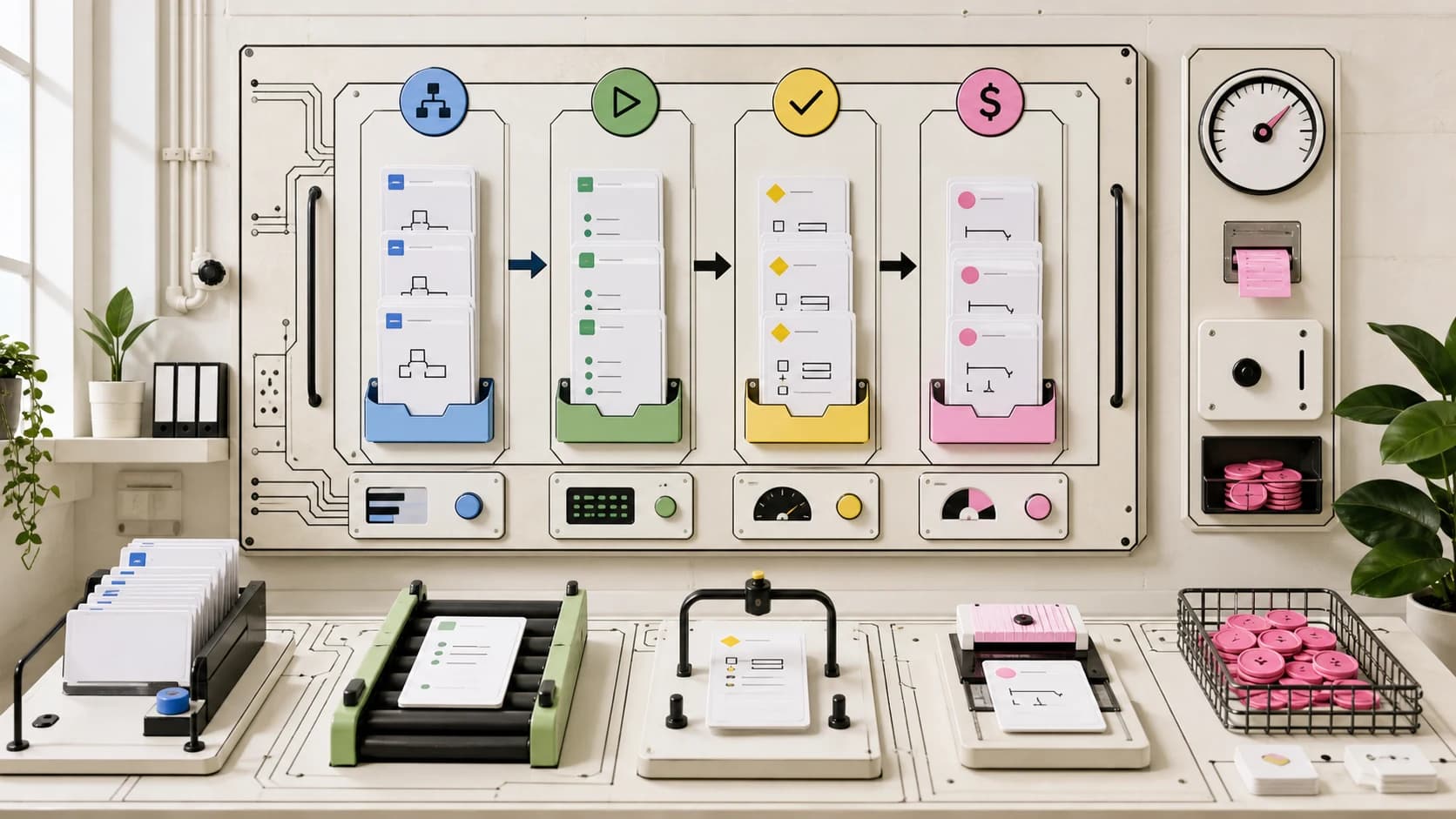
A run has:
- a goal,
- a workspace,
- a permission profile,
- a branch or sandbox,
- a log,
- a diff,
- a review path,
- a rollback path.
This is why permissions, logs, and rollback are now central. The output is not just code. It is code plus the evidence needed to decide whether the code should land.
2. CopilotKit Is the UI Layer Signal#
CopilotKit's May signal is not only funding or adoption claims. Those are useful context, but they are still vendor claims unless independently verified.
The stronger technical signal is the shape of the docs.
CopilotKit and AG-UI are trying to define the boundary between a user-facing app and an agentic backend. The primitives are exactly the things real product teams get stuck on:
- render agent state as UI,
- render backend tool calls as product cards,
- let agents call frontend tools,
- share state between the app and the agent,
- pause for human review,
- embed MCP-hosted UI where needed,
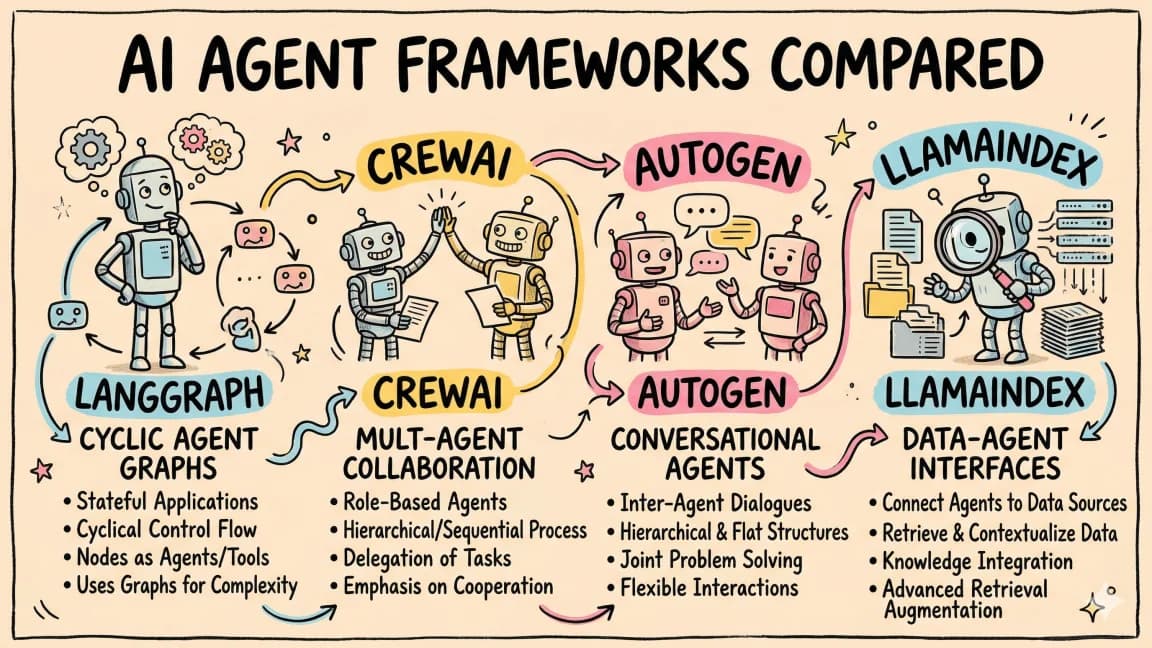
- connect to backend agents such as Mastra.
That is a different job from orchestrating the agent's backend workflow.
For a SaaS app, I would draw the line like this:
Mastra owns backend agent behavior.
CopilotKit owns user-agent collaboration.
Mastra answers: what are the tools, memory, workflows, MCP connections, evals, traces, and durable steps?
CopilotKit answers: how does the human see, steer, approve, and collaborate with that agent inside the product?
That distinction is the core of when CopilotKit is the UI layer. The mistake is asking whether CopilotKit or Mastra "wins." The useful architecture uses both when the product needs both a serious backend agent and a serious interactive surface.
3. Mastra Is Making TypeScript Agents More Operable#
Mastra's May pattern is production plumbing.
The docs and recent product surface keep pointing at the same problem set:
- agents with memory and tool calling,
- workflows with branches and parallel steps,
- suspend/resume for human-in-the-loop checkpoints,
- MCP client and server support,
- observability around tokens, latency, prompts, completions, tool calls, memory operations, and traces,
- evals and scorers,
- guardrails and runtime context.
That is the right direction. Agent frameworks are not interesting because they wrap a model call. They are interesting when they make the run operable.
For TypeScript teams, Mastra's lane is clear:
Use Mastra when the agent needs backend state, workflow, tools, MCP, evals, and traces.
Do not use Mastra just because a chat endpoint calls one tool.
The real test is durability.
Can the run pause for approval? Can the state survive? Can a reviewer recover the suspended run? Can the team trace why the agent called a tool? Can you compare outputs across versions? Can you bound cost and latency?
If those questions matter, you are no longer choosing a prompt wrapper. You are choosing agent infrastructure.
4. Security Moved to Blast Radius#
The useful security framing this month came from OpenAI's prompt injection guidance and the new wave of runtime-security posts around coding agents.
The short version: filters are not enough.
OpenAI frames prompt injection as closer to social engineering than a simple string-matching problem. The agent is exposed to external content and can be manipulated. The practical defense is not believing you can perfectly classify every hostile input. It is constraining what can happen when manipulation succeeds.
That maps cleanly to coding agents.
The dangerous combination is:
untrusted content + powerful tool + weak boundary
A GitHub issue, webpage, dependency README, log file, or support ticket becomes much more serious when the agent can also read secrets, publish packages, push branches, run shell commands, or call production APIs.
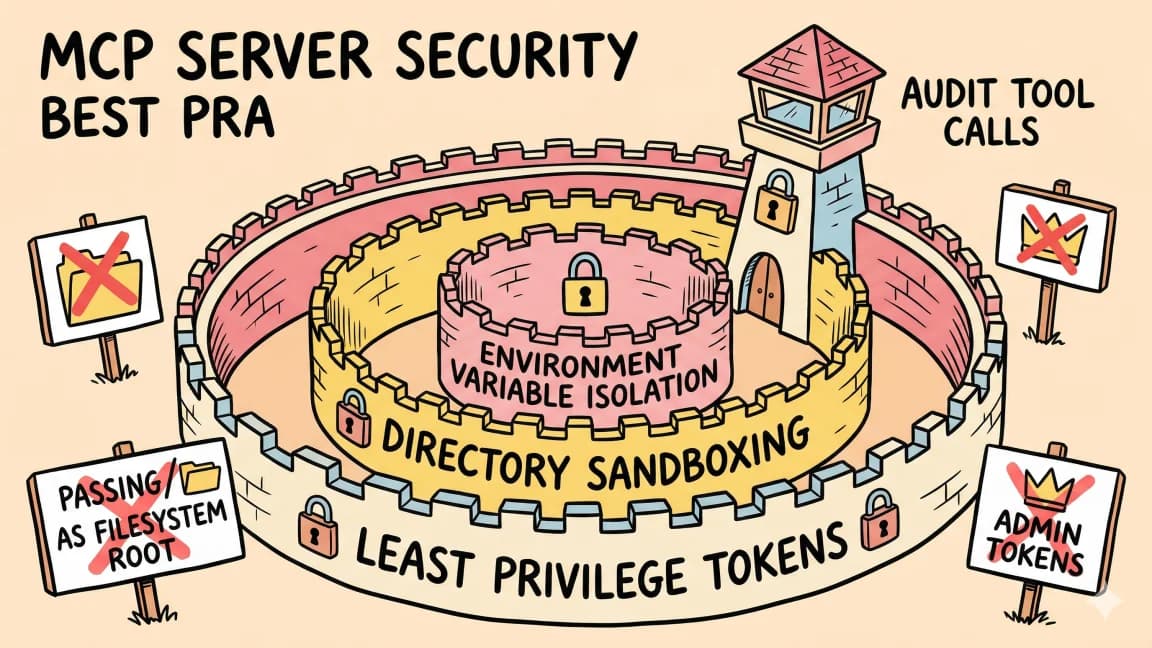
So the security work is moving to blast-radius design:
- scoped workspaces,
- command allowlists,
- network boundaries,
- tool approval,
- secrets isolation,
- signed or reviewable artifacts,
- session logs,
- rollback instructions.
That is why runtime tools like Falco's Prempti and commercial agent-governance products are showing up. Whether you use those specific products or not, the signal is clear: teams want policy at the tool-call boundary, not only a polite model instruction.
Read prompt injection in agent apps for the application threat model and the agent security checklist before connecting an agent to real tools.
5. Cost Became Workflow Design#
May also made the economic shape more obvious.
Long-running agents are bursty. They burn tokens discovering context, retrying failed commands, reading logs, writing tests, and recovering from mistakes. Pricing pages can hide that for a while, but the product architecture cannot.
The right response is not "use fewer agents."
The right response is to design the workflow so agent work is measurable:
- route simple work to cheaper models,
- reserve frontier models for judgment-heavy tasks,
- cache repeated context where it is safe,
- keep local repo indexes fresh,
- split parallel work only when review can keep up,
- stop runs that are wandering,
- record token and tool-call receipts.
This is the reason AI agent PMF is a cost-control problem now. A product that lets an agent run forever without observability is not generous. It is unfinished.
What I Would Try Next#
If I were standardizing a small team stack after this month's changes, I would not start with a grand agent platform.
I would start with three concrete trials.
For the full opinionated stack map, read the new AI coding stack I would pick today. For the change filter behind it, read the model, IDE, CLI, and agent framework changes that actually matter. The short version: split terminal agents, editor loops, background work, Mastra backends, CopilotKit UI, MCP tools, run ledgers, and cost review into separate jobs.
Trial 1: One Long-Running Coding Run#
Pick one task that usually takes half a day:
- dependency cleanup,
- test coverage on a neglected module,
- documentation backfill,
- migration prep,
- stale issue triage.
Run it through the agent you already use. The output is not just a PR. The required artifact is a run ledger:
goal
workspace
files touched
commands run
approvals requested
tests passed
known risks
rollback path
If the agent cannot produce that, the workflow is not ready for more autonomy.
Trial 2: One CopilotKit + Mastra Product Surface#
Build a tiny internal app where the agent has both backend work and frontend collaboration:
- Mastra owns the workflow and tools.
- CopilotKit owns the UI, shared state, and approval cards.
- The user can see state changes and approve the risky step.
Do not start with a generic chat sidebar. Start with one workflow that needs a human checkpoint.
For example:
research customer issue -> draft fix plan -> ask approval -> open task -> write summary
That will teach more about the stack than a demo where the agent simply streams text.
Trial 3: One Security Boundary#
Pick one boundary and make it real:
- no writes outside the repo,
- no network unless approved,
- no secret reads,
- no package install without a lockfile diff,
- no GitHub write without a PR description ledger.
Then test the boundary with hostile content. Put a fake instruction in a README, issue, or docs page and verify the agent cannot turn it into a side effect.
This is boring work. That is why it matters.
What I Would Ignore#
I would ignore three things for now.
1. Generic "Agent Platform" Claims#
If the vendor cannot show where the run state lives, how tools are approved, what gets logged, and how failed work is rolled back, the platform claim is early.
2. Unqualified Adoption Numbers#
Vendor adoption claims are useful signals, not architecture decisions. Use them as a reason to look, not a reason to rebuild.
3. Model Benchmarks Without Workflow Proof#
Coding benchmark lifts matter, but they are not enough. I want to know whether the model improves the whole run:
- fewer wrong edits,
- better search,
- cleaner recovery,
- more honest uncertainty,
- lower review burden,
- clearer receipts.
That is the bar now.
The May 2026 Map#
Here is the compact version:
| Layer | May signal | Practical question |
|---|---|---|
| Models | Better long-running coding and agentic reasoning | Which tasks deserve the expensive model? |
| Runtimes | Codex and Copilot sessions look like work queues | How do runs start, pause, resume, and land? |
| UI | CopilotKit and AG-UI make collaboration explicit | How does the user see and steer the agent? |
| Frameworks | Mastra is pushing TypeScript agent plumbing | Where do workflows, tools, memory, MCP, evals, and traces live? |
| Security | Prompt injection defense moved to constrained systems | What can the agent do if it is manipulated? |
| Cost | Usage economics are part of the product | Can the team measure and bound each run? |
That is the real state of AI coding this month. For what shipped next at the model layer, the frontier model landscape for June 2026 picks up the story.
The headline is not "agents got smarter."
The headline is: agents are becoming a workflow layer, and workflow layers need product design, operations, security, and cost discipline.
That is where the advantage is.
FAQ#
What was the most important AI coding shift in May 2026?#
The shift from thinking about agents as "smarter chat" to thinking about them as work queues. Products like OpenAI Codex and GitHub Copilot now frame agent work as runs with goals, workspaces, permission profiles, branches, logs, diffs, review paths, and rollback paths. The unit of work changed from a prompt to a run.
What is the difference between CopilotKit and Mastra?#
They solve different problems. Mastra owns backend agent behavior - tools, memory, workflows, MCP connections, evals, and traces. CopilotKit owns user-agent collaboration - how humans see, steer, approve, and collaborate with agents inside the product UI. For SaaS apps that need both a serious backend agent and an interactive surface, you use both.
How should I think about prompt injection security for coding agents?#
Prompt injection defense moved from filters to blast-radius design. Filters cannot catch every hostile input. The practical defense is constraining what can happen when manipulation succeeds: scoped workspaces, command allowlists, network boundaries, tool approval, secrets isolation, signed artifacts, session logs, and rollback instructions.
What should a coding agent run ledger include?#
A complete run ledger should include: goal, workspace, files touched, commands run, approvals requested, tests passed, known risks, and rollback path. If your agent cannot produce this artifact, the workflow is not ready for more autonomy.
How do I choose when to use expensive frontier models vs cheaper models?#
Design the workflow to route simple work to cheaper models and reserve frontier models for judgment-heavy tasks. Cache repeated context where safe, keep local repo indexes fresh, split parallel work only when review can keep up, stop runs that are wandering, and record token and tool-call receipts.
What is AG-UI in CopilotKit?#
AG-UI (Agent-to-UI) is CopilotKit's contract for connecting agentic backends to product UIs. It defines how to render agent state as UI, render backend tool calls as product cards, let agents call frontend tools, share state between app and agent, pause for human review, and embed MCP-hosted UI.
What makes Mastra useful for TypeScript agent development?#
Mastra bundles production plumbing: agents with memory and tool calling, workflows with branches and parallel steps, suspend/resume for human-in-the-loop checkpoints, MCP client and server support, observability around tokens and traces, evals and scorers, and guardrails with runtime context. Use it when the agent needs backend state, workflow, tools, MCP, evals, and traces - not just for a chat endpoint that calls one tool.
What should I ignore when evaluating AI coding tools?#
Ignore generic "agent platform" claims that cannot show where run state lives, how tools are approved, what gets logged, and how failed work rolls back. Ignore unqualified adoption numbers - they are signals to look, not reasons to rebuild. Ignore model benchmarks without workflow proof - you need to know if the model reduces wrong edits, improves search, enables cleaner recovery, shows honest uncertainty, lowers review burden, and produces clearer receipts.
Continue Reading#
Get the next deep dive like this in your inbox
One email a week on AI Coding and the rest of the AI dev stack. Free.
Read next on AI coding tools
The Model, IDE, CLI, and Agent Framework Changes That Actually Matter
The AI coding market is noisy. The changes that matter are easier to spot when you separate model capability, editor loops, terminal agents, background agents, agent frameworks, UI layers, context, security, and cost.
10 min readThe New AI Coding Stack I Would Pick Today
If I were rebuilding my AI coding workflow on May 30, 2026, I would not pick one magic tool. I would pick a layered stack: terminal agent, editor, background agent, Mastra, CopilotKit, MCP, context, security, and cost controls.
11 min readState of AI Coding: April 2026
The AI coding market just passed 90% developer adoption. Here's what the data actually says about which tools are winning, what's shifting, and where this is all heading.
10 min readNew here? Start with
Technical content at the intersection of AI and development. Building with AI agents, Claude Code, and modern dev tools - then showing you exactly how it works.