Best Claude Code Skills and Plugins in 2026: Where to Find, Install, and Choose Them

TL;DR
Best Claude Code skills and plugins: where to find them, how the plugin marketplace works, exact install commands, and the picks worth your context budget.
The best place to find Claude Code skills in 2026 is Anthropic's own plugin marketplace, claude-plugins-official, which Claude Code registers automatically and which listed 314 plugins when we checked on September 28, 2026. Install anything from it with /plugin install <name>@claude-plugins-official. For raw skills, start with anthropics/skills (Anthropic's reference skills, including the ones behind Claude's document features) and obra/superpowers (a full development methodology), then add a handful of your own project skills.
Last updated: September 28, 2026. Every install command, path, and marketplace name below was checked that day against the Claude Code skills docs, the plugin install docs, and the GitHub repos linked in each section.
This page is the hub for everything skills and plugins on Developers Digest. It answers the practical questions in order: what a skill is, where skills live, where to find good ones, how the plugin marketplace works, what Superpowers adds, and which picks earn a place in your setup. Each section links to the deeper post when you want more.
Quick Answers#
| Question | Short answer |
|---|---|
| What is a Claude Code skill? | A folder with a SKILL.md file that Claude loads on demand, or that you run with /skill-name |
| What is a plugin? | A package that bundles skills, agents, hooks, and MCP servers so you can install them in one step |
| Where is the official marketplace? | claude-plugins-official, backed by anthropics/claude-plugins-official; browse it with /plugin or at claude.com/marketplace |
| How do I install a plugin? | /plugin install <plugin>@<marketplace> in a session, or claude plugin install <plugin>@<marketplace> in your shell |
| How do I install a skills repo from GitHub? | Add it as a marketplace: /plugin marketplace add <owner>/<repo>, then install from it |
| Where do my own skills go? | ~/.claude/skills/<name>/SKILL.md (all projects) or .claude/skills/<name>/SKILL.md (one repo) |
| What is Superpowers? | An MIT-licensed methodology plugin: brainstorm, plan, TDD, subagent execution, review. Full guide |
| Do skills cost money? | The files are free. You pay for the tokens Claude spends using them |
What Claude Code Skills Are#
A skill is a directory with a SKILL.md file: YAML frontmatter on top, instructions below, plus any scripts or reference files you want alongside it. The official docs put the value plainly: unlike CLAUDE.md content, a skill's body loads only when it is used, so long reference material costs almost nothing until you need it.
Claude decides when to load a skill by reading its description. You can also invoke any skill directly by typing / and its name. Two more facts from the current docs that trip people up:
- Custom commands merged into skills. A file at
.claude/commands/deploy.mdand a skill at.claude/skills/deploy/SKILL.mdboth create/deploy. Old command files keep working. - Skills follow an open standard. Claude Code skills follow the Agent Skills standard, and Codex reads the same format from
.agents/skillsper the Codex skills docs. Claude Code adds extensions on top, such as invocation control and running a skill in a subagent.
If you want the from-scratch explanation, read What Are Claude Code Skills?. For why this format is beating giant prompts, see why skills beat prompts for coding agents.
Skills vs plugins vs MCP vs CLAUDE.md#
| Mechanism | What it is | Loads | Use it for |
|---|---|---|---|
CLAUDE.md | Project memory file | Every session | Facts and rules that always apply |
| Skill | SKILL.md folder | On demand, or via /name | Procedures, checklists, reference material |
| Subagent | Separate worker with its own context | When dispatched | Parallel or isolated tasks |
| MCP server | Live connection to a tool or API | Tool list at startup | Access to external systems |
| Plugin | Package of the above | When enabled | Distributing a setup to yourself or a team |
The line between skills and MCP is the one people debate most. Our decision guide, MCP servers vs Agent Skills, covers it, and Claude agents vs skills untangles the subagent question.
Where Skills Live on Disk#
Where you save a skill decides which sessions see it. From the skills docs:
| Location | Path | Loads in |
|---|---|---|
| Personal | ~/.claude/skills/<skill-name>/SKILL.md | All your projects on this machine |
| Project | .claude/skills/<skill-name>/SKILL.md | Sessions in this repo; commit it to share |
| Nested | <subdir>/.claude/skills/<skill-name>/SKILL.md | Sessions working in that subdirectory |
| Plugin | <plugin>/skills/<skill-name>/SKILL.md | Wherever the plugin is enabled, as /plugin-name:skill-name |
| Enterprise | Managed settings directory | Every user your org deploys it to |
| claude.ai account | Skills enabled on your account | Cowork, cloud sessions, and signed-in terminal sessions |
Note that personal skills in ~/.claude/skills do not reach Cowork or cloud sessions. If you want a skill everywhere, enable it on your claude.ai account or ship it in a plugin.
Where to Find Claude Code Skills#
These are the sources worth knowing, verified September 28, 2026. Star counts are from the GitHub API that day and are only a rough popularity signal, not a quality score.
| Source | What it is | How to install |
|---|---|---|
| Claude Marketplace | Web catalog of Anthropic's official marketplace, with install counts and an "Anthropic verified" badge | Copy the Claude Code install command from the listing |
| anthropics/claude-plugins-official | The official marketplace itself (314 plugins in marketplace.json) | Already added; /plugin install <name>@claude-plugins-official |
| anthropics/skills (~179k stars) | Anthropic's reference skills: skill-creator, mcp-builder, frontend-design, webapp-testing, docx, pdf, pptx, xlsx, and more | /plugin marketplace add anthropics/skills, then /plugin install document-skills@anthropic-agent-skills or example-skills@anthropic-agent-skills |
| obra/superpowers (~292k stars) | A development methodology built from composable skills | /plugin install superpowers@claude-plugins-official |
| anthropics/claude-plugins-community | Third-party plugins submitted to Anthropic | /plugin marketplace add anthropics/claude-plugins-community, install with @claude-community |
| anthropics/knowledge-work-plugins (~26k stars) | Role-based plugins for knowledge work, aimed mainly at Claude Cowork | /plugin marketplace add anthropics/knowledge-work-plugins |
| skills.sh via vercel-labs/skills | A cross-agent skills directory and installer | npx skills add <owner/repo> |
| openai/skills (~28k stars) | OpenAI's skills catalog for Codex; same open format | Useful reference if you run both agents |
If you want to list your own skills or plugin rather than install someone else's, our guide to publishing a plugin to the Claude directory walks through the developer portal, validation and review.
A few notes on using these well:
- Prefer the official marketplace when a plugin is in it. Auto-update is on by default for
claude-plugins-officialand off by default for community and third-party marketplaces, per the install docs. - The demo marketplace is not the official one. Older tutorials say
/plugin marketplace add anthropics/claude-code. That adds a demo marketplace namedclaude-code-plugins. Anthropic's marketplaces page says to install overlapping plugins such ascode-reviewandcommit-commandsfrom the official marketplace instead, so you do not end up with two copies. - Trending repos are a starting point, not a verdict. We track what is climbing in posts like GitHub trending: claude-plugins-official and GitHub trending skills, but a skill earns its place by what it does in your repo.
We also maintain our own curated directory in the Skills Marketplace if you prefer browsing by category.
How the Plugin Marketplace Works#
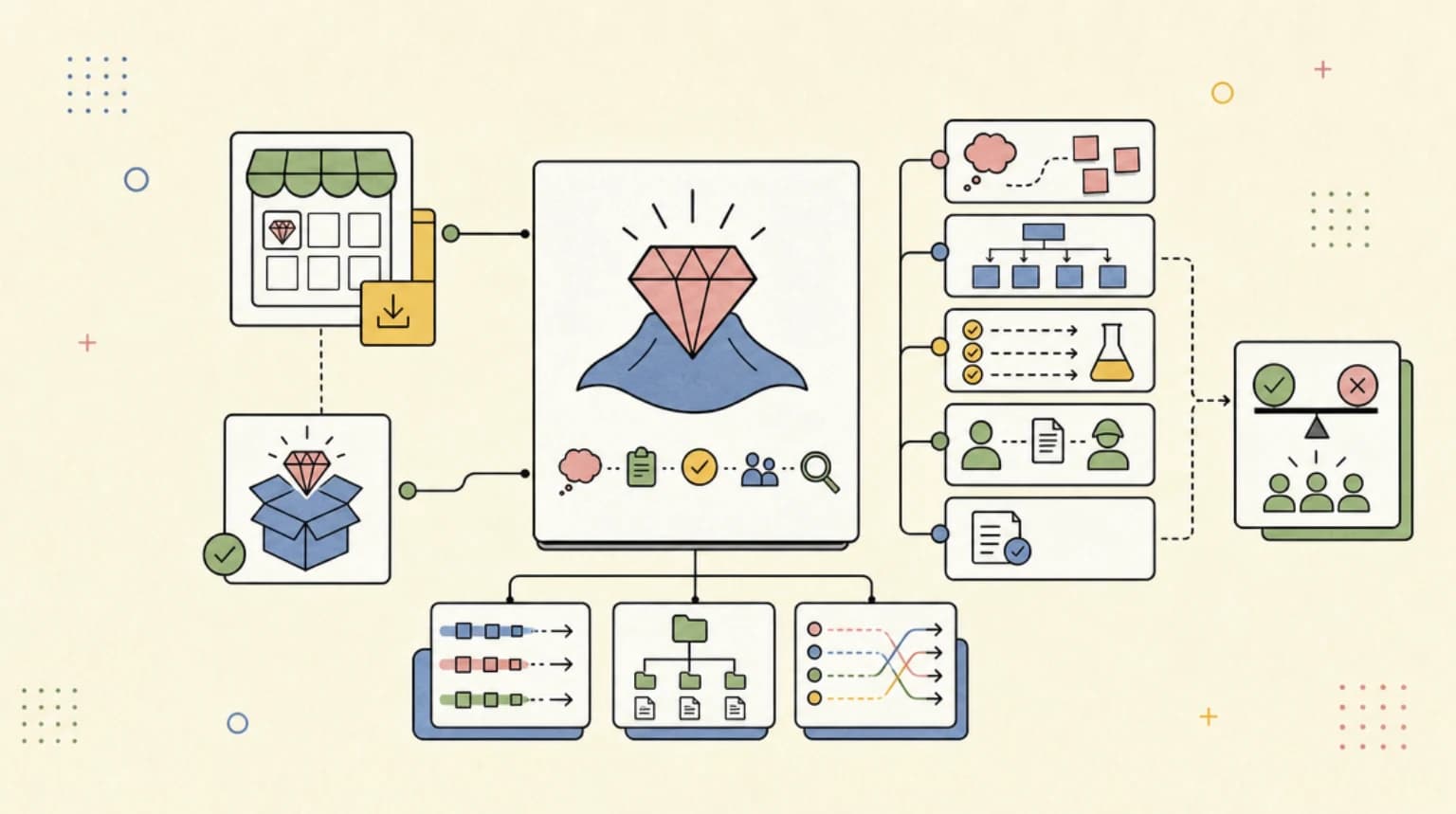
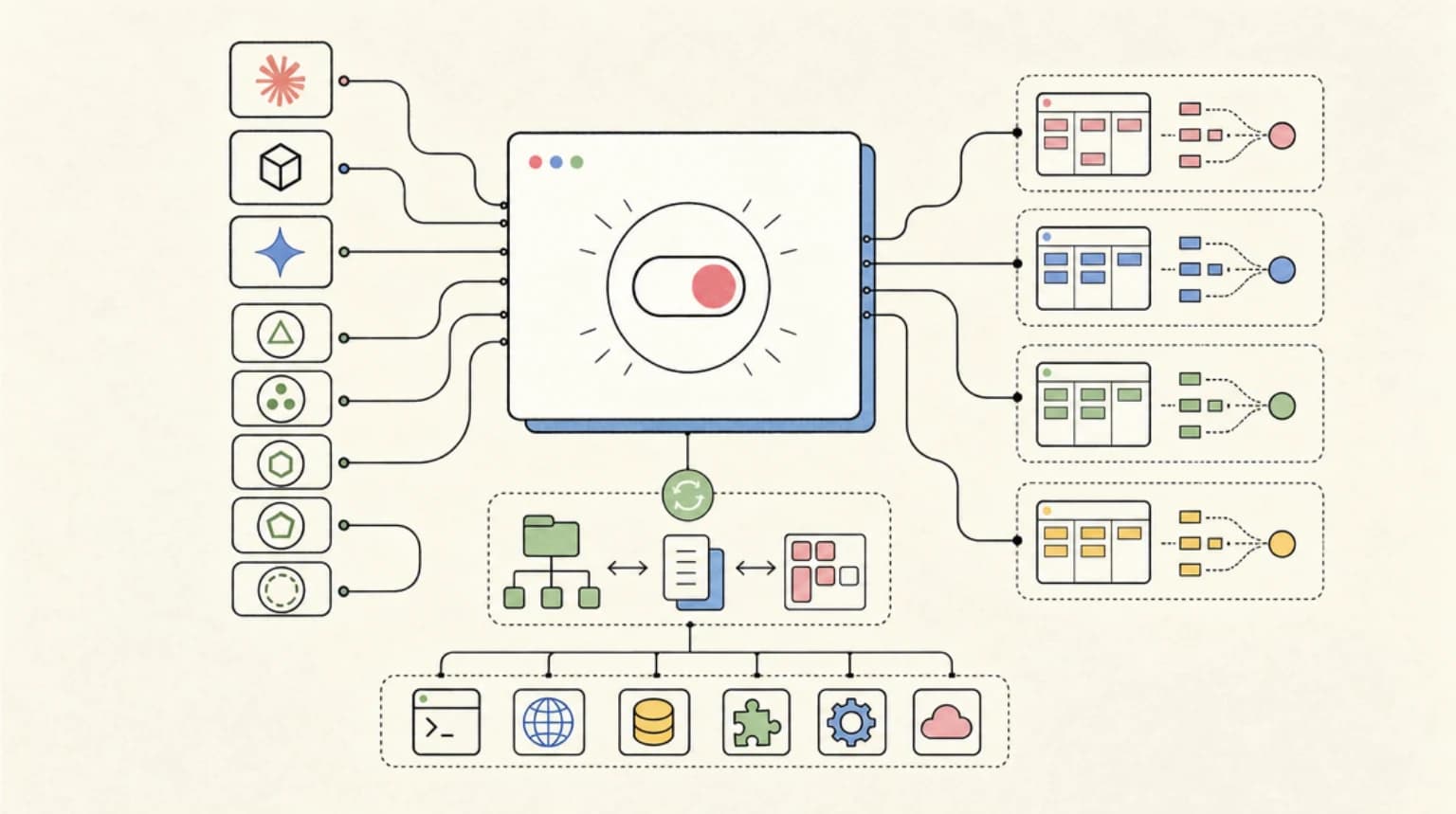
A plugin packages skills, agents, hooks, and MCP or LSP servers into one installable unit. A marketplace is just a catalog, defined by a .claude-plugin/marketplace.json file in a repo. Here is the full install flow from the docs:
1. Browse or name the plugin. Run /plugin to open the panel on the Discover tab, or name it directly:
/plugin install commit-commands@claude-plugins-official
In a session, that command opens the plugin's details rather than installing immediately. The pane shows what it will install and, for official plugins, a context cost estimate: tokens added every turn and tokens added when invoked. Read it. That number is the real price of a plugin.
2. Pick a scope.
| Scope | Who gets it | Written to |
|---|---|---|
| User | You, every project on this machine | ~/.claude/settings.json |
| Project | Everyone in this repo | .claude/settings.json (commit it) |
| Local | You, this repo only | .claude/settings.local.json |
Rolling plugins out to a whole team or company is a different job: a shared marketplace, managed settings and an allowlist. See Claude Code plugins for teams.
3. Confirm it loaded. The summary tells you whether it is active now or needs /reload-plugins. Then type / and look for /<plugin>:<skill>, or run claude plugin list in your shell.
Add a third-party marketplace with a GitHub owner/repo, a git URL, a local path, or a hosted marketplace.json URL:
/plugin marketplace add obra/superpowers-marketplace
Install from a script (CI, dotfiles, onboarding):
claude plugin marketplace add anthropics/claude-plugins-official
claude plugin install code-review@claude-plugins-official --scope project
Keep things lean. The Installed tab groups plugins you have not used recently under a Not used recently header, and each plugin shows a Last used line. Disable or uninstall what you no longer use with claude plugin disable or claude plugin uninstall.
Before adding any marketplace, remember that plugins can run hooks and MCP servers on your machine, and Anthropic does not review third-party marketplaces. Our posts on plugin URLs as a supply chain and skill files as an attack surface cover what to check. If you maintain plugins, plugin evals let you prove they help before you ship them.
Superpowers: The Methodology Plugin#
Superpowers deserves its own section because it is not a single-task skill. It is a whole workflow, built by Jesse Vincent and Prime Radiant, that changes how Claude approaches any build task:
brainstormingrefines the idea into a spec you approveusing-git-worktreesisolates the work on a new branchwriting-plansbreaks it into small, checkable taskssubagent-driven-developmentorexecuting-plansruns the plantest-driven-developmentenforces red, green, refactorrequesting-code-reviewreviews between tasksfinishing-a-development-branchwraps up with merge, PR, keep, or discard
Install it from the official marketplace:
/plugin install superpowers@claude-plugins-official
The current release is v6.4.2 (September 25, 2026), which made writing-plans produce leaner plans. Use it for multi-file features and long autonomous runs; skip it for one-line fixes. Our Superpowers guide covers every skill, both execution modes, the v6.4 changes, and how to install it in Codex, Cursor, and Gemini CLI too.
The Picks: Skills and Plugins Worth Your Context#
Every loaded skill description and every plugin costs context. These are the picks we would install first, grouped by job. All are verified present in the sources named on September 28, 2026.
Built into Claude Code (nothing to install)#
Claude Code ships bundled skills, per the skills docs. The ones worth learning first:
/code-review- review the current changes/debug- structured debugging help/runand/verify- launch your app and confirm a change works in the running app, not just in tests./run-skill-generatorrecords how to launch your project so the other two stop guessing/loop- run a prompt on an interval/claude-api- current Claude API and SDK reference/doctor- setup checkup
From the official marketplace (@claude-plugins-official)#
| Plugin | What it adds | Install when |
|---|---|---|
superpowers | Full brainstorm, plan, TDD, review methodology | You build multi-step features |
commit-commands | Commit, push, and PR creation commands | You want consistent git hygiene |
code-review | Multi-agent PR review with confidence scoring | You review a lot of PRs |
feature-dev | Feature workflow with exploration, architecture, and review agents | You want structure without the full Superpowers loop |
security-guidance | Security warnings on edits and a diff review on stop | Anything that ships to users |
claude-md-management | Audit and improve CLAUDE.md, capture session learnings | Your CLAUDE.md has grown messy |
skill-creator | Create, improve, and measure skills | You are about to write your own |
hookify | Create hooks from plain-language rules | You keep saying "from now on, always..." |
typescript-lsp (and other LSP plugins) | Language-server code intelligence | You work in a typed codebase |
From anthropics/skills#
document-skills- thedocx,pdf,pptx, andxlsxskills that power Claude's own file features. Source-available rather than open source, per the repo READMEexample-skills- includesfrontend-design,mcp-builder,webapp-testing,skill-creator, and more
Your own project skills#
The highest-leverage skills are usually the ones nobody else can write for you: your deploy playbook, your QA loop, your content pipeline, your migration checklist. Commit them to .claude/skills/ so every contributor gets them. If you run Codex as well, note that it reads skills from .agents/skills rather than .claude/skills; if you run both agents, CC Switch can sync one skills folder into each.
Build Your Own Skill in Five Minutes#
When nothing in a marketplace fits, write one. The official docs frame the trigger well: create a skill when you keep pasting the same instructions into chat, or when a section of CLAUDE.md has grown into a procedure.
mkdir -p ~/.claude/skills/pr-checklist
Then create ~/.claude/skills/pr-checklist/SKILL.md:
---
name: pr-checklist
description: Pre-PR checklist for this team. Use when the user asks to open a PR, prepare a PR, or check a branch before review.
---

# PR checklist

1. Run the test suite and report failures first.
2. Confirm no new TODOs or console logs in the diff.
3. Draft a PR description with a summary, test plan, and risk notes.
Rules of thumb from the docs and from running skills daily:
- The description is load-bearing. Put the key use case first. The combined
descriptionandwhen_to_usetext is truncated at 1,536 characters in the skill listing. - Keep the body small and link out. Supporting files in the skill folder load only when Claude reads them.
- Use
disable-model-invocation: truefor actions you want to trigger yourself, such as deploys. - Test both paths. Ask something that matches the description, then run
/pr-checklistdirectly.
For skills that learn from each session, see self-improving skills. To graduate a skill into a shareable plugin, skill-creator and plugin-dev in the official marketplace are the fastest path.
Keep Reading in This Cluster#
The skills and plugins posts on Developers Digest, organized by what you are trying to do:
Getting started
- What Are Claude Code Skills? A Complete Beginner Guide
- Why Skills Beat Prompts for Coding Agents
- Claude Agents vs Skills: Which One Do You Need?
Choosing and installing
- Superpowers for Claude Code: Install, Workflow, and When to Use It
- MCP Servers vs Agent Skills: Which to Build
- Claude Knowledge Work Plugins
- Agent Plugins 1.0.0: One Package Format for Skills and MCP
Running skills in production
- Claude Code Plugin Evals Make Agent Extensions Testable
- Skill Files Are the New Supply Chain Attack Surface
- Agent Skills Need Exit Criteria, Not More Prompt Lore
- Self-Improving Skills: Claude Code That Learns From Every Session
- Skills Delivered Over MCP: Progressive Disclosure
FAQ#
What are the best Claude Code skills in 2026?#
Start with the bundled skills (/code-review, /debug, /run, /verify), then add superpowers, commit-commands, security-guidance, and skill-creator from the official marketplace, plus document-skills from anthropics/skills if you work with Office files or PDFs. After that, the best skills are the project skills you write for your own workflow.
Is there an official Claude Code skills marketplace?#
Yes. Anthropic's official plugin marketplace, claude-plugins-official, is added automatically the first time you start an interactive Claude Code session. Browse it with /plugin or on the web at claude.com/marketplace. Anthropic also runs a community marketplace (claude-community) for third-party submissions.
How do I install Claude Code skills from GitHub?#
If the repo has a .claude-plugin/marketplace.json, add it with /plugin marketplace add <owner>/<repo> and install with /plugin install <plugin>@<marketplace-name>. For example, /plugin marketplace add anthropics/skills then /plugin install document-skills@anthropic-agent-skills. For a bare skill folder, copy it into ~/.claude/skills/ or .claude/skills/.
What is the difference between Claude Code skills and plugins?#
A skill is one SKILL.md folder with instructions and optional files. A plugin is a distributable package that can contain many skills plus agents, hooks, and MCP servers. Plugin skills appear as /plugin-name:skill-name.
What is Superpowers in Claude Code?#
Superpowers is an MIT-licensed plugin by Jesse Vincent and Prime Radiant that gives Claude a development methodology: brainstorming, planning, test-driven development, subagent execution, and code review. Install it with /plugin install superpowers@claude-plugins-official. See our Superpowers guide.
How many skills and plugins should I install?#
As few as cover your real work. Every plugin adds some context every turn, which the official marketplace shows as a context cost estimate before you install. Check the Not used recently group in /plugin once a month and disable what you are not using.
Can I use the same skills in Codex?#
Mostly yes. Both Claude Code and Codex follow the open Agent Skills format. Codex reads skills from .agents/skills, while Claude Code reads .claude/skills, and some Claude Code frontmatter fields are extensions other tools ignore. Superpowers ships separate plugin manifests for Codex, Cursor, and other agents.
Are Claude Code skills free?#
The skill files are free, and most public skills and plugins are open source. You pay for the Claude usage they consume. See our AI coding tools pricing comparison for current plan prices.
Sources#
All fetched September 28, 2026:
- Claude Code docs: Extend Claude with skills - skill format, locations, bundled skills, frontmatter limits
- Claude Code docs: Install and manage plugins - install flow, scopes, marketplaces, updates
- Claude Code docs: Anthropic's marketplaces - official, community, and demo marketplaces
- anthropics/claude-plugins-official - marketplace catalog (314 plugins)
- anthropics/skills README - install commands and skill list
- obra/superpowers README and release notes
- Codex docs: Agent skills -
.agents/skillsand the open standard - skills.sh -
npx skills addinstaller - GitHub API repository metadata for star counts
Continue Reading#
- Superpowers for Claude Code - the methodology plugin in depth
- CC Switch Guide - sync skills and MCP servers across Claude Code and Codex
- What Are Claude Code Skills? - the format from first principles
- Claude Code Plugin Evals - measure whether a plugin actually helps
- MCP Servers vs Agent Skills - decide what to build next
- Melty Game Mashups: How Claude Code Builds Them - a skill pack that mods games with Claude Code or Codex
Get the next comparison like this in your inbox
One email a week on Claude Code and the rest of the AI dev stack. Free.
Read next on Claude Code
Superpowers for Claude Code: Install, Workflow, and When to Use It (2026)
Superpowers for Claude Code: how to install the MIT-licensed skills plugin, what its brainstorm, plan, TDD and review skills do, and when it is worth it.
9 min readWhat Are Claude Code Skills? A Complete Beginner Guide
Claude Code skills are SKILL.md playbooks that load only when relevant. What they are, where they live, how to write one, and how they differ from CLAUDE.md.
11 min readWhy Skills Beat Prompts for Coding Agents in 2026
Skills beat prompts for coding agents because giant prompts do not scale. The 2026 control stack: project rules, reusable skills, bounded sub-agents and tools.
9 min readTechnical content at the intersection of AI and development. Building with AI agents, Claude Code, and modern dev tools - then showing you exactly how it works.