Codex CLI Hooks for PLC and IoT Firmware Review on the Factory Floor
TL;DR
Manufacturing teams ship ladder logic and ESP32 firmware without code review.
Last updated: April 28, 2026
The Code Review That Never Happens#
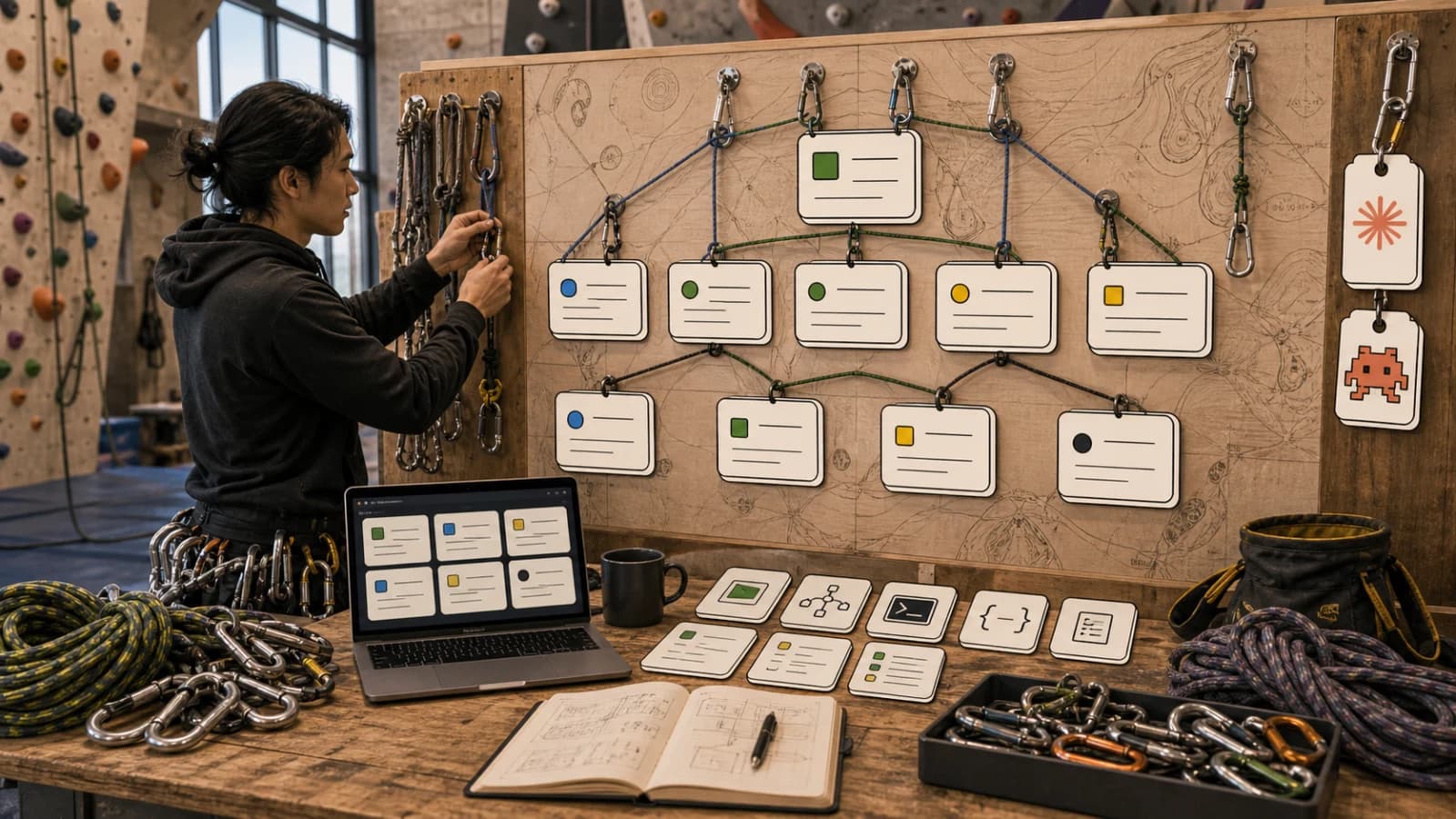
Walk into the controls room of a mid-sized contract manufacturer and you will find a Rockwell PLC running ladder logic that was last edited in 2019, an ESP32 fleet on the line collecting torque data over MQTT, and a single controls engineer who knows where every change came from. There is no pull request. There is no diff review. There is a backup .ACD file with last week's date and a sticky note on the HMI that says "do not change setpoint."
For broader context, pair this with OpenAI Codex: Cloud AI Coding With GPT-5.3 and OpenAI vs Anthropic in 2026 - Models, Tools, and Developer Experience; those companion pieces show where this fits in the wider AI developer workflow. This use case is also a concrete example of Codex expanding into general-purpose work - operational tasks with files, tools, review loops, and artifacts that are not traditional software development.
This is not negligence. It is the reality of OT versus IT. The controls engineer is also the network admin, the mechanical fixer, and on bad days the forklift driver. Code review is an IT ritual that never made the trip across the air gap. The cost is real. A bad rung edit can scrap a shift's worth of parts. A bad ESP32 firmware push can put a forklift sensor into a reboot loop and stop the line for an hour. Insurance and ISO 27001 auditors are starting to ask pointed questions, and nobody has a good answer.
The agentic wedge here is small but unusually high leverage. A coding agent will not write your ladder logic. It should not. But it can absolutely review a diff against a checklist, flag the patterns that have historically caused outages, and produce a one-page change record that the engineer signs before the push. Codex CLI, with the right hooks, is a near-perfect tool for this.
Why Codex CLI#
Three reasons. First, controls shops live in a Windows plus a few Linux jump boxes and Codex CLI installs cleanly on both with no SaaS dependency. Second, the OT network is segmented and the agent can run entirely on a local jump box with the model called over a single egress hole, which the IT team can audit. Third, Codex CLI's hook model lets you bolt deterministic checks around the LLM in a way that satisfies the part of the engineer's brain that does not trust language models around safety-rated code.
You are not using the agent to be smart. You are using it to be tireless and consistent.
File Structure#
controls-review/
  CLAUDE.md                # used by codex too via --instructions
  AGENTS.md                # codex-native instructions
  exports/
    line-3-packer/
      current.L5X          # exported from Studio 5000
      previous.L5X         # last known good
      diff.txt             # generated, plain-text rung diff
  firmware/
    torque-sensor/
      src/                 # PlatformIO ESP32 project
      build/firmware.bin
      manifest.json        # signed build metadata
  checklists/
    plc-review.md
    firmware-review.md
    safety-rated.md
  hooks/
    pre-review.sh          # runs L5X-to-text diff before any LLM call
    post-review.sh          # writes the change record, blocks if missing fields
    deny-write.sh           # blocks any tool call that writes to exports/
  records/
    {date}-{line}-{change-id}.md
The PLC project is checked into a private Gitea on the jump box. Studio 5000 exports .L5X (XML) which is reviewable by a text agent in a way .ACD (binary) is not. The firmware project is a normal PlatformIO repo. Both feed the same review pipeline.
The Checklists Are The Product#
The single most valuable artifact in this whole setup is checklists/plc-review.md. It is the controls engineer's accumulated wisdom written down for the first time. A real one looks like:
- Any new OTE on a safety-rated output is a hard stop. Refer to safety engineer.
- Any timer preset under 50 ms in the packer subroutine. The actuators cannot keep up.
- Any change to a rung that references
Recipe_Active. Recipe edits go through the recipe manager, not ladder. - Any new tag in the
_Internalscope that is also referenced by the HMI. Naming collision. - Any change to E-stop reset logic. Hard stop, requires sign-off.
The checklist is a living document. Every time something breaks on the line, a new line is added. The agent reads it on every review.
The Review Prompt#
The prompt fits on a sticky note:
Read
exports/{line}/diff.txt. Readchecklists/plc-review.md. Produce a review note inrecords/. Use the template inchecklists/template.md. For each rung that changed, list the checklist items it triggers, the risk level, and the question the engineer should ask before approving. Do not suggest code changes. Do not approve.
The "do not approve" line is load bearing. The agent's job is to surface, not to bless. The signature on the change record is human.
The Hooks#
pre-review.sh runs before any LLM call. It uses a small XSLT transform to flatten the L5X into rung-by-rung text, then git diff --no-index against the previous export. If the diff is empty, the hook exits 0 and the review skips. If the diff is over a configured size (say 200 rungs), the hook exits non-zero with a message asking the engineer to break the change into smaller pieces. This single hook prevents 80% of the failure mode where a controls engineer "cleans up" a routine and ships a 1500-line diff nobody can review.
deny-write.sh is a PreToolUse hook that blocks any tool call that would write into exports/ or firmware/build/. The agent cannot modify the artifact under review. Belt and suspenders.
post-review.sh runs after the agent writes the record. It validates that the record has all required fields: change ID, line, requestor, checklist hits, risk level, sign-off line. If any are missing, the hook deletes the record and exits non-zero so the agent has to retry. This forces the agent to produce a record that an auditor will accept.
Risks And Guardrails#
Three risks worth naming.
Air gap. Many controls networks genuinely cannot reach a hosted model. Solutions: run the model locally on a small GPU box on the OT side, or batch reviews to a jump box on the corporate network and bring records back via a one-way file transfer. Codex CLI works fine in either mode.
Safety-rated code. Anything tied to an SIL-rated function should bypass the agent entirely and go straight to the safety engineer. The checklist enforces this with a hard-stop rule. Do not soften it.
Over-reliance. The agent's review is a checklist run, not a substitute for engineering judgment. The signed record should make this explicit with a line that says exactly that. Auditors prefer it. Engineers prefer it. The risk is real and naming it is most of the mitigation.
The firmware side has its own risks. ESP32 OTA updates can brick a device if the partition table is wrong. The firmware checklist includes a partition-table diff check and a rollback-image check. Both are deterministic and run as hooks, not as LLM prompts.
Minimal Next Step#
This one is genuinely doable in an afternoon, on your own machine, with a single PLC export.
- Install Codex CLI on the jump box. Confirm it can reach the model endpoint through whatever proxy the IT team requires.
- Export two versions of one routine from Studio 5000 as
.L5Xfiles. Drop them inexports/line-3-packer/. - Write
checklists/plc-review.mdwith five real rules from your last five outages. - Wire
pre-review.shto flatten and diff the L5X files. - Run
codexand paste the review prompt.
You will get back a one-page review note that flags real issues. Show it to the controls engineer. The conversation about whether to require this on every change goes very differently after the first time it catches something they would have missed at 4pm on a Friday.
The shops that will pass the next round of cyber and quality audits are the ones whose change records are written, signed, and searchable. Agents are the cheapest way to get there.
FAQ#
Can Codex CLI write or approve PLC and firmware changes on its own?#
No, and the setup described here is deliberately built to prevent that. The deny-write.sh hook blocks any tool call that would write into the export or build directories, and the review prompt explicitly instructs the agent not to suggest changes or approve anything. The agent's output is a checklist-driven review note; the sign-off stays with the human engineer.
What if the OT network genuinely cannot reach a hosted model?#
Run the model locally on a small GPU box on the OT side of the air gap, or batch the review to a jump box on the corporate network and bring the resulting records back over a one-way file transfer. Codex CLI's install and hook model work the same either way; see OpenAI Codex: Cloud AI Coding With GPT-5.3 for the current setup options.
Does this replace a formal safety review process?#
No. The checklist enforces a hard stop on anything tied to a safety-rated function (SIL-rated logic, E-stop reset logic), which routes straight to the safety engineer and bypasses the agent entirely. The signed change record should state plainly that the review is a checklist run, not a substitute for engineering judgment.
What file format does this rely on for PLC review, and why not the binary export?#
Studio 5000's .L5X export is XML, which a text-based agent can diff and reason about; the native .ACD project file is binary and not directly reviewable this way. The pre-review.sh hook flattens the L5X into rung-by-rung text before any diff or LLM call happens.
Continue Reading#
Get the next deep dive like this in your inbox
One email a week on Codex CLI and the rest of the AI dev stack. Free.
Read next
Codex Is Becoming a General-Purpose AI Agent, Not Just a Coding Tool
OpenAI is turning Codex from a coding assistant into a broader agent workspace for files, apps, browser QA, images, automations, and repeatable knowledge work.
8 min readOpenAI Codex: Terminal and Cloud AI Coding Agent
Codex works from the terminal, cloud tasks, IDEs, GitHub, Slack, and Linear. Here is how to use it and how it compares to Claude Code.
5 min readCodex Automations: Where Scheduled AI Agents Actually Help
Codex automations are useful when recurring engineering work has clear inputs, reviewable outputs, and safe boundaries. Here is the practical playbook.
9 min readNew here? Start with
Technical content at the intersection of AI and development. Building with AI agents, Claude Code, and modern dev tools - then showing you exactly how it works.