Claude Code Mods: What They Are and How to Write One
TL;DR
Claude Code mods are plugins whose JavaScript handlers run inside Claude Code itself. What they can do that hooks and skills cannot, a first mod you can run today, and the trust question you must settle first.
Last updated: October 6, 2026. Google Trends shows "claude code mods" going from near zero to a steady 18-25 on a 0-100 scale since October 2, while "claude code skills" sits near 30 and "claude code hooks" near 4 (Trends, past month, worldwide).
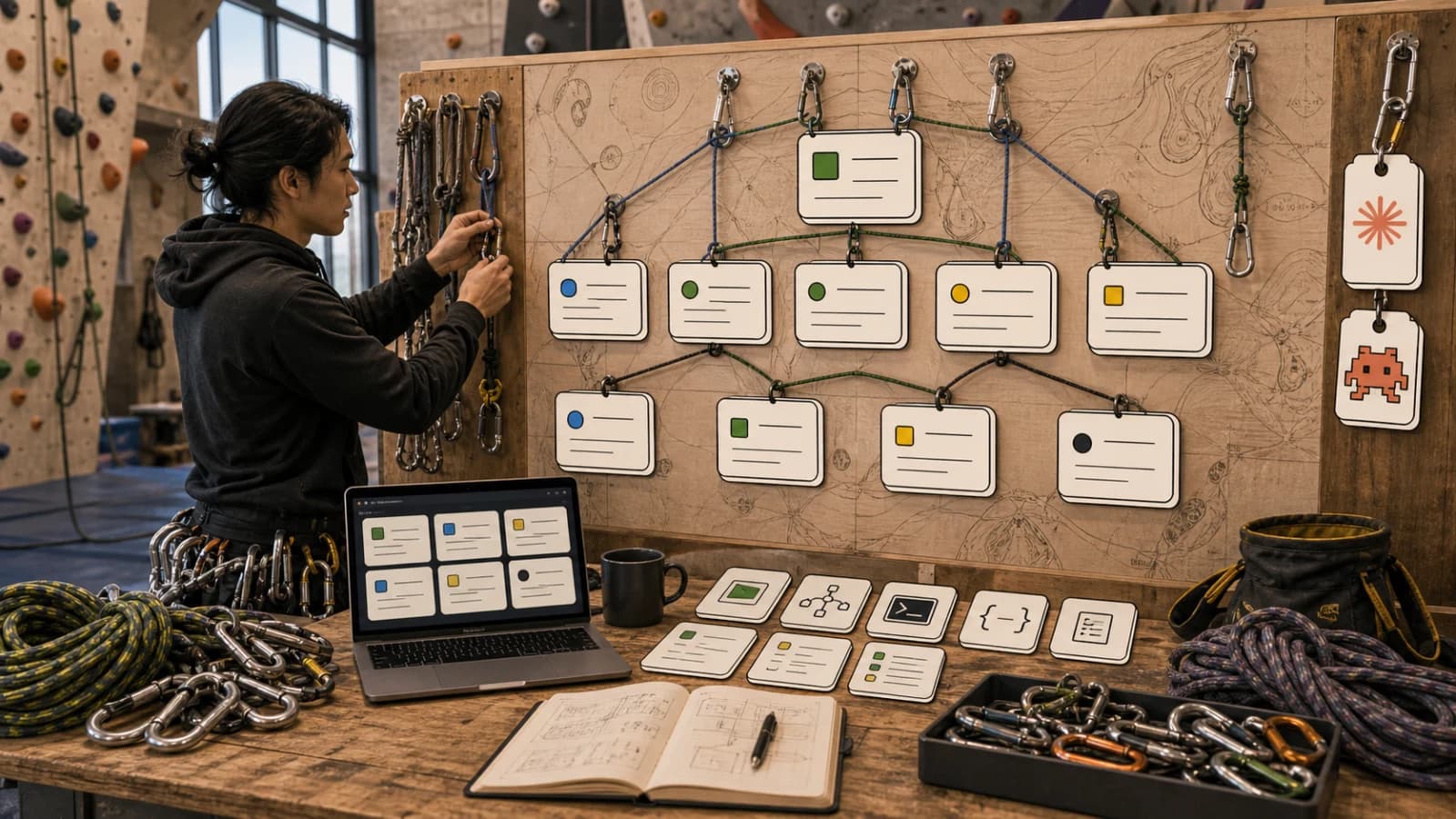
Claude Code mods are plugins whose code runs inside Claude Code, not next to it. Per Anthropic's mods overview, a mod is "a plugin that changes how Claude Code looks and behaves," made of JavaScript or TypeScript event handlers that Claude Code calls when something happens: a tool call, a submitted prompt, a part of the interface being drawn.
That sounds like hooks with extra steps. It is not, and the difference decides when you should reach for one.
What Anthropic actually shipped#
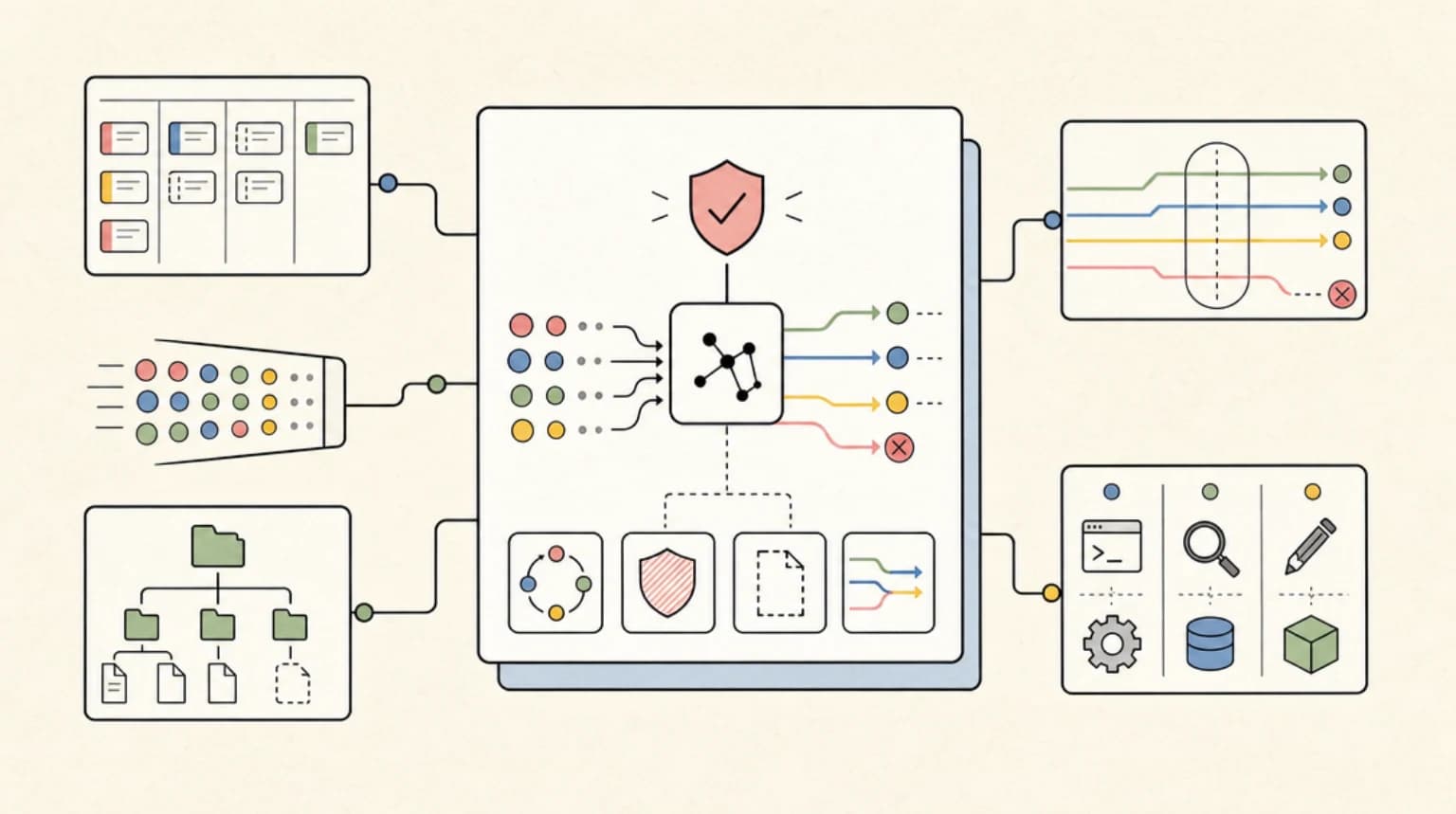
The docs describe five things a mod can do that settings hooks, skills, status lines and MCP servers cannot:
- Draw an interface you can use, such as a pane beside the transcript or a band above the prompt, with tabs, buttons and text fields.
- Redraw Claude Code's own interface: a tool call's row, the spinner, the dialog Claude uses to ask questions.
- Step into a tool call or request: hold a call while you ask a question, answer it without running the tool, or send one request to a different model.
- Add a
/commandthat runs your function immediately, with no Claude turn, even while Claude is working. - Share state between handlers, so one hook counts tool calls while another shows the count.
Mods need Claude Code v2.1.287 or later in the terminal (v2.1.286 in the Desktop app) and are on by default. Some built-in features are already mods: the /diff pane and AGENTS.md loading both ship as built-in mods you can see under /plugin.
Anthropic also published three sample mods in its claude-code-playground repo: token-weather (a context-window forecast above the prompt), replay-theater (a /replay command that steps through the last turn's edits) and blast-radius. The repo is shared as-is, without support.
Mod, hook, skill or MCP server#
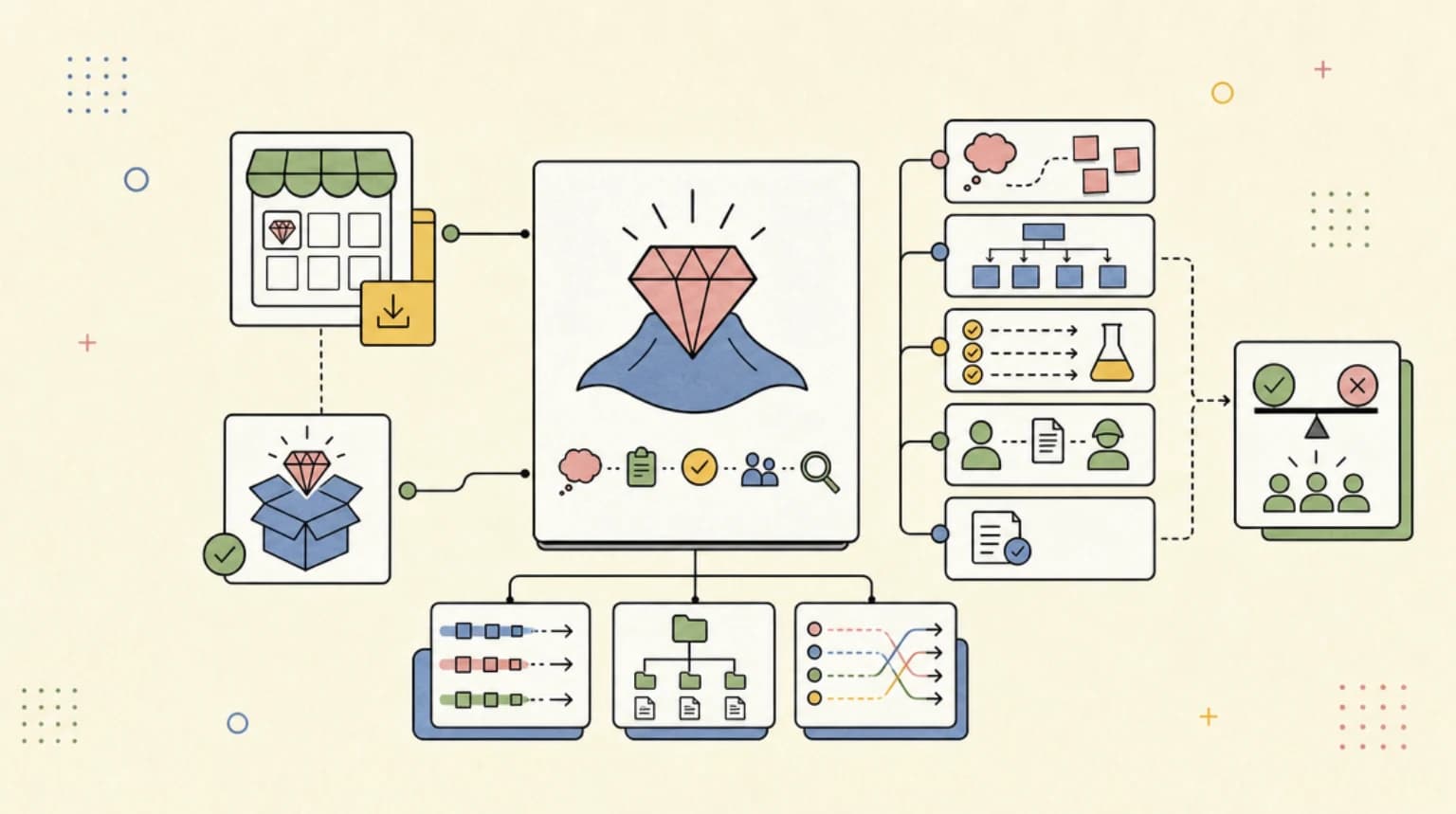
Anthropic's own comparison table is the shortest decision guide:
| You want | Pick |
|---|---|
| A pane, a band above the prompt, a custom command, or to rewrite an event | Mod |
| To block, allow or log an event with a script you already have | Settings hook |
| To stop pasting the same instructions into chat | Skill |
| Claude to reach an external system | MCP server |
If you already run Claude Code hooks, nothing is deprecated. The admin docs say settings hooks "keep working" alongside mods. The practical split: a shell-script guard that already works stays a settings hook; anything that needs to show the human something, or ask them something, is now a mod.
Build one in five minutes#
This is the tutorial from Anthropic's create-a-mod page, trimmed. A mod is three files:
first-mod/
├── .claude-plugin/plugin.json
└── hooks/
    ├── hooks.json
    └── register.js
hooks.json points at your code (the modules key is what makes a plugin a mod):
{
  "description": "The first-mod hooks module",
  "modules": ["./register.js"]
}
register.js counts tool calls and shows the count beside the spinner:
let calls = 0

export function register(on) {
  on('tool.call', async ($, e, next) => {
    calls += 1
    $.ui.invalidate('ui.render')
    return next(e)
  })

  on('ui.render', { component: 'Spinner' }, async ($, e, next) => {
    return next({ ...e, props: { ...e.props, suffix: ' · tool calls: ' + calls + '…' } })
  })
}
Load it for one session without installing anything:
claude --plugin-dir ./first-mod
Every handler gets the same three arguments: $ (the mods API, your only way to touch files, processes or the network), e (the event as plain data) and next (pass the event on). A handler can observe by returning next(e), rewrite by passing a modified copy, or answer by returning its own result and never calling next.
Two commands worth knowing before you write more. claude plugin validate ./first-mod lists the events a mod hooks and every mods API call it makes, without running it. claude plugin test runs automated tests with no session or network. Or skip the typing: describe the mod you want in a session and Claude writes it using a built-in plugin-authoring skill, then asks you to approve hot reloading.
The sample worth reading: Blast Radius#
blast-radius holds a risky Bash command (rm -rf, git reset --hard, git push --force, migrations) and opens a pane listing what it would change, with Proceed and Cancel buttons. Cancel has focus on open, so a stray Enter refuses the command, and Claude sees the refusal reason.
Its README is more instructive than its pitch. A hook gets a 10-second budget for its own code, far too short to wait for a person, so the mod waits inside a $.process.run call, whose time does not count. The author also lists what it misses: bash -c "...", eval, xargs rm, find -delete and wrappers like timeout 5 rm are not caught, and it says plainly: "This is a safety net, not a permission system. Use permission rules for a hard block." That is the right mental model for any mod that gates actions.
The trust question comes first#
Anthropic is blunt about this. A mod "is code that runs with your permissions" and mods "aren't sandboxed." A mod can read and write files, start processes, read environment variables and settings (including API keys), see every prompt and tool call, approve a tool call before you are asked, and spend your usage. If you turn on sandboxing, it isolates the Bash commands Claude runs, but a process a mod starts runs outside it. One limit: a mod cannot restyle the permission prompt.
Two practical consequences:
- Run
claude plugin validateon any third-party mod and read thehooks:andcalls:lines before installing.tool.callorprompt.submitmeans it sees everything;$.http.fetchplus$.env.getdeserves a hard look. - On a team, decide on policy before developers find mods themselves. The admin docs let you set
allowManagedModsOnlyon the built-in guard in managed settings to stop user-installed mods from loading, or deploy your own policy mod that refuses mods calling$.process.run. Deny rules and managedPreToolUsehooks still take precedence over a user's mod where the guard loads, but anaskrule can be overridden by a mod that approves calls. This is the same supply-chain surface as plugin URLs, with more reach. See also the agent security checklist.
What people are actually saying#
The r/ClaudeCode feed filled with mod threads within days of the docs going live. The launch thread frames mods as small TypeScript functions that rewrite prompts, block risky commands or replace built-in features. A later thread describes using mods "backwards": not to change Claude Code but to pull subscription usage and context-window data out of it. The excitement is mostly about visibility, not new capability.
The counter-case: nearly every mod that is useful for visibility needs broad read access, and a separate r/ClaudeCode discussion argues the security boundary should not be the model's judgment at all. Mods sit on the other side of that line: they are deterministic code, but unsandboxed code. Community mod directories are already appearing, which means unreviewed mods will too.
What to do Monday#
- Update to v2.1.287 or later (
claude --version) and run/pluginto see which built-in mods your session already has. - Clone the playground repo and try one sample with
claude --plugin-dir, after runningclaude plugin validateon it. - If you maintain a team setup, decide your
allowManagedModsOnlystance now. - Keep hard blocks in permission rules and settings hooks. Use mods for the human-facing layer on top.
FAQ#
What is a Claude Code mod?#
A plugin whose JavaScript or TypeScript handlers run inside Claude Code. It can watch, rewrite or answer events such as tool calls and prompts, draw panes and bands, and add commands.
How do I install a Claude Code mod?#
Mods install as plugins: /plugin install <name>@<marketplace> in a session or claude plugin install <name>@<marketplace> in your shell. Try one for a single session with claude --plugin-dir <directory>.
Are Claude Code mods safe?#
They run with your permissions and are not sandboxed, so treat them like any code you install. Inspect them first with claude plugin validate, and use managed settings to control them across a team.
What is the difference between mods and hooks?#
Settings hooks run a shell command, HTTP request or prompt on an event. Mods are functions that run inside Claude Code and can also draw interface, add commands and rewrite events. Both keep working side by side.
Which Claude Code version do mods need?#
v2.1.287 or later in the terminal, and the Desktop app from v2.1.286, according to Anthropic's docs.
Continue Reading#
- Claude Code Hooks Explained - the settings-file hooks that mods sit beside
- Claude Code Plugin URL Supply Chain - the install-time risk mods inherit
- Claude Code Skills Marketplace Launch - how plugins and marketplaces distribute
- Claude Code Plugin Evals in CI - testing plugins before you trust them
- Claude Code Auto Mode Explained - the permission layer mods can approve around
Sources#
Get the next deep dive like this in your inbox
One email a week on Claude Code and the rest of the AI dev stack. Free.
Read next on Claude Code
Claude Code Hooks Explained
Hooks give you deterministic control over Claude Code. Auto-format on save, block dangerous commands, run tests before commits, fire desktop notifications. Here's how to set them up.
12 min readClaude Code Plugin URLs Turn Skills Into a Supply Chain
Claude Code's newer plugin URL and hard-deny controls are small release-note items with a big implication: agent extensions now need supply-chain discipline.
6 min readSkills Marketplace: 312 Claude Code Skills, Curated
A curated directory of 312 Claude Code skills, plus Pro tools for authors who want analytics, version pinning, and a real submission flow.
8 min readTechnical content at the intersection of AI and development. Building with AI agents, Claude Code, and modern dev tools - then showing you exactly how it works.