DESIGN.md: The Contract That Keeps AI Agents On Brand
TL;DR
A repo-root DESIGN.md gives Claude Code, Codex, and other agents the design rules they need to honor so generated UI does not drift into generic territory.
Last updated: June 7, 2026
| Official Sources | |
|---|---|
| Claude Code Overview | Official Claude Code documentation covering context files, project setup, and agent workflows |
| Claude Code Memory | CLAUDE.md and project context persistence documentation |
| Claude Code Skills | Skill definitions, SKILL.md format, and reusable command patterns |
| OpenAI Codex Documentation | OpenAI Codex agent documentation and capabilities |
| Tailwind CSS Documentation | Utility-class CSS framework commonly referenced in design system files |
| Design Tokens W3C Spec | W3C community group specification for design token formats |
The Drift Problem#
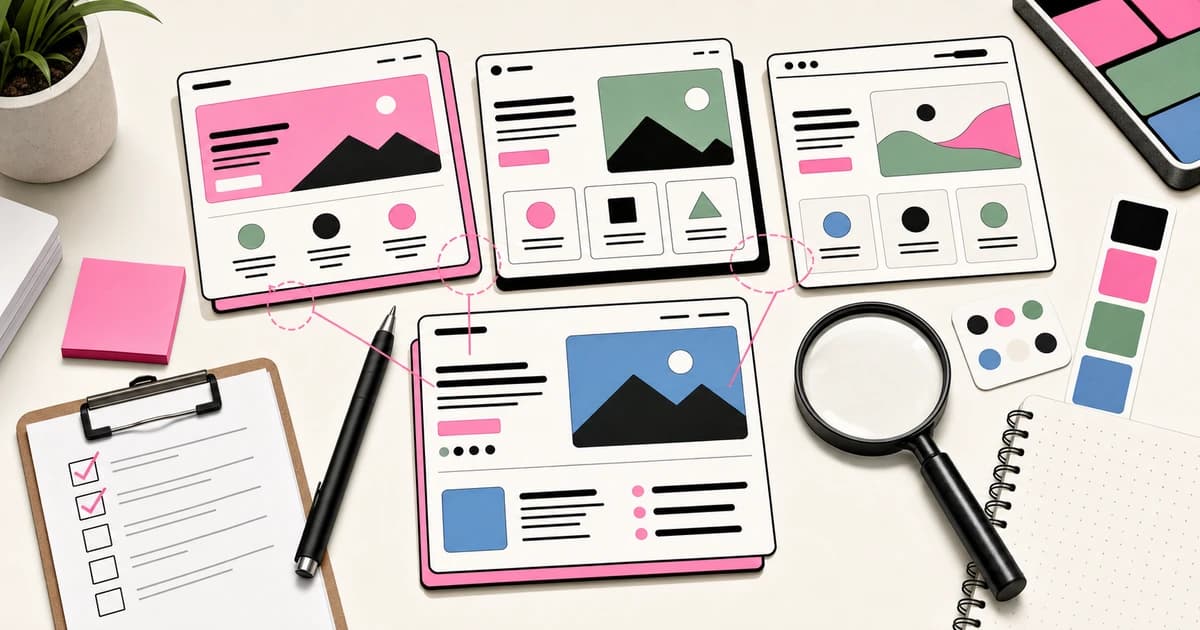
Hand a coding agent a vague prompt and you can predict what comes back. Rounded corners that drift larger every iteration. A pastel palette nobody asked for. A hero with three CTAs stacked vertically. Soft shadows under every card. Decorative icons next to every list item. Marketing copy that uses the word "seamless" twice in one paragraph.
Agents trained on the public web have absorbed an aesthetic. Call it the default look. It is not ugly. It is just generic, and once you notice it you cannot unsee it. Every generated UI starts to feel like a sibling of every other generated UI, which is a problem if you are trying to build something that has a point of view.
The drift is not a model failure. It is a context failure. The agent is making reasonable inferences from the prompt and from whatever fragments of your codebase it happened to read first. If your repo does not state the rules out loud, the rules get invented on the fly, and what gets invented is whatever the model has seen most often.
The fix is boring and obvious. Write the rules down. Put them somewhere the agent will read before it writes a single component. That document is DESIGN.md.
DESIGN.md As The Contract#
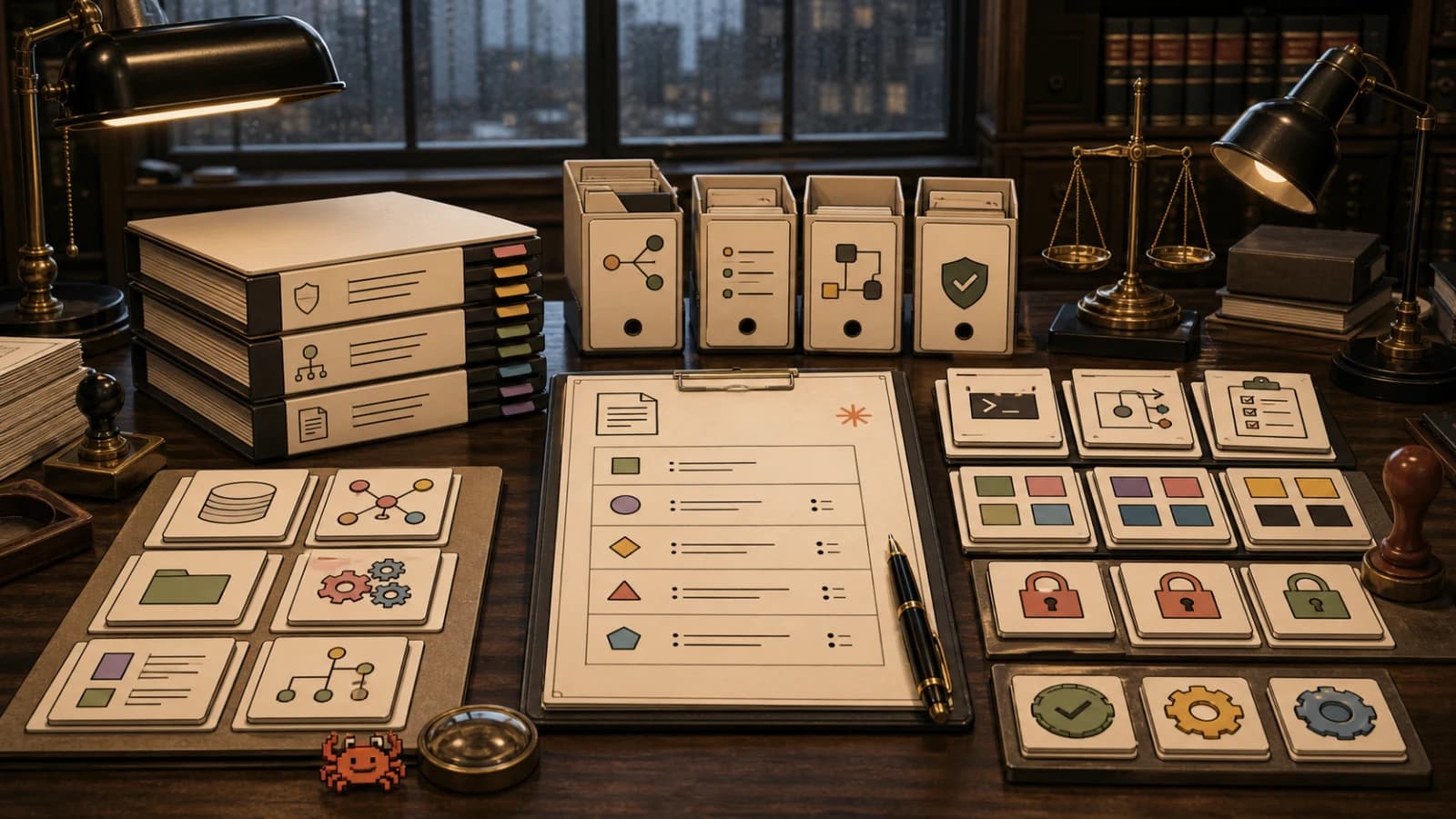
A DESIGN.md at the root of your repo is not documentation. Documentation is a thing humans skim once and forget. DESIGN.md is a contract the agent has to honor every time it produces UI. The framing matters because it changes how you write the file. You are not explaining the system to a new hire who will absorb taste over six months. You are giving an agent a checklist that determines whether the output is acceptable.
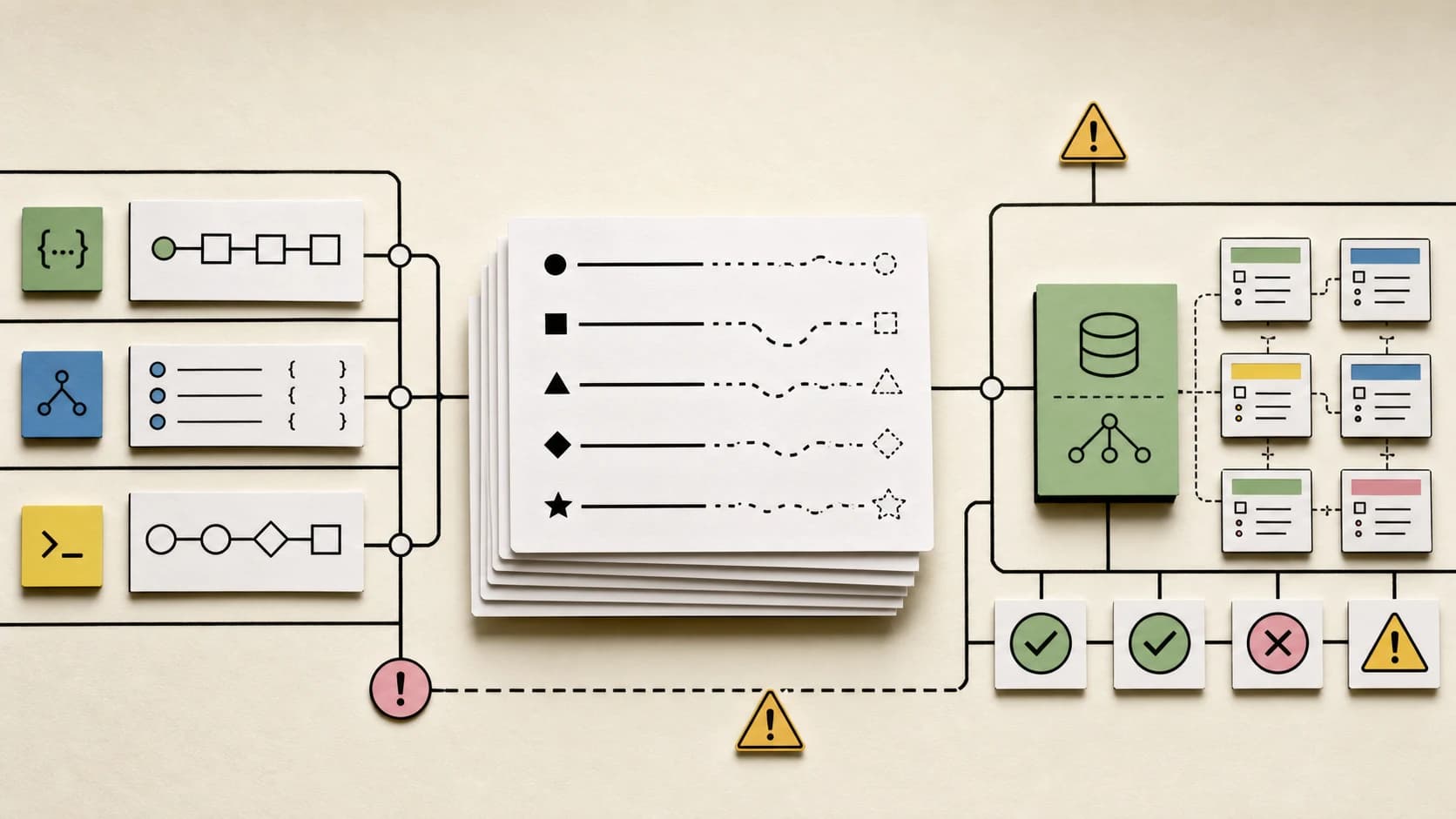
The contract has to be specific enough that compliance is testable. Vague principles like "feel modern but human" are useless. Concrete rules like "buttons are always pill shaped, 8px by 24px padding, primary buttons are black with white text" are enforceable. If the agent ships a square button with a soft shadow, you can point at the line in the file and the conversation is over.
The other reason to treat it as a contract is that contracts get versioned. When you change a token, the file changes. When you ban a pattern, the file changes. The agent reads the current version every session, so the rules stay live instead of going stale in a Notion page nobody opens.
What Goes In It#
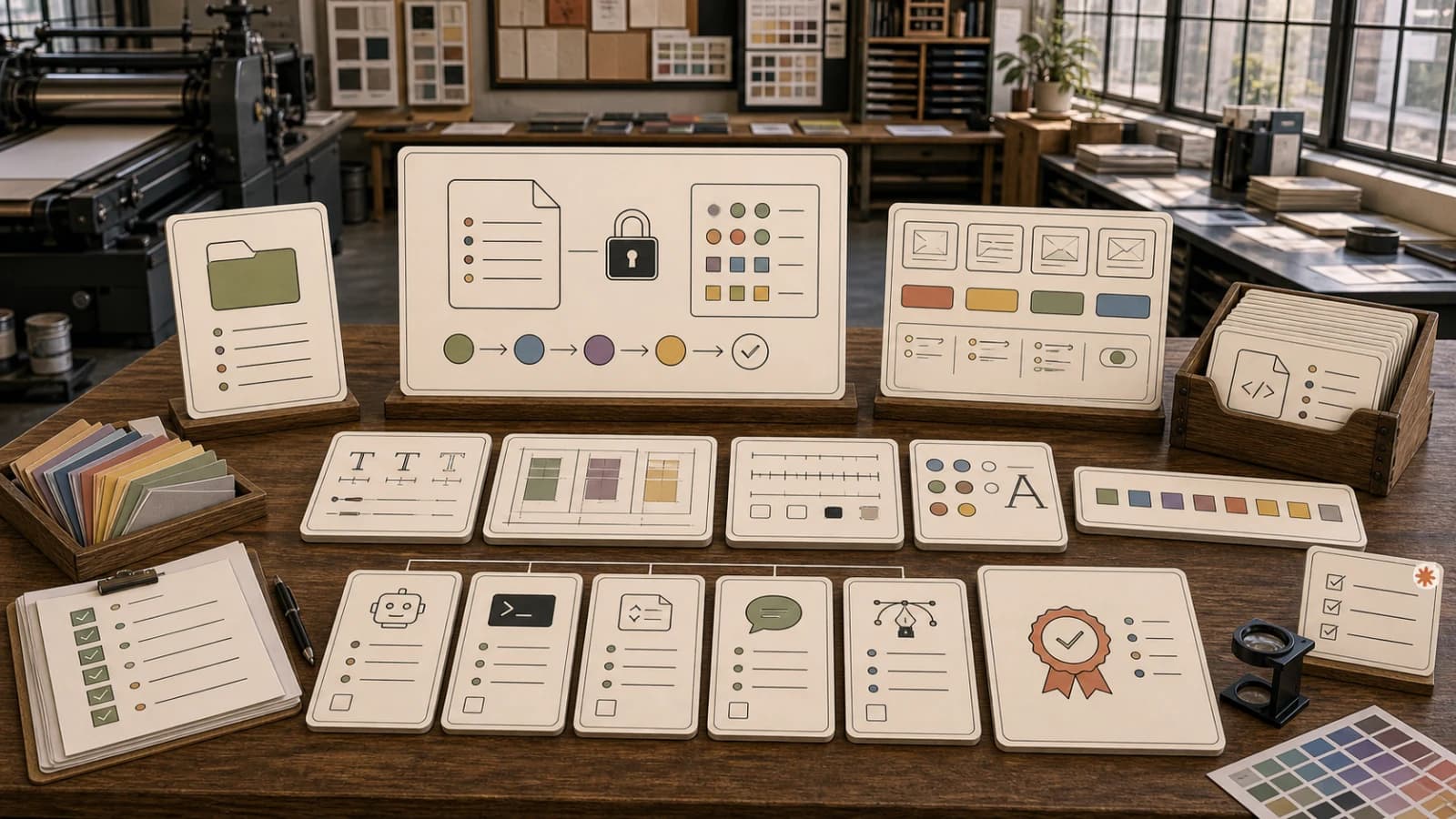
There are six sections that pay for themselves. Skip any of them and the agent will fill the gap with whatever feels reasonable, which is usually wrong.
Palette. Every color the system uses, with hex codes and a one-line job description for each. Not a mood board. A list. Background, surface, foreground, muted text, accent, error. State the rules around adjacency. If accent on background has poor contrast, say so explicitly so the agent does not pair them.
Type scale. Font family, weights you actually use, the specific sizes and line heights for display, headings, body, and labels. Letter spacing rules. Whether negative tracking is allowed. The agent needs numbers, not adjectives.
Spacing and shape. The base grid unit. The radii you allow and what each one is for. The container width and gutter. Whether shadows are permitted. If you use an offset card pattern instead of shadows, describe it precisely enough that the agent can produce it from the description alone.
Component patterns. Buttons, cards, inputs, navigation, badges, code blocks, media frames. For each one, the exact treatment. Utility class names if you have them. The agent should be able to read the file and pick the right class without guessing.
Voice rules. Banned words and phrases. Tone constraints. Whether emojis appear in copy. Whether marketing superlatives are allowed. Voice drifts faster than visuals because the agent has stronger priors about how SaaS landing pages sound.
Banned tokens. The shortest section and the most important one. A flat list of things that are not allowed in this system. Gradients. Box shadows. Glass morphism. Pink text on cream backgrounds. Em dashes. Square buttons. Generic dashboard mockups. Naming the bad patterns kills them faster than describing the good ones.
A Real Example#
For a long time the Developers Digest repo ran on a Gumroad inspired system (since retired for a neutral, hard-edged system). Cream pages, white surfaces, black type, black borders, pink accents, pill buttons, offset layer cards. The live design-system page shows the current shipped tokens and components, while the DESIGN.md at the root stated all of this in roughly two hundred lines. The frontmatter declares the tokens as YAML so they can be parsed. The body explains the intent and the rules.
Three lines from the do-not list illustrate why the file works. Do not use gradients. Do not use box shadows. Do not use pink text on cream backgrounds for important copy. Each one is a specific failure mode the agent would hit otherwise. Each one is short enough that there is no ambiguity.
The components section named the utility classes the codebase actually shipped at the time. btn-pill-primary. gumroad-card. bg-offset-layer. When the agent generates a new card, it reaches for the existing class instead of inventing a new one with slightly different padding. That single behavior is worth more than any amount of prose about consistency.
There is a companion file called DESIGN-DIRECTION.md that captures the strategic layer. Where the system is heading. What to borrow from reference sites. What to avoid. The split matters because the contract layer needs to be stable and the strategy layer needs to evolve. Mixing them produces a file that is too long for the agent to honor and too volatile for humans to trust.
How Claude Code Reads It#
Claude Code looks for context files at the root of the repo by default. CLAUDE.md is the primary entry point. DESIGN.md sits alongside it and gets pulled into context when the work involves UI. The agent does not need to be told to read it. If the file is there and the task is about a component or a page, it shows up.
The practical move is to reference DESIGN.md from CLAUDE.md explicitly. One line that says: for any UI work, follow the rules in DESIGN.md. That removes the ambiguity. The agent treats the design file as load bearing instead of optional reading.
For repos that use Codex or other agentic tools, the same pattern works with a different filename. Whatever entry point the tool reads, point it at DESIGN.md. The file itself stays the same. The wiring around it adapts to the tool.
The other thing that helps is a short section near the top of DESIGN.md that lists banned tokens with no explanation. The agent scans the file and the banned list anchors immediately. If you bury the prohibitions inside paragraphs of prose, they get summarized and softened. A flat list cannot be softened.
Three Traps To Avoid#
Overengineering is the first trap. The temptation is to write a hundred page design system spec with every edge case enumerated. The agent will not read all of it. The humans on your team will not read any of it. Aim for the shortest file that prevents the failures you actually see. If the agent never produces gradients, you do not need to ban them. If the agent ships a gradient every other session, the ban goes at the top.
Treating the file as documentation is the second trap. Documentation describes the system. A contract constrains it. The difference shows up in the verbs. Documentation says "the system uses pill buttons." A contract says "buttons are always pill shaped. Square buttons are not allowed." The second version is enforceable and the first one is decorative.
Drifting from the file is the third trap and the most common one. You write the rules. You build a few components that follow them. Then you ship a one off page that breaks three rules because the deadline was tight. The agent reads the codebase, sees the exception, and starts producing more exceptions. The contract decays from inside the repo. The fix is to either update the file when you make a real exception or refuse the exception. There is no third option that scales.
A related failure is letting the file fall behind the code. If you migrate from one accent color to another and the file still lists the old hex, the agent will use the old hex. Treat DESIGN.md the same way you treat a schema. When the system changes, the file changes in the same commit.
Wiring It Into Practice#
The smallest version of this is one file at the root of the repo, two hundred lines, written as a contract. The next version adds a reference from CLAUDE.md so the agent knows to honor it. The version after that adds a banned tokens section and a brand voice section that ban the words you do not want shipped.
Across the DD app portfolio the same pattern shows up everywhere. Each app has its own DESIGN.md tuned to its surface. The shared rules sit in a brand voice doc that every repo points at. New posts and pages get cross referenced through the comparison page and the apps directory so the agent has working examples to look at when it generates new content. The ten tools post and the meta post on agentic dev workflow show the same approach applied to different surfaces.
The thing to internalize is that agents are not going to develop taste. They are going to follow the rules they are given. If you do not write the rules down, the rules get borrowed from the average of the public web, and the average of the public web is the generic look you are trying to escape. DESIGN.md is the cheapest possible escape hatch. One file. Two hundred lines. The output stops drifting.
The work is not in the writing. The work is in the willingness to be specific. State the palette. State the type scale. State the components. State the bans. Commit it to the root. Reference it from the agent entry point. Update it when the system changes. That is the entire system, and once it is in place the conversation about whether the generated UI is on brand stops being a conversation at all.
FAQ#
What is DESIGN.md and why do AI coding agents need it?#
DESIGN.md is a repo-root file that defines your design system as a contract for AI coding agents. Without it, agents like Claude Code and Codex default to generic web aesthetics - rounded corners, pastel palettes, soft shadows - because they infer rules from public training data. The file gives the agent explicit constraints so generated UI matches your brand instead of drifting toward the average of the internet.
How is DESIGN.md different from regular design documentation?#
Documentation describes a system. A contract constrains it. The difference shows up in verbs. Documentation says "the system uses pill buttons." A contract says "buttons are always pill shaped. Square buttons are not allowed." The second version is enforceable and the agent can comply or fail. Documentation is for humans to absorb over time. DESIGN.md is for agents to honor every session.
What sections should a DESIGN.md include?#
Six sections pay for themselves: palette (every color with hex codes and usage rules), type scale (font families, weights, sizes, line heights), spacing and shape (base grid unit, radii, shadows policy), component patterns (buttons, cards, inputs with exact treatments and class names), voice rules (banned words, tone constraints), and banned tokens (a flat list of prohibited patterns like gradients, box shadows, or em dashes).
How do I reference DESIGN.md from CLAUDE.md?#
Add one line to CLAUDE.md that says: for any UI work, follow the rules in DESIGN.md. This makes the design file load-bearing instead of optional. Claude Code looks for context files at repo root by default, but explicitly wiring DESIGN.md into CLAUDE.md removes ambiguity about when the agent should honor it.
What is the "banned tokens" section and why is it so important?#
The banned tokens section is a flat list of patterns not allowed in your system - gradients, box shadows, pink text on cream, square buttons, em dashes. It is often the shortest section but the most effective. The agent scans the file and the prohibitions anchor immediately. Buried in paragraphs, they get summarized and softened. A flat list cannot be softened.
How long should DESIGN.md be?#
Aim for the shortest file that prevents the failures you actually see. Two hundred lines is a reasonable target for a complete system. Longer files risk the agent skipping sections or summarizing incorrectly. If the agent never produces a failure mode, you do not need to ban it. If it ships the same mistake every session, that ban goes at the top.
What happens when DESIGN.md drifts from the actual code?#
The contract decays from inside. If you ship a one-off page that breaks three rules and the agent reads that page, it starts producing more exceptions. If you migrate to a new accent color and the file still lists the old hex, the agent uses the old hex. Treat DESIGN.md like a schema - when the system changes, the file changes in the same commit.
Does DESIGN.md work with agents other than Claude Code?#
Yes. Codex, Cursor Agent, and other agentic tools read context files the same way. The filename or wiring changes per tool, but the file contents stay the same. Whatever entry point the tool uses, point it at DESIGN.md. The pattern is portable across the current generation of coding agents.
Sources#
- Claude Code Overview
- Claude Code Memory
- Claude Code Skills
- OpenAI Codex
- Tailwind CSS Documentation
- W3C Design Tokens Community Group
Continue Reading#
- Open Design: Extract Any Website into a DESIGN.md That Cursor and Claude Code Understand
- Claude Design, Slides and Docs in Any Conversation - how to use the three artifact types from chat and Claude Code, and their limits
- Claude Code - plans, install routes, and alternatives on one page
- Cursor - plans, pricing, and alternatives on one page
Get the next deep dive like this in your inbox
One email a week on AI and the rest of the AI dev stack. Free.
Read next on Claude Code
How to Write a CLAUDE.md: The Complete 2026 Guide
CLAUDE.md is the highest-leverage file in any Claude Code project. Here's what goes in one, what doesn't, and the patterns that actually ship.
12 min readConstraint Decay Is the Coding Agent Bug Nobody Can Prompt Around
Constraint decay: coding agents pass loose backend tasks, then fail as architecture, database and ORM constraints pile up. The fix is executable constraints.
8 min readWhat Is Claude Code? The Complete Guide for 2026
Claude Code is Anthropic's AI coding agent for terminal, IDE, desktop and browser. What it does, how it works, setup, pricing, MCP, skills, hooks and subagents.
15 min readTechnical content at the intersection of AI and development. Building with AI agents, Claude Code, and modern dev tools - then showing you exactly how it works.