llama.cpp MoE Offload: --n-cpu-moe vs the New Expert Cache
TL;DR
llama.cpp now caches hot MoE experts on the GPU. In the PR author's RTX 5090 run, --cpu-moe plus --moe-cache-mib decoded 2.2x faster than --fit. When to use each flag.
If a mixture-of-experts model does not fit in your GPU, mainline llama.cpp now has an expert cache, --moe-cache-mib, and the right flags depend on the job. For chat and short agent turns on one large card, pair it with --cpu-moe (-cmoe): in the pull request author's RTX 5090 benchmark that generated 67.8 tokens per second against 30.8 for the default --fit layout, 2.2 times faster. For long prompts every turn, use --fit plus a cache of about 10% of the expert size, so whole expert layers stay on the GPU for prompt processing. Keep a hand-tuned --n-cpu-moe for small cards where only a sliver of the experts fits.
Last updated: October 9, 2026 - flags checked against the current llama-server README, benchmarks taken from the two merged pull requests and their review threads, including one post-merge regression report. We have not run these configurations ourselves; every number below is labelled with who measured it.
What shipped this week#
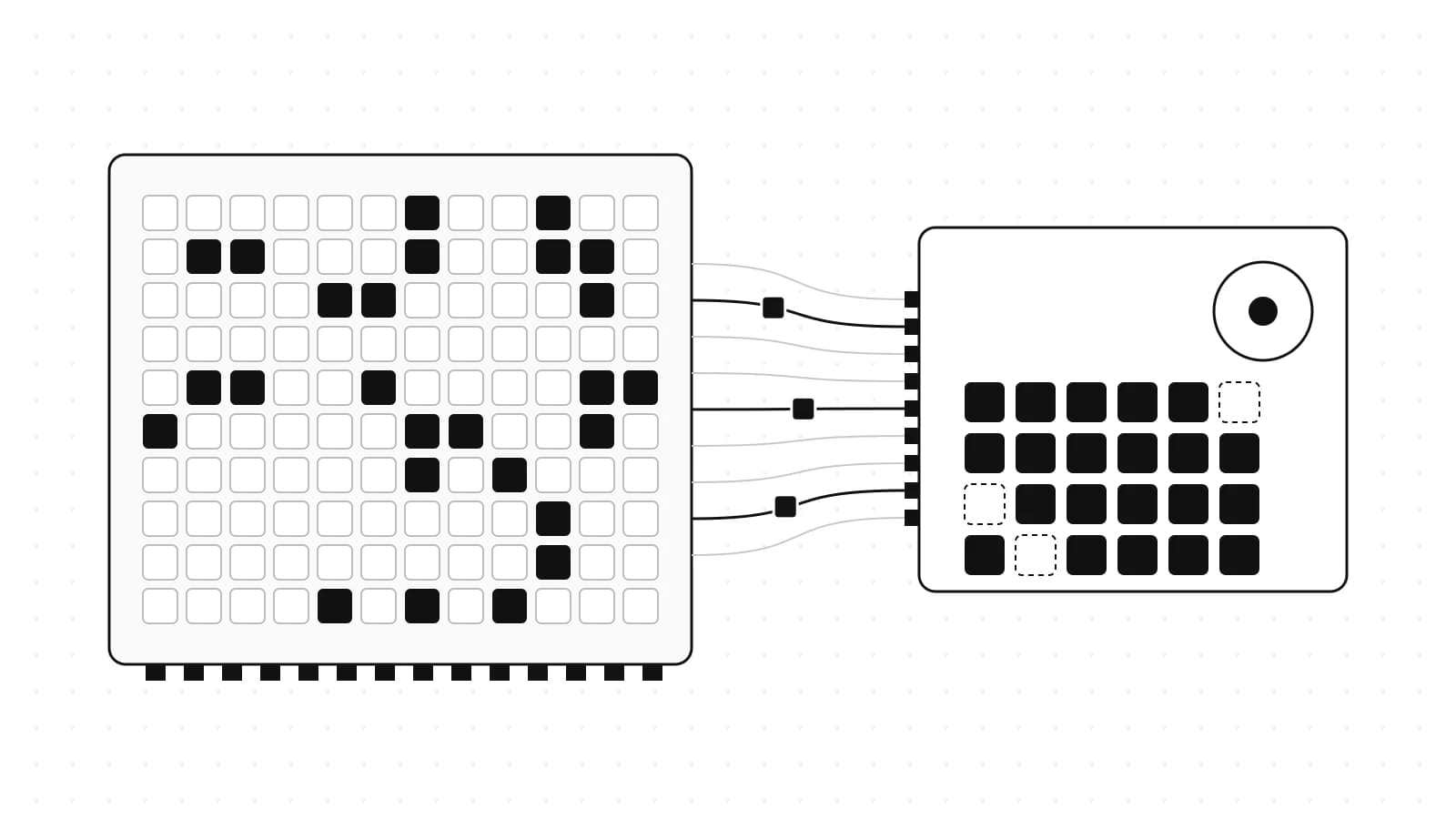
On October 7, Georgi Gerganov merged pull request #29887, "llama : add a GPU cache for MoE experts kept in host memory", and tagged it as a release highlight. The author, am17an, describes it as a port of the expert cache from the qvac-fabric fork: when experts live in system RAM, the expert matrix multiply for small batches now runs on the GPU from a least-recently-used cache of experts, and only the cache misses are uploaded over PCIe. One day later, #30112 extended it to multiple GPUs.
That matters because MoE models are the local-model story of 2026. A model like Qwen3.8-Flash-Next has 125B parameters but activates about 6B per token, so most of its weight is experts that sit idle on any given token. Until now, mainline llama.cpp gave you two ways to place them: on the GPU, or in RAM where the CPU computes them. The cache adds a third, and it is the idea third-party engines such as Strata built their speed on.
Official Sources#
| Resource | What it confirms |
|---|---|
| llama.cpp #29887 | The cache design, the 32-token batch limit, the single-GPU benchmark table, the 10% sizing rule |
| llama.cpp #30112 | Multi-GPU support, the 2x RTX 4090 benchmark table and a post-merge GLM 5.3 Flash regression report |
| llama-server README | Current flag names, defaults and how the cache is split across GPUs |
Five flags that decide where experts live#
| Flag | What it does (README wording, paraphrased) | Who decides placement |
|---|---|---|
--fit (default on) | Adjusts unset arguments so the model fits in device memory | llama.cpp, automatically |
-ncmoe, --n-cpu-moe N | Keeps the expert weights of the first N layers in system RAM | You, by layer count |
-cmoe, --cpu-moe | Keeps all expert weights in system RAM | You, all or nothing |
-ot, --override-tensor <pattern>=<buffer type> | Places any tensor matching a pattern on a chosen device | You, per tensor |
--moe-cache-mib N (new) | A GPU cache, in MiB, for the experts kept in RAM. Default 0, disabled | llama.cpp, per token, by recency |
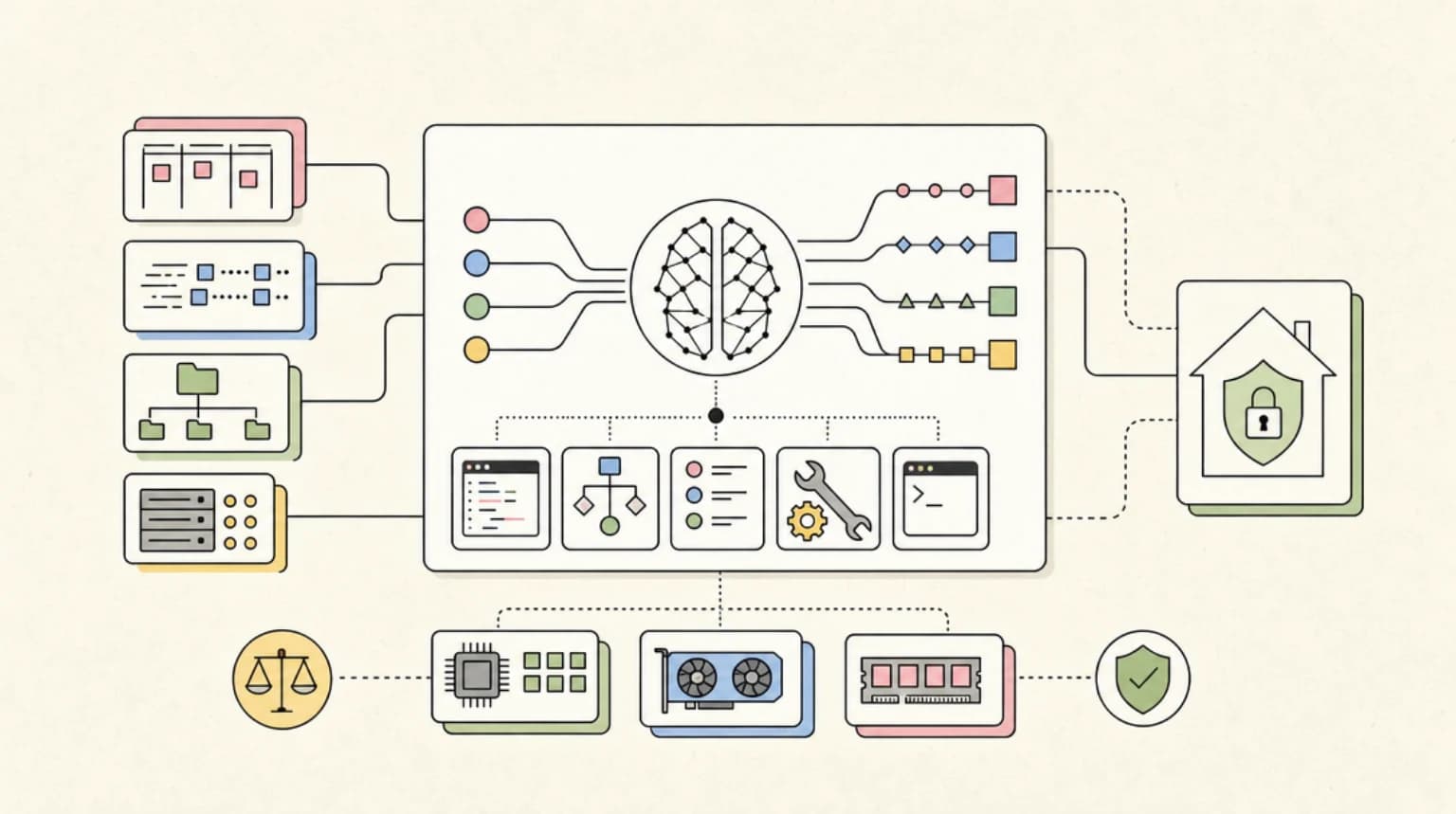
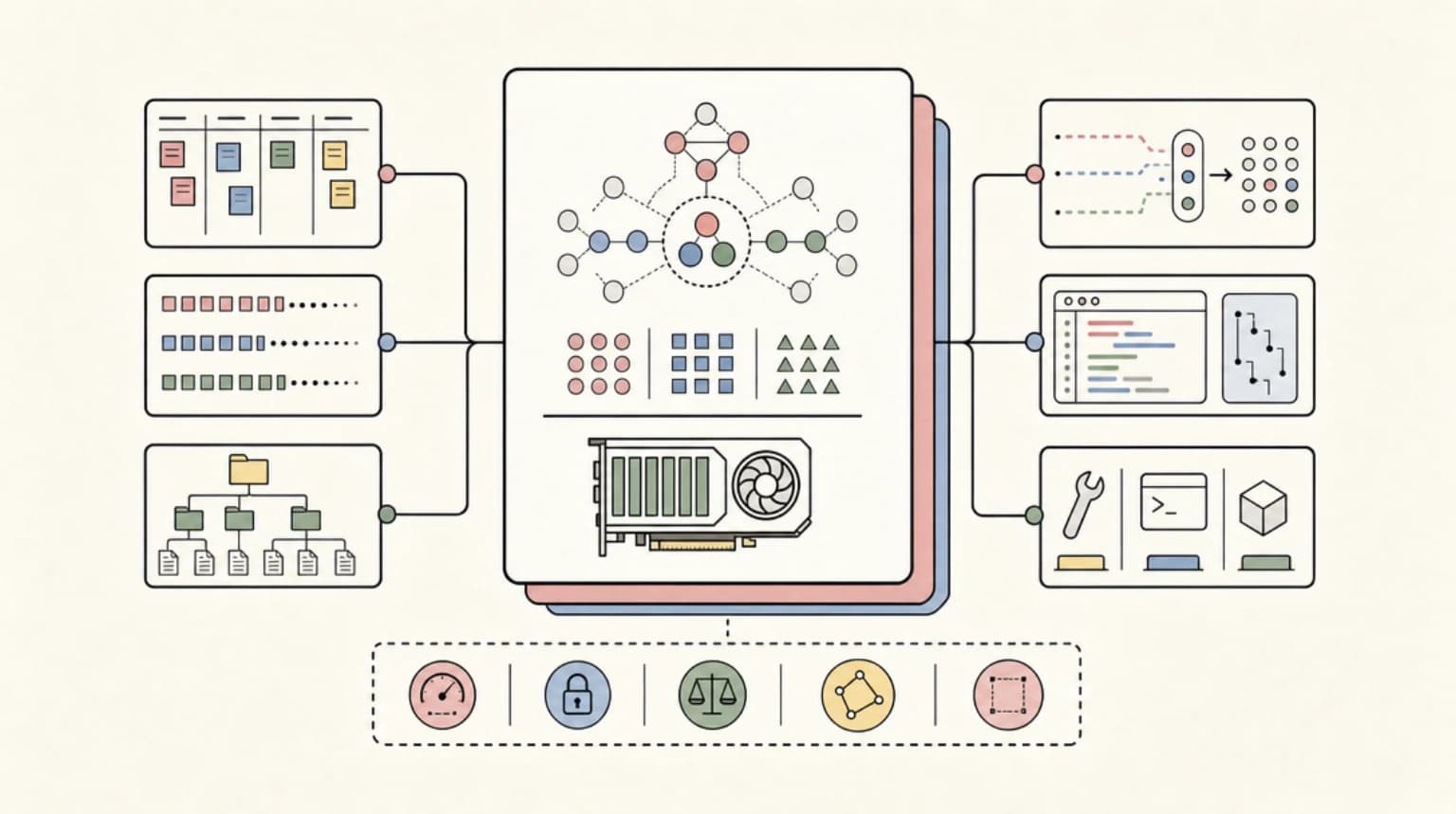
The first four flags are static: a given expert is either on the GPU or in RAM for the whole session. The cache is dynamic. Experts that keep getting picked by the router stay resident in VRAM, and an expert that has not been used recently is evicted to make room.
Two limits from the pull request decide when it helps. It only applies to batches of 32 tokens or fewer, so token generation benefits and long prompt processing falls back to the regular offload path. And it competes with whole expert layers for the same VRAM: with the cache on, --fit counts the cache and keeps fewer full expert layers on the GPU.
Benchmarks, labelled#
All of these are measured by the pull request author on Qwen3.8-Flash-Next Q4_0 (93.7 GiB, of which 65.4 GiB are experts), an EPYC 7742 with 16 threads, PCIe 4.0 x16, llama-server -fa on -c 32768 -b 2048 -ub 2048 -t 16, temperature 0, generation speed in tokens per second:
| GPU | Config | Experts in VRAM (layers + cache) | Generation t/s | Speed-up | Cache hit rate |
|---|---|---|---|---|---|
| RTX 4090 | --fit (default) | 16.5 + 0 GB | 25.0 | 1.00x | - |
| RTX 4090 | --fit --moe-cache-mib 6544 | 10.4 + 6.4 GB | 39.4 | 1.57x | 72% |
| RTX 4090 | -cmoe --moe-cache-mib 11000 | 0 + 10.7 GB | 40.7 | 1.62x | 77% |
| RTX 5090 | --fit (default) | 24.5 + 0 GB | 30.8 | 1.00x | - |
| RTX 5090 | --fit --moe-cache-mib 6544 | 17.9 + 6.4 GB | 54.5 | 1.77x | 77% |
| RTX 5090 | -cmoe --moe-cache-mib 19000 | 0 + 18.6 GB | 67.8 | 2.20x | 89% |
The multi-GPU pull request measured the same model on two RTX 4090s, and this is where the trade shows up. Generation went from 34.78 to 64.39 tokens per second with -cmoe --moe-cache-mib 15000, but prompt processing fell from 440.7 to 321.5 tokens per second (0.73x). The middle setting, --fit --moe-cache-mib 6544, kept 91% of prompt speed while still generating 1.74 times faster. These are the author's numbers on one model; a user's report on another model after the merge went the other way (see Where it breaks).
Independent reports from the review thread, each a single tester on their own box:
- AMD works. One tester built it with ROCm/HIP on a Radeon AI PRO R9700 (32 GB) using
-cmoeto simulate a smaller card: 11.0 tokens per second with no cache, 14.5 at 8,000 MiB and 27.6 at 16,000 MiB, with decode hit rates of 85% and 94.6%. Prompt processing did not drop on that machine. - A 16 GB card gains, by less. A fork commit that ported the pull request, linked from the review thread, reports a whole Qwen3.8-Flash-Next UD-IQ3_XXS (78 GB) on one RTX 5060 Ti 16 GB with 62 GB of RAM and
--cpu-moe: generation went from 14.95 to 19.26 tokens per second (1.29x) with--moe-cache-mib 8000, and prompt speed stayed at about 89 tokens per second. - Smaller caches gain less. Another tester on one RTX 3090 measured the cache at 1 to 5% faster than a tuned
--n-cpu-moe 44layout. A tuned manual split is a much stronger baseline than the default. - Forcing it across two GPUs before #30112 was slower. Two testers patched out the single-GPU guard and measured 11 to 34% slower generation than their no-cache layouts, with one describing the result as PCIe-bound at a 58% hit rate (that tester did see prefill improve with the cache).
The 2.2x headline is the author's result on a 32 GB card with room for a 19,000 MiB cache; the independent single-GPU reports run from 1.01x to 2.5x depending on how much of the experts the cache can hold. The lesson is consistent: the cache pays off when it can hold a large share of the experts the router actually uses. High hit rate, big win; low hit rate, you are shipping experts over PCIe for nothing.
What it means for one agent turn#
Coding agents spend most of their wall-clock time in two phases: reading a long prompt and writing a reply. Using the author's RTX 5090 numbers, a 500-token reply takes about 16 seconds at 30.8 tokens per second and about 7 seconds at 67.8. Over a 30-turn agent session, that is roughly 8 minutes of generation down to under 4.
The prompt side moves the other way when you go all-in on the cache. Using the two-4090 numbers, reading a 20,000-token prompt takes about 45 seconds at 440.7 tokens per second and about 62 seconds at 321.5. An agent that re-reads a large context every turn can lose part of what it gained, which is why the middle --fit plus a modest cache setting exists.
Pick by task#
| Your situation | Pick | Why |
|---|---|---|
| The whole model fits in VRAM | No offload flags | Every expert is already on the GPU; a cache has nothing to do |
| One GPU, chat or short agent turns, model spills to RAM | -cmoe --moe-cache-mib <most of your free VRAM> | Largest generation gain in the author's runs: 2.2x on a 5090 at an 89% hit rate. Independent single-GPU reports are smaller, such as 1.29x on a 16 GB card |
| One GPU, long prompts every turn (big repos, large RAG contexts) | --fit --moe-cache-mib <about 10% of expert size> | Keeps whole expert layers on the GPU for prompt processing while still caching hot experts. Inferred from the author's two-GPU run, where this setting kept 91% of prompt speed; no single-GPU prompt figure for it is published yet |
| Small card, about 5% of experts fit | --n-cpu-moe N tuned by hand, then test a cache | Hit rates fall with cache size, and misses cost PCIe bandwidth |
| Two or more GPUs | Current master, cache split by --tensor-split, benchmarked against your no-cache layout | #30112 added support and measured 1.74x to 1.85x on 2x RTX 4090, but a post-merge GLM 5.3 Flash report saw generation halve at a 44% hit rate |
| Draft model for speculative decoding | Keep the draft's experts on GPU (-ncmoed 0) | A tester on two GPUs without the cache found generation much worse when draft experts were not on GPU |
| You want the most tuned expert placement today | A third-party engine such as Strata | It keeps the most-used experts on the GPU, but you leave mainline llama.cpp |
How to size the cache#
The pull request author's rule of thumb: about 10% of total expert size is a good starting point. For a model with 65.4 GiB of experts, that is the 6,544 MiB setting in the table above. From there:
- Check that your build has it:
llama-server --help | grep moe-cache. If nothing prints, update llama.cpp. - Start with
--moe-cache-mibat roughly 10% of the expert size and watch the startup log. The cache prints a line with its size and the total MiB of host experts. - One tester read hit rates from the info-level stats line using
-lv 4and a clean exit. Another, whose cache ended up slower than no cache at a 58% decode hit rate, pointed to 75% or more, a threshold raised earlier in the review thread, as the range where it pays off. If you are well below that, the cache is too small for that model. - Raise the number until you run out of VRAM headroom, then compare against
-cmoewith the same cache, and against your best--n-cpu-moe Nwithout one. Keep whichever wins on your real workload, not on a short benchmark prompt.
Gerganov posted the preset he found fastest on his RTX 5090 in the review thread: cmoe = 1, moe-cache-mib = 16384, a 131,072-token context, q8_0 KV cache and 4,096 batch and micro-batch sizes, written in the INI format that llama-server's --models-preset option reads. Treat it as a starting point for a 32 GB card, not a universal answer: Gerganov reported about 1,300 tokens per second of prefill with it on a DDR5 machine, while another RTX 5090 owner with 64 GiB of DDR5-6200 reported about 500 of prefill and 40 to 60 of decode on the same config.
Where it breaks#
- Single device by design at first. The original pull request refused multiple devices. Multi-GPU arrived a day later, and the current README says the cache size is split across GPUs the same way layers are, following
--tensor-split. A commenter on #30112 points out that with-ts 1,0the second card gets no cache at all, even when it has free VRAM. - Some models and layouts get slower, even on current master. Hours after #30112 merged, a user reported on the pull request that on their two-GPU box running GLM 5.3 Flash with the cache enabled, generation fell from about 33 to 16 tokens per second and prompt processing was about 10% slower. Their log shows a 9,991 MiB cache on the second GPU for 99,648 MiB of host experts, close to the 10% starting point, and a 43.54% hit rate on small ubatches (8 tokens or fewer). It is one report with no reply from the author yet, but it fits the pattern above: at a low hit rate the cache spends its time uploading experts over PCIe. The author's multi-GPU numbers cover one model on 2x RTX 4090, so treat other models and layouts as unproven until you benchmark them against your no-cache setup.
- Prompt processing can get slower. The cache only covers batches of 32 tokens or fewer, so moving whole expert layers off the GPU to make room for it can cut prompt speed, as the 0.73x figure above shows.
- Sampling oddities are not ruled out. One tester saw a reasoning trace degenerate into a repeated word with the cache on, and not with it off. It went away after changing
top-k, so it is unconfirmed, but worth knowing if output looks wrong after enabling it. - Not every fork follows. At least two forks with their own expert caches dropped the upstream one when merging master. If you run a fork, check which cache it actually uses.
FAQ#
What does --moe-cache-mib do in llama.cpp?#
It reserves N MiB of GPU memory as a least-recently-used cache for the MoE experts that live in system RAM. Expert computation for small batches, which is most of token generation, runs on the GPU from that cache, and only experts that are not already cached get uploaded. It is off by default (0).
Should I use --cpu-moe or --n-cpu-moe?#
--cpu-moe keeps every expert in RAM and is the cleanest pairing with a large cache: the author's best single-GPU results used it. --n-cpu-moe N keeps only the first N layers' experts in RAM, so the rest stay on the GPU as whole layers. --fit makes a similar layer-by-layer split for you, which is why the long-prompt pick above is --fit plus a modest cache rather than -cmoe. Tune --n-cpu-moe N by hand when your cache would be small: one tester on an RTX 3090 found the cache only 1 to 5% faster than a tuned --n-cpu-moe 44.
How much should --moe-cache-mib be?#
Start at about 10% of the model's total expert size, per the pull request author, then raise it while the decode hit rate climbs. On an RTX 5090 with 65.4 GiB of experts, the author's best result used 19,000 MiB. A cache near 10% is a starting point, not a guarantee: the GLM 5.3 Flash report above used about that much and ran slower than no cache.
Does the llama.cpp MoE cache work on AMD GPUs?#
A tester built and ran it with ROCm/HIP on a Radeon AI PRO R9700 and measured up to 2.5 times faster generation with a 16,000 MiB cache. A reviewer in the thread notes the implementation is backend-agnostic, but most published numbers are from NVIDIA cards.
Does it help if the model already fits in VRAM?#
No. The cache only serves experts kept in system RAM. If every expert is already on the GPU, there is nothing to cache.
Sources#
| Source | URL |
|---|---|
| llama.cpp #29887, MoE expert GPU cache (design, benchmarks, review thread), read October 9, 2026 | https://github.com/ggml-org/llama.cpp/pull/29887 |
| llama.cpp #30112, MoE cache over multiple GPUs (benchmarks, sizing discussion, post-merge regression report), read October 9, 2026 | https://github.com/ggml-org/llama.cpp/pull/30112 |
| llama-server README, flag reference, fetched October 9, 2026 | https://github.com/ggml-org/llama.cpp/blob/master/tools/server/README.md |
| llama.cpp releases page | https://github.com/ggml-org/llama.cpp/releases |
| r/LocalLLaMA discussion of #29887 (community questions on sizing for 8 GB cards) | https://www.reddit.com/r/LocalLLaMA/comments/1x03xkc/llama_add_a_gpu_cache_for_moe_experts_kept_in/ |
Continue Reading#
- Run Qwen3.8-Flash-Next on a Gaming PC With Strata - the third-party engine that made expert caching famous, with its own speed table for 12 GB cards
- Ollama vs LM Studio vs vLLM vs llama.cpp: Picking a Local Runtime for Coding Agents - when dropping down to raw llama.cpp flags is worth it at all
- The Best Local Coding LLMs in 2026 - which models are worth these flags in the first place
- GLM-5.2 Local Deployment: Running Z.ai's 744B Model on Consumer Hardware - MoE offloading at the extreme end, with 256 GB of RAM
- Colibri: Run GLM 5.2 on a 32GB Laptop With Disk Streaming - the same LRU-expert idea taken to disk, for machines without a big GPU
Get the next comparison like this in your inbox
One email a week on Local LLM and the rest of the AI dev stack. Free.
Read next on local and open-weight models
Run Qwen3.8-Flash-Next on a Gaming PC With Strata
Strata runs the 125B Qwen3.8-Flash-Next on a 12 GB GPU with 64 GB of RAM at up to 94 tokens per second. Hardware needs, speeds by quant, the license catch, and when the $0.15 hosted API is the better call.
8 min readOllama vs LM Studio vs vLLM vs llama.cpp: Picking a Local Runtime for Coding Agents
A fair, sourced comparison of the four runtimes developers reach for when they want a coding agent talking to a model on their own hardware instead of an API: Ollama's convenience, LM Studio's GUI, vLLM's throughput, and llama.cpp's control. What each is actually for, and which to pick.
10 min readThe Best Local Coding LLMs in 2026: Run Enterprise-Grade AI Without the Cloud
Choosing a local coding LLM in 2026 means balancing benchmark performance, hardware cost, and the compliance pressure to keep code off third-party servers. Here is what to run and on what hardware.
8 min readNew here? Start with
Technical content at the intersection of AI and development. Building with AI agents, Claude Code, and modern dev tools - then showing you exactly how it works.