How to Keep API Keys Away From Your AI Coding Agent: Claude Code vs Codex vs Cursor vs Gemini CLI
TL;DR
A deny rule on .env stops cat but not a Python one-liner.
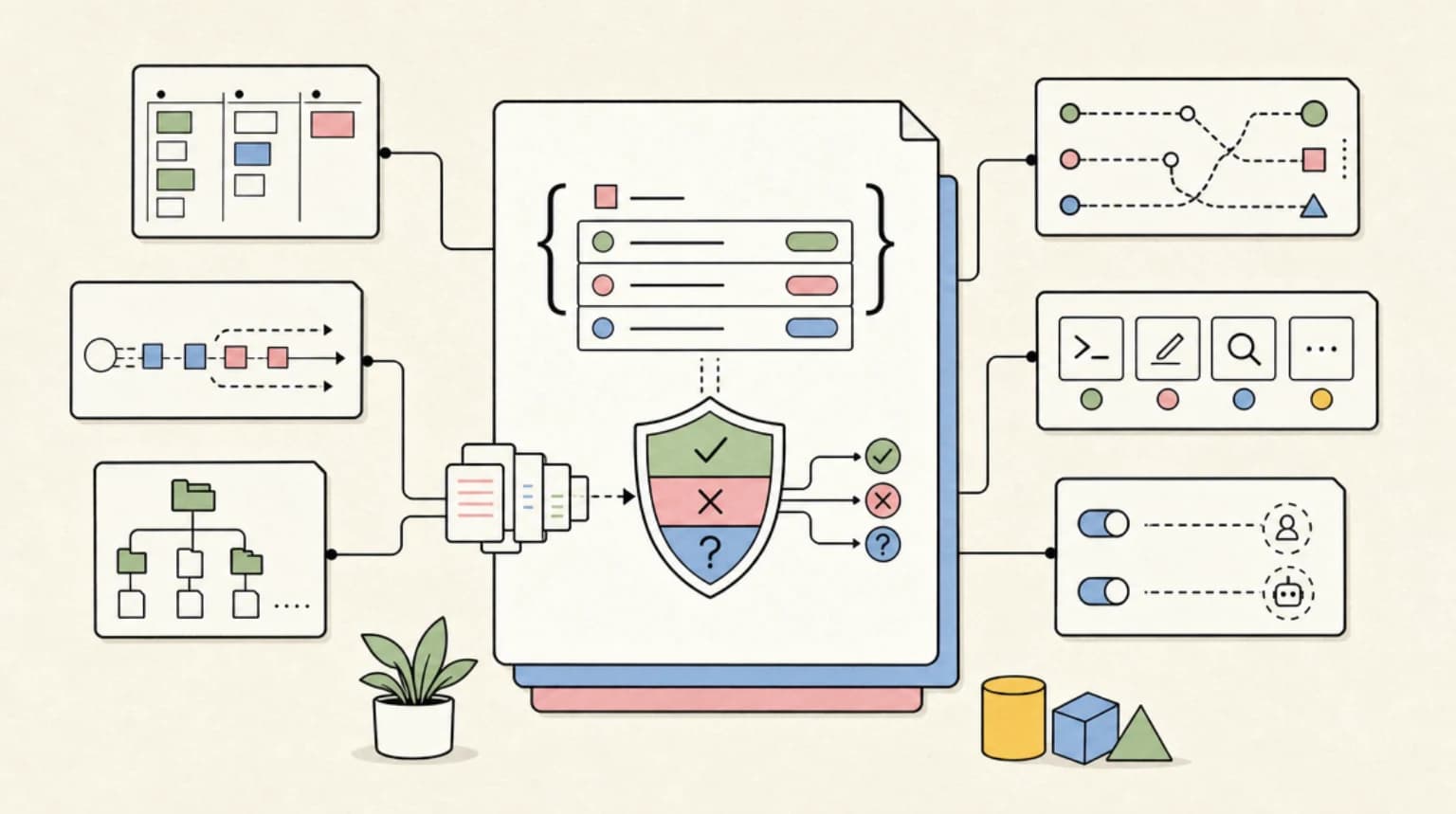
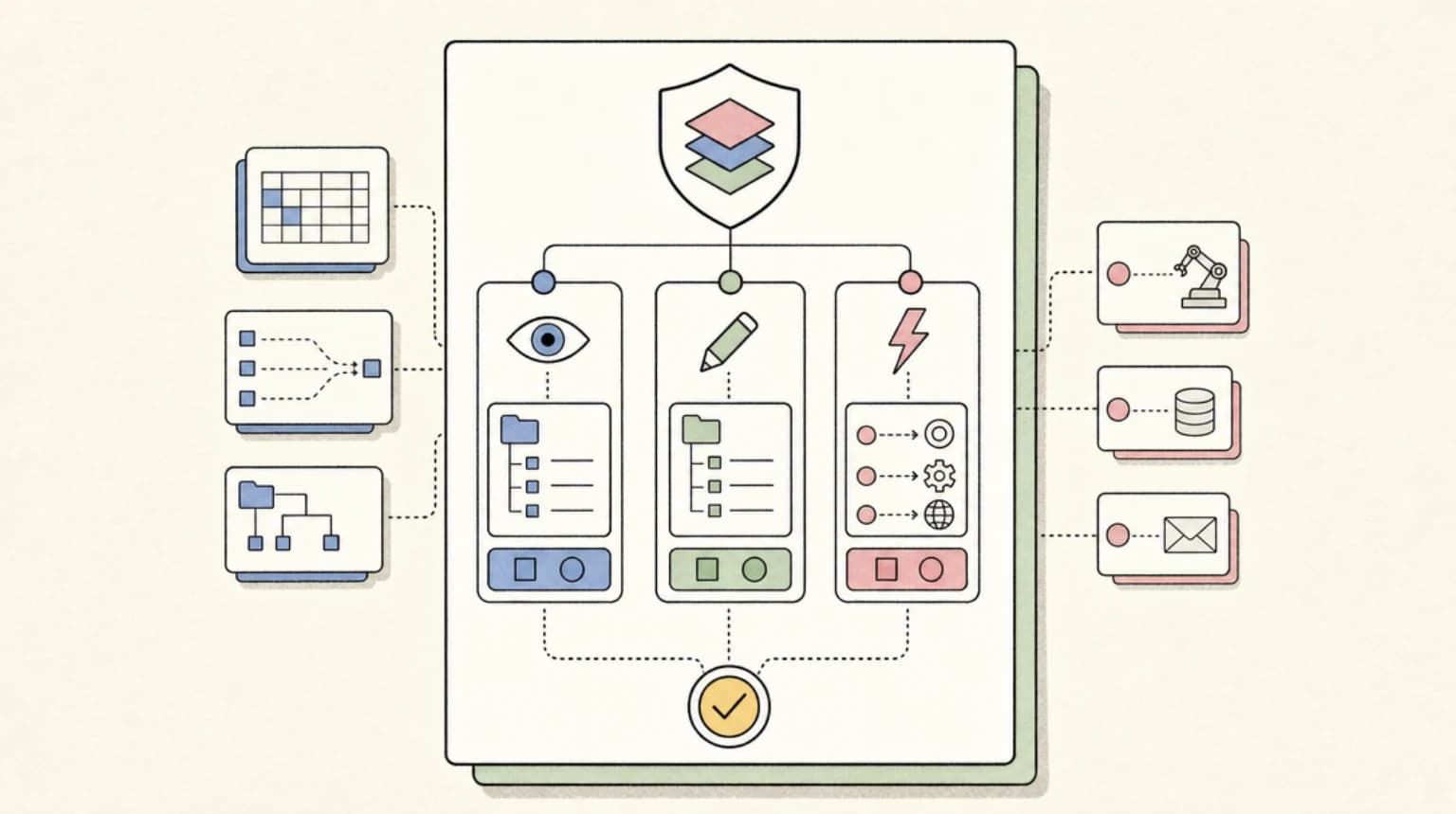
Keeping secrets away from an AI coding agent takes three separate controls, and most setups only have the first one. A file rule (a Read(.env) deny, a .cursorignore) stops the agent's file tools and, in Claude Code, plain cat. It does not stop a script the agent writes and runs. An environment scrub stops keys you exported in your shell from leaking into every command the agent spawns. And credential masking, where the agent only ever holds a placeholder, is the one layer where a successful prompt injection still walks away with nothing.
Last updated: October 9, 2026. Claude Code behaviour was tested on v2.1.295 with fake keys; Codex, Cursor and Gemini CLI rows come from their current docs, linked inline.
This came up again this week in a r/AI_Agents thread where the poster went to clean up an old agent project and found a .env still holding a live Gmail refresh token, a Notion integration secret and an OpenAI credential. That is the normal state of a developer laptop in 2026. The question is not whether the files exist, it is which of them the agent can reach, and the honest answer differs a lot between tools.
The short answer#
- Claude Code: the most complete set today.
permissions.denyblocks the Read tool and recognised shell file commands,CLAUDE_CODE_SUBPROCESS_ENV_SCRUB=1strips credentials from every subprocess, andsandbox.credentialscan deny or mask specific files and variables at the OS level. - Codex: strong on environment control (
shell_environment_policy), and beta permission profiles can deny reads of**/*.envinside the sandbox. Note that the automatic KEY/SECRET/TOKEN exclusion is off by default. - Cursor:
.cursorignore(with.env*on the default ignore list) keeps files out of Agent, Tab and @ mentions, but the docs say plainly that the terminal and MCP tools cannot be blocked by it. - Gemini CLI:
.geminiignorefor tools that respect it, plus environment variable redaction. The settings reference lists redaction asfalseby default, so turn it on explicitly. - Everywhere: the strongest fix is not having a plaintext secret on disk at all. Keep references in
.envand inject real values at run time with a secrets manager CLI.
Layer 1: the file rule, and the gap it leaves#
Every agent has some version of "do not read this file". The useful question is which code paths honour it. Claude Code's permissions documentation is unusually precise about this: Read and Edit deny rules apply to the built-in file tools, to file commands it recognises in Bash such as cat, head, tail, sed and tee, and to redirection targets. They "don't apply to a command that reads files without naming them", or to "arbitrary subprocesses that read or write files indirectly, like a Python or Node script that opens files itself".
We checked both halves on Claude Code 2.1.295 with a throwaway .env containing DEMO_API_KEY=sk-demo-not-a-real-key-0001 and this settings file:
{
  "permissions": {
    "deny": ["Read(.env)", "Read(.env.*)"]
  }
}
Asked to run cat on the file, the agent was stopped:
$ claude -p "Run exactly this shell command ...: cat tmp-secrets-lab/.env" \
    --settings deny.json --allowedTools "Bash(cat:*)"
Permission to use Bash with command `cat tmp-secrets-lab/.env` has been denied.
Asked to run a Python one-liner that opens the same file, it was not:
$ claude -p "Run exactly this shell command ...: python3 -c \"print(open('tmp-secrets-lab/.env').read())\"" \
    --settings deny.json --allowedTools "Bash(python3:*)"
DEMO_API_KEY=sk-demo-not-a-real-key-0001
That is the documented behaviour, not a bug. A deny rule is a guard on known paths, which is why our Claude Code permissions guide treats it as the floor rather than the ceiling. Two more details from the same docs page are worth knowing: a bare Read(.env) matches at any depth (gitignore semantics), and a .claudeignore file has no effect at all, so move any entries from it into deny rules.
Cursor's equivalent is .cursorignore. It blocks ignored files from Agent, Tab, Inline Edit and @ mention references, and .env* is on the default ignore list, so a fresh project already has the obvious file covered. The same page says "the terminal and MCP server tools used by Agent cannot block access" to ignored files, and that complete protection "isn't guaranteed due to LLM unpredictability". Gemini CLI's .geminiignore is scoped to "tools that respect this file", which is the same shape: a file-tool filter, not a process boundary.
To close the gap you need the OS to enforce the rule for every process. In Claude Code that means turning on the sandbox and adding sandbox.filesystem.denyRead entries; in Codex it means a permission profile (beta) with a deny glob. We compared the sandboxes themselves in Local Sandboxes Compared; here is the secrets-specific Codex config, adapted from the docs example:
default_permissions = "project-edit"

[permissions.project-edit]
extends = ":workspace"

[permissions.project-edit.filesystem.":workspace_roots"]
"**/*.env" = "deny"
On Linux, WSL and native Windows the docs ask for glob_scan_max_depth when you use an unbounded ** pattern. Windows users should also read two community reports before relying on this: #31265 (deny-read rule ineffective on native Windows, still open) and #42184 (a :root deny profile still allowing reads, since closed).
One sharp edge on the Claude Code side: the sandbox wraps shell commands only. The docs list the built-in Read tool, hooks, local MCP servers and status line commands as running outside it, so you need both the permission rule (for the Read tool) and the sandbox rule (for shell commands). Neither alone covers the other.
Layer 2: what the agent inherits from your shell#
The file is half the problem. If you ran export OPENAI_API_KEY=... in your shell profile, or launched the agent from inside op run or doppler run, every command the agent spawns inherits that value, and printenv is all it takes to read it. We tested this on Claude Code with a fake token:
$ DEMO_SERVICE_TOKEN=demo-token-not-real-0002 claude -p "... printenv DEMO_SERVICE_TOKEN" \
    --allowedTools "Bash(printenv:*)"
demo-token-not-real-0002

$ CLAUDE_CODE_SUBPROCESS_ENV_SCRUB=1 DEMO_SERVICE_TOKEN=demo-token-not-real-0002 claude -p "... printenv DEMO_SERVICE_TOKEN" \
    --allowedTools "Bash(printenv:*)"
EMPTY
The environment variables reference says CLAUDE_CODE_SUBPROCESS_ENV_SCRUB=1 strips credentials from Bash commands, hooks and stdio MCP servers, recognising them "by its variable name or its value". Read the exceptions before you rely on it: GITHUB_TOKEN and GH_TOKEN are deliberately left in place so gh keeps working, and a secret whose name and value both look innocent survives. On Linux it also moves Bash subprocesses into their own PID namespace so they cannot read other processes' environments through /proc. To remove a GitHub token as well, add a deny entry for it under sandbox.credentials.envVars.
Codex handles this with shell_environment_policy. The docs example:
[shell_environment_policy]
inherit = "core"
set = { MY_FLAG = "1" }
ignore_default_excludes = false
[shell_environment_policy.filters]
"AWS_*" = "exclude"
"AZURE_*" = "exclude"
The line that matters is ignore_default_excludes = false. The docs say it "defaults to true, so Codex doesn't automatically remove variable names containing KEY, SECRET, or TOKEN". Out of the box, a Codex shell command sees the same secrets your shell does. inherit = "none" plus an include allowlist is the strictest option if your build only needs a handful of variables.
Gemini CLI has environment variable redaction that matches names containing TOKEN, SECRET, PASSWORD, KEY, AUTH and similar, plus known secret value shapes. The docs disagree with themselves on the default: the prose says it redacts "automatically", while the settings table lists security.environmentVariableRedaction.enabled as false and the hooks best-practices page says it is "currently OFF by default". Set it yourself:
{
  "security": {
    "environmentVariableRedaction": {
      "enabled": true
    }
  }
}
Cursor's ignore-file docs do not cover environment variables, so for Cursor the practical move is the one in the next section: do not launch the editor with production secrets in its environment.
Layer 3: the agent holds a placeholder, not the key#
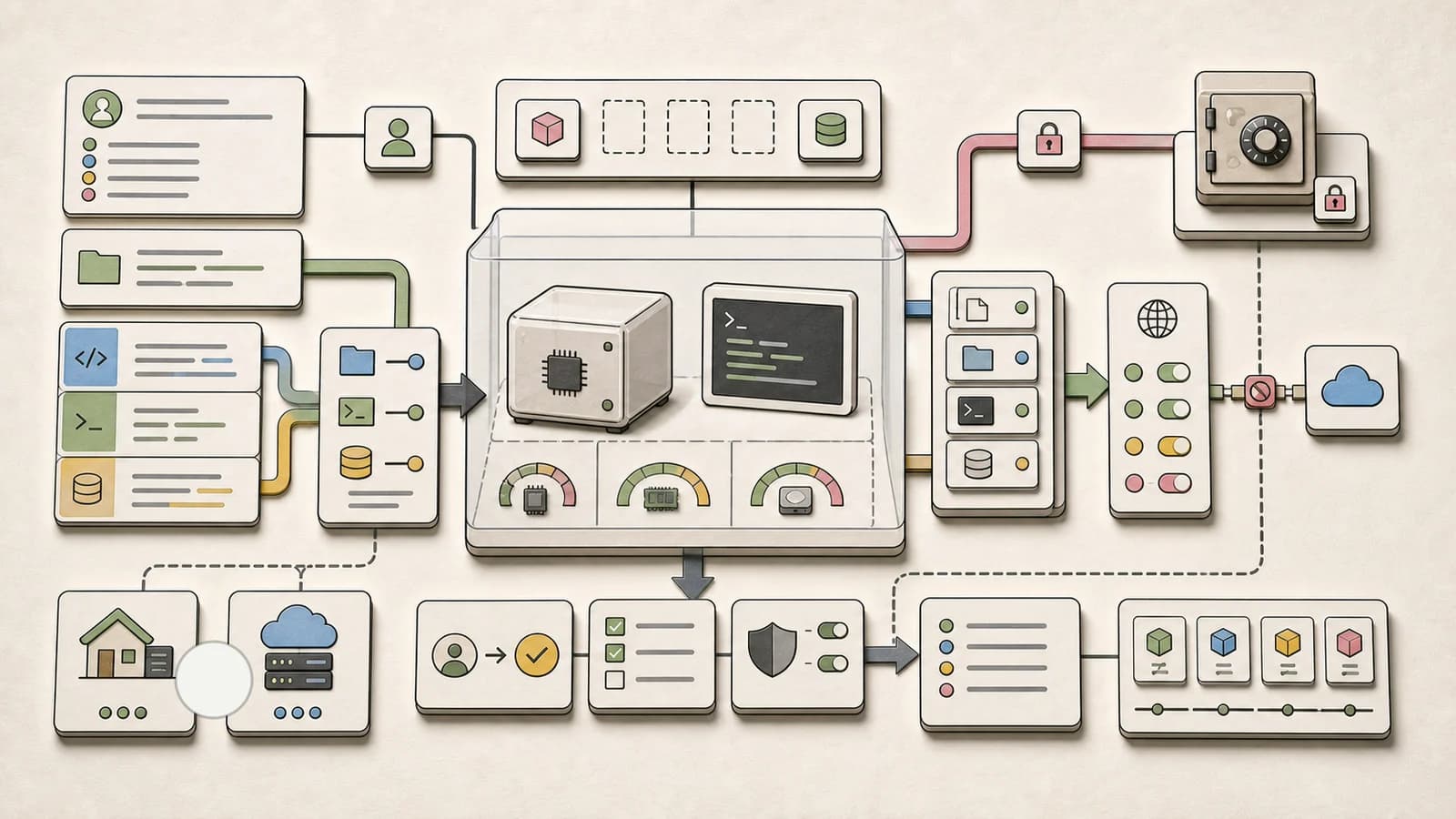
The first two layers decide whether the agent can see a secret. The third assumes it will run code that needs one (a test hitting a staging API, npm publish, an AWS call) and keeps the real value out of the process anyway. Of the four, Claude Code is the only one whose current docs describe this built in. With the sandbox on, a mask entry under sandbox.credentials gives commands a per-session placeholder, and the sandbox proxy swaps in the real value only on outbound requests to hosts you allow. The docs example:
{
  "sandbox": {
    "enabled": true,
    "network": {
      "tlsTerminate": {},
      "allowedDomains": ["*.github.com", "registry.npmjs.org"]
    },
    "credentials": {
      "envVars": [
        { "name": "GH_TOKEN", "mode": "mask", "injectHosts": ["api.github.com"] },
        { "name": "NPM_TOKEN", "mode": "mask" }
      ]
    }
  }
}
Three conditions from the docs: network.tlsTerminate must be set or authentication fails (safely, the placeholder just reaches the server unchanged), the destination must be on the allowlist, and mask entries are only honoured from user settings, managed settings or --settings, never from a repository's .claude/settings.json. That last rule matters: a cloned repo cannot quietly tell your agent to send your token somewhere. There is no built-in credential deny list, so only what you list is protected. claude doctor flags the TLS misconfiguration.
This is the same pattern Hacker News commenters had been building by hand. In the Ask HN thread on trusting agents with keys, one commenter described running mitmproxy outside the agent's VM to swap placeholder strings for real secrets on the way out, and another a keyring tool that substitutes <secret:...> references at execution time so the model never logs the value.
The fix under all three: no plaintext on disk#
Every layer above is a filter around a file that should not exist. Secrets manager CLIs let you keep .env as a list of references and resolve them only for the command that needs them. From the 1Password CLI docs:
# prod.env - safe for the agent to read, it holds references only
AWS_ACCESS_KEY_ID="op://development/aws/Access Keys/access_key_id"
AWS_SECRET_ACCESS_KEY="op://development/aws/Access Keys/secret_access_key"
op run --env-file="./prod.env" -- aws
Doppler (doppler run -- your-command-here) and Infisical (infisical run --env=dev -- npm run dev) work the same way. The design choice is where you put the wrapper:
- Wrap the command, not the agent. If you start the agent with
op run -- claude, every secret is now in the agent's environment and you are back to layer 2. Let the agent runop run --env-file=.env -- npm testinstead, so the values exist only inside that one process. - Gate the CLI itself. An agent that can run
op runcan also runop run -- printenv. PutBash(op *),Bash(doppler *)orBash(infisical *)in yourasklist, and use a development vault or a scoped service token so the worst case is a dev key. - Use short-lived, scoped credentials where the provider allows it. For tool access (Gmail, Notion, GitHub), OAuth through an auth layer beats a static token in a file. We compared those platforms in Arcade vs Composio vs Nango vs Stytch.
The four agents side by side#
| Control | Claude Code | Codex | Cursor | Gemini CLI |
|---|---|---|---|---|
| Hide files from agent file tools | permissions.deny Read(...) | Permission profile deny (beta) | .cursorignore, .env* ignored by default | .geminiignore |
Covers cat and similar shell reads | Yes, recognised commands only | With a permission profile, via OS sandbox | No, per docs | Not documented |
| Covers any process (OS-level) | Sandbox filesystem.denyRead, credentials.files | Permission profile in sandbox | No | Not documented |
| Strip secrets from spawned commands | CLAUDE_CODE_SUBPROCESS_ENV_SCRUB=1 | shell_environment_policy | Not in ignore docs | environmentVariableRedaction |
| Name-based scrub on by default | No, opt in | No (ignore_default_excludes defaults true) | - | Reference says no |
| Placeholder plus proxy injection | sandbox.credentials mask | Not documented | Not documented | Not documented |
All four are moving quickly, and "not documented" means we did not find it in the current docs on October 9, 2026, not that it cannot exist. If your guard is a hook rather than a setting, also check what happens when it crashes: see Do Your Agent Hooks Fail Open?.
Decision guide#
- Solo developer, Claude Code: deny rules for
.env*andsecrets/**,CLAUDE_CODE_SUBPROCESS_ENV_SCRUB=1in your shell profile, and references instead of values in.env. Turn on the sandbox withcredentialsdeny entries for~/.aws/credentialsand~/.sshwhen you start using auto mode. - Codex user: set
ignore_default_excludes = falsetoday, it is one line. Add a permission profile with a**/*.envdeny when you are on macOS or Linux; on native Windows, test it against a fake file first. - Cursor user: keep the default
.env*ignore, and assume anything the terminal can reach, the agent can reach. Launch Cursor without production secrets in its environment and let commands pull them through a secrets CLI. - Gemini CLI user: enable
environmentVariableRedactionexplicitly and add.geminiignoreentries for credential files. - Team or CI: push the policy down from managed settings so a repository cannot weaken it, and give CI jobs scoped, short-lived tokens. The agent security models comparison covers the managed-settings side for each tool.
What people are actually saying#
- Agreement: on the Hacker News Bubblewrap thread (187 points), commenters broadly agreed that an agent with shell access will eventually touch a secret by accident, and that some isolation is required. The linked write-up by Patrick McCanna uses bubblewrap to hide
.envfrom the agent's processes. - Sharpest disagreement: in the same thread, one camp argued that lightweight sandboxing is not enough and you need either full supervision or a separate VM, while another argued agents should not get a raw shell at all, only structured tools. The first camp's reply was that a tool-only agent is too crippled to be worth running.
- Most useful practitioner report: a commenter on that thread launches their editor through
op runwith a scoped development vault, so nothing sensitive sits in a plaintext.env. In the Ask HN thread, others described temporary AWS keys inside a locked-down container and placeholder substitution at a proxy. - The counter-case: in the Ask HN thread, at least one commenter argued that debugging against real APIs needs real keys and that an isolated dev machine is an acceptable risk. That is a reasonable call for a throwaway dev key; it is not one to make for a production database URL.
FAQ#
How do I stop Claude Code from reading my .env file?#
Add "Read(.env)" and "Read(.env.*)" to permissions.deny. That blocks the Read tool and recognised shell commands such as cat. For scripts that open the file themselves, enable the sandbox and add the path to sandbox.filesystem.denyRead or sandbox.credentials.files with "mode": "deny".
Does .claudeignore work?#
No. Claude Code's permissions docs say a .claudeignore file has no effect. Move its entries into Read deny rules.
Does Codex pass my API keys to shell commands?#
By default, yes. shell_environment_policy.ignore_default_excludes defaults to true, so variables containing KEY, SECRET or TOKEN are passed through. Set it to false, or use inherit = "core" with explicit filters.
Does .cursorignore stop the Cursor agent from reading secrets?#
It stops Agent file access, Tab, Inline Edit and @ mentions. Cursor's docs say the terminal and MCP tools used by Agent cannot be blocked by it, so a shell command can still read an ignored file.
What is CLAUDE_CODE_SUBPROCESS_ENV_SCRUB?#
An environment variable that, when set to 1, removes credential-looking variables from the environment of Bash commands, hooks and stdio MCP servers that Claude Code starts. It keeps GitHub tokens and proxy settings, and it misses secrets whose name and value both look ordinary.
Is it safe to run my agent inside op run or doppler run?#
It keeps secrets off disk, but it puts every resolved secret into the agent's environment. Wrap individual commands instead, gate the secrets CLI behind an approval rule, and use a development vault.
Continue Reading#
- Claude Code Permissions: settings.json Allow, Deny, Ask - the full rule syntax and precedence behind the deny rules above
- Claude Code vs Codex vs Copilot CLI: Local Sandboxes Compared - the OS boundary that makes file and env rules hold for every process
- Do Your Agent Hooks Fail Open? - what happens to a secrets guard script when it crashes
- AI Agent Auth Platforms Compared - OAuth for agent tools instead of static tokens in files
- The Agent Security Checklist I Use Before Connecting Tools - the wider pre-flight list this page is one item of
Sources#
- Claude Code permissions - deny rule scope, Bash file commands,
.claudeignore(fetched October 9, 2026) - Claude Code sandboxing - what the sandbox restricts,
credentialsdeny and mask, trusted settings scopes (fetched October 9, 2026) - Claude Code environment variables -
CLAUDE_CODE_SUBPROCESS_ENV_SCRUBand what it removes (fetched October 9, 2026) - Codex advanced configuration -
shell_environment_policy, default excludes (fetched October 9, 2026) - Codex permissions - beta permission profiles, deny-read globs (fetched October 9, 2026)
- Codex agent approvals and security - sandbox modes and network defaults
- openai/codex #31265 and #42184 - Windows deny-read reports
- Cursor ignore file docs - what
.cursorignoreblocks, default ignore list (fetched October 9, 2026) - Gemini CLI configuration and ignoring files - redaction settings,
.geminiignore - Gemini CLI hooks best practices - redaction off by default
- 1Password CLI: load secrets into the environment, Doppler CLI guide, Infisical CLI reference - runtime injection commands
- r/AI_Agents: API keys and OAuth tokens sitting in .env files - community thread, October 8, 2026
- Hacker News: Bubblewrap to keep agents away from .env files and Patrick McCanna's write-up
- Ask HN: Do you trust AI agents with API keys? - community thread
- Test runs: Claude Code 2.1.295,
claude -pwith--settingsdeny rules and--allowedTools, fake keys only, October 9, 2026
Get the next comparison like this in your inbox
One email a week on Claude Code and the rest of the AI dev stack. Free.
Read next on Cursor
Claude Code Permissions: settings.json Allow, Deny, Ask
Configure Claude Code permissions in settings.json: allow, deny, and ask rules, scope precedence, tool specifiers, and the headless flags you need for CI.
11 min readClaude Code vs Codex vs Copilot CLI: Local Sandboxes Compared
Copilot CLI local sandboxing is GA. How it compares with Claude Code and Codex on defaults, network, credentials, Windows, and what still runs outside.
11 min readDo Your Agent Hooks Fail Open? Claude Code vs Codex vs Cursor vs Gemini CLI
A guard hook that crashes, times out or points at a missing script lets the tool call through by default in Claude Code. v2.1.295 adds onFailure: block. Here is what each coding agent does when your policy hook breaks, with real test runs.
13 min readNew here? Start with
Technical content at the intersection of AI and development. Building with AI agents, Claude Code, and modern dev tools - then showing you exactly how it works.