Outer Shell: A Graphical Desktop for Your Remote Server via SSH
TL;DR
A new project proposes a graphical shell layer for SSH that turns remote servers into browsable desktops. The HN discussion digs into architecture choices, the terminology debate, and whether this solves a real problem.
The pitch: a home screen for your server#
Marcus Clarke's blog post "A Native Graphical Shell for SSH" landed on the Hacker News front page with over 320 points and nearly 200 comments. The proposal: what if your remote server had a graphical desktop you could access through SSH, with a home screen showing available applications?
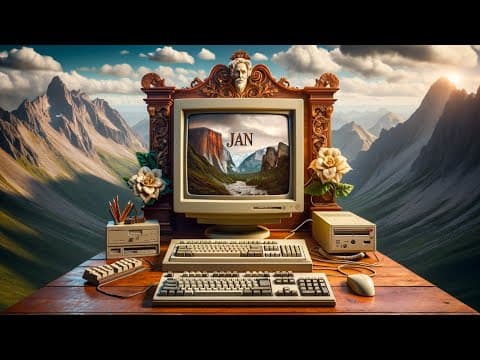
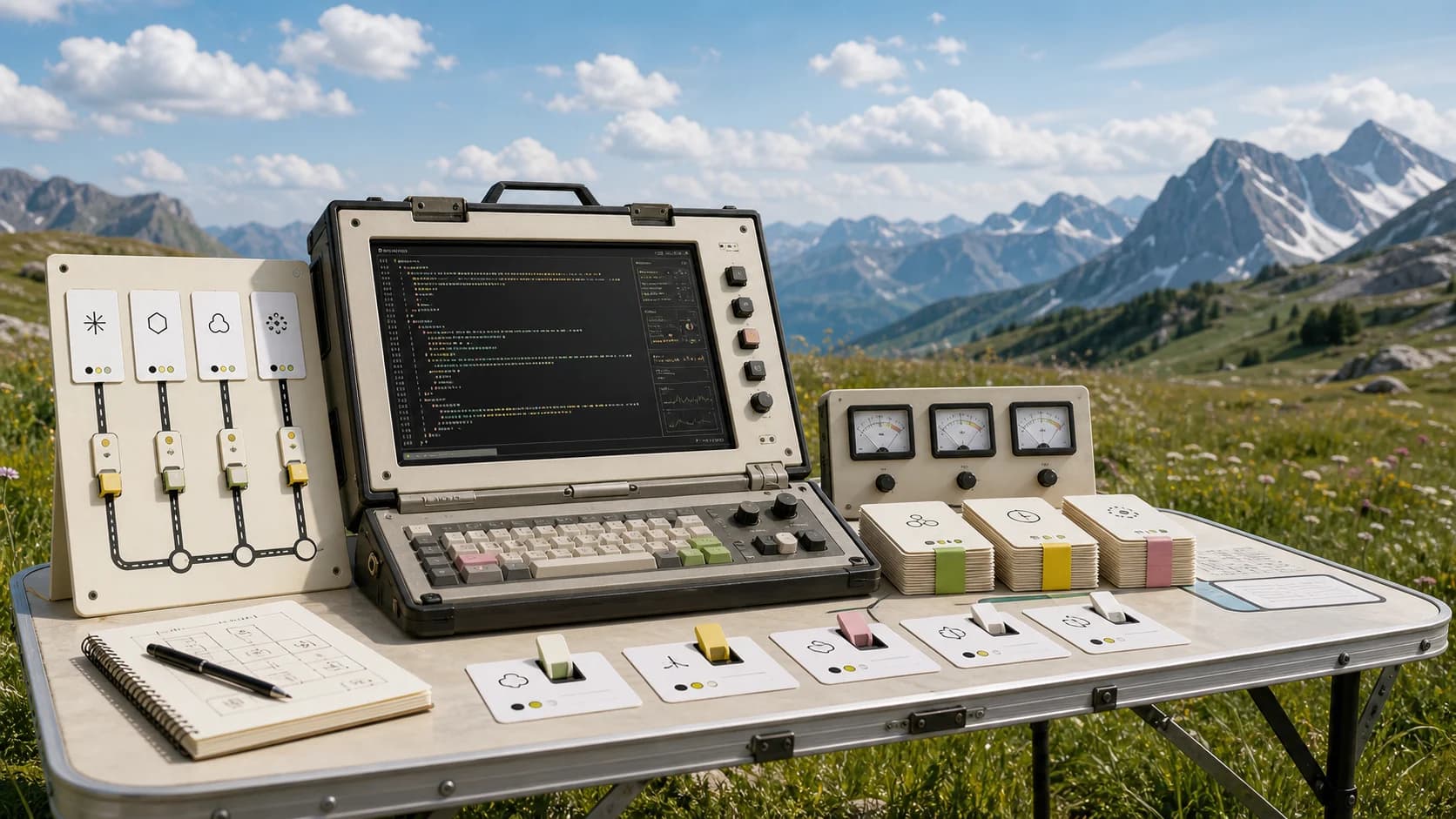
The project is called Outer Shell. Instead of opening a terminal and typing commands, you would see something closer to a desktop environment - but one designed from scratch for remote access rather than adapted from local GUI toolkits.
How it actually works#
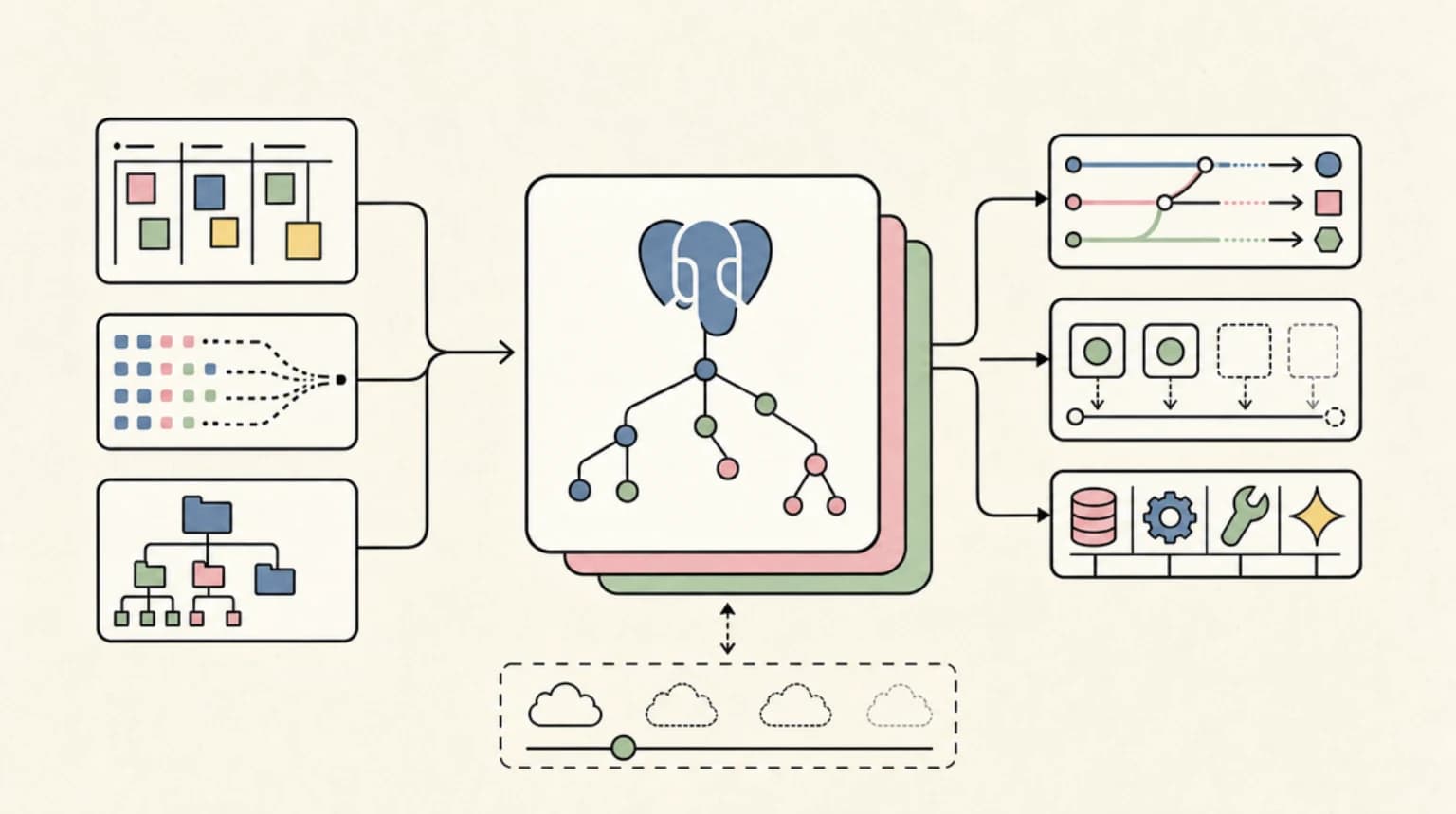
The architecture centers on Unix domain sockets rather than localhost TCP ports. Each application on the server runs a small HTTP server bound to a socket file. This eliminates port conflicts - you cannot have two apps fighting over port 8080 if they are both using named sockets in different paths.
The shell provides an API for apps to register themselves by function type. An editor can register as the default handler for text files. A notebook server can register for .ipynb files. When you click a file in the shell's file browser, it looks up the registered handler and opens it.
Communication happens over SSH or locally. Since SSH already handles encryption, individual applications do not need to implement their own TLS. They just serve plain HTTP over Unix sockets, and the SSH tunnel provides security.
The rendering can be either web-based (HTML served to a browser) or native (an "outerframe" application that runs locally but displays remote content). The latter becomes more practical with AI-assisted development making cross-platform native apps easier to build.
What HN is saying#
The discussion generated more debate about terminology than architecture - always a sign that a project touched something fundamental.
The naming controversy dominated the early comments. Several commenters objected to calling this a "shell" at all. The author's response acknowledged the ambiguity:
I wondered if this would be controversial. It all depends where you grew up.
He quoted Microsoft's Cairo documentation: "Cairo, like Chicago, had a new shell (Microsoft's favorite word for the user interface for launching programs and managing files)."
Another commenter traced the lineage: "command line shell vs graphical shell. My first experience with a graphical shell was dosshell. For a while we called the Windows 3.1 interface 'the shell'."
The terminology debate reflects a real question: is this a shell replacement or a layer on top of SSH?
The skeptics questioned whether this solves a real problem. One commenter noted: "Haven't really ever seen the need for those, mostly because terminals work better than browsers."
Another pushed back on the premise: "Sometimes the browser is the only 'computing platform' you have available (e.g. on some mobile devices, hotel kiosks)."
The counterargument for accessibility is fair. Not everyone has a full terminal available, and browser-based access opens remote server interaction to more constrained environments.
The architecture enthusiasts dug into the Unix socket choice. Using file system paths instead of port numbers means permissions can be controlled with standard Unix file permissions. You do not need a separate authorization layer - if a user can access the socket file, they can connect to the service.
One detailed comment explored the implications: "The infrastructure supports both web-based interfaces and platform-native implementations, with the latter becoming more practical given AI-assisted development."
This is an interesting observation. Writing native GUI applications has traditionally been expensive enough that most tools default to web UIs. If that cost drops substantially, the architecture that assumes both modes makes more sense.
The comparison to existing tools came up repeatedly. Commenters mentioned Cockpit, Webmin, and various web-based administration panels. The difference, according to proponents, is that those tools are monolithic while Outer Shell is an infrastructure layer that any application can plug into.
One commenter compared it to how modern desktop environments work: "Think of it like a remote GNOME or KDE, but designed for SSH from the ground up rather than adapted from X11."
The fragmentation problem this addresses#
The blog post makes an argument about how server-side graphical tools developed historically. Jupyter, Tensorboard, VS Code Server, Grafana - each built its own approach to remote access, authentication, and session management.
This leads to:
- Different ports for different tools (8888, 6006, 8080, 3000)
- Different authentication mechanisms
- No shared clipboard or file handling
- No consistent way to discover what is running
Outer Shell proposes a unifying layer. All apps register with the shell, use consistent authentication via SSH, and appear in a single interface.
Whether this fragmentation is actually a problem worth solving depends on your workflow. If you regularly work on remote machines with multiple web interfaces, the unified discovery and authentication story is compelling. If you mainly use SSH for terminal work with occasional port forwarding, the additional layer may feel unnecessary.
The technical choices#
Several architectural decisions stand out:
Unix domain sockets over TCP - This simplifies permissions (use the filesystem) and eliminates port conflicts. The tradeoff is that sockets are local to the machine, so you need the SSH transport layer to make them remotely accessible.
No per-app TLS - SSH handles encryption. Individual apps serve plain HTTP. This dramatically simplifies application development but requires trusting the SSH tunnel completely.
Registry-based app discovery - Apps declare what file types and protocols they handle. This enables right-click-open workflows and makes the home screen dynamic.
Dual rendering modes - Support both browser-based (HTML) and native (outerframe) applications. This future-proofs the architecture for when native cross-platform development becomes cheaper.
Who this is for#
The clearest use case is developers who regularly work on remote development machines. If you SSH into a dev server and run Jupyter, a monitoring dashboard, and maybe VS Code Server, the unified access model could reduce friction.
Another use case is edge devices and embedded systems that need occasional graphical administration but do not run a full desktop environment. A Raspberry Pi running Outer Shell could expose a home screen with registered management apps.
The weakest case is traditional servers where terminal administration works fine. Adding a graphical layer to a production web server that you rarely touch directly solves a problem that does not exist.
The implementation status#
As of the blog post, this is more proposal than shipped product. The architecture is documented, some proof-of-concept code exists, but it is not a polished system you can install today.
The HN discussion treated it as a design document, which is appropriate. Whether the ideas survive contact with real-world use depends on whether anyone builds out the full implementation.
The technical foundation - Unix sockets, SSH tunneling, HTTP servers - is all proven technology. The novel part is the integration layer that makes it feel like a coherent desktop rather than a collection of port-forwarded services.
Should you watch this project?#
If you are building remote-first development tools, the architecture ideas are worth studying. The Unix socket approach to eliminating port conflicts is clever and applicable beyond this specific project.
If you are looking for something to install today, this is not ready. Keep an eye on the project, but do not plan your infrastructure around it yet.
If you are interested in the historical question of why server-side GUIs fragmented the way they did, the blog post itself is a good read even if you never use the software.
The fundamental bet Outer Shell makes is that remote servers deserve a GUI layer designed for remote access, not adapted from local desktop toolkits. Whether that bet pays off depends on whether the implementation materializes and whether the developer experience is good enough to overcome the inertia of existing workflows.
FAQ#
Is Outer Shell a replacement for SSH?#
No. It runs on top of SSH. SSH provides the transport and encryption; Outer Shell provides a graphical interface layer that makes remote services discoverable and accessible through a unified home screen.
What is the difference between this and tools like Cockpit or Webmin?#
Cockpit and Webmin are monolithic administration tools. Outer Shell is an infrastructure layer that any application can register with. Think of it as the difference between a single app and an app store.
Can I use this today?#
Not really. The project is in the proposal and proof-of-concept stage. The architecture is documented, but a polished installable system does not exist yet.
Why Unix domain sockets instead of TCP ports?#
Unix sockets eliminate port conflicts (no more fighting over 8080), enable file-system-based permissions, and keep traffic local to the machine. SSH handles the remote access part.
Does this work with existing web UIs like Jupyter?#
In theory, existing apps could register with Outer Shell. In practice, integration would require those apps to add Unix socket support and registry integration. It is not a drop-in replacement for port forwarding.
Continue Reading#
- Flagship: Cloudflare Feature Flags for AI Apps
- Cloudflare Meerkat: A New Approach to Global Consensus Without Leaders
- Cloudflare Now Lets AI Agents Deploy Workers Without Signup
- Mesh LLM: Run 235B Models Across Your Home Lab with iroh
Sources#
Get the next deep dive like this in your inbox
One email a week on News and the rest of the AI dev stack. Free.
Read next on AI coding tools
Superlogical: Mitchell Hashimoto's New Company Building a Multiplexer for All Work
Mitchell Hashimoto (Vagrant, Terraform, Ghostty) launched Superlogical - a new company building a terminal multiplexer that aspires to unify local dev, remote access, agents, and production work. The 703-point HN discussion went deep on the vision, the team, and whether the problem is real.
9 min readGleam Moves to Tangled: What the ATProto Code Forge Means for Developers
The Gleam programming language has migrated to Tangled, a new ATProto-based code hosting platform. Here's what this means for developers and the future of decentralized forges.
6 min readHow My Images Are Dithered - Simulating Halftone Printing with ImageMagick
A technical deep dive into AM halftoning with ImageMagick hit the HN front page at 195 points. We break down the technique, the HN debate on dithering vs halftoning, and why this matters for developers.
6 min readNew here? Start with
Technical content at the intersection of AI and development. Building with AI agents, Claude Code, and modern dev tools - then showing you exactly how it works.