How to Run Kolibri Locally: GGUF, MLX and Hardware Picks
TL;DR
Kolibri 1 runs locally from 28.6 GB (Q2_K) to 83.1 GB (Q8_0). Which quant fits your RAM or Mac, measured speeds, and why Ollama cannot load it yet.
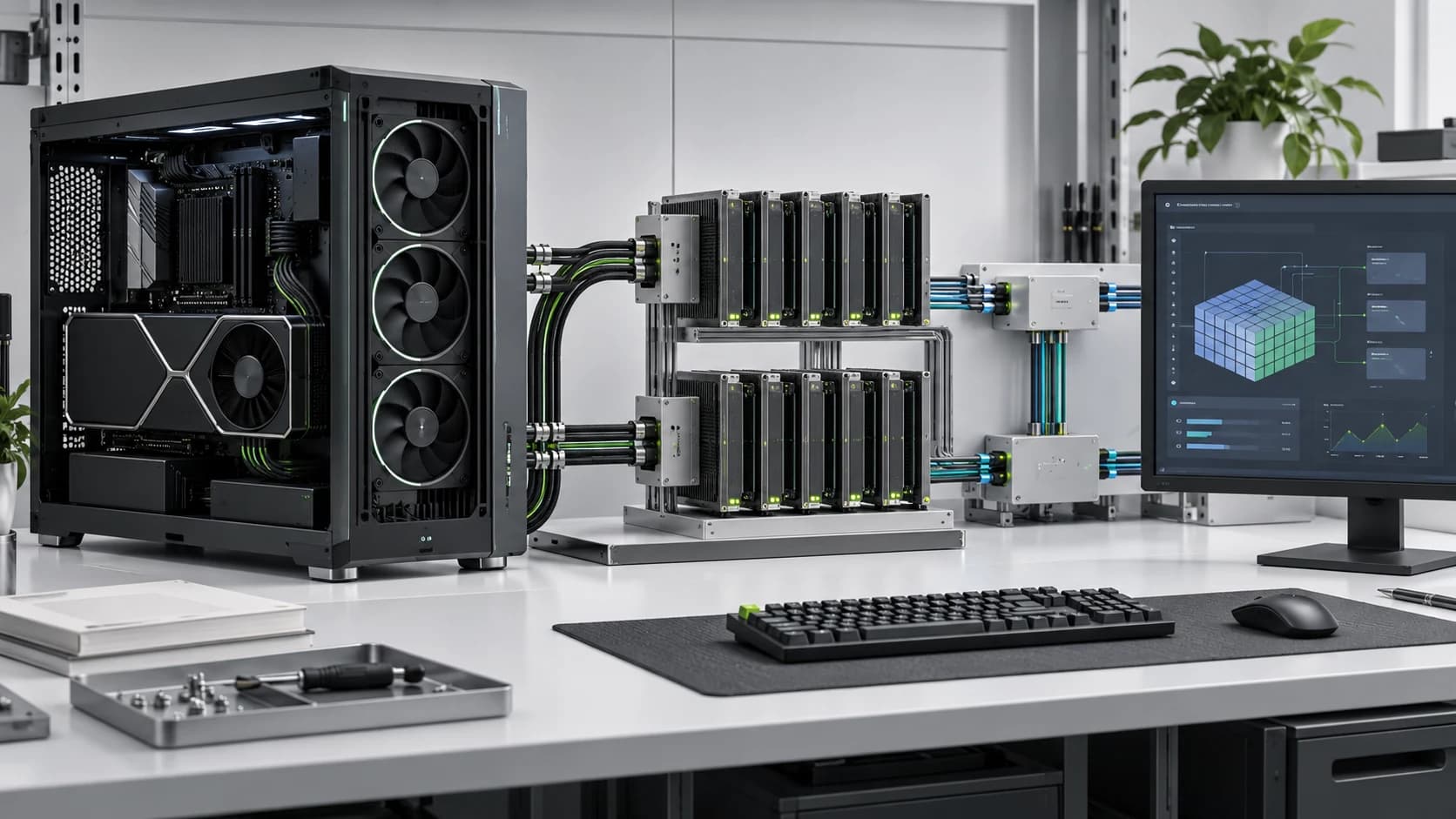
To run Aleph Alpha's Kolibri 1 locally, pick a community quant that fits your memory: a 47.5 GB Q4_K_M GGUF on a PC with 64 GB of RAM and any 12 GB GPU, or a 33 GiB MLX 3-bit build on a 48 GB Mac. Both need a patched runtime, because stock llama.cpp, mlx-lm, Ollama and LM Studio do not support the kolibri1 architecture yet. The official FP8 checkpoint needs about 78 GB of GPU memory and datacenter cards, so for everyone else the question is which community conversion, at what quality cost.
Last updated: October 9, 2026. We have not run these builds ourselves. Every size, speed and quality number below is the quant publisher's own measurement or a Hacker News commenter's report, linked inline.
Kolibri came out on October 3 as a 78B-total, 3.46B-active mixture-of-experts model for German and English under Apache 2.0. Our Kolibri release guide covers the benchmarks and who it is for. This page answers the follow-up question the release left open: what hardware do you actually need.
Official Sources#
| Resource | What it confirms |
|---|---|
| Aleph-Alpha/Kolibri-1 model card | 78.1B total / 3.46B active, FP8 weights, ~78 GB footprint, minimum GPUs, vLLM command, sampling settings |
| Kolibri release post | Release date, license, the efficiency framing |
| Hob-forge/Kolibri-1-GGUF | GGUF sizes Q2_K to Q8_0, the llama.cpp patch, CPU and GPU-offload speeds, KL per quant |
| eins78/Kolibri-1-mlx-mixed-4-8-bit | 64 GB Mac build, 45.4 GB peak, M4 Pro speed |
| here-be-dragons-ai/Kolibri-1-MLX-3bit | 48 GB Mac build, quality vs FP8, time to first token at long context |
Why a 78B model is a laptop-class problem#
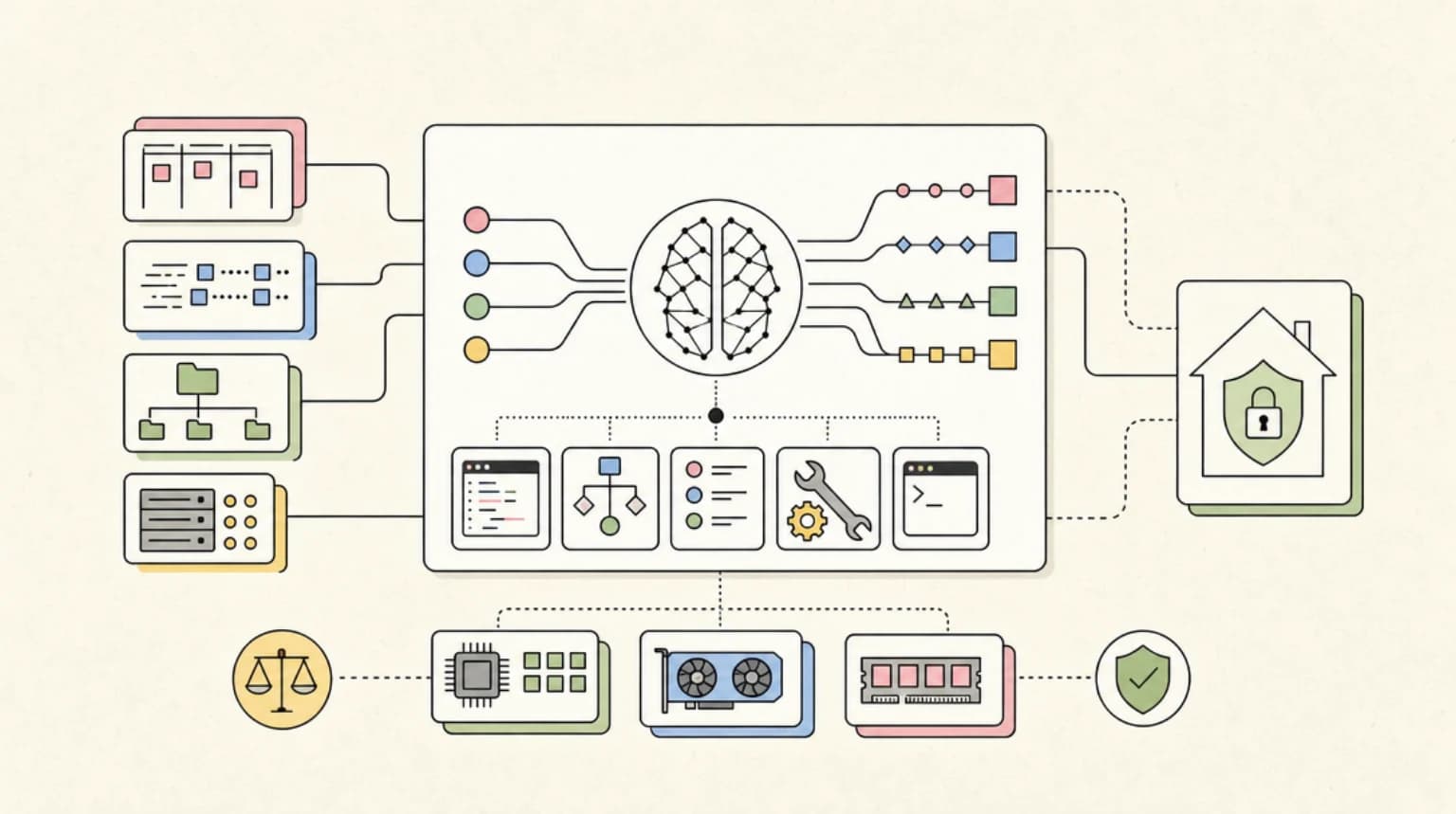
Kolibri activates only about 3.5B parameters per token, so compute per token is small. Aleph Alpha's own card names the catch: "the full model must be held in memory even though only part of it is active at any time." That makes Kolibri a memory-capacity problem, not a GPU-speed problem. It is the same shape as other recent sparse releases, and the same trick applies: keep the routed experts in system RAM and put only attention and the shared expert on the GPU (our llama.cpp MoE offload explainer covers the flags).
Two architecture details help local users. Four of every five attention layers use a 513-token sliding window, so the KV cache stays small: the GGUF publisher ran the full 262,144-token context in 6.4 GB of VRAM with experts in RAM. And Kolibri's tokenizer is tuned for German, which Aleph Alpha says lets it process German text efficiently.
Which build fits your hardware#
| Your machine | Build | Size | Measured speed (publisher) | Source |
|---|---|---|---|---|
| 2x H100 / 1x H200 / 1x B200 | Official FP8 via vLLM | ~78 GB | Not published | Model card |
| 1x RTX Pro 6000 | Official FP8 | ~78 GB | ~170 tok/s (HN commenter) | HN |
| PC, 96-128 GB RAM | GGUF Q8_0 / Q6_K | 83.1 / 64.2 GB (Q8_0 used 81.6 GB RAM) | Not published for these quants | Hob-forge |
| PC, 64 GB+ RAM + 12 GB GPU | GGUF Q4_K_M, experts in RAM | 47.5 GB | 18.0 tok/s generation, 723 tok/s prompt | Hob-forge |
| PC, 64 GB+ RAM, no GPU | GGUF Q4_K_M, CPU only | 47.5 GB (46.6 GB RAM used) | 12.3 tok/s generation, 83 tok/s prompt | Hob-forge |
| Mac, 64 GB unified memory | MLX mixed 4/8-bit | 42 GiB (45.4 GB peak) | 50 tok/s generation, ~240 tok/s prompt (M4 Pro) | eins78 |
| Mac, 48 GB unified memory | MLX mixed 3/6-bit | 33 GiB (35.3 GB peak) | ~70 tok/s short context, 40 tok/s at 96k (M5 Pro) | here-be-dragons |
| PC, 32 GB RAM | GGUF Q2_K | 28.6 GB | Not published | Hob-forge |
The PC speeds come from one machine: an AMD Ryzen 7 7800X3D with 128 GB of DDR5-6400 and an RTX 5070 (12 GB). The publisher notes that routed experts are read from RAM for every token, "so generation speed depends mostly on memory bandwidth. Slower RAM will give lower numbers." The two Mac rows use different chips and different MLX front ends, so do not read the gap between them as a quant comparison.
Quant tradeoffs: what you lose at each size#
Both main publishers measured how far their quant drifts from a reference implementation. Lower KL divergence means closer to the original.
| Build | Measured against | Top-1 token agreement | Mean KL |
|---|---|---|---|
| GGUF Q8_0 | float64 PyTorch reference, 67-token prompt | 67/67 | 0.0048 |
| GGUF Q6_K | same | 67/67 | 0.0037 |
| GGUF Q5_K_M | same | 64/67 | 0.0065 |
| GGUF Q4_K_M | same | 63/67 | 0.0129 |
| GGUF Q3_K_M | same | 66/67 | 0.0340 |
| GGUF Q2_K | same | 64/67 | 0.1292 |
| MLX 3/6-bit (48 GB Mac) | FP8 release, 76k tokens of Wikipedia | 88.9% | 0.114 |
| MLX uniform 3-bit (control, not released) | same | 76.5% | 0.376 |
Sources: Hob-forge GGUF card for the GGUF rows, here-be-dragons MLX card for the MLX rows. The two test setups differ, so compare within a table block, not across it.
How to read it:
- Q6_K and Q8_0 are near-lossless. The publisher says to read both as "near-lossless". If you have 96 GB of RAM or more, there is no reason to go lower.
- Q4_K_M is the practical default. Its KL is about 3.5x Q6_K's, still small, and it fits a 64 GB machine. The publisher's smoke tests (German explanation, an arithmetic problem, a tool call, a 1,393-token German summary) all passed on CPU.
- Q2_K is a last resort. Its KL is roughly 10x Q4_K_M's. It is the only GGUF that could fit a 32 GB machine, and nobody has published a speed or task result for it.
- Mixed precision beats uniform precision at the same size. On a Mac, the 3/6-bit build keeps attention and the shared expert at 6 bits and only squeezes the routed experts. Against a uniform 3-bit control at nearly the same bits per weight, it cut mean KL by about 70% and lifted top-1 agreement from 76.5% to 88.9%. On paired multiple-choice tests against FP8, none of its differences was statistically significant, though the publisher says "a loss of 1-2 points on Global-MMLU-Lite cannot be ruled out."
Steps: GGUF on a PC (Linux, Windows, Intel Mac)#
These commands are copied from the Hob-forge model card. Stock llama.cpp cannot load kolibri1, so apply the included patch at the pinned upstream commit:
git clone https://github.com/ggml-org/llama.cpp && cd llama.cpp
git checkout 836d571
git am /path/to/kolibri1-llama.cpp.patch
cmake -B build -DCMAKE_BUILD_TYPE=Release   # add -DGGML_CUDA=ON etc. for your GPU
cmake --build build -j --target llama-server llama-cli
The card also links a prebuilt fork release (hob-b11434) with the patch applied. That is a third-party binary, so building from the patch is the safer path.
CPU only, 32k context:
./build/bin/llama-server -m Kolibri-1-Q4_K_M.gguf -c 32768 --jinja \
    --temp 1.0 --top-p 0.97 --top-k 128
With a GPU, keep every routed expert in RAM and put the rest on the card (this is the full-context command the publisher used on a 12 GB RTX 5070):
llama-server -m Kolibri-1-Q4_K_M.gguf -c 262144 -np 1 -ngl 99 --cpu-moe \
    -fa on -ctk q8_0 -ctv q8_0 --jinja --temp 1.0 --top-p 0.97 --top-k 128
For the split files (Q5_K_M, Q6_K, Q8_0), point llama.cpp at the first part and the second loads automatically.
Steps: MLX on a Mac#
Stock mlx-lm does not include kolibri1 either. For the 64 GB build, the eins78 card uses an out-of-tree model file that registers itself with mlx-lm:
git clone https://github.com/eins78/kolibri-mlx && cd kolibri-mlx
uv sync
uv run python serve.py --model eins78/Kolibri-1-mlx-mixed-4-8-bit --port 8080   # OpenAI-compatible server
For the 48 GB build, the here-be-dragons card installs a branch of mlx-vlm and raises the GPU wired-memory limit, because the weights alone are 32.8 GiB:
pip install git+https://github.com/here-be-dragons-ai/mlx-vlm@kolibri1
sudo sysctl -w iogpu.wired_limit_mb=40960
python -m mlx_vlm.server --model here-be-dragons-ai/Kolibri-1-MLX-3bit --port 8080
Do not run another large model alongside it on a 48 GB machine.
Steps: official FP8 on datacenter GPUs#
If you have the cards, the Aleph Alpha model card path is the reference one. It needs the aleph-alpha-inference package, which ships the vLLM plugin:
pip install 'aleph-alpha-inference>=1'
vllm serve Aleph-Alpha/Kolibri-1 --kv-cache-dtype fp8 \
  --reasoning-parser kolibri1 \
  --tool-call-parser kolibri1 \
  --enable-auto-tool-choice
The card lists the minimum as 2x A100 80 GB, 2x H100 SXM5, 1x H200, 1x B200 or 1x B300. An NVFP4 conversion by audreyt shrinks the payload to 44.14 GiB, but its card says full generation is not yet validated: a first RTX 5090 trial ran out of CUDA memory during expert repacking. Treat it as experimental.
Verify It Works#
Every build above serves an OpenAI-compatible endpoint. Send one request with thinking off, which is the fastest way to confirm the template and weights load:
curl http://localhost:8080/v1/chat/completions -H 'Content-Type: application/json' -d '{
  "messages": [{"role": "user", "content": "Give me three tips for clear commit messages."}],
  "chat_template_kwargs": {"enable_thinking": false},
  "temperature": 1.0, "top_p": 0.97, "top_k": 128, "max_tokens": 400
}'
That request is from the eins78 card. On llama-server, set the effort the same way with "chat_template_kwargs": {"reasoning_effort": "low"}; accepted values are none, low, medium and high. One exception: the here-be-dragons card says the mlx-vlm server ignores these inside chat_template_kwargs and wants reasoning_effort or enable_thinking as top-level request fields.
Troubleshooting#
- Ollama or LM Studio says the model is unsupported. Expected. The GGUF card states: "Ollama, LM Studio and other llama.cpp-based apps will not load this file until they include support for the architecture." Use the patched llama-server for now.
- Unstable prompt speed or a crash at long context on CUDA. The GGUF publisher saw
llama-benchabort in the CUDA-graph update at 32K depth. SettingGGML_CUDA_DISABLE_GRAPHS=1made it stable. - Long first-token wait on a Mac. Prefill dominates on Apple Silicon. The 48 GB build took 24 seconds cold at 32k tokens and 109 seconds at 96k. Follow-up turns that hit the prefix cache returned in under a second.
--kv-bitsfails on MLX. KV-cache quantisation does not work with mlx-lm's rotating sliding-window cache, per the eins78 card. Leave it off.- The model thinks for a long time. One HN commenter running FP8 on an RTX Pro 6000 wrote that "it spends way too many tokens on overthinking stuff even if it’s able to catch the correct approach." Drop
reasoning_efforttolowornonefor extraction and summarisation work.
Should you run it at all?#
The Hacker News thread split along the line you would expect. ekidd put the sizing plainly: "It's 78B A3B and performs about like Qwen3.6 35B A3B. You can probably run it comfortably in 96B of RAM with a decent quant that doesn't lose too much." The same commenter's verdict for hobbyist coding was negative, and bitexploder pointed at the dense model in Aleph Alpha's own table: "totally ignore that 27B dense column over there where Qwen 3.8 27B beats Kolibri on nearly every single benchmark. Why would I choose to run this model?"
The counterpoint came from hypfer: "I think what most people did miss here is that coding is probably not the main goal of this model." The target is German-language business work where data cannot leave the building, such as support cases and document retrieval.
Our read, from the numbers above:
- Run Kolibri if your work is German documents, retrieval or extraction on hardware you control, and you have 48 GB (Mac) or 64 GB (PC) of memory. Its low active count makes it fast once it fits.
- Run Qwen3.8-27B instead for local coding agents. It scores higher on Aleph Alpha's own overall English average (80.2 vs 75.5), though as a dense model it needs more GPU memory per token.
- Run Qwen3.8-Flash-Next with Strata if you want a large sparse model on a gaming PC with a mature runtime today.
- Wait a few weeks if you need Ollama or LM Studio. Every path on this page needs a patched or out-of-tree runtime, and upstream support is pending.
FAQ#
How much RAM do I need to run Kolibri locally?#
About 48 GB on a Mac with the MLX 3/6-bit build (35.3 GB peak), or 64 GB on a PC with the 47.5 GB Q4_K_M GGUF, which used 46.6 GB of RAM on CPU. A 28.6 GB Q2_K exists for 32 GB machines but drifts about 10x further from the reference than Q4_K_M.
Can I run Kolibri in Ollama or LM Studio?#
Not yet. The GGUF publisher says those apps will not load the file until they add the kolibri1 architecture, and the MLX cards say the same of stock mlx-lm. Use the patched llama.cpp build from the Hob-forge card.
What GPU do I need for Kolibri?#
None for the GGUF: Q4_K_M generates 12.3 tokens per second on CPU alone on a Ryzen 7 7800X3D. A 12 GB GPU with --cpu-moe lifts that to 18.0 tokens per second and prompt processing from 83 to 723 tokens per second. The official FP8 weights need about 78 GB of GPU memory, such as one H200 or two H100s.
Which Kolibri quant should I pick?#
Q4_K_M on a 64 GB PC, Q6_K or Q8_0 if you have 96 GB or more (both near-lossless in the publisher's test), and the mixed 3/6-bit MLX build on a 48 GB Mac. Mixed-precision MLX builds beat uniform ones at the same size.
Is there a cheap hosted Kolibri API?#
Aleph Alpha's release post publishes no self-serve API price, and the community quant repos are not deployed by any Hugging Face inference provider. For now, Kolibri is a self-hosting model.
Sources#
| Source | URL |
|---|---|
| Aleph Alpha Kolibri-1 model card (primary) | https://huggingface.co/Aleph-Alpha/Kolibri-1 |
| Aleph Alpha release post (primary) | https://aleph-alpha.com/en/blog/kolibri-has-landed-a-sovereign-open-weight-model/ |
| Hob-forge Kolibri-1 GGUF and llama.cpp patch | https://huggingface.co/Hob-forge/Kolibri-1-GGUF |
| eins78 Kolibri-1 MLX mixed 4/8-bit | https://huggingface.co/eins78/Kolibri-1-mlx-mixed-4-8-bit |
| here-be-dragons-ai Kolibri-1 MLX 3-bit | https://huggingface.co/here-be-dragons-ai/Kolibri-1-MLX-3bit |
| audreyt Kolibri-1 NVFP4 W4A16 | https://huggingface.co/audreyt/Kolibri-1-NVFP4-W4A16 |
| Hacker News: Kolibri, a sovereign open-weight model | https://news.ycombinator.com/item?id=49942706 |
Continue Reading#
- Kolibri Release Guide: Aleph Alpha's 78B Open Model - benchmarks, license and who Kolibri is built for
- Run Qwen3.8-Flash-Next on a Gaming PC With Strata - the same experts-in-RAM pattern on a bigger sparse model
- Qwen3.8-27B for Local Agentic Coding - the dense model that beats Kolibri on most benchmarks
- Ollama vs LM Studio vs vLLM vs llama.cpp - picking a runtime once Kolibri support lands upstream
- The Best Local Coding LLMs in 2026 - the wider local tier by hardware
Get the next deep dive like this in your inbox
One email a week on Open Weights and the rest of the AI dev stack. Free.
Read next on local and open-weight models
Kolibri Release Guide: Aleph Alpha's 78B Open Model
Kolibri is an Apache 2.0 English-German MoE with 78B total and 3B active parameters and a 1M context. Benchmarks, the vLLM command, and who should run it.
5 min readRun Qwen3.8-Flash-Next on a Gaming PC With Strata
Run Qwen3.8-Flash-Next locally with Strata on a 12 GB GPU: hardware needs, speeds by quant, the license catch, and when the hosted API is the better call.
8 min readQwen3.8-27B vs Opus 4.6 Max: Local Agentic Coding Benchmarks
Qwen3.8-27B is a 27B dense Apache-2.0 model that beats Opus 4.6 Max on SWE-bench Pro (61.7 vs 53.4). Benchmarks, hardware, cost and when to run it.
10 min readNew here? Start with
Technical content at the intersection of AI and development. Building with AI agents, Claude Code, and modern dev tools - then showing you exactly how it works.