Give Every Agent PR a Live Preview: Railway Environments for AI Pull Requests
TL;DR
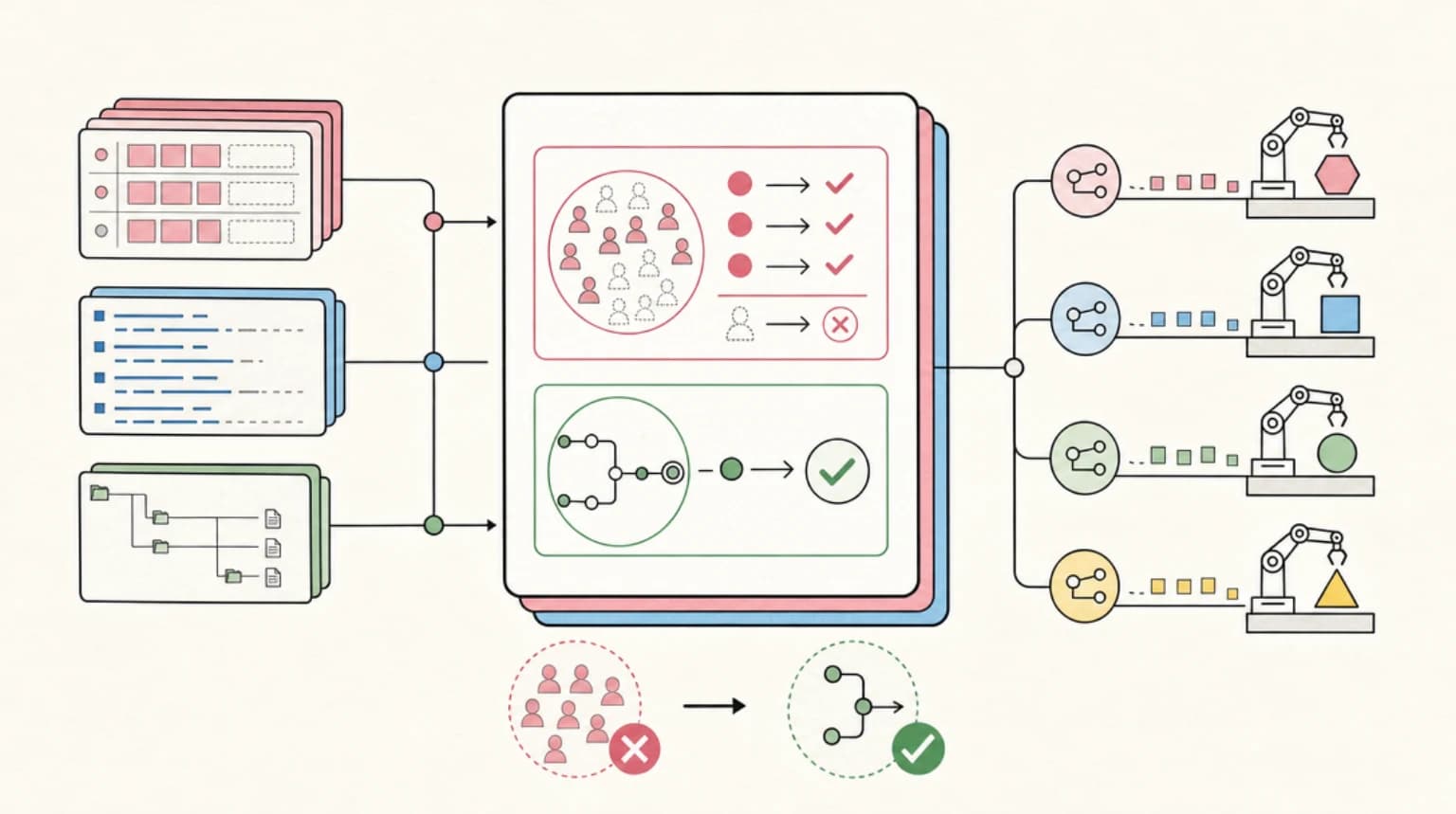
An agent PR tells you what changed. A preview environment tells you whether it works. Railway spins up an isolated copy of your whole stack for every pull request, including the ones agents open. Six steps, under an hour.
A coding agent can open a pull request before you finish reading its summary. That is the new problem: generation is cheap, and review attention is not. Every agent PR competes for the same review lane as everything else, and a diff can only tell you what changed. It cannot tell you whether the app still works.
The cheapest fix for that gap is to stop reviewing the diff in isolation and start clicking through a running copy of the change. Railway calls these PR environments: a temporary, isolated instance of your project that is created when a pull request opens and deleted when it merges or closes. There is a second toggle for PRs opened by bots - the docs list Claude Code, GitHub Copilot, Devin, and Jules by name - which is what makes the same setup work for agent-opened PRs.
Railway is the platform here because preview environments are a first-class feature, not a CI script you maintain forever. The harness half can be OpenCode or any agent that pushes a branch; the shape survives the swap. Six steps, under an hour, and every step ends in something you can run.
Official Sources#
| Resource | Description |
|---|---|
| Railway Environments | PR environments, bot PR environments, focused mode, domains |
| Railway Healthchecks | Healthcheck path, port, and timeout |
| Railway Pre-Deploy Command | Migrations and seeding between build and deploy |
| Railway Variables | Template syntax and Railway-provided variables |
| Railway Cost Control | Usage limits, replica limits, serverless |
| Railway Plans | Plan pricing and included usage |
| Railway CLI | Install, link, deploy, logs, variables, environments |
| OpenCode docs | Install and the opencode run non-interactive mode |
Step 1: Put the repo on Railway once#
Prerequisites: a GitHub repo that builds into a web service and talks to Postgres, a GitHub account, and a Railway account. The Hobby plan is $5 per month and includes $5 of resource usage per month (plan docs, as of 2026-09-28), which covers this build comfortably.
Create the service from the dashboard rather than uploading with the CLI: New Project -> Deploy from GitHub repo. PR environments deploy the branch from GitHub, so the service has to be connected to the repository - a CLI upload cannot trigger them. Once it is connected, link your local checkout so the terminal can manage the same project:
curl -fsSL agents.railway.com | sh   # or: npm i -g @railway/cli
railway login
railway link
railway add --database postgres
Then point the app service at the database. In the app service's Variables, set:
DATABASE_URL=${{Postgres.DATABASE_URL}}
The ${{NAMESPACE.VAR}} syntax references a variable from another service, and the namespace is the service name, for example Postgres or backend-api (variables reference, as of 2026-09-28). Generate a public domain for the app service (Settings -> Networking -> Public Networking -> Generate Domain), then verify the deploy:
railway domain
railway logs
If curl https://<your-domain> returns your app and the logs show a clean boot, the baseline is done.
What you have now: a production deploy, wired to Postgres, with a public URL. Everything after this is configuration.
Step 2: Make every deploy prove itself#
Two additions at the app level: a health endpoint, and a data routine that is safe to run in every environment.
A health endpoint that checks the database (plain Node here; adapt to your framework):
// server.mjs (excerpt)
import { createServer } from "node:http";
import pg from "pg";

const pool = new pg.Pool({ connectionString: process.env.DATABASE_URL });

createServer(async (req, res) => {
  if (req.url === "/health") {
    try {
      await pool.query("select 1");
      res.writeHead(200, { "content-type": "application/json" });
      return res.end(JSON.stringify({ ok: true }));
    } catch {
      res.writeHead(503);
      return res.end("database unavailable");
    }
  }
  // ... your app
}).listen(process.env.PORT ?? 3000);
Set the healthcheck path to /health in the service settings. Railway queries the path after each deploy and only switches traffic once it returns a 2xx; the default timeout is 300 seconds (healthchecks, as of 2026-09-28). Because Railway injects PORT, keep listening on it or the check will report the service as unavailable (healthchecks).
Data is the part most preview setups get wrong. Each environment contains its own instance of every service in the project (environments, as of 2026-09-28), so the preview's Postgres starts empty and an empty preview shows an empty app. Give every deploy one script that migrates always and seeds only outside production:
// scripts/prepare.mjs
import { execSync } from "node:child_process";

execSync("node scripts/migrate.mjs", { stdio: "inherit" });

if (process.env.RAILWAY_ENVIRONMENT_NAME === "production") {
  console.log("production: skipping seed");
} else {
  execSync("node scripts/seed.mjs", { stdio: "inherit" });
}
RAILWAY_ENVIRONMENT_NAME is provided to every deployment (variables, as of 2026-09-28), and that single check is what keeps demo fixtures out of production.
Run the script before the app starts with the service's pre-deploy command, node scripts/prepare.mjs. Pre-deploy commands run between build and deploy "handling tasks like database migrations or data seeding", have access to your environment variables, and do not require the application to be running (pre-deploy command, as of 2026-09-28). Set a pre-deploy timeout while you are there: it accepts 1 to 3600 seconds (pre-deploy timeout, as of 2026-09-28).
What you have now: every deploy either passes a real health check with data in place, or fails visibly.
Step 3: Turn on PR environments and bot PRs#
In Project Settings -> Environments, enable two toggles:
- PR Environments. Every pull request gets a temporary environment, deleted as soon as the PR is merged or closed (environments, as of 2026-09-28).
- Enable Bot PR Environments. Without it, Railway will not deploy a PR branch from a user who is not in your workspace, which is exactly the case for agent-opened PRs (environments, as of 2026-09-28). The docs say the toggle works with any GitHub bot, including Dependabot, Renovate, GitHub Copilot, Claude Code, Devin, and Jules.
One domain detail to know: a service in a PR environment gets a domain automatically only when the matching service in the base environment has a Railway-provided domain (environments, as of 2026-09-28). If you generated a domain in Step 1, previews inherit the pattern.
What you have now: any PR, human or bot, spins up an isolated copy of the whole project.
Step 4: Open a PR with the agent#
The preview side is ready; now give it something to preview. One agent change, pushed as a branch:
git checkout -b agent/preview-demo

opencode run --model opencode/deepseek-v4-flash \
  "add a /health endpoint that checks the database connection and returns JSON. Run the test suite. Leave the changes in the working tree."

git add -A
git commit -m "add database health endpoint"
git push -u origin agent/preview-demo
gh pr create --fill
That opencode run command is the same non-interactive pattern used in the cron automation guide and the webhook guide. If you want PRs to appear without you at the keyboard, those two builds are the scheduled and event-driven versions of this step.
What you have now: a pull request produced by an agent, waiting on a decision.
Step 5: Review the running change, not the diff#
Switch to the temporary environment in the Railway dashboard environment switcher, then open the preview URL and use the feature like a user. Create a record. Submit the form. Check the flow the PR claims to fix. Then confirm the isolation: the record you created in the preview should not exist in production.
Logs work the same way, scoped to that environment (-e takes the environment name shown in the dashboard switcher):
railway logs -e <environment-name>
This is the review debt argument from AI Code Review Is the New Bottleneck turned into a mechanical habit: the reviewer gets evidence that the change runs, not another confident summary of it. Diff tools answer "what changed". A preview answers "does it work", which is the question that actually blocks the merge.
What you have now: a click-through of the change instead of a code-reading exercise.
Step 6: Keep the loop cheap#
- Previews delete themselves. Environments are removed when the PR is merged or closed, so they do not accumulate (environments).
- Set a usage limit. A hard limit is the ceiling that takes workloads offline before a preview loop becomes a surprise bill; the minimum you can set is $10, and the CLI can manage it (cost control, as of 2026-09-28):
Terminal
railway usage limit set --target workspace --soft 75 --hard 125 - Let idle previews sleep. Serverless stops a service when it is inactive, which suits preview environments that sit untouched between reviews (cost control).
- Monorepos: use focused mode. Focused PR Environments deploy only the services affected by the changed files, plus their dependencies, and the PR comment lists what was skipped (environments). Useful when a one-file agent PR would otherwise boot your entire stack.
- Fixtures only. The preview domain is a public URL. Seed it with generated data, never with a dump of production.
- Keep the human in the loop. A preview is an input to review, not a replacement for it. Pair it with an automated reviewer pass, as in the AI reviewer build, and the two signals - runs correctly, reads correctly - cover most of what a merge decision needs.
The end state is a repo where an agent's pull request arrives with its own running copy of the product: its own database, its own URL, its own logs, and a delete button that fires the moment the PR closes. Review queues stop being a place where diffs go to be skimmed and become a place where changes get clicked through. That is a small amount of setup for a large change in how much you trust a merge.
FAQ#
Do PRs opened by AI agents get preview environments automatically?#
Yes, once both toggles are on. Bot PR Environments is the one built for this case; the Railway docs list GitHub Copilot, Claude Code, Devin, and Jules as supported bot authors (environments, as of 2026-09-28).
The preview app has no data. What went wrong?#
Nothing, usually. Each environment gets its own instance of every service, so the preview's database starts empty. The seed step in Step 2 runs on non-production environments and puts fixtures in place.
How much does this cost?#
The Hobby plan is $5 per month and includes $5 of resource usage per month (plan docs, as of 2026-09-28). Previews are deleted when their PRs close, so you only pay for them while they are open. Set a hard usage limit to cap the total; the minimum is $10 (cost control, as of 2026-09-28).
Why does my PR environment have no URL?#
Automatic domain provisioning in PR environments requires the corresponding service in the base environment to use a Railway-provided domain (environments, as of 2026-09-28). Generate one for the base service and open the next PR.
Can I limit previews to one service in a monorepo?#
Yes. Focused PR Environments deploy only the services affected by the changed files, plus their dependencies (environments, as of 2026-09-28).
Sources#
| Source | URL |
|---|---|
| Railway Environments (PR, bot, focused, domains) | https://docs.railway.com/reference/environments |
| Railway Healthchecks | https://docs.railway.com/deployments/healthchecks |
| Railway Pre-Deploy Command | https://docs.railway.com/deployments/pre-deploy-command |
| Railway Variables | https://docs.railway.com/reference/variables |
| Railway Cost Control | https://docs.railway.com/reference/usage-limits |
| Railway Plans and Pricing | https://docs.railway.com/reference/pricing/plans |
| Railway GitHub Autodeploys | https://docs.railway.com/guides/github-autodeploys |
| Railway CLI | https://docs.railway.com/cli |
| OpenCode docs | https://opencode.ai/docs/ |
| OpenCode GitHub | https://github.com/anomalyco/opencode |
Some links to tools above are referral links - see our affiliate disclosure.
Last updated: September 28, 2026
Continue Reading#
- Put an AI Agent Behind a Webhook: Turn GitHub Issues into Pull Requests - the build that generates agent PRs on demand; this post is what happens after the PR lands
- Put an AI Reviewer on Every Pull Request - the automated first pass that pairs with a running preview
- Put an AI Agent on a Cron Job - the scheduled half of the same headless
opencode runpattern - AI Code Review Is the New Bottleneck - why review capacity, not generation, is the constraint
- AI Coding Agents Are Piling Up Review Queues - the queue mechanics, and why preview environments that expire matter
Get the next deep dive like this in your inbox
One email a week on railway and the rest of the AI dev stack. Free.
Read next on AI coding tools
Put an AI Agent Behind a Webhook: Turn GitHub Issues into Pull Requests
The most common trigger for an AI coding agent is not a clock, it is an event. A GitHub webhook, a Railway service, and OpenCode headless add up to a repo where a labeled issue gets a real pull request without anyone at the keyboard. The full build, start to finish.
10 min readPut an AI Reviewer on Every Pull Request: A Webhook Build with OpenCode and Railway
Review capacity is the real bottleneck now that agents ship pull requests faster than people can read them. A webhook service on Railway that runs OpenCode headless against every PR diff, posts findings as a review, and never touches the code: the complete one-hour build.
10 min readAI Code Review Is the New Bottleneck
Coding agents make code faster than teams can review it. The next advantage is not bigger prompts. It is review systems that force reproduction, small diffs, tests, and receipts.
8 min readNew here? Start with
Technical content at the intersection of AI and development. Building with AI agents, Claude Code, and modern dev tools - then showing you exactly how it works.