TurboFieldfare: Running Gemma 4 26B in 2 GB of RAM on Any M-Series Mac
TL;DR
TurboFieldfare runs Google's Gemma 4 26B MoE model in about 2 GB of RAM on any Apple Silicon Mac by streaming experts from SSD. How it works and what HN said.
Last updated: July 29, 2026
Memory got expensive, so Andrey Mikhaylov gave a 26-billion-parameter model a 2 GB budget.
TurboFieldfare is a custom Swift 6.2 and Metal 4 inference engine that runs Google's Gemma 4 26B-A4B instruction-tuned model on any Apple Silicon Mac -- including the 8 GB M2 MacBook Air that most people dismissed as too small for a model this size. It is not a llama.cpp patch or an MLX wrapper. It is a purpose-built runtime, written from scratch, that exploits the Mixture-of-Experts architecture to keep only the active weights in memory while streaming the rest from SSD on demand.
The result: 5.1 to 6.3 tokens per second on an 8 GB M2 MacBook Air, and 31 to 35 tokens per second on a 24 GB M5 Pro MacBook Pro. The weights and a 4K KV cache fit in roughly 2 GB of RAM. The full model is 14.3 GB on disk.
How TurboFieldfare Works#
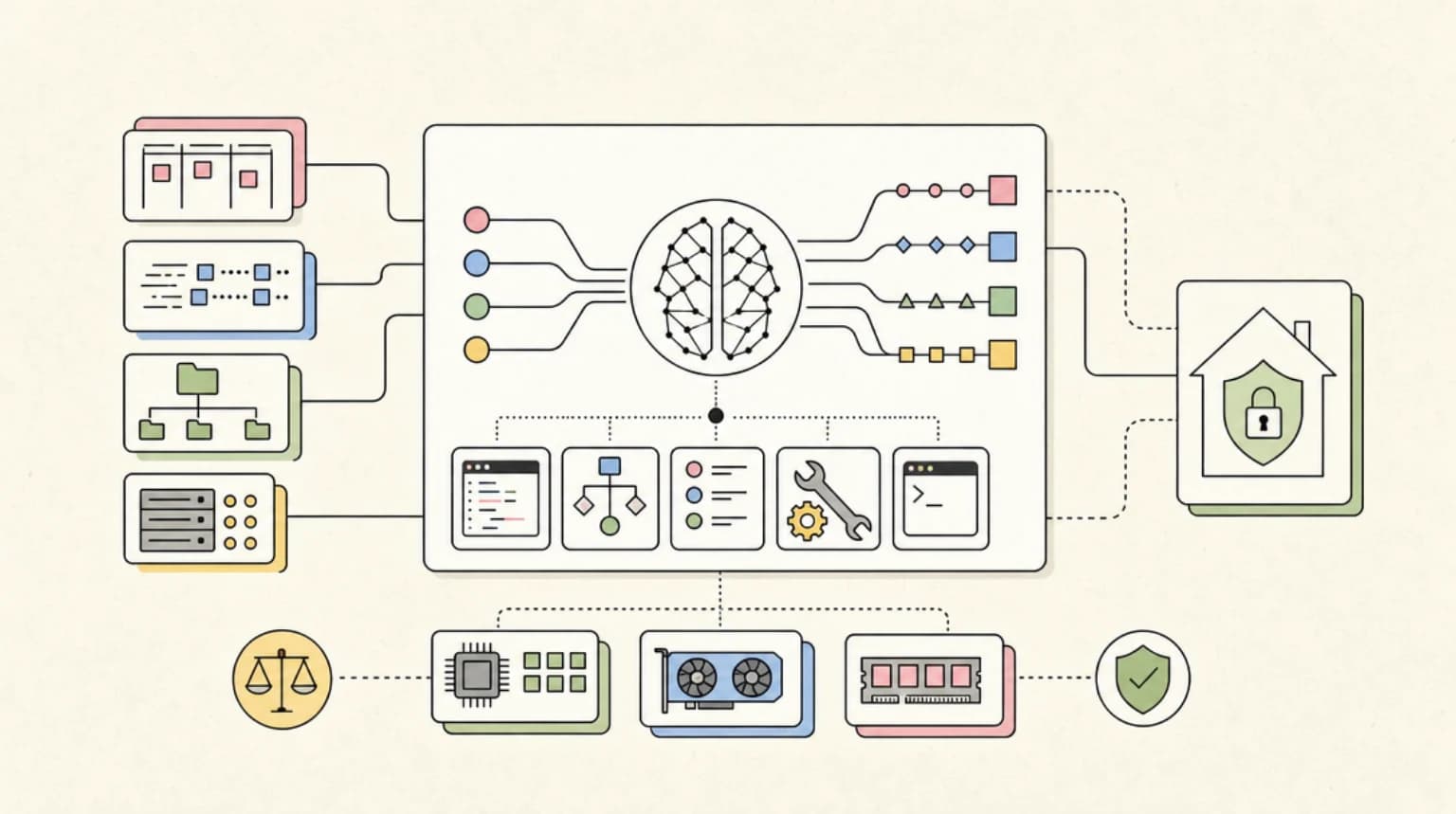
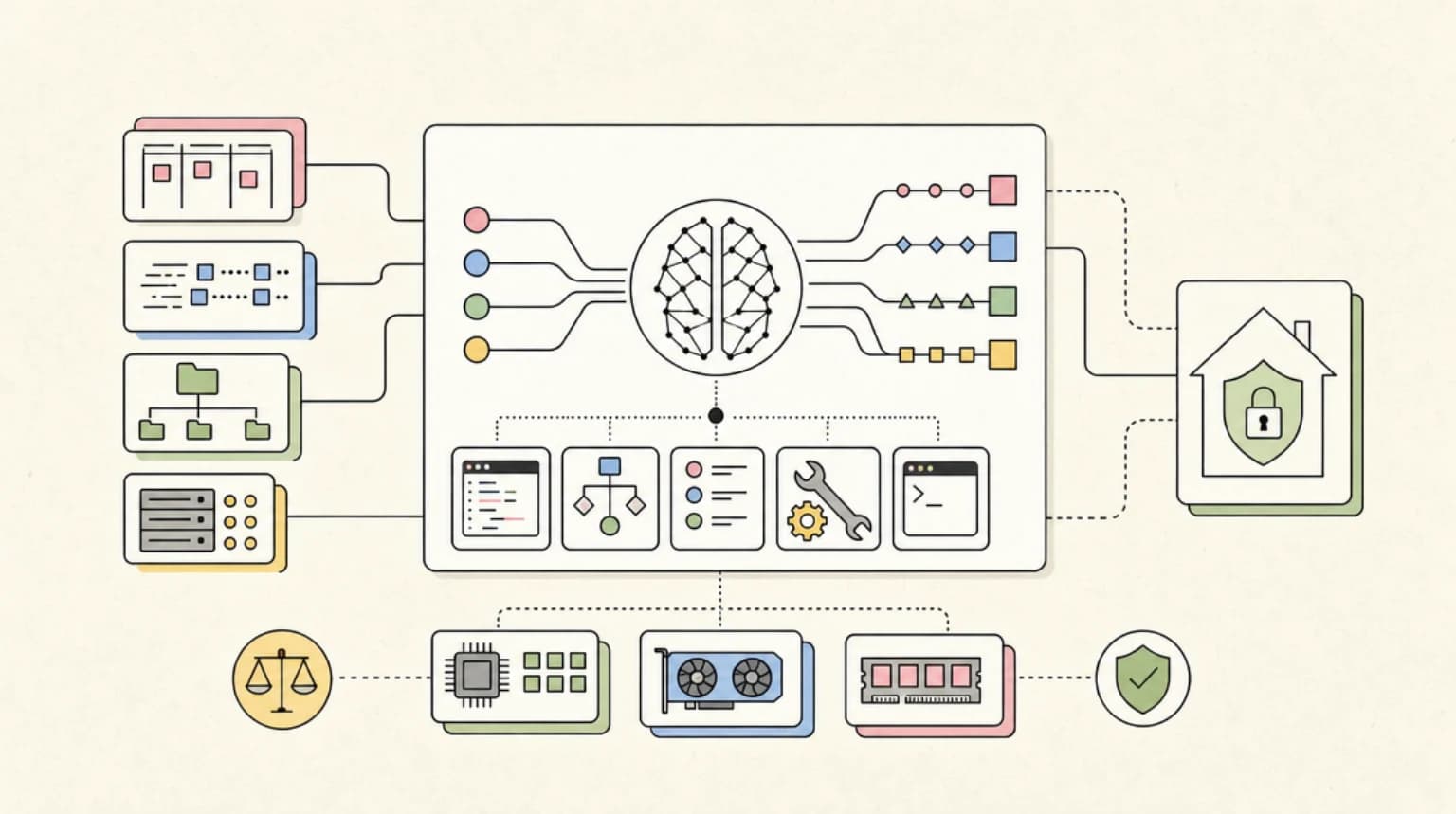
Gemma 4 26B is a MoE (Mixture of Experts) model with 26 billion total parameters but only about 3.88 billion active per token. Each transformer layer has a shared expert that is always active plus a router that selects the top 8 routed experts out of a larger pool. TurboFieldfare exploits this sparsity.
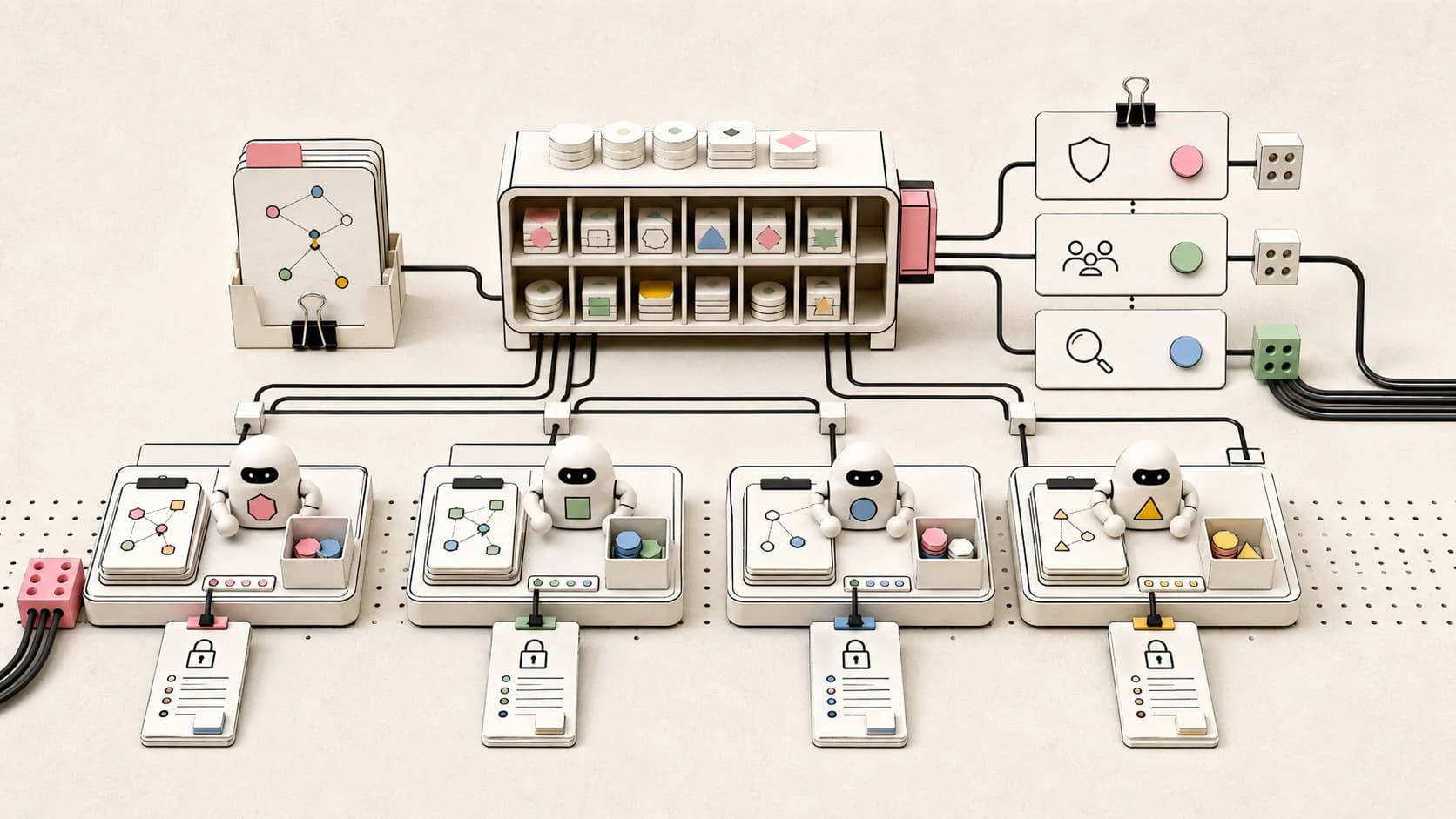
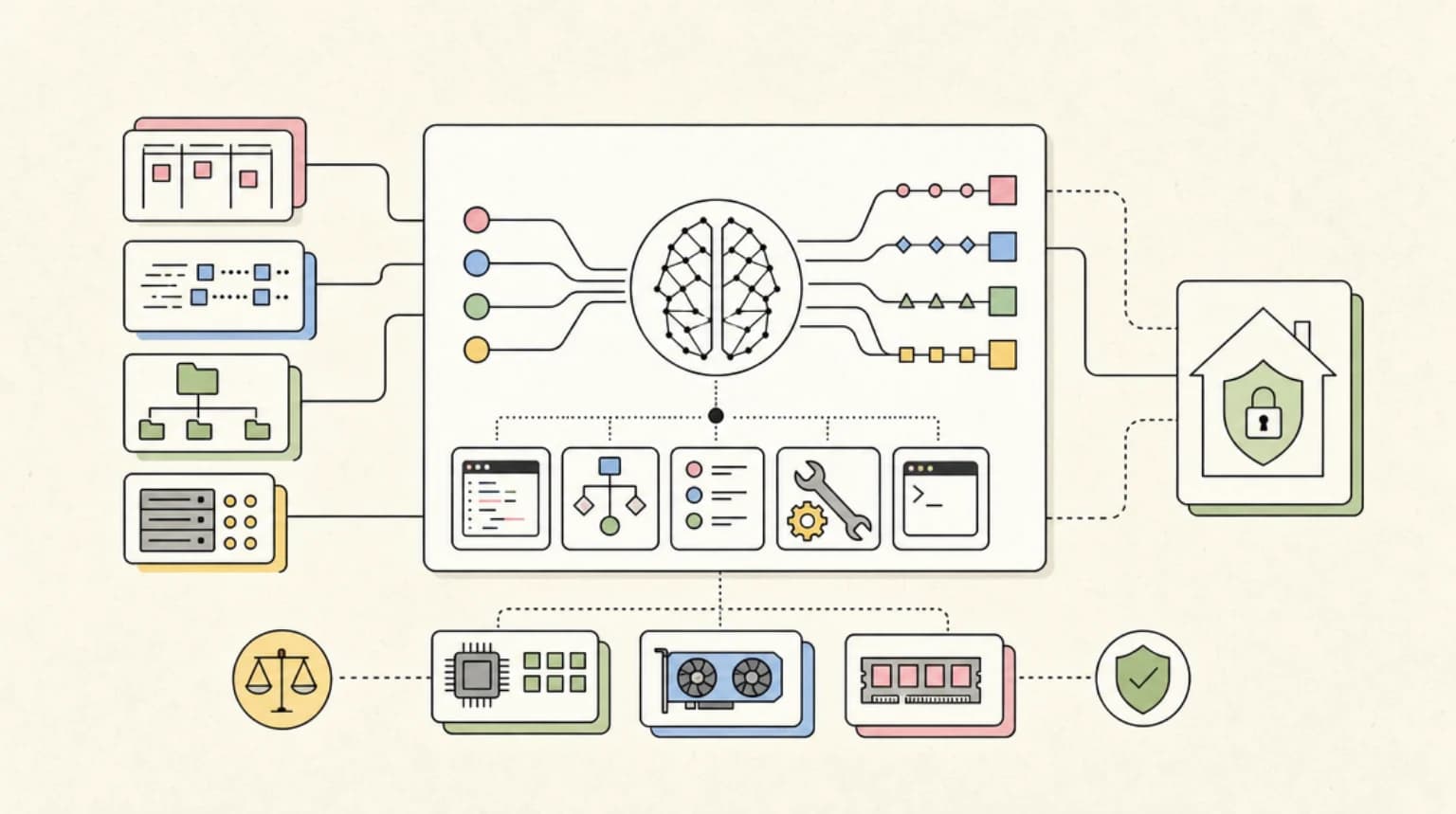
The engine keeps three things resident in memory: the shared expert weights (always needed), the 8-bit router weights (needed at every token to decide which experts to load), and a 16-slot LFU (Least Frequently Used) expert cache. The routed experts stay on disk until the router calls for them. When the router picks expert IDs, the CPU checks the cache, then issues bounded parallel pread calls to fill the misses directly into Metal-visible buffers. While those reads are in flight, Metal computes the shared-expert branch. By the time Metal needs the routed outputs, the data has arrived.
The prompt prefill is chunked into 128-token blocks so a single fetched expert can serve multiple token positions. Generation then runs one token at a time through the same routed layer loop. The KV cache uses FP16 with a circular buffer for the 25 sliding-window attention layers and linear storage for the 5 full-attention layers.
TurboFieldfare applies 4-bit MLX affine quantization (group 64) on the embeddings, attention, shared-expert, and routed-expert weights, with an 8-bit router. The installer streams byte ranges directly from the pinned Hugging Face checkpoint into the .gturbo format without ever materializing the full 14.3 GB checkpoint on disk.
What HN Is Saying#
The Hacker News thread (92 comments, 317 points at the time of writing) was broadly positive with several threads of substantive technical discussion.
The expert caching approach resonated. Multiple commenters immediately understood the core trick: keep the router and shared expert in memory, load routed experts on demand. One asked for statistics on how often the selected experts change between tokens and what the longest run without an expert change looks like -- exactly the kind of question that shows people are thinking about the practical implications of SSD-backed inference.
Comparison to llama.cpp with mmap. A recurring question was how TurboFieldfare differs from simply running the model through llama.cpp with mmap enabled (which would also page weights on demand from the OS). The author's implicit answer, and what emerges from the system design docs, is that TurboFieldfare synchronizes SSD reads with inference scheduling -- it knows exactly which experts it needs and when, so it can issue the pread calls during compute that would otherwise be idle. The OS page-fault path cannot do that: it waits until the access fault, then blocks the compute thread. This pre-fetching is the difference between usable decode speeds and frustrating stalls.
Performance spread across chips. The jump from ~5 tok/s on M2/M4 to 31-35 tok/s on M5 Pro drew attention. Most speculative that it comes from the M5's faster SSD controller and higher memory bandwidth, which directly benefits the expert-streaming bottleneck. Several commenters confirmed their own results: one reported 5 tok/s on an M4 Mac mini with 16 GB, another got 5-6 tok/s on an M1 MacBook Air after a small code change to drop the macOS 26 Metal 4 requirement.
SSD wear concerns. A few commenters raised the practical question of whether continuously streaming expert weights from internal SSD would accelerate wear. The author acknowledged this is a real consideration for sustained batch workloads but noted the engine is designed primarily for interactive use where the session is measured in minutes, not hours.
Interest in extending to other MoE models. Several people asked whether the approach could be adapted to Qwen 3.6 27B and other MoE architectures. The author confirmed the engine is model-specific to Gemma 4's exact layer layout and expert count, but the principles are general. A separate project (diffgemma) for DiffusionGemma also reached out about possible kernel sharing.
Why This Matters#
TurboFieldfare represents a genuine advance in practical local inference, and not just because of the headline numbers.
The engineering approach is worth studying. Most local inference engines aim for generality -- one runtime that supports every model architecture through abstractions. TurboFieldfare goes the other direction: a single-model, single-hardware runtime that can make aggressive assumptions about the model's structure and the hardware's capabilities. This is the same trade-off that made llama.cpp successful in its early days (specialized for llama-family models on CPU) and it paid off here. The engine has 103 documented experiments, and the author published both the wins and the plausible ideas that failed. That level of engineering transparency is rare.
The hardware reach matters. The 8 GB MacBook Air is the most common Apple Silicon configuration. Being able to run a 26B model on it -- even at 5 tok/s -- opens local inference to a much wider audience. Five tokens per second is slow by cloud standards but fast enough for code completions, drafting, summarization, and low-latency batch processing. It also means developers can prototype and iterate locally without a cloud budget or a GPU cluster.
The Swift + Metal choice is a bet on the platform. The engine requires macOS 26, Metal 4, and Swift 6.2 -- meaning it only runs on the latest OS. That is a narrow target today but will broaden as the Mac user base upgrades. For developers on Apple Silicon who want a native-feeling local model experience, TurboFieldfare delivers something that llama.cpp (which prioritizes portability) cannot match in terms of Metal integration and memory management.
It validates MoE for local inference. One of the recurring debates in the local LLM community is whether MoE models are practical on consumer hardware. The concern has always been that the full model needs to fit in RAM for usable performance, and MoE's total parameter count is deceptive. TurboFieldfare shows that careful expert caching can make MoE not just feasible but attractive on low-RAM hardware: you get a 26B model's knowledge with 4B-active-per-token latency.
What Is Still Missing#
The engine is text-only -- no image, audio, or video support. It supports function tool declarations through the OpenAI-compatible server (the client authorizes and runs each call), but does not expose tools in the native app or CLI. The model installation requires about 15 GB of download and 14.3 GB of disk space, so the upfront cost is a hard drive, not RAM. And of course, it only runs Gemma 4 26B -- for now.
The broader MoE-on-memory-constrained-hardware landscape includes projects like Colibri (GLM-52 on slow computers), and the techniques here will likely influence those efforts. The author has open-sourced everything under Apache 2.0, so the expert-caching approach can be studied, adapted, and potentially applied to other MoE architectures by the community.
FAQ#
How does TurboFieldfare run a 26B model in about 2 GB of RAM?#
Gemma 4 26B is a Mixture of Experts model with about 3.88 billion active parameters per token. TurboFieldfare keeps only the shared expert weights, the 8-bit router weights and a 16-slot LFU expert cache in memory, and streams routed experts from SSD on demand with parallel pread calls into Metal-visible buffers while Metal computes the shared-expert branch. The weights and a 4K KV cache fit in roughly 2 GB of RAM.
How fast is TurboFieldfare on an M-series Mac?#
It runs at 5.1 to 6.3 tokens per second on an 8 GB M2 MacBook Air, and 31 to 35 tokens per second on a 24 GB M5 Pro MacBook Pro.
How is TurboFieldfare different from llama.cpp with mmap?#
With mmap, the OS pages weights in on demand, waiting for the access fault and blocking the compute thread. TurboFieldfare knows exactly which experts it needs and when, so it issues SSD reads during compute that would otherwise be idle. That pre-fetching is the difference between usable decode speeds and stalls.
What are the requirements and limits of TurboFieldfare?#
The engine requires macOS 26, Metal 4 and Swift 6.2, and the model needs about 15 GB of download and 14.3 GB of disk space. It is text-only, only runs Gemma 4 26B, and exposes function tool declarations through its OpenAI-compatible server but not in the native app or CLI. It is open source under Apache 2.0.
Sources#
- TurboFieldfare GitHub repository: https://github.com/drumih/turbo-fieldfare
- Hacker News discussion: https://news.ycombinator.com/item?id=49098510
- Gemma 4 model card: https://ai.google.dev/gemma/docs/core/model_card_4
- Maarten Grootendorst's Visual Guide to Gemma 4: https://newsletter.maartengrootendorst.com/p/a-visual-guide-to-gemma-4
- TurboFieldfare benchmarks: https://github.com/drumih/turbo-fieldfare/blob/main/docs/BENCHMARKS.md
- TurboFieldfare system design: https://github.com/drumih/turbo-fieldfare/blob/main/docs/SYSTEM_DESIGN.md
- TurboFieldfare optimization journey: https://github.com/drumih/turbo-fieldfare/blob/main/docs/OPTIMIZATION_JOURNEY.md
Continue Reading#
- Gemma 4: The Open Model Guide for Developers -- deploying Gemma 4 via Ollama/vLLM, fine-tuning, and agent stack integration
- Running Gemma 4 26B at 5 Tokens/Sec on a 13-Year-Old Xeon With No GPU -- Gemma 4 MoE on CPU-only hardware and the silent MoE fallback bug in ik_llama.cpp
- The Best Local Coding LLMs in 2026 -- survey of local coding LLMs including Gemma 4, with hardware tier recommendations
- Ollama vs LM Studio vs vLLM vs llama.cpp: Picking a Local Runtime for Coding Agents -- head-to-head runtime comparison including llama.cpp Metal support
- DiffusionGemma: Google Bets Diffusion Can Make Text Generation 4x Faster -- another 26B MoE Gemma variant with Apple Silicon inference analysis
- LFM2.5-2.6B: Liquid AI''s On-Device Agent Model Runs at 220 Tokens/s in Under 2.5 GB
- Ollama 0.40 on Mac: MLX by Default, Disk Space Doubled -- the mainstream runtime's MLX switch and what it does to your SSD
- Flint on Ollama: Best Local Coding LLM for Claude Code? -- a 40B MoE with 2.5B active parameters built for local coding agents
- Best Local Models - what else runs on a Mac, by memory tier
- Best Open-Source Models - the open-weight field, ranked
Get the next deep dive like this in your inbox
One email a week on News and the rest of the AI dev stack. Free.
Read next on local and open-weight models
Running Gemma 4 26B at 5 Tokens/Sec on a 13-Year-Old Xeon With No GPU
Gemma 4 26B on a 2013 Xeon with no GPU: how a sub-$300 box reached about 5 tokens/sec, the silent MoE bug behind the gibberish, and the upstream fix.
6 min readLFM2.5-2.6B: Liquid AI's On-Device Agent Model Runs at 220 Tokens/s in Under 2.5 GB
LFM2.5-2.6B is an open-weight on-device agent model from Liquid AI that runs in under 2.5 GB. How it was trained, what the benchmarks say and how to run it.
7 min readLFM2.5-VL-3B: Liquid AI's 3B Vision Model Reads Screens, Grounds Objects, and Calls Tools on a Laptop
LFM2.5-VL-3B is a 3B open-weights vision model from Liquid AI that reads screens, grounds objects and calls tools on a laptop. What shipped and how to run it.
7 min readNew here? Start with
Technical content at the intersection of AI and development. Building with AI agents, Claude Code, and modern dev tools - then showing you exactly how it works.