Terminal CLI - Claude Code
The primary command-line entry point for Claude Code sessions.

The terminal CLI is the main way to run Claude Code. You install it once, then start a session with a single command in any project directory.
What it does
The claude command launches an interactive session wired to your repo. It reads CLAUDE.md, loads your skills and MCP servers, respects permission settings, and runs tools like Read, Edit, and Bash. Output streams to your terminal in real time, and you can swap models or modes mid-session without restarting.
When to use it
- You want the fastest path into Claude Code on a new project.
- You prefer a terminal-first workflow over an IDE extension.
- You need full access to tools, hooks, skills, and MCP without UI overhead.
- You're scripting and want the same binary that powers every other surface.
Gotchas
- First run prompts for auth. Don't commit the token that gets cached in
~/.claude/. - Running
claudeoutside a git repo still works but skips repo-aware features like worktrees and PR status. - If you launch inside a tmux or screen session, set your terminal type correctly or keybindings may misbehave.
Official docs: https://code.claude.com/docs/en/quickstart.md
Technical content at the intersection of AI and development. Building with AI agents, Claude Code, and modern dev tools - then showing you exactly how it works.
Was this helpful?
Related Guides
Related Tools

Claude Code
Anthropic's agentic coding CLI. Runs in your terminal, edits files autonomously, spawns sub-agents, and maintains memory...
View Tool
OpenCode
Open-source AI coding agent for terminal, desktop, and IDE. Works with 75+ LLM providers including Claude, GPT, Gemini,...
View Tool
Claude Agent SDK
Anthropic's SDK for building agents on the same tools, agent loop, and context management that power Claude Code. Python...
View ToolCodeburn
Interactive TUI dashboard that shows exactly where your Claude Code and Cursor tokens are going, in real time.
View ToolRelated Videos

Claude Code Just Killed After Effects
Create motion graphics and launch videos using natural language — no traditional video editor required. 🔗 Try Higgsfield Katana in Claude:** https://higgsfield.ai/s/katana-inside-claude-yt-developer...

Generate Videos in Codex + Claude Code with This...
Check out HeyGen! https://heygen.1stcollab.com/developersdigest The video introduces HeyGen, an AI video generation platform with a rich API and a CLI that lets developers create, fetch, and manipula...

10x Design in Claude Code and Codex
Try Higgsfield: https://higgsfield.ai/s/higgsfield-general-campaign-developersdigest-juDMTi AI coding agents can build entire websites in minutes, but the default results often still look generic and...
Related Posts
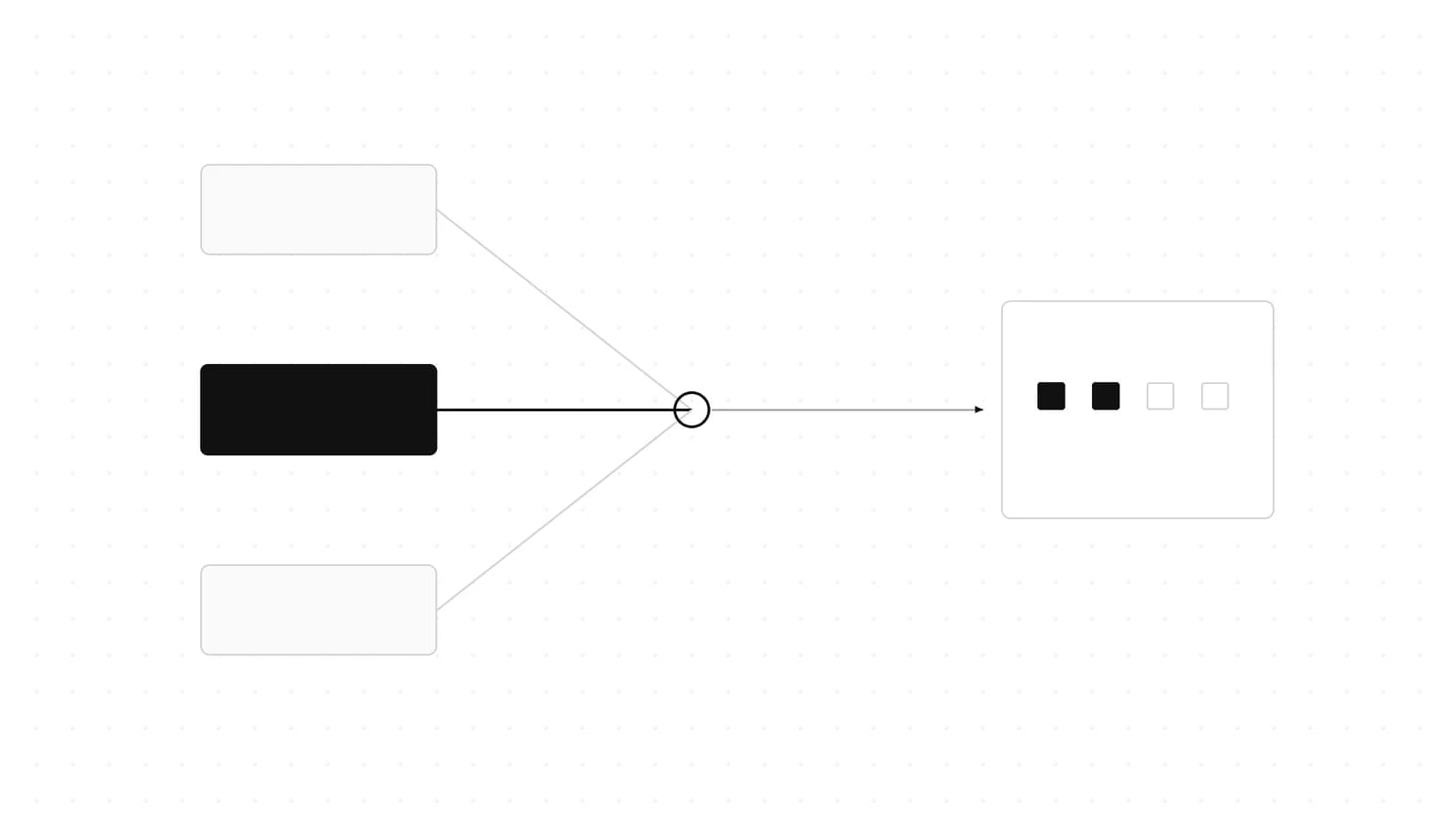
Claude Fable 5.1 in Claude Code: How to Switch, Pin, and Pay Less
Claude Code v2.1.257 points /model fable at Fable 5.1: 1M context, $10/$50 per MTok, $0.25 cache reads. Setup, gotchas,...

Claude Design, Slides and Docs in Any Chat: How to Use Them
Claude Design, Slides and Docs now open in any Claude chat, Claude Code session or the Artifacts tab, on every plan. Exa...

Claude for Startups Offer Paused: What Founders Do Now
Claude for Startups paused its free Claude Team year and $1,000 API credit offer at capacity. What the program page says...
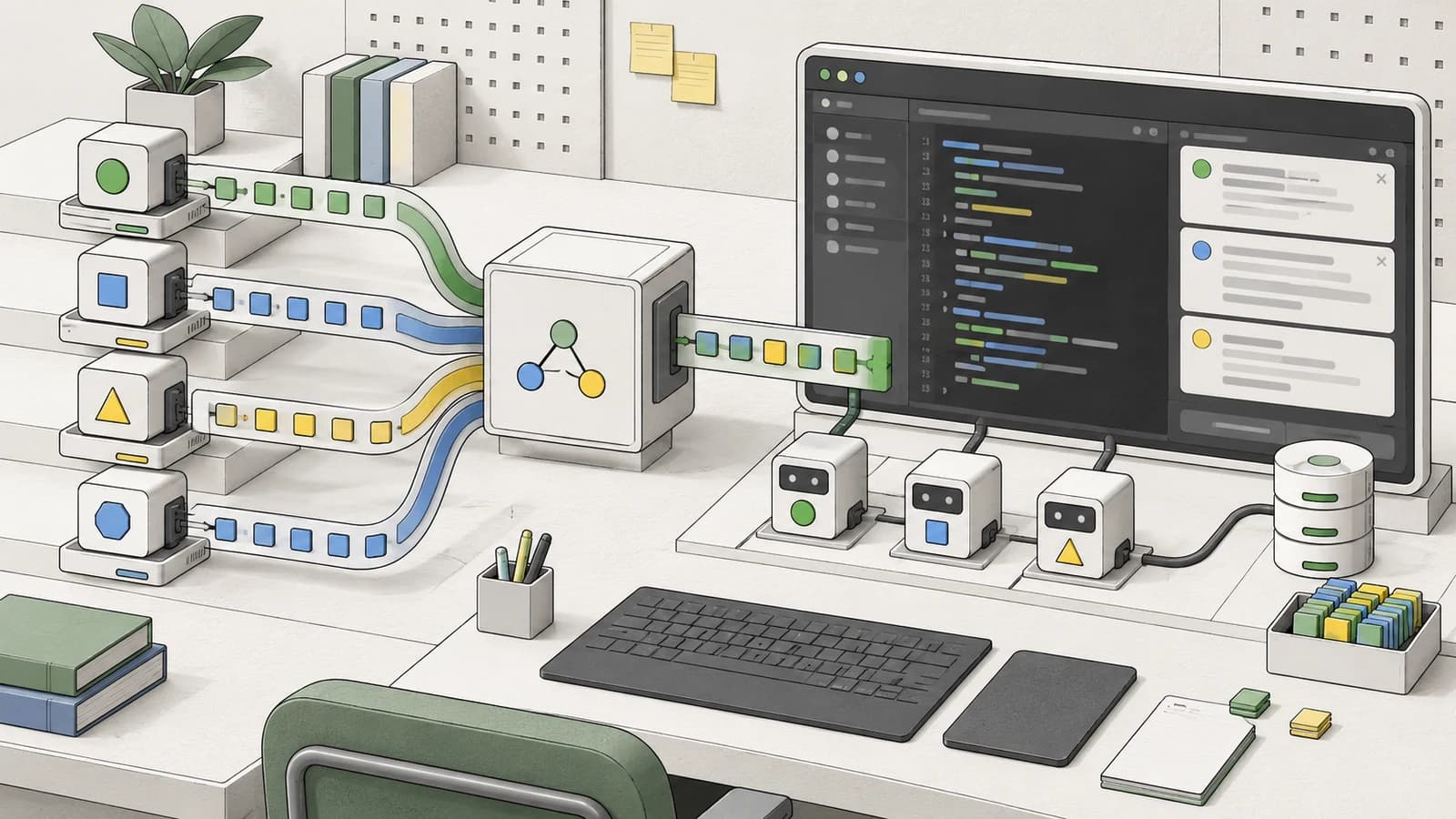
Claude Advisor Tool vs a Bigger Model: When the Pairing Pays
Anthropic's own runs: a Fable 5.1 advisor added 1.7 points to Opus 5.5 for 2.1x the cost. When the Claude advisor tool p...
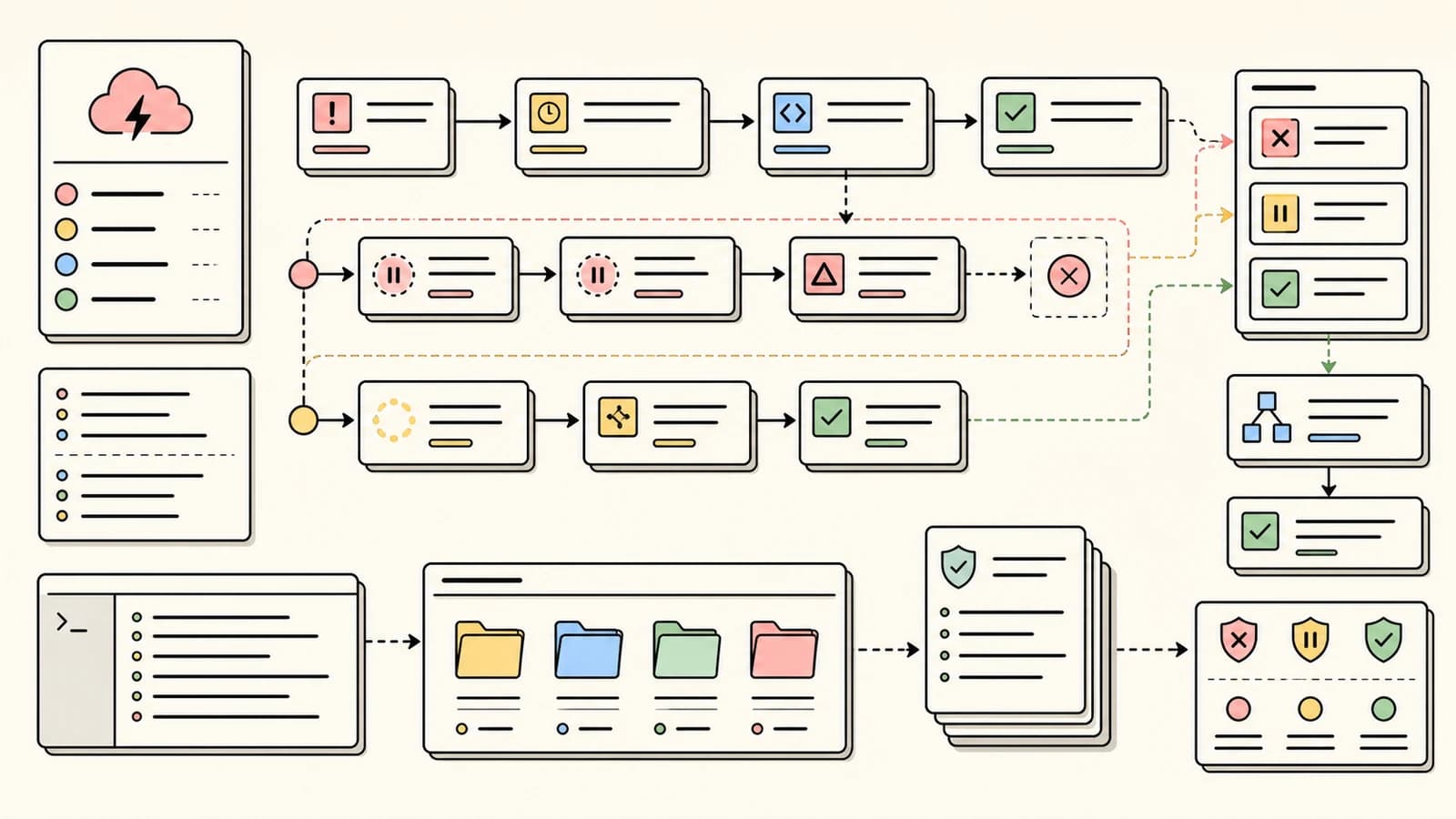
Claude Code Retry Watchdog: Keep Unattended Runs Alive
CLAUDE_CODE_RETRY_WATCHDOG=1 makes Claude Code wait out 429 and 529 errors instead of failing after 10 retries. When to...
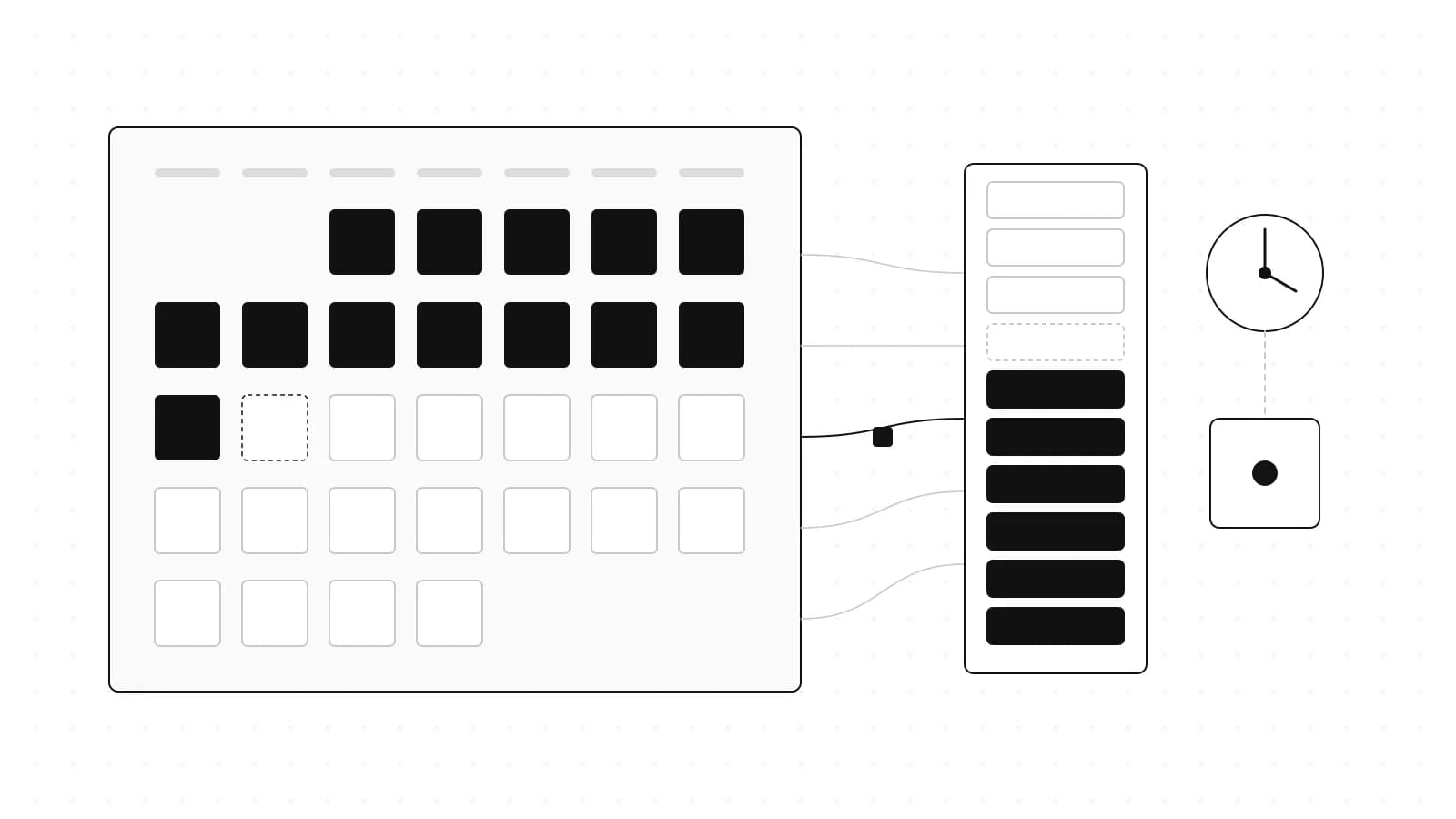
Claude Max API Credits: $100 a Month, What They Cover
Claude Max and Team plans now include a monthly Claude API credit, starting at $100 on Max 5x. What it covers, what it d...
