How to Make Claude Code 10x Better at Design: Image and Video Assets From the Agent Loop
TL;DR
Claude Code and Codex can build a website in minutes, but the result often looks generic and obviously AI-generated. Higgsfield's MCP and CLI put Nano Banana Pro and Seedance inside the agent loop, so your coding agent generates its own food imagery, hero video, and visual polish before it ships the site.
AI coding agents can scaffold a complete website in minutes, but the output has a tell: stock-photo placeholders, generic gradients, and layouts that look assembled rather than designed. The gap is not in the code - it is in the visual assets. An agent cannot reach for a hero image, a food shot, or a brand-consistent video the way a designer can.
The Developers Digest video on this workflow demonstrates the fix: wire an image and video generation platform into the agent loop so Claude Code, Codex, and friends generate the assets alongside the code. The video rebuilds a plain pizza shop website into a polished, mobile-friendly site with generated food imagery and a custom hero video, using Higgsfield's MCP server and CLI as the agent's creative backend. This post covers the actual setup - models, MCP, CLI commands, and the parallel workflow pattern - so you can apply it without watching the demo.
Official Sources#
| Resource | URL |
|---|---|
| Higgsfield MCP and CLI page | https://higgsfield.ai/mcp |
| Higgsfield CLI (GitHub) | https://github.com/higgsfield-ai/cli |
| Higgsfield API docs | https://docs.higgsfield.ai |
| Google Gemini API image generation (Nano Banana Pro) | https://ai.google.dev/gemini-api/docs/image-generation |
| ByteDance Seed (Seedance) | https://seed.bytedance.com/en/ |
| Claude Code MCP documentation | https://code.claude.com/docs/en/mcp |
Why AI-Built Sites Look Generic#
Default agent output is generic for a structural reason: the agent has no asset pipeline. It can write JSX and Tailwind all day, but when it needs a hero image it reaches for Unsplash-style stock, when it needs a logo it renders inline SVG, and when it needs motion it ships an animated gradient. Each of those choices is a content placeholder, and placeholders read as AI-generated to anyone who has seen a few AI-built sites.
The alternative is to treat generated media as a build dependency: the agent submits image and video jobs, waits for the results, and composites them into the site it is writing. That is what Open Design does for extracting an existing site's brand tokens, and what Higgsfield layers on top for producing the assets themselves. The two tools compose cleanly - a DESIGN.md from Open Design gives the prompt, Higgsfield produces assets that match it.
The Makeover: A Pizza Shop, Rebuilt#
The video's core demo is a working example of the pattern. Starting from a simple pizza shop website, the agent:
- Pulls the existing content, menu data, and assets from the current site.
- Rebuilds the site with a cleaner, mobile-first layout.
- Generates new food photography with an image model instead of reusing stock shots.
- Generates a custom hero video for the front page.
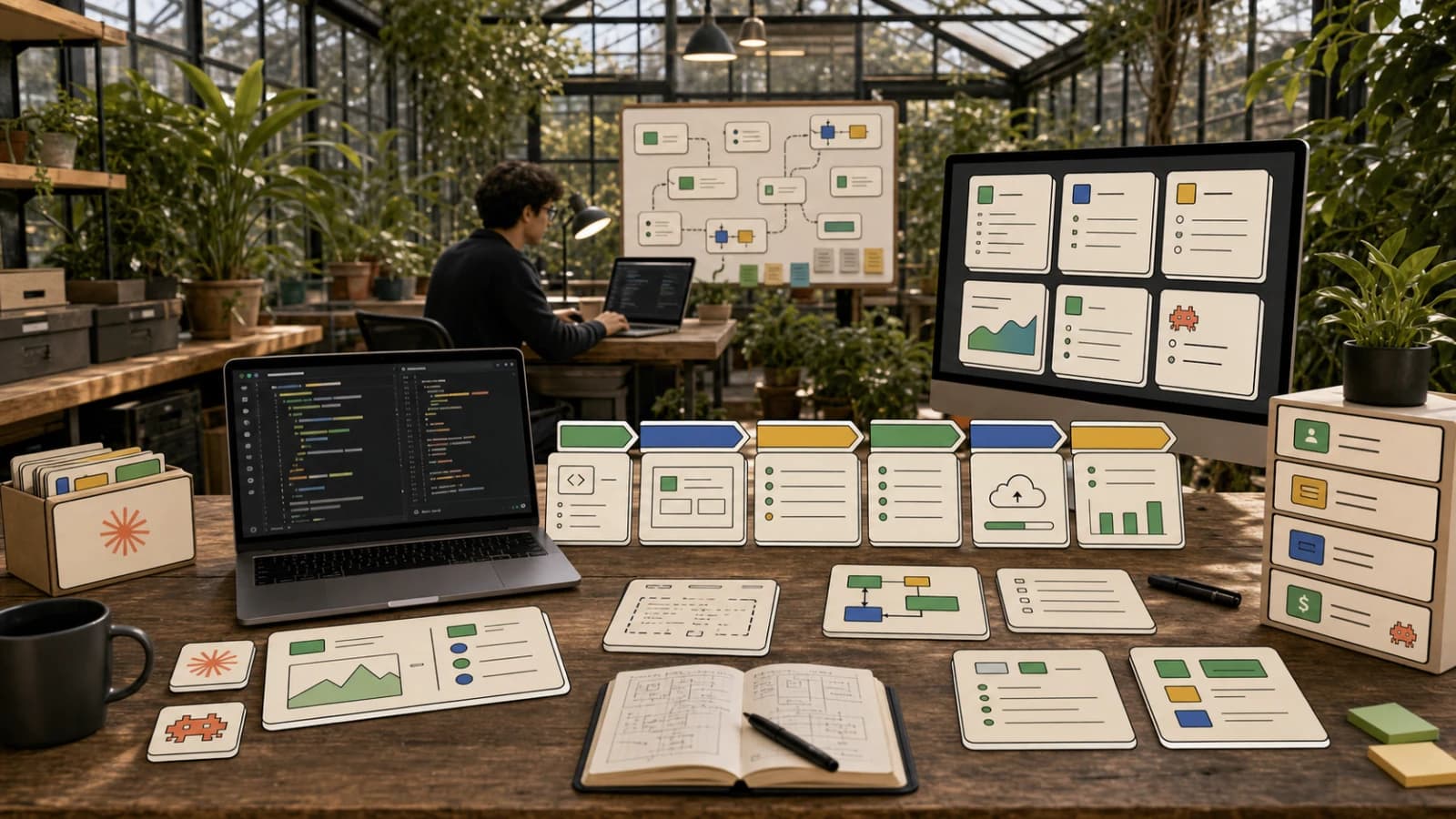
The result is the same business, same menu, same content - but with assets that look commissioned. The key architectural point is that generation happens inside the agent's working session: the agent decides what images and video it needs, submits them, and waits for the URLs before finishing the build. No designer, no asset handoff, no waiting on a vendor.
Higgsfield's Asset Catalog for Agents#
Higgsfield is an image, video, audio, and 3D generation platform, and its MCP page frames the agent story directly: "Create images and videos directly from your prompts in any AI tool." The models commonly used in agent flows include:
- Nano Banana Pro (Google) - image generation, also available directly in the Gemini API docs.
- Seedance 2.0 / 2.5 (ByteDance) - video generation.
- Seedream, FLUX.2, GPT Image 2, Veo 3.1, Kling v3.0, Soul V2 - image and video alternatives.
The underlying API docs show the same catalog is accessible RESTfully: models such as higgsfield-ai/soul/standard (text-to-image) and higgsfield-ai/dop/standard or kling-video/v2.1/pro/image-to-video (image-to-video) accept a prompt, aspect ratio, and resolution, and return a request_id for async completion. Images go up to 4K and videos up to 15 seconds per the MCP FAQ, with 3D and audio jobs in the same request lifecycle.
Connecting the MCP Server#
Higgsfield's MCP endpoint is https://mcp.higgsfield.ai/mcp. In Claude desktop or claude.ai you add it under Customize, then Connectors: name it, paste the URL, sign in, and the agent can generate directly. The page lists support for Claude (web, Cowork, and Claude Code), OpenClaw, Hermes Agent, and NemoClaw, and the FAQ is explicit that any MCP-compatible client can connect.
Two notes worth knowing before you wire it up:
- No API keys for the MCP route. Authentication is your Higgsfield account, not an API key pair. The FAQ: "Add the Higgsfield MCP server URL in your agent's settings and authenticate through your Higgsfield account. No API keys to manage or configure."
- Credits, not per-call billing. "Each generation costs credits based on the model and resolution. Your existing Higgsfield plan credits work seamlessly through any connected agent."
Generation runs asynchronously - the agent submits and polls - and the FAQ notes you can browse your full generation history and reuse past outputs as inputs for iterative workflows.
The CLI Route for Claude Code and Codex#
For Claude Code, Codex, and other terminal agents, Higgsfield recommends the CLI, and the official GitHub repo documents it in detail. Install options are cross-platform:
# macOS / Linux
curl -fsSL https://raw.githubusercontent.com/higgsfield-ai/cli/main/install.sh | sh

# Homebrew
brew install higgsfield-ai/tap/higgsfield

# Cross-platform (including Windows)
npm install -g @higgsfield/cli
Authenticate once, then generate:
higgsfield auth login

higgsfield generate create nano_banana_2 \
  --prompt "artisan pizza on a wooden board, overhead shot, warm bakery light" \
  --aspect_ratio 16:9 \
  --resolution 2k \
  --wait
The README's examples show the same shape for video via Seedance 2.0 (job_set_type seedance_2_0), with flags for duration, resolution, mode, and genre:
higgsfield generate create seedance_2_0 \
  --prompt "drone shot over a mountain valley at sunrise" \
  --aspect_ratio 16:9 --duration 5 \
  --resolution 4k --mode std --bitrate_mode high --genre noir \
  --wait
The pattern that matters for coding agents: higgsfield generate create ... --wait blocks until the job finishes and hands back the asset URL, so a Claude Code or Codex process can fetch it and immediately reference it in a background: url(...), an <img src>, or a <video src> it is about to write. Job management is explicit - higgsfield generate get <job_id> and higgsfield generate wait <job_id> - and the CLI exposes the model catalog locally via higgsfield model list (nano_banana_2 maps to Nano Banana Pro, gemini_omni to Gemini Omni Flash, veo3_1 to Veo 3.1, and so on, across 40+ models in the README's tables).
Dynamic Workflows: Parallel Asset Generation#
The video's most interesting move (chapter 06:37) is dynamic workflows: instead of generating assets one at a time, the agent spawns multiple generation jobs in parallel - images and the hero video at the same time - and only builds the final site once every job has returned. For a landing page that needs four product shots plus a background video, that is roughly the difference between four sequential generations and one batch that completes in the time of the longest single job. A batch like that is also a good place to let the agent speak when it lands - voice summaries keep you away from the terminal for the minutes it takes.
The CLI follows the same shape for repeatable flows: higgsfield workflow list discovers available workflows, higgsfield workflow get <name> inspects a workflow's parameters, and higgsfield generate workflow <name> --flags --wait runs one. The documented examples (draw_to_video, reframe, voice-change, dubbing) are video-centric, but the discovery pattern is the same one your agent would use to find, say, a "website" workflow before kicking off a build.
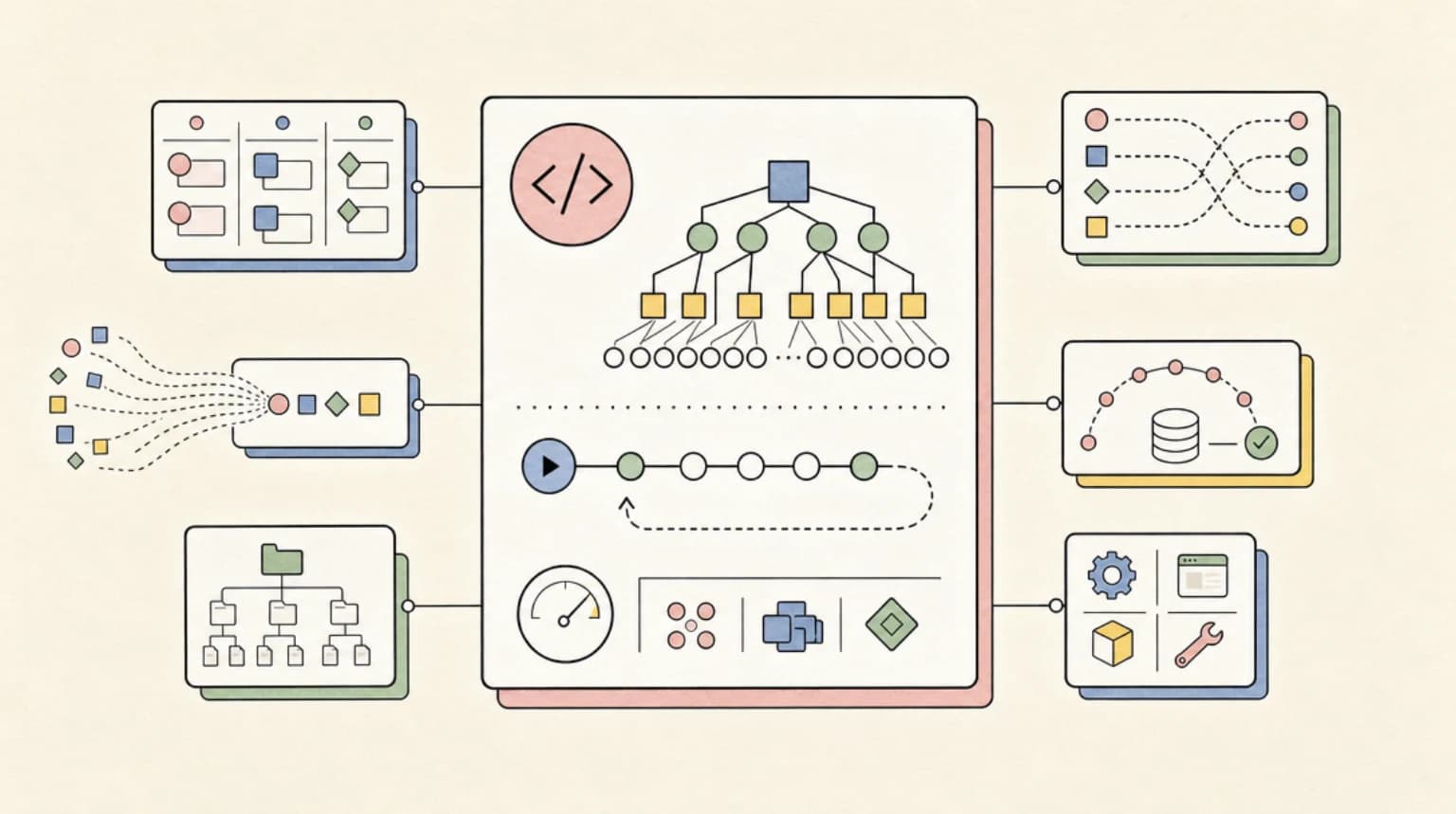
This is also where agent-native layering shows up in practice. A workflow like "pull the site, extract the content, generate the assets in parallel, then build" is exactly the kind of orchestration Claude Code's dynamic workflow support is designed to express - and it collapses a multi-hour design pass into a single agent run.
When This Works - and When to Skip It#
Use the asset-from-the-agent pattern when:
- The site's value depends on bespoke imagery (restaurants, products, portfolios, demo-worthy hero sections) - the GPT-6 Astra e-commerce version of this build runs the same loop on a full store, adding generated product photography and a Genjutsu re-versioned video hero. The same asset loop extends to 3D: GPT-6 driving Blender through Codex builds a playable game scene that the agent then turns into trailers.
- You are prototyping or shipping a v1 and want commissioned-feeling visuals without hiring or licensing work.
- Your agent already owns the full build - adding generation is one tool call in a loop that already exists.
Skip it when:
- Your brand art direction is a real design asset - a human art director with a model's output beats a generic prompt every time. The AI design slop playbook applies to generated assets as much as to layouts.
- A stock library already covers your category and the site is content-forward.
- You need pixel-perfect brand assets from existing files - that is Open Design's extraction flow, not generation.
- Budget discipline matters on high-volume sites: every generation costs credits, and a busy marketing site can burn through them fast.
For SaaS builders, the same loop scales into product: generate on-boarding art, social cards, or demo videos in the same run as the code, which is a decent chunk of what a Claude Code SaaS workflow needs anyway.
Watch the Video#
Watch How to Make Claude Code 10x Better at Design on YouTube to see the full makeover run in real time - the pizza shop before and after, the MCP and CLI setup from chapter 04:08, and the parallel asset generation in 06:37, which a screenshot cannot convey.
FAQ#
Can Claude Code generate images?#
Not directly - Claude Code writes code and calls tools. But through an MCP server such as Higgsfield's (https://mcp.higgsfield.ai/mcp) or through the higgsfield CLI in a shell step, Claude Code can submit image and video generation jobs and use the returned URLs in the site it builds.
What models does Higgsfield expose to agents?#
The MCP route exposes 30+ models including Nano Banana Pro, Seedance, Seedream, Kling, Veo, and Soul. The CLI README documents 40+ including Nano Banana Pro (nano_banana_2), Gemini Omni Flash, FLUX.2, Seedance 2.0 (seedance_2_0), Kling v3.0, Veo 3.1, and GPT Image 2, plus 3D and audio models.
Do I need a Higgsfield API key to use the MCP server?#
No. The MCP connection authenticates with your Higgsfield account. API keys (a key ID and secret) exist for server-side REST access via Authorization: Key <id>:<secret> against platform.higgsfield.ai, and the docs warn to keep them server-side.
How fast is generation?#
Images complete in seconds, videos take longer depending on duration and model. Generation is asynchronous - submissions return a request_id, and jobs move through queued, in_progress, and a terminal state (completed, failed, nsfw, or canceled). The CLI's --wait flag handles the polling for you, and the API docs recommend webhooks for production.
Is this a sponsored tool, and does it cost money?#
The video is an affiliate-style feature of Higgsfield, and this post covers the tool as demonstrated - no pricing details beyond credits are disclosed here. The platform is credit-based: each generation costs credits by model and resolution, and MCP usage draws from the same balance as the platform. For comparison, the raw model APIs (Nano Banana Pro via Gemini, Seedance via ByteDance) each bill separately if you call them directly.
Sources#
- Developers Digest video: How to Make Claude Code 10x Better at Design - published 2026-08-22; title, description, chapter timestamps, and publish date extracted from the watch page and channel RSS. YouTube auto-captions were unavailable (bot-check block), so the post is built from the official description and chapters plus the primary sources below.
- Higgsfield MCP and CLI page - fetched 2026-08-22, covers connector setup, supported agents, model list, and FAQ.
- Higgsfield CLI GitHub repository - fetched 2026-08-22, install commands, model tables, workflow and generate examples.
- Higgsfield API docs - fetched 2026-08-22, index, quickstart, request lifecycle, image and video guides.
- Google Gemini API image generation docs - fetched 2026-08-22, confirms Nano Banana Pro as a Gemini API model.
- ByteDance Seed official site - fetched 2026-08-22, Seedance publisher.
- Claude Code MCP documentation - fetched 2026-08-22.
Continue Reading#
- Open Design: Extract Any Website into a DESIGN.md That Cursor and Claude Code Understand - extracting brand tokens to feed these asset prompts.
- AI Design Slop and How to Spot It - why generic AI output happens and how to judge generated design.
- Claude Code Dynamic Workflows Guide - the orchestration pattern behind parallel asset generation.
- Building SaaS with Claude Code - where generated assets fit a full product build.
- Best Claude Code Skills in 2026 - agent capabilities that pair with an asset pipeline.
Get the next deep dive like this in your inbox
One email a week on Claude Code and the rest of the AI dev stack. Free.
Read next on Claude Code
Open Design: Extract Any Website into a DESIGN.md That Cursor and Claude Code Understand
Open Design lets you point Cursor or Claude Code at any live website and pull out a brand-ready DESIGN.md with colors, typography, spacing, and voice -- no manual extraction, no guesswork, all Apache-2.0.
8 min readClaude Code Dynamic Workflows: The Complete Guide
Claude Code dynamic workflows turn orchestration into a JavaScript script that runs up to 1,000 agents per run - here is how scripts, schemas, budgets, and resume actually work.
10 min readAI Design Slop: 16 Patterns That Mark a Site as Vibe-Coded
AI design slop is the set of 16 landing page patterns that mark a site as vibe-coded. Adrian Krebs scored 1,590 Show HN pages: 22% heavy, 32% mild, 46% clean.
7 min readTechnical content at the intersection of AI and development. Building with AI agents, Claude Code, and modern dev tools - then showing you exactly how it works.