Open Design: Extract Any Website into a DESIGN.md That Cursor and Claude Code Understand
TL;DR
Open Design, an open-source Apache-2.0 app, turns a live website into a DESIGN.md that Cursor and Claude Code follow: colors, typography, spacing, and voice.
Last updated: July 26, 2026
Developers who use Claude Code or Cursor for UI work know the drill: screenshot a competitor's site, paste it into the chat, describe the brand, and hope the agent approximates the right palette. The result is inconsistent -- the spacing drifts, the typography shifts, and the next generation forgets what the first one learned. Open Design solves this by extracting a complete, versionable DESIGN.md from any live website, then wiring that brand contract into your coding agent so every generation stays on-brand without re-explaining the brief.
The Open Design video on Developers Digest walks through the full extraction flow -- pointing the tool at a website, pulling the brand tokens, and feeding them into Cursor and Claude Code. This post covers what happened under the hood, how DESIGN.md actually works, and where this slots into an agent-native design workflow - the brand-contract half of the loop, which pairs with generating the visual assets themselves for sites that need bespoke imagery.
Official Sources#
| Resource | URL |
|---|---|
| Open Design website | open-design.ai |
| GitHub repository | github.com/nexu-io/open-design |
| Open Design quickstart | QUICKSTART.md |
| Claude Design developer guide | developersdigest.tech |
| Cursor AI editor guide | developersdigest.tech |
What Open Design Actually Is#
Open Design is an open-source, Apache-2.0-licensed desktop app (macOS, Windows, Linux via AppImage) that turns the coding agent already on your machine into a design engine. It auto-detects 25 CLIs on your PATH -- Claude Code, Codex, Cursor, Gemini CLI, OpenCode, Qwen, GitHub Copilot CLI, and more -- and wires them into a structured design pipeline. The project has 81k GitHub stars, 340 contributors, and 151 shipped design systems.
It is the open-source alternative to Claude Design, which Anthropic shipped as a closed, hosted, model-locked product in April 2026. Same artifact-first loop -- brief, direction, generation, critique, delivery -- but local, BYOK, and free.
The video focuses on one specific feature: the design-system extraction pipeline that turns any live website into a portable DESIGN.md file.
How the Website Extraction Works#
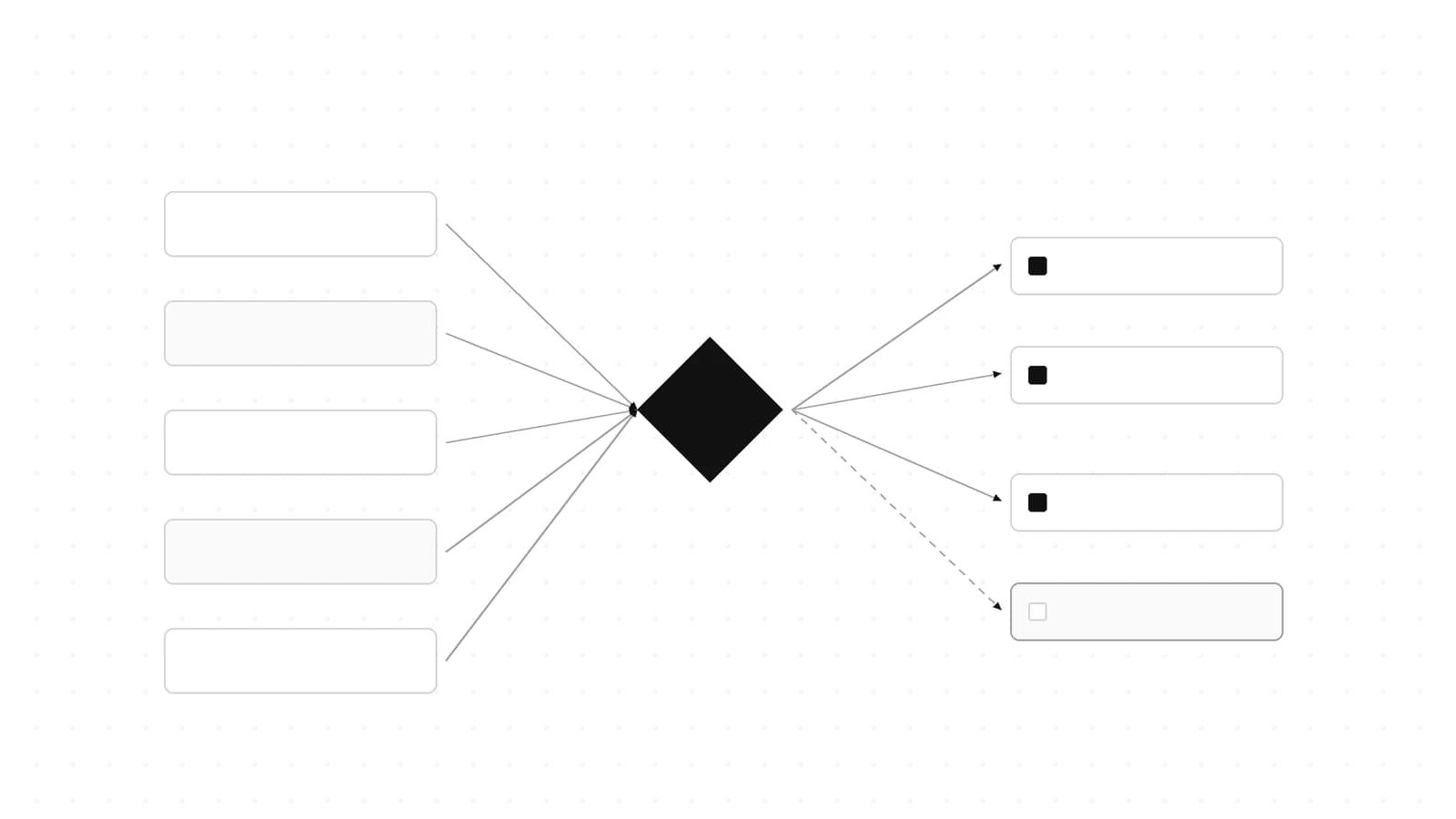
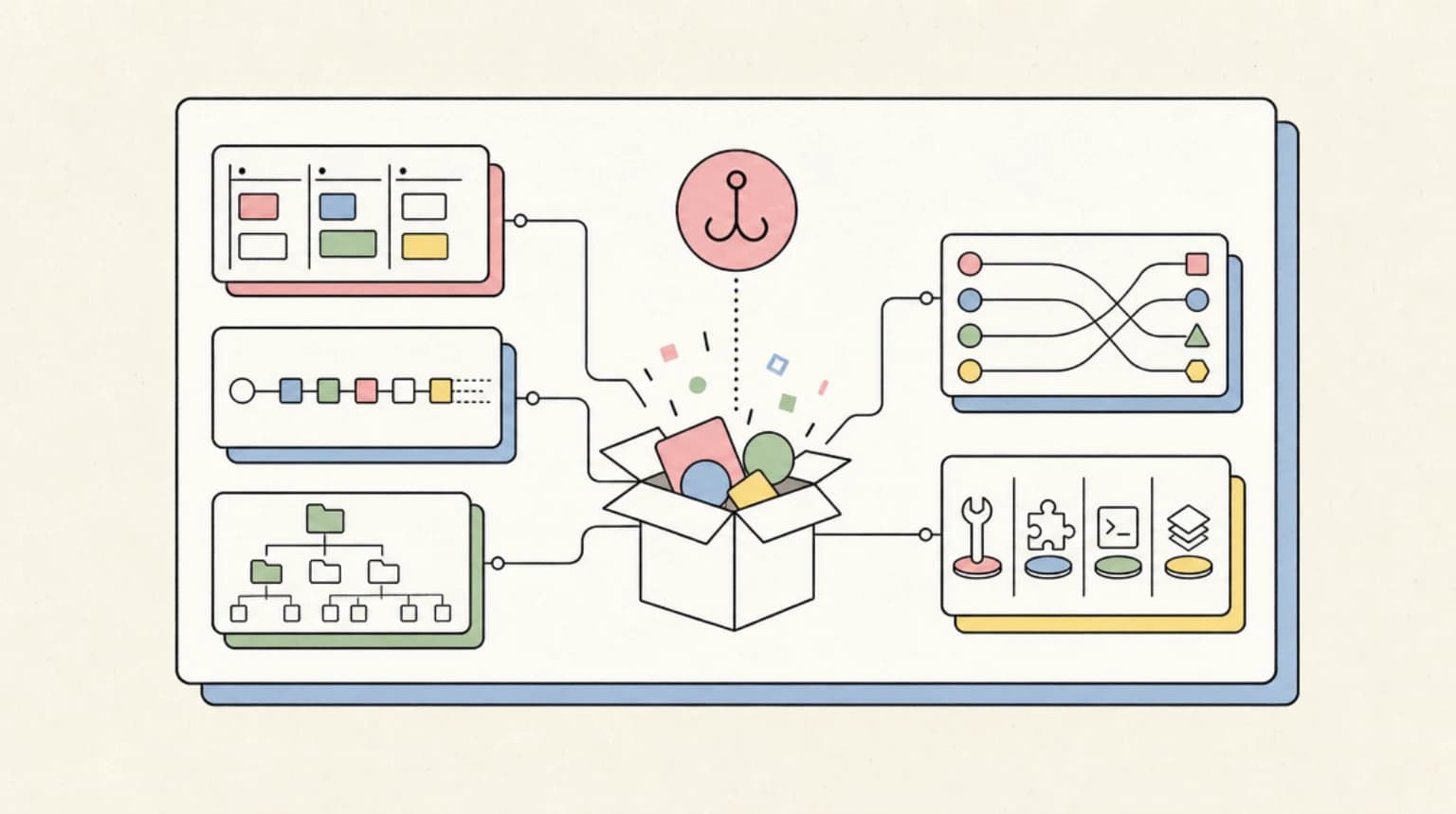
The core idea is simple: you point Open Design at a URL, a .fig file, or a browser clip, and it extracts the site's visual identity into a structured markdown file. The DESIGN.md schema has nine sections:
- Color -- primary, secondary, accent, neutral palettes with hex values
- Typography -- font families, scales, weights, line heights
- Spacing -- base unit, component gaps, layout margins
- Layout -- grid preferences, max widths, breakpoints
- Components -- button styles, card patterns, input defaults
- Motion -- transition timings, easing curves, animation preferences
- Voice -- tone, terminology, content patterns
- Brand -- logo placement, brand marks, visual motifs
- Anti-patterns -- what to avoid (gradients, specific color combos, emojis)
Once extracted, you save the DESIGN.md under design-systems/<your-brand>/ in your project repo. From that point, every agent run reads the same brand contract. No re-prompting, no hallucinating brand colors for the fifth time.
The 151 pre-built design systems include Linear, Stripe, Vercel, Apple, Notion, Airbnb, Cursor itself, Supabase, Figma, and Spotify -- so if you are building something that should feel like Stripe's dashboard or Notion's docs, you start with a validated baseline instead of a blank page.
Wiring It Into Cursor and Claude Code#
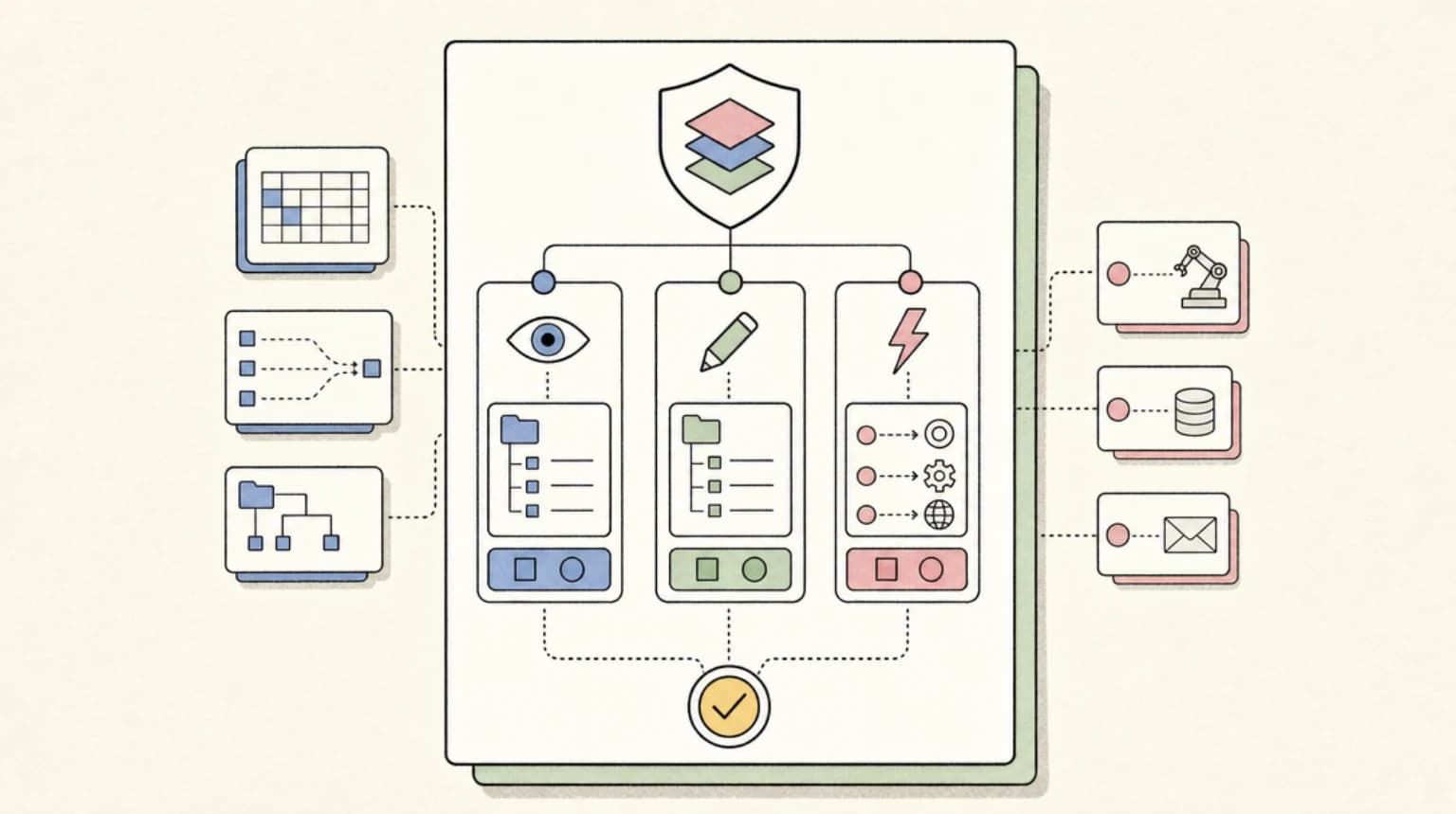
Open Design does not replace your coding agent. It augments it with MCP (Model Context Protocol) integration. A single command wires the tools in:
# Install the MCP server into your agent
od mcp install claude      # Claude Code
od mcp install cursor       # Cursor
od mcp install codex        # OpenAI Codex
od mcp install opencode     # OpenCode
After install, the agent gains access to Open Design's tool manifest -- skill execution, artifact export, project info, skill listing, and design-system application -- all over JSON-RPC on stdin/stdout. The agent can now call od the same way it calls git or npm: it is just another executable the agent shells out to.
The workflow from inside an agent looks like this:
# Inside Claude Code or Cursor's terminal
claude "use od to extract the design system from example.com"

# Apply a pre-built system
claude "use od to apply the Linear design system and generate a pricing page"
The daemon handles the handoff, spawning the agent CLI with the project's artifact folder as its working directory, so the agent gets Read/Write/Bash/WebFetch tools against a real filesystem. The SQLite database at .od/app.sqlite persists projects, conversations, and messages across sessions.
Beyond Extraction: What the Full Pipeline Generates#
The DESIGN.md is just the brand contract. Once it is in place, the same tool generates four more artifact types from that single source of truth:
- Prototypes -- single-page HTML for web, desktop, and mobile, previewed in a sandboxed iframe
- Live dashboards -- KPI walls, decision rooms, data-connected dashboards with an editable tweaks panel
- Slide decks -- 36 themes, 31 layouts, 47 animations, 14 deck templates, exportable to PPTX, PDF, and HTML
- Images -- gpt-image-2 and Seedream 5.0 Pro with 93 prompt templates, plus a BYOK proxy for any image model
- Video -- HyperFrames (HTML-to-MP4 via headless Chrome + FFmpeg), plus Seedance 2.0 for cinematic video generation
Every artifact reads the active DESIGN.md, so a single brand extraction cascades through all five output types without reconfiguration.
Quickstart: Get Running in Three Commands#
The desktop app is the recommended path (zero config), but the CLI works anywhere Node 24 runs:
git clone https://github.com/nexu-io/open-design.git
cd open-design && pnpm install
pnpm tools-dev run web
Requirements: Node.js ~24, pnpm 10.33.x. The desktop app auto-detects every coding-agent CLI on your PATH. If you prefer Docker:
cd deploy
cp .env.example .env
# Set OD_API_TOKEN=<your-token> in .env
docker compose up -d
How It Compares to Claude Design#
| Open Design | Claude Design | |
|---|---|---|
| License | Apache-2.0 | Proprietary |
| Runtime | Local desktop / Docker / Vercel | Cloud-hosted |
| Agent support | 25 CLIs + BYOK | Anthropic only |
| Design systems | 151 shipped, DIY-supported | Proprietary |
| HyperFrames (HTML->MP4) | First-class | Not available |
| Minimum cost | Free (BYOK, your API keys) | Pro / Max / Team tiers |
The headline difference: Open Design is free and local. You pay only your own LLM provider costs. Claude Design requires a paid Anthropic subscription, and everything -- the model, the skills, the surface -- is locked to Anthropic's stack. If you already pay for Claude Code, the effective cost of adding Open Design is zero beyond API spend. If you prefer Codex, Cursor, or Gemini, Open Design works with all of them.
When to Use Open Design#
- You want a consistent brand across multiple agents and projects without copy-pasting style guides
- You are building UI that should mimic a specific SaaS or design system (Linear, Stripe, Notion, etc.)
- You need slide decks, dashboards, or prototypes that share a single brand contract
- You want design output you own as local files, not artifacts locked in a vendor cloud
When to Skip It#
- You do zero visual work and your agent lives entirely in the terminal
- You already have a mature Figma pipeline with a dedicated design team
- You need real-time collaboration on the same visual canvas (Open Design is local-first; team features are on the roadmap)
- You are on a flaky network and cannot clone a repo or run
pnpm install(the deps are substantial)
Watch the Video#
The full video on Developers Digest shows the end-to-end flow: extracting a brand from a live website, seeing the DESIGN.md render in real time, and feeding it into Cursor and Claude Code for actual UI generation. The screen flow and the live browser extraction are hard to convey in text -- watching the agent pick up the brand and immediately respect it in a new component is the part worth seeing.
FAQ#
What is Open Design?#
Open Design is an open-source, local-first design workspace that turns your existing coding agent (Claude Code, Cursor, Codex, and 20+ others) into a design engine. It is the Apache-2.0 alternative to Anthropic's Claude Design, with 151 pre-built design systems and artifact generation for prototypes, dashboards, slides, images, and video.
How does Open Design extract a brand from a website?#
You point Open Design at a live website URL (or a .fig file or browser clip), and the agent extracts the site's colors, typography, spacing, layout patterns, and voice into a structured DESIGN.md file. That file becomes the brand contract for all future generations -- every artifact the agent produces reads and respects it.
Do I need separate API keys besides the ones I already use?#
No. Open Design is BYOK -- you bring your own keys for Claude, OpenAI, Google, or whichever provider you use. The tool itself is free and Apache-2.0. You only pay your normal LLM API costs, billed directly to your provider account.
Can I use Open Design with Cursor and Claude Code at the same time?#
Yes. Open Design auto-detects all supported CLIs on your PATH. You can switch agents per project -- the DESIGN.md and skill files are agent-agnostic, so the same brand contract works across Claude Code, Cursor, Codex, and any other supported agent.
Is the extracted DESIGN.md editable?#
Yes. DESIGN.md is a plain Markdown file with a nine-section schema. You can hand-edit the palette, tweak the typography scale, add component patterns, or pull in tokens from an existing design system. The agent respects whatever is in the file -- it is your brand contract, not a vendor's.
Sources#
- Open Design official website -- fetched 2026-07-26
- Open Design GitHub repository -- Apache-2.0, 81.6k stars, 340+ contributors, fetched 2026-07-26
- Developers Digest video: Open Design -- published on the channel, title extracted via YouTube oembed API
- Claude Design developer guide -- internal reference for Claude Design comparison
- Note: YouTube auto-transcript was unavailable (Cloudflare block). All technical claims verified against the official GitHub README and open-design.ai as of 2026-07-26.
Continue Reading#
Get the next deep dive like this in your inbox
One email a week on Open Design and the rest of the AI dev stack. Free.
Read next on Cursor
Claude Design, Slides and Docs in Any Chat: How to Use Them
Claude Design, Slides and Docs now open in any Claude chat, Claude Code session or the Artifacts tab, on every plan. Exact steps, limits and settings.
14 min readCC Switch Guide: Manage Claude Code and Codex Providers From One App (2026)
CC Switch is a free open-source app that switches API providers for Claude Code and Codex in one click and syncs MCP servers and skills. How to use it safely.
9 min readHow to Use Claude Code and Codex With Meta Muse: Every Setup That Actually Works
Claude Code and Codex with Meta Muse: run both agents on Muse Spark 1.3 via the Meta Model API, use OpenCode Go, or import your setup into Muse Code.
10 min readNew here? Start with
Technical content at the intersection of AI and development. Building with AI agents, Claude Code, and modern dev tools - then showing you exactly how it works.