Claude Code Auto Mode Is Now the Default: Keep It, Tune It or Turn It Off
TL;DR
Claude Code starts in auto mode by default, with its safety classifier moving server-side. How to keep, tune or turn it off, and the v2.1.302 headless catch.
Last updated: October 17, 2026
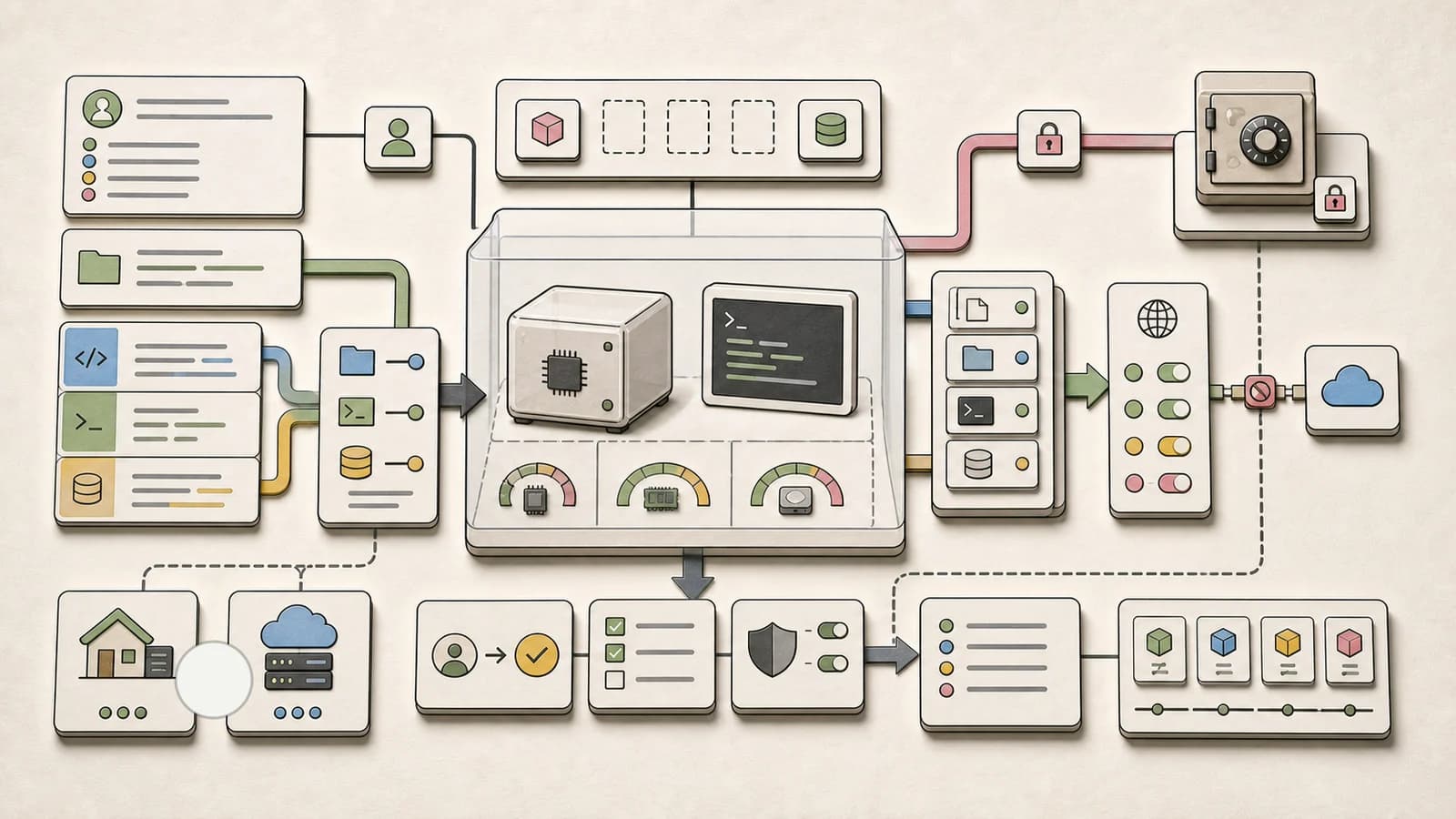
Since Claude Code v2.1.284 (published September 28, 2026), interactive terminal and VS Code sessions start in auto mode on every plan and provider whenever you have not set a permission mode yourself. On a direct Anthropic API connection, the safety classifier that reviews each risky action is also moving server-side, into your normal model requests: Anthropic is rolling it out, and it is the default from v2.1.282 for sessions with telemetry off. For most interactive work this is a sensible default: routine prompts go away, while your deny and ask rules keep working exactly as before. Three things deserve attention, though: pin your mode explicitly in CI, check /status if you sit behind an LLM gateway, and know that v2.1.302 (October 16) moved headless claude -p and Agent SDK runs on third-party providers back to Manual.
This post is the practical "your default changed, here is what to do" companion. For the classifier's rule tiers (hard_deny, soft_deny, allow) in depth, read Claude Code Auto Mode Explained; several of its rollout details (opt-in prompt, research preview, the Bedrock opt-in variable) no longer match the current docs.
What changed, release by release#
Dates are npm publish dates for @anthropic-ai/claude-code; the wording comes from the official changelog.
| Version | Date | Change |
|---|---|---|
| v2.1.246 | Aug 25 | /permissions gains an Auto mode tab for viewing and editing classifier rules |
| v2.1.257 | Sep 1 | Containment Escape rule; defaultMode: "bypassPermissions" in project settings is now ignored, like "auto" |
| v2.1.271 | Sep 14 | Per-command allowed_domains for Bash, PowerShell and Monitor in auto mode with sandboxing; also the docs' minimum version for server review in Pro, Max and Team interactive sessions |
| v2.1.281 | Sep 23 | CLAUDE_CODE_AUTO_MODE_SERVER applies on direct API connections; read-only and sandboxed shell commands also wait for server review |
| v2.1.282 | Sep 24 | Server-side classifier becomes the default on direct API connections with telemetry off |
| v2.1.283 | Sep 25 | Interactive sessions on third-party providers or with telemetry off start in auto mode when no mode is configured |
| v2.1.284 | Sep 28 | Interactive terminal and VS Code sessions start in auto mode on every plan and provider |
| v2.1.285 | Sep 29 | claude -p and Python Agent SDK sessions on third-party providers or with telemetry off also start in auto mode |
| v2.1.301 | Oct 15 | OpenTelemetry tool_decision events carry classifier_verdict and permission_mode |
| v2.1.302 | Oct 16 | The v2.1.285 headless change is reverted; CLAUDE_CODE_AUTO_MODE_MODEL added for the client-side classifier |
One discrepancy to know about: at the time of writing, the permission modes docs still describe the v2.1.285 behavior for -p and the Agent SDK. The changelog entry for v2.1.302 is newer, so trust it: "Changed claude -p and Agent SDK sessions with no permission mode to start in default mode on third-party providers, with telemetry off or on a fresh install; --permission-mode auto keeps auto."
Which mode will my session start in?#
When you start a terminal session, Claude Code takes the permission mode from the first of these that applies:
- The
--permission-modeflag, or--dangerously-skip-permissions. permissions.defaultModein a settings file. When several files set it, normal settings precedence decides, so a project or managed value outranks~/.claude/settings.json.- The built-in default.
The built-in default is where the change lives. Per the docs table, the first matching row wins: any settings file with disableAutoMode set to "disable" gives Manual (config value default); an organization with the HIPAA configuration starts in Manual (v2.1.285+) with auto still available to switch to; and a terminal or VS Code session on v2.1.283 or later starts in auto. (The docs give v2.1.283 for every plan and provider; the changelog dates that wider change to v2.1.284, with v2.1.283 covering third-party providers and telemetry-off sessions.)
%% title: Which mode a new terminal session starts in
flowchart TD
    A[New session] --> B{--permission-mode flag?}
    B -- yes --> S{Selected mode is auto?}
    B -- no --> C{defaultMode in a settings file that honors it?}
    C -- yes --> S
    S -- no --> M2[Use that mode]
    S -- yes --> F{Auto mode available?}
    C -- no --> D{disableAutoMode set?}
    D -- yes --> M3[Manual mode]
    D -- no --> P{-p or Agent SDK?}
    P -- yes --> M5[Manual, v2.1.302+]
    P -- no --> H{HIPAA configuration applies?}
    H -- yes --> M3
    H -- no --> F
    F -- yes --> M4[Auto mode]
    F -- no --> M3
Every path that selects auto, whether from the flag, a settings file or the built-in default, goes through the same availability check: when auto mode is not available to the session, it starts in Manual instead.
Two traps catch people:
- Project settings cannot select
autoorbypassPermissions. If you put"defaultMode": "auto"in.claude/settings.jsonor.claude/settings.local.json, it does not take effect, and Claude Code falls through to the built-in default rather than to adefaultModein~/.claude/settings.json."bypassPermissions"in those files starts the session in Manual. Every other value (default,acceptEdits,plan) works from project settings. This is deliberate: a cloned repo should not be able to switch off your prompts. - "Auto" can silently mean Manual. If auto is selected but unavailable, the session starts in Manual. Common causes are an unsupported model (Sonnet 4.5, Opus 4.5, Haiku 4.5 and the claude-3 family are unsupported everywhere), a
disableAutoModesetting, or Anthropic turning auto mode off server-side for your account. On the Anthropic API and Claude Platform on AWS you need Opus 4.6+, Sonnet 4.6+, Haiku 5.5 or a Fable model; on Bedrock, Google Cloud's Agent Platform, Microsoft Foundry and Claude apps gateway sessions you need Sonnet 5+, Opus 4.7+, Haiku 5.5 (v2.1.293+) or Fable.
The docs also note that your first session after an install or upgrade can pick its mode before feature flags arrive, so that one session may not match the table.
How to keep, switch or opt out#
Check where you are. The status bar reads auto mode on or manual mode on. The first time the built-in default puts you in auto mode, Claude Code shows a one-time notice linking to the docs.
Per session. Pass the mode on launch. manual is a CLI alias for the default config value:
claude --permission-mode manual   # same as --permission-mode default
claude --permission-mode auto
Inside a session, Shift+Tab from auto goes to Manual first, then acceptEdits, then plan, and auto re-enters the cycle without a confirmation prompt when it is available. Going the other way, in Manual and acceptEdits a Bash permission prompt offers Yes, and switch to auto mode (v2.1.247+), except on prompts forced by your own ask rules or hooks.
Machine-wide opt out. Save this in ~/.claude/settings.json; the next session shows manual mode on:
{
  "permissions": {
    "defaultMode": "default"
  }
}
If your user settings already set a mode other than auto, nothing changes for you. On Pro, Max and Team, and in sessions that do not fetch feature flags, Claude Code asks once whether to switch that setting to auto; declining keeps your setting.
Organization-wide. To set a default but let people switch, put permissions.defaultMode in managed settings. To remove auto mode so nobody can select it, use:
{
  "permissions": {
    "disableAutoMode": "disable"
  }
}
VS Code. The extension has its own order: claudeCode.initialPermissionMode, then the mode you last picked from the mode indicator (Manual, Edit automatically or Auto), then permissions.defaultMode from managed settings or ~/.claude/settings.json, then the built-in default. initialPermissionMode accepts default, manual, acceptEdits, plan or bypassPermissions, but not auto; to start in Auto, leave it unset and pick Auto once from the indicator. The extension never reads a project's .claude/settings.json for the starting mode, and with claudeCode.claudeProcessWrapper set, conversations start in Manual unless one of the first two items says otherwise.
How auto mode decides an action#
Auto mode does not replace the rule layer covered in Claude Code Permissions: settings.json Allow, Deny, Ask. It sits behind it. Each action goes through a fixed order, and the first match wins:
- Your rules resolve first. Deny blocks in every mode. Ask rules that match command content, such as
Bash(git push *), still prompt. Allow rules approve, with exceptions: protected-path writes,rmon critical paths, and commands carrying per-command allowed domains still go to review. - Read-only actions and file edits in your working directory are auto-approved, apart from writes to protected paths and the first read outside the working directories, which prompts once. One exception under server-side review: read-only and sandboxed shell commands wait for the server's verdict and are blocked if it flags them.
- Everything else goes to the classifier. A block comes back to Claude with the matched rule's label, for example
[Data Exfiltration], and Claude tries another approach.
On entering auto mode, Claude Code drops broad allow rules that amount to arbitrary code execution: Bash(*), PowerShell(*), wildcarded interpreters like Bash(python*), package-manager run commands, and Agent and Monitor allow rules. Narrow rules such as Bash(npm test) stay, and the dropped ones come back when you leave auto mode.
%% title: How auto mode decides one tool call
flowchart TD
    A[Tool call] --> B{Matches a deny, ask or allow rule?}
    B -- deny --> X[Blocked]
    B -- ask --> P[Prompt you]
    B -- allow --> R[Runs]
    B -- none --> C{Read-only action or in-repo edit?}
    C -- yes --> R
    C -- no --> D[Classifier review]
    D -- approve --> R
    D -- block --> E[Claude gets the rule name]
    E --> F{3 in a row or 20 total?}
    F -- yes --> P
    F -- no --> G[Claude tries another way]
Three blocks in a row or 20 in a session pause auto mode and bring back prompts. The thresholds are not configurable. A -p run without --permission-prompt-tool has nothing to fall back to, so the blocked action simply does not run and Claude keeps going.
A few defaults worth knowing. Blocked: downloading and executing code (curl | bash), force push, production deploys and migrations, git reset --hard and similar commands that discard uncommitted work, terraform destroy, merging a pull request no human approved, and printing a live credential into the transcript. Allowed: local file operations in the working directory, installing dependencies declared in lock files or manifests, read-only HTTP requests, and pushing to any branch of the repository you are working in (deploy-looking branches like production or gh-pages are judged on their own terms). Run claude auto-mode defaults for the full JSON.
The server-side classifier: what moved and what it costs#
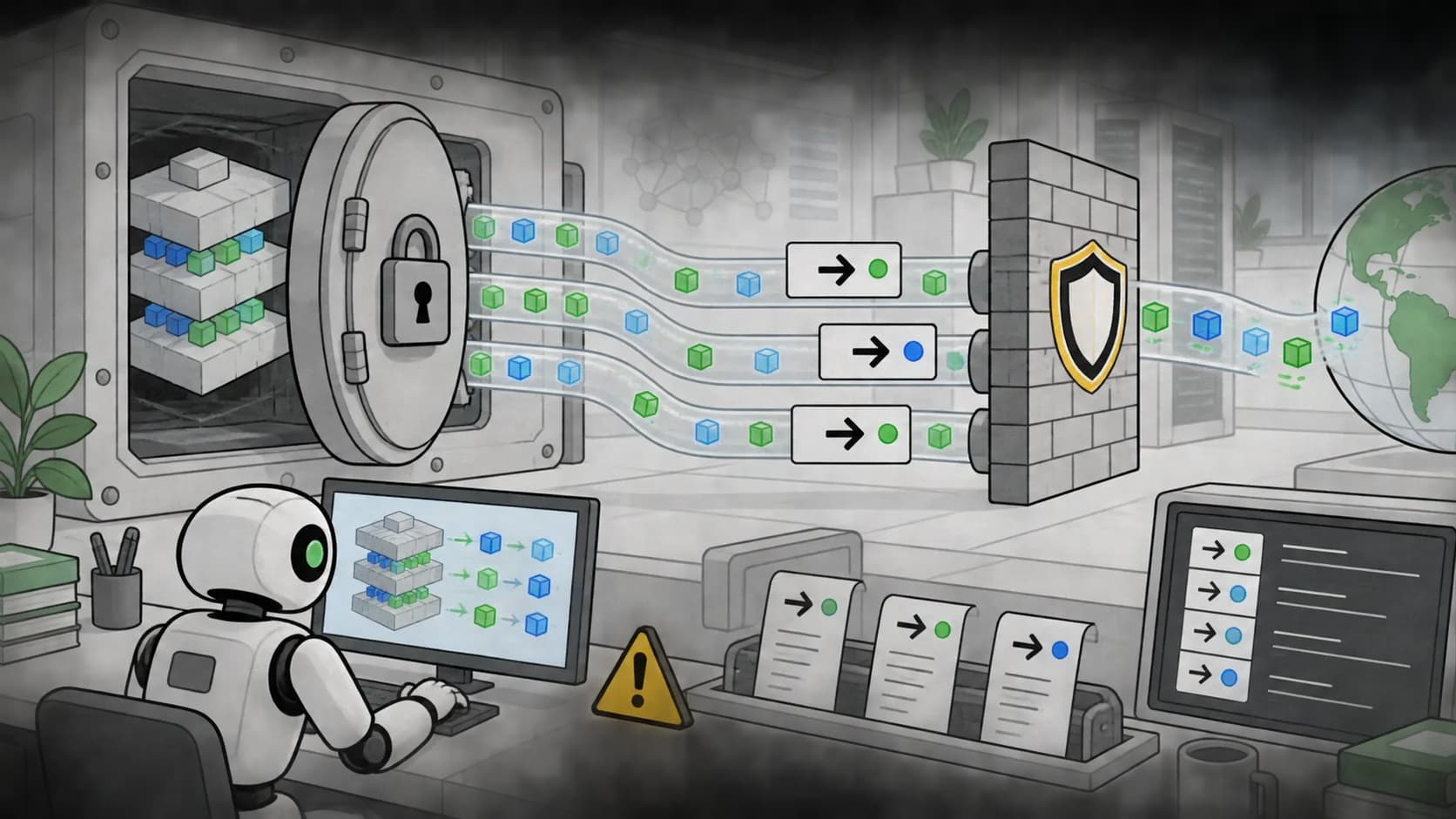
Until recently, Claude Code sent its own classifier request for each action that needed review. With server-side review, Claude Code asks the server to check those actions as part of the session's model requests, and the server's verdicts decide them.
Where it applies, per the server-side review docs:
- Direct Anthropic API: "as Anthropic rolls it out." Interactive sessions need v2.1.271+ on Pro, Max and Team, or v2.1.278+ on Enterprise and Claude API accounts;
-p, Agent SDK, VS Code and desktop sessions need v2.1.281+. From v2.1.282, sessions that do not fetch feature flags (for example, telemetry off) ask the server by default. - Cloud providers and gateways: Claude Platform on AWS, Bedrock, Google Cloud's Agent Platform, Microsoft Foundry, and any
ANTHROPIC_BASE_URLgateway ask by default from v2.1.278. - Claude apps gateway: v2.1.280+.
%% title: Server-side classifier review
sequenceDiagram
    participant CC as Claude Code
    participant API as Anthropic API
    CC->>API: Model request asking for review
    API-->>CC: Response plus safety verdicts
    alt Verdict approves
        CC->>CC: Run the action
    else Verdict blocks or is missing
        CC->>CC: Deny the action
    else Server skips review
        CC->>API: Own classifier request, billed on some accounts
    end
The outcomes matter:
- No verdict for an action: Claude Code denies it rather than run it unreviewed, and stops the turn after ten responses in a row with no verdict. Gateways that cut responses short or rewrite results cause this.
- Server does not review the session at all: Claude Code falls back to its own classifier requests for the rest of the session.
- Read-only and sandboxed shell commands wait too. Under server review they are held for the verdict and blocked if flagged (v2.1.281). That closes a gap, at the cost of a little latency on commands that used to run instantly.
Billing. The classifier billing page says server checks run as part of the session's own model requests "at no charge." When a session falls back on an account where classifier requests are billed (Enterprise, Claude API and cloud provider accounts), Claude Code holds the first checked action and shows: "We're changing auto mode to no longer charge for classifier requests in Claude Code. However, this session isn't eligible." Enter continues on billed requests; Esc cancels the action. Pro, Max and Team plans never see the notice. To check any auto mode session, run /status and look at the Auto mode server row: Enabled while server checks decide actions, Disabled once the session has fallen back.
Gateways. The usual cause of fallback is a proxy that drops unknown fields. The fix is to pass the safeguards request field and the safeguard_results response field through unchanged, per the gateway compatibility guide. If your gateway cannot, opt out explicitly so you get predictable behavior and no notice:
export CLAUDE_CODE_AUTO_MODE_SERVER=0
=1 opts in on a direct API connection that does not have it yet. Anthropic labels the variable temporary. Setting CLAUDE_CODE_DISABLE_EXPERIMENTAL_BETAS=1 with CLAUDE_CODE_AUTO_MODE_SERVER unset also stops asking the server. If you run your own gateway, Self-Hosting Claude Code: 5 Ways to Run It on Your Own Infra covers the setup side.
Which model judges. Per the docs' cost and latency notes, the classifier runs on Claude Sonnet 5 by default rather than on your /model selection, and a classifier model Anthropic configures server-side takes precedence over that default. A fallback applies only when your session's model is Sonnet 4.6, when availableModels excludes Sonnet 5, or when the session's first auto-mode request finds Sonnet 5 unavailable: the classifier then runs on the session's model, or on an Opus model if the session runs on a Fable model. On providers other than the Anthropic API, that Opus fallback is whatever ANTHROPIC_DEFAULT_OPUS_MODEL names, or Opus 5 if it is unset. A Fable session with Sonnet 5 available still gets Sonnet 5 as its classifier. The new CLAUDE_CODE_AUTO_MODE_MODEL (v2.1.302) picks the model for the client-side classifier only; it does not change server-side review. The same release made a conversation too long for the server-side check compact instead of denying every checked call.
Containment Escape and per-command allowed domains#
Two newer rules matter if you run Claude Code in containers or with the sandbox on.
Containment Escape (v2.1.257) stops four kinds of action from being auto-approved unless your environment says they are expected: requesting credentials from the cloud metadata endpoint such as 169.254.169.254, reaching a public host through a tunnel, reverse shell or rewritten resolver, reading credentials that belong to the host (node certificates, the node's registry auth), and connecting to or scanning sibling containers, pods or VMs. If your dev container legitimately needs one of these, describe it in a Host containment entry in autoMode.environment, naming the allowed hosts and whether the metadata endpoint should be reachable.
Per-command allowed domains (v2.1.271) change how network access works in auto mode with the Bash sandbox on. Sandboxed commands get no network beyond your allowlist by default. Instead of a network prompt per connection, Claude names the hosts a command needs on the command itself, as a domain (registry.npmjs.org), a wildcard (*.pythonhosted.org) or an IP, each with an optional port. The classifier reviews hosts and command together.
%% title: Per-command allowed domains under the sandbox
sequenceDiagram
    participant C as Claude
    participant K as Classifier
    participant S as Sandbox
    C->>K: npm install, hosts registry.npmjs.org
    K-->>C: Approved
    C->>S: Run the command
    S->>S: Open listed hosts for this command only
    S-->>C: Unlisted host refused and named
    C->>K: Re-run with that host added
An approved list opens those hosts for that one command, for as long as it runs. Nothing is saved to your session or settings. deniedDomains still block, strictAllowlist or allowManagedDomainsOnly make Claude Code refuse per-command lists entirely, and a connection to an unlisted host is refused without a prompt and named in the result. Claude Code vs Codex vs Copilot CLI: Local Sandboxes Compared walks through the sandbox network model in more detail.
Tune it instead of turning it off#
If auto mode blocks too much or too little, adjusting it is usually better than leaving it.
1. Add a human checkpoint. Content-scoped ask rules always prompt, even in auto mode:
{
  "permissions": {
    "ask": [
      "Bash(git push *)",
      "Bash(gh pr create *)"
    ]
  }
}
These match commands that begin with git push. A push written as git -C <dir> push does not match. For a check on the full command text, use a PreToolUse hook; Claude Code Hooks Explained shows how.
2. Teach the classifier your infrastructure. Anything not listed is treated as external, which is the main source of false positives. Put this in ~/.claude/settings.json, managed settings, or inline --settings JSON. The classifier never reads autoMode from project .claude/settings.json or .claude/settings.local.json:
{
  "autoMode": {
    "environment": [
      "$defaults",
      "Source control: github.example.com/acme-corp and all repos under it",
      "Trusted internal domains: *.corp.example.com, api.internal.example.com"
    ]
  }
}
Keep the literal "$defaults". An array without it replaces the built-in list for that section.
3. Edit from the UI. /permissions has an Auto mode tab (v2.1.246+) that saves to ~/.claude/settings.json; managed and --settings entries show read-only. The Recently denied tab lists blocks, and pressing r on one marks it for retry.
4. Inspect and reset from the CLI:
claude auto-mode defaults --label 'Git Destructive'   # one rule's wording (v2.1.208+)
claude auto-mode config                               # effective rules after your edits
claude auto-mode critique                             # flags ambiguous or redundant custom rules
claude auto-mode reset --yes                          # remove autoMode from user settings (v2.1.212+)
On Pro, Max and Team, /auto-mode-setup drafts environment entries from your project and recent sessions.
5. Route every shell command through review. {"autoMode": {"classifyAllShell": true}} suspends all Bash and PowerShell allow rules in auto mode, so a narrow rule cannot wave through an argument its prefix did not anticipate. You pay latency on every command.
6. Observe it. Since v2.1.301, OpenTelemetry tool_decision events include classifier_verdict and permission_mode, plus classifier_category with OTEL_LOG_TOOL_DETAILS=1, so you can tell classifier decisions apart from rule decisions in your dashboards.
Headless runs and the Agent SDK#
After v2.1.302, do not rely on the built-in default in scripts. A -p or SDK session with no mode set starts in Manual on third-party providers, with telemetry off, or on a fresh install, and in sessions that fetch feature flags it already did. Pass the mode every time.
For locked-down CI, the docs still recommend an exact allowlist with dontAsk, which denies anything that would prompt:
claude -p "run the test suite" --permission-mode dontAsk --allowedTools "Bash(npm test)" "Read"
If you want auto mode in a pipeline, pin it. In the TypeScript Agent SDK, permissionMode accepts 'default' | 'acceptEdits' | 'bypassPermissions' | 'plan' | 'dontAsk' | 'auto', and the SDK's typedoc says 'auto' prompts through canUseTool when the classifier cannot decide. This example was type-checked against @anthropic-ai/claude-agent-sdk@0.3.302 with TypeScript 7.0.2 (strict, moduleResolution: bundler, tsc --noEmit clean). It was not executed against the API.
import { query } from "@anthropic-ai/claude-agent-sdk";

// Pin the mode explicitly: since v2.1.302, headless runs on third-party
// providers, with telemetry off or on a fresh install start in "default"
// when nothing is set.
const run = query({
  prompt: "Run the test suite and fix the first failing test",
  options: {
    permissionMode: "auto",
    settings: {
      permissions: {
        // Ask rules still force a decision in auto mode; in the SDK,
        // prompts go through canUseTool.
        ask: ["Bash(git push *)"],
        deny: ["Bash(terraform apply *)"],
      },
      // The classifier reads autoMode from inline SDK settings.
      autoMode: {
        environment: [
          "$defaults",
          "Source control: github.com/acme-corp and all repos under it",
        ],
      },
    },
    env: {
      ...process.env,
      // Opt out of server-side review, e.g. behind a gateway that strips it.
      CLAUDE_CODE_AUTO_MODE_SERVER: "0",
    },
    canUseTool: async (toolName, input) => {
      console.error(`approval needed: ${toolName}`, input);
      return { behavior: "deny", message: "No human available in CI" };
    },
  },
});

for await (const message of run) {
  if (message.type === "result") {
    console.log(message.subtype);
  }
}
Drop the CLAUDE_CODE_AUTO_MODE_SERVER line on a direct API connection; it is only there for gateways. On a billed account, a fallback prints the classifier notice to stderr in -p mode and emits a system warning in stream-json output, which SDK applications can read from the message stream. For long unattended sessions, the repeated-block behavior above matters more than the starting mode.
Gotchas and limits#
- It is not a safety guarantee. The docs put it plainly: "Auto mode reduces permission prompts but does not guarantee safety. Use it for tasks where you trust the general direction, not as a replacement for review on sensitive operations."
- An unsupported model means Manual. If you expected auto and see
manual mode on, check your model and anydisableAutoModesetting first. - Project settings cannot set
autoorautoMode. Put them in user, managed or--settingsscope. - Conversation boundaries are not durable. "Don't push until I review" steers the classifier, but compaction can drop the message that said it. Use ask or deny rules for anything that must hold.
- The 3 and 20 block thresholds are fixed.
- Gateways that strip fields produce no-verdict denials or a billed fallback. Check
/status. - The first read outside your working directories prompts once. v2.1.284 added a "Yes, but ask again next time" answer so you can allow one read and still be asked later.
- CLAUDE.md steers the classifier too. A project rule like "never force push" applies to both Claude and the classifier, which is a cheap way to add project-specific caution.
- HIPAA organizations start in Manual, with auto available to switch to.
- Secrets still need hygiene. The classifier blocks printing live credentials and sending sensitive data out, but keeping secrets out of the agent's reach in the first place is a separate job.
Auto mode vs the closest alternative#
Anthropic documents its own classifier-free way to cut prompts: Manual mode plus the Bash sandbox in auto-allow mode. Run claude --permission-mode default, then /sandbox and select auto-allow (macOS, Linux and WSL2). The sandbox approves Bash commands because the OS boundary contains them; deny rules and command ask rules still apply.
| Auto mode | Manual + sandbox auto-allow | |
|---|---|---|
| Who decides | A model classifier judges each action | An OS-level boundary (Seatbelt, bubblewrap) contains Bash |
| What it covers | All actions beyond read-only ones and in-repo edits, including git and network intent | Sandboxed Bash commands; other tools still prompt |
| Latency | A review round-trip on shell and network actions | No review step |
| Cost | No charge under server review; client-side checks count toward usage on Enterprise, API and cloud accounts | None |
| Prompt injection | The classifier judges intent; tool results are stripped from Claude Code's own classifier requests | The sandbox limits what any command can reach |
| Availability | Supported models only; admins can disable | macOS, Linux, WSL2 |
They are not exclusive. The sandboxing docs say the two "work independently and can be combined, with the exceptions listed under Sandbox modes." Two of those exceptions matter for this pairing: in auto mode, a sandboxed command that carries per-command allowed domains, and sandboxed commands under server-side classifier review, still go to the classifier instead of being auto-allowed (the third exception is plan mode). The permission modes docs also list "a sandbox or container adds defense in depth" for hands-off auto mode. If you want the judgement of a classifier and a hard floor under it, run both. bypassPermissions remains the option for isolated containers and VMs only.
Codex leans toward a sandbox-first default where Claude Code does not: Claude Code's sandbox is opt-in through /sandbox, while per the Codex sandboxing docs, Codex's default workspace-write mode sandboxes commands automatically, a containment-first posture that protects users who never touch the settings; our sandbox comparison covers all three side by side. Claude Code's default now leans on judgement over containment, which is why pairing auto mode with /sandbox is worth the extra step on machines that hold anything sensitive.
FAQ#
How do I stop Claude Code from starting in auto mode?#
Set "defaultMode": "default" under permissions in ~/.claude/settings.json, or launch with claude --permission-mode manual. Admins can remove auto mode for everyone with "disableAutoMode": "disable" in managed settings. In VS Code, set claudeCode.initialPermissionMode to default.
Why does "defaultMode": "auto" in my project settings do nothing?#
auto and bypassPermissions are ignored in .claude/settings.json and .claude/settings.local.json, so a cloned repo cannot turn off your prompts. Move the setting to ~/.claude/settings.json, managed settings or the --permission-mode flag. The same applies to the autoMode block.
Does the server-side classifier cost extra?#
No separate charge when the server reviews the session; checks ride along with your model requests. If a session falls back to client-side classifier requests, those count toward usage on Enterprise, Claude API and cloud provider accounts. Run /status and check the Auto mode server row.
Do claude -p and the Agent SDK start in auto mode?#
Not by default since v2.1.302: without a mode set, they start in Manual on third-party providers, with telemetry off, or on a fresh install, and on direct API connections that fetch feature flags they already did. Pass --permission-mode auto or permissionMode: "auto" to opt in.
Can I change the classifier model?#
Partly. CLAUDE_CODE_AUTO_MODE_MODEL (v2.1.302) sets the model for client-side classifier requests. Server-side review uses the model Anthropic configures. By default the classifier runs on Claude Sonnet 5 rather than your /model choice. Only if your session runs Sonnet 4.6, availableModels excludes Sonnet 5, or Sonnet 5 turns out to be unavailable does it fall back to the session's model, and in that fallback a Fable session uses an Opus model instead (ANTHROPIC_DEFAULT_OPUS_MODEL, or Opus 5, on non-Anthropic providers). A classifier model Anthropic configures server-side takes precedence over all of this.
Sources#
- Claude Code docs: Permission modes
- Claude Code docs: Configure auto mode
- Claude Code docs: Auto mode classifier request charges
- Claude Code docs: Sandboxing
- Claude Code docs: Gateway compatibility (feature pass-through)
- Claude Code docs: Environment variables
- Claude Code changelog
- @anthropic-ai/claude-code on npm (release dates)
- @anthropic-ai/claude-agent-sdk on npm
- Codex docs: Sandboxing
Continue Reading#
- Claude Code Auto Mode Explained: Permissions Without Prompts - the classifier's rule tiers in depth
- Claude Code Permissions: settings.json Allow, Deny, Ask - the rule layer that runs before the classifier
- Claude Code vs Codex vs Copilot CLI: Local Sandboxes Compared - the sandbox side of the same tradeoff
Get the next deep dive like this in your inbox
One email a week on Claude Code and the rest of the AI dev stack. Free.
Read next on Claude Code
Claude Code Auto Mode Explained: Permissions Without Prompts
Claude Code auto mode swaps permission prompts for a background safety classifier. How the Shift+Tab cycle, hard_deny rules and glob deny patterns fit together.
8 min readClaude Code Permissions: settings.json Allow, Deny, Ask
Configure Claude Code permissions in settings.json: allow, deny, and ask rules, scope precedence, tool specifiers, and the headless flags you need for CI.
11 min readClaude Code vs Codex vs Copilot CLI: Local Sandboxes Compared
Copilot CLI local sandboxing is GA. How it compares with Claude Code and Codex on defaults, network, credentials, Windows, and what still runs outside.
11 min readTechnical content at the intersection of AI and development. Building with AI agents, Claude Code, and modern dev tools - then showing you exactly how it works.