HeyGen CLI in Claude Code and Codex: Generate AI Avatar Videos From Your Terminal
TL;DR
The HeyGen CLI lets Claude Code and Codex create, fetch, and download AI avatar videos from the terminal.
The HeyGen CLI is a single-binary command line tool that wraps HeyGen's video API, so a coding agent like Claude Code or Codex can create, poll, and download AI avatar videos without you touching the dashboard. Install it with curl -fsSL https://static.heygen.ai/cli/install.sh | bash, set HEYGEN_API_KEY, and your agent can run heygen video-agent create --prompt "..." --wait. Because the CLI prints JSON and documents itself through --help, an agent can discover the commands without you writing any glue.
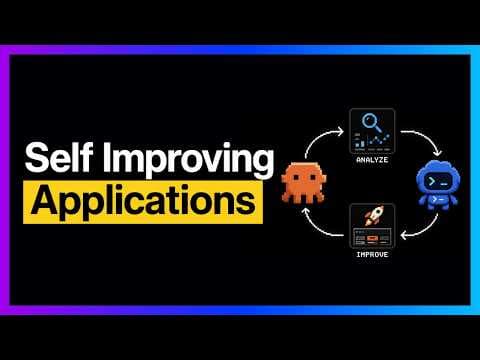
That is the workflow in Generate Videos in Codex + Claude Code with This..., a 10 minute 35 second walkthrough. This post is the written setup: what the video shows, the verified install steps for both agents, and the parts you should check before you hand an agent your video budget.
Disclosure: the video is a partnership with HeyGen. This post is written from HeyGen's public documentation and GitHub repositories, plus the video's description and chapters (the video had no captions available when we wrote this). Last updated: September 28, 2026. Every command below was checked against HeyGen's docs and READMEs that day.
Official Sources#
| Source | Link |
|---|---|
| HeyGen CLI documentation | developers.heygen.com/cli |
| HeyGen CLI repository (Apache-2.0) | github.com/heygen-com/heygen-cli |
| HeyGen guide for AI coding agents | developers.heygen.com/docs/for-ai-agents |
| HeyGen skills repository (MIT) | github.com/heygen-com/skills |
| HeyGen MCP setup for Claude Code | developers.heygen.com/mcp/claude-code |
| Codex skills documentation | developers.openai.com/codex/skills |
What the Video Shows#
The chapter list in the video description maps the demo:
| Time | Chapter |
|---|---|
| 00:00 | Meet the HeyGen platform |
| 01:15 | CLI setup basics |
| 01:45 | Avatars, templates, ideas |
| 02:08 | Agents workflow benefits |
| 03:11 | Claude Code CLI demo |
| 04:09 | YouTube clip pipeline |
| 05:26 | Second video automation |
| 06:52 | Avatar overlay example |
| 07:23 | Explore playground features |
| 08:18 | Avatar creation options |
| 09:34 | Branding, templates, tools |
| 10:19 | Wrap up and next steps |
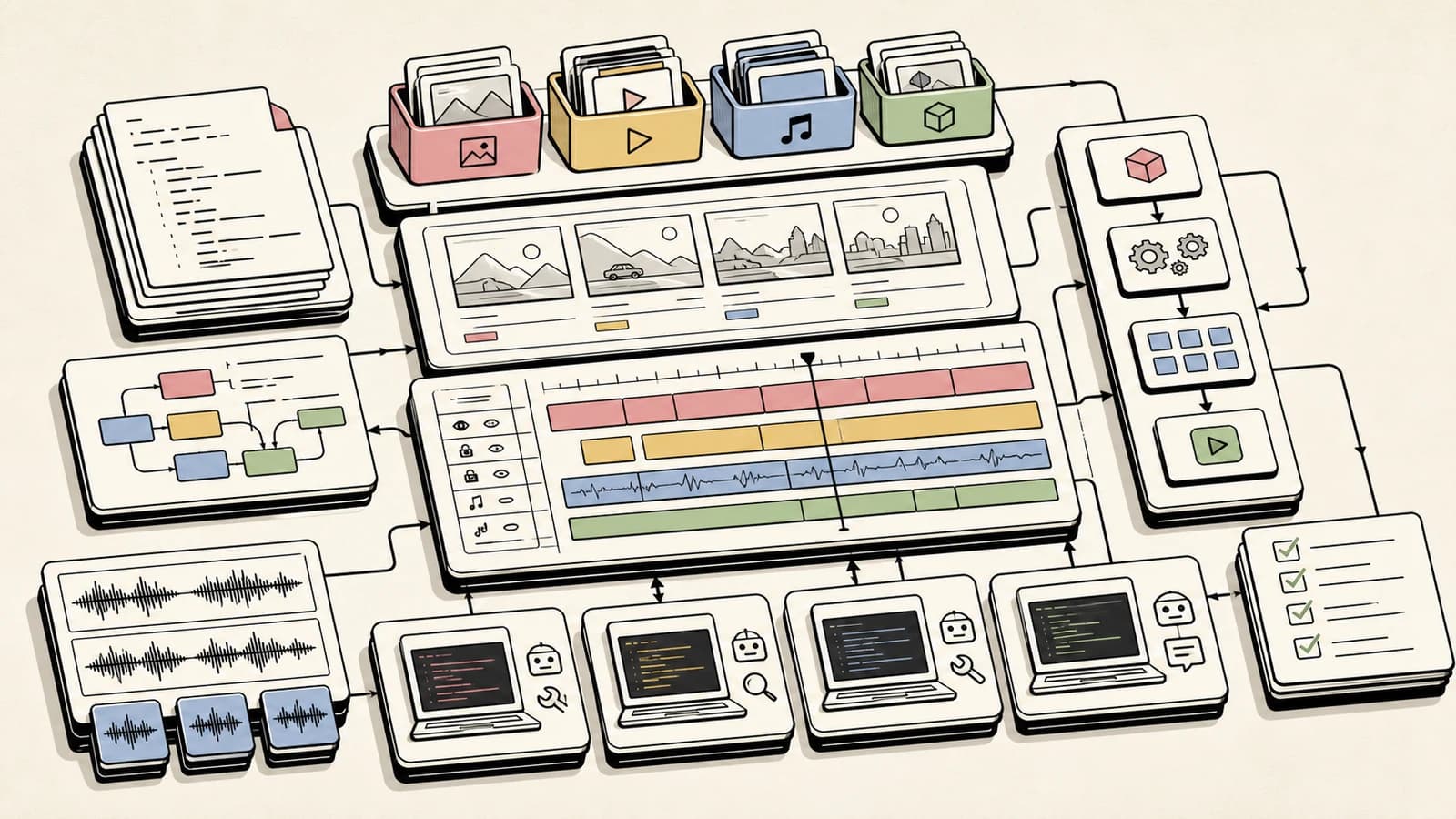
The core idea, as the description puts it: the CLI's help command effectively documents itself for an LLM, so once it is installed, a coding agent can drive HeyGen without a custom integration. The video then combines the CLI with yt-dlp and FFmpeg to download a YouTube video, clip a section, and generate AI avatar segments using the creator's own recorded voice. Two uses come up: avatars as A-roll, or as a corner overlay for a voiceover-style presence. It also covers prompt-based B-roll generated from a transcript, and a tour of the HeyGen dashboard (avatars, templates, brand systems, speech cleanup, and upscaling). The point that matters for developers is portability: the same workflow moves between coding environments because the interface is a CLI.
Set Up the CLI#
The install is one command, and it works the same for both agents. HeyGen documents macOS (Apple Silicon and Intel) and Linux (x64 and arm64), with Windows through WSL:
curl -fsSL https://static.heygen.ai/cli/install.sh | bash
heygen --version
It installs to ~/.local/bin, so make sure that directory is on your PATH. Then authenticate. For agents, HeyGen recommends the environment variable because it works headlessly and takes precedence over stored credentials:
export HEYGEN_API_KEY=your-key-here
heygen auth status
Create the key in the HeyGen API dashboard; it is shown once. Do not paste it into an agent chat. HeyGen's own agent guide says the same thing: put the key in your shell environment and let the agent reference the variable. If you would rather not use a key, heygen auth login --oauth signs in through the browser, and the CLI README notes this path uses subscription credits instead of API credits.
Confirm the install by generating a video:
heygen video-agent create --prompt "30-second product demo" --wait
That command is straight from the CLI README's quick start. It returns JSON including a video_id. Then:
heygen video get <video-id>
heygen video download <video-id> --output-path ./demo.mp4
Use It From Claude Code#
Two supported paths exist, and they can coexist. Use the CLI when you want scripted, repeatable runs, and the MCP server when you would rather authenticate with OAuth than a key.
CLI plus skills. HeyGen's official skills repo ships three skills: heygen-avatar, heygen-video, and heygen-translate. The README's install command works across Claude Code, Codex, and other hosts and writes to the right directory for each:
gh skill install heygen-com/skills heygen-avatar
gh skill install heygen-com/skills heygen-video
gh skill install heygen-com/skills heygen-translate
This needs GitHub CLI v2.90 or newer. The manual alternative is a git clone into ~/.claude/skills/heygen-skills. Once installed, ask Claude Code something like: "Use heygen-video to make a 30 second intro video, and ask me anything you need first." For how skills load and why they beat pasted prompts, see our Claude Code skills hub and the beginner guide to skills.
MCP instead of a key. HeyGen's Claude Code page gives this command, run in your terminal rather than inside Claude Code:
claude mcp add --transport http heygen https://mcp.heygen.com/mcp/v1/
Add -s user to make it available in every project. Then run /mcp inside Claude Code and finish the browser OAuth flow, and check the connection with claude mcp list. Per HeyGen's docs, video generation over MCP consumes your existing HeyGen plan credits and needs no API key. If you set HEYGEN_API_KEY later, the skills prefer the CLI over MCP.
Use It From Codex#
Codex needs nothing extra for the CLI itself: it runs shell commands, so the install and HEYGEN_API_KEY steps above are the whole setup. For skills, use the same gh skill install commands. One caveat worth knowing: HeyGen's guide lists ~/.codex/skills/heygen-skills as Codex's install path for a manual clone, while the current Codex docs describe user-level skills living in $HOME/.agents/skills and repo skills in .agents/skills. Rather than guess, install with gh skill install, then run /skills in the Codex CLI to confirm the skills show up, and restart Codex if they do not.
You can also let the agent do the install. The HeyGen skills README documents a paste-in prompt:
Read https://raw.githubusercontent.com/heygen-com/skills/master/INSTALL_FOR_AGENTS.md and follow it.
Ask me for any API keys you need.
That tells your agent to follow instructions from a remote file, so open the URL and read it before you paste the prompt. It is a fair trade for a vendor you already trust, but it is the same trust decision as running an install script.
Working across both agents? CC Switch syncs skills and MCP servers between Claude Code and Codex from one app, which saves repeating these installs.
Commands Worth Knowing#
Everything below comes from the CLI README. The pattern is heygen <noun> <verb>, and every command supports --help.
| Group | What it does |
|---|---|
video-agent | Create videos from text prompts |
video | Create, list, get, delete, download; batch-create |
avatar and voice | Manage avatars and looks; list and design voices |
template | List templates and generate videos from them |
video-translate and lipsync | Translate videos; dub or replace audio |
asset | Upload files for use in video creation |
webhook | Manage webhook endpoints and events |
Behaviors that make it agent-friendly, per the README: JSON on stdout, structured errors on stderr, stable exit codes (0 ok, 1 API or network, 2 usage, 3 auth, 4 timeout), and --request-schema and --response-schema flags that print JSON Schema without authentication. Async creates accept --wait, with a 20 minute default timeout you can change with --timeout.
For the YouTube clip pipeline the video demonstrates, the download and trim steps are ordinary yt-dlp and FFmpeg, not HeyGen features. As an illustration of the shape (our example, not the video's exact commands):
yt-dlp --download-sections "*00:01:00-00:01:30" -o clip.mp4 "https://www.youtube.com/watch?v=VIDEO_ID"
Then let the agent hand the clip or its transcript to a heygen command and check heygen video-agent create --help for the current flags.
Where This Fits and Where to Be Careful#
Good fits: release-note and changelog videos, translated versions of an existing tutorial, avatar intros for a demo, and any recurring video where the script already lives in a repo. Our auto-narrated changelog pipeline and the OpenMontage agent video workflow cover the neighbors of this idea.
Be careful with three things:
- Cost. HeyGen's install guide describes the API as pay-as-you-go in credits and says pricing changes. Check the current pricing page before an agent loops on renders, and prefer one
--waitcall over polling scripts. - Likeness and voice. The video uses the creator's own avatar and recorded voice. Only clone your own, or one you have written permission to use.
- Review before publishing. HeyGen's agent guide tells agents to name a blocker rather than hand you a script that never ran. Apply the same standard to output: watch the render before it goes anywhere public.
Watch the Video#
Generate Videos in Codex + Claude Code with This... shows the Claude Code demo at 03:11, the YouTube clip pipeline at 04:09, and the avatar overlay at 06:52. The pacing of an agent discovering the CLI from its help output is the part a static post cannot carry.
FAQ#
What is the HeyGen CLI?#
It is HeyGen's official command line tool for its video generation API, written as a single static binary under the Apache-2.0 license. It outputs JSON by default and is designed for coding agents, CI pipelines, and bulk operations.
How do I install the HeyGen CLI for Claude Code or Codex?#
Run curl -fsSL https://static.heygen.ai/cli/install.sh | bash, then export HEYGEN_API_KEY=your-key-here and check heygen auth status. The same steps work for both agents because the CLI is just a shell command.
Can I use HeyGen with Claude Code without an API key?#
Yes. HeyGen documents a remote MCP server: claude mcp add --transport http heygen https://mcp.heygen.com/mcp/v1/, then authorize through OAuth with /mcp. Usage draws on your HeyGen plan credits.
Does the HeyGen CLI work on Windows?#
HeyGen's docs list macOS and Linux as supported and recommend WSL on Windows for now.
Is it safe to give a coding agent my HeyGen API key?#
Set it as an environment variable rather than pasting it into chat, use a scoped key where the dashboard offers one, and watch spend. heygen auth status shows the active key's name and permissions.
Sources#
| Source | URL |
|---|---|
| HeyGen CLI docs, fetched September 28, 2026 | https://developers.heygen.com/cli |
| heygen-cli README and repository, fetched September 28, 2026 | https://github.com/heygen-com/heygen-cli |
| HeyGen: For AI Agents, fetched September 28, 2026 | https://developers.heygen.com/docs/for-ai-agents |
| HeyGen MCP: Claude Code, fetched September 28, 2026 | https://developers.heygen.com/mcp/claude-code |
| heygen-com/skills README and INSTALL_FOR_AGENTS.md, fetched September 28, 2026 | https://github.com/heygen-com/skills |
| Codex skills docs, fetched September 28, 2026 | https://developers.openai.com/codex/skills |
| Generate Videos in Codex + Claude Code with This... (YouTube, description and chapters) | https://www.youtube.com/watch?v=kGOIQ2b8Myg |
Continue Reading#
- Best Claude Code Skills and Plugins in 2026 - where to find and how to install skills like HeyGen's
- CC Switch Guide: Manage Claude Code and Codex Providers From One App - keep skills and MCP servers in sync across both agents
- MCP Servers vs Agent Skills: Which to Build in 2026 - the trade-off behind HeyGen shipping both
- OpenMontage Shows the Real Future of AI Video - an open-source agent video pipeline
- Auto-Narrated Changelog Videos: Build the Pipeline in Under an Hour - a repo-driven video workflow you can copy
Get the next deep dive like this in your inbox
One email a week on Claude Code and the rest of the AI dev stack. Free.
Read next on Claude Code
Best Claude Code Skills and Plugins in 2026: Where to Find, Install, and Choose Them
The Claude Code skills and plugins hub: what skills are, where to find them (Anthropic's official marketplace, anthropics/skills, top GitHub repos), how the plugin marketplace works, the Superpowers methodology plugin, exact install commands, and the picks worth your context budget.
14 min readCC Switch Guide: Manage Claude Code and Codex Providers From One App (2026)
CC Switch is an open-source desktop app that switches API providers for Claude Code, Codex, Gemini CLI and seven other agents in one click, and syncs MCP servers, skills, and prompts between them. Here is what it does, how to install it, and how to use it safely across Claude Code and Codex.
9 min readMCP Servers vs Agent Skills: Which to Build in 2026
A decision framework for 2026: MCP servers give an agent access to a live system, Agent Skills teach it how to do a task. Here is when to build each, when to build both, and the criteria that actually decide it, grounded in the MCP spec and Anthropic's skills docs.
10 min readTechnical content at the intersection of AI and development. Building with AI agents, Claude Code, and modern dev tools - then showing you exactly how it works.