Auto-Narrated Changelog Videos: Build the Pipeline in Under an Hour
TL;DR
Auto-narrated changelog videos in one hour: a coding agent scripts from git history, Screen Studio records the demo, and Descript narrates and edits it.
A changelog is the most honest page on your site and the least read one. Users do not scan release notes - they watch a 60 second video that shows the feature working and hears why it matters. Shipping that video every release is a chore most teams skip, because recording a demo, writing narration, and editing the cut used to eat half a day.
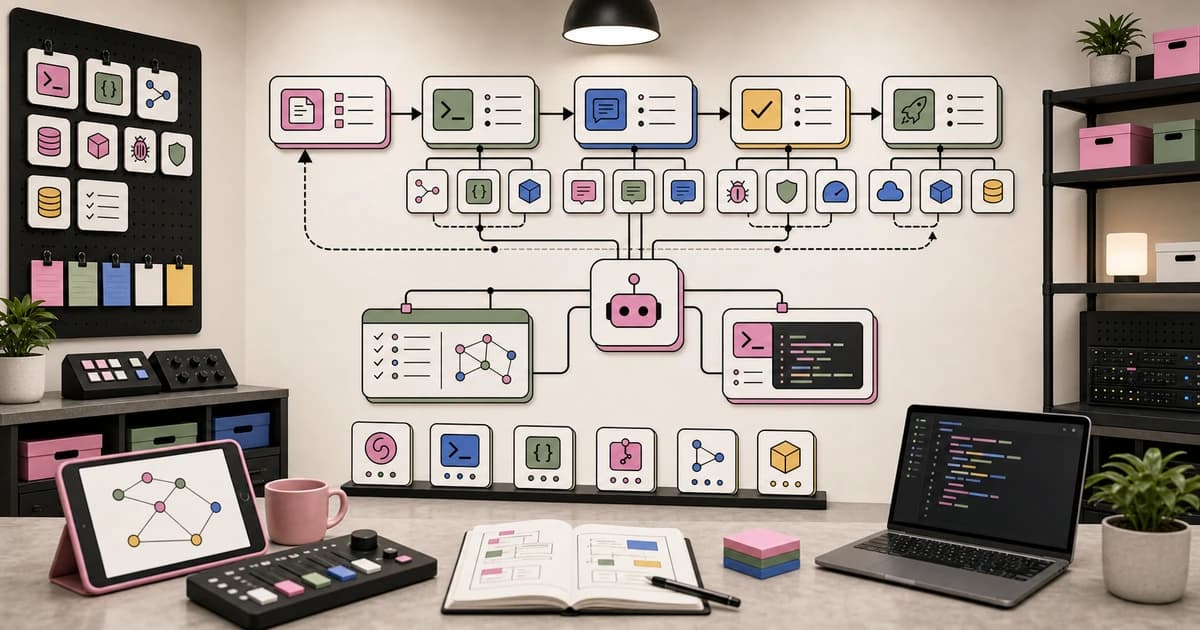
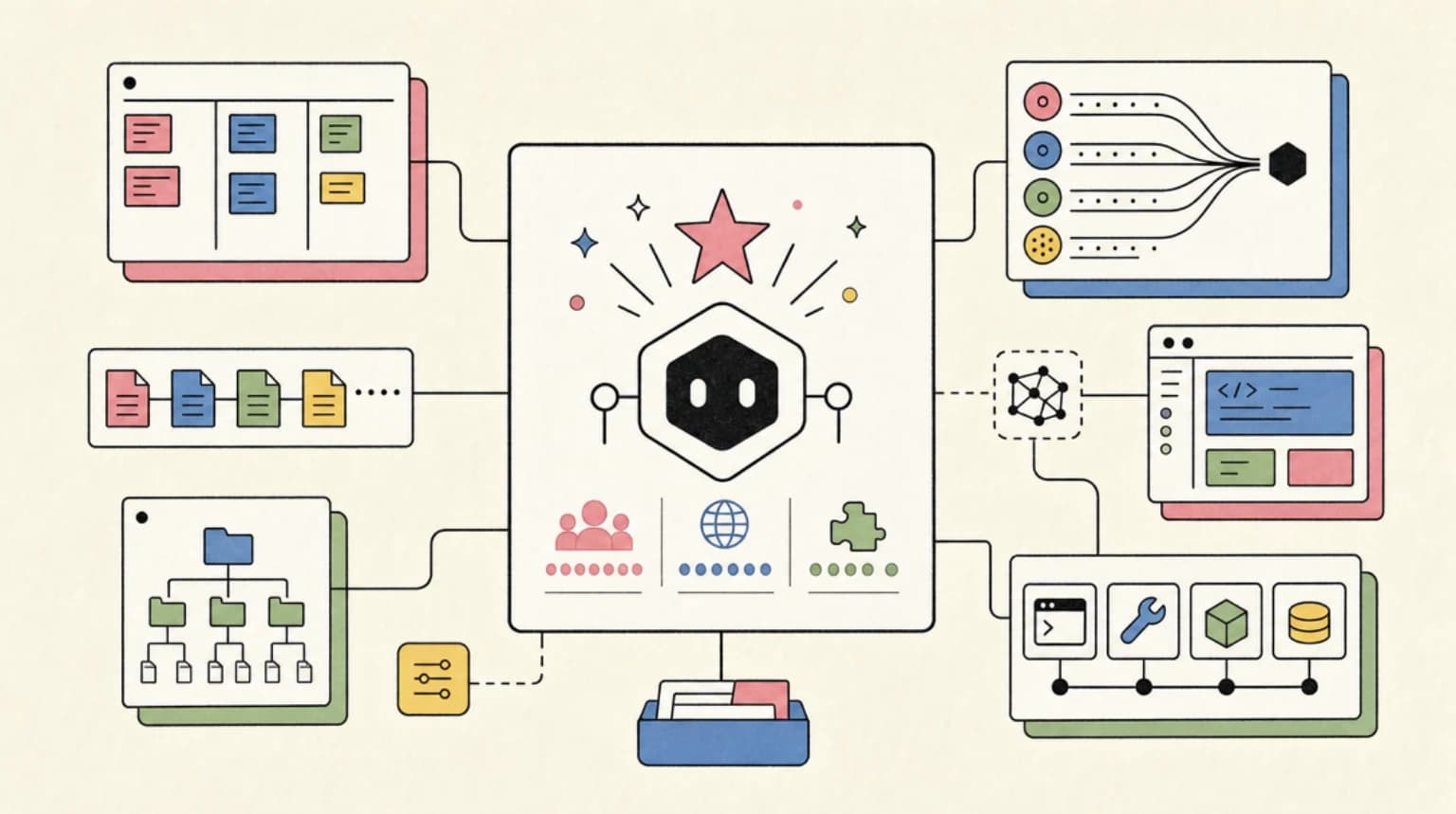
It does not anymore. The whole thing is three pieces that each do exactly one job: a coding agent writes the narration script from your real git history, Screen Studio records the screen demo with automatic zooms, and Descript turns the recording into an edited, auto-narrated video by text. No camera, no voiceover booth, no video editor. This guide is the complete build: seven steps, under an hour for your first video, about 20 minutes a release after that.
OpenCode is the agent CLI used for the script step because it is open source and scriptable - the pattern works with any agent harness you already use.
Official Sources#
| Resource | Description |
|---|---|
| Screen Studio | macOS screen recorder with automatic zoom and export presets |
| Descript | Text-based video editing, AI Speech narration, Studio Sound |
| Descript AI Speech | Stock AI voices and voice clones |
| OpenCode Docs | Install and the opencode run non-interactive mode |
| DeepSeek API | Model pricing and changelog for the script step |
Step 1: Set up the three tools#
Prerequisites: macOS 13.1 or newer (Screen Studio is macOS-only - the rest of the pipeline runs anywhere), a git repository with at least a few weeks of real commits, and an API key for an LLM provider.
Install OpenCode with the official one-liner from the docs, then authenticate a provider:
curl -fsSL https://opencode.ai/install | bash
opencode auth login
Download Screen Studio and create a Descript account - the free tier is enough for this first build (1 media hour per month, 100 AI credits, 720p export). Confirm the agent side works before touching anything else:
opencode run --model opencode/deepseek-v4-flash "print the git log of this repo, last 5 commits, one line each"
If that prints real commits, every later step will work. What you have now: three tools installed, one proven agent command.
Step 2: Have the agent write the script from git history#
The narration must match what actually shipped, and the fastest source of truth for that is the commit history. Asking an agent to summarize it keeps the script honest - it reads the real diffs instead of the aspirational feature list you wrote two weeks ago. This is a narrow, bounded task, which is exactly what budget models are good at; the DeepSeek V4 Flash 0731 guide covers why at $0.14/$0.28 per million tokens, a script-generation run costs fractions of a cent.
Run this from the repo root:
opencode run --model opencode/deepseek-v4-flash --variant high \
  "Run 'git log --oneline -20' and 'git diff HEAD~10 --stat'. Write a changelog narration script for the last two releases: three short paragraphs - what shipped, why it matters, what the viewer should try first. Spoken English, no jargon, about 170 words, roughly 75 seconds at a natural pace. Output only the script."
Save the output to script.md. Two checks before recording: every claim in the script should trace to a commit you can name, and it should read aloud in under 90 seconds. If the agent invented a feature the diff does not contain, tell it to rewrite from the diff only - the git log is the contract. What you have now: a narration script sourced from real commits, cost in cents.
Step 3: Record the demo in Screen Studio#
Screen Studio exists for this exact task: it records a screen region and applies automatic zoom to your cursor, smooths cursor movement, and hides the cursor when it is not adding anything. You do not plan camera moves - you just perform the demo and the zoom follows the action.
Set up before recording:
- Pick the app window or screen region your demo happens in.
- Enable microphone and system audio so keyboard clicks and the app's own sounds land on separate tracks.
- Turn on the keyboard shortcuts overlay - Screen Studio records and displays the shortcuts you press.
- Hide desktop icons and notifications, and size the window to something readable at 1080p.
Record one take per script beat. Three beats, three short takes: the feature working, the setting that matters, and one detail worth zooming into. Short takes make the next steps faster - a wrong beat is discarded, not cut around. Screen Studio can also generate subtitles on-device if you ever export straight from it; this build exports into Descript instead. What you have now: 3 takes of raw footage, each a few seconds longer than its script beat.
Step 4: Cut the video by editing text in Descript#
Export the takes from Screen Studio using its "further editing in another video editor" preset - the export presets for web, social, and external editors are one of the reasons the tool pays for itself here. Drag all three files into a new Descript project.
Descript transcribes the recordings automatically. That transcription is the edit surface: to remove a pause, delete the silence from the text. To drop a flubbed beat, select its sentence and delete it. The video cut follows the text edit. Two cleanup passes, in order:
- Trim dead air. Delete empty segments and long pauses from the transcript until the timeline is one continuous take.
- Studio Sound + Remove Filler Words. Studio Sound is Descript's AI noise removal and voice enhancement; Remove Filler Words cuts the "ums" and "uhs" automatically. Both run in a click on Hobbyist and above.
Do not obsess over pacing here - the narration in the next step sets the rhythm. What you have now: one clean silent video, all usable footage, zero manually placed cuts.
Step 5: Generate the narration with AI Speech#
This is the auto-narrated part. Descript's AI Speech generates narration from text using stock voices or a voice clone of your own. Paste script.md into a new AI Speech track, pick a voice, generate, and the narration lands on the timeline as its own track.
Then sync the cut to the narration, and this is where text-based editing earns the build:
- Play the narration track. Where the video lags behind the sentence, shorten the preceding beat with the transcript.
- Where the video finishes early, let the audio ride over the next beat's start, or extend the take slightly - Screen Studio's smooth zoom gives you a few frames of comfortable headroom at every cut point.
- If one word in the narration sounds wrong, use Descript's Regenerate: type the corrected word and it re-synthesizes that segment with the same voice, adjusting the video's mouth movement to match. Same tool also fixes a wrongly pronounced term like a library name.
Voice clones are worth the upgrade: on Hobbyist ($24 per month, or $16 billed yearly) AI Speech with custom voice clones is included, so every changelog video uses the same voice and starts to feel like a series. The free tier only offers a limited AI Speech trial - for a one-off video that is enough, for a weekly cadence the paid tier is the honest choice. What you have now: a narrated, cut video where narration and footage agree on what is on screen.
Step 6: Captions, export, publish#
Captions are one click in Descript and they are the single highest-return touch for a changelog video - most viewers watch with sound off in a feed. Add them, then export:
- Free tier: 720p export, watermark-free. Fine for a first test.
- Hobbyist: 1080p export, watermark-free. The right default for most repos.
- Creator: 4K export plus full access to Descript's AI tools if you later want clip generation from the same project.
Descript's export preset picks the settings for web or social. If your destination is a vertical feed (Shorts, Reels), that is a Screen Studio decision made earlier - it re-renders a recording for vertical output with one click, adjusting all zooms for the new aspect ratio - so record once, export both crops before the Descript pass. Publish via shareable link for a quick internal round, or download the MP4 and attach it to the release post. What you have now: a captioned changelog video, ~90 seconds long, ready wherever your releases live.
Step 7: Turn it into a release ritual#
The first build is the slow one. From the second video on, the pipeline is: agent writes the script from git history (2 minutes), record the takes following the script beats (10 minutes), Descript pass (5 minutes), narration sync (5 minutes), export (2 minutes). Under 25 minutes for a video that would otherwise not exist.
Three rules that keep the loop from rotting:
- Ship or skip per release. A release with no user-facing change gets no video. Forcing one is how scripts start inventing features, and the script is only trustworthy while it traces to commits.
- Keep the script prompt in the repo. Store the Step 2 prompt next to your release notes so the agent output is reviewable against a fixed contract.
- Let the schedule handle the boring half. Script generation is a bounded, verifiable job that does not need you in the loop - the cron automation guide shows how to run that exact kind of chore on a schedule and land it as a PR before you wake up. The recording stays yours; everything around it can be delegated.
What you have now: a repeatable pipeline - commit history in, narrated changelog video out - that costs cents in model tokens and stays honest because the script is written from the diff, not from memory.
FAQ#
Can I build this without a Mac?#
Mostly, with one swap. Screen Studio is macOS-only. OpenCode and Descript run on Windows and Linux, and Descript has its own built-in screen recorder - you lose the automatic cursor zoom, but the narration and text-based editing steps are identical.
Do I need to record my own voice?#
No. Descript AI Speech generates the narration from stock voices, or a clone of your own voice you create once and reuse. Regenerate fixes individual words after generation.
What does the pipeline cost?#
Screen Studio is $29 per month billed monthly or $19 per month billed yearly. Descript's free tier (1 media hour, limited AI Speech trial, 720p export) is enough for a first video; Hobbyist at $24 per month, or $16 billed yearly, adds 10 media hours, 1080p export, and custom voice clones. The agent script run costs fractions of a cent with a budget model.
How long should a changelog video be?#
About 60 to 90 seconds. The script step sizes it: roughly 170 words at a natural narration pace. Anything longer than two minutes loses the viewers who would not have read the release notes anyway.
Can the whole thing be automated?#
The recording needs your hands on the keyboard, but everything around it can be scheduled: the script generation is a cron-able agent chore that produces a PR, and Descript projects can be templated. The cron automation guide is the reference for the scheduled half. If you want the whole cut scripted instead of clicked, the Descript API pipeline is the code-first version of this same build - import, edit, and publish as async jobs.
Some links to tools above are referral links - see our affiliate disclosure.
Sources#
| Source | URL |
|---|---|
| Screen Studio | https://www.screenstudio.com/ |
| Descript | https://www.descript.com/ |
| Descript AI Speech | https://www.descript.com/ai-voices |
| OpenCode Docs | https://opencode.ai/docs/ |
| DeepSeek API Change Log | https://api-docs.deepseek.com/updates/ |
Last updated: August 2, 2026
Continue Reading#
- Put an AI Agent on a Cron Job - schedule the script-generation half of this pipeline
- DeepSeek V4 Flash 0731 in OpenCode - the budget model writing the narration
- Podcast Your Release Notes - the audio-only sibling: two hosts discuss the release, no video track
- The AI Developer Workflow in 2026 - where changelog videos fit in a full content pipeline
- OpenCode Developer Guide 2026 - the full tour of the agent CLI used here
- Loop Engineering: Designing Agent Loops - designing the script-generation loop that stays honest
- Automate Video Editing with the Descript API - the code-first version of this pipeline, no editor clicks at all
- Turn a Bug Report Into a Repro Video - the same Screen Studio recording loop, pointed at bugs instead of releases
- What Happens When Tokens Are Too Cheap to Meter: Five Scenarios for Developers and Knowledge Work
Get the next deep dive like this in your inbox
One email a week on changelog and the rest of the AI dev stack. Free.
Read next on AI coding tools
Put an AI Agent on a Cron Job: Automating Dev Chores with OpenCode
Put an AI agent on a cron job with OpenCode: a runner script, a schedule, first chores and guardrails, so recurring dev work arrives as PRs to review.
11 min readDeepSeek V4 Flash 0731: The Official Release, Benchmarks, and How to Run It in OpenCode
DeepSeek V4 Flash 0731 is the official V4 Flash API release, re-post-trained to beat V4-Pro-Preview on agent benchmarks. How to run it in OpenCode today.
7 min readMy AI Developer Workflow in 2026
The exact tools, patterns, and processes I use to ship code 10x faster with AI. From morning briefing to production deploy.
9 min readNew here? Start with
Technical content at the intersection of AI and development. Building with AI agents, Claude Code, and modern dev tools - then showing you exactly how it works.