Claude Code Dynamic Workflows: The Complete Guide
TL;DR
Claude Code dynamic workflows turn orchestration into a JavaScript script that runs agents in the background. How scripts, schemas, budgets and resume work.
Last updated: October 25, 2026
Official Sources#
Verify features, versions, and pricing against Anthropic's official documentation:
| Resource | Link | Last verified |
|---|---|---|
| Dynamic Workflows Docs | code.claude.com/docs/en/workflows | October 25, 2026 |
| Claude Code Sub-Agents | code.claude.com/docs/en/sub-agents | July 31, 2026 |
| Agent Teams Docs | code.claude.com/docs/en/agent-teams | July 31, 2026 |
| Claude Code Overview | code.claude.com/docs/en/overview | July 31, 2026 |
| Anthropic Claude Code Pricing | anthropic.com/pricing#claude-code | July 31, 2026 |
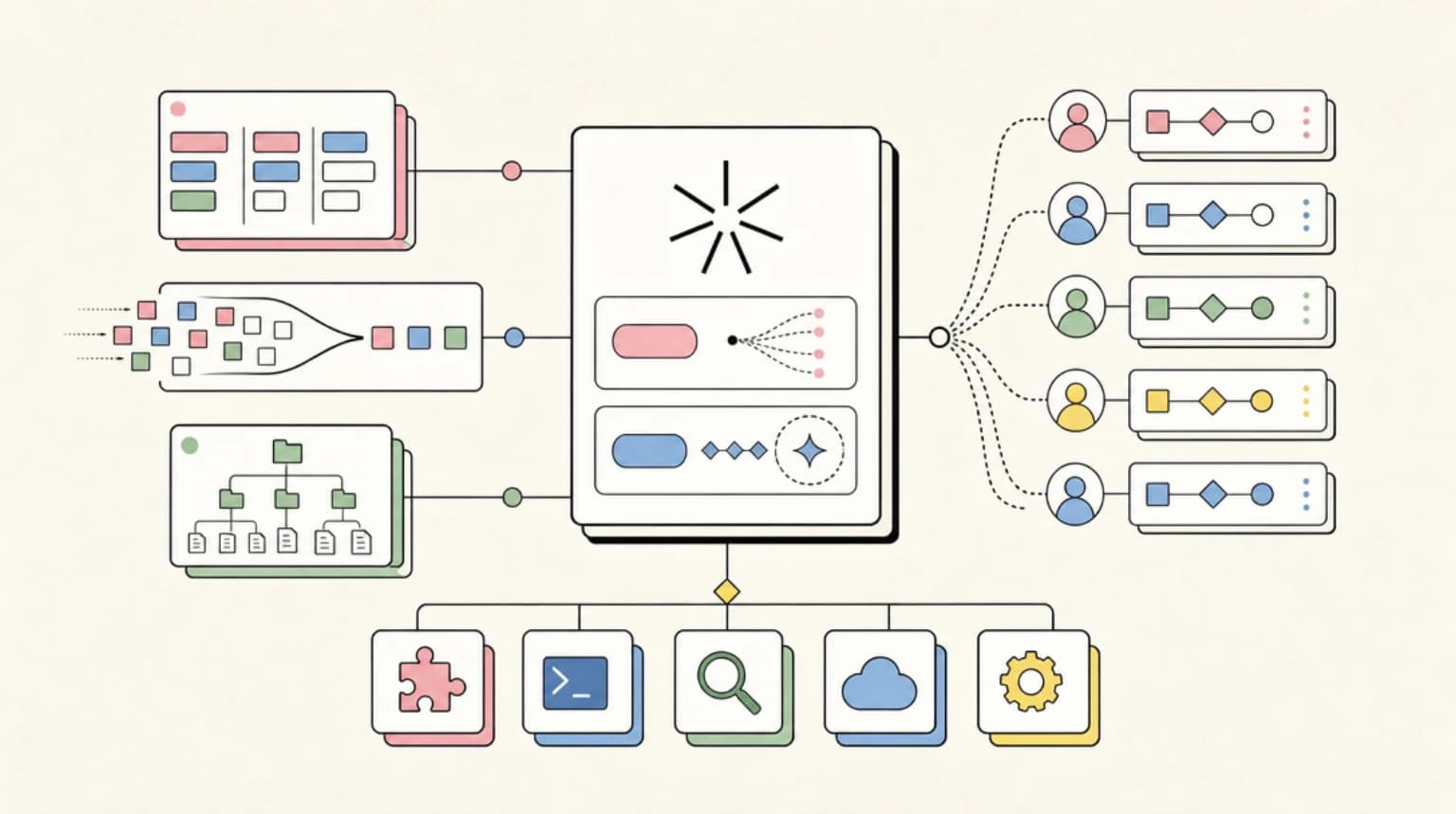
Dynamic workflows are the biggest change to how Claude Code parallelizes work since subagents shipped. Instead of Claude deciding turn by turn what to spawn next, it writes a JavaScript orchestration script for your task, and a runtime executes that script in the background across dozens to hundreds of agents while your session stays responsive. The feature launched in v2.1.154 as a research preview; the official workflows documentation covers the full surface.
What Changed on October 25, 2026#
Re-verified against the live workflows docs:
- Concurrency is tunable. Up to 16 concurrent agents by default, fewer when Claude Code has fewer CPUs available, including inside a CPU-limited container. Set
CLAUDE_CODE_WORKFLOW_MAX_CONCURRENT_AGENTSto a value from 1 to 256 (requires Claude Code v2.1.269 or later). - Usage limits pause a run instead of failing it. When an agent hits your claude.ai usage limit, the waiting agents pause, no new agents start, and the run continues on its own after the reset. This requires Claude Code v2.1.271 or later; on earlier versions the affected agents fail.
- The script-writing skill needs a newer client. The docs say the bundled skill requires Claude Code v2.1.248 or later.
- Provider naming changed. The docs now list "Google Cloud's Agent Platform" where this guide said Vertex AI. The docs page no longer carries the research-preview label or the v2.1.154 minimum that earlier versions of this guide quoted, so check
claude --versionagainst the version notes above rather than that old floor.
What Changed on July 31, 2026#
- Budget guidance is now explicit. The docs are direct that a run can use meaningfully more tokens than the same task in conversation, and the recommended practice is piloting on a small slice first - the guidance in the Budgets section below reflects that wording. For a full cost picture across Claude Code plans and models, see AI coding tools pricing comparison.
- Effort levels interact with workflows.
/effort ultracodeplans workflows automatically, and the Claude 5 context engineering guide covers how the July 2026 rules refresh changed how Claude plans those runs. - All links re-verified against the live docs on July 31, 2026.
This guide walks through triggering a run, the script layer, schemas, budgets, and resume. If you are still picking between orchestration options, start with subagents vs agent teams vs workflows and come back here for the deep dive.
What a Dynamic Workflow Is (and Is Not)#
Dynamic workflows first shipped in Claude Code v2.1.154, and per the workflows docs they are available on all paid plans, with Anthropic API access, and on Amazon Bedrock, Google Cloud's Agent Platform, and Microsoft Foundry. The docs now name the Google Cloud option "Google Cloud's Agent Platform" (this guide previously said Vertex AI). On Pro they are opt-in via the Dynamic workflows row in /config. Since v2.1.310 the Monitor tool also works on those three providers, so Claude can watch a log or CI job in the background there too. InfoQ's coverage describes the June 2026 launch as a research preview aimed at tasks that exceed what one agent can coordinate.
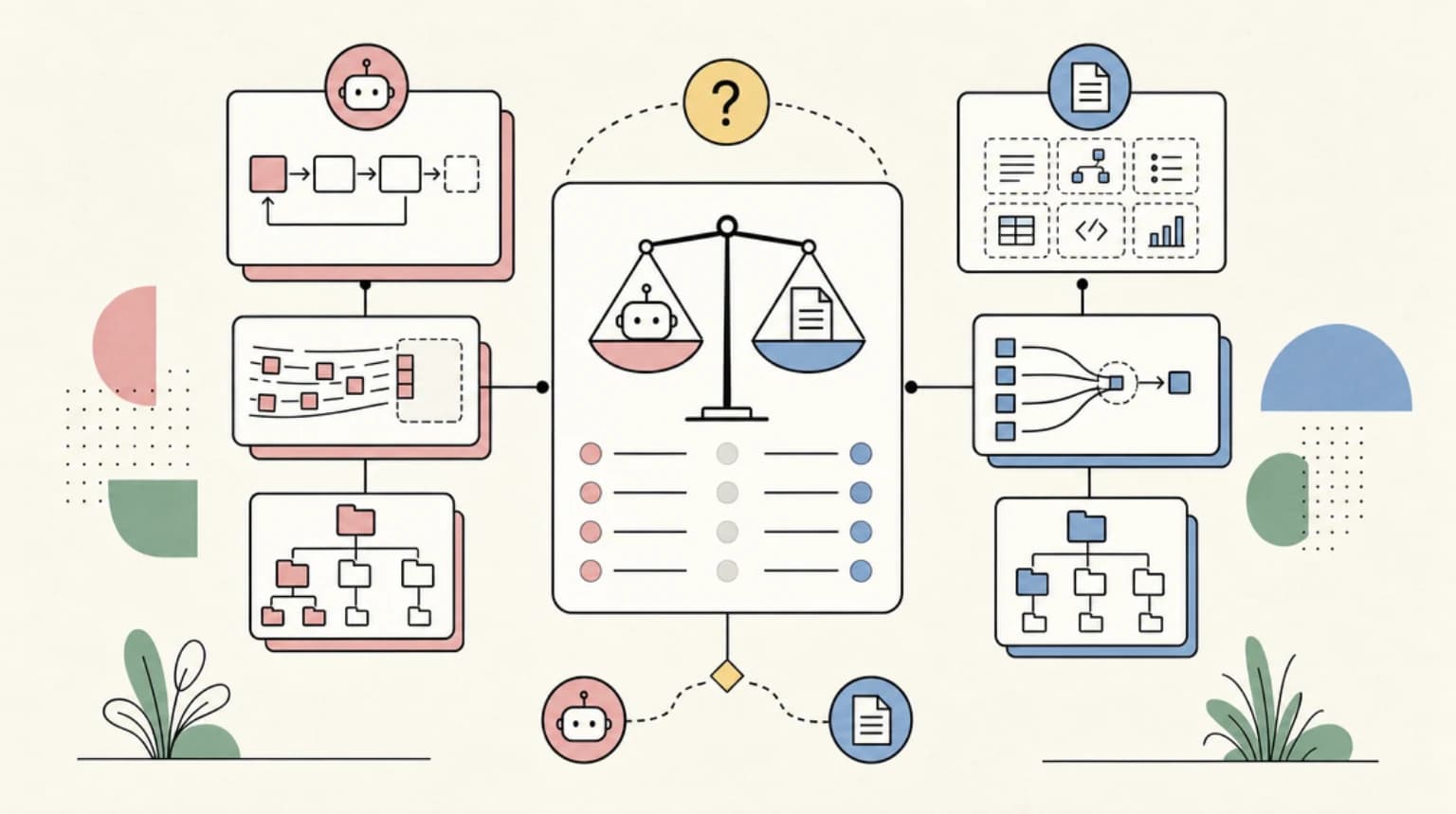
The cleanest mental model comes straight from the official comparison table: who holds the plan?
| Subagents | Agent teams | Workflows | |
|---|---|---|---|
| What it is | A worker Claude spawns | A lead agent supervising peer sessions | A script the runtime executes |
| Who decides what runs next | Claude, turn by turn | The lead agent, turn by turn | The script |
| Where intermediate results live | Claude's context window | A shared task list | Script variables |
| Scale | A few delegated tasks per turn | A handful of long-running peers | Dozens to hundreds of agents per run |
| Interruption | Restarts the turn | Teammates keep running | Resumable in the same session |
That third column is the differentiator. With subagents and teams, every intermediate result lands in a context window somewhere. A workflow keeps them in script variables, so Claude's context holds only the final answer - which is what makes hundreds of agents per run feasible.
What a workflow is not: a replacement for subagents. The workers it spawns are subagents; the workflow is the orchestration layer above them. Nor is it an agent team - teammates message each other and self-claim tasks, while workflow agents only execute the step the script hands them.
Worked Example: Run /deep-research First#
The fastest way to feel the difference is the bundled workflow. /deep-research fans out web searches across several angles, cross-checks the sources it finds, votes on each claim, and returns a cited report with failed claims filtered out. It requires the WebSearch tool.
/deep-research What changed in the Node.js permission model between v20 and v22?
Claude Code asks whether to allow the workflow, then the run starts in the background. Run /workflows and press Enter on the run for the progress view: per-phase agent counts, token totals, elapsed time, and drill-down into any agent's prompt, tool calls, and result. Four footer keys are worth memorizing: p pauses or resumes, x stops an agent or the whole run, r restarts a running agent, s saves the script as a reusable command.
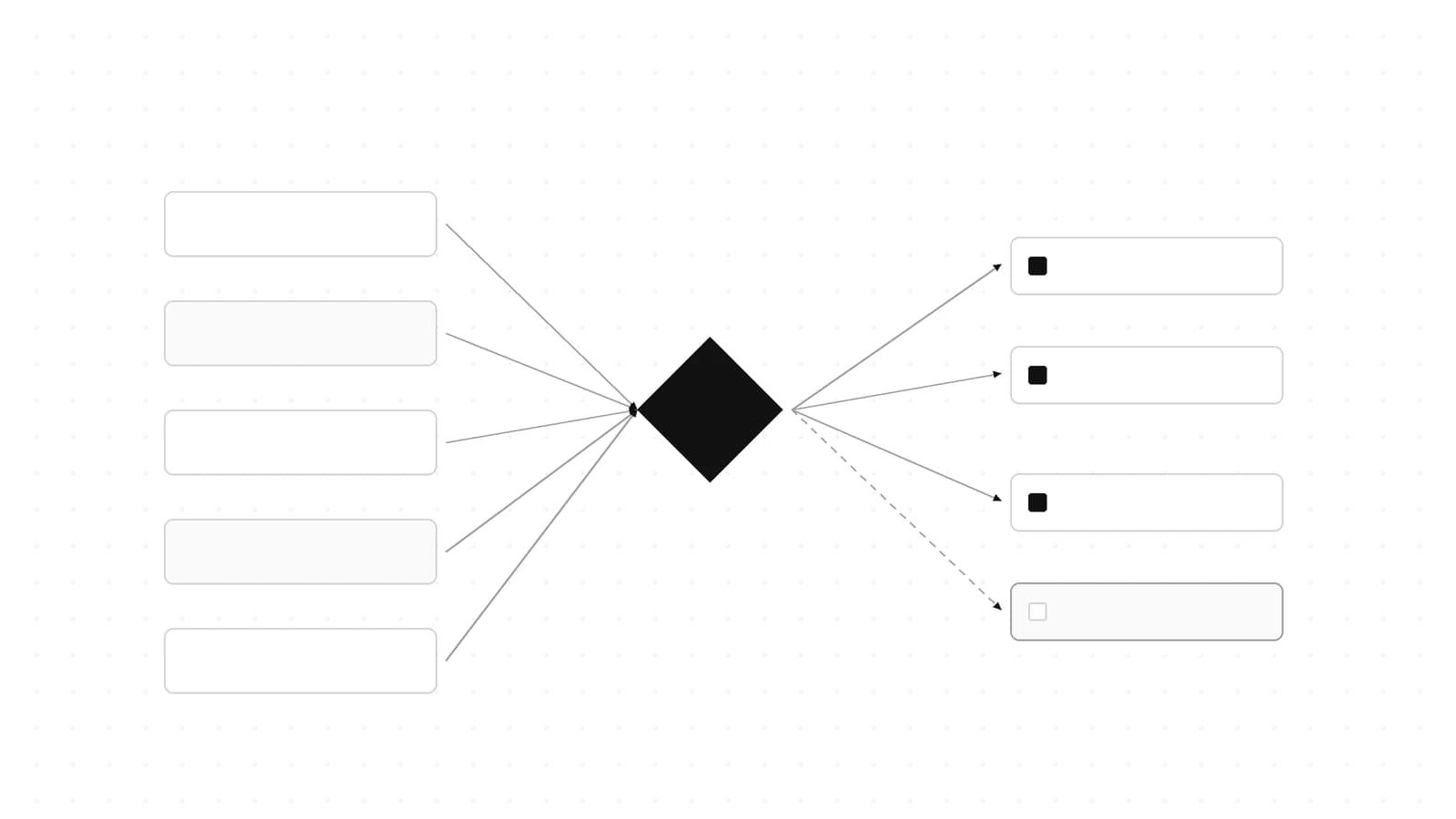
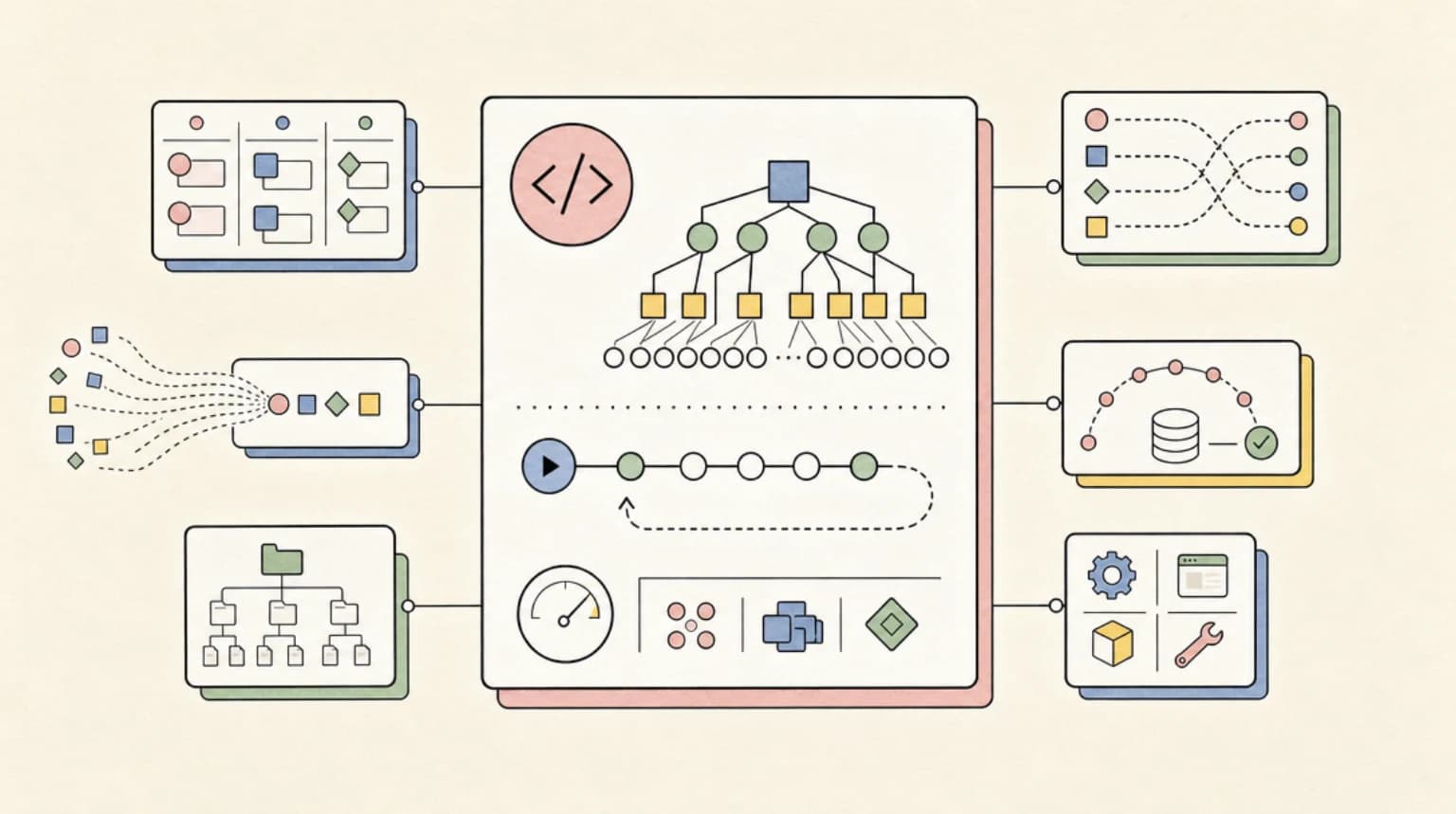
Every custom workflow follows the same pattern: phases of agents, one synthesized result, nothing accumulating in context.
Triggering a Workflow: ultracode and Natural Language#
Three ways to start one for your own task:
- The
ultracodekeyword. Include it in a prompt to run that one task as a workflow without changing the session's effort level:ultracode: audit every API endpoint under src/routes/ for missing auth checks. Before v2.1.160 the literal trigger keyword wasworkflow; a/configsetting disables keyword triggering entirely. - Plain English. "Use a workflow" works in any version - Claude treats a direct request as the same opt-in.
/effort ultracode. A session-level setting combiningxhighreasoning with automatic workflow planning for every substantive task. One request can become several workflows in a row: understand, change, verify. It resets each session and costs more tokens per request - drop back to/effort highfor routine work.
Before the run starts, the CLI shows the planned phases with options to run, run and never ask again for that workflow in that project, view the raw script (Ctrl+G opens it in your editor), or cancel. In bypass-permissions mode, claude -p, and the Agent SDK, runs start immediately.
The Script Layer: pipeline vs parallel, Schemas, Determinism#
Every run writes its script to a file under ~/.claude/projects/, and Claude receives the path when the run starts - so you can read the orchestration, diff it against a previous run, edit it, and ask Claude to relaunch from the edited version.
The most detailed public writeup of the script API is alexop.dev's deterministic orchestration deep dive, which documents four primitives from the research preview:
agent(prompt, opts)spawns one subagent. Options includelabelandphasefor the progress UI,modelto override the model per call,isolation: "worktree"for parallel file writes, andschemafor validated structured output.parallel(thunks)runs tasks concurrently as a barrier - it waits for every thunk before returning. Throwing thunks resolve tonullinstead of rejecting the call.pipeline(items, ...stages)streams items through stages with no barrier: item A can be in stage three while item B is still in stage one.workflow(name, args)composes another workflow inline, sharing the parent's concurrency cap, agent counter, and token budget, limited to one nesting level.
The author's rule for choosing between the two flow primitives: default to pipeline(), and use a barrier only when a stage genuinely needs all prior results at once - deduplication, early-exit logic, or cross-item comparison. A sketch of the auth-audit example in that shape:
const verified = await pipeline(
  routeFiles,
  (file) => agent(`Audit ${file} for missing auth checks.`, {
    schema: FINDING_SCHEMA,
    phase: "audit",
  }),
  (finding) => agent(`Try to refute this finding: ${JSON.stringify(finding)}`, {
    phase: "verify",
  })
);
The schema option matters more than it looks. It forces the subagent to call a structured-output tool, validation happens at the tool-call layer, and the model retries automatically on a mismatch - far more reliable than asking for JSON in the prompt and hoping.
One sharp edge: determinism is enforced. Date.now(), Math.random(), and an argless new Date() all throw inside a workflow script, because the runtime journals calls to make runs resumable. Timestamps must come in through args, and variety across agents comes from varying prompts by index. It is the first error most people hit.
For the broader patterns workflows make practical - fan-out and reduce, adversarial verification, judge panels - see seven AI agent orchestration patterns and the walkthrough in building multi-agent workflows in Claude Code. Parallel media generation is a natural fit too: one agent run can generate a site's imagery and hero video while another builds the page.
Budgets and Limits: What Bounds a Run#
There is no per-run dollar budget setting. What bounds cost is hard runtime limits plus visibility, all documented on the official page:
| Constraint | Value |
|---|---|
| Concurrent agents | Up to 16 (fewer on low-core machines) |
| Total agents per run | 1,000 |
| Mid-run user input | None - only agent permission prompts pause a run |
| Script filesystem/shell access | None - only agents touch files and shell |
Runs count toward your plan's usage and rate limits like any other session, and the docs are direct that a run can use meaningfully more tokens than working through the task in conversation. The recommended budgeting practice: pilot on a small slice first - one directory instead of the whole repo. The /workflows view shows each agent's token usage live, and stopping a run there does not lose completed work.
The other budget lever is model routing. Every agent uses your session's model unless the script routes a stage to a different one, so check /model before a large run and ask for a smaller model on stages that do not need the strongest one. For deciding which model deserves the expensive stages, the scoring framework in Fable 5 vs Opus 4.8 applies directly.
One permission detail that surprises people: workflow subagents always run in acceptEdits mode and inherit your tool allowlist regardless of your session's permission mode. File edits are auto-approved; shell commands and web fetches outside your allowlist can still prompt mid-run, so add the commands your agents will need before a long run. To disable workflows entirely: toggle in /config, set "disableWorkflows": true, or set CLAUDE_CODE_DISABLE_WORKFLOWS=1 - orgs can enforce the same through managed settings.
Resume, Saved Workflows, and args#
Resume is checkpoint-based: stop a run, resume it in /workflows with p, and completed agents return cached results while only the rest run live. The honest limitation is the session boundary - resume works within the same Claude Code session, and exiting mid-run means the next session starts the workflow fresh. For long-horizon work that must survive restarts, the checkpointing habits in the overnight agents workflow still apply.
When a run does what you wanted, press s in /workflows to save its script as a slash command. Two locations: .claude/workflows/ in the project (shared via the repo) or ~/.claude/workflows/ (personal, every project). A project workflow wins a name collision.
Saved workflows accept structured input through an args global. Say "Run /triage-issues on issues 1024, 1025, and 1030" and Claude passes the list as structured data the script can call array methods on directly. Omit input and args is undefined.
When Not to Use a Workflow#
The agents overview page draws the line well: workflows are for jobs that outgrow a handful of subagents or need findings verified against each other - a codebase-wide audit, a 500-file migration, cross-checked research. If a side task would merely flood your context, a plain subagent is cheaper. If workers need to talk to each other over hours, agent teams fit better. And since there is no mid-run user input, a process needing sign-off between stages should be split into one workflow per stage. When a run goes sideways, start with debugging AI agent workflows.
FAQ#
What version and plan do I need for Claude Code dynamic workflows?#
Claude Code v2.1.154 or later, on any paid plan (Pro, Max, Team, Enterprise), via the Anthropic API, or on Bedrock, Google Cloud's Agent Platform, and Microsoft Foundry. On Pro the feature is off by default - enable it from the Dynamic workflows row in /config.
How is a workflow different from subagents or agent teams?#
The script holds the plan. With subagents and agent teams, Claude or a lead agent decides turn by turn what runs next. A workflow encodes the loop in JavaScript, keeps intermediate results in script variables, and scales to hundreds of agents per run within caps of 16 concurrent and 1,000 total.
Can I pause a workflow and pick it up tomorrow?#
Within the same session, yes - completed agents return cached results on resume and only unfinished work runs live. Across sessions, no: exiting Claude Code mid-run means the next session starts the workflow fresh.
Why does my workflow script throw on Date.now() or Math.random()?#
The runtime journals calls so runs can resume deterministically, which means nondeterministic functions throw inside the script. Pass timestamps in through args and create variety across agents by varying prompts by index.
Continue Reading#
- Subagents vs Agent Teams vs Workflows - the decision guide for choosing between Claude Code's orchestration layers
- Seven AI Agent Orchestration Patterns - the reusable patterns workflows make practical
- Building Multi-Agent Workflows in Claude Code - a walkthrough for teams new to parallel agents
- Claude 5 Context Engineering Guide - the July 2026 rules refresh and what it means for planning runs
- AI Coding Tools Pricing Comparison 2026 - cost reality checks before running 1,000 agents
- Ultracode: Claude Code Multi-Agent Orchestration Mode Explained
- Claude Code - plans, install routes, and alternatives on one page
- Claude vs Claude Code: What the Difference Is and Which to Use - the chat app against the coding agent, and how they share plan limits
- Claude Code Power User course - building and orchestrating subagents, the pieces workflows coordinate
- Claude Managed Agents Dynamic Workflows: How to Use Workflow Runs - let an agent write a multi-agent workflow and run it server-side
Sources#
- Orchestrate subagents at scale with dynamic workflows - Claude Code docs (accessed July 31, 2026)
- Claude Code Adds Dynamic Workflows for Parallel Agent Coordination - InfoQ (accessed June 10, 2026)
- Claude Code documentation index (llms.txt) (accessed July 31, 2026)
- Claude Code Workflows: Deterministic Multi-Agent Orchestration - alexop.dev (accessed June 11, 2026)
- Claude Code CHANGELOG.md - GitHub (accessed July 31, 2026)
- Run agents in parallel - Claude Code docs (accessed June 11, 2026)
- Create custom subagents - Claude Code docs (accessed July 31, 2026)
- Orchestrate agent teams - Claude Code docs (accessed July 31, 2026)
Get the next deep dive like this in your inbox
One email a week on Claude Code and the rest of the AI dev stack. Free.
Read next on Claude Code
Ultracode Explained: Claude Code Multi-Agent Orchestration
Ultracode is a prompt keyword that runs one task as a dynamic workflow, and an /effort setting that pairs xhigh reasoning with automatic orchestration.
8 min readClaude Code Auto Mode Is Now the Default: Keep It, Tune It or Turn It Off
Claude Code starts in auto mode by default, with its safety classifier moving server-side. How to keep, tune or turn it off, and the v2.1.302 headless catch.
13 min readClaude Code Agent Teams, Subagents, and MCP: The 2026 Playbook
Claude Code is turning into an orchestration layer for agent teams. Here is how subagents, MCP, hooks, and long context fit together in 2026.
9 min readTechnical content at the intersection of AI and development. Building with AI agents, Claude Code, and modern dev tools - then showing you exactly how it works.