Claude Managed Agents Dynamic Workflows: How to Use Workflow Runs
TL;DR
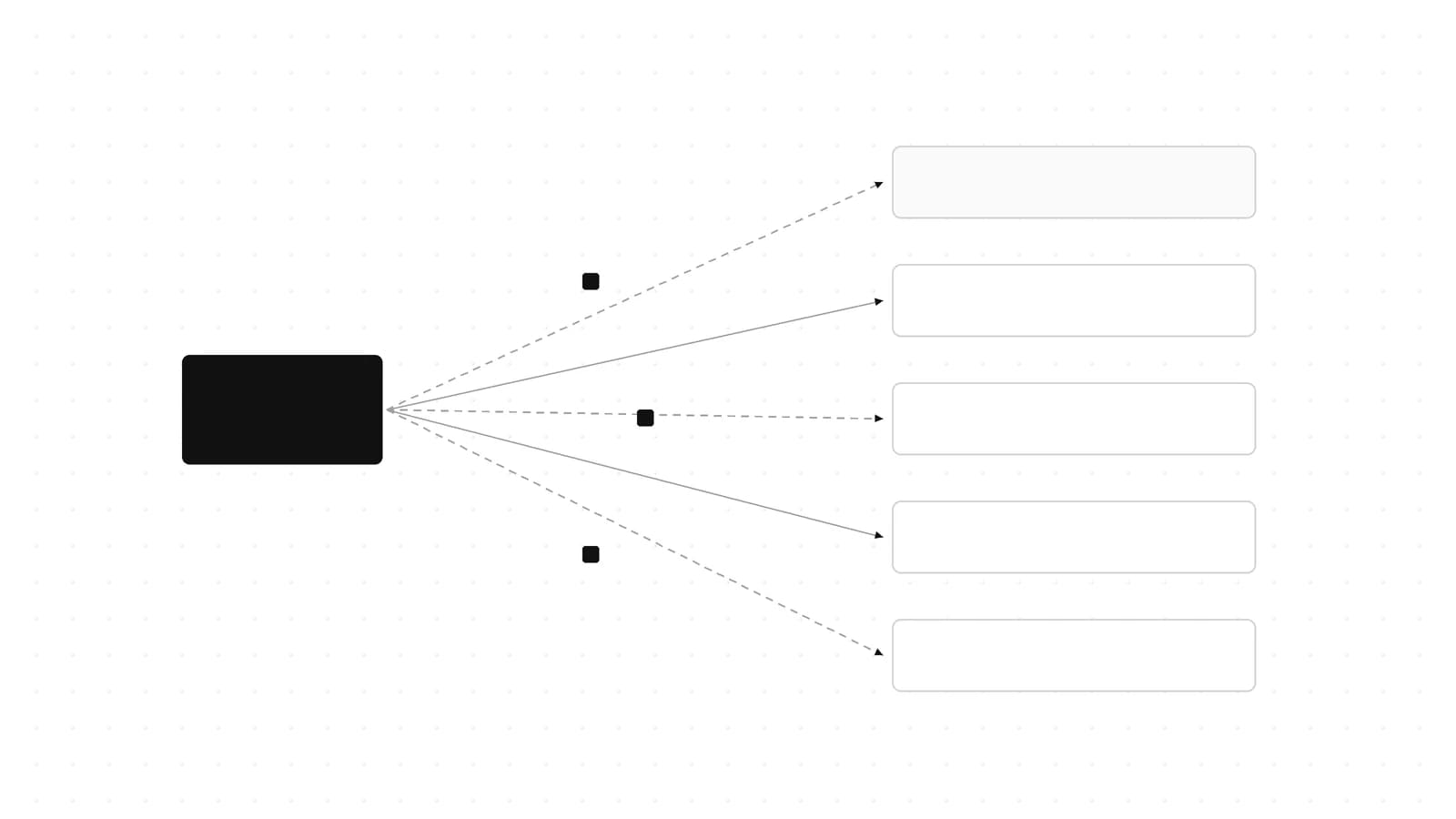
Claude Managed Agents can now write workflows that fan out up to 1,000 agents server-side. How to enable workflow runs, follow events and cap spend.
Last updated: October 17, 2026
Since October 9, 2026, a Claude Managed Agents agent can write a workflow - a program that runs many agents in phases and combines their results - and Anthropic's servers execute it in the background as a workflow run. You turn it on with one field, multiagent: {type: "multiagent_20261001", workflows: {type: "enabled"}}, under the managed-agents-2026-04-01 beta header, and you follow each run through workflow_run.* events on the session stream. Our verdict: it is the right default for fan-out work like audits, migrations and cross-checking, as long as you set a session budget when you create the session and you read a completed result as "the program finished", not "the work passed".
This guide covers what a run is, the exact agent and session config, how to steer the agent into (and out of) runs, a type-checked event loop that knows when the work is really done, per-run cost accounting, the limits and 400s you will hit, and how it compares with Claude Code's local dynamic workflows.
What a workflow run is (and why it is different from subagents)#
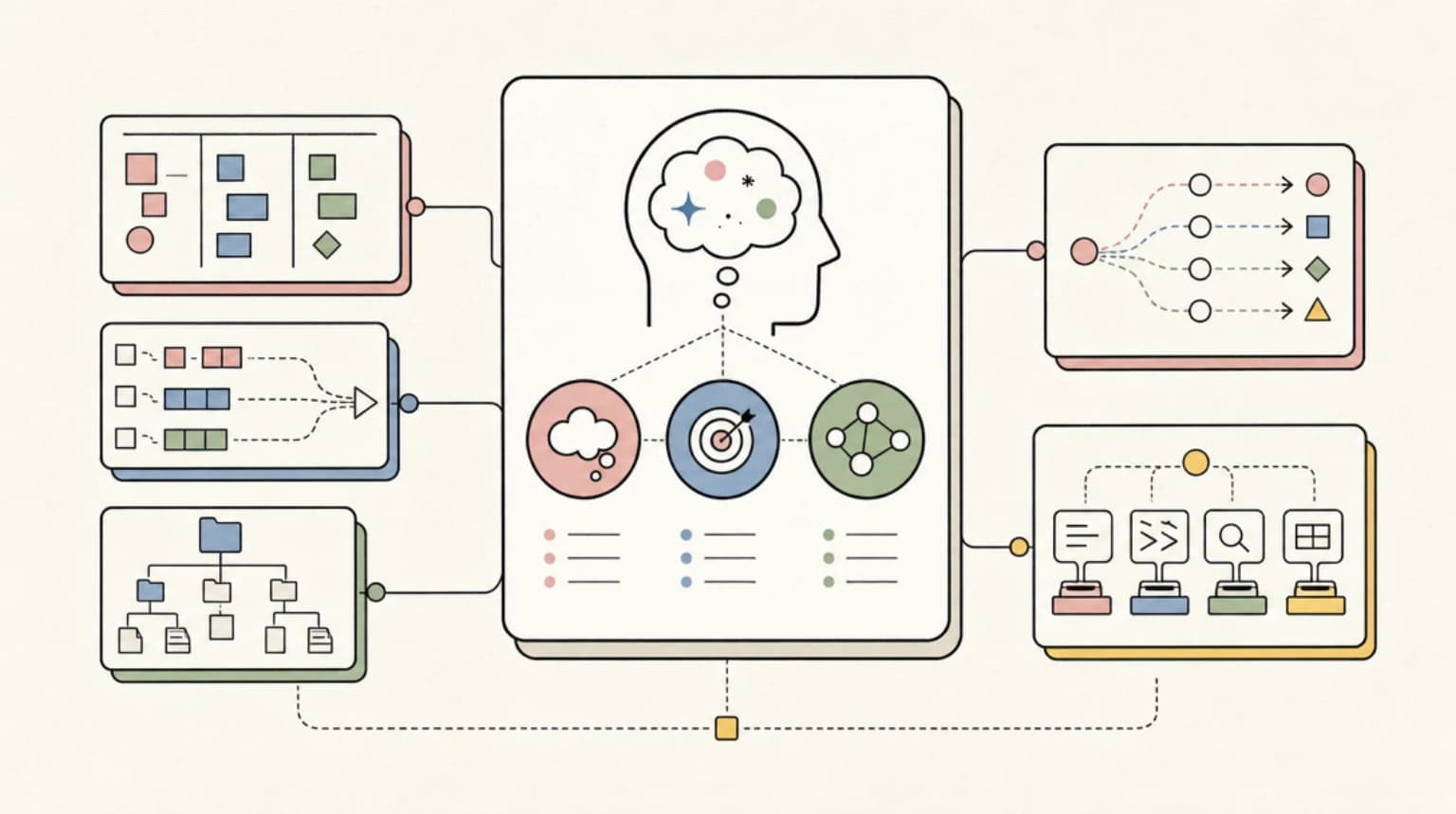
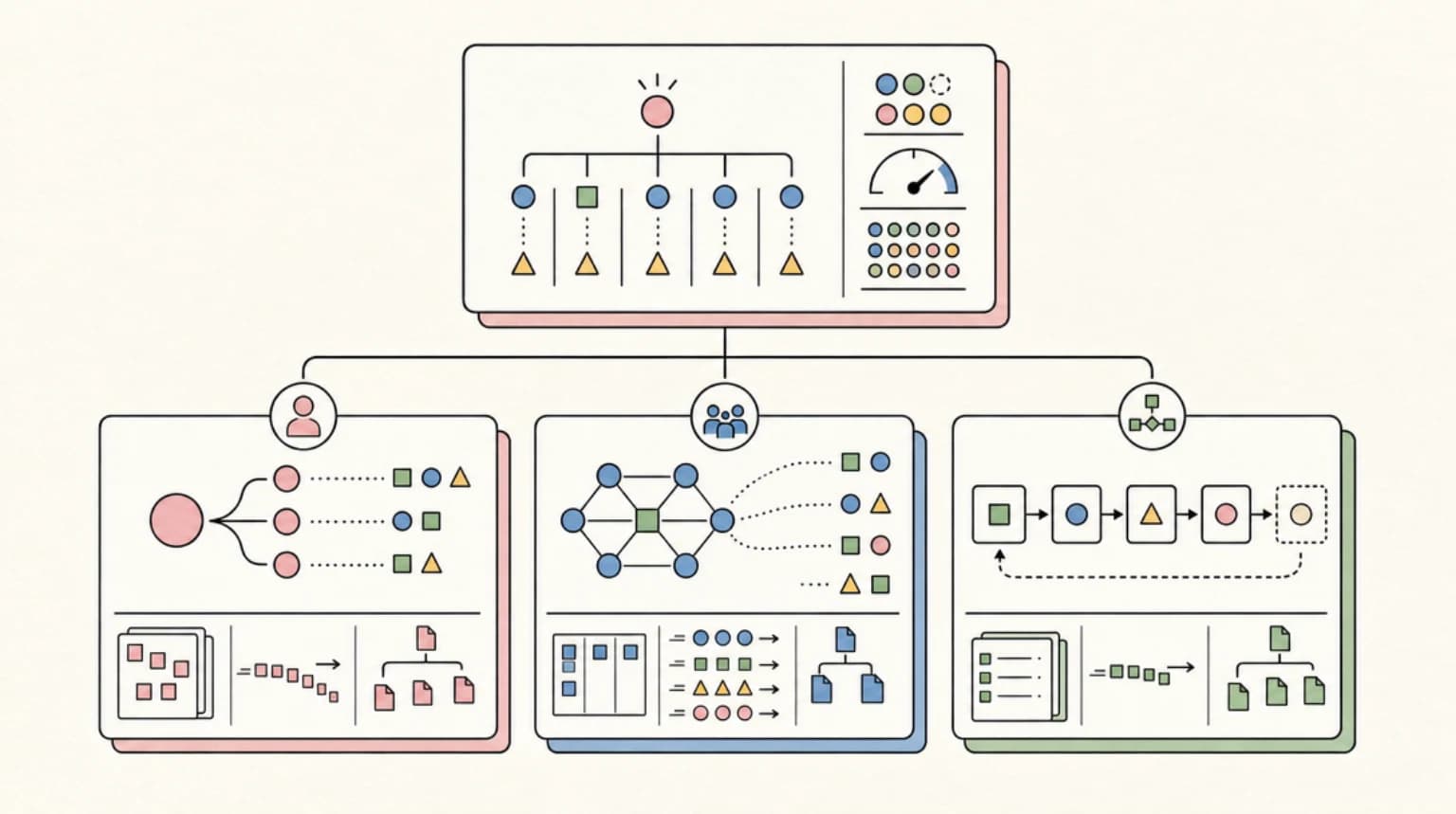
Before this release, a Managed Agents agent could hand work to other agents by delegating to subagents. The agent decides turn by turn what to delegate, reads what each subagent reports, and can send follow-ups because a subagent's thread persists. That model keeps the plan inside the agent's head, one decision at a time.
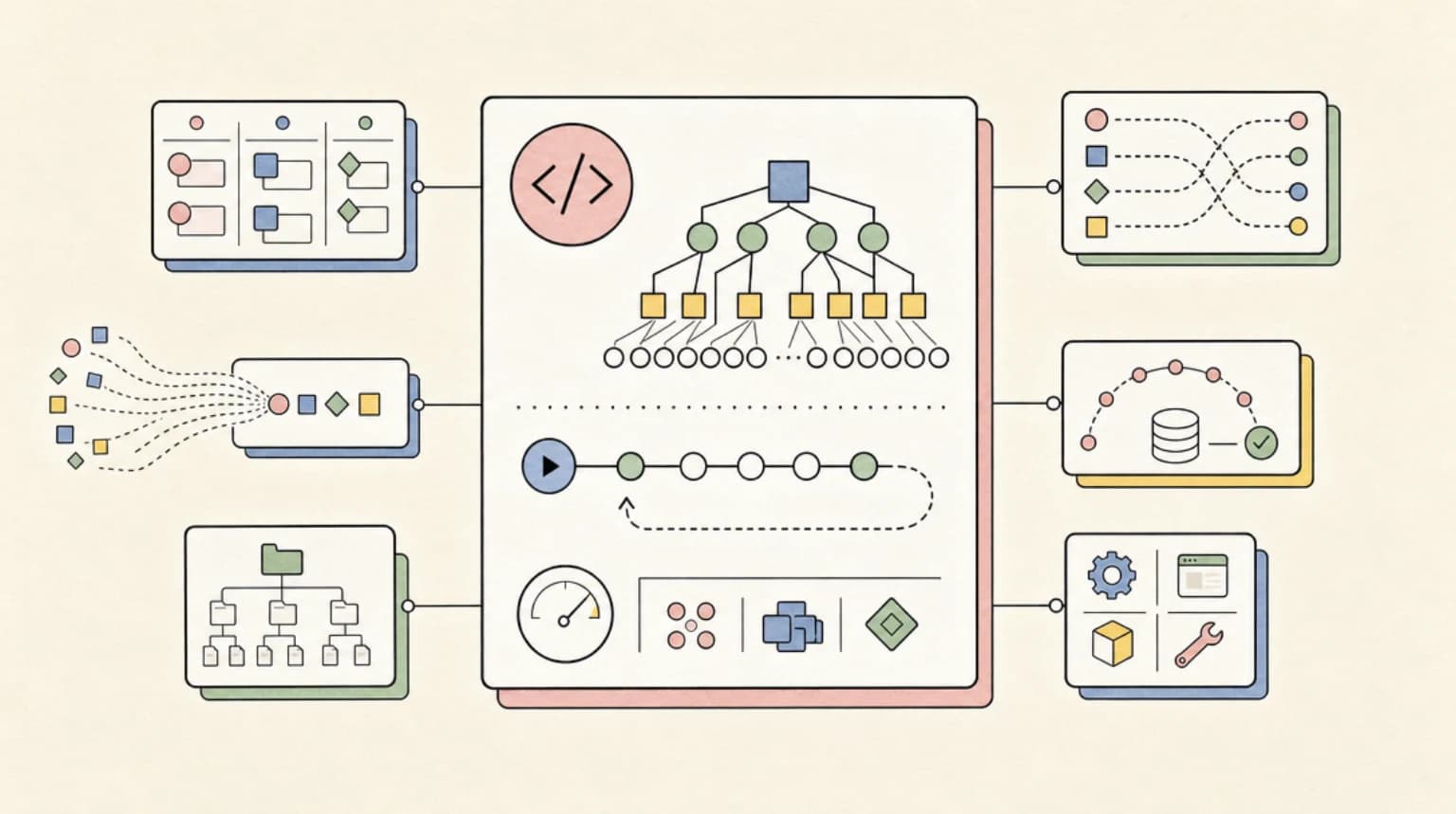
A workflow run moves the plan into a program. The multiagent orchestration docs describe it this way: Claude writes a program to orchestrate agents without Claude's direct involvement, and context and results pass programmatically from one agent to another. That frees the primary thread to keep talking to the user and to check on one or several running workflows.
%% title: How a workflow run fits in a session
flowchart TD
  U[user.message] --> P[Primary agent]
  P -->|writes workflow| W[Workflow run]
  W --> PH1[Phase 1: fan out]
  PH1 --> A1[Agent thread]
  PH1 --> A2[Agent thread]
  PH1 --> A3[Agent thread]
  A1 --> PH2[Phase 2: reconcile]
  A2 --> PH2
  A3 --> PH2
  PH2 --> R[status_ended + result]
  R --> P
  P --> ANS[Answer to user]
According to the workflow runs docs, the program can:
- Fan out: run many agents at the same time.
- Chain results: pass what one agent returned to another agent. Agents also share the session sandbox, so they work on the same files.
- Decide the next step itself: each agent's result goes to the program, not to the primary agent, and the program writes the next prompts.
- Repeat and branch inside a phase: for example, revise a draft until a review passes or a round limit is used up.
- Handle failures: the server usually retries a failed agent once on a new thread. If the program handles a failure, the run can still end
completed.
The tradeoff against subagents is clear in the docs:
| Subagents | Workflow runs | |
|---|---|---|
| Who decides what runs next | The primary agent, turn by turn | The program the agent wrote |
| Follow-up messages | Yes, the thread persists | No, the agent can't message a run's threads |
| Thread lifetime | Until you archive it | Server archives each thread by the end of the run |
| Depth and count | One level deep, at most 25 child threads at a time (idle included) | Exempt from the 25-thread limit, up to 64 working at once per run |
| Docs recommendation | Specialists you want to follow up with | "Most work that needs more than one agent" |
If you know the Claude Code side of this, it is the same "who holds the plan" distinction. The Claude Code dynamic workflows guide covers the local version in depth.
Why it matters for developers#
Three things change for anyone building on the Claude Developer Platform.
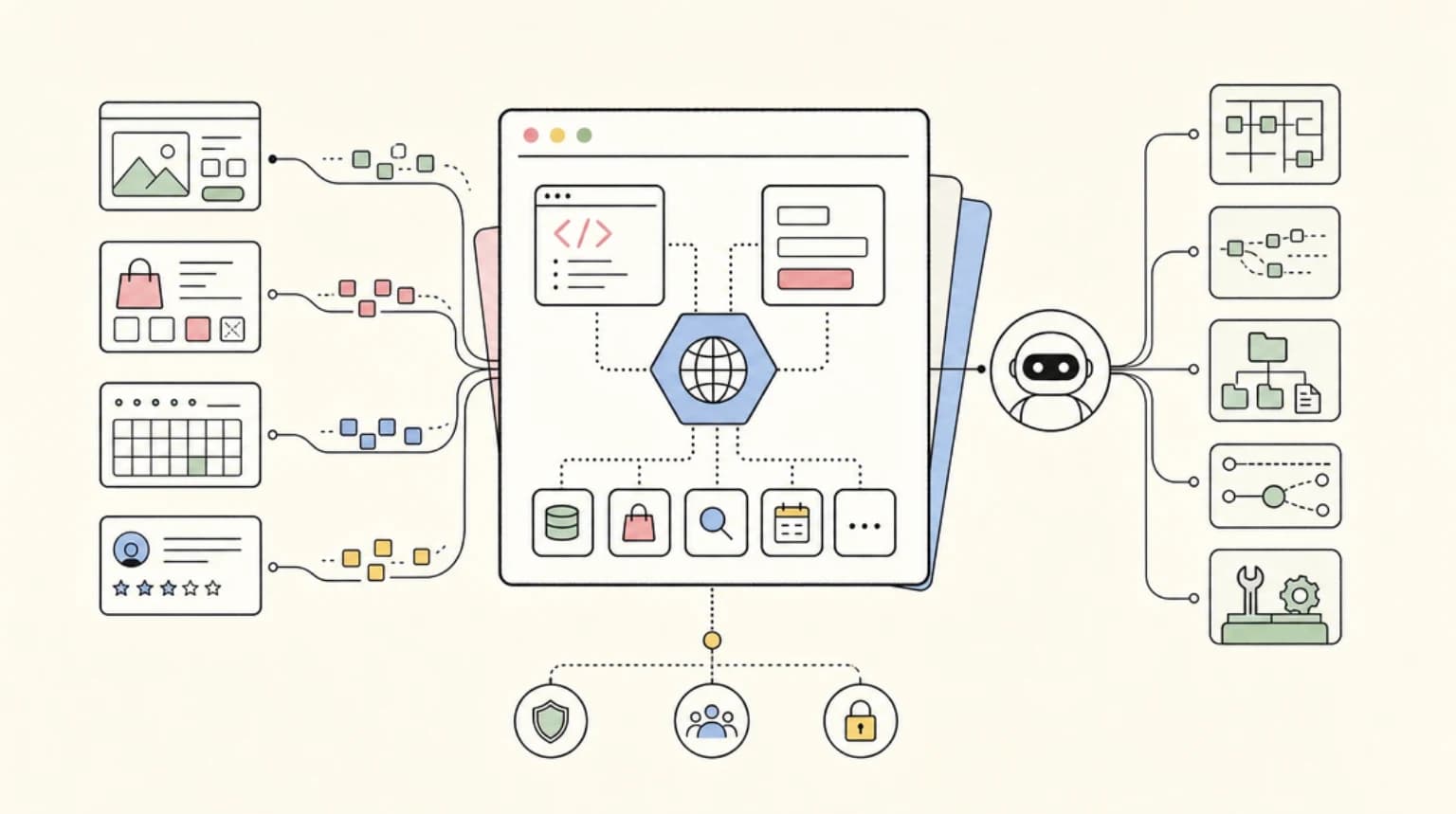
You stop writing orchestration code. Fan-out, retries, phase sequencing and result merging used to be your job, either in your own backend or in a framework. Now the agent writes the program per request and the server hosts it, with up to 64 threads working at once in a run, up to 1,000 agents over a run's life, and a 24-hour default lifetime (limits). Your client's job shrinks to sending the request, answering custom tool calls, and reading events.
You can route stages to different agents. By default the workflow defines its own inline agents, each with a system prompt it writes. If you want a cheaper model for bulk reading, or a specialist with its own tools for verification, you create those as agents and list them in workflows.predefined_agents.
Spend has one control point. A run has no price of its own. Its tokens are billed like other session tokens, at each model's rates, and count toward the session budget (cost and budgets). One hard cap covers the primary thread, every run, and every thread in every run.
The docs list audits, migrations, deep research and cross-checking as the kinds of work that suit a run. The earlier multiagent and outcomes post covers the primitives this builds on.
Step 1: Create an agent with workflows enabled#
Here is the official cURL example from the Turn on dynamic workflows section, unchanged:
curl -fsS https://api.anthropic.com/v1/agents \
  -H "x-api-key: $ANTHROPIC_API_KEY" \
  -H "anthropic-version: 2023-06-01" \
  -H "anthropic-beta: managed-agents-2026-04-01" \
  -H "content-type: application/json" \
  -d '{
    "name": "Contract Reviewer",
    "model": "claude-opus-5-5",
    "system": "You review contracts. When you are asked to review more than a few contracts, start a workflow run that reads them in parallel and combines the findings. Review one or two contracts yourself, without a run.",
    "tools": [{"type": "agent_toolset_20260401"}],
    "multiagent": {"type": "multiagent_20261001", "workflows": {"type": "enabled"}}
  }'
The CLI route is ant apply contract-reviewer.md, with the same fields in the file's frontmatter.
With multiagent_20261001, subagents and workflows are both on by default, and each has inline agents on by default. The advisor is off by default. If you want a workflows-only agent, disable subagents explicitly. This TypeScript version does that:
import Anthropic from "@anthropic-ai/sdk";

const client = new Anthropic(); // reads ANTHROPIC_API_KEY

const agent = await client.beta.agents.create({
  name: "Contract Reviewer",
  model: "claude-opus-5-5",
  system:
    "You review contracts. When you're asked to review more than a few contracts, start a workflow run that reads them in parallel and combines the findings. Review one or two contracts yourself, without a run.",
  tools: [{ type: "agent_toolset_20260401" }],
  multiagent: {
    type: "multiagent_20261001",
    workflows: { type: "enabled" },
    // Workflows only: no direct delegation to subagents
    subagents: { type: "disabled" },
  },
});

console.log(agent.id, agent.version);
The Python equivalent:
import anthropic

client = anthropic.Anthropic()  # reads ANTHROPIC_API_KEY

agent = client.beta.agents.create(
    name="Contract Reviewer",
    model="claude-opus-5-5",
    system=(
        "You review contracts. When you're asked to review more than a few contracts, "
        "start a workflow run that reads them in parallel and combines the findings. "
        "Review one or two contracts yourself, without a run."
    ),
    tools=[{"type": "agent_toolset_20260401"}],
    multiagent={
        "type": "multiagent_20261001",
        "workflows": {"type": "enabled"},
        "subagents": {"type": "disabled"},
    },
)
print(agent.id, agent.version)
Verification note: the TypeScript samples in this post were type-checked with tsc --noEmit (strict, moduleResolution: bundler) against @anthropic-ai/sdk@0.135.0, and the Python sample passed py_compile and an import check against anthropic==1.15.0, which ships the multiagent_20261001 types. We did not run live API calls.
Pinning specialist agents#
To let a run use agents you already created (for example, a different-model reader), list them under workflows.predefined_agents (up to 20). Entries can be {"type": "agent", "id": ...}, the same with a version to pin it, a bare ID string, or {"type": "self"}. To allow only listed agents, disable inline agents. This is the shape from the predefined and inline agents section:
{
  "multiagent": {
    "type": "multiagent_20261001",
    "workflows": {
      "type": "enabled",
      "inline_agents": { "type": "disabled" },
      "predefined_agents": [
        { "type": "agent", "id": "agent_01Lm4cV8yQ2tNs7XbKdR5h", "version": 2 }
      ]
    }
  }
}
Config rules that will bite you:
- Inline off needs a list. With
inline_agentsdisabled and an emptypredefined_agentslist, the request returns 400. - Separate lists.
subagents.predefined_agentsandworkflows.predefined_agentsare independent. Adding an agent to one does not add it to the other. - No nesting of multiagent agents. An agent that has
multiagentset can't be listed in another agent'sworkflows.predefined_agentsor as a subagent. - Inference geography must match. Listed agents must all pin the same
inference_geo, or none of them can, otherwise 400. ant__is reserved. If the agent already has a custom tool whose name starts withant__, the update fails with 400 and new sessions are refused until you rename or remove it.- Sessions snapshot the config. A session copies the
multiagentsetting at creation, so editing the agent later does not change existing sessions. - Turning it off. Send
workflows: {"type": "disabled"}. Sendingnullturns workflows back on, because the default is enabled.
Step 2: Tell the agent when to start a run#
There is no "start run" endpoint. The docs are explicit: you describe the work in a user.message, and the agent determines whether and when to start a run. Permission policies apply to the tools a run's agents call, not to starting the run. So the system prompt is your control surface.
The contract-reviewer prompt in the docs is a good template because it names both the case that needs a run and the case that does not:
You review contracts. When you're asked to review more than a few contracts, start a workflow run that reads them in parallel and combines the findings. Review one or two contracts yourself, without a run.
The docs then suggest four kinds of steering you can add (Tell the agent when to use a run):
- How to split the work: "In a run, use one agent per contract. Then have a second agent review every contract, not only the ones where the first agent found something, and look for what the first agent missed. Anything that fails the review gets redone and reviewed again."
- What to do when an agent fails: "One agent failing must not fail the run. If an agent fails to read a contract, list that contract as not covered. When the run ends, tell me which contracts weren't covered."
- A time limit: "Give the run a one-hour time limit."
- Plan first: "Before you start a run, describe its phases and how many agents each one runs. Then wait for my go-ahead."
Be clear-eyed about the last one. The docs state that there is no approval step before a run starts: the agent starts the run in the same turn it writes the workflow, so nothing enforces a plan-first instruction. If you need a human gate, build it in your client (for example, a separate planning-only agent with workflows disabled) rather than trusting the prompt. The failure-handling instruction is worth adding to every agent, because it is what turns "completed" into a report you can act on.
Step 3: Create a session with a budget and send the work#
Every agent in a run uses tokens, so set a session budget when you create the session. Two details matter:
- The amount is US cents, as a string. The budgets docs say
amountis a whole number of cents with no leading zeros:"125"is $1.25, and decimal forms like"25.00"are rejected. A $25 cap is"2500". - It is creation-only. Adding a budget to an existing session that has none returns 400. A budgeted session's cap can be changed or removed later.
In a multiagent session, one budget is shared across all threads, with no per-thread caps. The cap is checked between model requests, so each working thread can finish the request it already started: a run can pass the budget by one request per working thread. Session running time also counts toward list cost, at $0.08 per hour per the budgets docs.
The session create and the first message are the top of the event loop in Step 4. Open the stream before sending the user.message, because the stream does not replay events you missed.
Step 4: Follow the run on the event stream#
Run events arrive on the primary thread's stream. This loop tracks every run from workflow_run.created to workflow_run.status_ended, maps phase IDs to names, logs workflow_run.error without treating it as the end, answers custom tool calls from run threads immediately, and stops only when no run is open and the session goes idle with end_turn. It follows the structure of the docs' Follow a run sample, with the budget and error handling added.
import Anthropic from "@anthropic-ai/sdk";

const client = new Anthropic();

declare const agentId: string;
declare const environmentId: string;
declare function callTool(name: string, input: unknown): Promise<string>;

// The budget can only be attached at creation. amount is US cents as a string: "2500" = $25.
const session = await client.beta.sessions.create({
  agent: agentId,
  environment_id: environmentId,
  budget: { type: "limit", max_list_cost: { amount: "2500", currency: "USD" } },
});
const sessionId = session.id;

const openRuns = new Map<string, string>(); // workflow_run_id -> run name
const phaseNames = new Map<string, string>(); // "runId:phaseId" -> phase name

// Open the stream first, then send the work
const stream = await client.beta.sessions.events.stream(sessionId);
await client.beta.sessions.events.send(sessionId, {
  events: [
    {
      type: "user.message",
      content: [{ type: "text", text: "Which contracts in /contracts have a change-of-control clause?" }],
    },
  ],
});

events: for await (const event of stream) {
  switch (event.type) {
    case "workflow_run.created":
      openRuns.set(event.workflow_run_id, event.name);
      for (const phase of event.phases) {
        phaseNames.set(`${event.workflow_run_id}:${phase.id}`, phase.name);
      }
      console.log(`Run started: ${event.name} (${event.phases.length} phases)`);
      break;
    case "workflow_run.phase_started": {
      const phaseId = event.workflow_run_phase_id;
      console.log(`  Phase: ${phaseNames.get(`${event.workflow_run_id}:${phaseId}`) ?? phaseId}`);
      break;
    }
    case "workflow_run.error":
      // Log it, but it is not the end of the run. A null id means no run started.
      console.log(`Run error (${event.workflow_run_id ?? "no run"}): ${event.error.type}`);
      break;
    case "workflow_run.status_ended": {
      const name = openRuns.get(event.workflow_run_id) ?? event.workflow_run_id;
      openRuns.delete(event.workflow_run_id);
      // "completed" means the program finished, not that every thread succeeded
      console.log(`Run ended: ${name} (${event.result.type})`);
      break;
    }
    case "agent.custom_tool_use": {
      // A run thread can wait on your client while the session stays running.
      // Answer right away, one result per request.
      const result = await callTool(event.name, event.input);
      try {
        await client.beta.sessions.events.send(sessionId, {
          events: [
            {
              type: "user.custom_tool_result",
              custom_tool_use_id: event.id,
              content: [{ type: "text", text: result }],
            },
          ],
        });
      } catch (error) {
        // A late answer to an already archived run thread returns 400
        if (!(error instanceof Anthropic.BadRequestError)) throw error;
      }
      break;
    }
    case "session.status_idle": {
      const reason = event.stop_reason.type;
      if (openRuns.size === 0 && reason === "end_turn") break events; // done
      if (reason !== "end_turn" && reason !== "requires_action") {
        console.log(`Session idle: ${reason}`); // budget_reached, retries_exhausted, ...
        break events;
      }
      break;
    }
    case "session.status_terminated":
      break events;
  }
}
Two things about the tool-call branch. First, the session stays running while a run is running, even if no thread is working, so you cannot wait for session.status_idle before answering a tool call from a run thread. Second, send each tool result in its own request: the server refuses a whole request when it refuses one of its events, and a result that arrives after the server archived the thread can return 400. If your tools use always_ask permission policies, add a branch that answers agent.tool_use and agent.mcp_tool_use confirmations too. The docs leave that out of their sample on purpose, because a blanket allow would quietly turn always_ask into always allow.
Here is the order of events your client sees for one run:
%% title: Events your client sees during a run
sequenceDiagram
  participant C as Your client
  participant S as Session stream
  C->>S: open stream
  C->>S: user.message
  S-->>C: workflow_run.created (phases)
  S-->>C: workflow_run.status_running
  S-->>C: workflow_run.phase_started
  S-->>C: session.thread_created (workflow_run_id)
  S-->>C: workflow_run.phase_ended
  S-->>C: workflow_run.status_ended (result)
  S-->>C: session.status_idle (end_turn)
The workflow_run.created event carries a wrun_... ID, the run's name and description, and a phases array with id, name and description for each phase. Phase events carry only workflow_run_phase_id (the end event also carries phase_started_id), so you look names up from the created event. The docs warn that phases usually run once and in order, but the API does not guarantee it: handle overlapping phases, phases not in the list, and listed phases that never start. No event or field tells you which phase a given thread belongs to.
Run states, results, and knowing when work is really done#
A run is open from workflow_run.created to workflow_run.status_ended. In between it is either running or idle. Reaching the budget pauses a running run and makes it idle. Raising or removing the budget resumes it, unless an interrupt also paused it. A paused run's lifetime keeps ticking, so a run that stays paused long enough ends with timeout_error.
%% title: Workflow run lifecycle
flowchart LR
  C[created] --> RUN[running]
  C --> IDLE[idle]
  RUN -->|budget reached| IDLE
  IDLE -->|budget raised| RUN
  RUN -->|finished| END[status_ended]
  RUN -->|stopped or error| END
  IDLE -->|stopped, archived, or lifetime| END
The result on workflow_run.status_ended is one of these (run events):
result | Meaning |
|---|---|
{"type": "completed"} | The workflow finished running. It does not say the work passed: threads can fail inside a completed run. |
{"type": "stopped"} | The agent stopped it, or the session was archived. The event does not say which. |
error, timeout_error | The run hit its lifetime (24 hours by default, or what the agent set). |
error, program_error | The workflow's code failed or broke a rule, or a thread failed and the workflow let that end the run. |
error, thread_limit_error | The workflow asked for more than 1,000 agents. |
error, unknown_error | The server couldn't continue, or another server-side workflow limit was hit. |
The key point: completed is not a quality signal. To find failed work, read the events of the threads whose workflow_run_id matches the run. This is also why the failure-handling line in Step 2 matters: you want the agent's final answer to name what was not covered.
The docs define "done" with two conditions. Every run you saw created has its workflow_run.status_ended, and after that a session.status_idle arrives with stop_reason end_turn that your own request (an interrupt, for example) did not cause. A session idle on its own is not enough, because a paused run does not keep the session running: at the budget, the session goes idle with budget_reached while the run is still open. The agent can also start a new run after reading a result, so check again. If you use outcomes, no evaluation starts while a run is open.
Measuring what one run cost#
There is no per-run bill line. To attribute usage to a run, list the session's threads and sum usage across those with the run's workflow_run_id. The thread list includes archived threads (status terminated), so finished runs are counted.
import Anthropic from "@anthropic-ai/sdk";

const client = new Anthropic();

// Sum token usage across every thread that belongs to one workflow run.
// The list includes archived (terminated) threads, so finished runs count.
export async function runUsage(sessionId: string, workflowRunId: string) {
  let input = 0;
  let output = 0;
  let threads = 0;
  for await (const thread of client.beta.sessions.threads.list(sessionId)) {
    if (thread.workflow_run_id !== workflowRunId || !thread.usage) continue;
    input += thread.usage.input_tokens ?? 0;
    output += thread.usage.output_tokens ?? 0;
    threads += 1;
  }
  return { threads, input_tokens: input, output_tokens: output };
}
The SDK's async iterator handles pagination. You could sum each thread's list_cost instead, but the docs note that the total leaves out session runtime and each figure is rounded separately, so the session-level figure stays authoritative for budgets. Logging this per run is the practical version of the "track cost per workflow run, not per token" advice in our spend guardrails playbook: a workflow that quietly grows from 20 agents to 200 is obvious in cost-per-run long before it shows in a monthly token total.
Gotchas and limits#
Everything below comes from the workflow runs and multiagent orchestration docs.
- No approval step. The run starts in the same turn the agent writes the workflow.
workflow_run.createdis your first look at the plan. user.interruptends no run. It stops the agent's turn, and runs may pause or keep going. To stop runs, send auser.messageasking the agent to stop them; they end with{"type": "stopped"}. No event you send ends a run directly, but archiving the session can.- 400s while a run is open. Archiving or deleting the session might return 400 with
error_codeworkflow_run_open. Archiving one of the run's threads returns 400. Updating the session'sagentreturns 400 even for a paused run, and a request that bundles other fields (such asbudget) with it is rejected whole. - No webhooks, no replay. Run events don't trigger webhooks, and the stream doesn't replay what you missed. After a reconnect, rebuild state by listing session events with a
typesfilter. No endpoint lists runs. If your backend is built on webhooks, read the backend job discipline post and plan for a stream consumer or a list-events reconciler. - The workflow is opaque. You don't see the workflow's code, the tool calls the agent makes to start and manage runs, or what each thread returns to the program. To see the code, wait until the run has ended and the session is idle, then ask the agent to print the workflow word for word without starting another run.
- Make tools idempotent. A run can create more than one thread for the same piece of work (retries are on a new thread), so tools must be safe to call twice.
- 10 open runs per session by default. Idle runs count. The next start fails with a
workflow_run.errorof typemax_workflow_runs_error. - Runs don't nest. Only the agent on the primary thread starts runs.
- Inline agents use the session model. For a different model, create a predefined agent and list it.
- Rate limits are shared. A run's model requests count toward your Messages API rate limits. Rate-limited threads get
session.errorwithmodel_rate_limited_error. Aretry_statusofexhaustedmeans the thread failed, which can end the run withprogram_error. An org-wide per-minute limit can also stop threads. - Migrating from
coordinatorturns things on. Thecoordinatortype can't start runs or define inline subagents. An update tomultiagent_20261001that leaves outworkflowsenables workflows and inline subagents by default, and the update replaces the wholemultiagentblock, so resend your subagent list and advisor. - Names get truncated. Run and phase names are cut to 64 characters, descriptions to 256.
Managed Agents workflows vs Claude Code dynamic workflows#
The closest alternative is the dynamic workflows feature in Claude Code itself. Same idea (Claude writes an orchestration script, a runtime executes it), different host and controls. Comparing documented capabilities from the workflow runs docs and the Claude Code workflows docs:
| Managed Agents workflow runs | Claude Code dynamic workflows | |
|---|---|---|
| Where it runs | Anthropic servers, in the session sandbox | Your machine or a Claude Code session |
| Who decides what runs next | The program | The script |
| Approval before start | None; steered by prompt only | Per-run CLI prompt showing the planned phases (varies by permission mode; claude -p and the Agent SDK go through permission rules instead) |
| Seeing the script | Hidden; ask the agent to print it after the run | Ctrl+G opens it in your editor; workflows can be saved to .claude/workflows/ and edited |
| Concurrency | 64 working threads per run (not guaranteed) | 16 by default, configurable 1 to 256 via CLAUDE_CODE_WORKFLOW_MAX_CONCURRENT_AGENTS (v2.1.269+) |
| Total agents per run | 1,000 | 1,000 |
| Lifetime and resume | 24-hour default lifetime; runs on the server independent of your client | Resumable within the same Claude Code session |
| Spend control | Hard session budget in cents | Plan usage limits plus an advisory size guideline |
| Best fit | Product backends and API-driven jobs | A developer at a terminal |
Each has a real strength. Claude Code gives you a human checkpoint and a script you can read and edit, which is what you want when you are the one supervising the change. Managed Agents gives you a hosted runtime with a hard dollar ceiling and an event contract your backend can consume, which is what you want when the request comes from a product rather than a person. If neither fits, self-hosted orchestration frameworks such as LangGraph and Mastra give you code you own and deterministic graphs, at the cost of running the infrastructure yourself; our durable agent frameworks comparison covers that path.
FAQ#
Do I need a separate API call to start a workflow run?#
No. You describe the work in a user.message, and the agent decides whether and when to start a run. You steer that choice with the system prompt (name the tasks that call for a run and the ones that don't) or by asking for a run in the message.
Does a "completed" result mean every agent succeeded?#
No. {"type": "completed"} means the workflow program finished. Threads can fail, or fail to be created, inside a completed run. Read the events of the threads that carry the run's workflow_run_id, and tell the agent in its system prompt to report what was not covered.
How do I stop a workflow run?#
Send a user.message asking the agent to stop its runs; a stopped run ends with {"type": "stopped"}. A user.interrupt stops the agent's turn but ends no run. Archiving the session also ends open runs, though it might return 400 with workflow_run_open while runs are open.
Can workflow agents use a different model than the main agent?#
Only predefined agents. Create the agent with the model you want and list it in workflows.predefined_agents. Inline agents that the workflow defines always use the session agent's model.
What are the limits on a workflow run?#
64 threads working at once per run (the API doesn't guarantee this number), 1,000 agents started over a run's life, a 24-hour default lifetime, and 10 open runs per session by default, idle runs included. All of a run's tokens count toward the session budget and your Messages API rate limits.
Sources#
- Multiagent orchestration: dynamic workflows - Claude Developer Platform docs
- Workflow runs - events, results, limits, rate limits, cost
- Session budgets - budget format, enforcement, multiagent sharing
- Session threads - listing threads and
workflow_run_id - Release notes, October 9, 2026 - launch announcement
- Claude Code dynamic workflows - the local alternative
Continue Reading#
- Claude Code Dynamic Workflows: The Complete Guide - the local, script-in-your-editor version of the same idea
- Claude Managed Agents Are Starting to Look Like Backend Jobs - webhooks, stop conditions and job discipline for Managed Agents
- Subagents vs Agent Teams vs Workflows - the "who holds the plan" mental model behind this post
Get the next deep dive like this in your inbox
One email a week on Claude and the rest of the AI dev stack. Free.
Read next on Claude Code
Claude Code Dynamic Workflows: The Complete Guide
Claude Code dynamic workflows turn orchestration into a JavaScript script that runs agents in the background. How scripts, schemas, budgets and resume work.
10 min readClaude Managed Agents: Dreaming, Outcomes, and Multi-Agent Orchestration Explained
Claude Managed Agents added dreaming, outcomes and multi-agent orchestration in 2026. How each primitive works and when to use the three together.
8 min readClaude Managed Agents Are Starting to Look Like Backend Jobs
Claude Managed Agents now have multiagent sessions, outcomes, webhooks and auto permissions. Why agent runs need backend job discipline, and how to apply it.
9 min readTechnical content at the intersection of AI and development. Building with AI agents, Claude Code, and modern dev tools - then showing you exactly how it works.