Claude Managed Agents in a Chrome Extension: ai-newtab Teardown
TL;DR
ai-newtab turns your browsing history into a daily homepage using a Claude Managed Agents session driven from a Chrome extension. How the loop works, what it sends to the API, the cost claim, and the security gaps to close before you copy it.
ai-newtab is the cleanest public example yet of a Claude Managed Agents session run straight from a browser extension, with no server in between. Thariq Shihipar's repo replaces Chrome's new-tab page with a homepage that Claude rewrites from your browsing history. It is MIT licensed, it had about 710 stars on October 11, and it is worth reading less as a product and more as a reference design for any "agent that works inside the user's own browser" idea.
Last updated: October 11, 2026
What the primary source says#
The ai-newtab README describes an extension that "reads the internet for you". You build it locally, load it unpacked in chrome://extensions, paste your own Anthropic API key, and click Build today's homepage. The install is four commands:
git clone https://github.com/ThariqS/ai-newtab.git
cd ai-newtab
npx pnpm@10.11.1 install
npx pnpm@10.11.1 build
Then load apps/extension/.output/chrome-mv3 as an unpacked extension. The README lists three model choices - Claude Sonnet 5.5 (default), Haiku 5.5 and Opus 5.5 - and a rebuild interval of 6, 12, 24 or 48 hours.
The agent loop is four steps, per the README's "How it works" section:
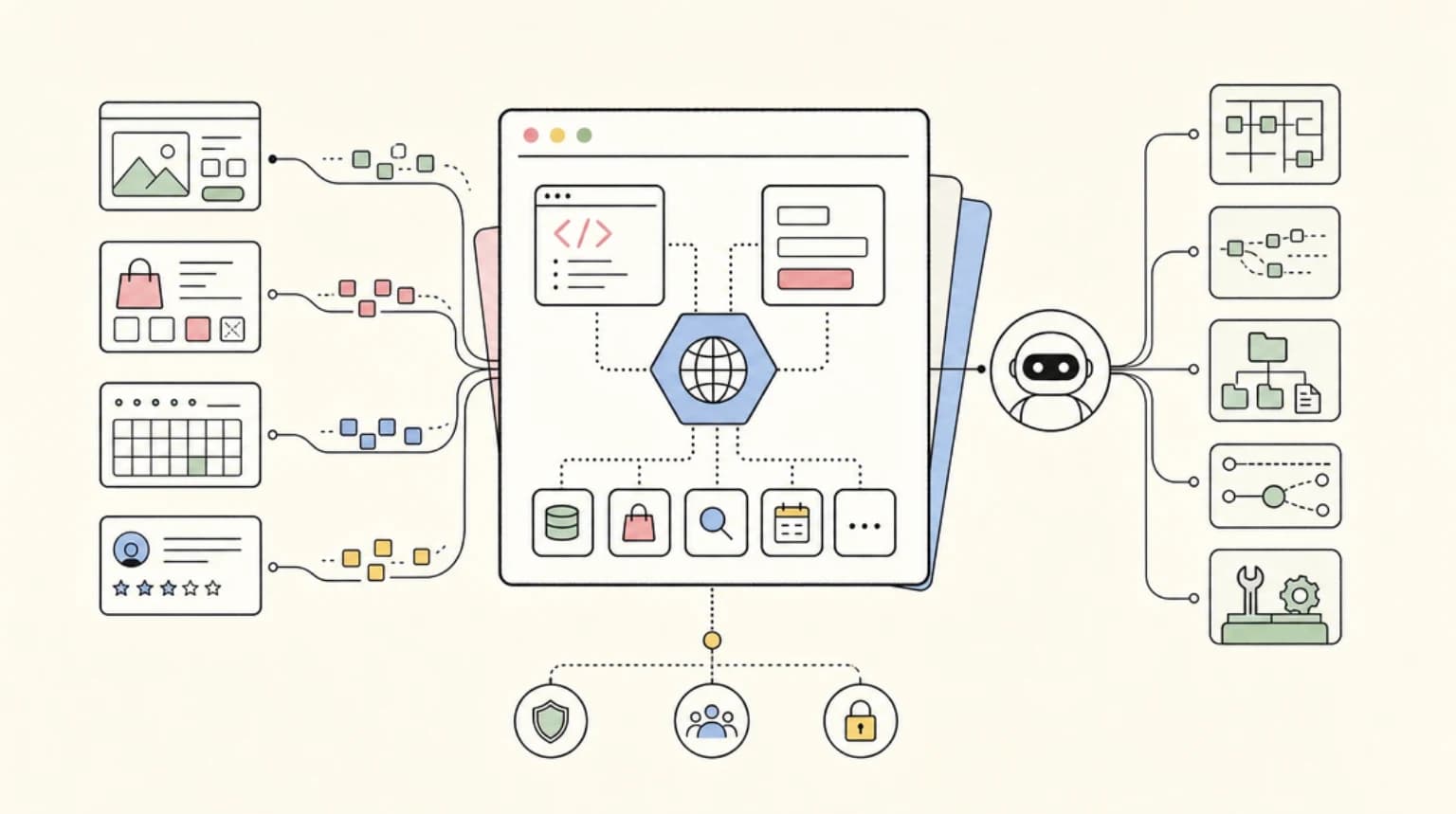
getHistoryreturns a ranked summary of your most-visited domains.getPageHtmlopens up to 8 pages in a background window, cleans the HTML and mounts it into the agent's sandbox as files.grepandreadpull headlines and links out of those files inside the sandbox.writeproduces one React component, which the new tab renders.
The part that matters for builders is in ARCHITECTURE.md: the extension's service worker creates a session, opens the event stream, and answers the agent's custom_tool_use events itself. The two custom tools run in the extension because only the extension can reach chrome.history and chrome.tabs. Everything else, including file reads and the final write, happens in Anthropic's hosted sandbox. Finished output is rendered inside a Sandpack iframe because it is model-written code.
Why this is a useful reference design#
Most Managed Agents examples are backend jobs. This one splits the agent across two trust zones, and that split is the transferable idea: put the tools that need local privileges (history, tabs, files) on the client, and keep reasoning and code execution in the hosted sandbox. Anthropic's Managed Agents announcement describes custom tools as a way to feed the agent your own data, and ai-newtab is that pattern with the user's browser as the data source. For the product side of the beta, see our honest review of what is actually available.
The ARCHITECTURE.md gotchas read like a checklist from someone who hit each one:
- Never leave an
agent.custom_tool_useunanswered. A thrown error should become a result withis_error: true, because an unanswered tool call idles the session forever. - Do not stop on
session.status_idlealone. The session idles every time it waits for a tool result, so only break when the stop reason is notrequires_action. - The result event field is
custom_tool_use_id, nottool_use_id. mount_pathis always re-rooted under/mnt/session/uploads/; a leading slash is stripped.
If you have used the same session-and-event model for backend work, our backend job runtime guide covers the matching production concerns (retries, webhooks, budgets).
The cost claim, and what is verified#
The README says only that each build is "a single agent session billed to your API key" and that Haiku is the cheapest choice. The $0.75 per daily build figure comes from AlphaSignal's write-up, which attributes it to the author's own estimate. Treat it as an estimate, not a measurement: it depends on the model, on how many pages are read, and on how long the session runs.
What is verifiable is Anthropic's published pricing shape: standard token rates plus $0.08 per session-hour of active runtime. A build that takes a few minutes keeps the runtime charge small, so token cost on the 8 uploaded pages dominates. Switching to Haiku or lengthening the rebuild interval are the two levers the README itself offers. If you are deciding whether this runtime is right for your own project versus rolling your own, see Managed Agents vs LangGraph vs DIY.
Where it breaks: the security surface#
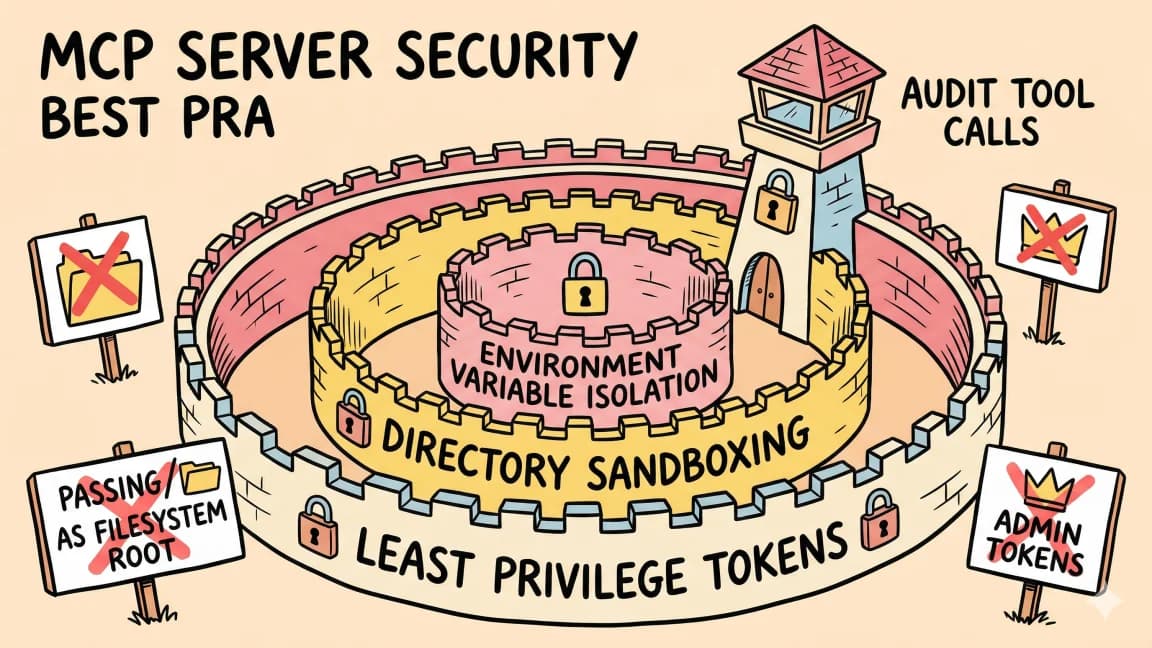
This is the section to read before forking it. The extension opens pages "signed in as you", sends a history summary plus cleaned HTML of up to 8 pages to the Anthropic API, and the README is upfront that "those pages are loaded in your signed-in browser, so they can include private content." It also says that anyone with access to the browser profile can read the stored API key, and tells you not to publish the extension to a store as-is.
The maintainer has clearly been tightening this. The latest commit, dated October 10, checks the final URL of scraped pages and always blocks local-network hosts, and the README now documents a blocklist that includes webmail, sign-in and document hosts by default. A page that redirects onto a blocked host is dropped before upload.
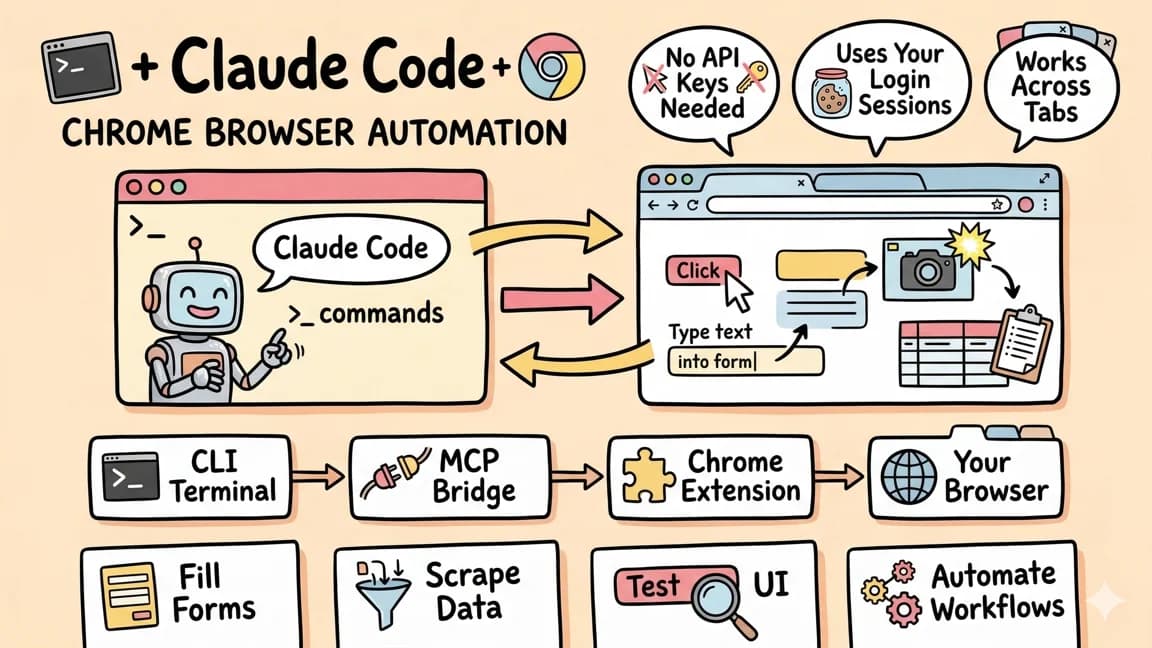
The remaining risk is the classic one for any agent that reads the web: page content is untrusted input. The README says shell access is off in the sandbox for that reason, which limits what a hostile page can make the agent do. It does not remove the risk of a page steering what the homepage says. Our practical prompt injection guide is the right checklist if you build something similar, and Claude Code's Chrome automation covers the other end of the spectrum, where Claude drives your real browser interactively.
What a builder does Monday#
- Clone it and run it with Haiku and a 48 hour interval on a throwaway Chrome profile, not your daily one.
- Add your own sensitive hosts to the blocklist before the first build, since the defaults cover only common webmail, sign-in and document hosts.
- Read
packages/agent-core. The README says it is host-agnostic, with nochrome.*or Node imports, so you can reuse the loop for a different client. - Run
pnpm agent:runwith the fixture history first. It does a full build against the real API without touching your actual history.
What people are actually saying#
I could not find a Hacker News or Reddit thread for ai-newtab when I searched on October 11, so there is no discussion to summarize honestly. The signals that exist are thinner: the repo's star and fork counts (about 710 stars and 68 forks when checked) and the AlphaSignal coverage, which frames it as a showcase for Anthropic's monthly API credits for Max and Team plans. That is AlphaSignal's framing, not something the README claims. The counter-case is easy to state: a homepage that rebuilds once a day from your history is a novelty for most people, and the privacy trade-off (sending browsing summaries to an API) is a real cost for a feature you could replace with a bookmarks page. The value here is the architecture, not the homepage.
Continue Reading#
- Claude Managed Agents public beta: what is available vs gated - the product reality check
- Claude Managed Agents as a backend job runtime - sessions, budgets and webhooks in production
- Managed Agents vs LangGraph vs DIY - when to build your own runtime
- Prompt injection in agent apps - the checklist for agents that read the web
- Claude Code Chrome automation - the interactive version of agent plus browser
Sources#
- ThariqS/ai-newtab README - install, settings, privacy statement, status
- ai-newtab ARCHITECTURE.md - event flow, tools, gotchas
- Claude Managed Agents announcement - custom tools and pricing ($0.08 per session-hour plus token rates)
- AlphaSignal: Claude rebuilds your Chrome homepage - the $0.75 estimate and star count (secondary source)
FAQ#
What is ai-newtab?#
An MIT-licensed Chrome extension by Thariq Shihipar that replaces the new-tab page with a homepage Claude writes from your browsing history, using your own Anthropic API key.
How does ai-newtab use Claude Managed Agents?#
The extension's service worker creates a Managed Agents session, answers two custom tools (getHistory and getPageHtml) locally, and lets the hosted sandbox read the uploaded pages and write a React component.
What data does ai-newtab send to Anthropic?#
A summary of your browsing history (top domains, visit counts, a few page titles) and the cleaned HTML of up to 8 pages, per the README. Sessions and uploaded pages are deleted when each build ends.
How much does ai-newtab cost to run?#
The README gives no figure. A secondary report cites about $0.75 per daily build as the author's estimate. Anthropic bills token rates plus $0.08 per session-hour of active runtime.
Is ai-newtab safe to publish to the Chrome Web Store?#
Not as-is. The README says anyone with access to the browser profile can read the stored API key and advises against publishing it to a store.
Get the next deep dive like this in your inbox
One email a week on Claude and the rest of the AI dev stack. Free.
Read next on Claude Code
Claude Managed Agents Public Beta: What's Actually Available vs What's Gated
Claude Managed Agents is in public beta with solid sandboxing and session persistence - but the headline orchestration features are still locked behind a research preview waitlist. Here's what teams can actually ship today, what it costs, and when DIY alternatives make more sense.
8 min readClaude Managed Agents Are Starting to Look Like Backend Jobs
Claude Managed Agents now have multiagent sessions, outcomes, webhooks, and vault events. The practical takeaway is not just better agents. It is that agent runs need backend job discipline.
9 min readClaude Code + Chrome: AI Agents That Use Your Browser
Claude Code can now control Chrome using your existing authenticated sessions. No API keys needed. Gmail, Sheets, Figma - your agent works across tabs like you do.
7 min readTechnical content at the intersection of AI and development. Building with AI agents, Claude Code, and modern dev tools - then showing you exactly how it works.