Claude Code Monitor Tool: Now on Bedrock, Vertex and Foundry
TL;DR
Claude Code 2.1.310 brings the Monitor tool and plugin monitors to Bedrock, Vertex and Foundry. How Monitor works, its limits and 30-minute cap, and the setup.
Last updated: October 24, 2026
Claude Code's Monitor tool now works on Amazon Bedrock, Claude Platform on AWS, Google Cloud's Agent Platform and Microsoft Foundry, starting with v2.1.310. It also works in sessions where telemetry or nonessential traffic is turned off. Monitor lets Claude watch a log, a CI job, a directory or a WebSocket in the background and react when something changes, while you keep working in the same session. Until this release, enterprise setups on a third-party provider, and anyone running with DISABLE_TELEMETRY, did not get it at all. Update with claude update, check with claude --version, and ask Claude to watch something.
The v2.1.310 changelog (published to npm on October 23, 2026) says it in one line: "Added the Monitor tool and plugin monitors on Bedrock, Vertex, and Foundry, and when telemetry or nonessential traffic is disabled; long foreground sleeps are now blocked there too." This guide covers what Monitor does, the limits that matter, and plugin monitors.
Why it was missing#
Claude Code turns some features on through feature flags it fetches from Anthropic. Per the environment variable docs, it skips that fetch on a third-party provider, unless a host platform sets CLAUDE_CODE_PROVIDER_MANAGED_BY_HOST. It also skips it when you set DISABLE_GROWTHBOOK, DISABLE_TELEMETRY, DO_NOT_TRACK or CLAUDE_CODE_DISABLE_NONESSENTIAL_TRAFFIC. Monitor used to depend on that fetch. The tools reference now reads: "Monitor requires Claude Code v2.1.310 or later. The requirement applies when feature-flag fetching is off." So if your org pins an older Claude Code on Bedrock or Foundry, the tool simply is not there until you move to 2.1.310.
The fix is narrower than "everything works now". Other tools that run through Anthropic-hosted infrastructure, such as PushNotification, SendUserFile and RemoteTrigger, are still listed as unavailable on Bedrock, Google Cloud's Agent Platform and Foundry.
What Monitor does#
From the tools reference, you can ask Claude to:
- tail a log file and flag errors as they appear
- poll a PR or CI job and report when its status changes
- watch a directory for file changes
- track output from any long-running script you point it at
- connect to a WebSocket feed and report each message as it arrives
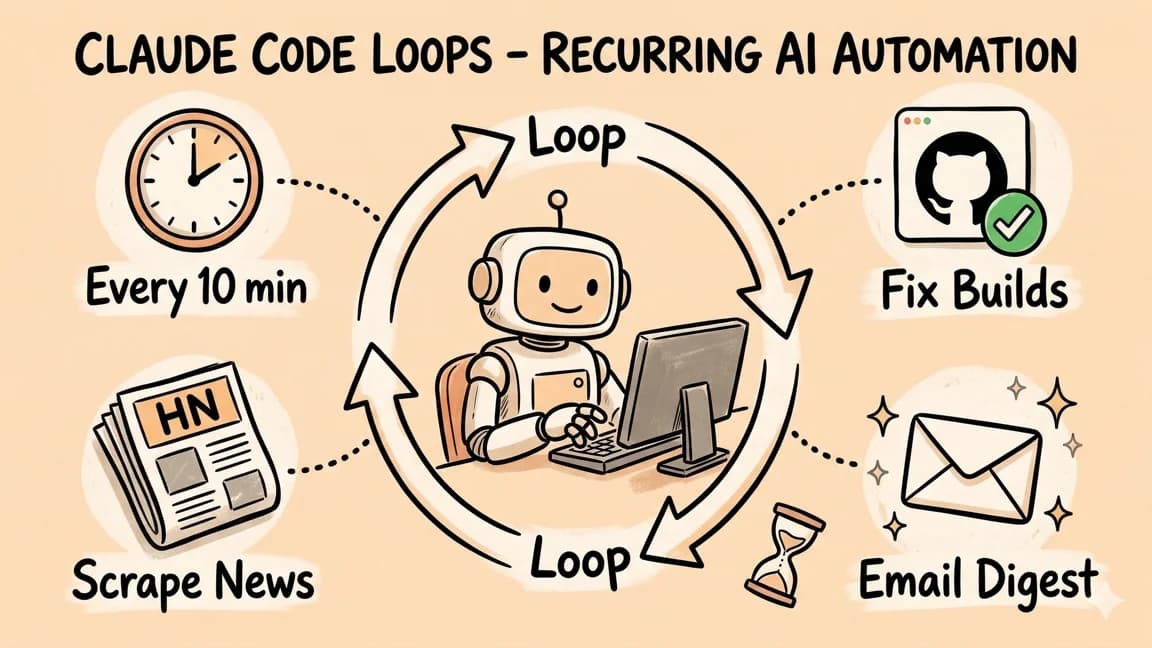
For most watches, Claude writes a small script, runs it in the background and receives each output line as an event. You keep typing, and Claude interjects when something arrives. That differs from a /loop, which re-runs a prompt on an interval. The scheduled tasks docs note that when Monitor is available, Claude may use it directly for a dynamic /loop, which "avoids polling altogether and is often more token-efficient and responsive than re-running a prompt on an interval."
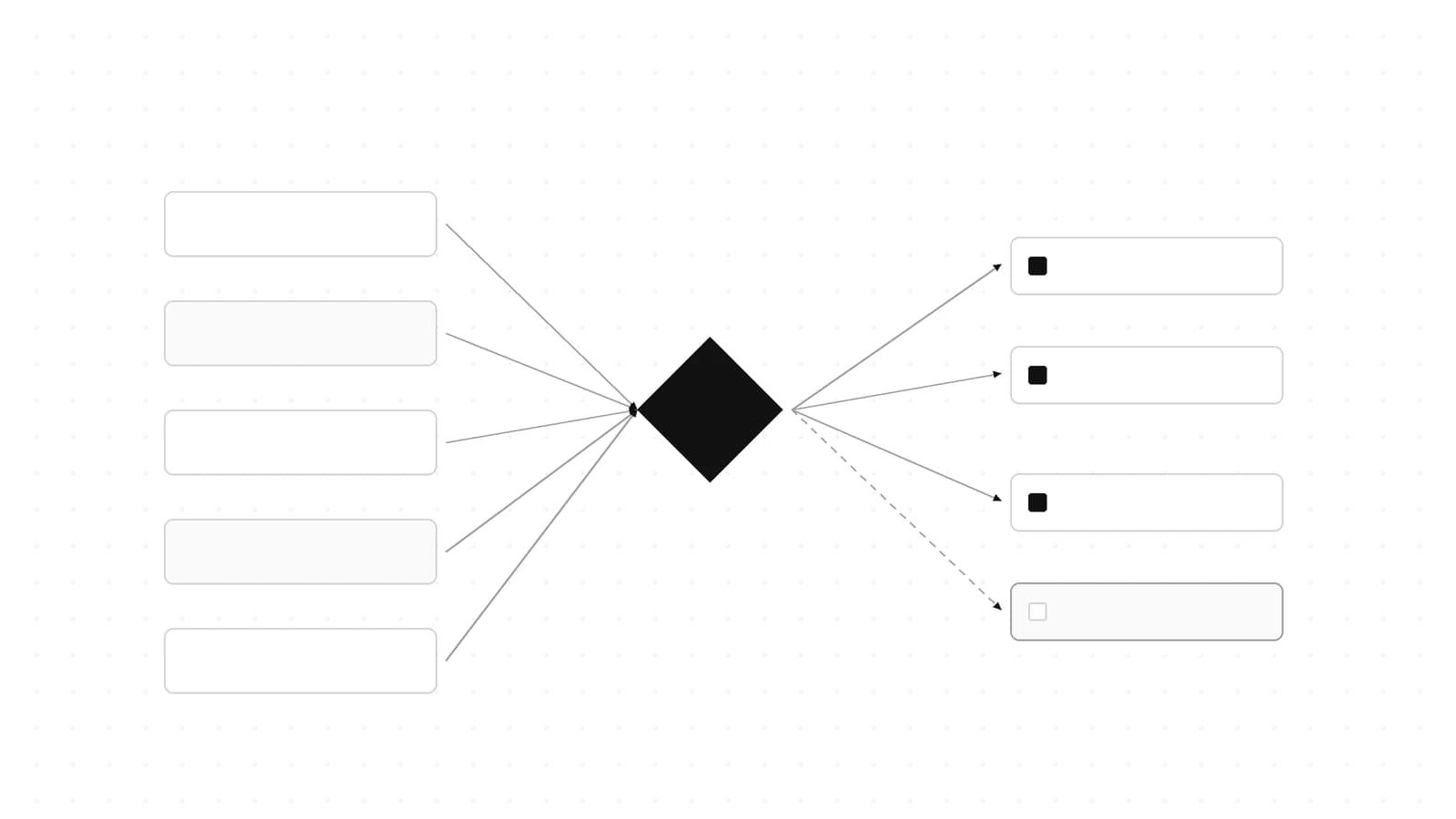
%% title: How a Claude Code Monitor watch runs
flowchart LR
  A["You: watch the deploy log"] --> B["Claude starts Monitor with a command or ws URL"]
  B --> C["Background process or WebSocket"]
  C -->|"each output line or text message"| D["Event delivered to Claude"]
  D --> E["Claude interjects in the same session"]
  C -->|"deadline reached"| F["Watch ends, one notice to Claude"]
  F -->|"still needed"| B
The limits#
- Every watch has a deadline: 5 minutes by default, at most 30 minutes, and at most 10 minutes in a non-interactive
-prun. At the deadline, Claude gets one notice so it can restart the watch. - Stopping: ask Claude to cancel it, or end the session. Stopping a subagent that started monitors, for example from
/tasks, stops those monitors too.--resumeand--continuedo not restart monitors that were running when the session ended. - Windows: Monitor is available only when Git Bash is installed.
Permissions#
When Monitor runs a command, it uses the same permission rules as Bash, so your allow and deny patterns apply. In auto mode, Claude Code sets aside allow rules that name Monitor itself, so the classifier reviews Monitor commands exactly as it reviews Bash commands. A broad Monitor allow rule is not a way around auto mode.
WebSocket watches#
For a server that already pushes events, Monitor takes a ws input instead of command. A single call can't combine the two.
| Field | Required | Description |
|---|---|---|
url | Yes | A ws:// or wss:// URL with no embedded credentials or whitespace, ASCII only |
protocols | No | WebSocket subprotocol names to offer during the handshake, no duplicates |
Each text message becomes one event, even if it spans several lines. Binary frames arrive as a placeholder such as [binary frame, 512 bytes]. A message over 1 MiB ends the watch, and so does a socket close, which reports the close code. The same timeout_ms deadline applies, and TaskStop cancels a watch early. WebSocket watches have their own approval prompt, which the classifier decides in auto mode.
Plugin monitors#
Plugins can ship monitors that start on their own instead of waiting for Claude to start one. Per the plugin components docs, you declare them in monitors/monitors.json:
[
  {
    "name": "error-log",
    "command": "tail -F ./logs/error.log",
    "description": "Application error log"
  }
]
The manifest reference adds an optional when field. "always", the default, starts the monitor at session start and on plugin reload. "on-skill-invoke:<skill>" starts it the first time that skill runs. You can also put the same array, or a path to it, under experimental.monitors in the manifest, which is then read instead of monitors/monitors.json:
{
  "experimental": {
    "monitors": [
      {
        "name": "deploy-status",
        "command": "\"${CLAUDE_PLUGIN_ROOT}\"/scripts/poll-deploy.sh",
        "description": "Deployment status changes",
        "when": "on-skill-invoke:deploy"
      }
    ]
  }
}
Both examples are copied from the official docs. The key name experimental is a hint that the format can still change. If you distribute plugins across a team, our Claude Code plugins for teams guide covers how to share, require and lock them down.
Gotchas#
Plugin monitors are not sandboxed. A plugin monitor's command runs in a shell, in the session's working directory, "with your full user permissions and outside the sandbox." Review a third-party plugin's monitors.json the way you would review a post-install script. The same applies on Bedrock and Foundry now that monitors start there.
Plugin monitors skip -p runs. Plugin monitors do not start in non-interactive mode. The Monitor tool itself still works there, capped at 10 minutes per watch.
No user_config in monitor commands. A monitor command gets path variables and ${ENV_VAR} from the environment, but never ${user_config.*}. A monitor that references one doesn't start, and monitor processes don't receive CLAUDE_PLUGIN_OPTION_<KEY>.
Disabling a plugin does not stop its monitors. Monitors that are already running keep going until the session ends.
Long sleeps are blocked. The same changelog line says long foreground sleeps are now blocked on those providers too. If a script or habit relied on sleep to wait for a job, have Claude watch it with Monitor instead.
What to do now#
- Run
claude update, thenclaude --versionand confirm 2.1.310 or later. If you manage installs centrally on Bedrock, Vertex or Foundry, bump the pinned version. - Ask Claude to "watch the test run and tell me when it fails", or to tail your dev server log, and keep working while it runs.
- Check your Bash
denyrules, because Monitor obeys them. - If you maintain a plugin, consider shipping a
when: "on-skill-invoke:..."monitor for anything your skills currently poll.
What people are actually saying#
- The 2.1.310 release is a day old and we found no Hacker News or Reddit thread about Monitor on third-party providers yet. The docs lagged the release: when we checked the tools reference on the morning of October 24 (UTC), it still said Monitor was unavailable on these providers. It was corrected later that day.
- Monitor itself shipped in April, alongside the self-pacing
/loop, per Claude Code's week 15 what's new page. This release closes the gap for enterprises on the cloud providers.
FAQ#
What is the Claude Code Monitor tool?#
A built-in tool that runs a command or opens a WebSocket in the background and feeds each output line or message back to Claude, so it can react mid-conversation.
Does the Monitor tool work on Amazon Bedrock, Vertex AI or Microsoft Foundry?#
Yes, from v2.1.310. The same minimum applies with DISABLE_TELEMETRY or CLAUDE_CODE_DISABLE_NONESSENTIAL_TRAFFIC set.
How long does a Monitor watch run?#
5 minutes by default, at most 30 minutes, and at most 10 minutes with -p. Claude gets one notice at the deadline so it can restart the watch.
Does Monitor respect my Bash permission rules?#
Yes, it uses the same rules as Bash, and in auto mode the classifier reviews its commands like Bash commands.
What is a plugin monitor?#
A background command a plugin declares in monitors/monitors.json that runs for the whole session, outside the sandbox, and never in -p runs.
Continue Reading#
- Claude Code Loops: Recurring Prompts That Actually Run - the interval-based alternative Monitor often replaces
- Claude Code Plugins for Teams: Share, Require, Lock Down - distributing plugins, monitors included
- Claude Code Auto Mode Is Now the Default - how the classifier reviews Monitor and Bash commands
Sources#
Get the next deep dive like this in your inbox
One email a week on Claude Code and the rest of the AI dev stack. Free.
Read next on Claude Code
Claude Code Loops: Recurring Prompts That Actually Run
Claude Code /loop runs prompts on repeat in a session: fixed or self-paced intervals, seven-day expiry, jitter, and when Routines fit better.
6 min readClaude Code Plugins for Teams: Share, Require, Lock Down
Share Claude Code plugins with a team: commit a marketplace to one repo, require it in managed settings, and allowlist sources. Checked on v2.1.295.
13 min readClaude Code Auto Mode Is Now the Default: Keep It, Tune It or Turn It Off
Claude Code starts in auto mode by default, with its safety classifier moving server-side. How to keep, tune or turn it off, and the v2.1.302 headless catch.
13 min readTechnical content at the intersection of AI and development. Building with AI agents, Claude Code, and modern dev tools - then showing you exactly how it works.